


AI Instagram reel generator that stops the scroll




As featured in
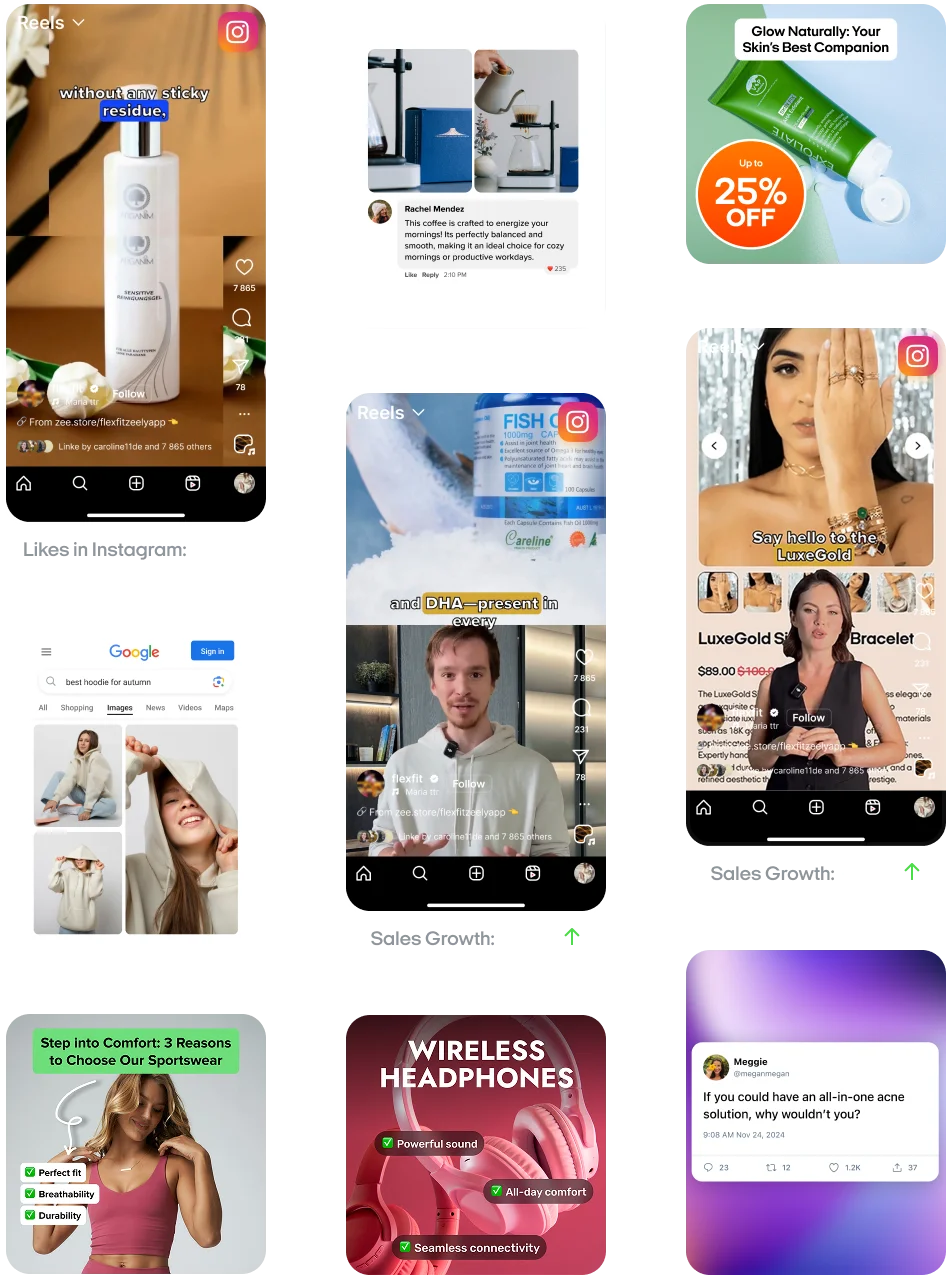
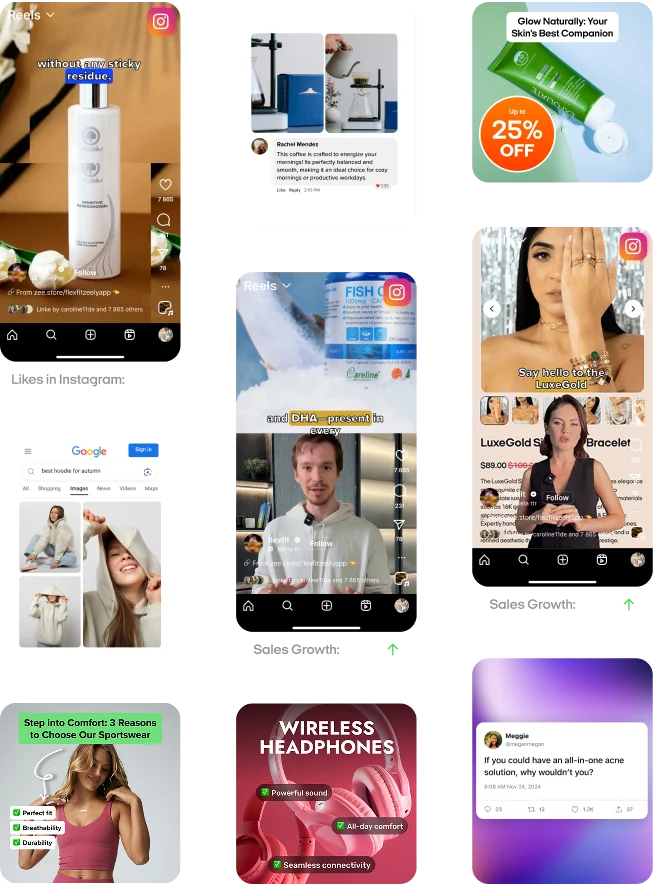
Sales Growth:-11%
Sales Growth:+318%
Create viral Instagram reels with AI
AI creates ready-to-post Instagram reels — no editing tools, filming or freelancers.
- AI writes your script and voiceover — no talking or writing needed
- Choose high-performing Reel templates — designed for engagement
- Create and publish multiple versions in minutes — test what performs
- Track views, clicks and engagement — no extra tools required

Write sales scripts
in seconds
AI scripts use AIDA, PAS, BAB, or custom prompts for perfect fit.
- Pick proven frameworks so you never face a blank page again
- Tweak lines or rewrite — AI keeps timing and length spot‑on
- Enter custom prompts to match your voice and product tone
- Speed ideation so you spend more time on strategy, not copy
Pick hyper‑realistic
AI avatars
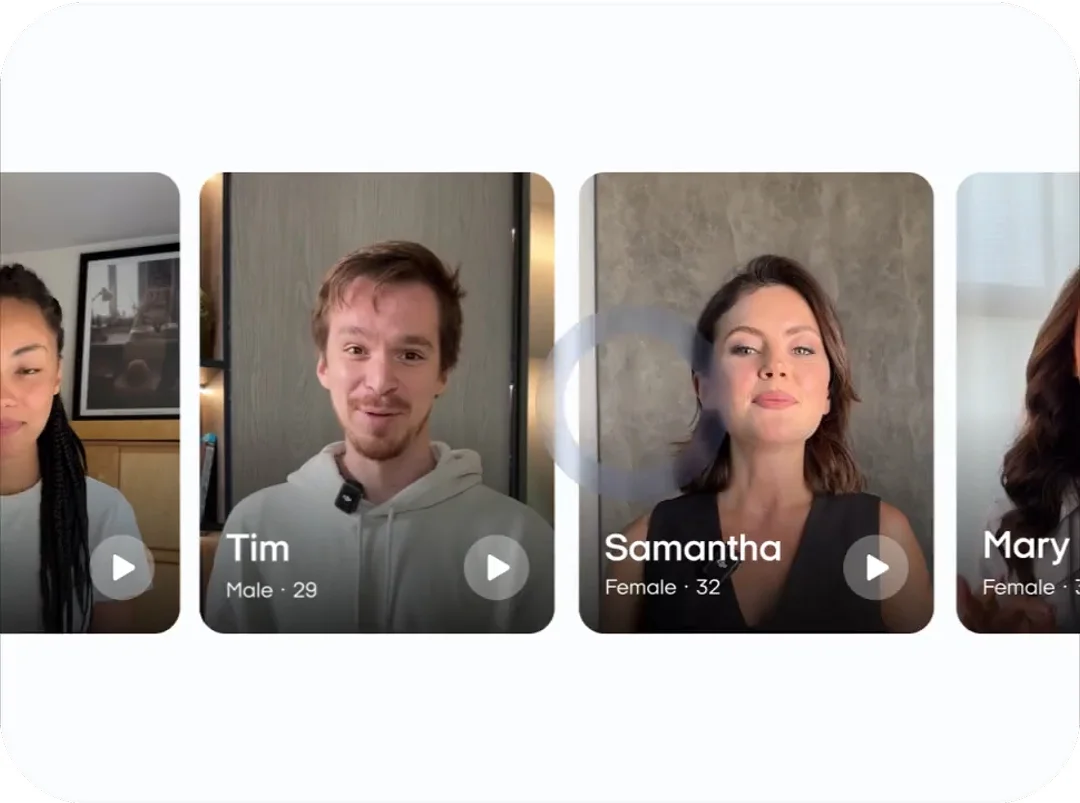
Zeely avatars lip‑sync naturally, letting you sell without a cam.
- Choose from 150+ avatars with engaging hooks that lower CPC
- Match age, gender, and background to make viewers feel understood
- Skip filming — you let avatars handle all on‑screen delivery
- Create avatar only videos for explainers, tutorials and demos
Post Reels & track results
Zeely's AI reel publishing tool posts reels and shows live analytics.
- Pick objectives, set audience, duration, and budget with AI
- Schedule Instagram Reels ahead so you stay visible daily
- Publish across platforms with one tap from Zeely
- Monitor views, clicks, and sales via performance analytics
“Ad gets thousands of views”

Imagine sitting at your kitchen table, designing an ad that gets thousands of views. All without hiring a professional. That’s what this app does.
“Results from week one!”

Week one: CTR up meaningfully, CPC −27%, revenue per ad dollar finally sane. No more waiting on freelancers; I ship, test, repeat. Stress down, momentum up!
“App is a pleasant surprise”

The app makes it so easy to create ads that look professional, and I’ve been getting a lot more engagement on my social media posts since I started using it.
high-converting Reels today
“Zeely AI discount literally paid for itself with my first ad. Totally recommend it!”

Derek O.
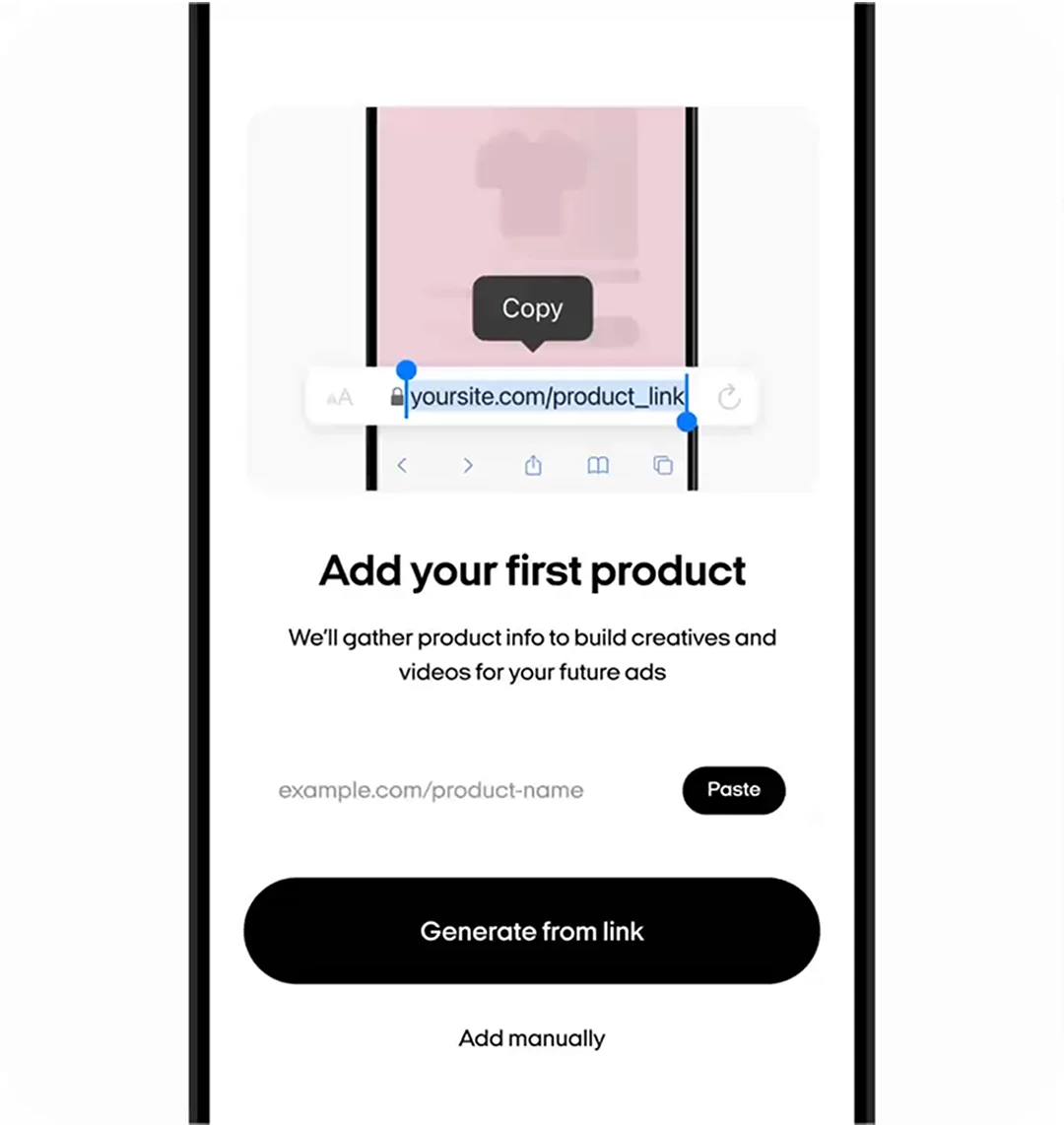
ExcellentAdd your product link
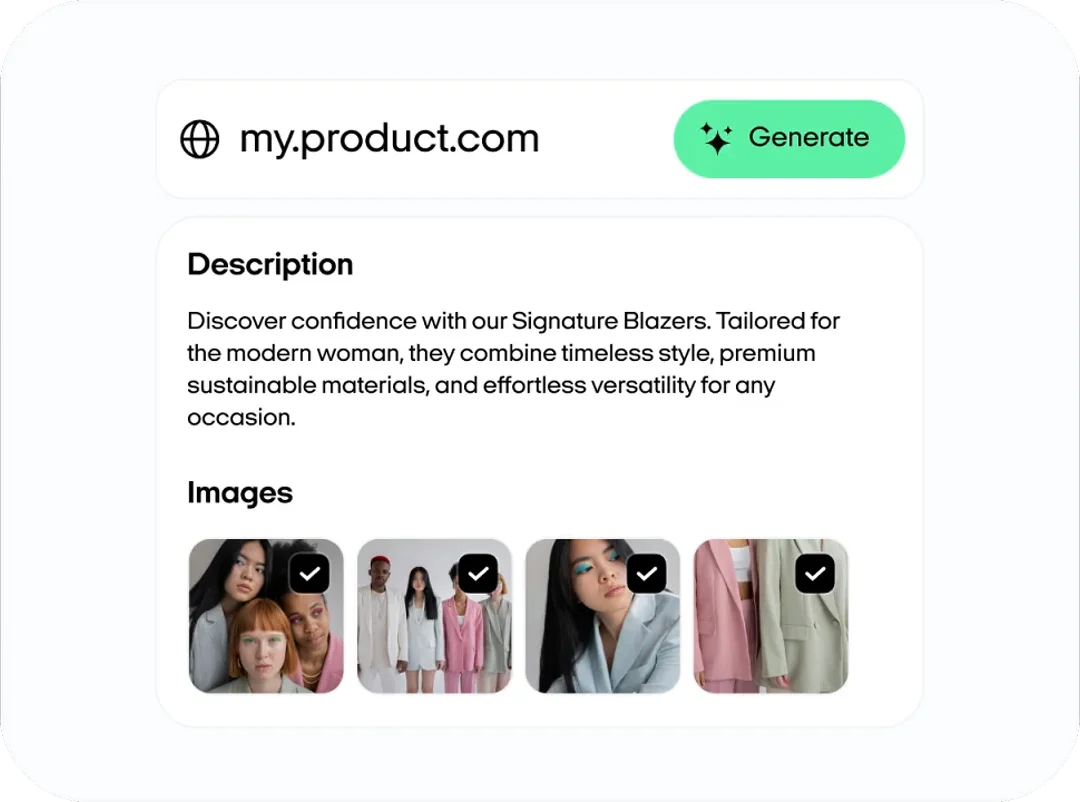
Paste your product URL or enter it manually. Zeely AI pulls all the key info — images, price, and details.
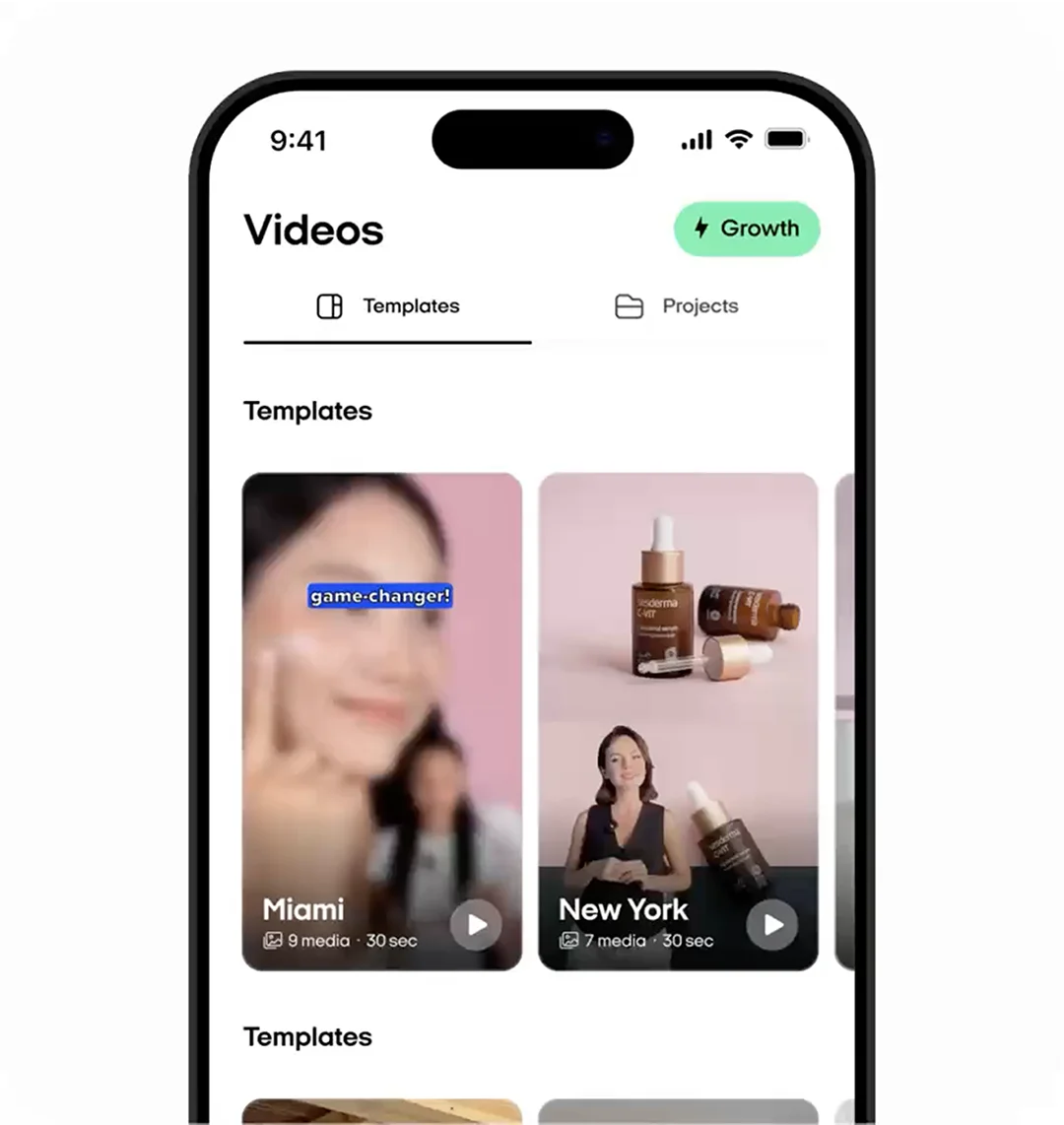
Pick a video template
Choose from our high-converting templates with dynamic transitions and fast scenes that hold attention on Instagram users.
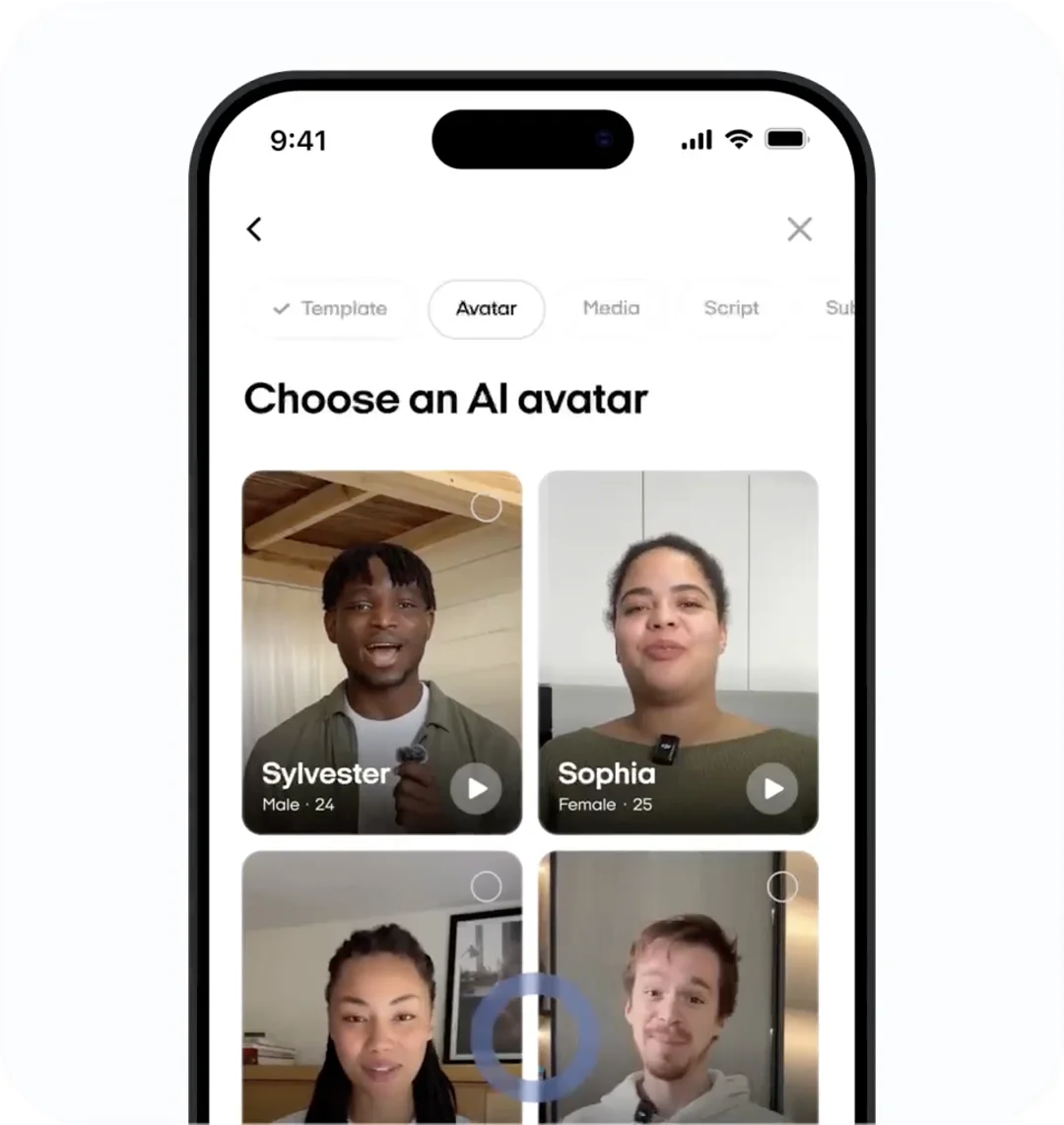
Select an AI avatar
and a script
Choose from 150+ AI avatars — no camera needed. They talk and move naturally using advanced lip-sync technology.
Zeely’s AI also writes sales-driven scripts using proven frameworks like AIDA, PAS, and 4U, which you can edit or completely rewrite.
Review and refine your video ad setup
Choose a soundtrack from Zeely AI’s built-in music library.
Check your images, captions, and CTAs so the ad clicks with Instagram’s algorithm.
Make fast AI tweaks for higher engagement and sales before you launch.
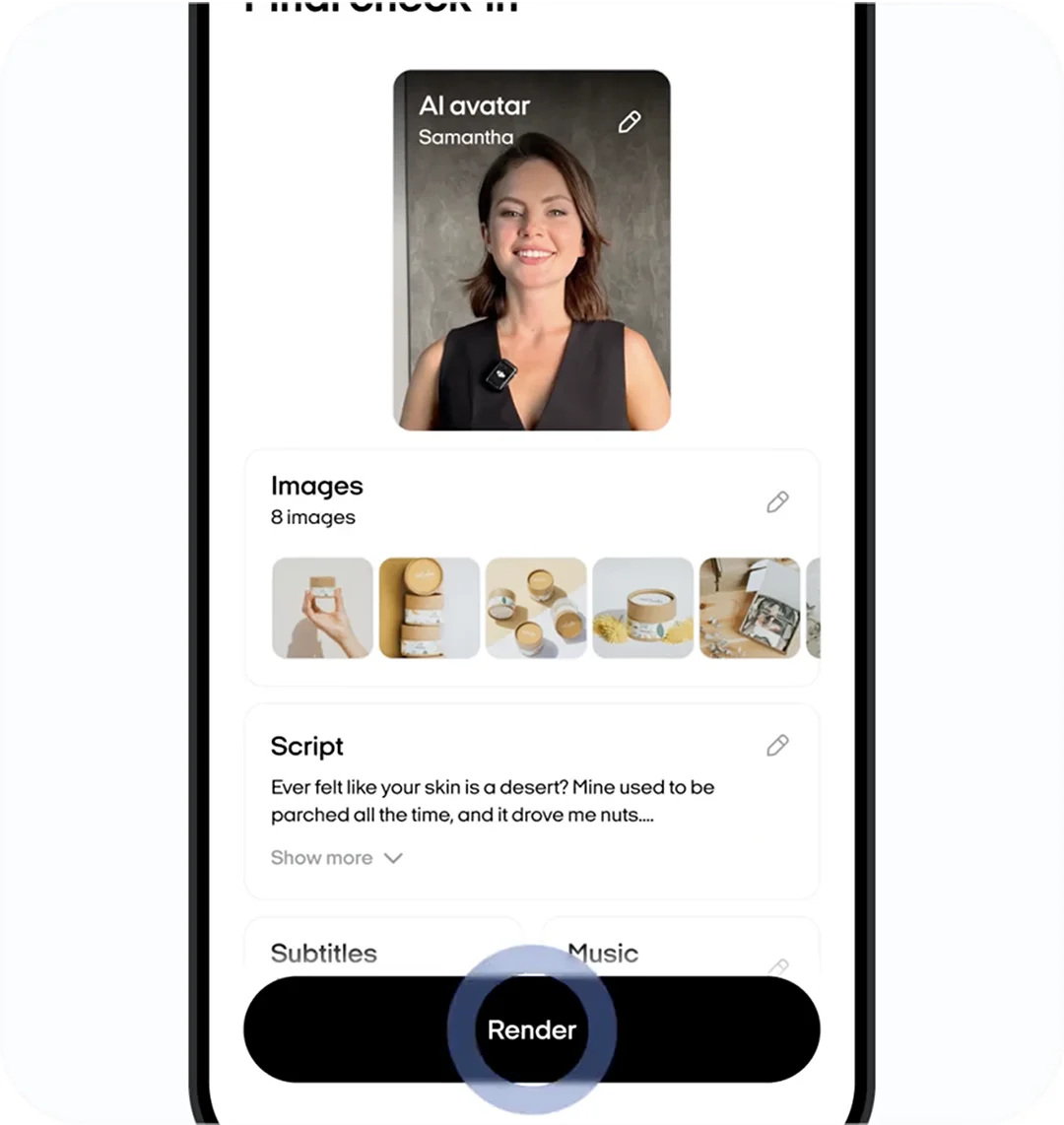
Render and launch your
AI video ad
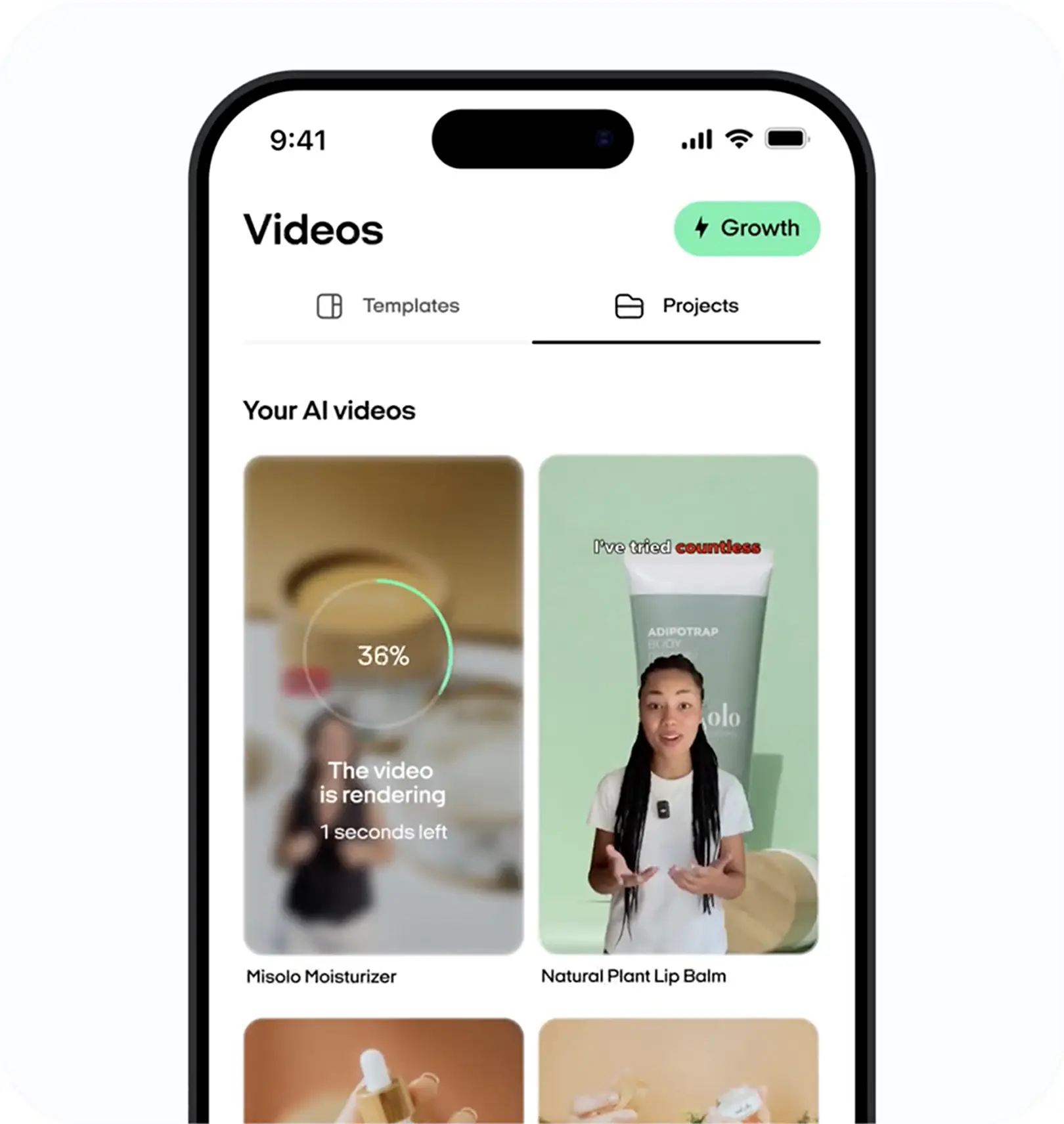
Hit Render and let Zeely AI do the rest.
It processes, optimizes, and fine-tunes your ad for Instagram’s algorithm, ensuring a polished, high-performing video in minutes.
Launch instantly and start driving more views, clicks, and conversions with AI-optimized YouTube ads!
“App replaced 3 tools!”

App replaced 3 tools, static ads take a few taps and export clean PNGs for email and socials. The template library stays fresh so creatives do not go stale.
“21 sales in the first hour”

I used to post every day on Instagram and my IG DMs were completely dead. With Zeely AI, my very first campaign brought 21 sales in the first hour.
“Zeely made a difference”

The AI is intuitive and creates ads that are not only professional-looking but also effective in driving engagement.
No-brainer for small and mid-size
Saved around $650 in two weeks,no outside designer or extra marketer crank creatives myself,faster and cleaner

Kathleen R. LujanAgency
I know what to scale next
Daily AI checks nudged budgets and creative, and wasted spend dropped about 18%.

Darren SmithE-commerce
First week, clicks climbed
With app I grab a proven template and the AI writes the title and CTA, tweak brand colors and export PNGs.

Sergey SigodnikE-commerce
Ease of use is incredible
Ease of use is incredible, especially for someone like me who’s running a business on the side.

Emil BergströmOnline services
10% lower СPC
Ultra-real avatars, CPC down by 10%, got +15 new buyers!!!

Chloe KeelingOnline services
Publish ready in minutes!
Batch Mode gave me 12 variations for A B tests w/o extra work!!!!!!! thats crazy!

Alexander S.E-commerce