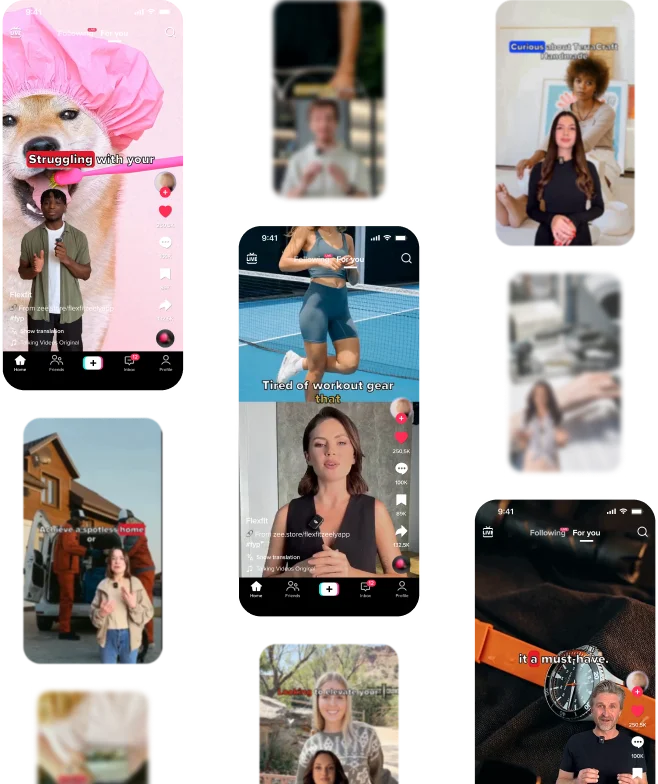
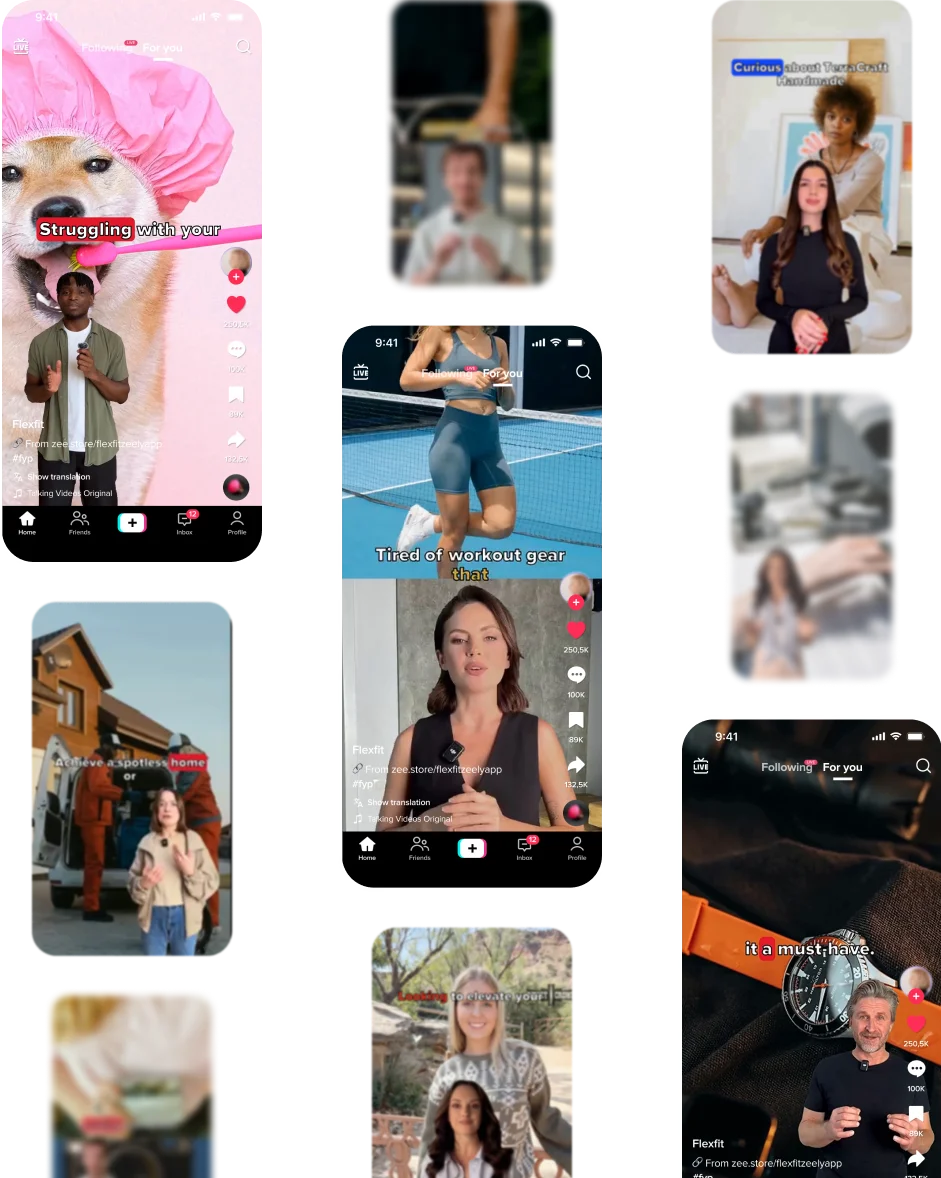
AI video generator for TikTok ads



As featured in
Sales Growth:-11%
Sales Growth:+318%
Create AI TikTok ads without filming
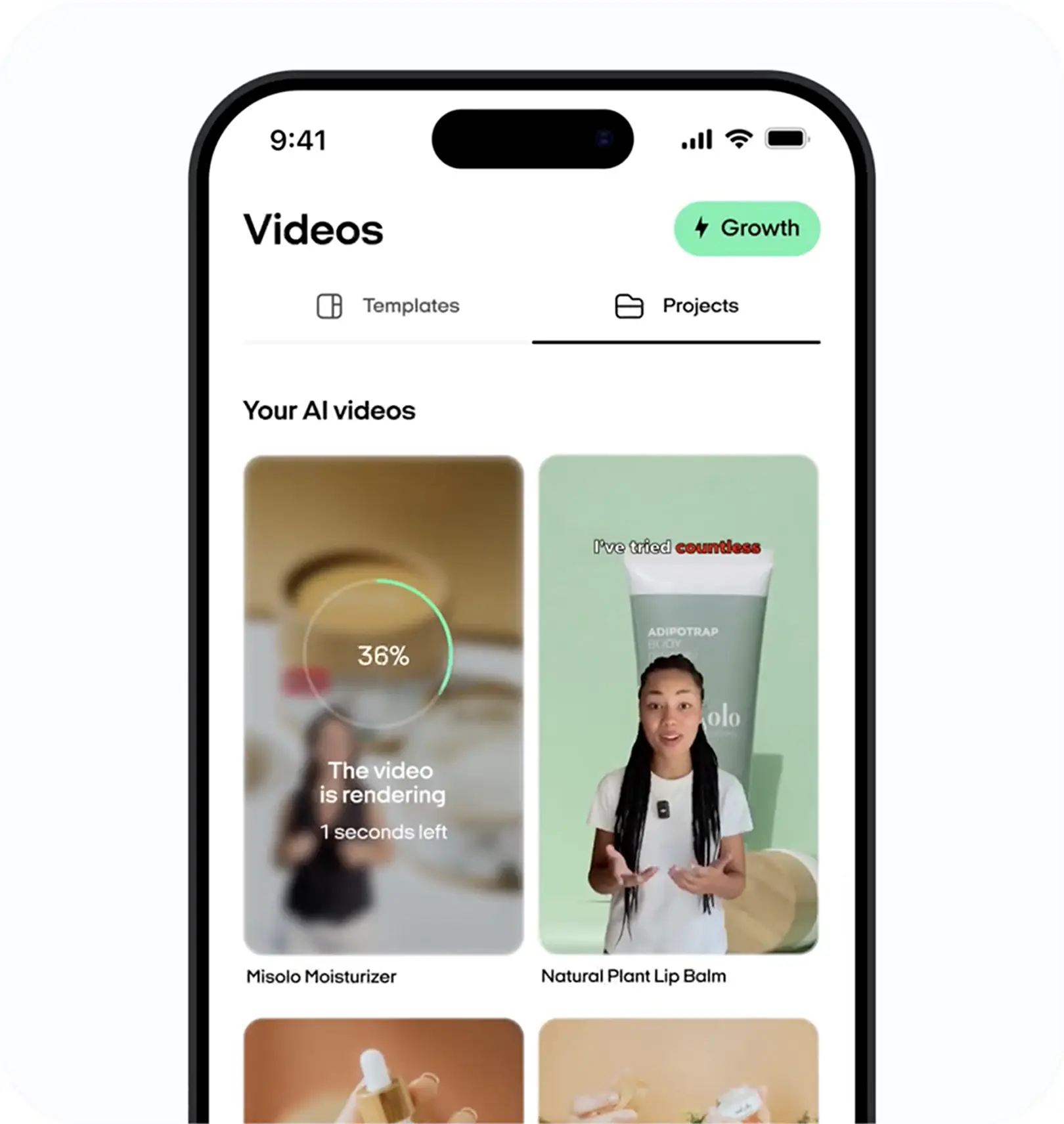
Zeely's AI TikTok ads generator turns product details into short-form video creative you can review and use on TikTok.
- Start with a public product link, product image, or manual details
- Choose a reference or template that fits your message
- Generate or edit hooks, scripts, captions, and product visuals
- Review the complete creative before rendering the final video
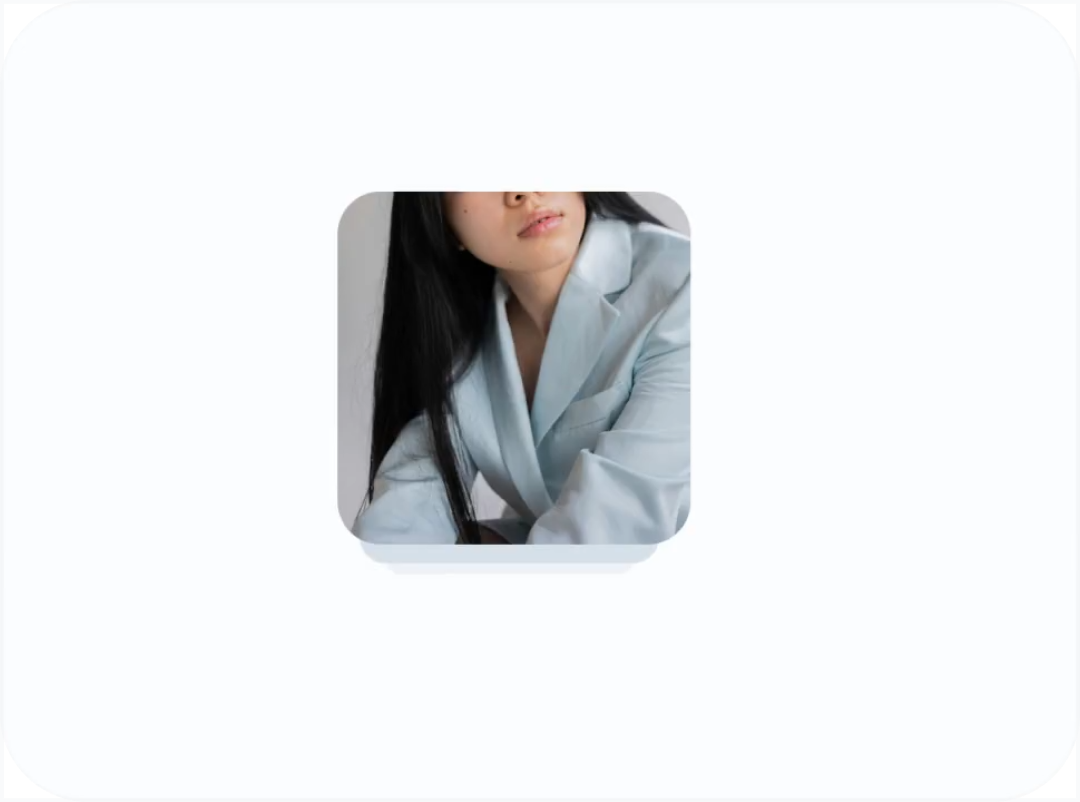
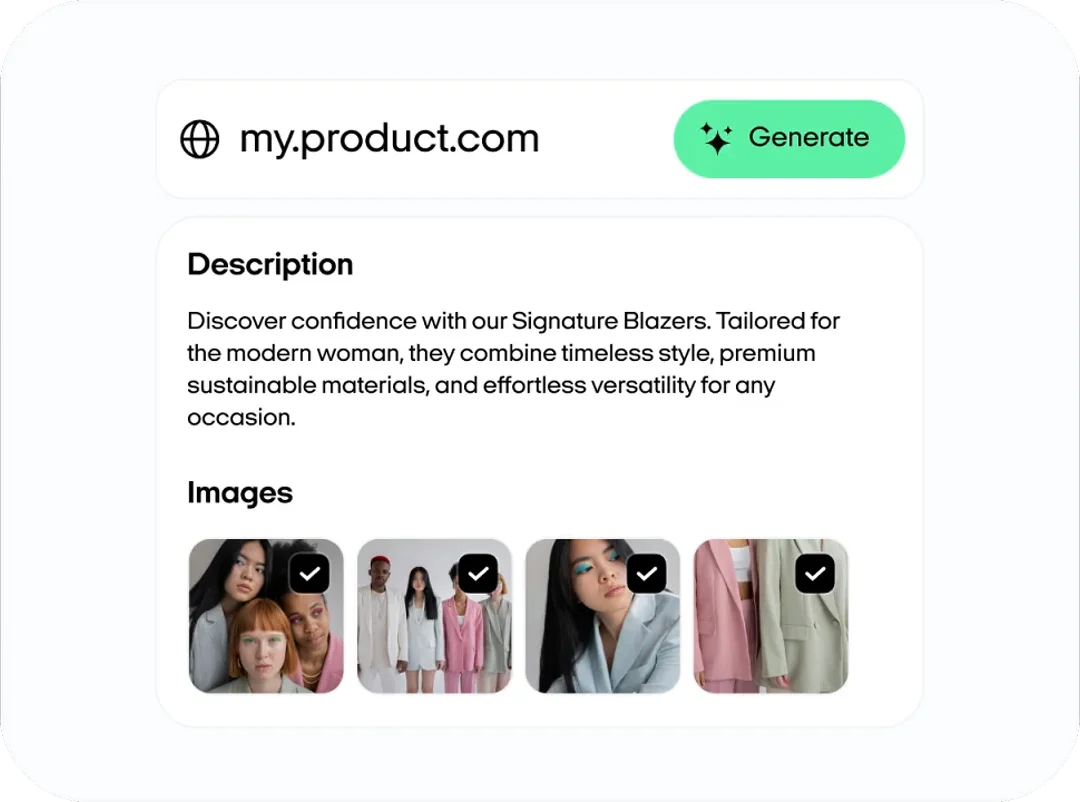
From product link to TikTok-ready video
Zeely uses the available name, description, images, and your audience notes to prepare the creative setup for your TikTok ad.
- Import available public product information without connecting your store
- Review and edit the product name, description, images, and audience
- Use your product visuals or upload new assets for the video
- Build a TikTok-ready creative without moving between separate tools
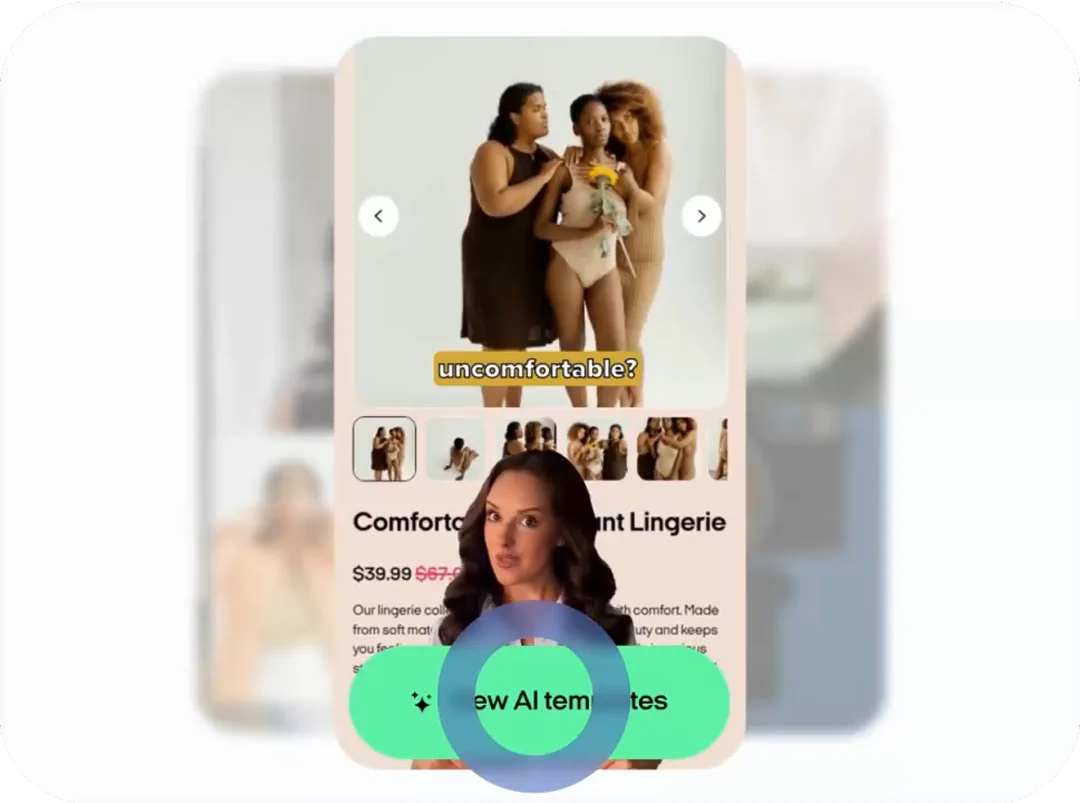
Templates, Hooks, and Scripts
Choose a reference that fits your product, or let Zeely suggest a creative direction.
- Start with references built for product, service, and social-first concepts
- Generate a full video ad, a hook, or a video body
- Write your own script or edit the AI-generated version
- Adjust the hook, main message, CTA, and scene instructions
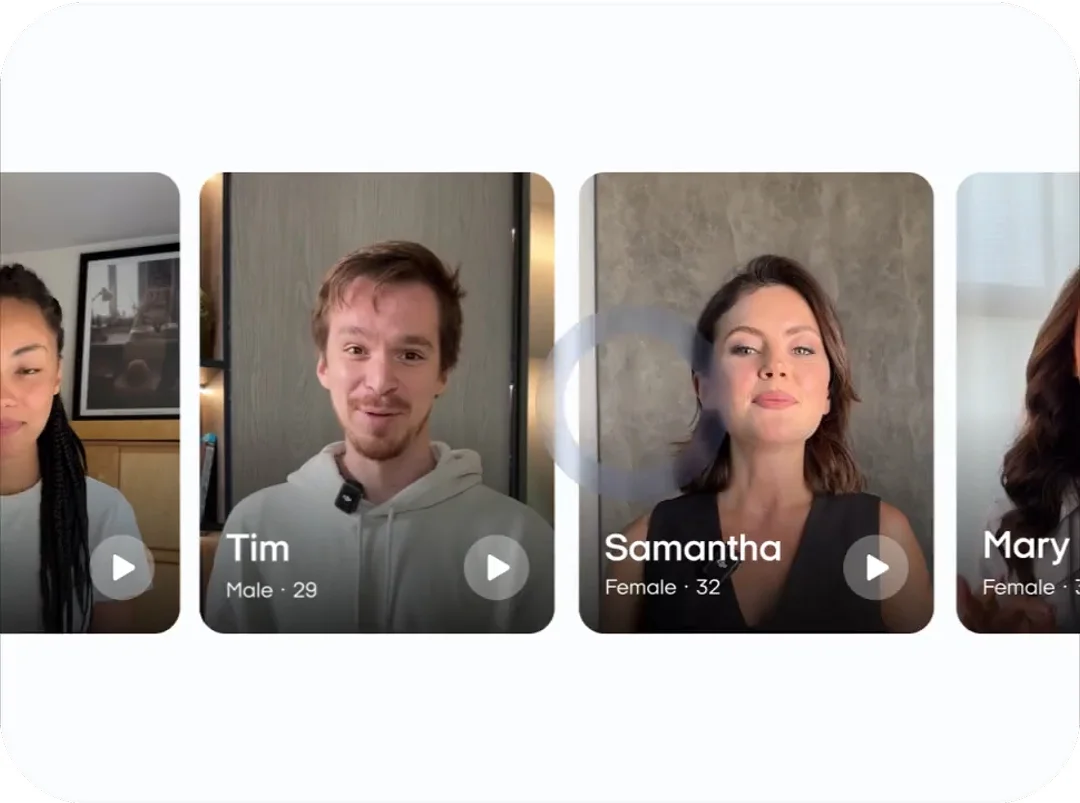
AI avatars, captions, music, and product visuals
Create avatar-led or UGC-style video ads without recording yourself. Build the video with an avatar, voice delivery, captions, product visuals, and music.
- Choose a library avatar
- Filter avatars by age, gender, and ethnicity when needed
- Adjust the voice, emotion, accent, captions, and hook headline
- Add product images and scene directions before generation
Review and edit before rendering
AI speeds up production, but you keep the final say. Review the start image, avatar, scenes, script, voice, captions, hook headline, and CTA before Zeely renders
- Edit or regenerate the start image before creating the video
- Change the script, prompt, avatar, voice, or caption settings
- Preview headline styling and keep text inside the safe area
- Render only after the creative matches your product and brand
“Ad gets thousands of views”

Imagine sitting at your kitchen table, designing an ad that gets thousands of views. All without hiring a professional. That’s what this app does.
“Results from week one!”

Week one: CTR up meaningfully, CPC −27%, revenue per ad dollar finally sane. No more waiting on freelancers; I ship, test, repeat. Stress down, momentum up!
“App is a pleasant surprise”

The app makes it so easy to create ads that look professional, and I’ve been getting a lot more engagement on my social media posts since I started using it.
video ads in Zeely
“Zeely AI discount literally paid for itself with my first ad. Totally recommend it!”

Derek O.
ExcellentAdd your product details
Paste a public product link or add the product manually. Review the available name, description, images, and audience details before moving forward. Zeely extracts public page information without connecting to your store account.
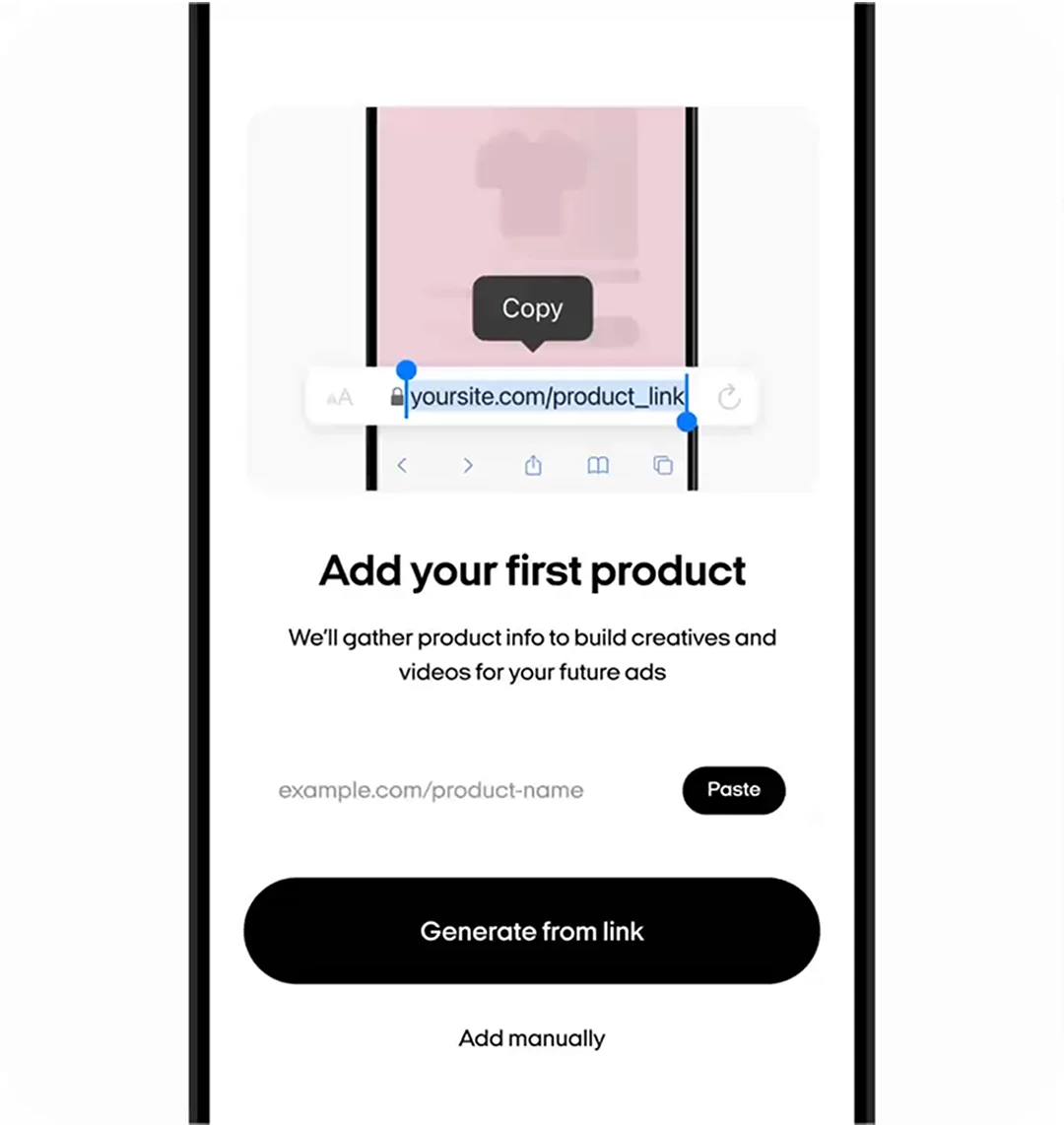
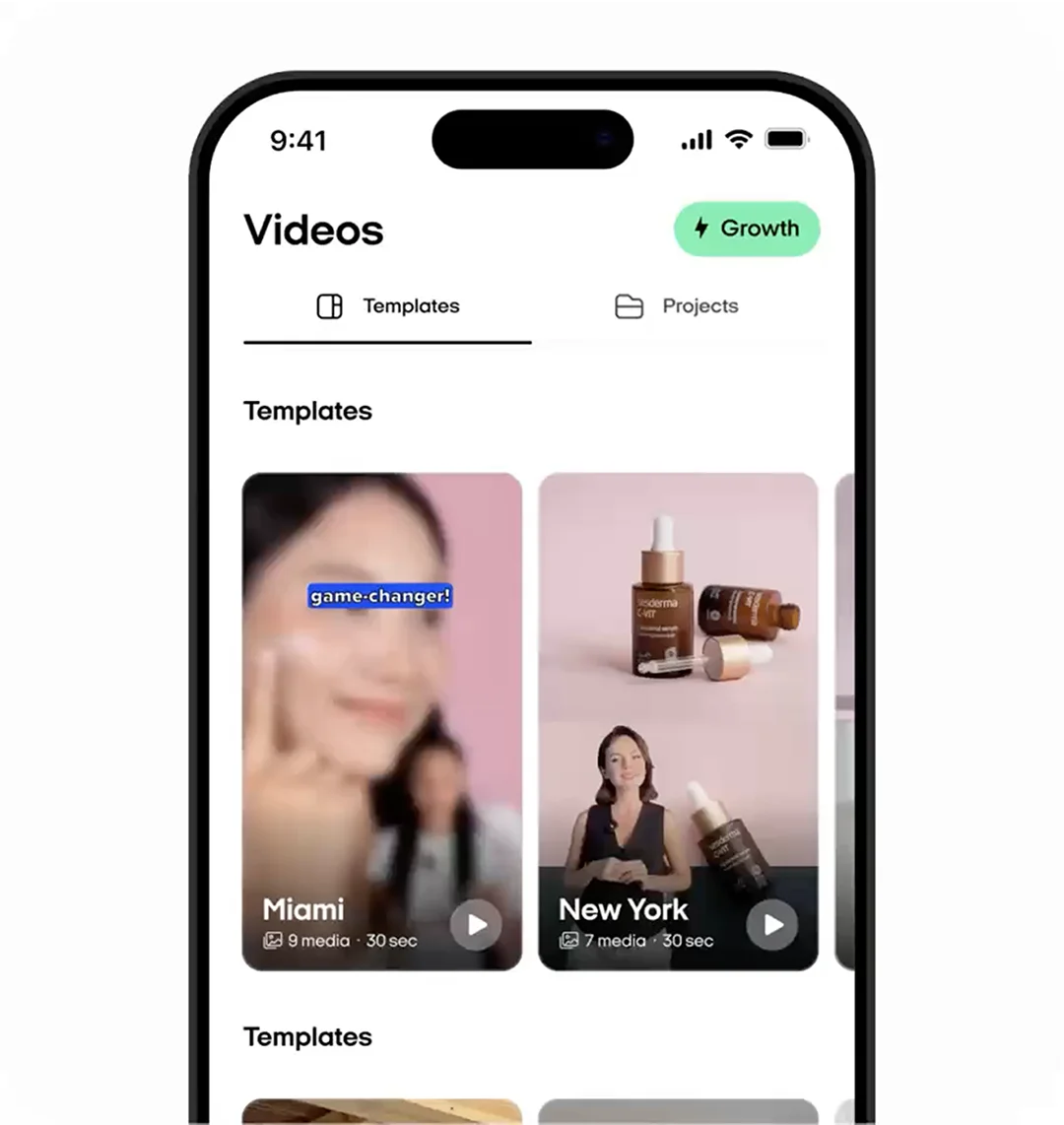
Choose a reference or template
Select a reference that matches your product and message. References guide the scene, pose, setting, and overall format. You can also leave the selection open and let Zeely suggest a suitable direction.
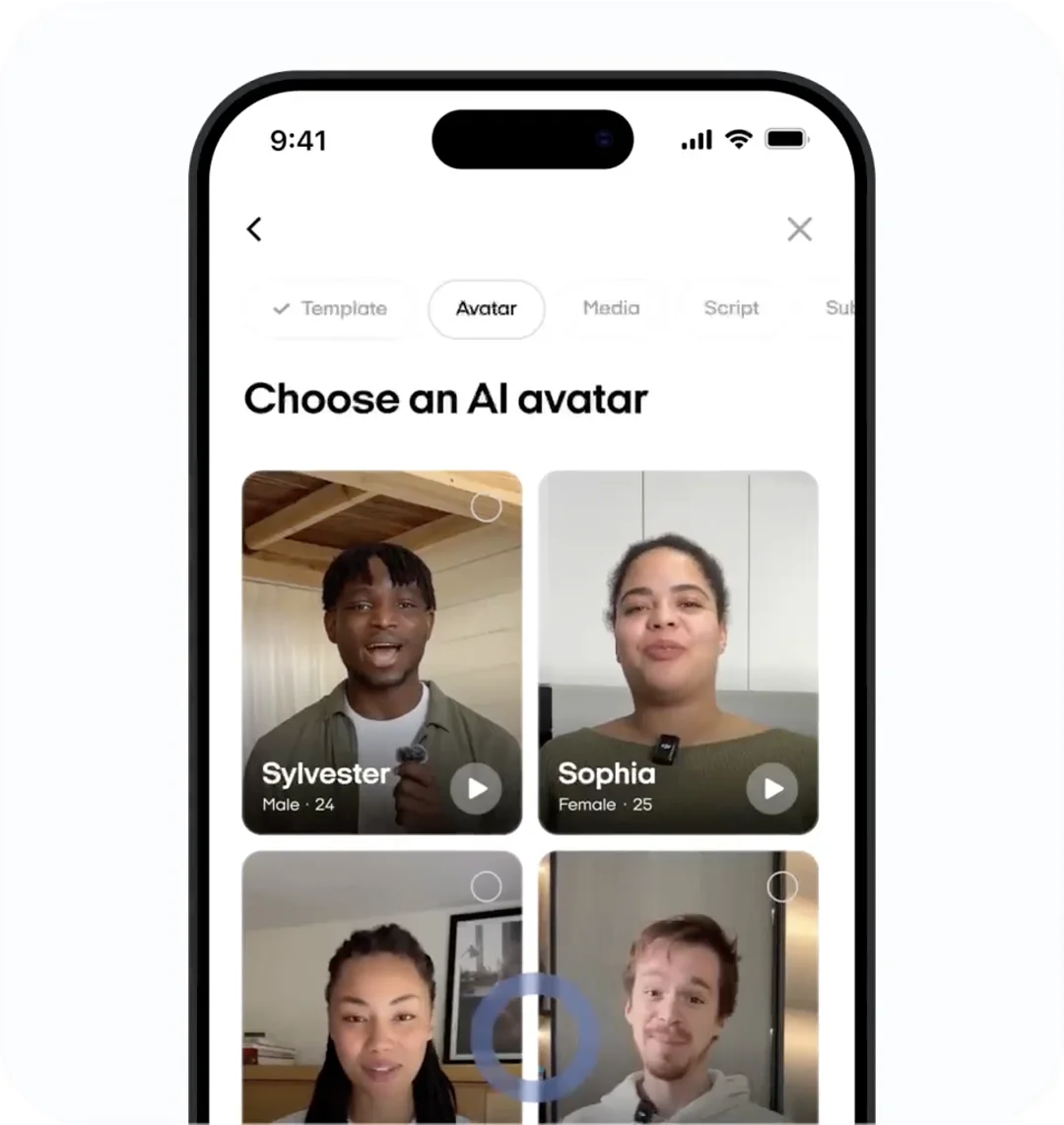
Select an avatar and build your script
Keep the suggested avatar, choose another one, or use a custom avatar. Generate a hook and body script, write your own copy, or edit the AI version to match your product and brand voice.
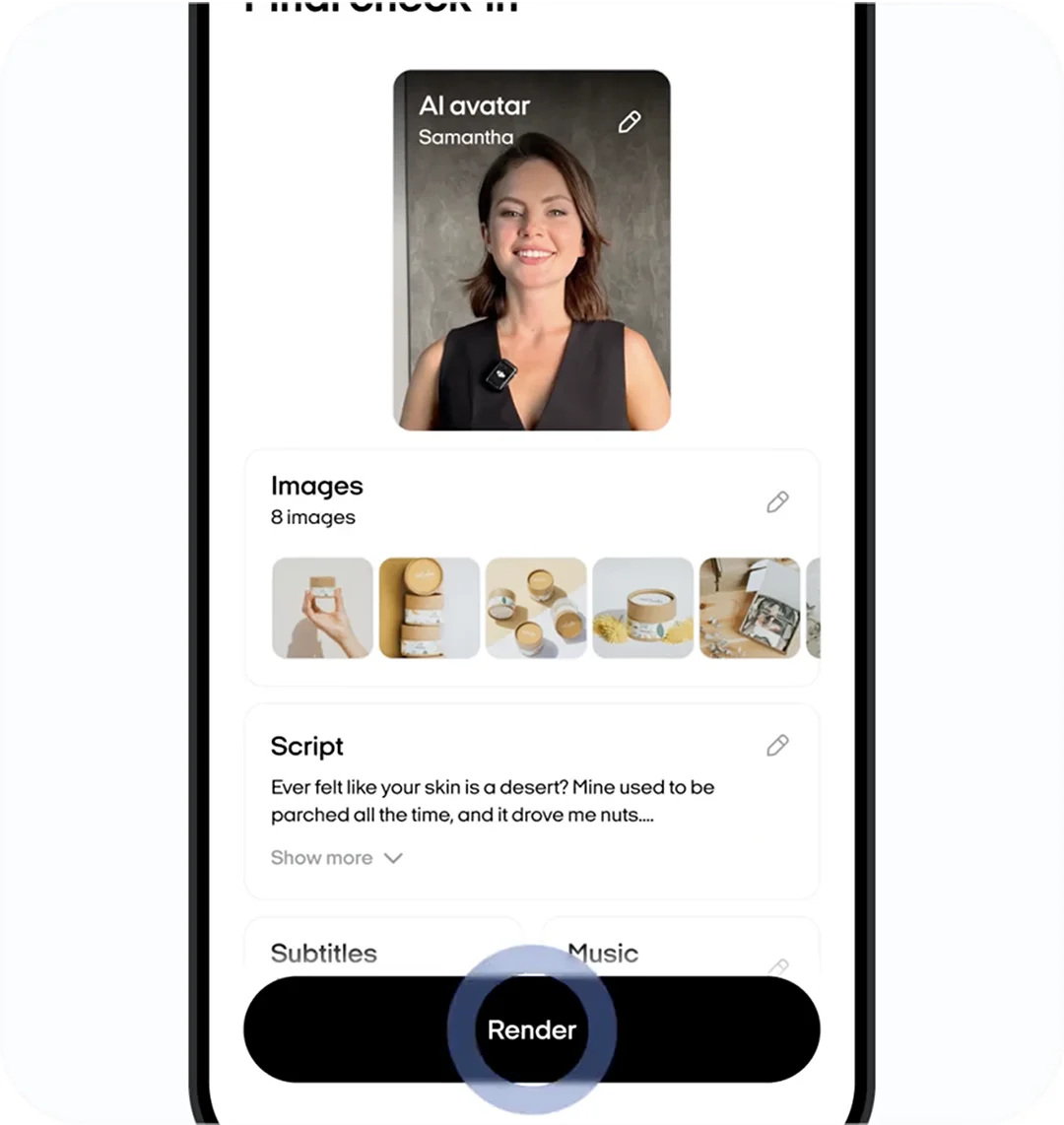
Review and edit your setup
Check the start image, scenes, product visuals, script, voice, captions, hook headline, and CTA. Adjust the prompt or regenerate any element that does not fit before rendering the final video.
Render and use your TikTok creative
Create the video after the full setup looks right. Download the finished asset for your paid TikTok campaign. You decide how to configure, target, budget, and launch that campaign in TikTok Ads Manager.
“App replaced 3 tools!”

App replaced 3 tools, static ads take a few taps and export clean PNGs for email and socials. The template library stays fresh so creatives do not go stale.
“21 sales in the first hour”

I used to post every day on Instagram and my IG DMs were completely dead. With Zeely AI, my very first campaign brought 21 sales in the first hour.
“Zeely made a difference”

The AI is intuitive and creates ads that are not only professional-looking but also effective in driving engagement.
No-brainer for small and mid-size
Saved around $650 in two weeks,no outside designer or extra marketer crank creatives myself,faster and cleaner

Kathleen R. LujanAgency
I know what to scale next
Daily AI checks nudged budgets and creative, and wasted spend dropped about 18%.

Darren SmithE-commerce
First week, clicks climbed
With app I grab a proven template and the AI writes the title and CTA, tweak brand colors and export PNGs.

Sergey SigodnikE-commerce
Ease of use is incredible
Ease of use is incredible, especially for someone like me who’s running a business on the side.

Emil BergströmOnline services
10% lower СPC
Ultra-real avatars, CPC down by 10%, got +15 new buyers!!!

Chloe KeelingOnline services
Publish ready in minutes!
Batch Mode gave me 12 variations for A B tests w/o extra work!!!!!!! thats crazy!

Alexander S.E-commerce