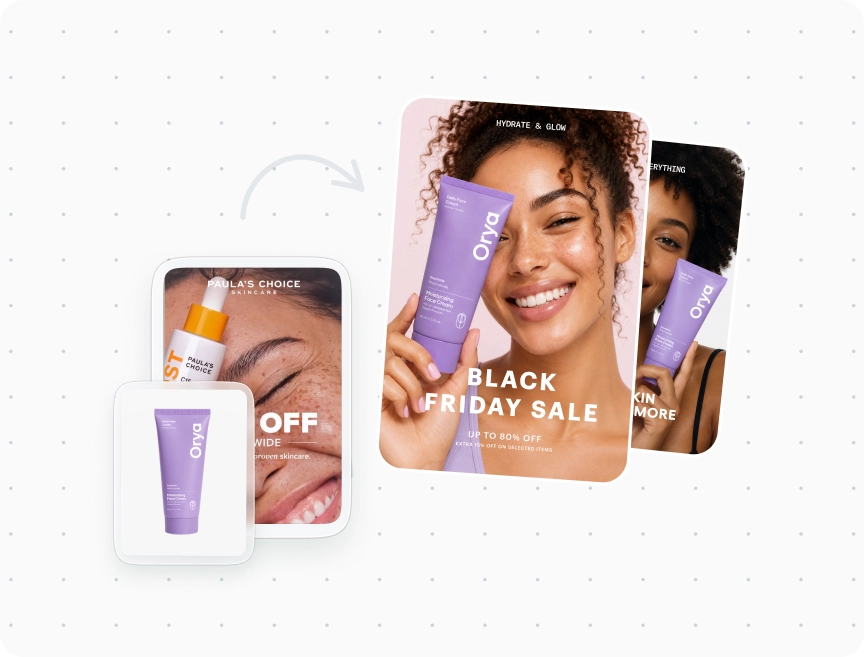
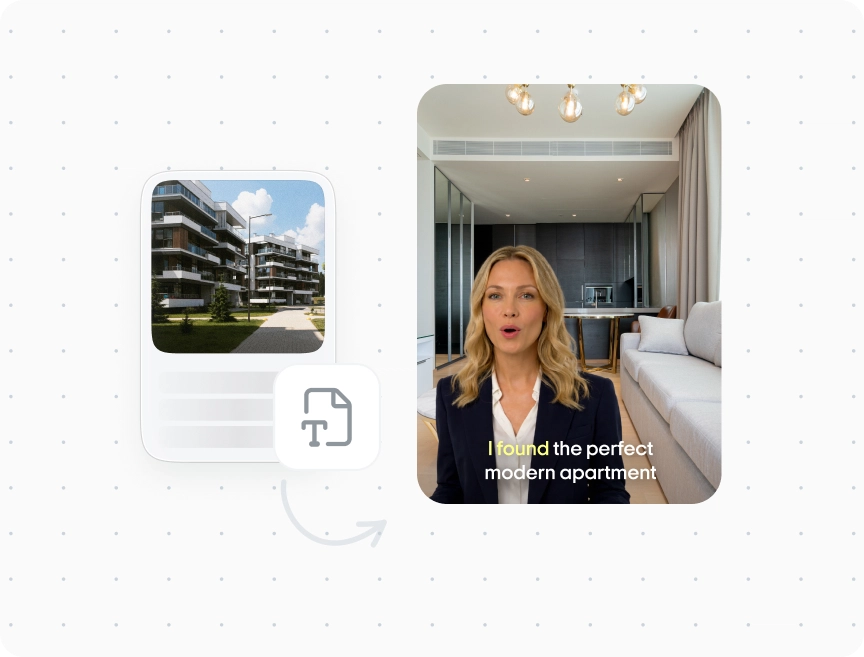
Product-aware ad generation
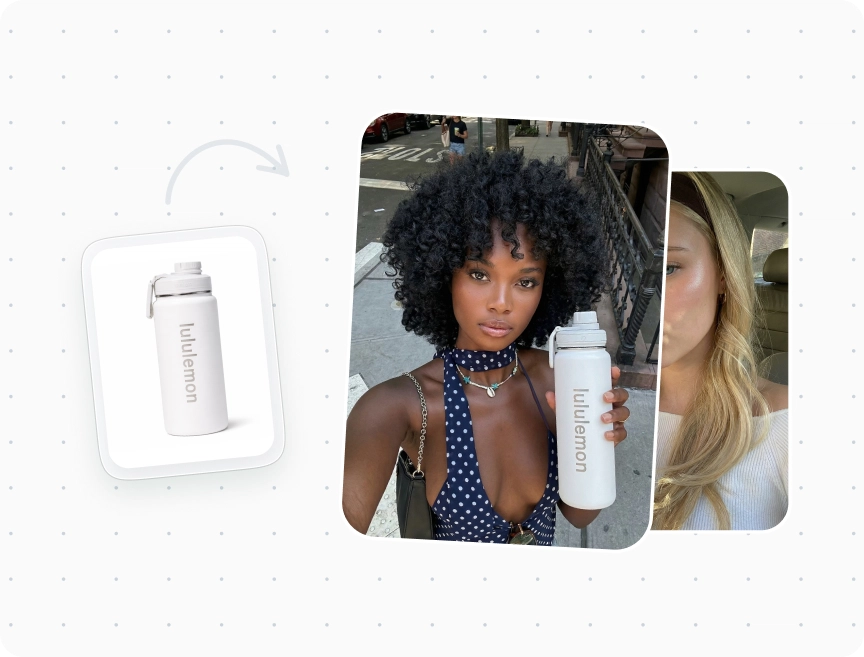
Generate images, headlines, and CTAs using product details and an optional photo, or let AI build the visual concept
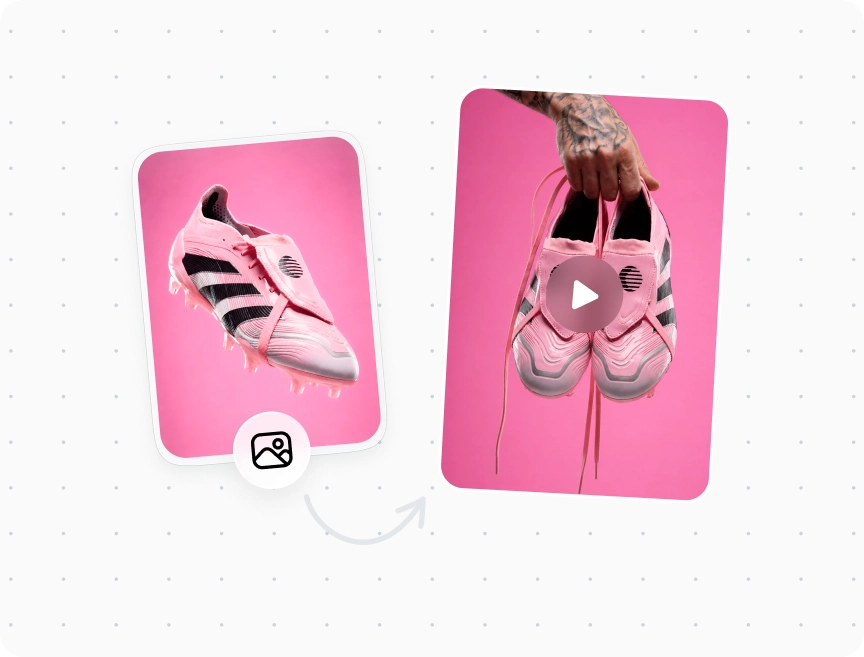
Create AI static ads from a product photo or a simple idea. Zeely builds visuals, headlines, and CTAs you can refine, download, and use in your campaigns.
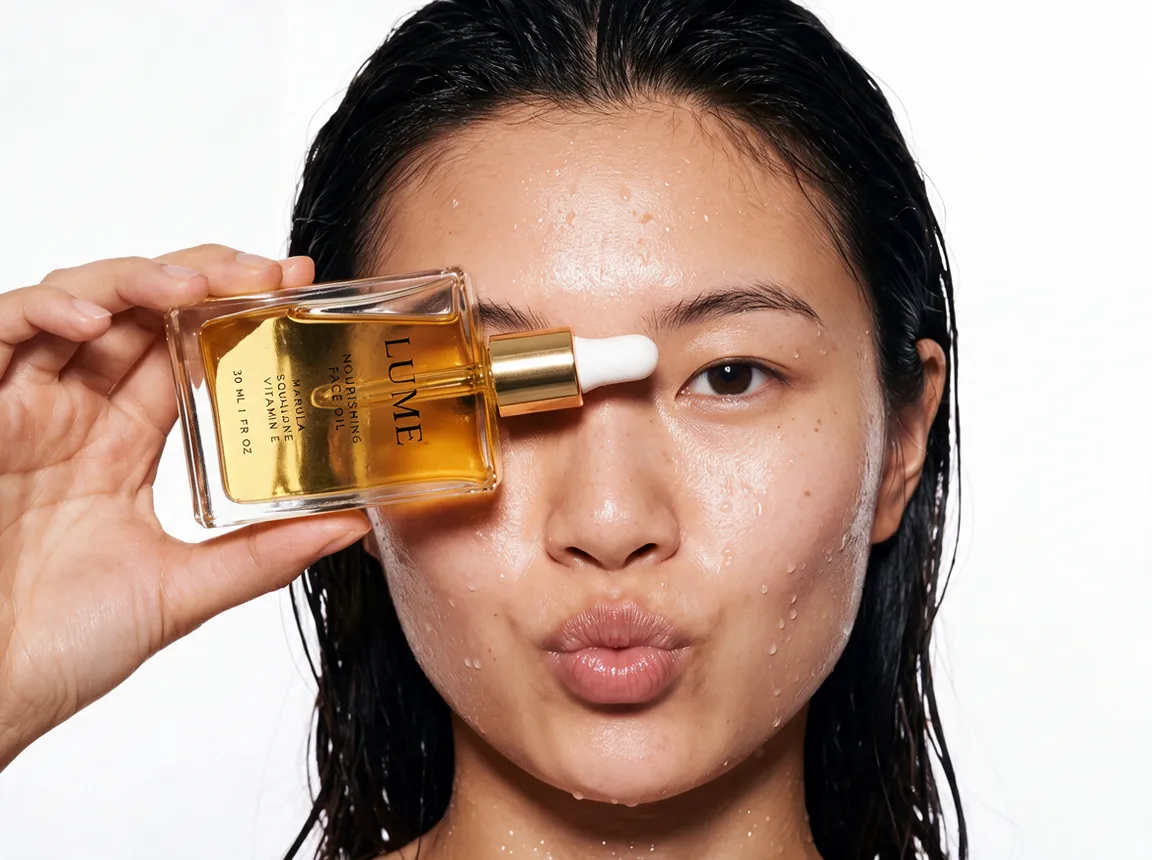
Zeely's AI static ad creator brings product context, references, prompts, and AI image models into one place, so you can shape each creative your way.
Generate images, headlines, and CTAs using product details and an optional photo, or let AI build the visual concept
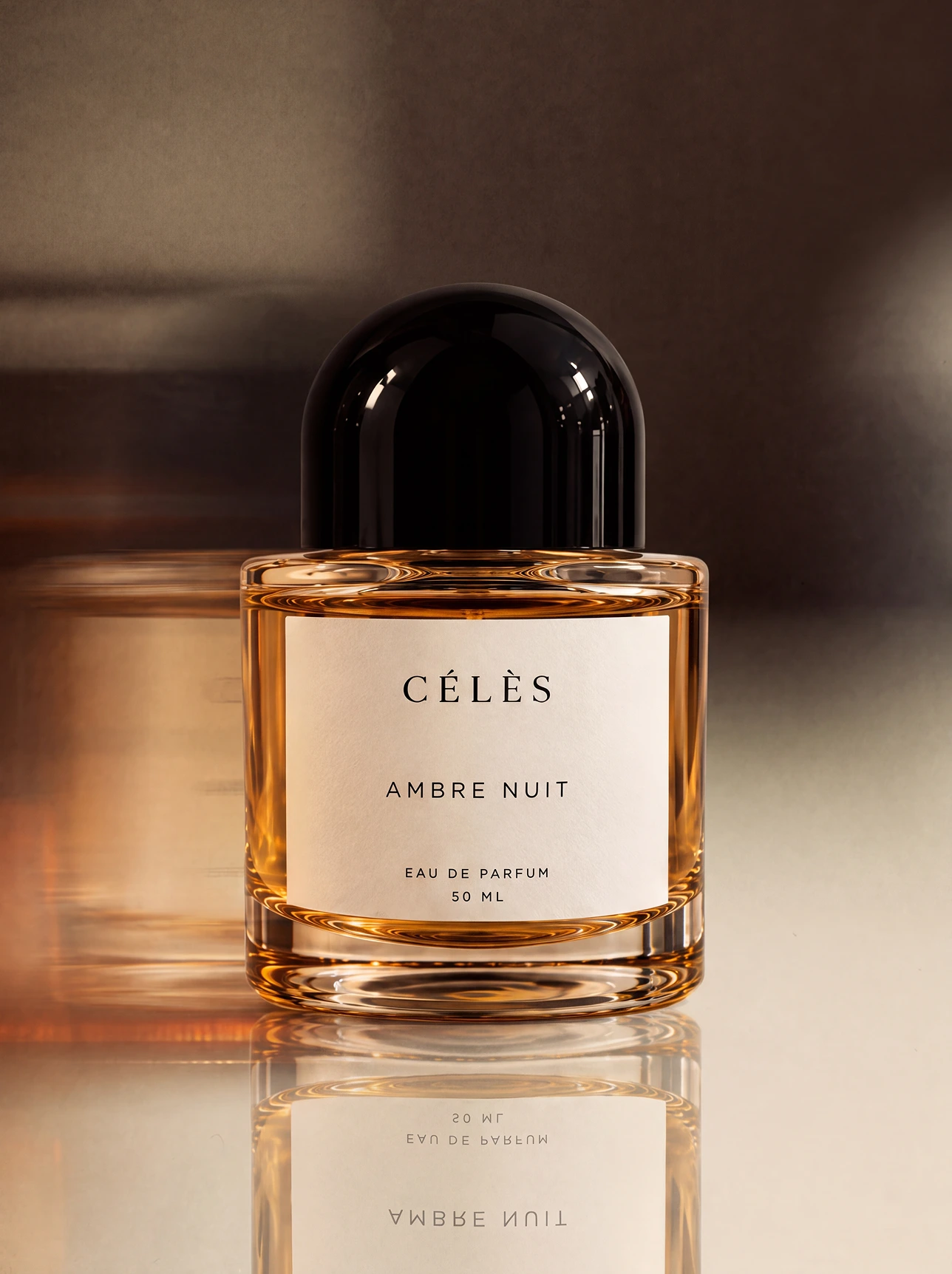
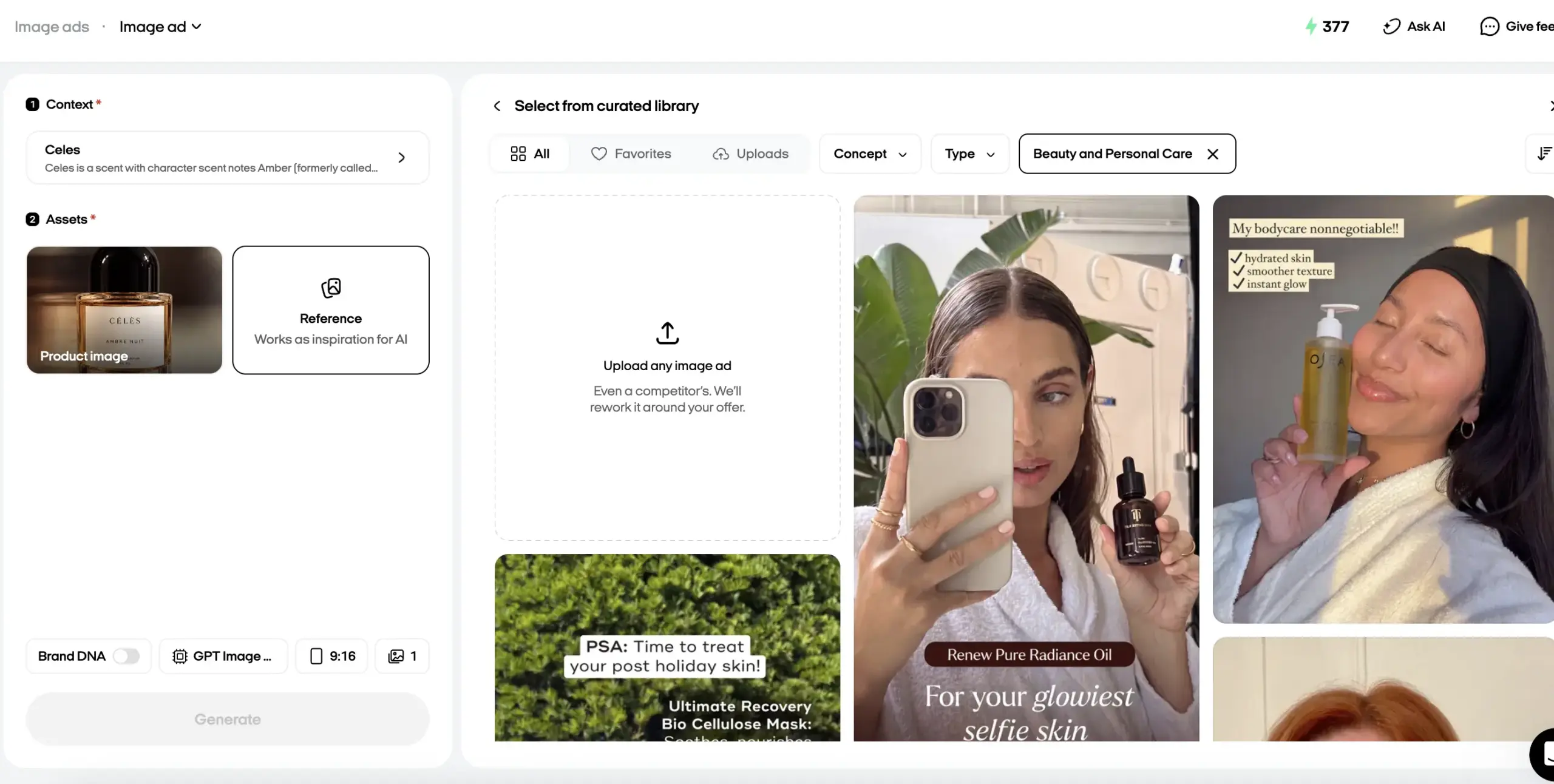
Browse 2,000+ references by concept, industry, or type. Use a library example or upload your own visuals
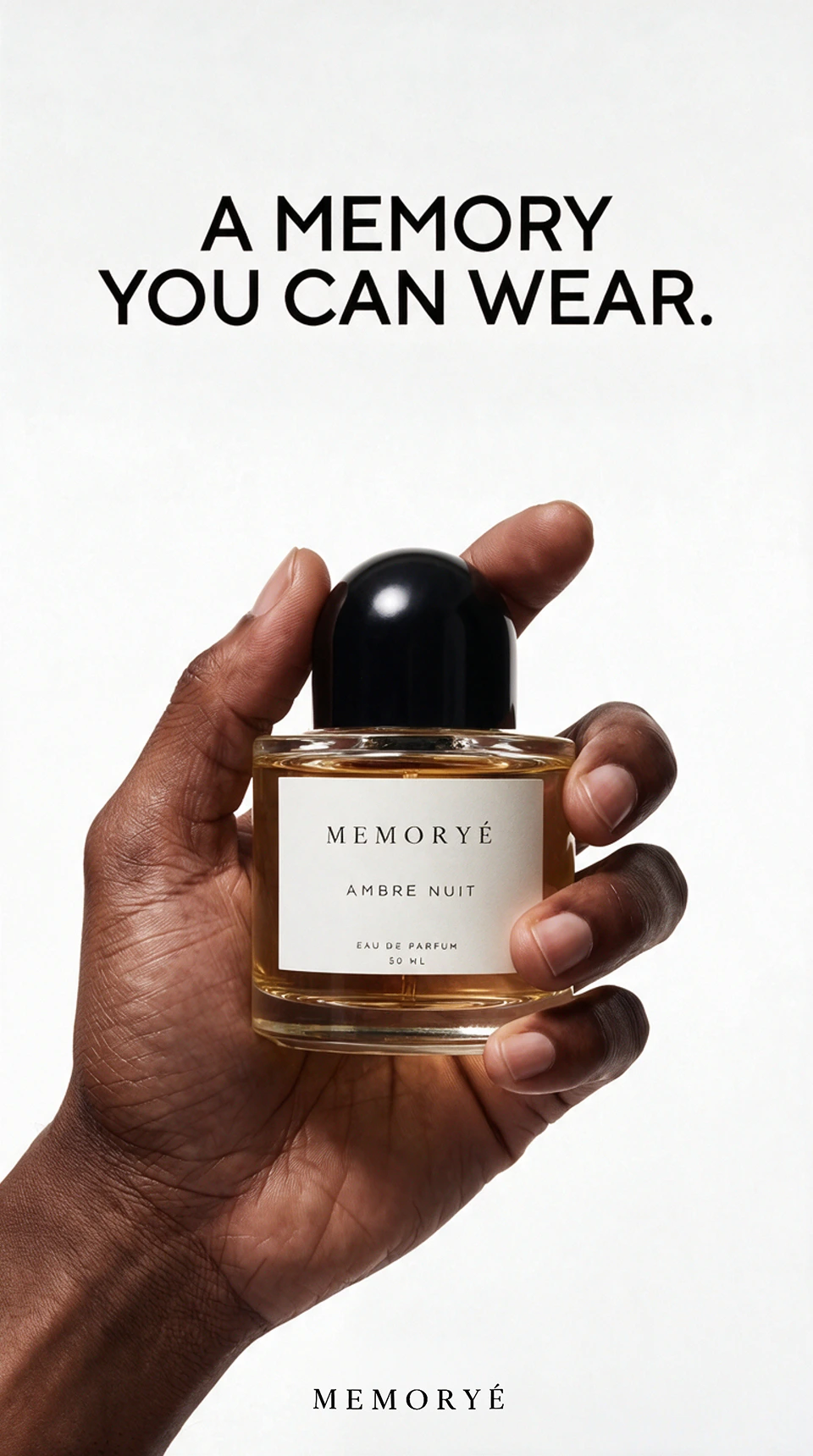
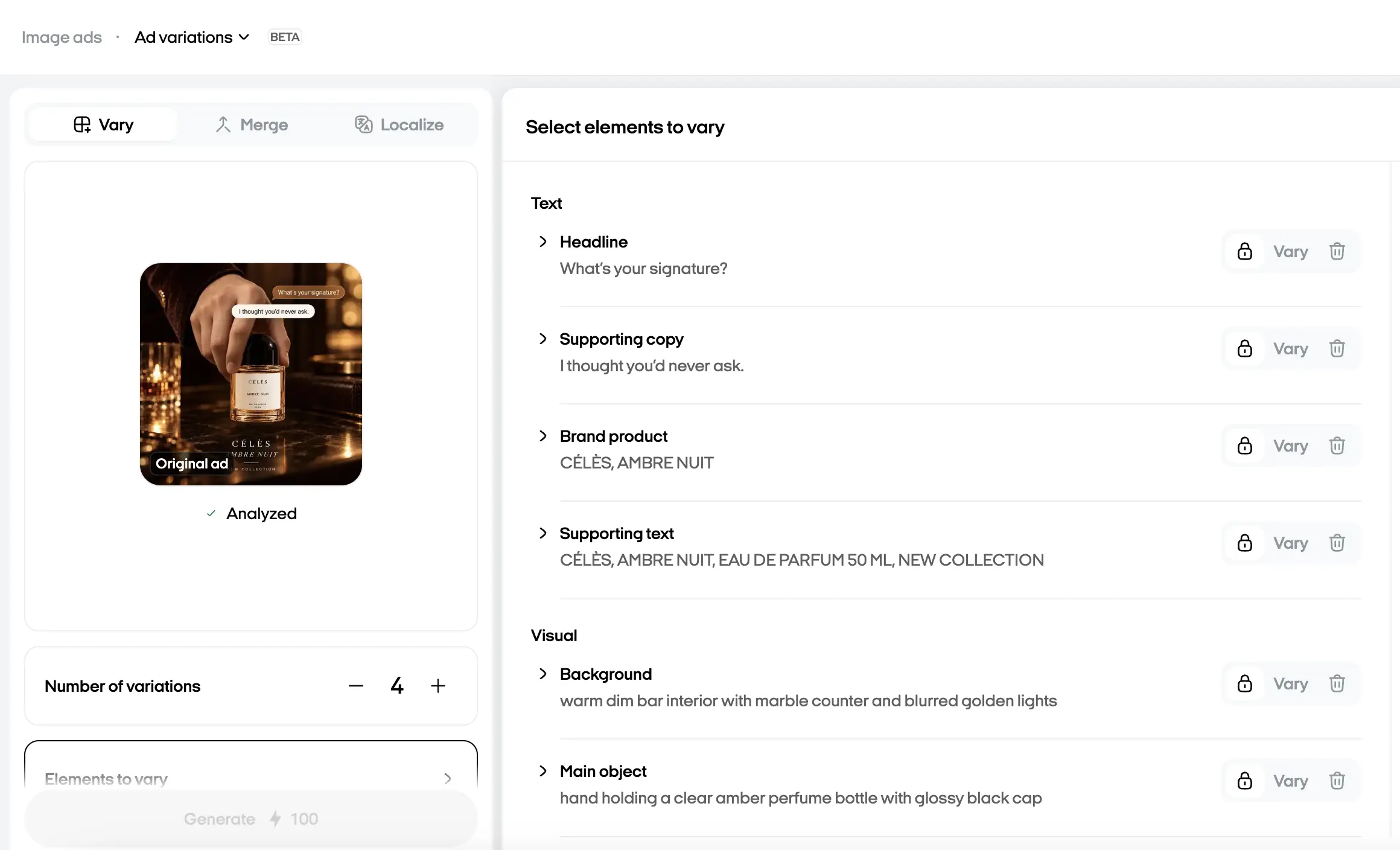
Generate up to five variations from one idea and choose whether to vary text, visuals, audience, style, or composition.
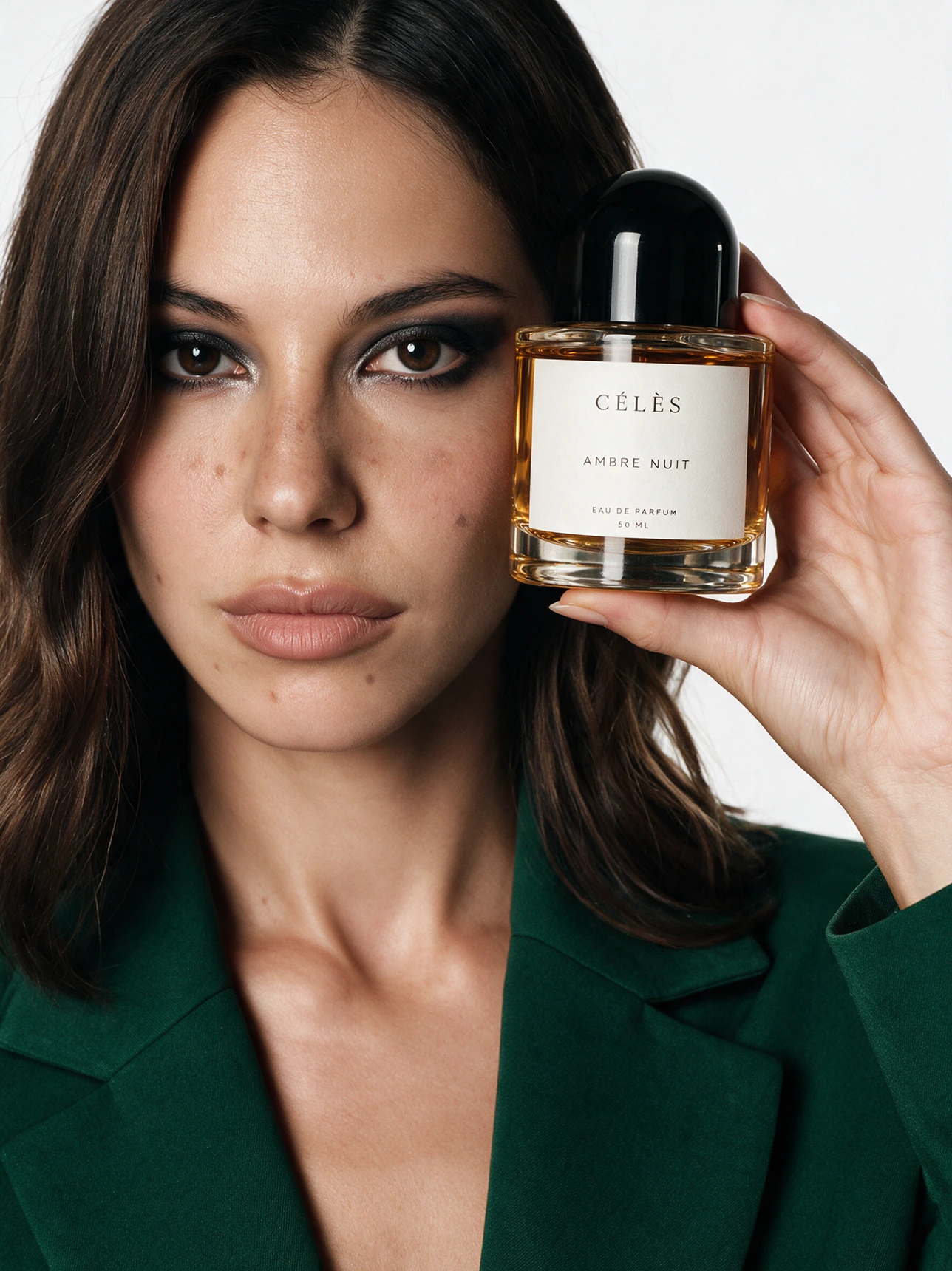
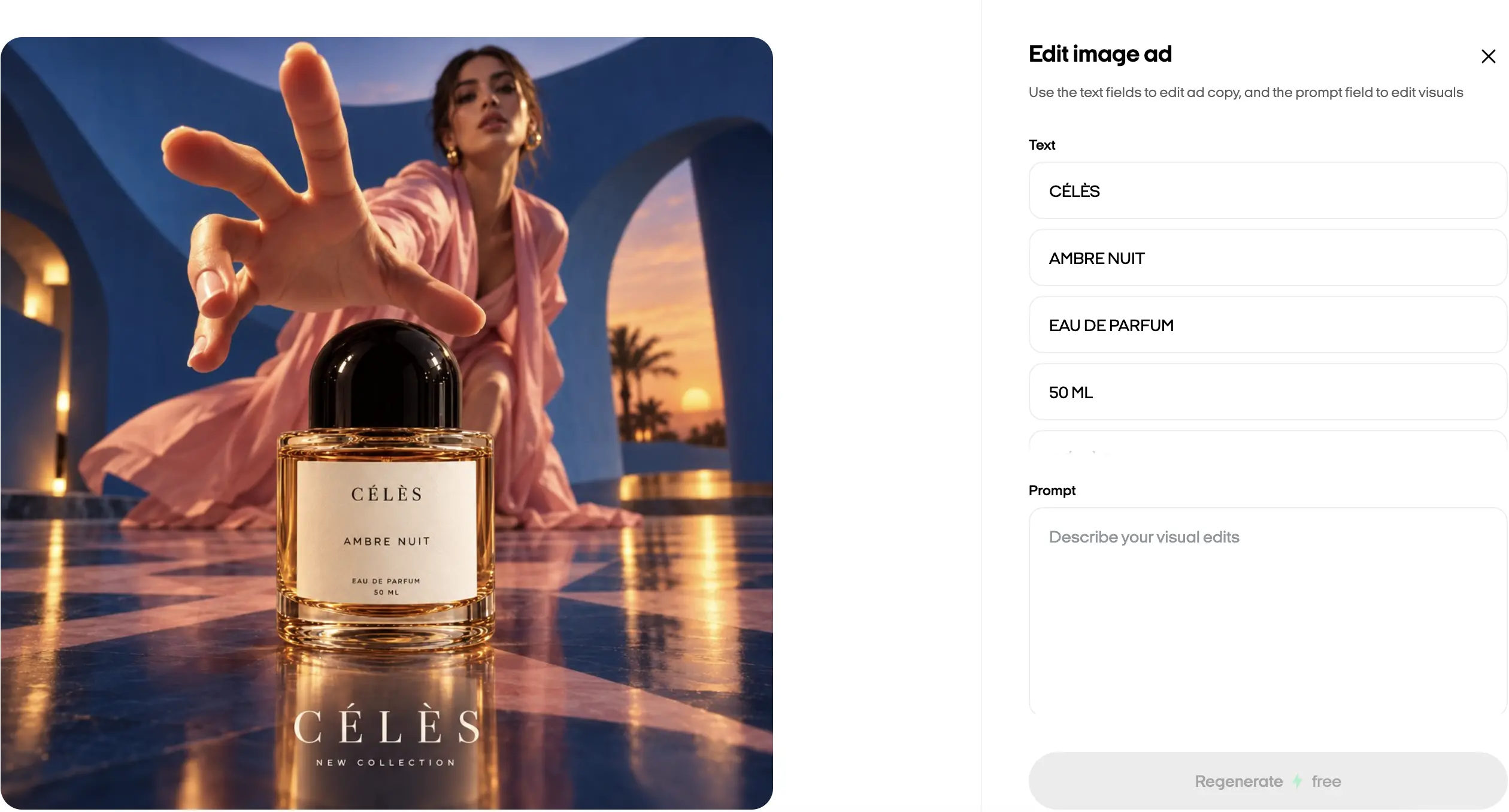
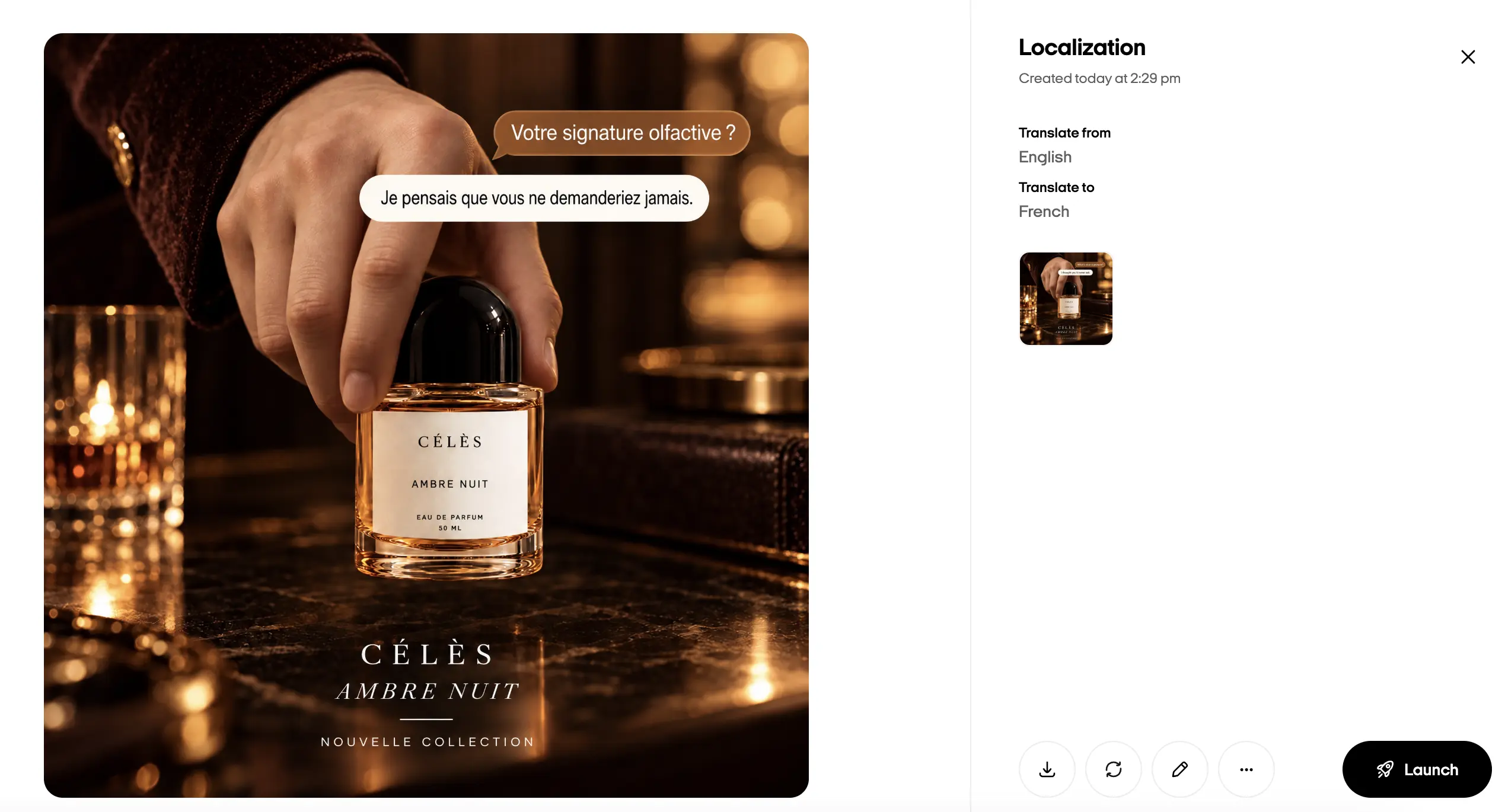
Refine copy and visuals after generation. On web, Brand DNA can guide image ads using the identity of the brand linked to your product.
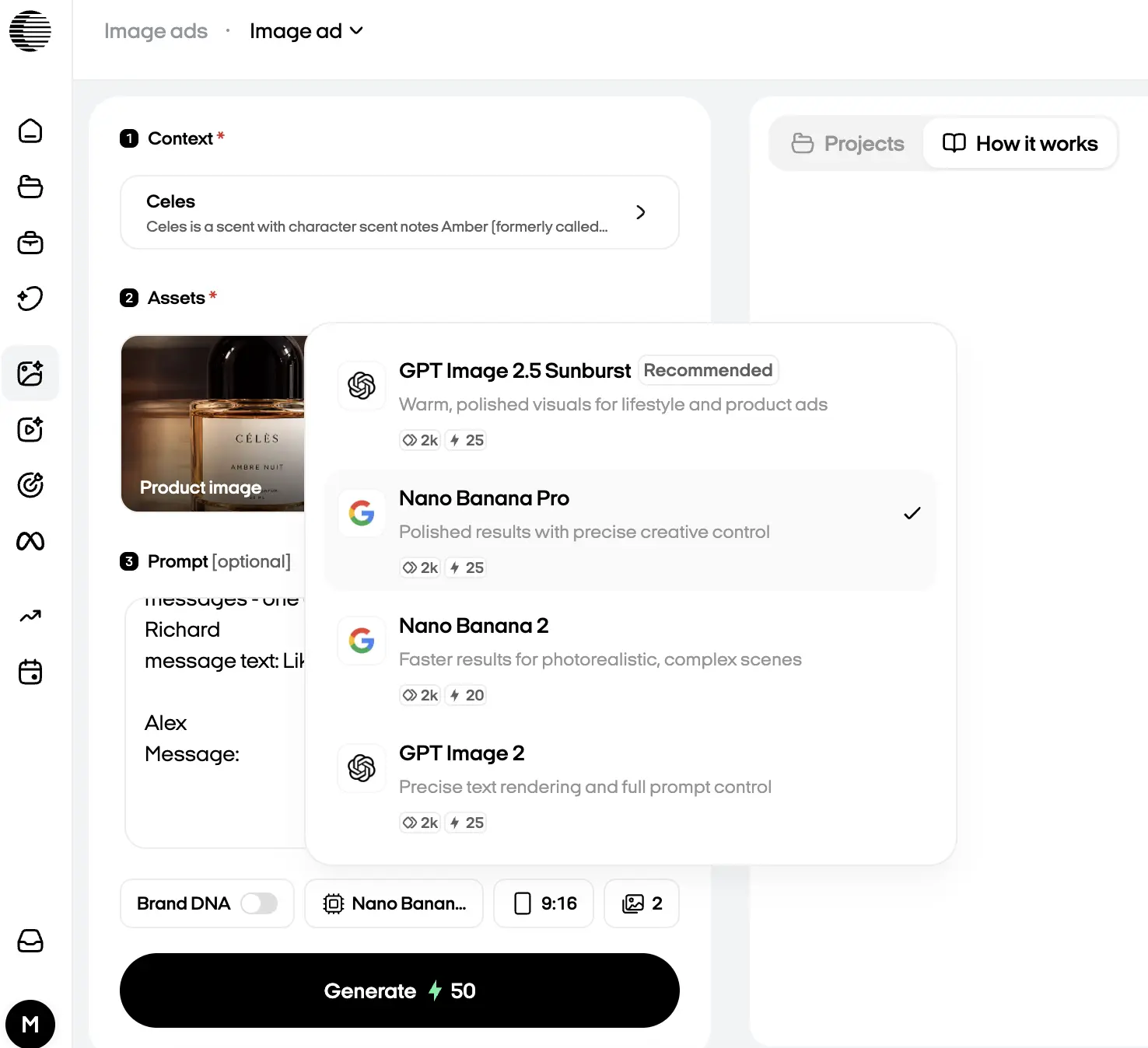
Choose Nano Banana Pro, Nano Banana 2, or GPT Image 2, then select an aspect ratio supported by your model and placement.
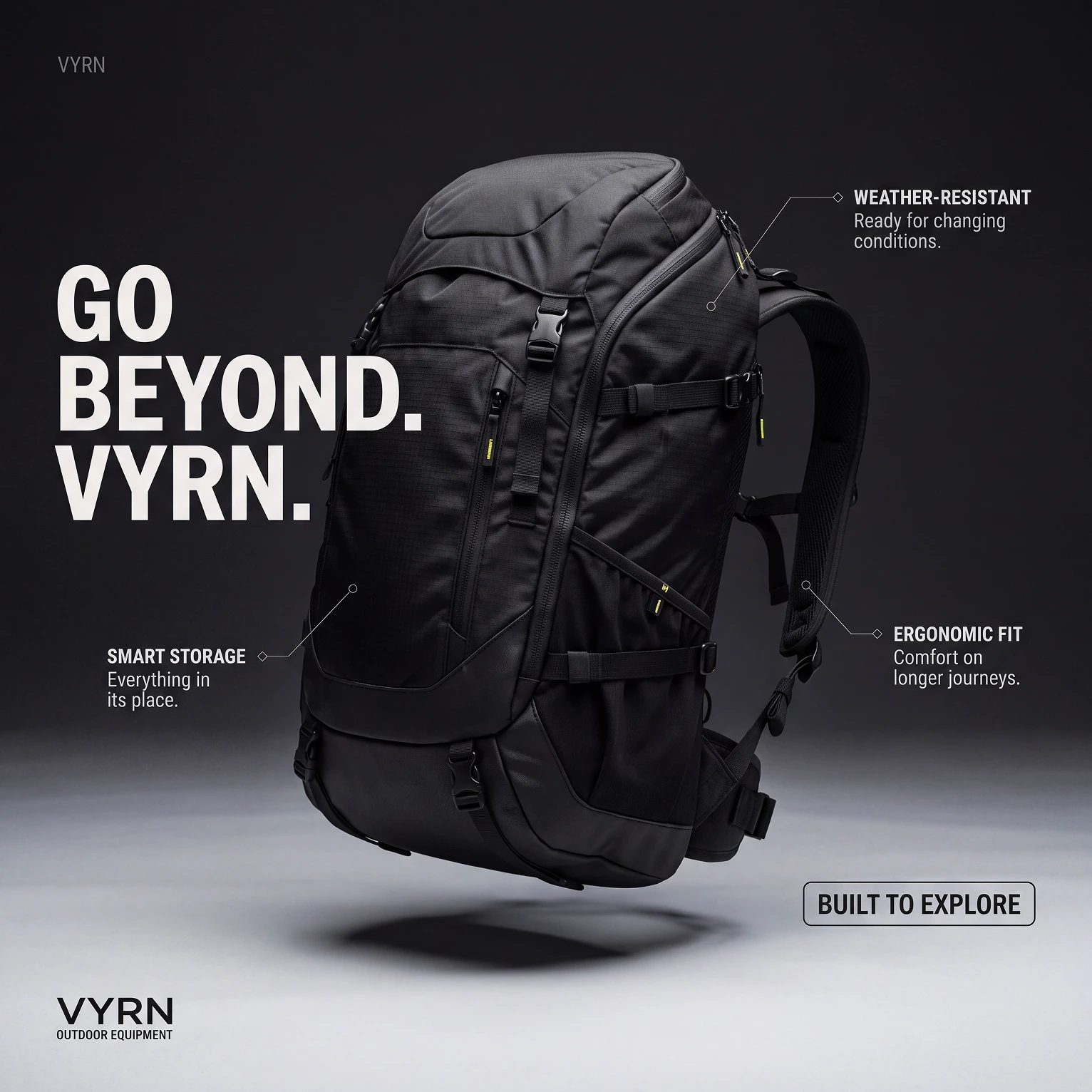
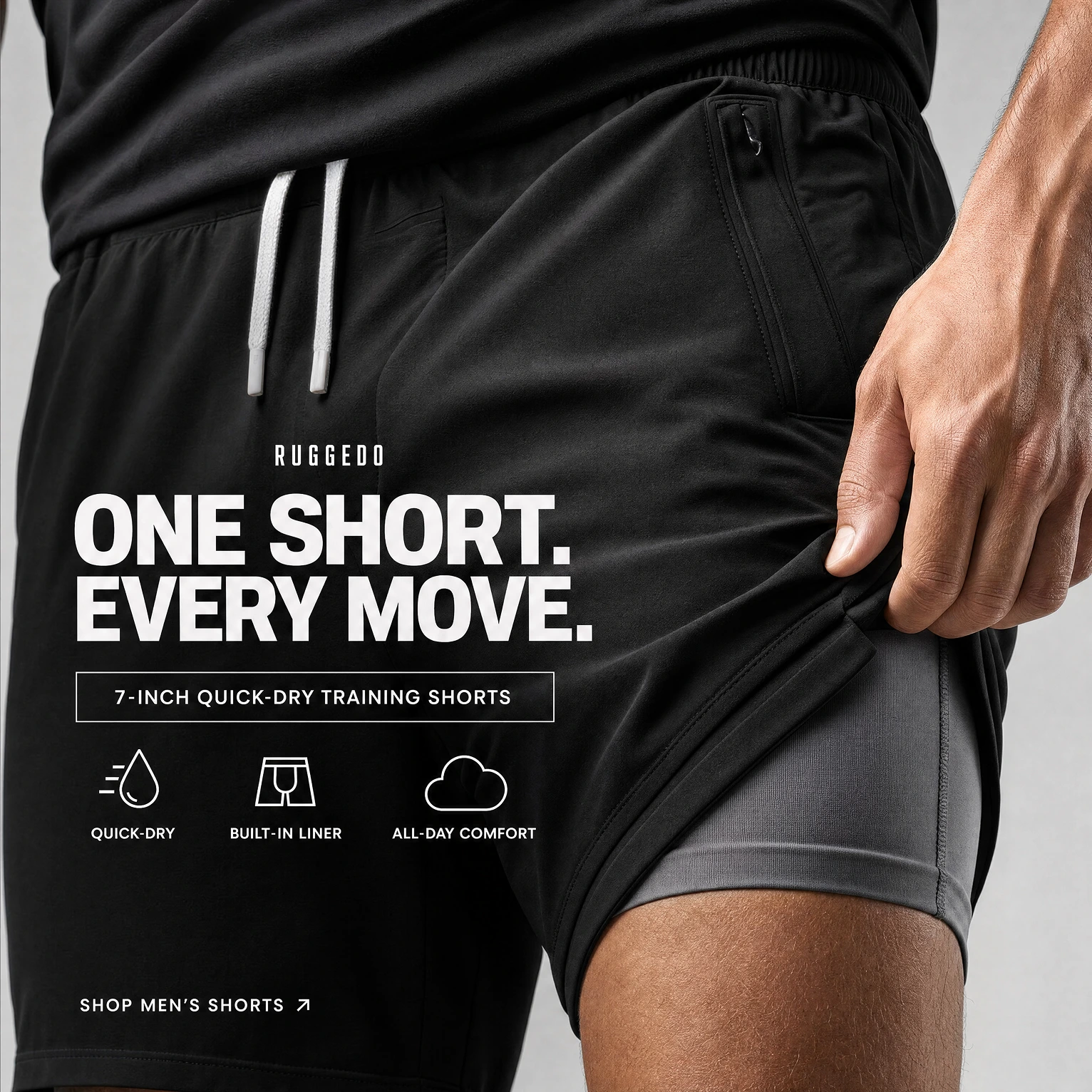
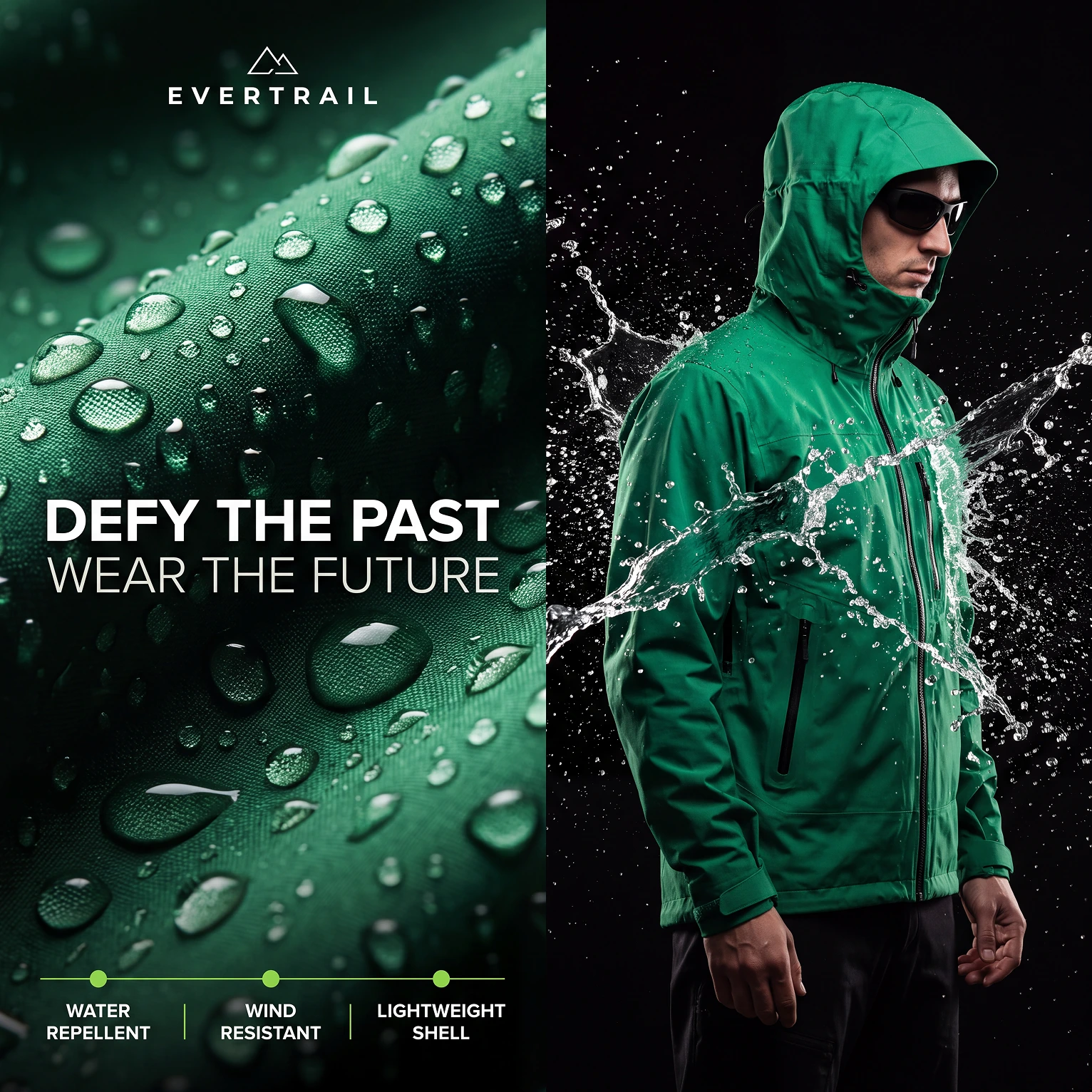
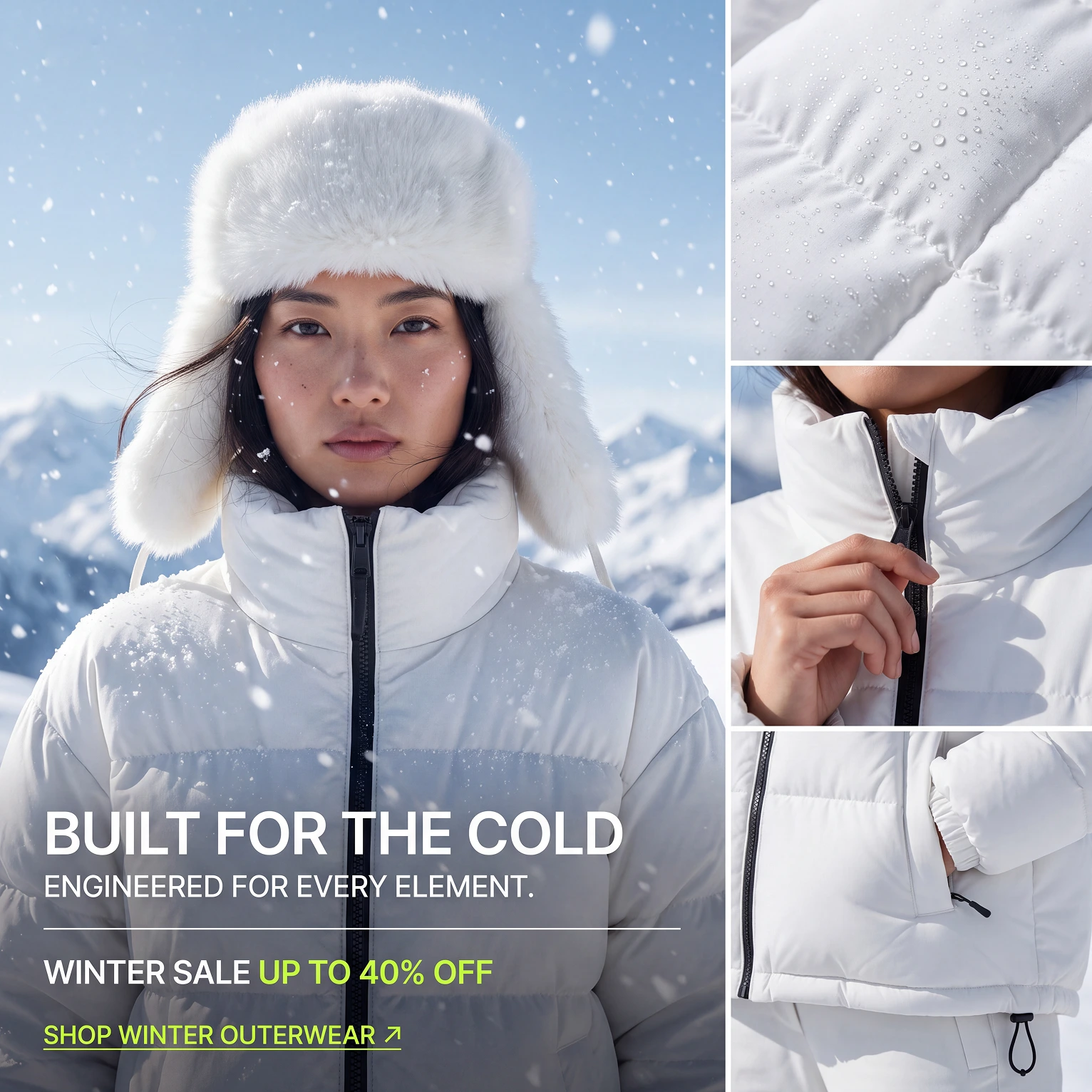
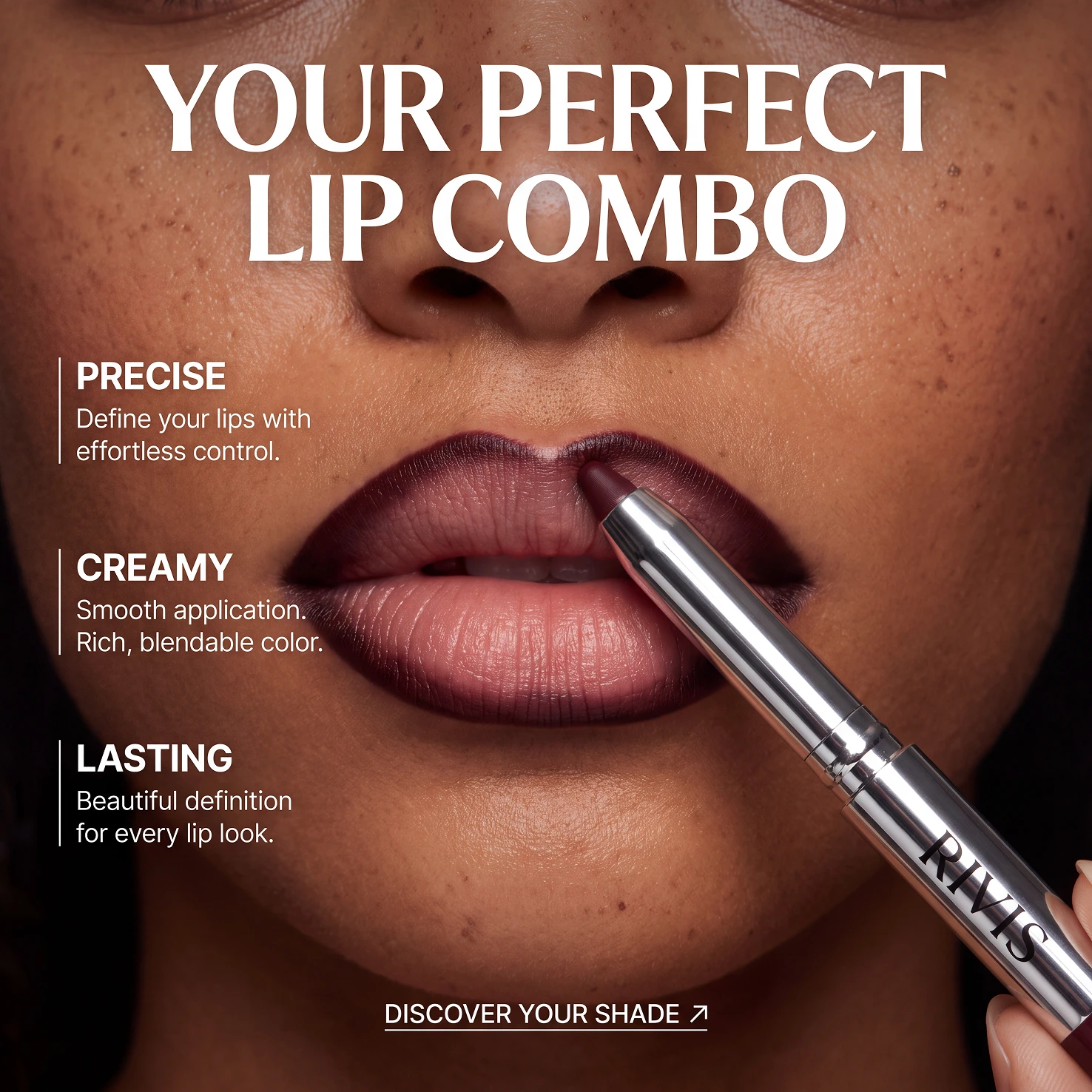
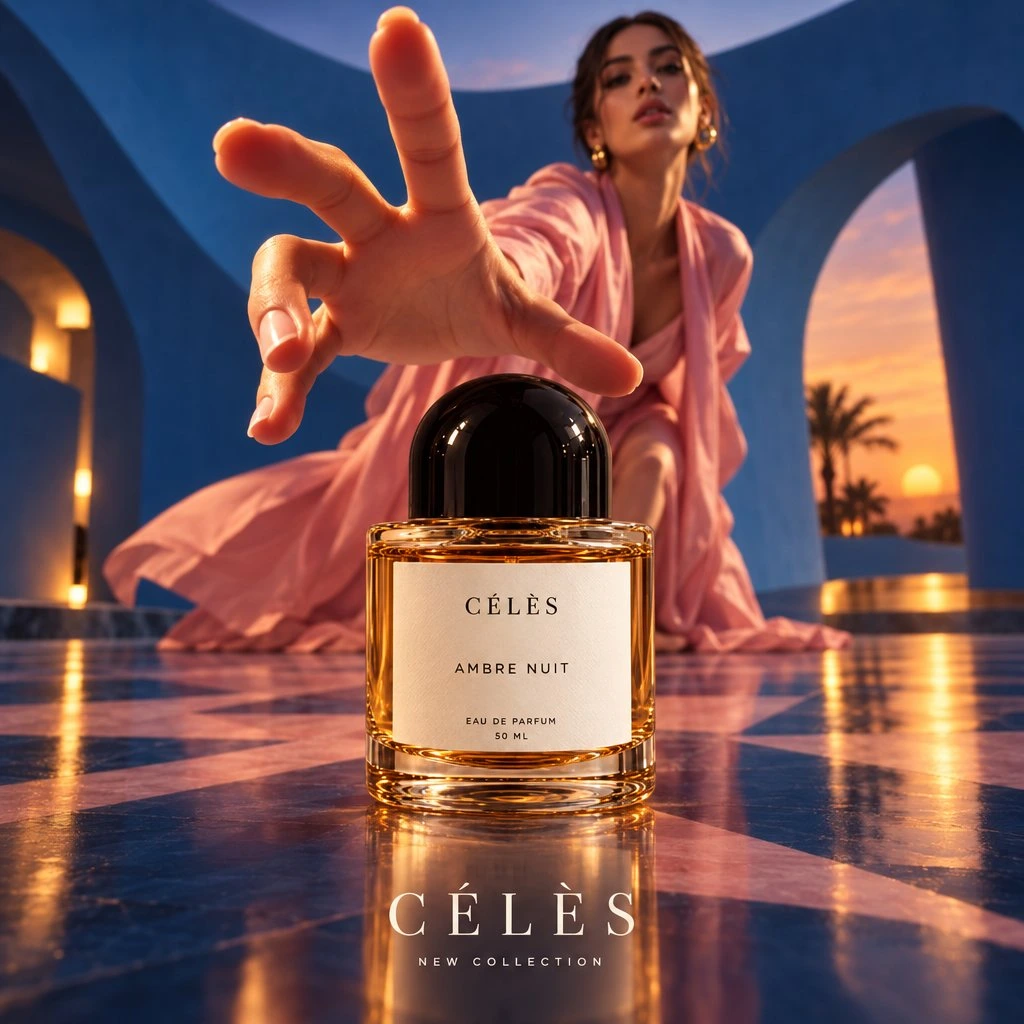
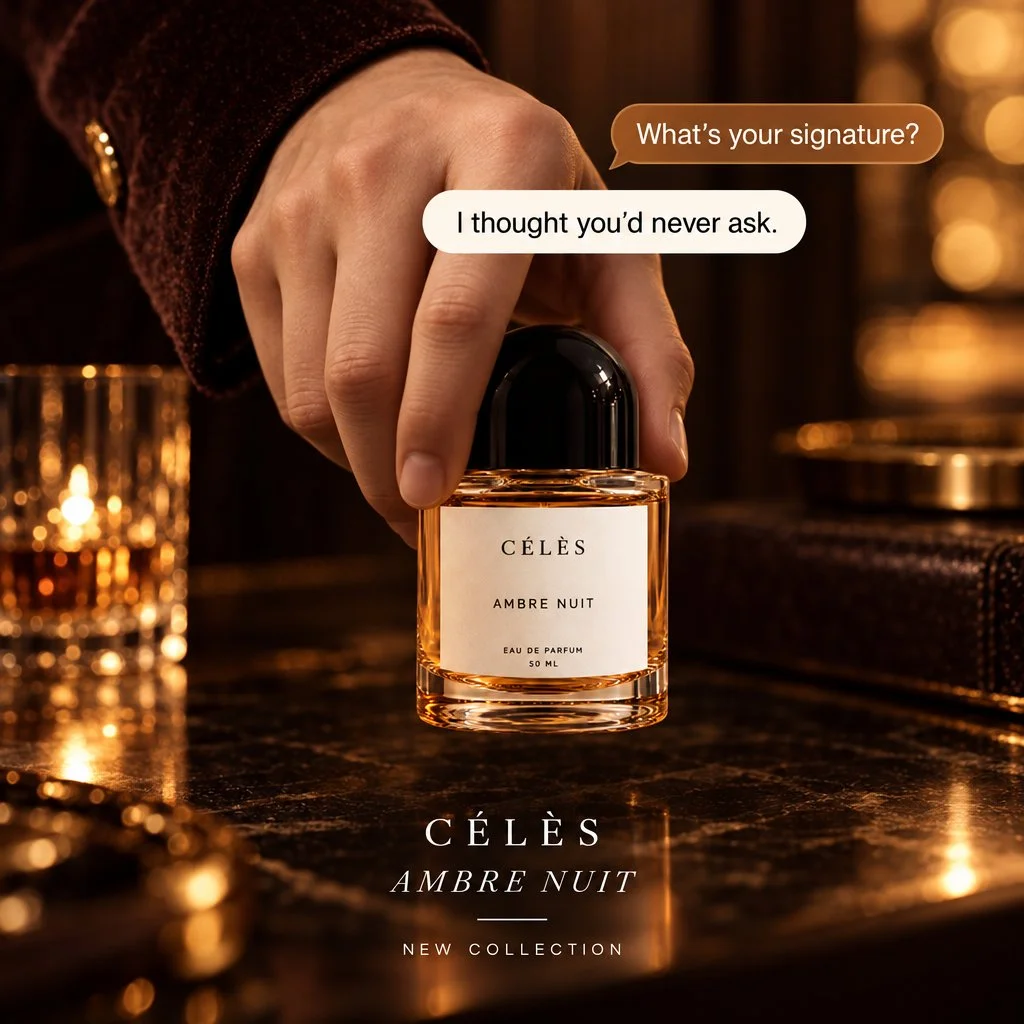
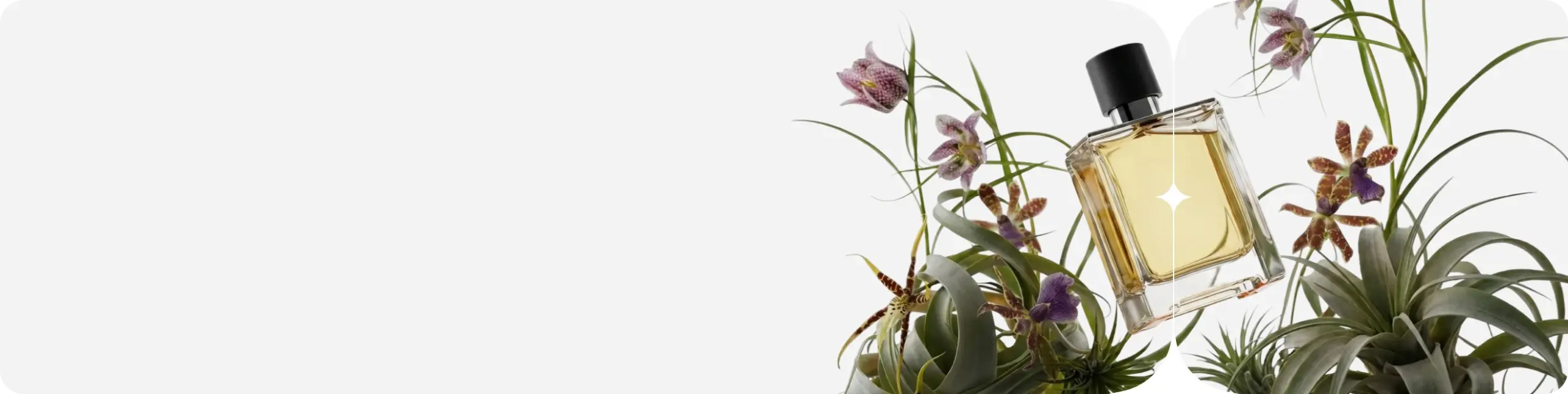
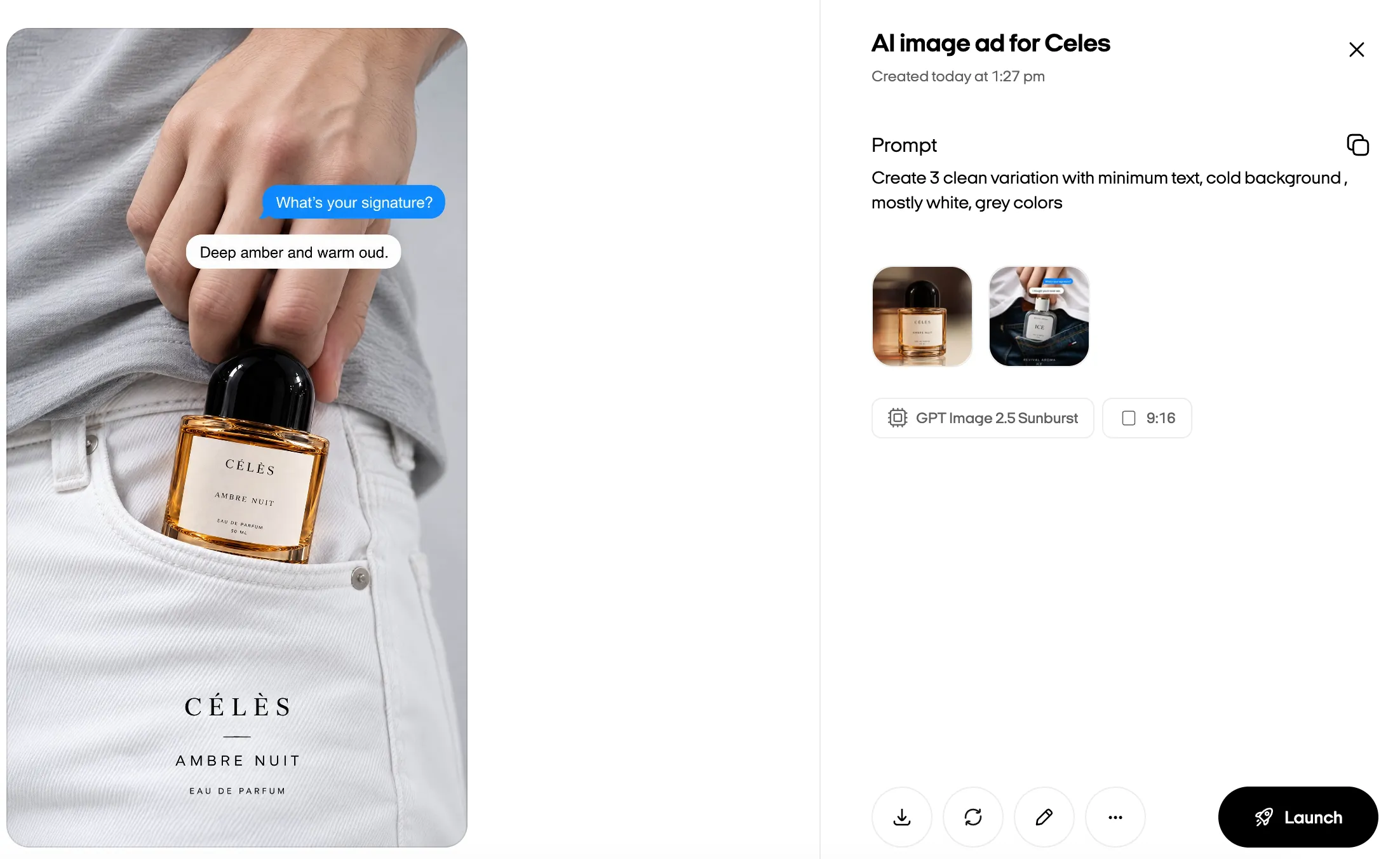
Watch the same product become a clean showcase, a headline-led offer, or a feature-focused ad, each with a different reason to stop and look.
Put timely offers and new ideas in front of customers without waiting for an entire creative production cycle.
One image can do different jobs. Put the product, the offer, or the customer problem front and center, depending on what you're promoting.
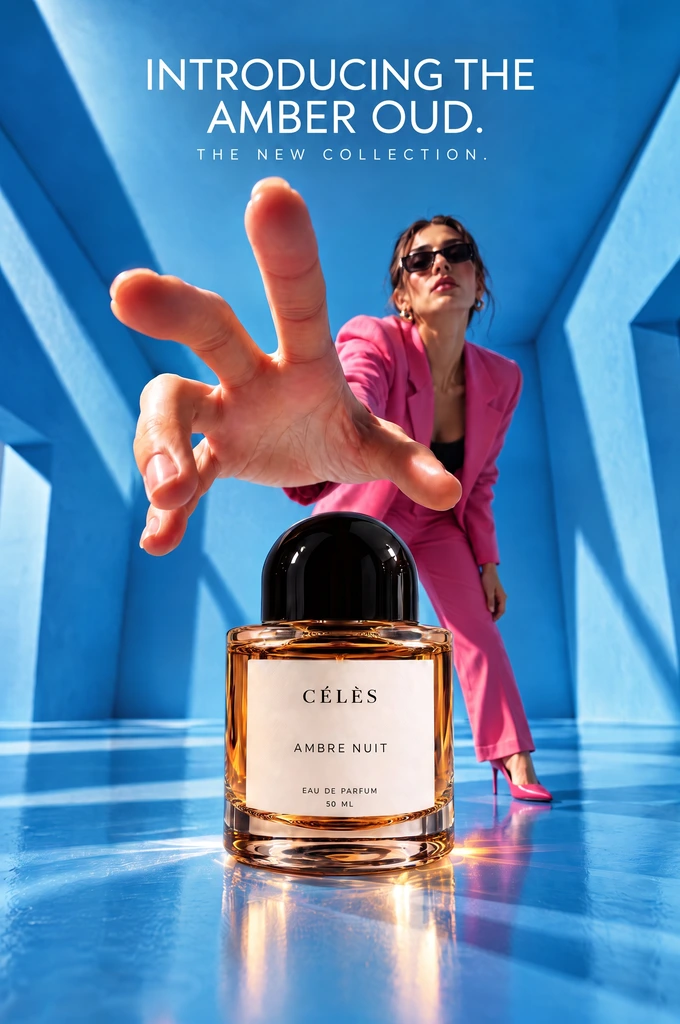
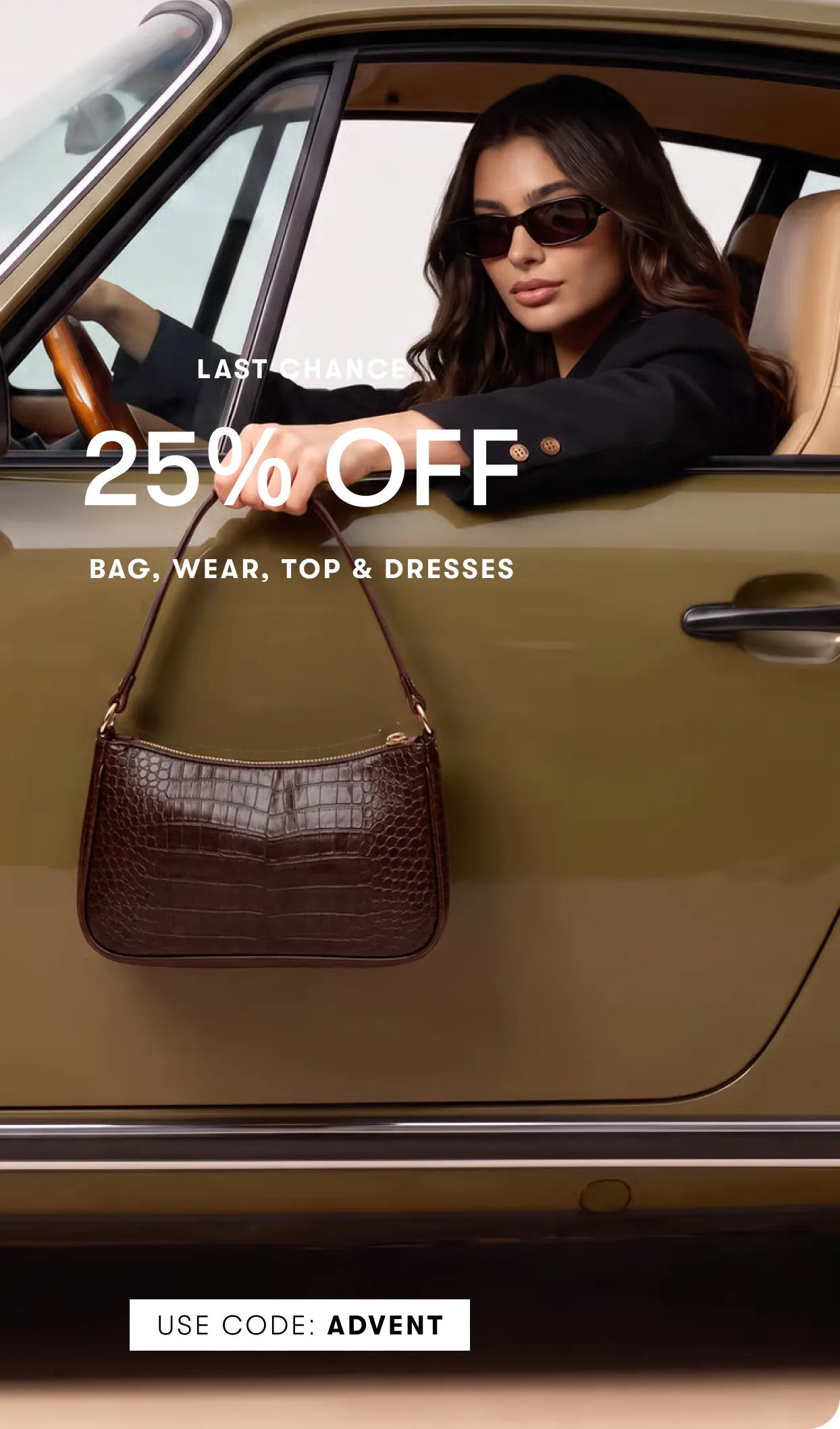
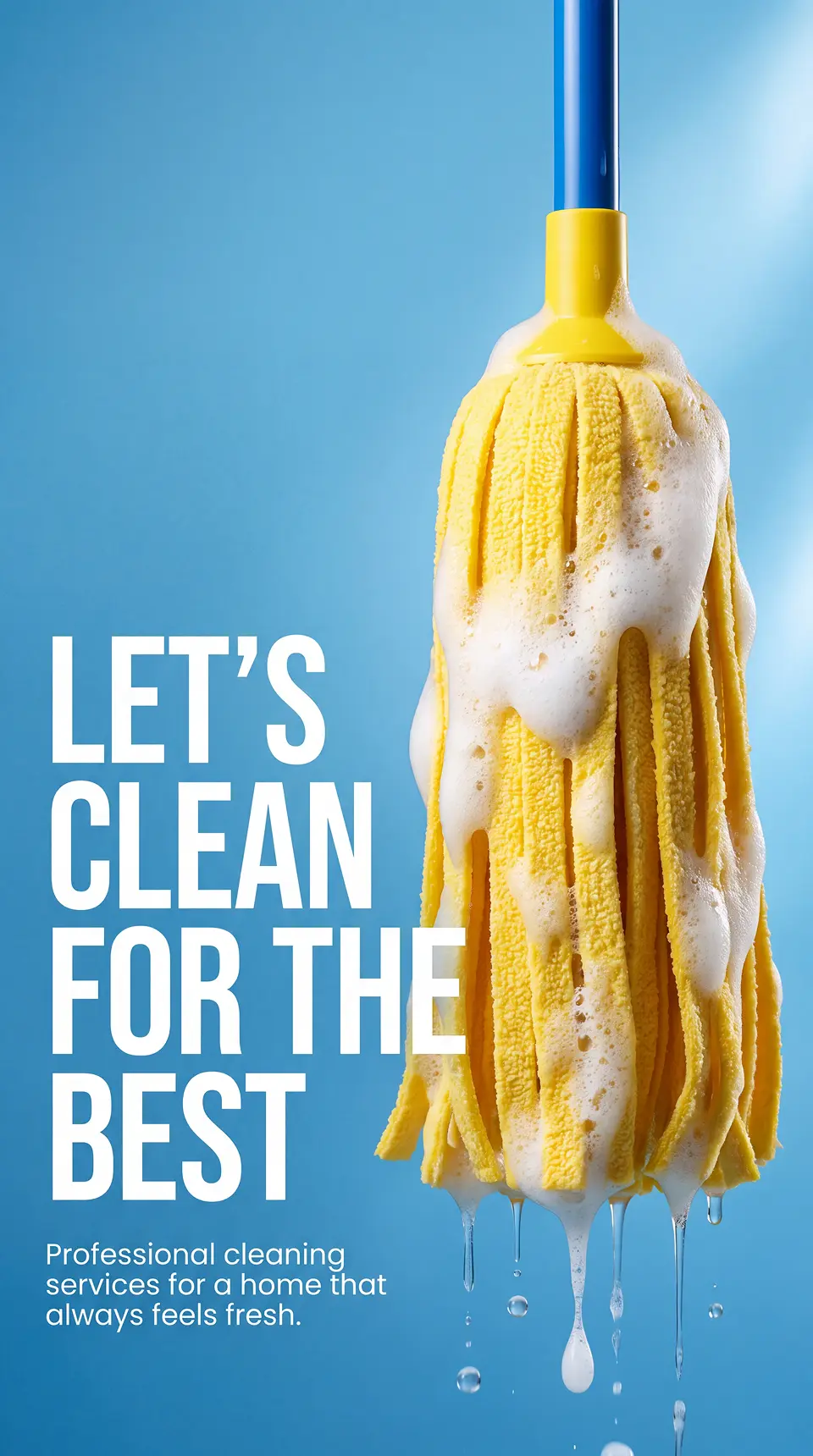

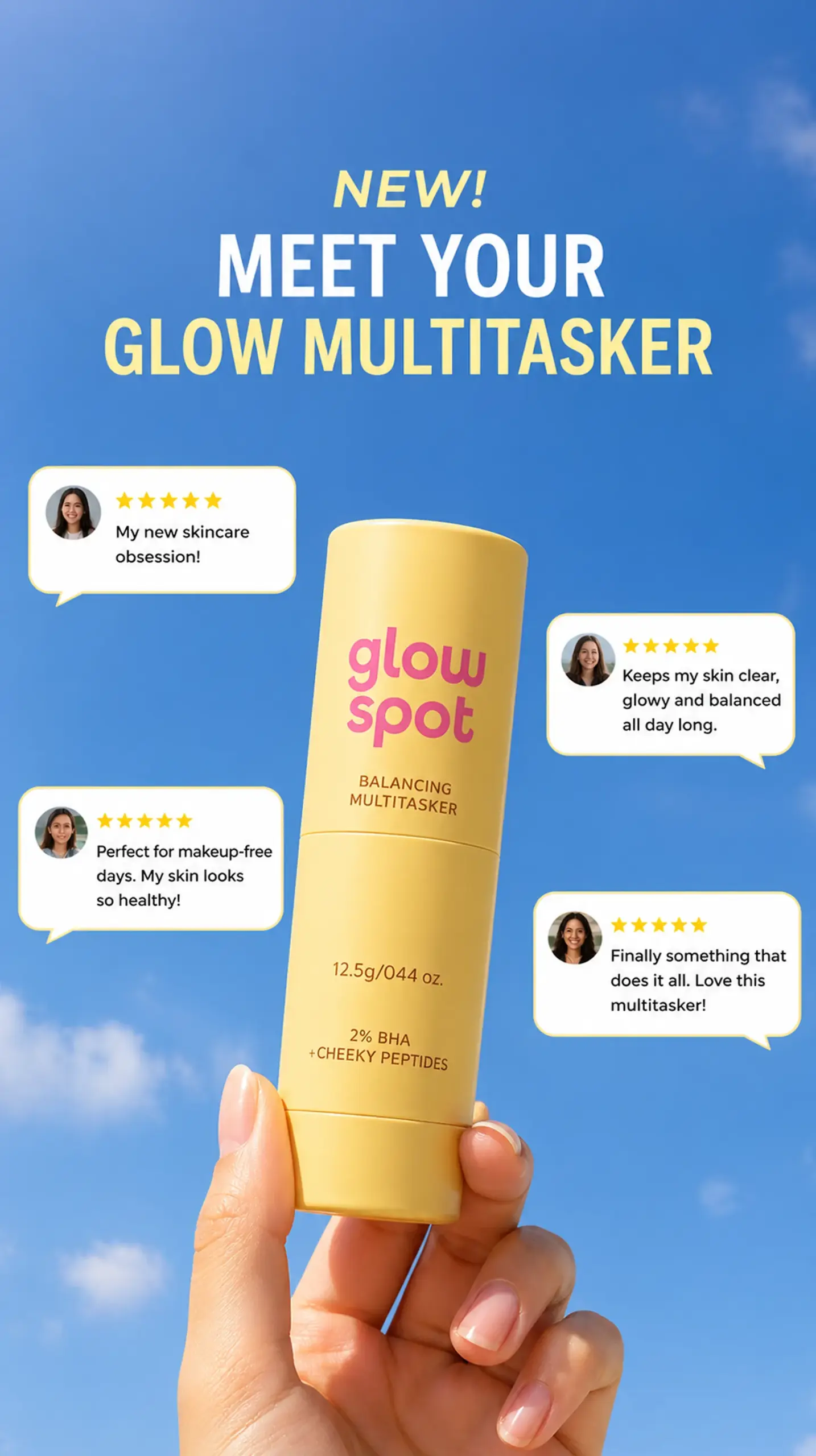
Five steps in the web app, from opening Image ad to reviewing the creative you'll use in your campaign.
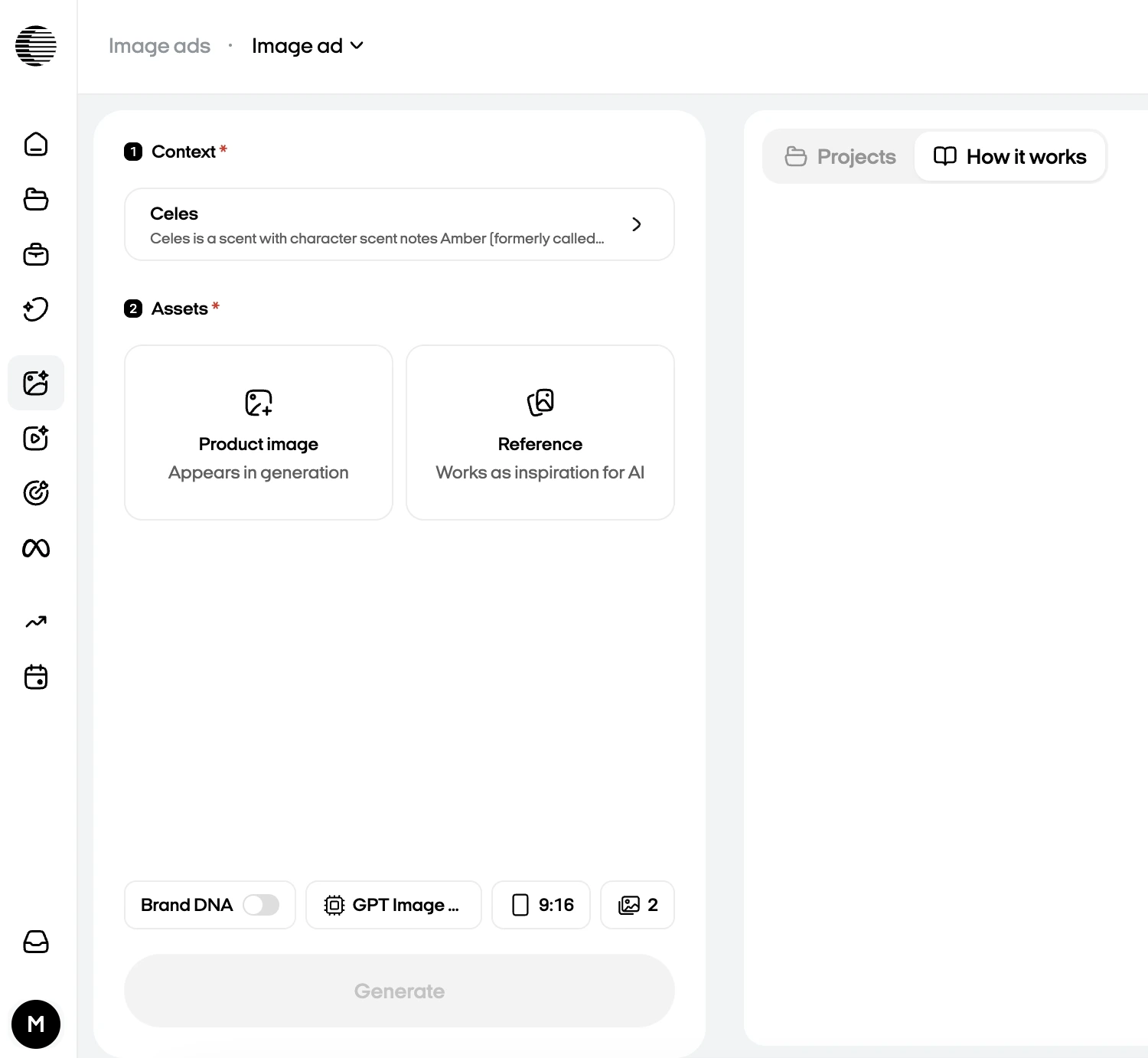
In Zeely, go to Image ads → Image ad to start creating a new static ad.
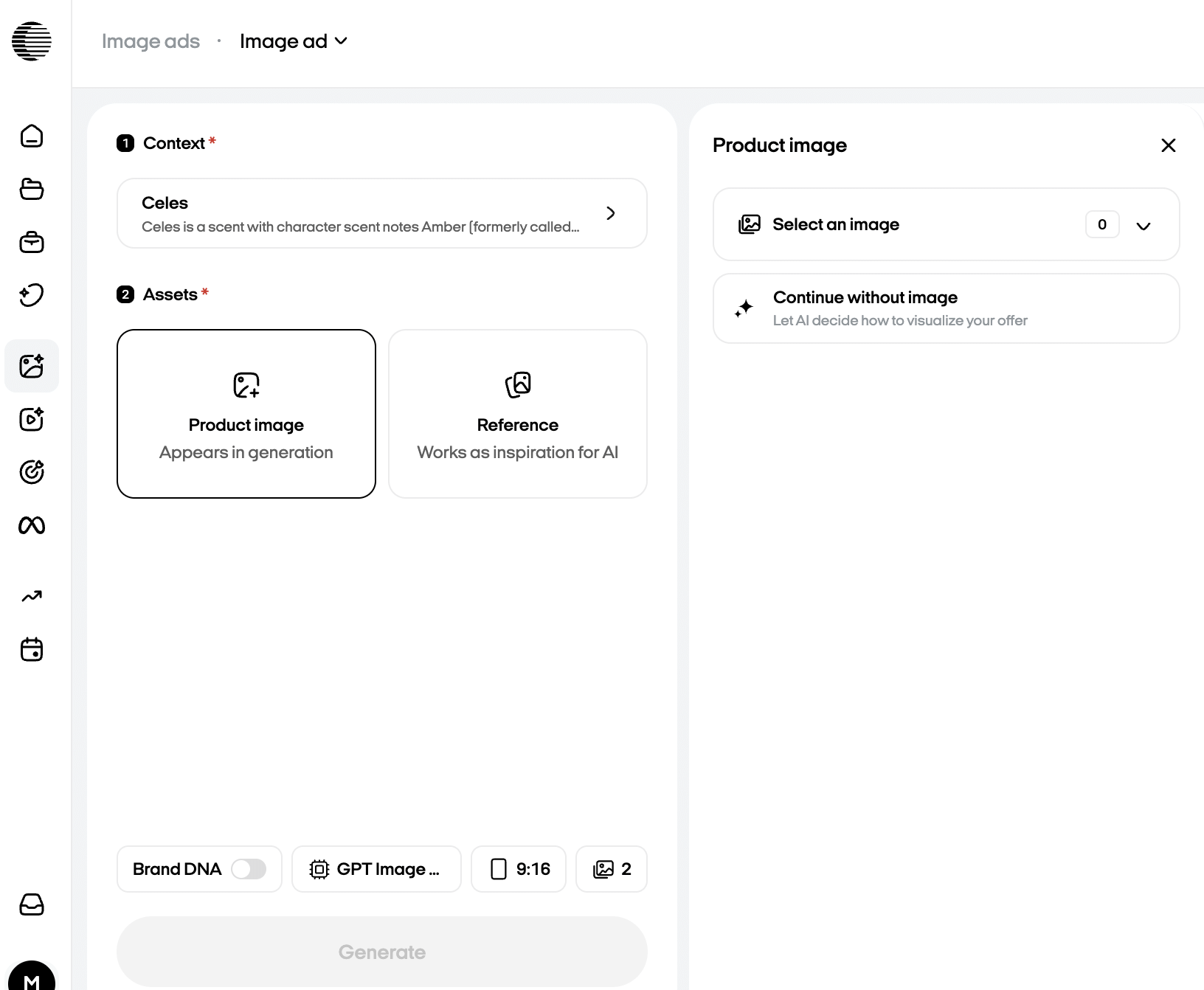
Select a saved product or add one. Choose a product photo, upload your own, or select Continue without image.
Pick a gallery reference or upload your own. You can also skip references and guide AI with an idea or prompt.
Choose an AI image model and aspect ratio. Set variations for a single idea; multiple references each produce one ad.
Click Create ad. Review the result, refine the copy or design if needed, then download it or launch it to Meta.
Create AI static ads that give your message a clear focal point. Start with a product or idea, then make the creative yours in Zeely.