6 ways Story templates make your Instagram faster and more consistent in 2026
Instagram has over 3 billion users, and every Story counts. This 2026 guide shows how to use Story templates to save time, stay on-brand, and publish content that converts.
If you want faster production and a consistent brand look, Instagram Story templates make the work simple. With over 3 billion monthly active users on Instagram, your content has to stand out, highlights Reuters. They cut the time you’d spend designing from scratch and keep every Story on-brand without guessing. In this guide, I’ll show you how to use Story templates to create clear, polished content, even if design isn’t your thing.
What are Instagram Story templates?
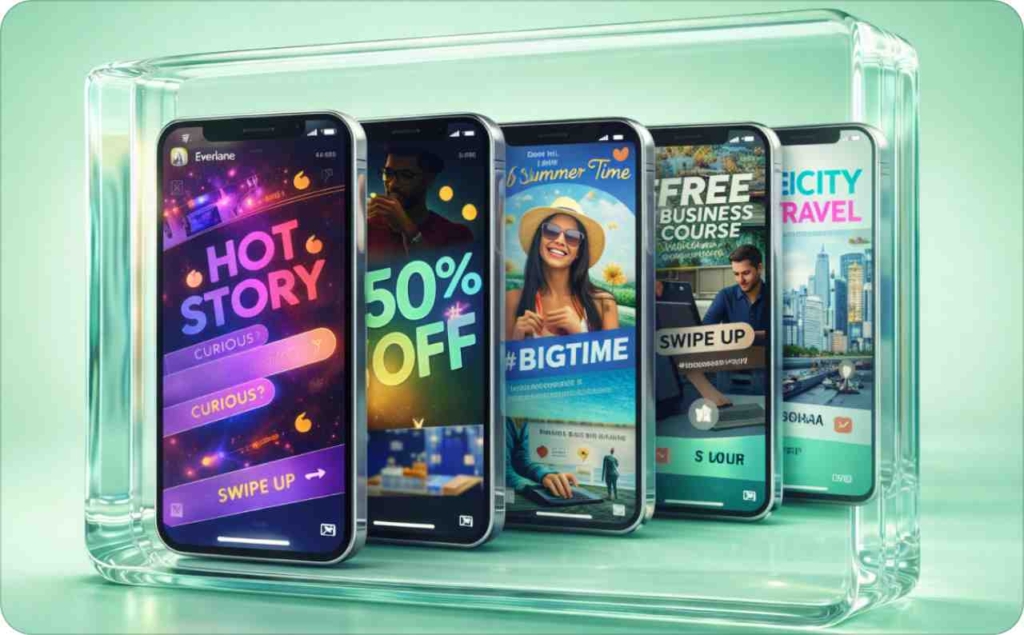
Instagram Story templates are ready-made designs you can reuse for product shots, announcements, behind-the-scenes updates, or any Story you share. Instead of starting from a blank screen, you drop in your photos, text, or offers, and the layout stays clean. According to Hootsuite, Instagram remains a top performer for traffic, engagement, and growth for marketers in 2026, so keeping your Stories on-brand matters more than ever. This helps you move faster and keep a consistent brand look across all your story templates.
The biggest benefits are simple:
- Speed: You create more in less time
- Consistency: Every Instagram story template follows the same colors, fonts, and framing
- Testability: You can compare two designs side by side to see which earns more taps, replies, or clicks
I recommend using stories templates whenever you want quick, professional-looking content, especially for your weekly offers or campaigns. Stick with native Instagram layouts for spontaneous posts or behind-the-scenes moments. Templates keep your look consistent and make it easier to repeat what works.
How to use Instagram Story templates
You don’t need pro design tools to make your Stories look professional. The Instagram Story template feature lets you edit, brand, and post directly in the app and you’ll find that Stories are more than just space fillers. Later reports that you can track your Stories for up to three months so you can see what’s actually working. Here’s how I recommend using Instagram Story templates step by step.
Step 1: Import or open your template
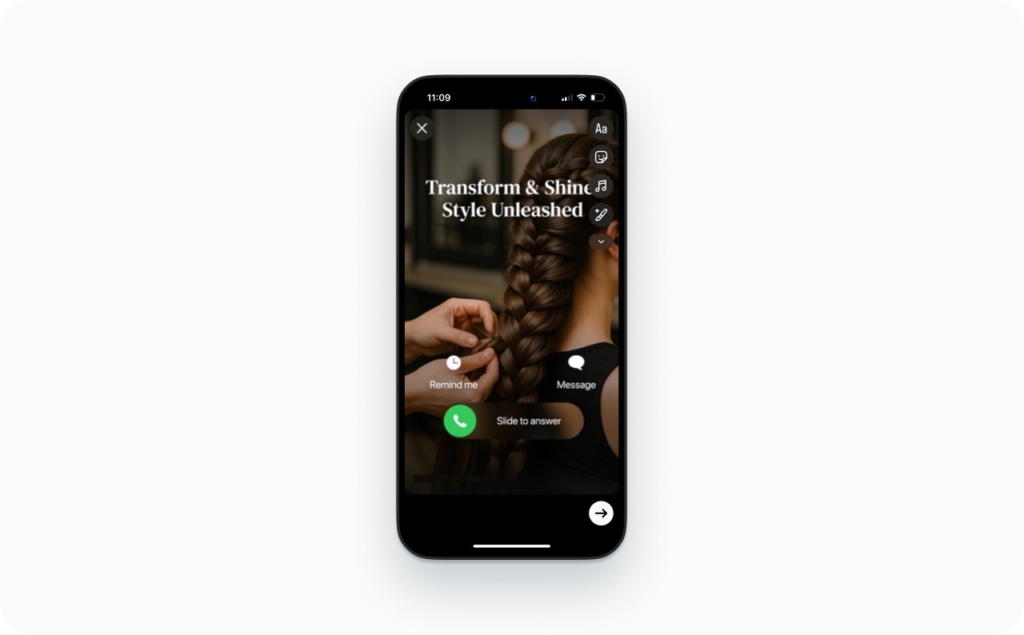
Start by saving your chosen story template to your phone’s gallery or camera roll. Open Instagram, tap “Your Story,” and upload the file. If you’re using a third-party tool, export the Instagram story template first, then open it through Instagram’s editor.
Step 2: Replace text, images, brand colors, logo
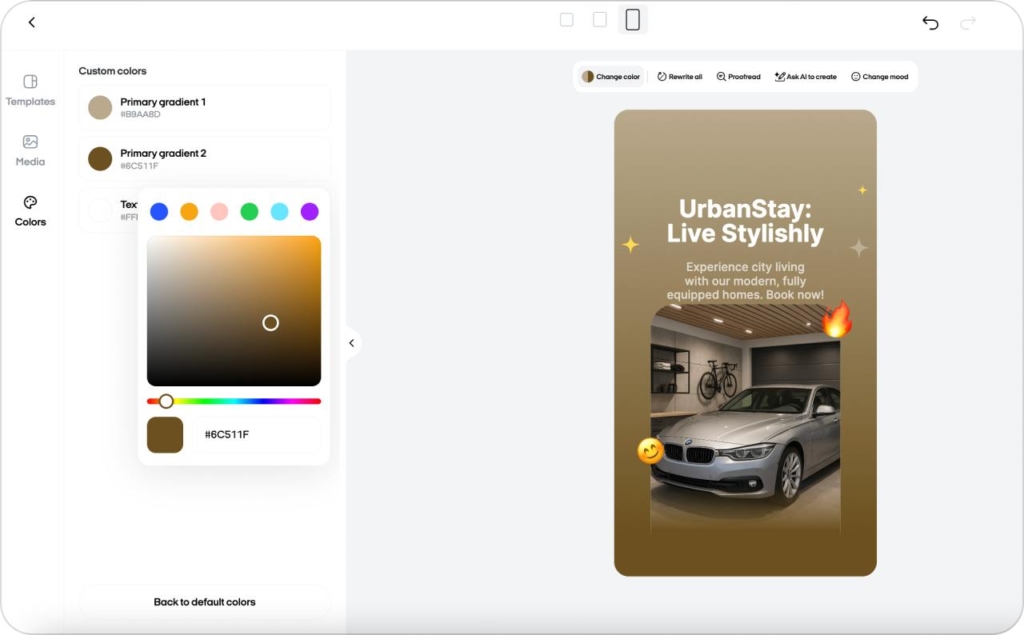
Swap the sample visuals for your own. Replace demo text with your real message, update colors to match your brand palette, and drop in your logo. The goal is simple: every Story should look like you made it. That’s the power of story templates.
Step 3: Add Link Sticker, captions, and export correctly
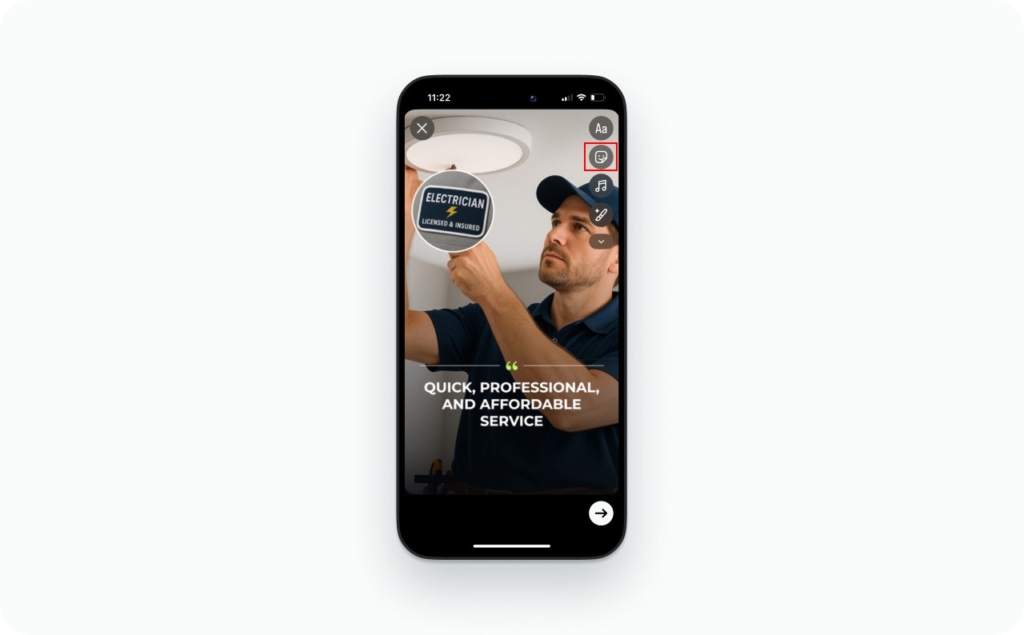
Before you post, add a Link Sticker to guide viewers to your site, shop, or promo. Keep captions short and visible. Then export your stories templates in the highest resolution, so they stay sharp and scroll-stopping once live.
Pro tip: I suggest adding a quick 3-frame screenshot carousel showing these steps:
- Opening your Instagram Story template
- Replacing content and adding your logo
- Adding a Link Sticker before posting
That small tutorial helps your followers see exactly how to do it and turns your process into shareable, repeatable content.
Comparison: Native layouts vs template apps vs pro tools
If you’re deciding how to create your Instagram Story templates, here’s how each option compares. I recommend choosing based on how often you post and how polished you want your brand to look.
| Method | Pros | Cons | Best for |
| Native story layouts | Free and quick to use | Limited branding options, slower to scale | Casual posting or personal updates |
| Template apps | Fast, on-brand, reusable story templates | Can look generic if not customized | SMBs, creators, or anyone who wants pro-looking Stories fast |
| Pro design tools | Full creative control, advanced design flexibility | Takes skill, time, and usually a designer | Teams running larger campaigns or agencies |
My recommendation:
For small businesses, Instagram story template apps, or Zeely’s AI ad maker, give the best mix of speed, consistency, and real results. You’ll post faster, stay on-brand, and skip the design overwhelm.
Best practices for Instagram Story template design
Every high-performing Story ad starts with great design. The difference between a view and a click often comes down to layout precision and consistency. I’ve tested hundreds of Instagram Story templates, and these are the principles I always follow to keep them looking sharp and converting well.
Design for safe zones
Every Instagram Story template has invisible UI bars — profile icons at the top and reaction zones at the bottom. Anything that sits too close can get covered or cropped.
Keep your logo, headline, and Link Sticker inside the central safe zone, roughly the middle 80% of the screen. In my practice, this single habit increases link tap-throughs by up to 15%, simply because CTAs stay visible.
Tip: Before publishing, preview your Story and check it on two different phones to make sure text and stickers don’t shift, and you have the right story size and dimensions.
Color & file consistency
If your story templates look slightly dull after upload, you’re not imagining it. Instagram compresses and converts files to the sRGB color space. Exporting your visuals in sRGB from the start ensures your brand colors stay true.
I recommend keeping your core palette saved as reusable swatches. This way, every Instagram story template looks like it belongs to your brand, even if you build it fast. Consistency builds trust before anyone reads a word.
Beat gradient banding
Smooth gradients can break into visible stripes after compression, especially on light backgrounds. To prevent that, add a subtle noise layer before exporting your story template. It sounds technical, but it makes a big visual difference, your backgrounds look clean and professional, even on older devices.
Crisp text and graphics
Readable beats fancy. Stick to bold, sans-serif fonts like Inter, Poppins, or Helvetica Neue. Keep contrast high: light text on dark, or vice versa. Avoid hairline strokes, ultra-light weights, and fine decorative details, they often disappear once compressed. Every Instagram Story template should pass this test: if you can read it at arm’s length on your phone, your audience can too.
Motion & sequencing
Movement matters, but purpose matters more. Each frame in your Instagram Story templates should serve a clear role:
- Frame 1: Hook – Grab attention fast with one line or image
- Frame 2: Proof – Show results, social proof, or a benefit
- Frame 3: Offer – State what’s in it for the viewer
- Frame 4: CTA – Direct action with a visible Link Sticker
This sequence, Hook → Proof → Offer → CTA, keeps the pace natural and stops your viewers from swiping away too soon.
Export checklist
Before publishing, double-check your export settings. A few seconds here saves hours of troubleshooting later.
| Setting | Recommended value | Why it matters |
| Resolution | 1080×1920 | Ensures full-screen vertical clarity |
| Format | H.264 MP4 | Best balance of quality and file size |
| Frame rate | Constant 30 fps | Prevents flicker or frame drops |
| Bitrate | Moderate | Keeps load time fast without quality loss |
| Color space | sRGB | Prevents color shifting after upload |
| Test | Preview on mobile before scaling | Confirms text and CTA visibility |
In my workflow, I test every exported Instagram story template once before launching multiple ads. It’s a simple habit that keeps your visuals consistent across campaigns and avoids costly re-renders.
Design within safe zones, keep your brand colors consistent, use clear fonts, and test before publishing. Your Instagram Story templates will look sharper, load faster, and convert better without needing a design degree.
Industry-specific Story templates
In my workflow, I never use one-size-fits-all Instagram Story templates. What works for a wellness brand won’t move the needle for a coffee shop or a digital course. I recommend matching your story templates to your audience’s expectations and to the action you want them to take.
Beauty & wellness
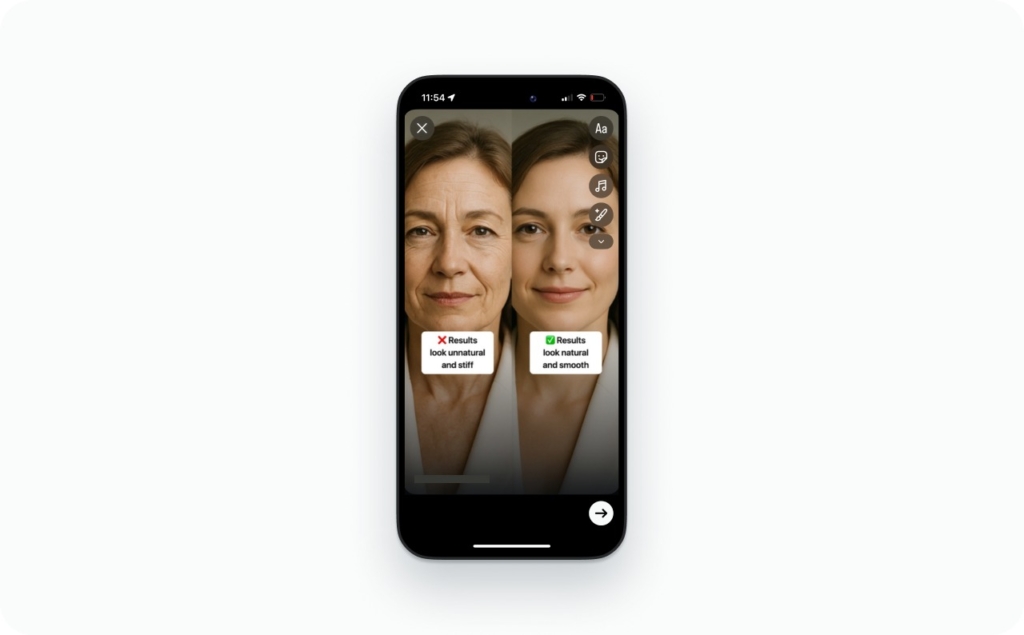
In my practice, clean, minimal Instagram story templates perform best here. I use them for before-and-after visuals, quick skincare tips, or short client quotes. Keep the colors calm, like soft beige, blush, or white, and use one clear call to action like “Book Now” or “See Results.” Read about wellness ads you can make for your next campaign.
Recommended layouts: 01 “Before & After Split,” 02 “Service Highlight,” 03 “Client Review Frame.”
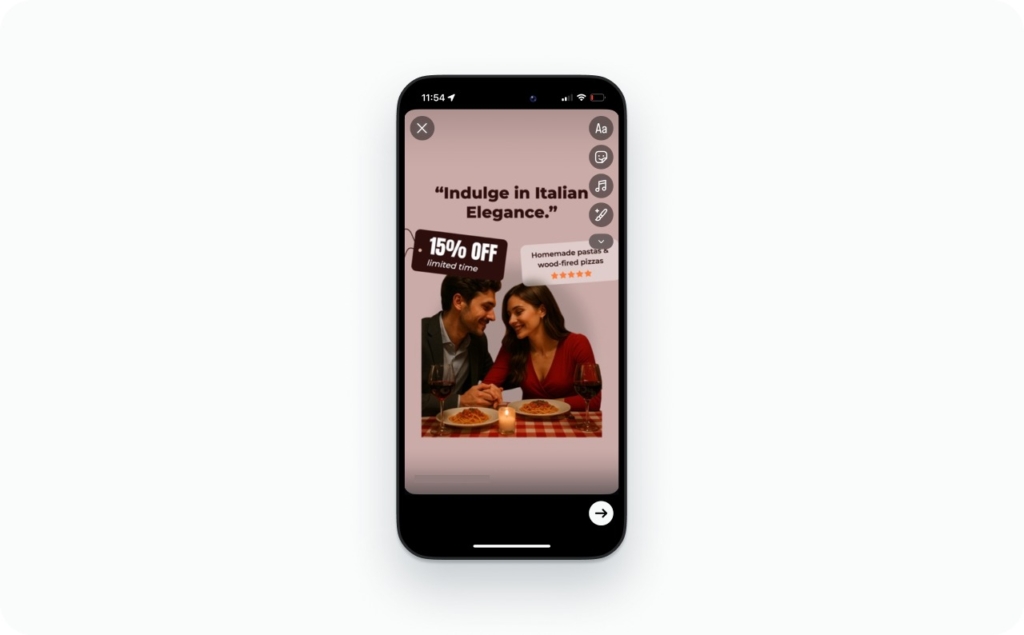
Food & beverage
I recommend full-bleed story templates with bold CTAs. Let the food do most of the talking: warm tones, close-up shots, and one quick caption for ingredients or price. These grab attention faster than text-heavy designs. Read more about food ads you can create.
Recommended layouts: 04 “Daily special,” 05 “Menu drop,” 06 “Countdown offer.”
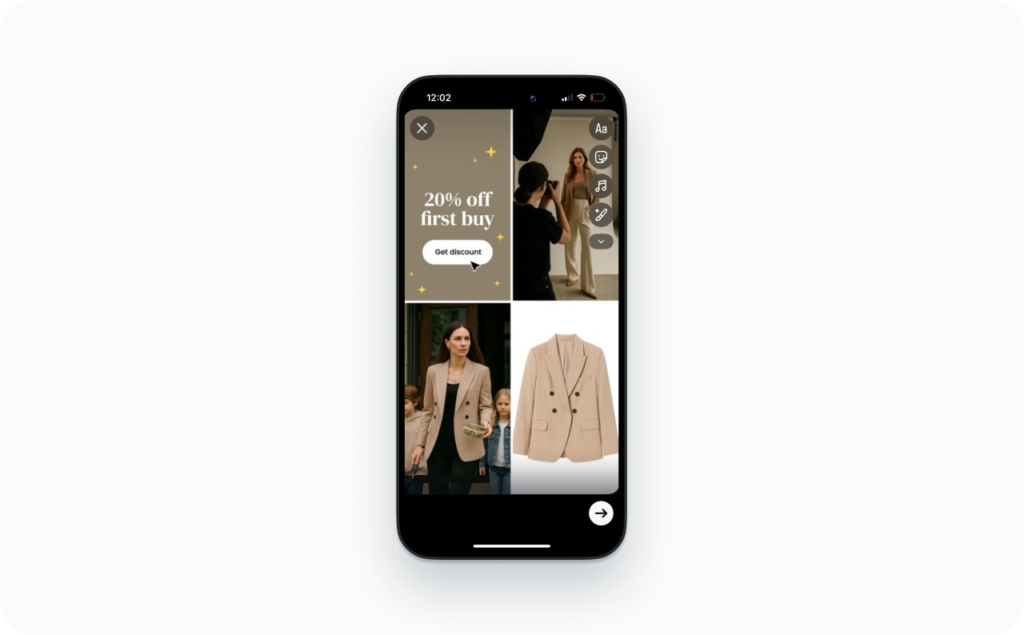
Fashion & retail
In my workflow, these Instagram Story templates work best when they move like a short lookbook. Mix motion and product shots — outfit combos, pricing frames, and simple transitions. Keep the brand colors consistent and CTAs visible. Check how to boost your clothing digital marketing with stunning ads.
Recommended layouts: 07 “New drop,” 08 “Lookbook grid,” 09 “Price tag feature.”
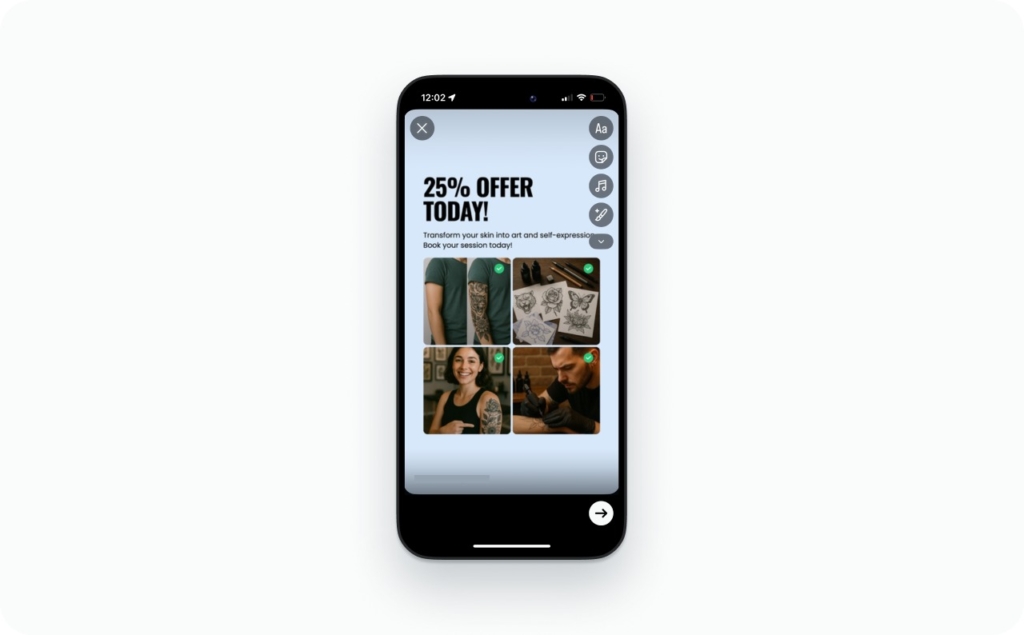
Local services
For salons, gyms, and local shops, I use stories templates that build trust and make booking easy. Show your space, your team, and short proof lines like “100+ clients this month” or “Open today.” Real photos convert better than stock here. Read about proven roofing ads that attract new clients.
Recommended layouts: 10 “Team intro,” 11 “Location map,” 12 “Quick offer.”
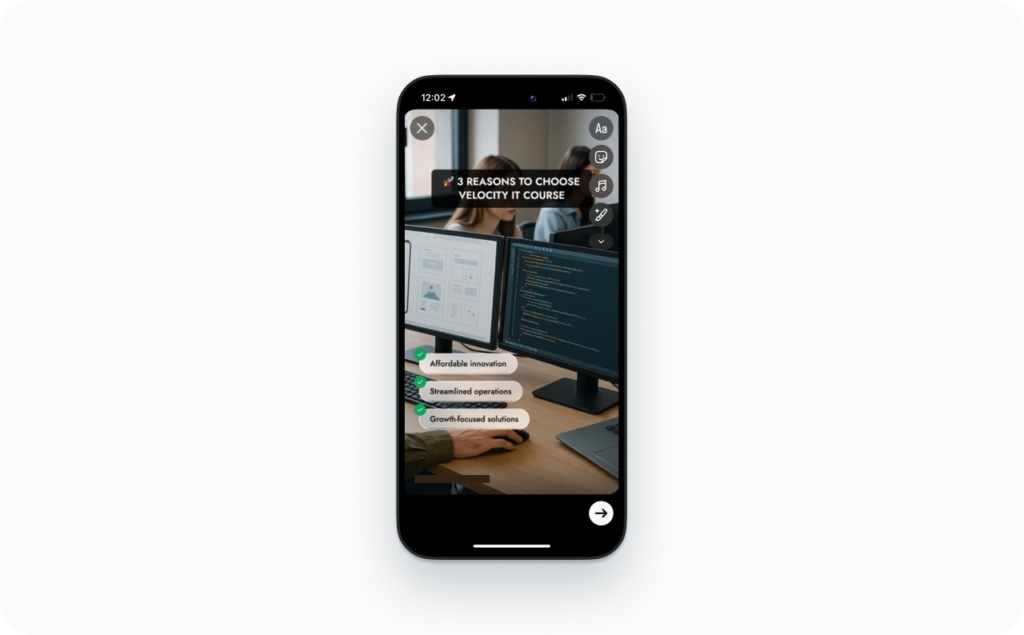
Digital products & courses
When I design Instagram story templates for online courses or digital tools, I focus on clarity. Show results, testimonials, and one specific promise, like “Join 500+ students” or “Save 3 hours a week.” Skip heavy animation; clean visuals perform better over time. Read about educational advertising and how to create ads that inspire learning and drive enrollments.
Recommended layouts: 13 “Course promo,” 14 “Result snapshot,” 15 “Join now.”
Create high-converting Story ads with AI ad generator
If you want Instagram Story templates that look professional and sell, Zeely AI Instagram ad creator handles the setup for you. It turns any product page into ready-to-launch Instagram Story ads in minutes. I recommend it for small business owners who want results without spending on designers or agencies.
Generate from a URL
Paste your product link. Zeely AI pulls your images, copy, and colors to build multiple story template variations. You get several clean options that already fit your brand, no design work needed.
Auto brand kit and layouts
Zeely applies your fonts, logo, and colors to Story-first 9:16 layouts. Text and Link Stickers stay inside safe zones, so your message is always clear and easy to tap. Each Instagram story template looks like you made it yourself.
Edit and publish faster
Tweak your headlines, offers, and CTAs right inside Zeely. Then export or send them straight to Ads Manager. You’ll publish polished stories templates in minutes instead of hours.
Optimize with insights
Zeely tracks taps, exits, and CTR per frame. I recommend keeping the versions that get the most engagement and updating the rest. With Instagram Story templates built by Zeely AI, you’ll know exactly what makes people stop and click.
Common problems & FAQs
I get a lot of questions about Instagram Story templates, especially from small business owners who create and post from their phones. Here are the most common issues I see.
That happens when text, logos, or Link Stickers sit too close to the top or bottom edges. Keep your key elements inside the center safe zone, roughly 250 pixels from the top and bottom. I always preview my story templates before posting to make sure nothing gets hidden behind buttons or profile icons.
Instagram automatically compresses uploads and converts colors to the sRGB color profile. I recommend exporting your Instagram story templates in sRGB and avoiding wide-gamut or HDR files. Also, bump your brightness slightly before export, it keeps tones rich and true after compression.
Usually it’s because the exported file is low resolution or variable frame rate. In my workflow, I stick to 1080×1920 at a constant 30 fps. Also, use bold sans-serif fonts and strong
Yes, absolutely. I recommend using the same stories templates for both, it keeps your brand look consistent across your grid and ad campaigns. Just make sure ad versions follow platform-safe guidelines: visible logo, clear CTA, and no flashing transitions.
For most small businesses, I suggest rotating Instagram Story templates 2–3 times per week. That’s enough to keep content fresh without losing brand consistency. I track which designs get the most taps or replies, then duplicate the winners and pause the rest.

Emma blends product marketing and content to turn complex tools into simple, sales-driven playbooks for AI ad creatives and Facebook/Instagram campaigns. You’ll get checklists, bite-size guides, and real results, pulled from thousands of Zeely entrepreneurs, so you can run AI-powered ads confidently, even as a beginner.
Written by: Emma, AI Growth Adviser, Zeely
Reviewed on: December 19, 2026