Best AI ad generators in 2026: Compare the top tools by use case
What is the best AI ad generator in 2026 when I need ads live fast, prices clear, and creative that does not look like a sleepy robot made it? I’m Emma from Zeely, and I built this comparison from current product docs, pricing pages, and the real workflows.
Key takeaways
- Zeely is the strongest overall pick for small businesses and ecommerce because it covers product import, ad creation, and paid Meta launch in one workflow
- Creatify is the best choice when video ads are the main format. Its free plan and URL to video pipeline make it the easiest video tool to test
- The Brief fits agencies and larger teams that need 50+ formats, roles, permissions, and production at scale
- Canva is still the easiest entry point. Adobe Express is the best option when design quality across platforms matters most
- Anyword only handles copy. Predis.ai only handles social creative. Neither replaces a full ad workflow on its own
- No single AI ad generator wins every use case. Match the tool to your channel, format, team size, and budget before comparing feature lists
Short answer: I’d start with Zeely if you want one place that handles product import, ad creation (static and video), and paid Meta launch. Creatify is my pick for teams that lead with video. The Brief for agencies. Canva for beginners. Adobe Express for heavy design work. Anyword for ad copy. Predis.ai when the budget is thin and the work is mostly social.
Most best AI ad generator articles mix ad launch tools, design editors, copy assistants, and video makers into one big soup, then call it a comparison. Not useful when you’re trying to spend real money well.
I’m sorting these tools by what actually matters. Speed, format coverage, pricing clarity, launch support, testing volume, and whether the tool helps you run ads or just admire them from a distance. The IAB projects U.S. digital video ad spending will pass $80 billion in 2026, growing 20% faster than the total ad market. More money chasing the same seconds of attention makes the tool choice matter more, not less.
How I judged each tool
I scored every AI ad generator on who it’s built for, how clear the pricing is, what formats it supports, and how easy it is to use. I also looked at strongest channel, launch support, and honest weaknesses.
Variation support got extra weight. Google Ads confirms that adding more asset types gives your ad greater visibility. Ten testable variations are usually more valuable than one polished ad.
I did not reward vague “save time” claims or fancy homepage copy. Public pricing, understandable credits, product URL or Shopify support, direct publishing, and transparent fees beyond the base subscription. Those decided my scores. Surprise fees are a great way to turn “cheap” software into annoying software. Each tool also runs its own AI model under the hood. Read about AI models for ad creative generation if you want that layer explained. And if writing ad scripts is part of your workflow, the guide on how to write ad scripts that convert covers the process from hook to CTA.
Best AI ad generators comparison table
| Tool | Best for | Starting price | Static ads | Video / UGC / avatar ads | Direct ad launch | Best channel | Biggest limitation |
| Zeely | Small businesses, ecommerce, fast launch | $29.95/mo; Meta campaigns include separate ad budget and service fee | Yes | Yes | Yes (Meta) | Facebook, Instagram, product ads | Strongest fit is still Meta |
| Creatify | Video ads, short form social, AI avatars | Free plan; paid from $39/mo; credits | Limited vs design tools | Yes | Partial | TikTok, Reels, Shorts, UGC style | Less suited for static design work |
| The Brief | Teams, agencies, scaled production | Free trial; $29/mo annual Pro; team plans available | Yes | Yes | Yes | Multichannel display and paid social | Too much for solo users |
| Canva | Beginners, editable ads | Free entry; paid plans available | Yes | Yes | Yes (Meta primary; others via integrations) | Facebook, Instagram, Google, Amazon | Lighter on ad testing depth |
| Adobe Express | Heavy design ad workflows | Free plan; paid plans for more features | Yes | Yes | Export and integrations | Google, TikTok, LinkedIn, Amazon | Not built for testing first |
| Anyword | Ad copy and messaging | Paid subscription with trial/demo | Copy only | No full creative suite | No | Ad copy across channels | Needs another tool for design and media |
| Predis.ai | Affordable social creatives | Credits; paid plans with free entry | Yes | Yes | Social publishing | Instagram, TikTok, social campaigns | More social content than full ad workflow |
7 best AI ad generators in 2026
Each review covers what the tool does well, where it falls short, current pricing, and a bottom line verdict. I tested real workflows and checked official product pages so you do not have to.
1. Zeely
Best for: small businesses, ecommerce brands, and lean teams without designers.
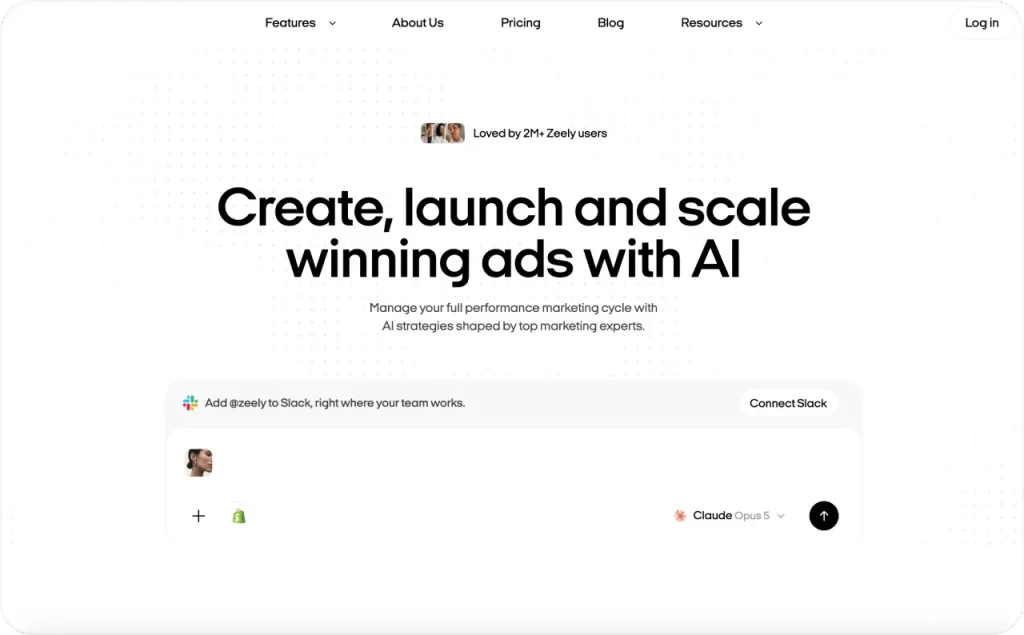
What it does well: Zeely covers more of the complete ad path than most tools at this price. You import a product from a URL, pick from over 2,000 ready made ad references, generate static or video creatives, adjust the script and hook, and launch a paid Meta campaign. All without leaving the platform.
It goes deeper than the basic workflow suggests. AI avatars with lip sync. Automatically generated captions. Brand DNA for visual consistency. Batch image ads, talking reels, prompt to ad, and multiple AI models including Nano Banana Pro and GPT Image 2. For ecommerce sellers, the product import pulls titles, descriptions, and images straight from a page link. That is a clear edge over tools that drop you in front of a blank prompt.
Where it falls short: the strongest channel fit is still Meta. If your world revolves around Google display, Amazon, or broad multichannel ops, The Brief or Adobe Express will cover more ground.
Pricing: $29.95/month Starter (2,500 credits), $49.95/month Plus (5,000 credits), $79.95/month Growth (10,000 credits). Paid Meta campaigns carry a separate service fee on top of your ad budget.
Bottom line: the most complete product to ad tool in this comparison. One subscription, one workflow, live campaign.
2. Creatify
Best for: video ads, UGC style creative, and short form testing.
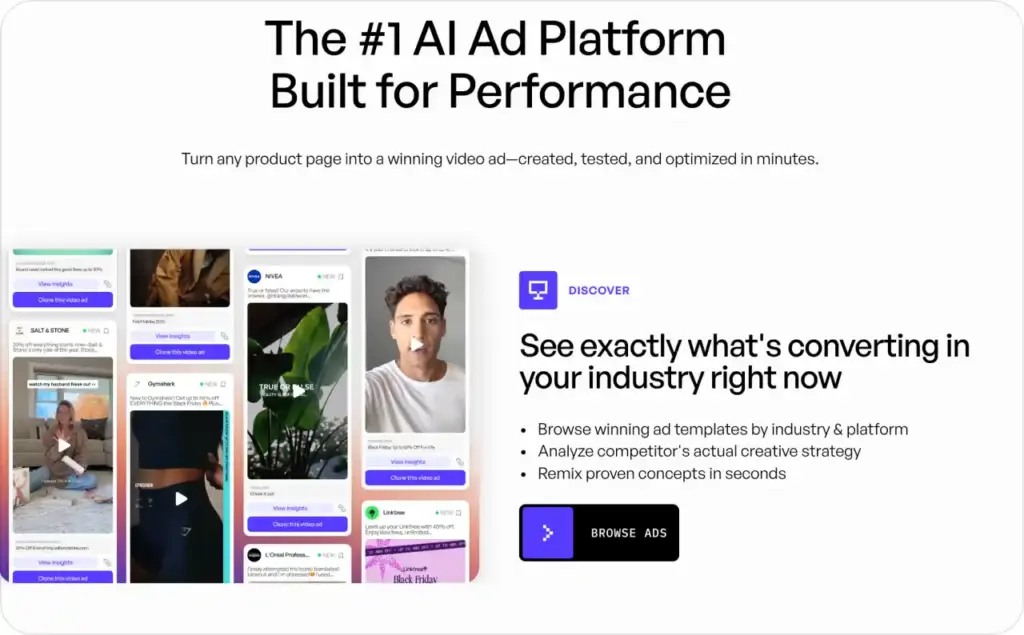
What it does well: Creatify is unusually clear about what its free and paid plans include. The free plan gives 10 monthly credits, AI video ads, avatar video, image ads, AI script generation, and watermark exports. The Starter plan at $39/month gives 100 credits (roughly 20 short videos depending on format and quality). Easy to test before you commit.
The URL to video workflow is fast. Paste a product page, and Creatify pulls the image, description, and price, then builds a short ad with scripted voiceover. Batch generation lets you create multiple variations from one URL in a single session. Useful for performance marketers running Meta dynamic creative at volume.
Where it falls short: stronger for video than for static design work. Multiple size ad systems, deeper brand governance, and advanced production controls sit outside its sweet spot.
Pricing: free plan (10 credits per month, watermarked); Starter at $39/month (100 credits). Based on credits. Watch usage once production ramps.
Bottom line: the sharpest video tool here, and the free plan is real enough to learn whether it fits. For more on AI presenters, read the guide on AI avatar generators.
3. The Brief
Best for: agencies, internal creative teams, and scaled production.
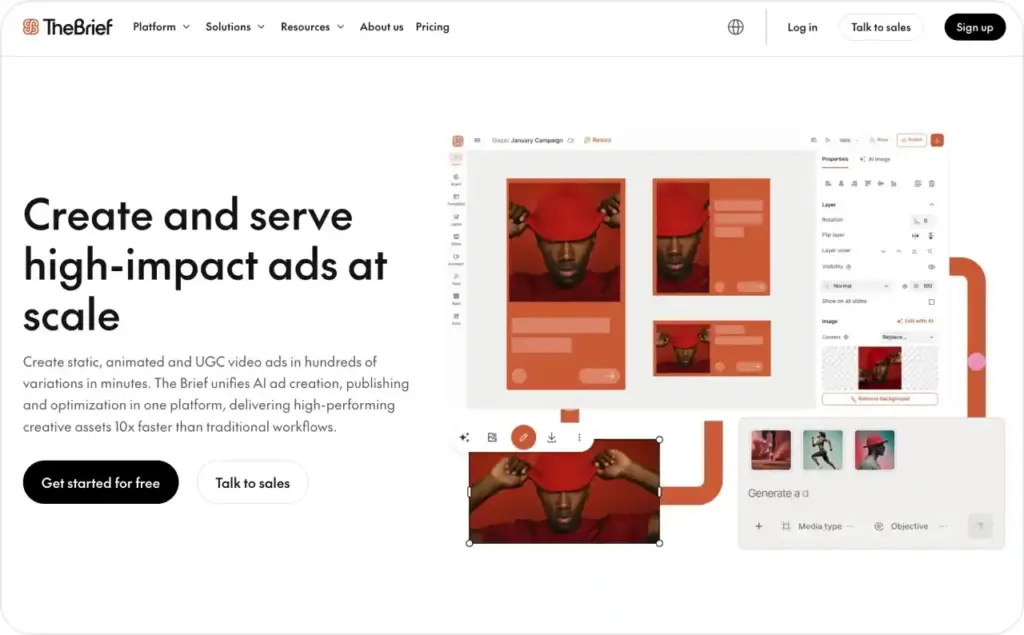
What it does well: The Brief is built for people who need more than quick ad convenience. Ad Studio supports over 50 formats, timeline animation, AI image and video generation, data feeds, and direct publishing or ad tag export.
Design once, resize everywhere, and personalize thousands of variations with data feeds. Manage it all with roles, permissions, and branded templates. Pro starts at $29/month billed annually, with team and enterprise tiers above it.
Where it falls short: most solo users will not need half of it. If your team is one person and a laptop, this tool will feel like renting a warehouse for a shoebox.
Pricing: Pro at $29/month billed annually. Team and enterprise plans available at higher tiers. Seven day free trial on paid plans, no card required.
Bottom line: the right pick when your team needs format variety, permissions, and production at scale.
4. Canva
Best for: beginners, small teams, and marketers who want editable ads fast.
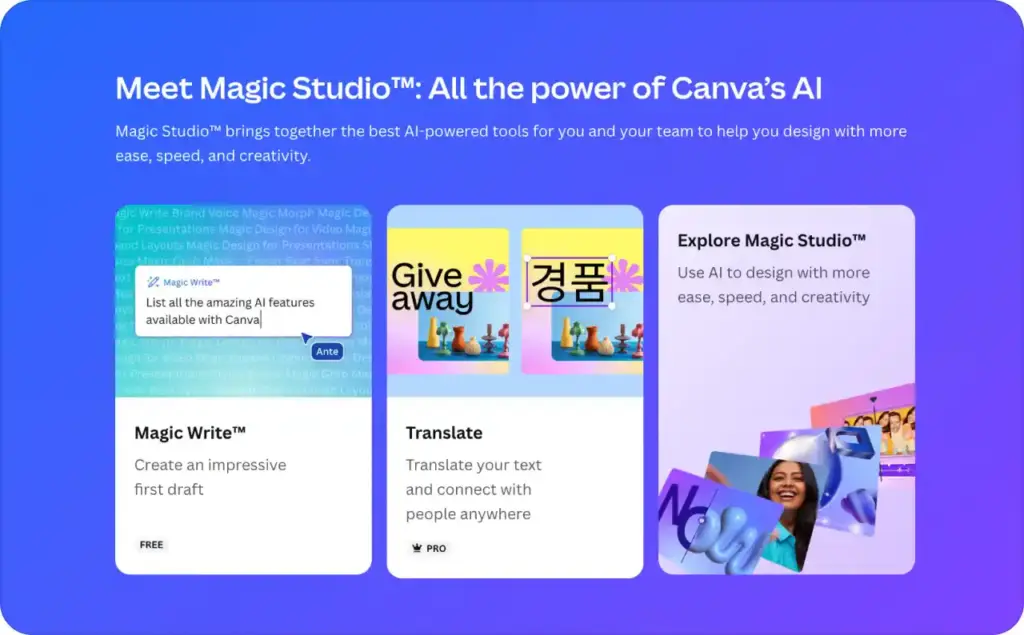
What it does well: Canva has become more capable for ads than many people realize. Canva Grow supports static, dynamic, vertical, and horizontal ads with direct publishing to Meta. It also reaches Google Ads, LinkedIn Ads, and Amazon Ads through app integrations.
Connect Meta directly and publish from the editor. The template library is the biggest in this comparison. The drag and drop interface is still the fastest way to make a presentable ad in ten minutes.
Where it falls short: Canva is a creative editor with ad features, not a dedicated ad workflow tool. Once you care about testing structure or managing variations at scale, you’ll feel the gap.
Pricing: free entry plus paid plan upgrades for premium templates, brand kits, and team features.
Bottom line: still the easiest way in. Just know that “easy” and “built for ad ops” are different promises. Read more about top Canva alternatives.
5. Adobe Express
Best for: heavy design workflows and marketers who care about layout quality.
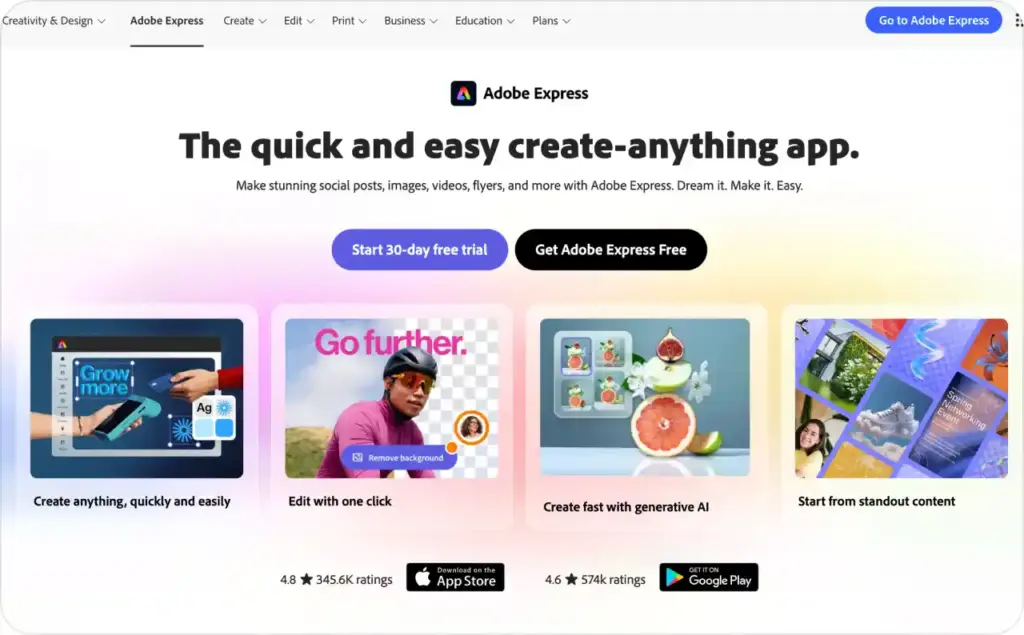
What it does well: Adobe Express makes clean ad creative for multiple platforms without the weight of a full production suite. It covers TikTok, Google, LinkedIn, Amazon, Facebook, and Instagram.
Templates are built for each platform. You also get AI generated imagery with commercial use rights, animation tools, and instant resizing. Safe Zones show what each platform’s interface will cover.
Safe Zones matter more than they sound. A beautiful ad that loses its CTA behind TikTok’s UI is a donation, not a campaign.
Where it falls short: a creative tool first. Campaign launch, creative testing loops, and product data import live somewhere else. Zeely or The Brief will feel closer to the money if you need those.
Pricing: free plan available, with broader paid options for more features and assets.
Bottom line: Adobe Express makes ads look right everywhere. Ask a different tool to make them sell.
6. Anyword
Best for: copy testing, hooks, offers, and ad messaging.
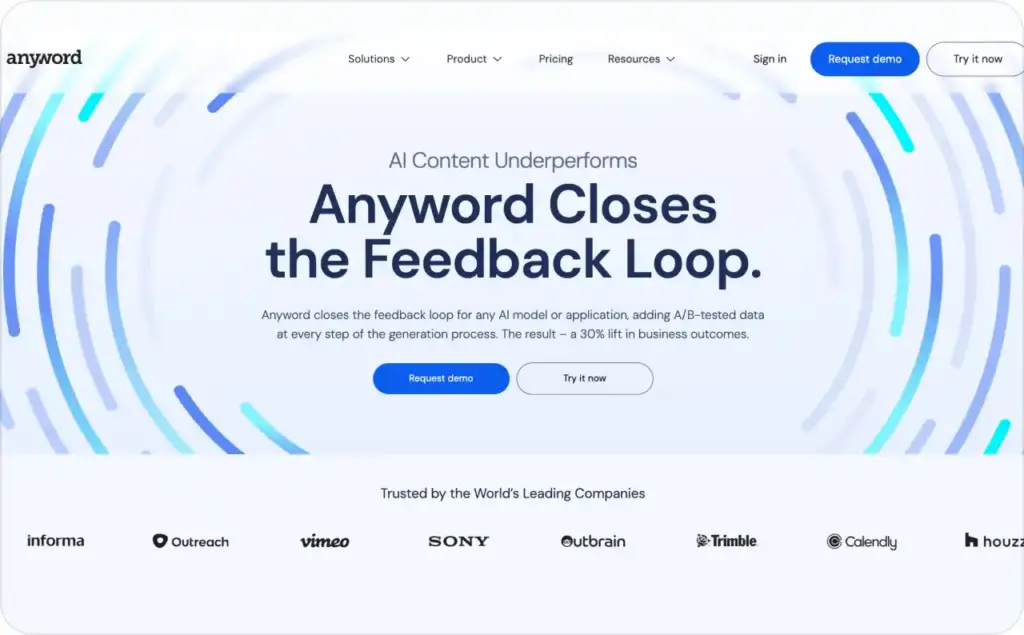
What it does well: Anyword’s entire pitch is performance feedback, not generic writing. A/B tested data, performance predictions, and scoring built for marketing teams. If your design, media buying, and launch processes already exist, Anyword plugs into the gap between brief and headline.
The platform claims a 30% lift in business outcomes. I’d treat that as Anyword’s own framing, not something you can expect on day one. What matters more is what it actually does: copy scoring with predictions, not full ad production.
Where it falls short: you cannot create an image ad, video ad, or UGC style creative inside Anyword. Need actual ads? You need another tool alongside it.
Pricing: paid subscription with trial/demo path.
Bottom line: sharp when copy is the bottleneck. Useless alone when the bottleneck is the actual ad.
7. Predis.ai
Best for: lower cost, social first creative production.
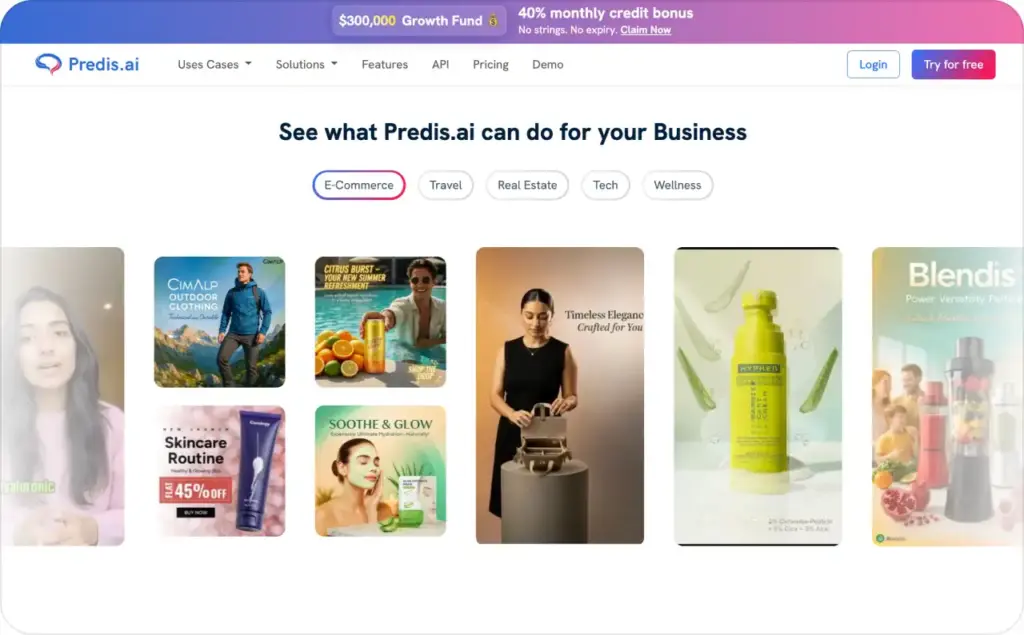
What it does well: Predis.ai packs AI ads, AI videos, UGC videos, and product ads from prompts or links into one place. Smaller teams pushing frequent social campaigns on a tight budget get reasonable breadth for less money than most alternatives charge.
Where it falls short: launch support, testing structure, and multichannel production are thinner than Zeely or The Brief. Predis.ai makes the creative. It does less to help you run, test, or scale what you made.
Pricing: based on credits, with paid plans and free entry points.
Bottom line: a decent starter kit for social creative. Outgrow the testing and launch limits fast if paid ads are the real job.
How to choose the right AI ad generator
Now match a tool to your situation.
- By format: Need static ads, video, and campaign launch under one roof? Zeely covers the full cycle. Video the main format? Creatify. Design quality across platforms? Adobe Express or Canva. Copy the bottleneck? Anyword, but you’ll need something else for the visuals. If you’re weighing AI creative against real creator content, the comparison of AI UGC vs real UGC covers when each format earns its budget
- By channel: Meta first points to Zeely or Canva. TikTok short form video points to Creatify. Google and multichannel production points to Adobe Express, Canva, or The Brief
- By team size: One person needs speed, not permissions. Zeely for paid social, Canva for general design. A growing team needs roles, governance, and format variety. The Brief
- By budget: Tight money? Compare Creatify and Predis.ai first. Creatify wins for heavy video work; Predis.ai for lighter social creative. But cheap tools stop feeling cheap once every new asset triggers another usage cost. Read the pricing logic before the feature list
For ecommerce sellers who need product ads regularly, blank canvas creative freedom is not always freedom. Sometimes it’s unpaid labor wearing a creative hat. Product import plus fast ad generation saves more time than a lower subscription price ever will. That is the workflow Zeely is built around.
Final verdict
For most small businesses and ecommerce brands, I’d buy Zeely first. Product import, creative generation, and campaign launch live in one place, and the pricing is straightforward. Creatify earns the spot when video is the growth channel. The Brief when teams need scale and control. Adobe Express when design quality is the core pain. Canva when you want the easiest start. Anyword when copy is the bottleneck. Predis.ai when the budget is tight and the work is mostly social.
The best AI ad generator is not the one with the flashiest AI pitch. It’s the one that fits your workflow, your channels, and your budget without sneaking extra complexity into your week.
FAQ
Zeely for most small businesses and ecommerce brands. It handles product driven creative and paid Meta campaigns in one flow. Teams that lead with video should test Creatify. Agencies and large teams should lean The Brief.
Zeely. One subscription covers ad creation from your product data and Meta campaign launch without hiring an agency. Canva is the easier alternative if you mostly need editable ads and lighter publishing.
The Brief. Many sizes, direct publishing, data feeds, roles and permissions, and per seat team billing. Nothing else on this list matches it for scaled production.
Zeely, because the product import feeds directly into ad creation and campaign launch. If your ecommerce strategy relies heavily on video, Creatify is the next tool I’d test.
Canva. Easiest to learn, easiest to edit, and now more useful for real ad workflows than most people assume.
Prices vary widely. Zeely starts at $29.95/month. Creatify has a free plan and a $39/month Starter. The Brief offers a free trial, $29/month annual Pro, and team plans with per seat pricing. Adobe Express and Canva both have free entry points. Anyword is subscription based. Predis.ai relies on credits.
Creatify, Canva, and Adobe Express all offer free entry points. The Brief offers a free trial. The real question is not whether a free plan exists. It’s whether the free plan lets you make something usable without a watermark, export limit, or missing feature wall.
The Brief offers a seven day trial on paid tiers. Creatify’s free plan works like a trial in practice. Monthly credits, but a free tier, not a classic trial.
For testing and drafts, sometimes. The second you care about exports without watermarks, higher volume, better templates, or launch support, free becomes a teaser, not a working plan.
Credits, seats, and campaign fees. Credits make “cheap” plans expensive once output rises. Seats add up in teams. Campaign tools can stack service fees on top of ad budget. Zeely spells out its service fee separately from Meta spend, which is more transparent than most.
Zeely for paid Meta workflows. See how Zeely’s Facebook ad creator handles the full flow. Canva is also solid if you prefer easier editing with less of a campaign workflow focus.
Creatify for short form video. Adobe Express if your TikTok creative process leans more toward design. Zeely also covers TikTok ad formats if you want Meta and TikTok in one place.
Adobe Express, Canva, or The Brief. Adobe and Canva handle Google ad creative workflows well. The Brief is stronger when you need production across multiple sizes.
Zeely. Shopify product import ties directly into ad generation and campaign setup. The Brief also works if your Shopify brand needs structured team production.
Five things: pricing model, output formats, channel fit, editing control, and launch support. Skip that step and you’ll buy the wrong category of tool. People think they need “the best AI ad generator” when what they really need is a better video tool, a better design system, or a better launch workflow.

Emma blends product marketing and content to turn complex tools into simple, sales-driven playbooks for AI ad creatives and Facebook/Instagram campaigns. You’ll get checklists, bite-size guides, and real results, pulled from thousands of Zeely entrepreneurs, so you can run AI-powered ads confidently, even as a beginner.
Written by: Emma, AI Growth Adviser, Zeely
Reviewed on: September 23, 2026