AI generated social media posts for Instagram & Facebook
Can one AI tool really handle a month of Instagram and Facebook posts for a small business without everything sounding like a robot? Zeely builds AI ads and content for tiny teams, so this guide distills what actually works into a repeatable 2026 playbook.
AI-generated social media posts for Instagram and Facebook are AI-drafted captions, hooks, and post formats that you edit and publish to drive real outcomes, like saves, DMs, bookings, sales, instead of filler content. If you’re a small business, “post more” isn’t a plan. It’s burnout. In 2026, an AI social media post generator can remove 70–80% of the grind when you follow a simple workflow: start with clear inputs, generate posts in batches, do quick edits, schedule everything, then track what drives saves, DMs, and sales.
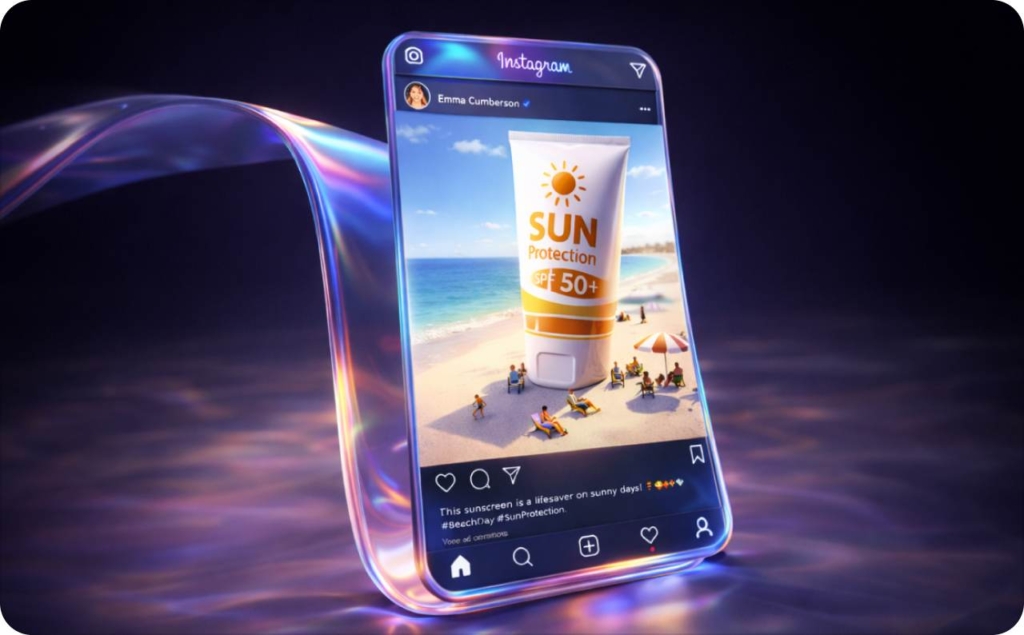
What’s the best AI tool to generate Instagram and Facebook posts for a small business?
The best AI social media post generator is the one that fits a tiny team: low learning curve, works on mobile, supports IG + FB formats, and saves hours every week. There’s no single winner. “Best” depends on your workflow and how much control you want.
Sprout Social’s 2025 roundup shows the direction clearly: AI social media tools now cover research, creation, editing, and optimization as a stack.
What to look for in an AI social media post generator
Use this 5-point checklist:
- Platforms + formats: It should write for Reels, Stories, carousels, Instagram feed, and Facebook posts
- Brand-voice control: You set the tone, caption length, “don’t say this” phrases, and share a few examples so it sounds like you
- Batching + templates: It can create 30 days of posts in one session, not one caption at a time
- Safety controls: It helps catch risky claims, flags regulated topics, and reminds you to keep reviews/DMs private
- Scheduling/analytics: It has a calendar or exports cleanly to Meta Business Suite so you can schedule and track results
Tools shortlist for tiny teams
Here’s the clean shortlist. I’ll keep it honest and practical.
| Tool | Best for | Where it falls short for tiny teams |
| Canva | Design-first posts and quick captions | Great visuals, but you can still end up doing a lot manually |
| SocialBee | Caption generator, consistency, safety disclaimers | Less “all-in-one creative engine,” more “caption + scheduling” |
| PlayPlay | Simple “topic to caption” free generator | Fast, but it’s still one-off unless you build your own system |
| Gamma | Turn long-form content into carousels/posts quickly | Not built specifically around Meta ads + small-biz conversion loops |
| Generic chatbots (ChatGPT, etc.) | Maximum flexibility for prompting | You must supply the workflow, structure, and quality control |
- If you’re design-heavy (menus, flyers, polished carousels): start with Canva
- If you’re copy-heavy + scheduling (lots of captions + calendar): try SocialBee
- If you’re repurposing-heavy (blogs/FAQs → carousels fast): use Gamma
- If you’re ad-heavy + need Meta-ready creative output fast: Zeely fits better
- If you’re prompt nerdy and want full control: use a chatbot, but bring structure
Where Zeely fits alongside Canva, SocialBee, PlayPlay & Gamma
Zeely is built for the “no marketing team” reality. It’s mobile-first and optimized to create platform-ready ads and posts for Facebook and Instagram quickly, using your product photos, offers, and URLs.
The big difference: Zeely is an instant ad maker. You can generate static/video creatives in batches, then reuse those outputs as organic posts (Reels/Stories/feed formats) and paid ads in the same Meta ecosystem.
You can still schedule in Meta Business Suite or any scheduler. Zeely focuses on getting you to “ready-to-publish” faster. Read now how to make Instagram ads with Zeely AI.

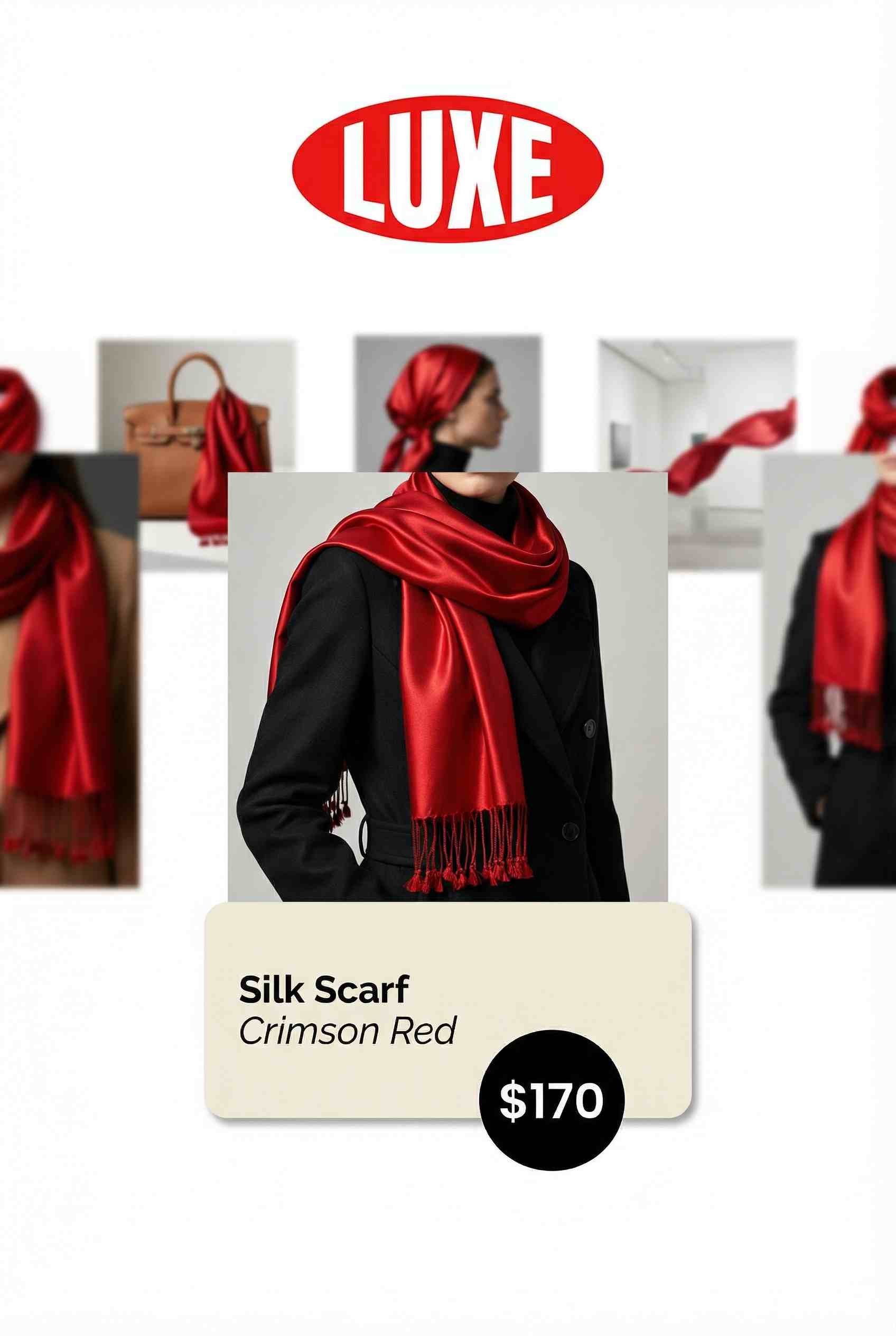
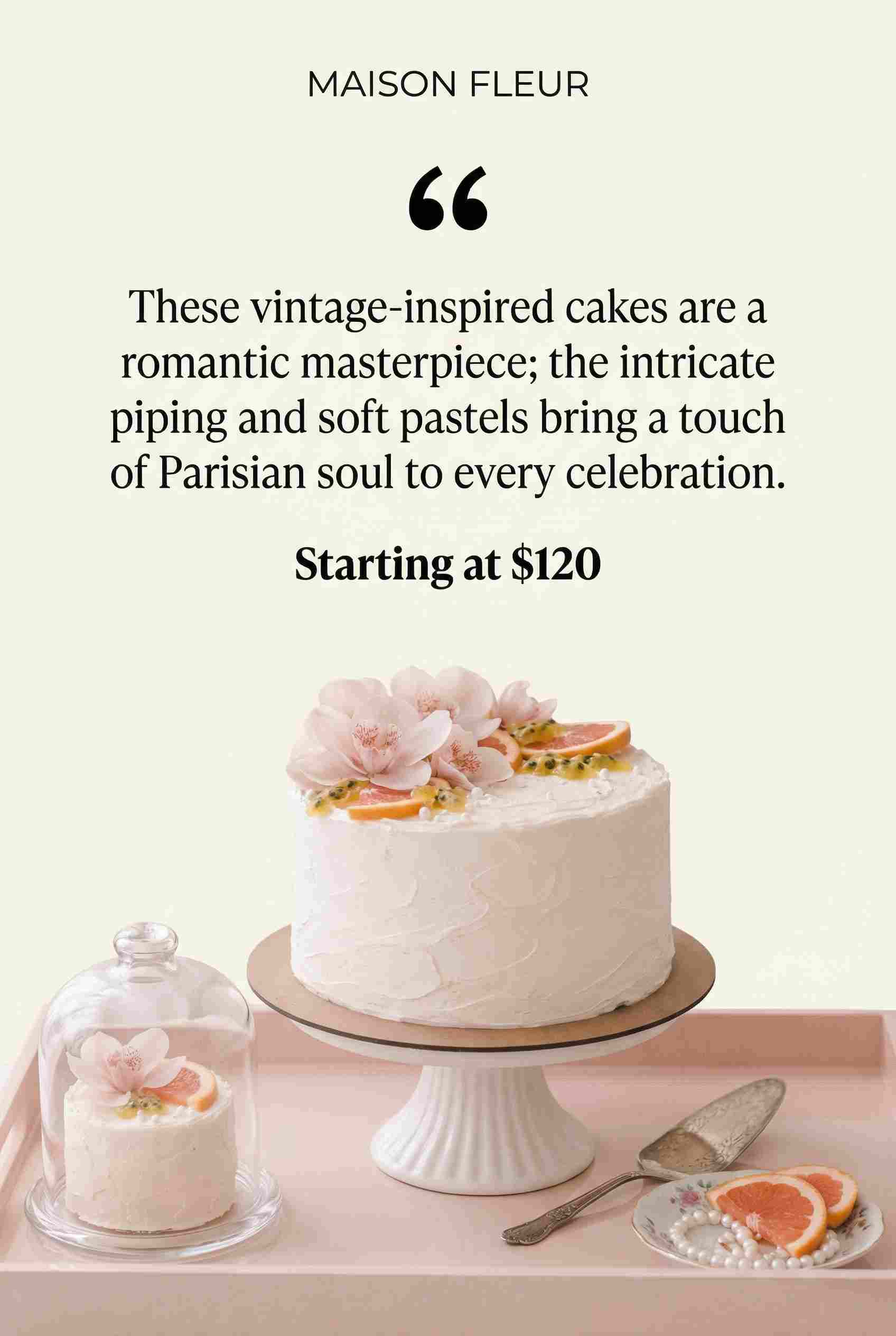
How to use AI to create a month of Instagram and Facebook posts in one day?
You can batch a month of AI generated social media posts in 4–5 focused hours by reusing a few strong ideas across multiple formats instead of inventing 30 brand-new ones.
Inputs AI needs to write good posts
I use an AOTG block every time:
- Audience: who this is for (local moms, first-time homebuyers, busy founders)
- Offer: what you sell + price range + what’s included
- Tone: 3 adjectives + do/don’t list
- Goal: save/share, comment, DM, click, book, buy
Copy-paste prompt that works in any AI tool:
You are my social media copywriter for Instagram and Facebook.
AOTG:
Audience: [describe in 1–2 sentences]
Offer: [what I sell, who it’s for, price range, proof, guarantee if any]
Tone: [3 adjectives], avoid: [phrases], do use: [phrases]
Goal: [save/share | comment | DM | click | book]
Create:
1) 1 Reel caption (hook in first line under 100 characters)
2) 1 carousel outline (7 slides, slide-by-slide copy)
3) 3 Story frames (with poll/question sticker suggestions)
4) 1 Facebook post version (more conversational, invite comments)
Constraints:
– Write 2 versions: short and long
– Include a soft CTA (DM, comment keyword, or link in bio)
– Add 8 hashtags: mix of niche + local + one branded
One-day batching workflow for 30 days of IG and FB posts
This is the simplest time-box that works for most small businesses:
| Time block | What you do | Output |
| 60 min | Pick 3–4 content pillars + steal ideas from your own FAQs | 12 post ideas |
| 90 min | Generate batches using AOTG prompts | 30–40 drafts |
| 60 min | Edit quickly (5-minute checklist below) | 30 publishable captions |
| 30 min | Schedule in Meta Business Suite (or your scheduler) | Month scheduled |
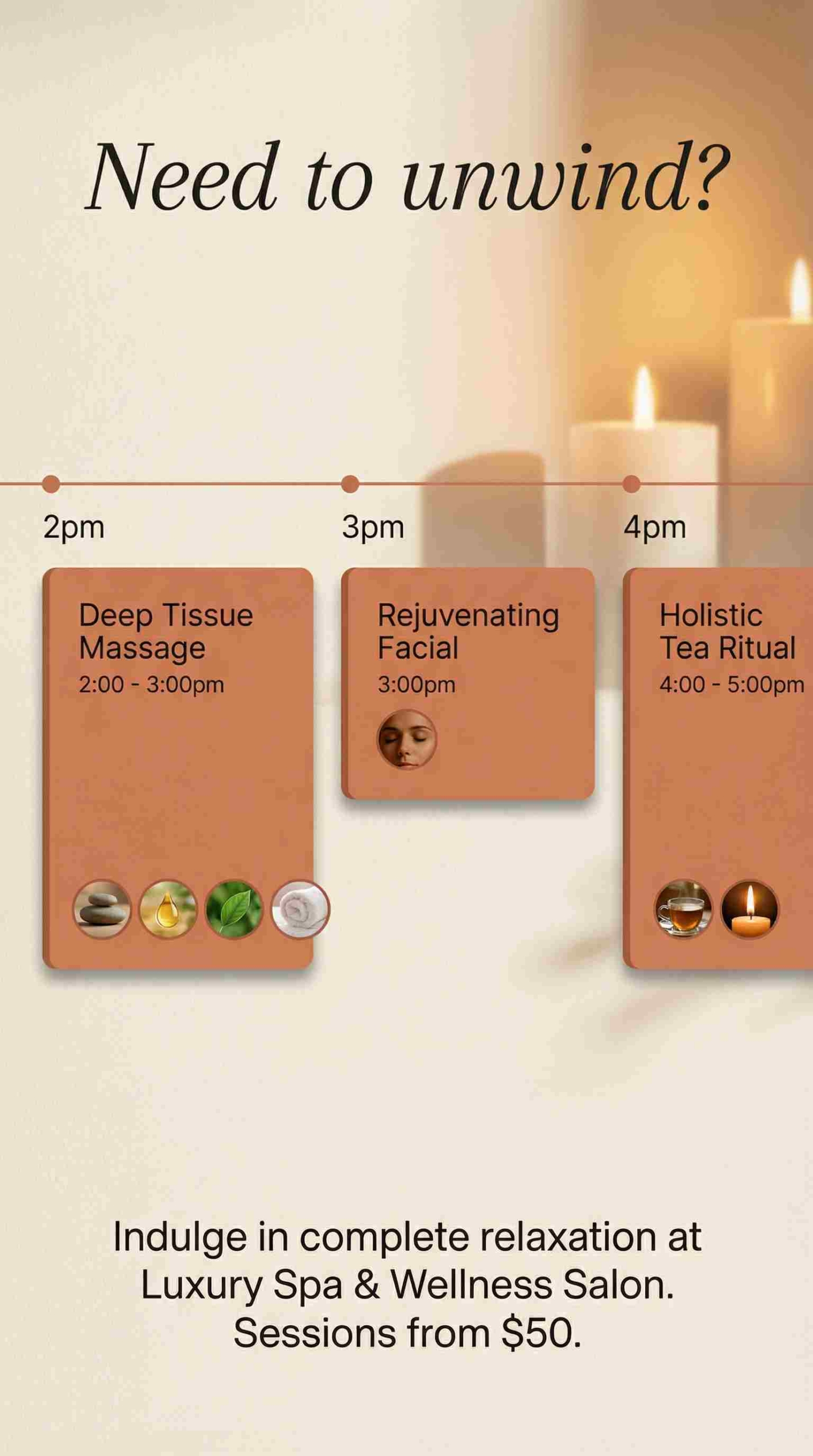
Micro-example for local spa salon:
- Pillars: transformations, care tips, behind the scenes, promos
- Weekly cadence: 2 Reels + 1 carousel + 3–5 Stories
- Facebook: 2 community posts + 1 promo reminder


Letting AI build your content calendar and weekly themes
Prompt it like this:
Here are my offers: [list].
Here are my content pillars: [list].
Build a 4-week Instagram + Facebook content calendar.
Rules:
– 3–4 posts/week IG + 2–3 posts/week FB
– Mix: Reels, carousels, Stories prompts, and 2 promo posts/week
– Add seasonal/local moments relevant in the next 30 days
Return as a table with: date, platform, format, topic, CTA.
Meta Business Suite’s calendar exists for exactly this plan ahead across IG and FB workflow.



What’s the best prompt to generate social media posts that don’t sound like AI?
The best prompt to generate social media posts that don’t sound like AI is the one that forces specificity: a real moment, a real customer, a real constraint, and a clear CTA. Generic prompts create generic output.
Emplifi’s 2026 report shows the pattern: 82% of marketers say AI improves productivity, but only 35% report significant gains. The gap is usually workflow and prompting quality.
Why AI-generated captions feel generic and how to fix it
Generic happens when:
- Your prompt is vague
- You don’t provide brand voice examples
- You don’t give the AI a concrete scenario to anchor on
Before/after prompt:
Bad
Write an Instagram post about my dental clinic.
Better
Write an Instagram Reel caption for a dentist in Austin.
Hook: fear of cleanings.
Story: a patient who avoided for 5 years.
Tone: calm, reassuring, a little funny, never salesy.
CTA: DM “CHECKUP” for open appointments this week.
Give me short + long versions.
Read now about more Facebook ad examples for dentists.



Prompt templates for natural, non-robotic captions
Copy-paste templates:
1) Story-driven
Tell a quick story (6–8 sentences) about a real customer moment.
Include: what they believed, what changed, what they did next.
End with a question that invites comments.
2) Problem/solution
Write a caption that names one painful problem in the first line.
Give 3 steps to fix it.
Include one proof point (review snippet or outcome).
End with a soft CTA to save this.
3) “Talking to a customer” tone
Write like I’m texting a customer who asked for help.
Short sentences. Simple words.
No trendy creator slang.
Controlling length, audience, and CTA inside the prompt
Use explicit constraints. AI follows rules better than vibes.
Write 3 versions:
1) Short (under 400 characters) for Reels
2) Medium (700–1,000 characters) for feed
3) Facebook version (more conversational, ask 2 questions)
Audience variants:
– New customer version (explain basics)
– Returning customer version (assume familiarity)
CTA variants:
– DM “QUOTE”
– Comment “INFO”
– Save this
How to make AI-generated captions match your brand voice?
AI brand voice is a reusable set of writing rules you paste into prompts so captions sound like you every time.
MeetEdgar’s 2026 trends call out a simple truth: audiences are leaning toward authentic, unpolished content over polished corporate posts. That’s exactly why voice matters.
Build a one-page brand voice guide for AI
Use this format:
- We sound like: (3 adjectives)
- We never sound like: (3 adjectives)
- We say often: (3–5 phrases)
- We avoid: (3–5 phrases)
- Sentence style: short, direct, 10–15 words
- Examples: paste 2–3 real captions you love
Example for local café:
- We sound like: warm, witty, straightforward
- Never: preachy, “influencer-y,” overly formal
- We say often: “come by,” “quick win,” “today’s pick”
- We avoid: “game-changer,” “unlock,” “level up”
Prompts to make AI sound like you
Use my brand voice guide below. Mirror the rhythm of the examples.
Avoid generic creator language (bestie, hot take, POV) unless it appears in my examples.
Write like a real owner talking to customers.
Avoid repetitive phrasing across AI-generated posts
This is the fastest fix:
Here are 10 captions. Scan them.
Rules:
– Don’t repeat opening hooks, CTAs, or the first 3 words.
– Rewrite any repeated phrases with new angles.
Return improved versions.
Can AI generate Instagram captions with hashtags and emojis that actually work?
Yes, but hashtags and emojis don’t save weak captions. In 2026, Instagram ranking leans harder on signals like watch time, shares, saves, meaningful comments, and DMs.
Prompts for captions with hashtags, emojis, and CTAs
Write an Instagram caption with:
– hook in first line (under 100 characters)
– 3 short paragraphs with line breaks
– 3 relevant emojis (no emoji spam)
– 8 hashtags: 3 niche, 3 local, 1 broad, 1 branded
– CTA: ask for a save or share
Using AI to suggest Instagram hashtags for niche + location
Suggest 15 hashtags for:
City: [your city]
Niche: [your niche]
Offer: [your offer]
Mix: broad/niche/local.
Exclude spammy tags.
Then sanity-check a few in Instagram search. You’re looking for relevance, not the biggest number.
Formatting captions for saves & shares
Rules that usually win:
- Put the promise in the first line
- Use line breaks every 1–2 sentences
- End with a single CTA (save, DM, comment, click)
Prompt it like this:
Keep first line under 100 characters.
Use line breaks for scannability.
End with: “Save this for later” or “DM me ‘QUOTE’.”
How to repurpose your website or product pages into Instagram/Facebook posts?
AI works best as a repurposing engine: URL in, posts out.
Step-by-step:
- Paste your URL
- Tell AI the platform + goal
- Ask for 3–5 variations and 2 formats
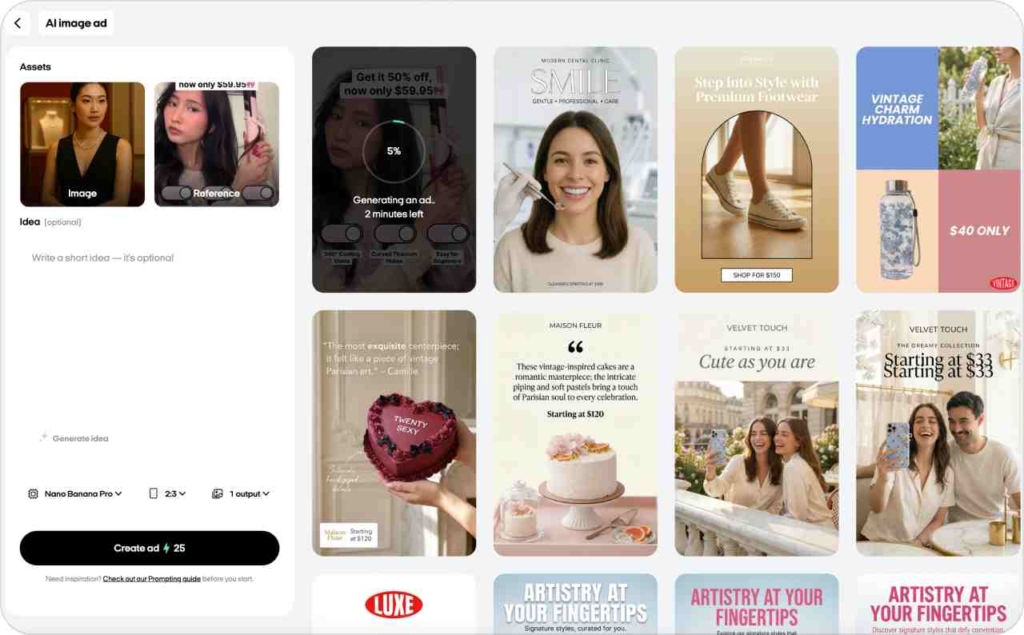
In Zeely you can:
- Paste product/service URL
- Generate static creative + short video creative + captions formatted for Stories/Reels/feed
Turn FAQs into tips, how-tos & myths
Ask for formats that naturally drive saves:
Here’s my FAQ content: [paste].
Create:
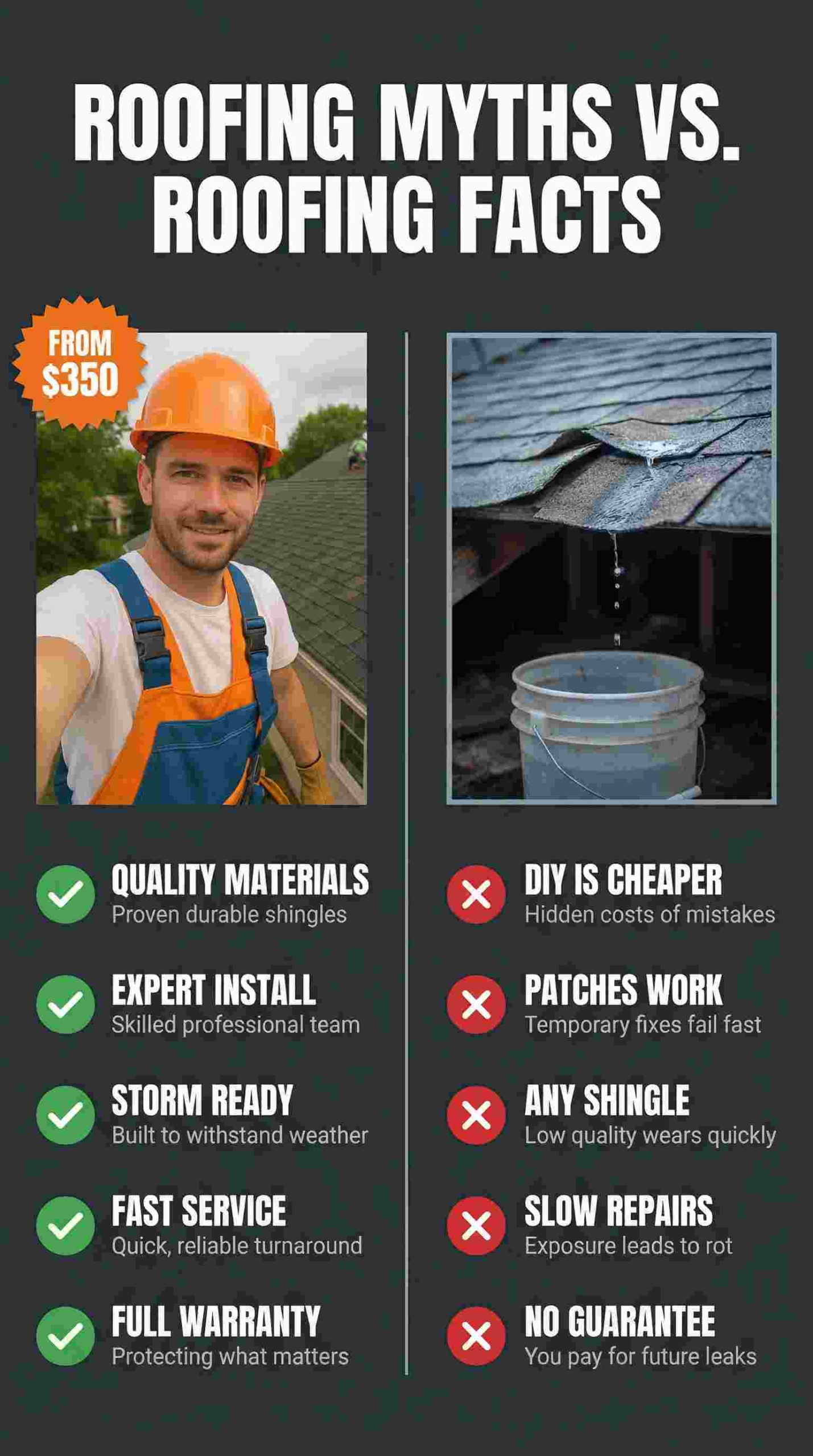
– 10 “myth vs fact” posts
– 7 quick-tip carousel outlines
– 5 Reel scripts answering the top questions
End each with a save/share CTA.
How to create AI-generated posts that increase engagement?
Engagement is not “likes.” It’s signals that show real intent: comments, saves, shares, and DMs. Instagram heavily weights those deeper actions.
Hootsuite’s 2026 stats place average engagement rates around 1.4% to 2.8% depending on platform, so small improvements matter a lot.
AI-generated posts that spark comments & conversations
Use prompts that force specificity:
Write a Facebook post that starts with a strong opinion customers relate to.
Then ask 3 specific questions (not yes/no).
Keep it friendly and practical.
Instagram-friendly comment drivers:
- “Pick one” choices
- mini debates that stay respectful
- quick personal stories with a question
Posts that drive DMs, bookings, and sales
DM triggers work when the post is useful and the CTA is clear.
Write a post with a DM trigger:
– Offer: [your offer]
– Time window: [this week only]
– CTA: “DM ‘QUOTE’ for availability” or “Comment ‘INFO’ and I’ll message you.”
Make it urgent but not spammy.
Testing hooks, captions, and formats with AI variations and simple metrics
Ask AI for controlled variations:
Give me 5 hooks for the same idea:
– curiosity
– direct benefit
– problem-first
– “mistake” framing
– proof-first
Track a few simple metrics:
- Saves per reach
- Shares per reach
- Comments per reach
- DMs attributed to post
- Profile visits
Is it okay to post AI-generated content on Instagram and Facebook?
Yes, but you’re responsible for accuracy, claims, and compliance. Meta doesn’t have a blanket ban on AI-written captions. The risk is posting wrong info, risky claims, or private data.
There’s no universal “AI caption label” requirement. But disclosure can be smart when:
- You use AI-generated images that could be misleading
- You’re in a regulated niche (health, finance)
- Your audience expects transparency
When in doubt, disclose lightly: “Created with AI, edited by me.”
What not to outsource to AI
Be careful with:
- medical, legal, financial claims
- guarantees, timelines, pricing, “results” promises
- content involving kids or vulnerable audiences
Rule: don’t publish claims until you verify them.
Fact-checking, copyright, and data privacy for AI prompts
Fast fact-check loop:
- Verify numbers in your own records or primary sources
- Avoid song lyrics and competitor trademark slogans
- Remove personal data from reviews/DMs before pasting anywhere
How do you turn one idea into multiple post types?
This is the system that makes AI actually useful: one offer to many formats.
DesignRush notes social ad spend accelerating toward $480B by 2030, which tracks with why multi-format storytelling wins attention.
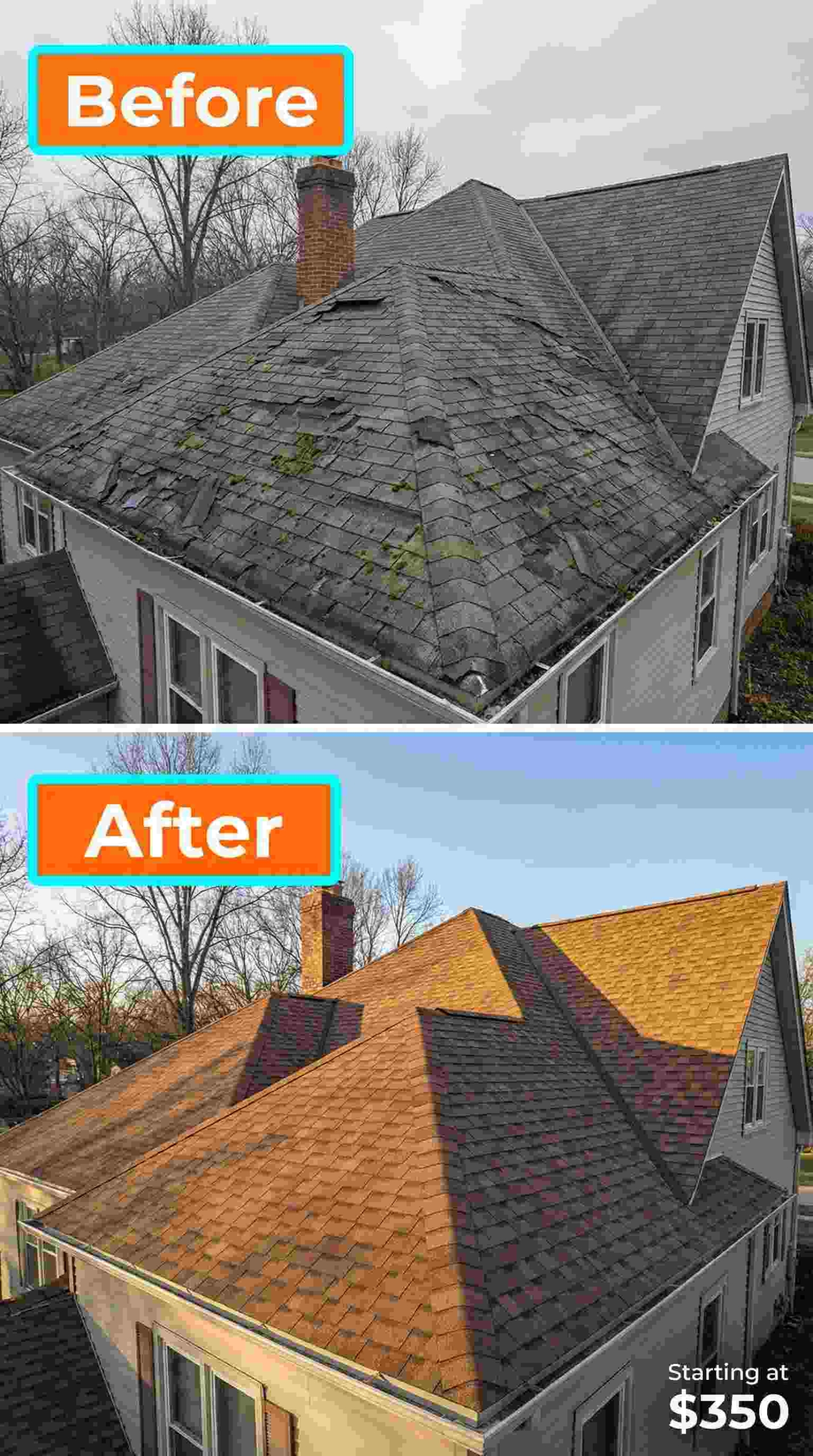
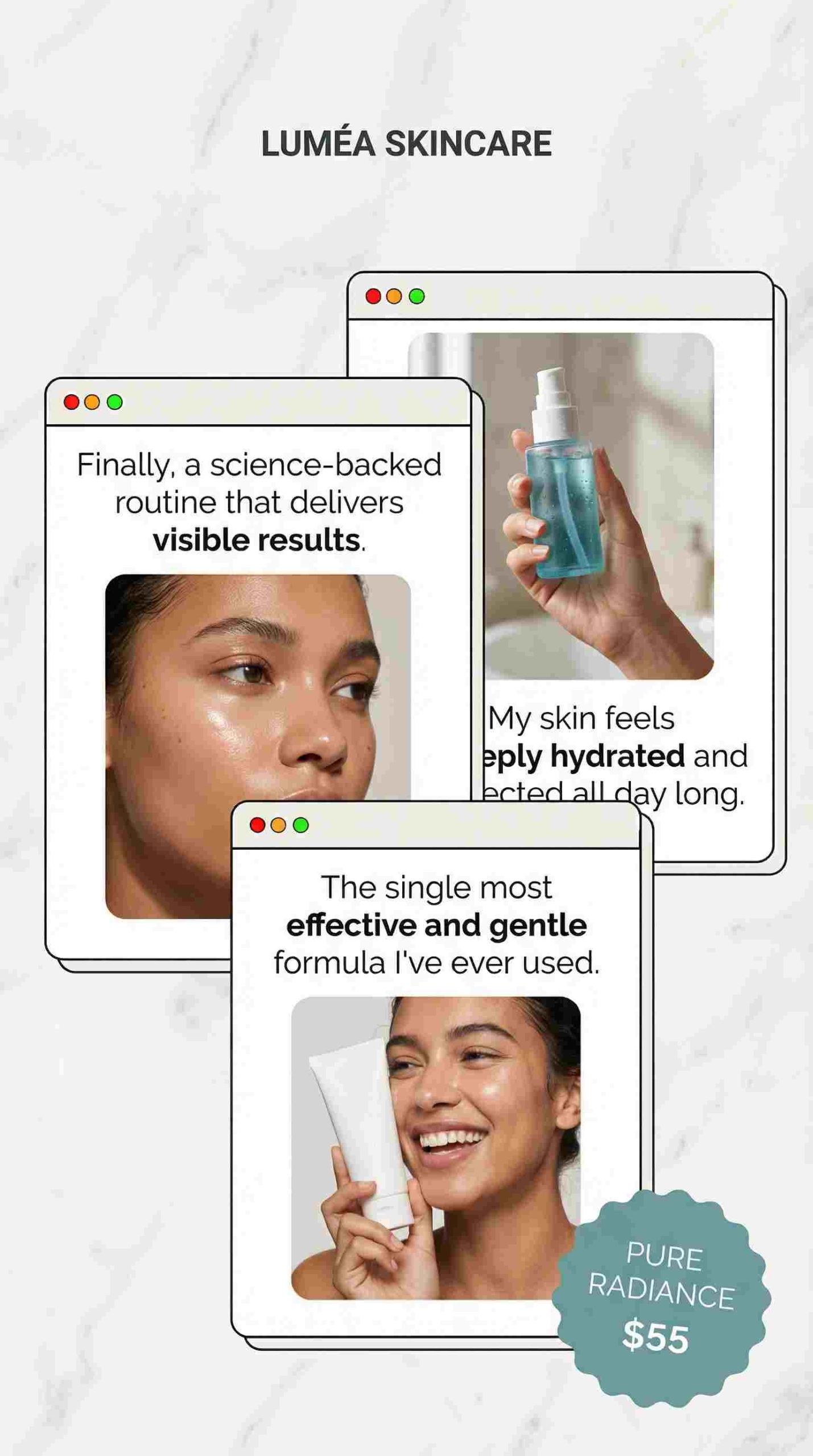
One offer → 12 posts across Reels, carousels, Stories & feeds
Example offer: “Free 10-minute consult” for service business
- 3 Reels angles
- Mistake people make
- Before/after outcome
- “What it’s like” behind the scenes
- 3 carousels
- 7-step checklist
- Myth vs fact
- Pricing breakdown
- 3 Story sequences
- Poll + tip + CTA
- Q&A sticker + answers
- Proof screenshots (anonymized) + booking CTA
- 3 Facebook posts
- “Tell me what you’re stuck on” post
- Short story + lesson
- Offer reminder + comments prompt

Prompt to generate all 12:
Offer: [describe]
Audience: [describe]
Tone: [describe]
Generate 12 posts:
– 3 Reels captions with on-screen text suggestions
– 3 carousel outlines (7 slides each)
– 3 Story sequences (3 frames each, include sticker ideas)
– 3 Facebook posts (conversation-first)
Include a soft CTA on each.



AI prompts for Reels hooks, carousel copy, and Story prompts
Reels hook prompt:
Give me 10 hooks under 8 words.
Promise a clear benefit in the first 2 seconds.
You may also like to read a detailed guide on how to create Instagram Reels with Zeely AI.
Carousel prompt:
Write slide-by-slide copy for a 7-slide carousel.
Slide 1 is a punchy title.
Slides 2–6 are steps or points.
Slide 7 is a simple CTA.
Story prompt:
Create a 3-frame Story sequence with:
– Frame 1: attention + sticker
– Frame 2: value tip
– Frame 3: CTA to reply or DM

Generating multiple caption variations for testing
Rewrite this caption 5 ways:
shorter, longer, more playful, more direct, for returning customers.
Keep the meaning.



How do you review/edit AI posts quickly so they feel authentic?
Editing is non-negotiable. The good news is it can be quick: 3–5 minutes per post, or 30–40 minutes to polish a week.
5-minute editing checklist for AI social posts
- Skim for obvious errors, like prices, locations, claims
- Replace 1–2 generic phrases with how you actually talk
- Check hook matches the visual, don’t promise one thing, show another
- Verify any numbers, promises, or results
- Confirm the CTA path is real
Simple weekly workflow for tiny teams
- Monday: generate + light edit
- Tuesday: create/assign visuals
- Wednesday: schedule in Meta Business Suite
- Friday: review metrics and adjust prompts
Realistic posting schedules when you use AI
Pick one based on capacity:
- Minimalist: 2 posts/week + Stories 2x/week
- Standard: 3–4 posts/week + Stories 4–5x/week
- Aggressive: daily IG + 3x/week FB
How Zeely’s AI post and ad tools fit into your 2026 Meta OS
Here’s how I see Zeely in a small business stack:
- Creative engine: turn product URLs and photos into static creatives and post-ready formats
- Video output: generate short video ads you can reuse as Stories or create Reels with AI Reel maker
- Meta execution: launch and optimize campaigns across Facebook and Instagram in one place
Use Zeely for production, then use the prompts, calendar, and editing checklist from this article to run a complete system for organic and paid.
Want move your sales higher?
With Zeely, you turn any product into a moving ad story that feels real. You choose the AI actors, the mood, and the motion, whether it’s a couple in love, a rapper hanging out, a barking dog, or your product living its best life on screen.
Whatever… pic.twitter.com/zcIUQEutv6
— Zeely AI (@zeely_ai) January 31, 2026

Emma blends product marketing and content to turn complex tools into simple, sales-driven playbooks for AI ad creatives and Facebook/Instagram campaigns. You’ll get checklists, bite-size guides, and real results, pulled from thousands of Zeely entrepreneurs, so you can run AI-powered ads confidently, even as a beginner.
Written by: Emma, AI Growth Adviser, Zeely
Reviewed on: February 19, 2026