21+ Blaze alternatives: Indirect tools to replace blaze feature-by-feature
What’s the smartest way to move beyond Blaze without losing the features you rely on? Zeely AI analyzed dozens of indirect tools to present the most effective Blaze alternatives you can switch to seamlessly.
Blaze helps teams create faster, but speed isn’t everything. It misses the depth marketers need to rank, collaborate, and publish across channels.
This guide maps the best Blaze alternatives by job-to-be-done — tools that go further on SEO strategy, workflow clarity, multichannel publishing, and UGC-style ad creation that actually converts.
According to HubSpot’s 2025 Marketing Statistics Report, 60% of marketers say improving SEO and organic presence is their top inbound priority, proving that the right tool stack must do more than write, it has to help teams grow visibility across every channel.

Blaze alternatives by job-to-be-done
Blaze streamlines writing, but it leaves major gaps across the content lifecycle — from SEO and collaboration to design, video, and automation. Tools below fill those gaps based on what teams actually need to get done. Each section focuses on a specific job-to-be-done, whether it’s planning content, producing ads, managing teams, or automating workflows.
Salesforce reports that 63% of marketers are using generative AI today, highlighting how creative and content tools now must go beyond writing to keep up.
Zeely AI: UGC-style video ads and script-to-ad workflow
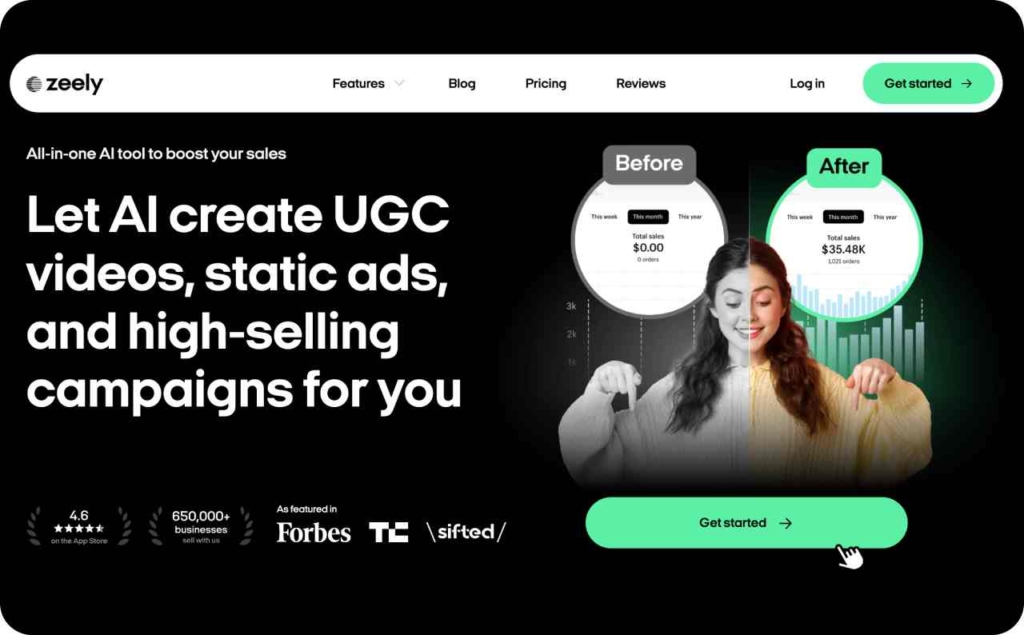
Blaze can write copy, but it stops there. Zeely AI goes further. It turns ad scripts into short, scroll-stopping videos built to test fast and sell faster.
What it replaces in Blaze: The copy-first campaign wizard. Zeely adds the missing creative layer: script to UGC-style video to ready-to-publish ads.
Key features
- AI ad script generator for hooks, offers, and tone control
- UGC-style video creator for paid social
- Rapid variant testing and fatigue tracking
- Exports for all major ad platforms
Why it works: You get full creative outputs that move, not just text. Teams ship new ads weekly without waiting on editors or freelancers.
Pros and cons
- Fast, ad-ready outputs
- Higher testing velocity and stronger brand control
- Not a full SEO suite; pair with Semrush or Surfer for content depth
KPI focus: CTR, CVR, CPA or ROAS, creative fatigue rate
Typical price:
- Starter: $29.95/month
- Plus: $49.95/month
- Growth: $79.95/month
SEO planning and topical authority
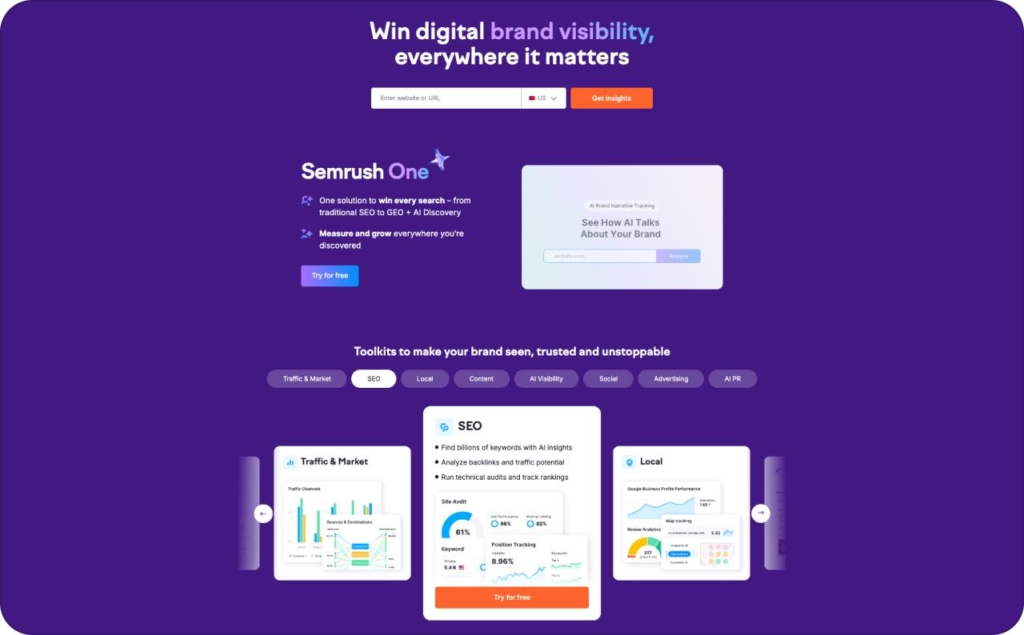
Blaze can help you write, but it can’t build topical authority. Tools like Semrush, Ahrefs, and Surfer go deeper with keyword data, competitor insights, and measurable content scoring. They replace Blaze’s surface-level SEO support with systems that show what to write, how to structure it, and where to win visibility. Each one strengthens a different layer of SEO — strategy, authority, and on-page performance.
Semrush: Full-funnel SEO and competitive research
Blaze gives surface-level keyword help. Semrush goes further with data that shapes entire strategies. It shows how competitors win traffic and where your content can earn ground.
What it replaces in Blaze: Shallow SEO guidance and missing competitive benchmarks.
Key features
- Keyword research with intent filters and difficulty scoring
- Domain and backlink analysis
- Position tracking and content gap reports
- Topic clusters and authority metrics
Why it works: You see exactly what drives search visibility in your niche. Every brief starts from verified opportunity, not assumption.
Pros and cons
- Deep market data and strong reporting tools
- Reliable for long-term SEO planning
- Learning curve for teams new to keyword strategy
KPI focus: Impressions, organic clicks, keyword rankings, backlink growth
Typical price
- Pro — around 117 dollars per month
- Guru — around 208 dollars per month
- Business — around 416 dollars per month
Ahrefs: Link intelligence and SERP visibility
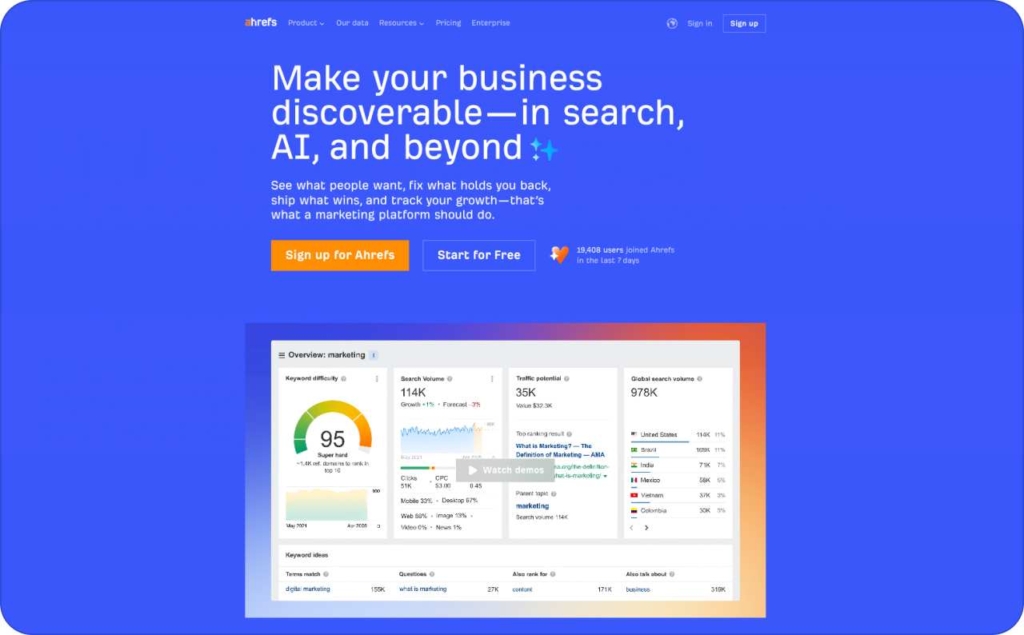
Blaze skips off-page authority. Ahrefs helps you build it. It shows which sites link to your competitors, where your backlinks are lost, and what content earns trust fastest.
What it replaces in Blaze: No backlink tracking or competitive link data.
Key features
- Site Explorer for backlink and traffic analysis
- Keyword explorer with click data
- Content gap and top-page reports
- Rank tracking and broken link monitoring
Why it works: Ahrefs helps you earn credibility, not just clicks. It balances content creation with link growth — the part most AI tools ignore.
Pros and cons
- Unmatched backlink database and link tracking
- Great for authority-building campaigns
- Interface can feel dense for first-time users
KPI focus: Referring domains, domain rating, traffic value, average position
Typical price
- Lite — 129 dollars per month
- Standard — 249 dollars per month
- Advanced — 449 dollars per month
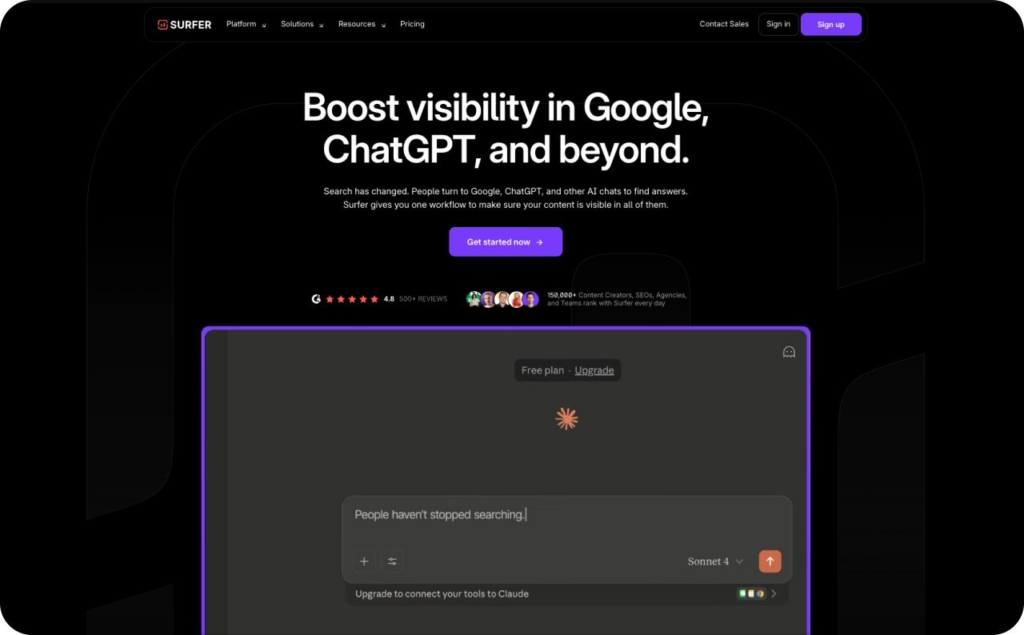
Surfer: On-Page SEO and content scoring
Blaze can write, but it doesn’t tell you how well that content will perform. Surfer adds structure with on-page analysis and content scoring built around live SERP data.
What it replaces in Blaze: No measurable SEO scoring or optimization guidance.
Key features
- Real-time content score while drafting
- SERP-driven keyword recommendations
- NLP and term frequency analysis
- Outline and brief builder based on top results
Why it works: Surfer blends AI writing with measurable quality signals. It gives every writer a simple goal: hit the right structure, tone, and keyword balance to compete.
Pros and cons
- Easy to use during drafting
- Clear improvement metrics per article
- Separate subscription and limited multi-language support
KPI focus: Content score improvement, impressions, click-through rate, ranking velocity
Typical price
- Essential — 79 dollars per month
- Scale — 175 dollars per month
- Enterprise — from 999 dollars per month
Editorial workflow & collaboration
Blaze helps you create, but it doesn’t organize how content moves through your team. Tools like Notion and ClickUp fill that gap by adding structure — calendars, approvals, roles, and real accountability. They turn scattered tasks into a clear, trackable workflow from brief to publish.
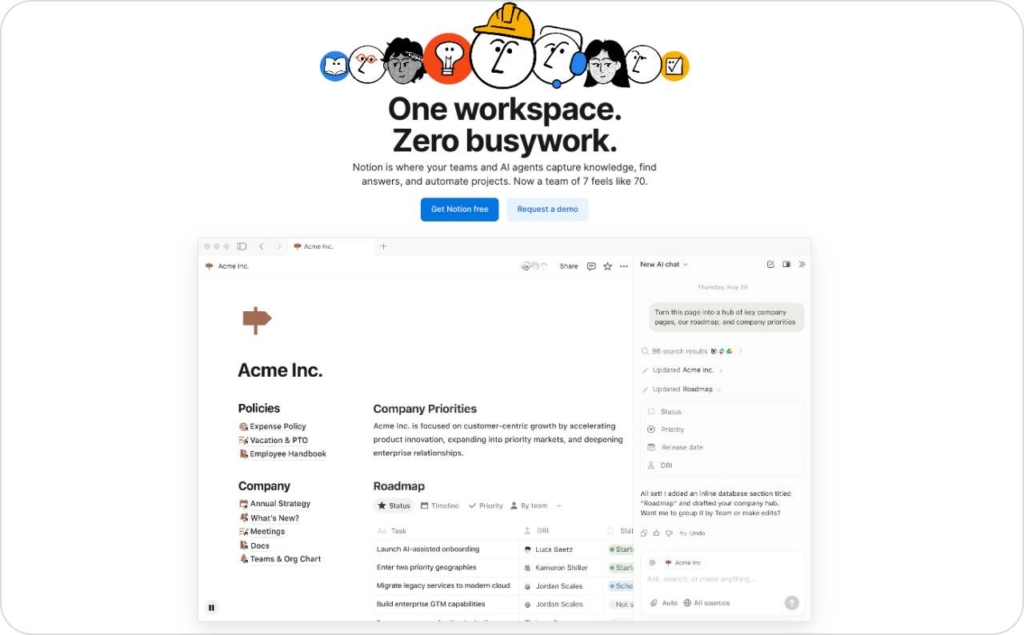
Notion: Editorial systems and content governance
Blaze helps you write, but it doesn’t manage the process around writing. Notion gives teams a single workspace to plan, review, and track every piece of content from idea to publish.
What it replaces in Blaze: Basic project tracking without structure or visibility.
Key features
- Editorial calendars and publishing timelines
- Brief templates and reusable SOPs
- Roles, permissions, and approval stages
- Linked databases for campaigns, keywords, and assets
Why it works: It keeps every stakeholder aligned. Writers, editors, and managers see progress in real time, which reduces revision cycles and missed deadlines.
Pros and cons
- Scales governance as your content volume grows
- Flexible enough to match any editorial workflow
- Needs setup time and AI or SEO integration to reach full potential
KPI focus: Time to publish, revision cycles, on-time delivery rate
Typical price
- Free — 0 dollars per member per month
- Plus — 10 dollars per member per month
- Business — 20 dollars per member per month
- Enterprise — custom pricing
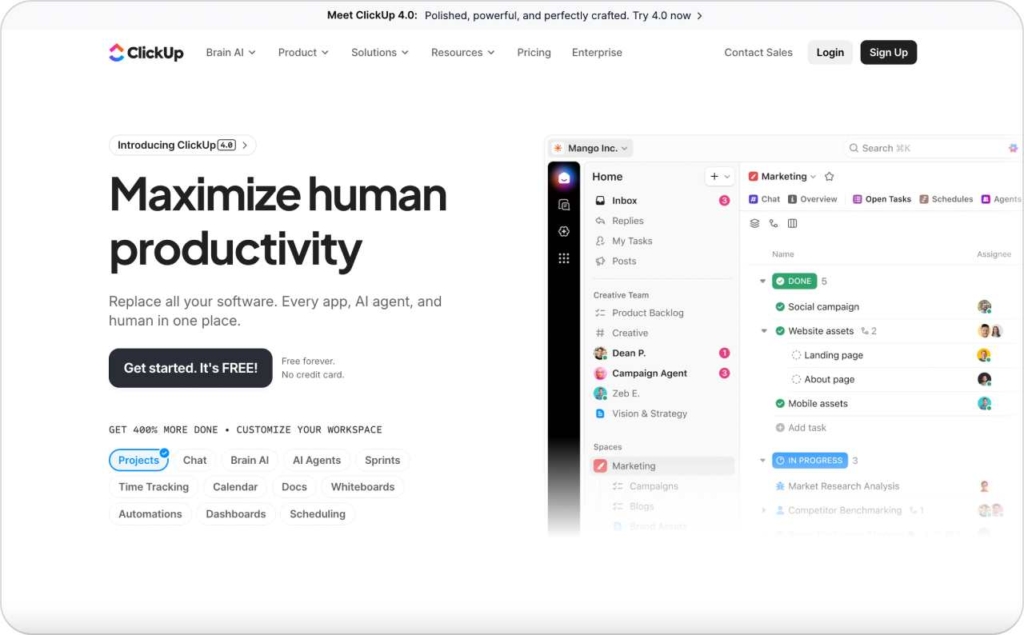
Clickup: Content operations and team accountability
Blaze offers limited collaboration. ClickUp replaces scattered workflows with a structured system that connects briefs, approvals, and performance data in one place.
What it replaces in Blaze: Light project tools with no clear ownership or audit trail.
Key features
- Content calendars with custom views
- Task dependencies and due dates
- SLAs, checklists, and automations for recurring steps
- Activity logs and permission control for accountability
Why it works: ClickUp turns editorial management into a measurable process. You can track every asset, know who owns it, and ensure deadlines stay visible across teams.
Pros and cons
- Excellent visibility and reporting
- Strong automations for handoffs and reminders
- Requires integration with AI writing or SEO tools for a full stack
KPI focus: On-time rate, revision frequency, publishing velocity
Typical price
- Free for individual user
- Unlimited — 7 dollars per user per month
- Business — 12 dollars per user per month
- Enterprise — custom pricing
Multichannel scheduling & distribution
Blaze can publish content, but it can’t manage timing, cadence, or collaboration across platforms. Tools like Buffer, Hootsuite, and Loomly make that process seamless, helping teams plan, schedule, and track performance from one place. They bring consistency to publishing, keep analytics clean with UTMs, and ensure every post goes out on time with the right message.
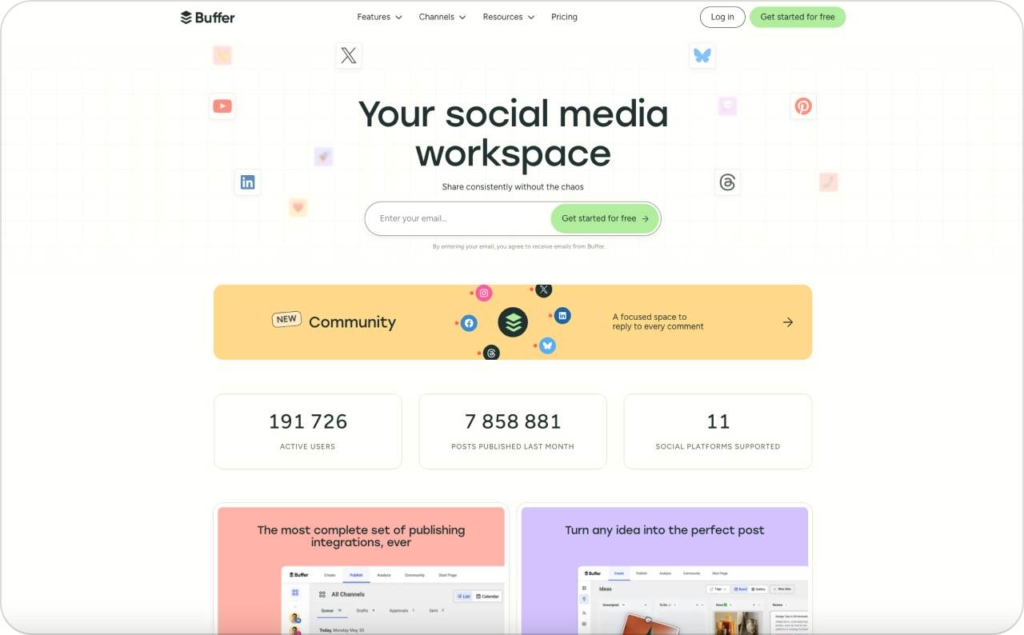
Buffer: Simple scheduling with strong consistency
Blaze can push content, but not manage a posting rhythm. Buffer helps teams plan, schedule, and publish across platforms without losing clarity or control.
What it replaces in Blaze: Basic multi-asset pushes without cadence or tracking.
Key features
- Centralized calendar for all social channels
- Best-time scheduling and queue management
- Built-in UTM templates for clean analytics
- Approval flows for team publishing
Why it works: It brings structure to content distribution. Posts go out on time, links stay tracked, and every campaign keeps a consistent voice.
Pros and cons
- Easy to learn and ideal for small to mid-sized teams
- Reliable scheduling and UTM consistency
- Limited analytics depth on lower-tier plans
KPI focus: Post reach, link click-through rate, session quality, assisted conversions
Typical price
- Free — 0 dollars per month
Essentials — 5 dollars per month
Team — 10 dollars per month
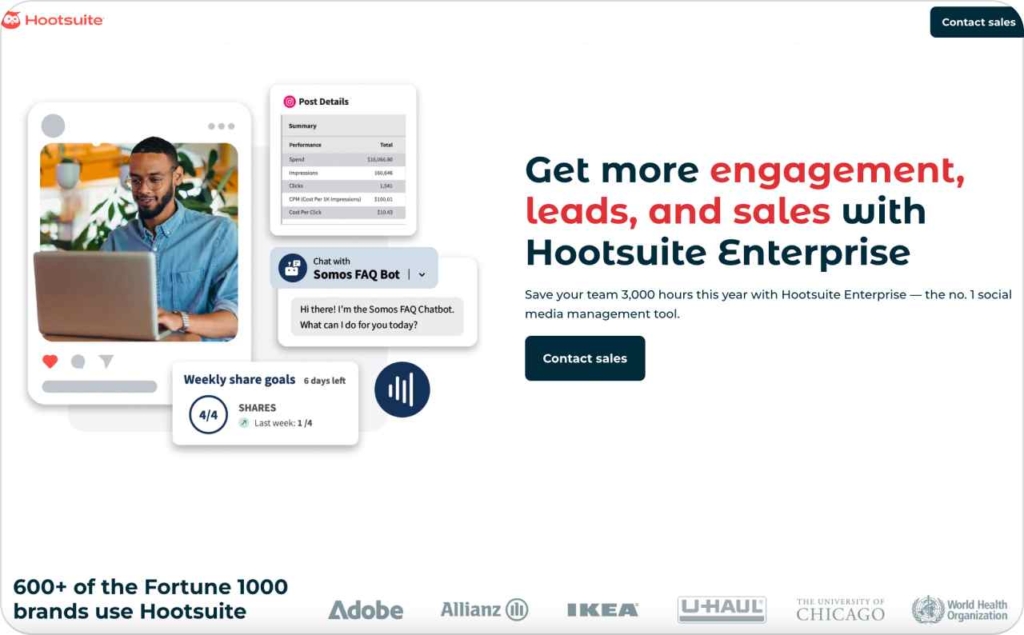
Hootsuite: Enterprise social management
Blaze doesn’t scale well across multiple brands or large teams. Hootsuite does. It combines scheduling, monitoring, and analytics in one enterprise-ready dashboard.
What it replaces in Blaze: Basic publishing tools with no integrated performance view.
Key features
- Cross-network scheduling and bulk uploads
- Social listening and engagement tracking
- Campaign-level analytics and UTM management
- Approval workflows and user permissions
Why it works: Hootsuite suits teams that manage volume. It centralizes scheduling, performance review, and engagement for dozens of accounts without losing governance.
Pros and cons
- Robust analytics and monitoring capabilities
- Strong role-based approvals
- Higher learning curve and cost for smaller teams
KPI focus: Reach, engagement rate, traffic quality, assisted conversions
Typical price
- Standard — 99 dollars per user per month
- Advanced — 249 dollars per user per month
- Enterprise — custom pricing
Loomly: Collaborative content calendar
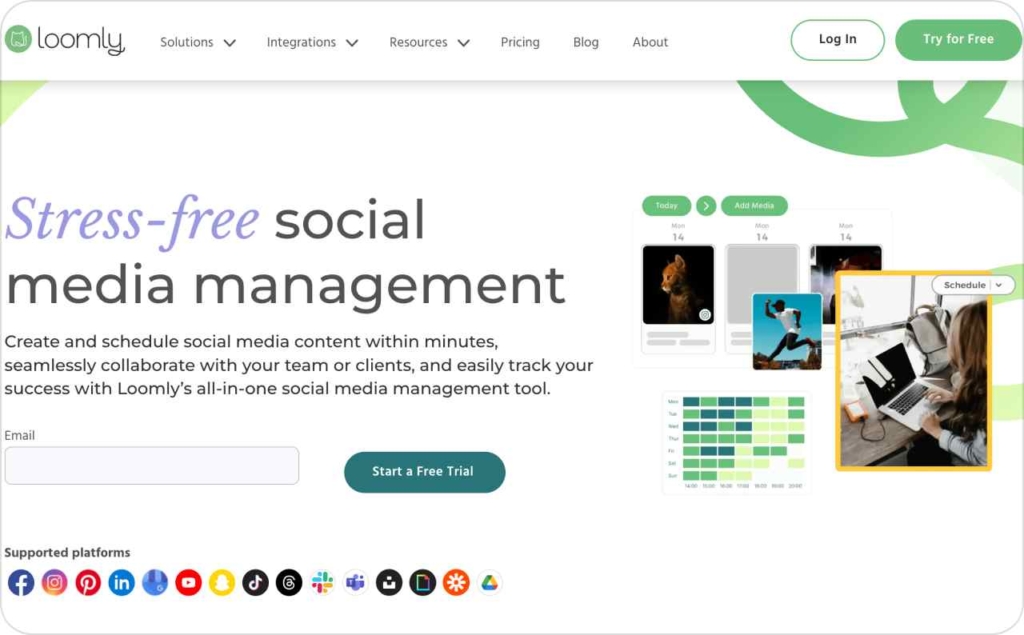
Blaze handles assets, not teamwork. Loomly adds collaboration and creative alignment with a shared calendar built for marketing teams.
What it replaces in Blaze: Basic multi-asset pushes without shared approvals or workflow tracking.
Key features
- Visual calendar for posts and campaigns
- Collaboration tools for comments and approvals
- Post optimization tips and UTM parameters
- Scheduling across all major social platforms
Why it works: It keeps everyone aligned on timing and tone. Teams can plan, review, and approve in one place without relying on chat threads or spreadsheets.
Pros and cons
- Strong collaboration and feedback loops
- User-friendly interface
- Analytics features vary by tier and plan
KPI focus: Post reach, engagement quality, click-through rate, assisted conversions
Typical price: Plans start around 32 dollars per month for small teams, with higher tiers for advanced analytics and roles.
Long-form drafting & reasoning
Blaze can generate text, but it struggles with structure and depth. Tools like ChatGPT and Claude bring reasoning, context, and brand alignment into long-form writing. They help teams draft articles, guides, and scripts that read naturally, stay accurate, and follow a consistent tone from start to finish.
ChatGPT: Structured drafting and brand-aligned reasoning
Blaze can produce long-form text, but it often lacks structure and depth. ChatGPT helps writers build articles that stay accurate, on-brand, and easy to edit.
What it replaces in Blaze: Generic long-form generation that struggles with complex or technical topics.
Key features
- Brand-voice prompting and guided style control
- Structured outlines that mirror human reasoning
- Retrieval support for factual accuracy
- Collaboration through shared chats and memory
Why it works: ChatGPT shapes ideas into organized, publish-ready drafts instead of loose paragraphs. It helps teams produce content that sounds human while staying aligned with internal tone and accuracy standards.
Pros and cons
- Strong control over structure and style
- Improved factual grounding with proper context setup
- Requires clear prompts and guardrails to maintain brand voice
KPI focus: Edit distance to publish, factual accuracy rate, draft acceptance rate
Typical price
- Free — 0 dollars per month
- Plus — 20 dollars per month
- Pro — 200 dollars per month
Claude: Deep reasoning and contextual writing
Blaze can write quickly, but not always with depth. Claude focuses on reasoning, helping teams build long-form pieces that explain complex ideas clearly and stay consistent from start to finish.
What it replaces in Blaze: Limited context handling and generic expansion tools.
Key features
- Deep context window for multi-source drafting
- Outline and structure generation for long content
- Brand voice and tone adaptation
- Reliable summarization and cross-document reasoning
Why it works: Claude handles multi-step logic and long context gracefully, making it ideal for guides, comparisons, or policy-driven content where consistency matters.
Pros and cons
- Excellent reasoning and summarization quality
- Handles brand tone well with proper setup
- Needs clear instructions for consistent factual framing
KPI focus: Edit distance to publish, factual reliability, draft approval rate
Typical price
- Pro — 20 dollars per month, or 17 dollars per month when billed annually
- Team — 30 dollars per user per month, or 25 dollars per user per month when billed annually
- Enterprise — custom pricing

Quality, fact-checking & originality
Blaze can speed up writing, but it doesn’t guarantee accuracy or brand consistency. Tools like Grammarly Business and Originality.ai add the missing quality layer, checking clarity, tone, and authenticity before content goes live. They help teams publish confidently, knowing every piece is readable, original, and aligned with the brand voice.
Grammarly Business: Readability and brand consistency
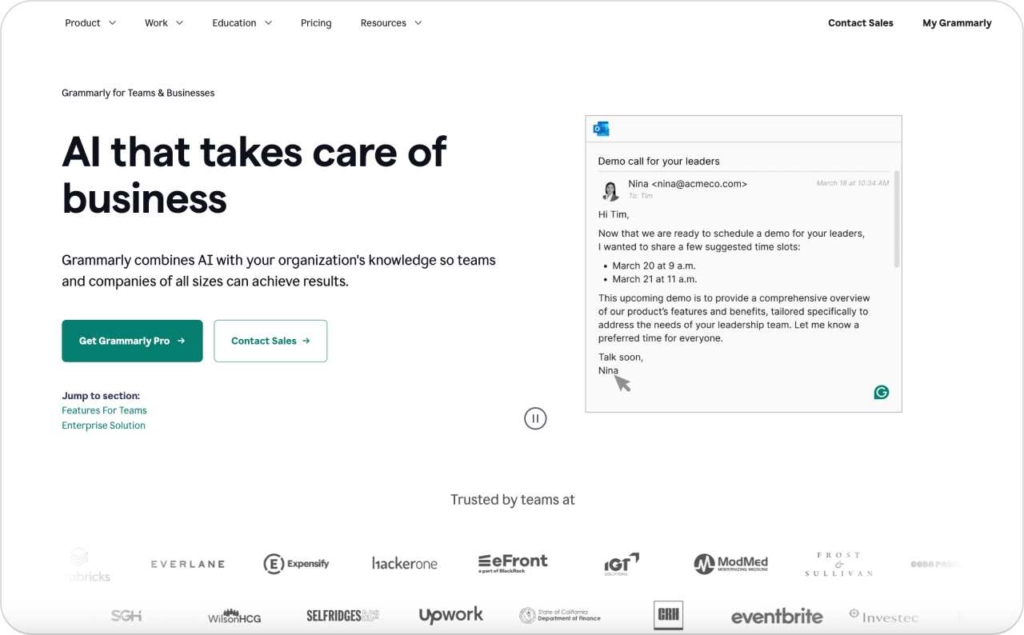
Blaze helps you create content fast, but it doesn’t ensure that every sentence sounds like your brand. Grammarly Business adds the quality layer teams need to publish with confidence.
What it replaces in Blaze: Basic grammar and tone suggestions without team-wide control.
Key features
- Real-time readability and tone checks
- Centralized style guides for consistent voice
- Team analytics on clarity and tone trends
- Security and compliance for enterprise use
Why it works: Grammarly makes quality measurable. It helps writers and editors keep every piece clear, human, and on-brand before it goes live.
Pros and cons
- Strong brand consistency and tone control
- Clear readability scores for fast edits
- Adds one more review step to the workflow
KPI focus: Readability index, tone alignment rate, edit time per draft
Typical price: Business plan starts at 15 dollars per user per month, with a minimum of 3 members.
Originality.ai: Plagiarism and authenticity safeguards
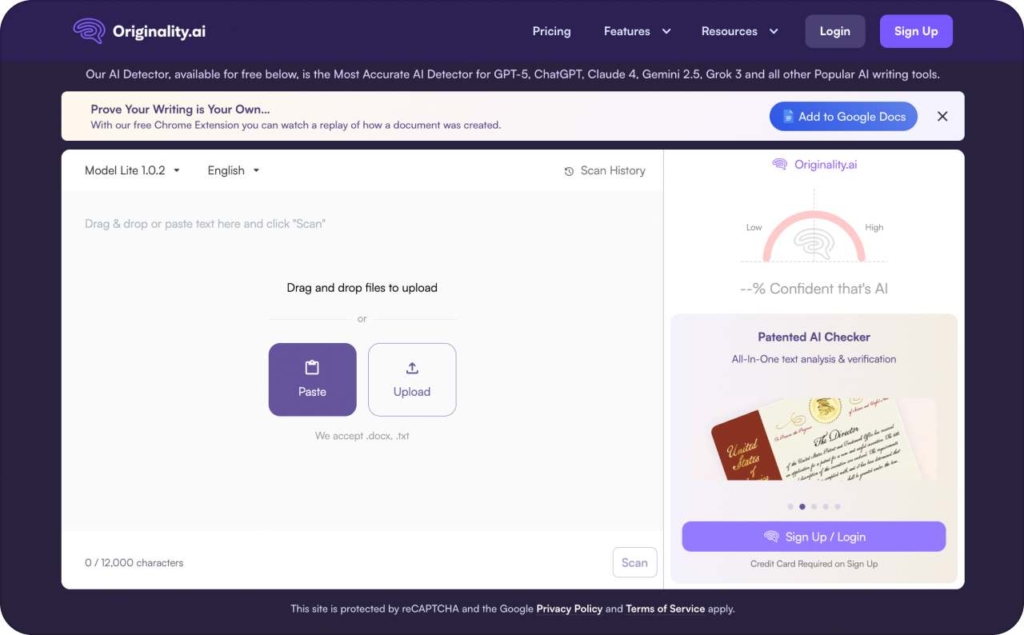
Blaze can write, but it doesn’t check originality. Originality.ai verifies that your content is both unique and compliant with your brand’s quality standards.
What it replaces in Blaze: No plagiarism detection or originality verification for team content.
Key features
- AI and plagiarism detection for all formats
- Readability and quality scoring
- API access for automated checks in publishing workflows
- Team dashboards for shared oversight
Why it works: It keeps your brand credible. Whether content is AI-assisted or fully written in-house, every piece passes through a measurable originality layer before publication.
Pros and cons
- Reliable plagiarism detection and authenticity tracking
- Strengthens editorial trust at scale
- Can flag legitimate rephrasing as duplicate content
KPI focus: Plagiarism flags, originality percentage, brand compliance rate
Typical price
- Pay as you go — 30 dollars one-time on-demand pricing
- Pro — 12.95 dollars per month
- Enterprise — 136.58 dollars per month
Video production & voiceover
Blaze can generate ad copy, but it stops short of full creative production. Tools like Descript, CapCut, and ElevenLabs take your scripts further — into motion, sound, and finished video ads. They help teams turn text into scroll-stopping visuals and natural voiceovers, cutting production time from days to minutes while keeping brand quality intact.
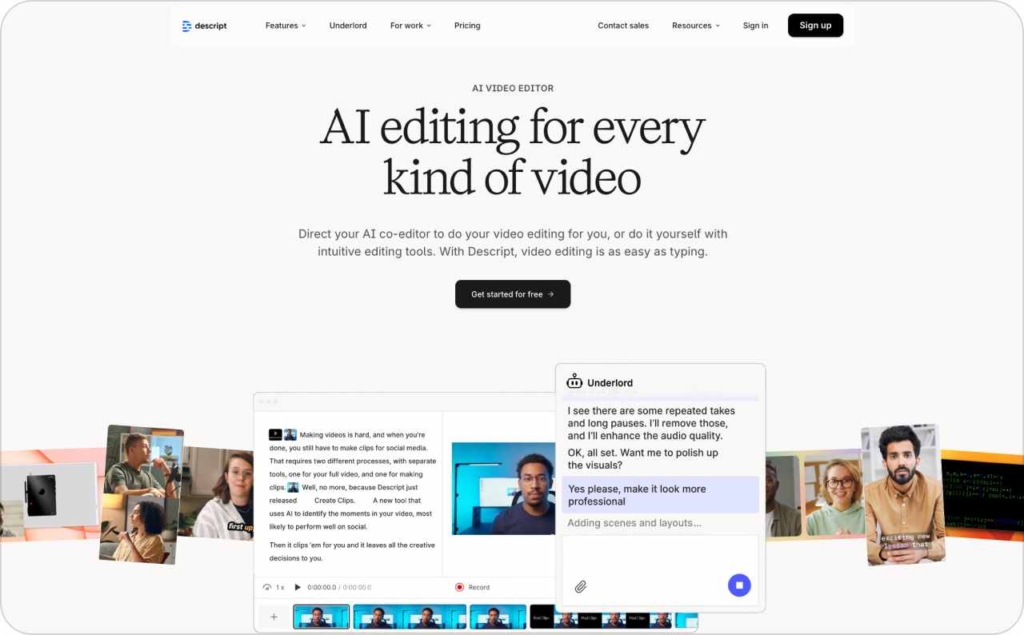
Descript: Video editing and voiceover in one workspace
Blaze can write ad copy, but it can’t turn that copy into motion. Descript bridges the gap with a single platform for editing, recording, and voiceover creation.
What it replaces in Blaze: Static text outputs that stop before production.
Key features
- Record, edit, and overdub voice directly in the editor
- Auto-captions and multi-ratio exports for every platform
- Quick cut-downs and clip repurposing for ads or social posts
- Collaboration tools for comments and version tracking
Why it works: Descript turns raw ideas into polished, ready-to-run video ads. It’s fast enough for creative testing and flexible enough to fit into any ad workflow.
Pros and cons
- Produces ad-ready video quickly
- Low lift for creating multiple variants
- Requires tuning for consistent brand voice and tone
KPI focus: View-through rate, cost per completed view, three-second hold rate, thumb-stop rate
Typical price
- Hobbyist: $24 per person/month
- Creator: $35 per person/month
- Business: $65 per person/month
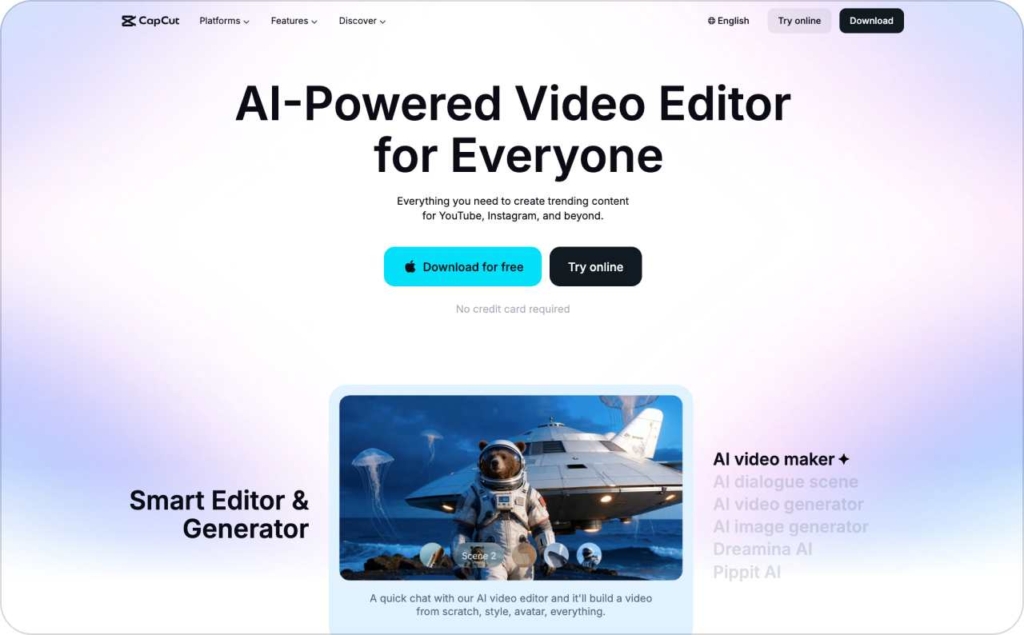
CapCut: Fast video creation for paid and organic
Blaze ends at copy. CapCut picks up with creation. It helps teams turn scripts into high-quality ads optimized for every social platform.
What it replaces in Blaze: No integrated video editor or export-ready creative tools.
Key features
- Multi-ratio video templates for TikTok, Instagram, and Meta
- Built-in captions, transitions, and effects
- Quick resizing and auto-formatting for different channels
- Cloud storage and collaboration for teams
Why it works: CapCut brings visual speed to the ad workflow. It helps teams iterate fast, test hooks, and export creative assets in minutes instead of hours.
Pros and cons
- Ideal for quick ad variants and creative testing
- Smooth workflow for short-form video teams
- Large file handling can slow performance on lower devices
KPI focus: View-through rate, completion rate, click-through rate, cost per view
Typical price
- Standard — 5.99 dollars per month or 89.99 dollars per year
- Pro — 19.99 dollars per month or 179.99 dollars per year
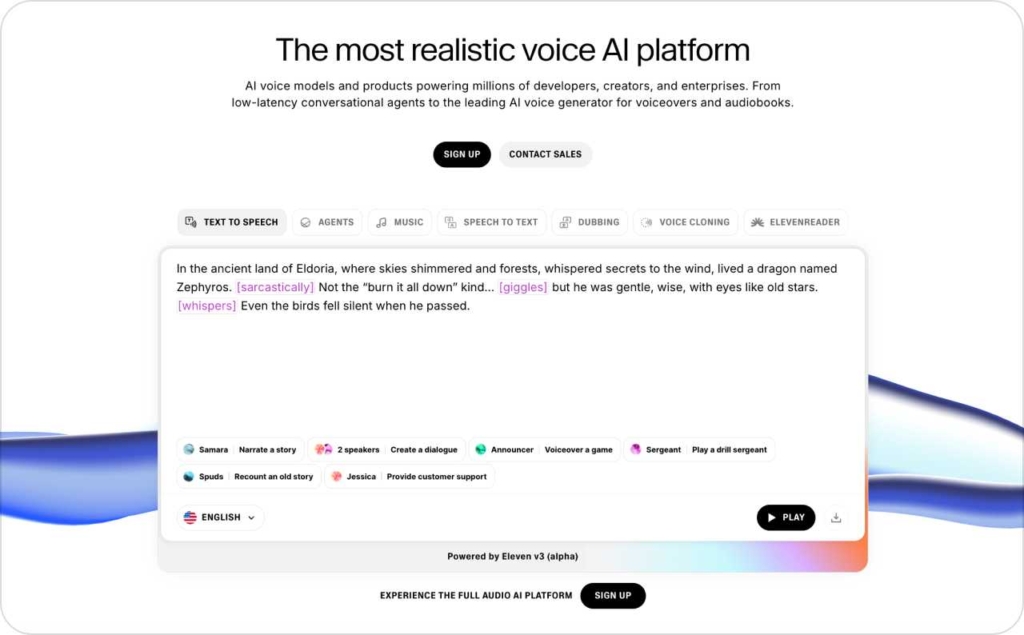
ElevenLabs: Human-quality voice for ads
Blaze can’t voice your message. ElevenLabs makes it sound real. It generates natural voiceovers that match your script’s tone and emotion across languages.
What it replaces in Blaze: No built-in voiceover or multilingual delivery.
Key features
- AI voice generation with emotion and pitch control
- Voice cloning for brand consistency
- Multi-language synthesis for global campaigns
- Audio export for integration into any video editor
Why it works: It gives every ad a human presence without hiring talent. Teams can test multiple tones and styles before committing to a final cut.
Pros and cons
- Delivers lifelike voiceovers quickly
- Scales across multiple campaigns and tones
- Requires fine-tuning for perfect brand alignment
KPI focus: View-through rate, click-through rate, retention rate, engagement per ad
Typical price
- Free — 0 dollars per month
- Starter — 5 dollars per month
- Creator — 11 dollars per month
- Pro — 99 dollars per month
Design & brand kits
Blaze creates copy, but it doesn’t build the visuals that bring it to life. Canva and Adobe Express fill that gap with tools for fast, consistent, and branded design. They help teams produce ads, social content, and marketing assets that look polished, stay on-brand, and are ready to publish in minutes.
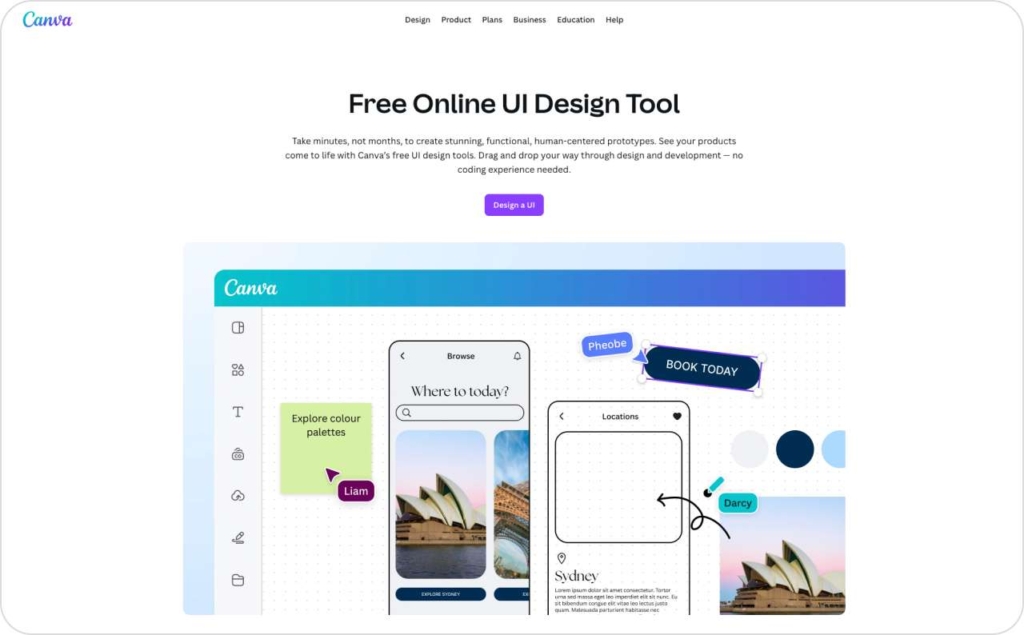
Canva: Fast, on-brand design for every team
Blaze can help you write, but it can’t make visuals that match. Canva gives teams a full design system for ads, social posts, and branded templates that anyone can use.
What it replaces in Blaze: Limited visual templating and no brand asset control.
Key features
- Centralized brand kits with fonts, colors, and logos
- Locked templates for consistent design across teams
- Quick social and ad format resizing
- Export presets for all major platforms
Why it works: Canva keeps creative output fast and uniform. Even non-designers can produce on-brand visuals without waiting on a creative team, which makes campaign turnaround almost instant.
Pros and cons
- Scalable on-brand design across teams
- Easy to learn and maintain
- Limited advanced layout control compared to pro design tools
KPI focus: Creative turnaround time, asset reuse percentage, production cost per creative
Typical price
- Free tier
- Pro $15/month
- Teams $36/month
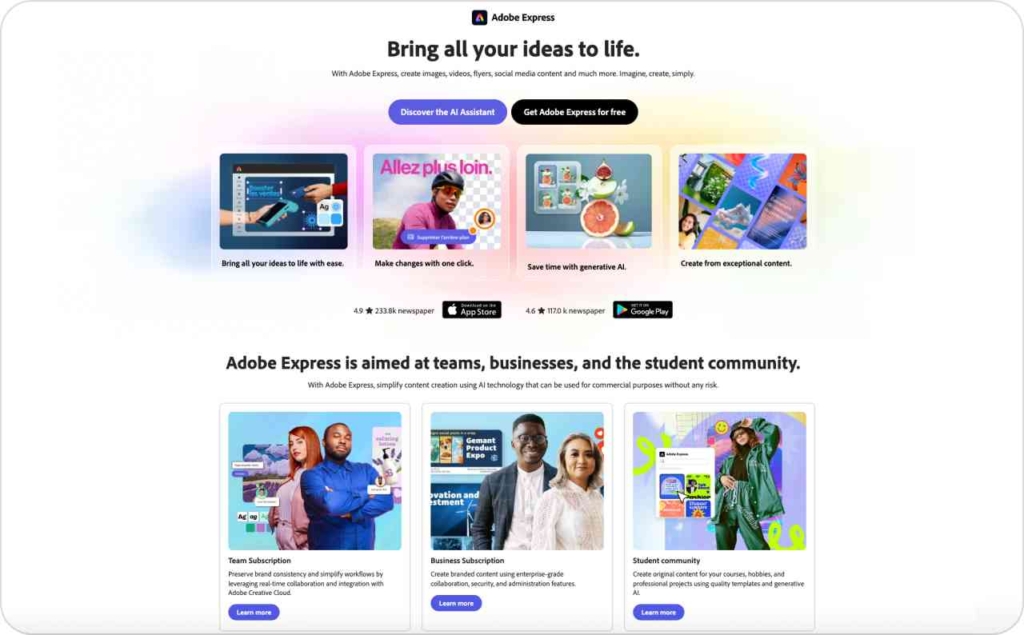
Adobe Express: Professional templates with brand control
Blaze stops at copy. Adobe Express carries it into professional visuals with design depth and automated brand systems for larger teams.
What it replaces in Blaze: No visual branding or automated asset generation.
Key features
- Brand kits for consistent logos, fonts, and color palettes
- Template libraries for social and ad formats
- Bulk resizing and one-click exports
- Integration with Adobe Creative Cloud for advanced editing
Why it works: Adobe Express blends pro design quality with everyday speed. It lets teams produce ads and social content that look agency-made without slowing down the workflow.
Pros and cons
- High design quality with strong brand enforcement
- Smooth link to Photoshop and Illustrator for deeper edits
- Slightly longer learning curve for casual users
KPI focus: Creative turnaround time, design accuracy, cost per asset
Typical price
- Free plan available
- Adobe Express Premium ~$9.99/month
CMS publishing & analytics
Blaze helps you create content, but not deliver or measure it. Tools like WordPress and Webflow handle publishing and SEO, while GA4, Search Console, and Looker Studio show how that content performs. Together, they turn static drafts into live, trackable assets, closing the loop between creation, visibility, and results.
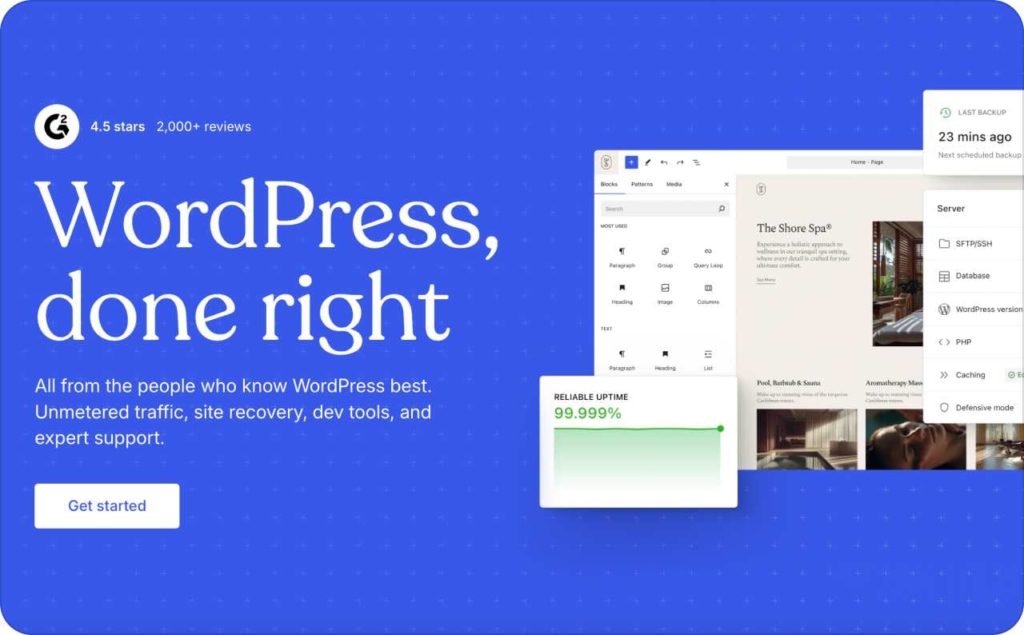
WordPress: Publishing and SEO control in one place
Blaze can export content, but it can’t publish or measure it. WordPress closes that loop with full control over publishing, indexing, and analytics connections.
What it replaces in Blaze: Export-then-paste workflows with no native publishing or SEO data.
Key features
- One-click publishing with block-based editing
- SEO and schema plugins for structured data
- Content annotations and revision tracking
- Easy integration with GA4, Search Console, and Looker Studio
Why it works: WordPress turns content from static text into measurable performance assets. It supports technical SEO, faster indexation, and visibility tracking without breaking your workflow.
Pros and cons
- Full publishing control and measurable SEO impact
- Large plugin ecosystem for analytics and automation
- Needs light setup and maintenance support
KPI focus: Index rate, organic clicks, average position, conversions from organic traffic
Typical price: Hosting typically starts around 10 to 25 dollars per month.
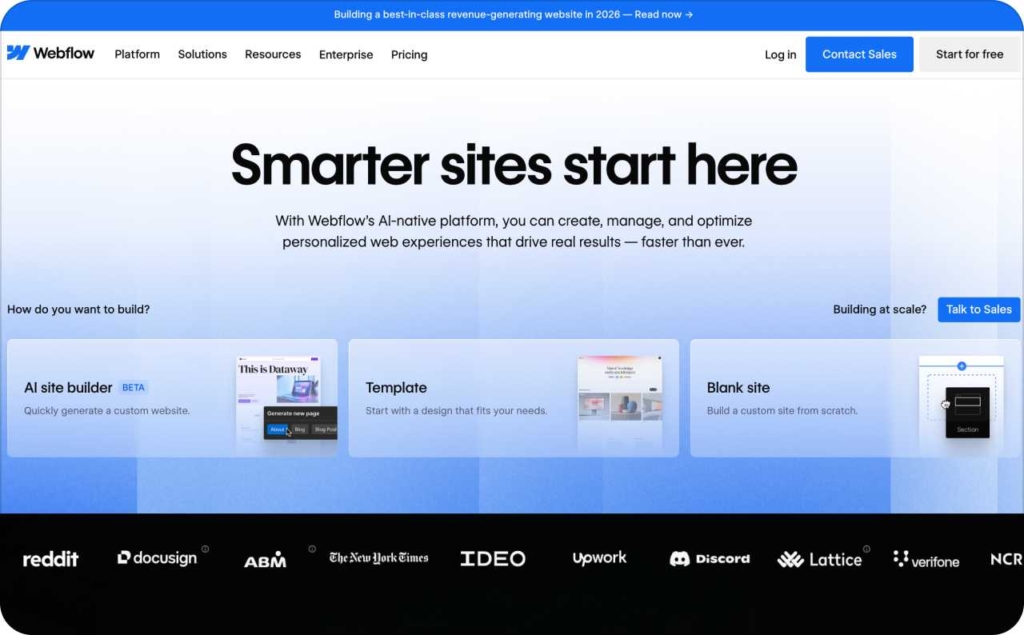
Webflow: Visual CMS for fast publishing and SEO
Blaze ends at content. Webflow continues to delivery. It combines design freedom with structured CMS publishing and clean, search-friendly code.
What it replaces in Blaze: Manual exports and disconnected analytics.
Key features
- Visual editing with CMS-driven publishing
- Built-in SEO controls and schema customization
- Fast, clean HTML and automatic performance optimization
- Analytics and conversion tracking through GA4 and Search Console
Why it works: Webflow shortens the distance between draft and live page. Marketing teams can publish directly, track results, and update designs without heavy developer input.
Pros and cons
- Smooth design-to-publish workflow
- Excellent Core Web Vitals performance
- May need developer support for complex integrations
KPI focus: Index rate, impressions, organic clicks, on-page engagement
Typical price: CMS plan starts around 23 dollars per month with hosting included.
GA4, Search Console, and Looker Studio: Analytics that close the loop
Blaze doesn’t track what happens after publishing. GA4, Search Console, and Looker Studio do. Together, they show how your content performs and where to improve.
What it replaces in Blaze: Thin analytics and no connection between creation and results.
Key features
- GA4 tracks sessions, conversions, and engagement
- Search Console measures impressions and ranking performance
- Looker Studio visualizes metrics from multiple sources
- Dashboard templates for traffic, SEO, and ROI
Why it works: This stack turns content into measurable growth. It connects creation, publication, and reporting, so your team knows which pages drive real results.
Pros and cons
- Free, reliable, and customizable
- Easy to share insights with teams or clients
- Advanced reports require setup or connector upgrades
KPI focus: Impressions, clicks, conversions, average position, time on page
Typical price: GA4 and Search Console are free. Looker Studio is free with optional paid add-ons for connectors or advanced templates.
Automation & integrations
Blaze can create content, but it doesn’t automate how that content moves between tools. Zapier and Make connect the entire workflow, so teams can work faster and with fewer manual steps. They keep your SEO, CMS, and analytics platforms in sync, ensuring every piece of content flows smoothly through your system.
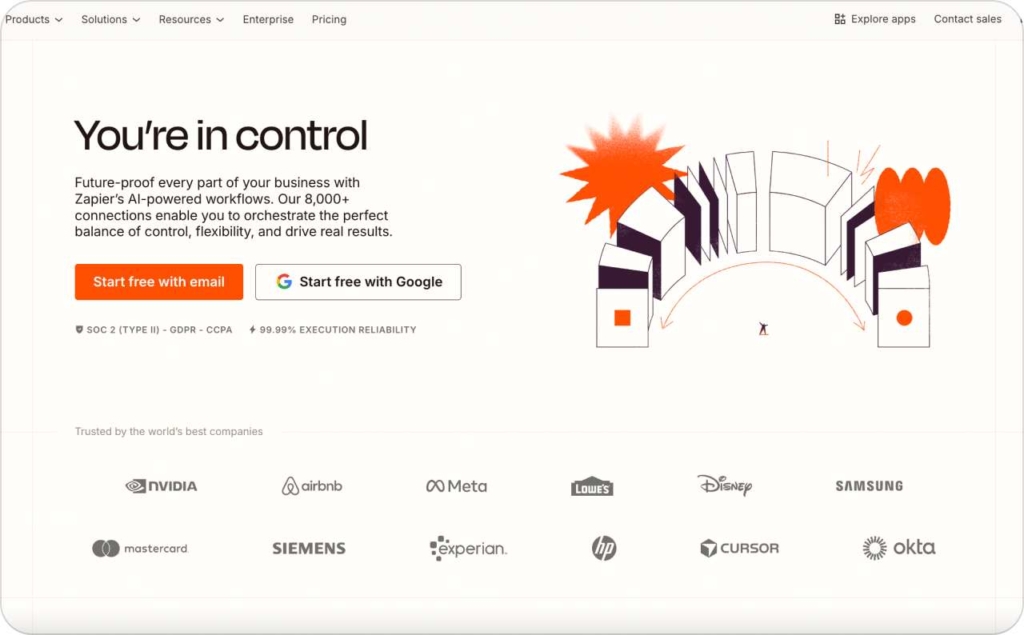
Zapier: Automated workflows for marketing teams
Blaze connects ideas, but not the tools around them. Zapier automates every step, from briefing to publishing, so work moves without waiting.
What it replaces in Blaze: Manual handoffs and disconnected task tracking.
Key features
- Triggers for brief to draft to publish to report
- Integration with thousands of marketing and CMS tools
- Error handling and workflow logs
- Conditional logic for complex automations
Why it works: Zapier cuts cycle time by removing repeat tasks. It keeps your tools in sync so content moves from idea to live post automatically, with full visibility at every step.
Pros and cons
- Significant time savings and fewer manual errors
- Transparent logs for easy troubleshooting
- Pay-per-task model can add cost at scale
KPI focus: Cycle time, automation success rate, workflow error rate
Typical price
- Free — 0 dollars per month
- Professional — 19.99 dollars per month, billed annually
- Team — 69 dollars per month, billed annually
- Enterprise — contact for pricing
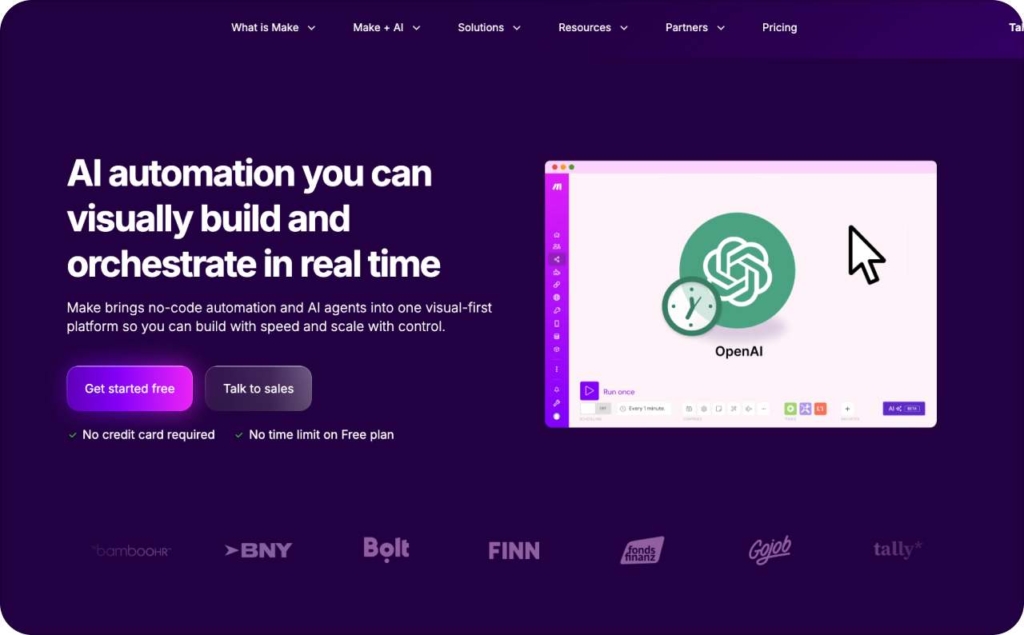
Make: Visual automation for custom workflows
Blaze ends where automation begins. Make helps teams build custom, no-code workflows that connect content, analytics, and publishing platforms.
What it replaces in Blaze: No automation layer or process mapping.
Key features
- Visual builder for multi-step workflows
- Triggers and webhooks for custom pipelines
- Real-time error tracking and logging
- Deep integrations across CMS, AI, and analytics tools
Why it works: Make offers flexibility for teams that need detailed control. You can map complex processes, route content automatically, and monitor every action from one dashboard.
Pros and cons
- Fully customizable automation flows
- Great visibility into every process
- Requires careful setup and maintenance for best reliability
KPI focus: Cycle time, automation completion rate, error frequency
Typical price
- Free — 0 dollars per month
- Core — 9 dollars per month
- Pro — 16 dollars per month
- Teams — 29 dollars per month
- Enterprise — custom pricing
Feature scorecard
| Category | Indirect alternative | Replaces Blaze feature | Features | Pros & cons | KPI focus |
| UGC-style ad creation | Zeely AI | Campaign wizard → ad-ready pipeline | AI ad scripts, UGC video, quick variants | +Fast output, +testing velocity; −not an SEO suite | CTR, CVR, CPA/ROAS, fatigue |
| SEO planning | Semrush / Ahrefs / Surfer | Keyword research, topical maps, scoring | SERP briefs, clusters, scoring | +Authority, +briefs; −separate tool | Impressions, CTR, ranks |
| Editorial ops | Notion / ClickUp | Calendars, approvals, roles | Templates, SLAs, audit logs | +Governance; −setup time | Time-to-publish, on-time rate |
| Distribution | Buffer / Hootsuite / Loomly | Scheduling, 1-click publish | Best-time, UTMs, approvals | +Cadence; −analytics depth varies | Post CTR, traffic quality |
| Drafting/Reasoning | ChatGPT / Claude | Long-form on complex topics | Knowledge grounding, prompts | +Structure; −prompt hygiene needed | Edit distance, acceptance rate |
| Quality/Originality | Grammarly / Originality.ai | Style, plagiarism | Readability, tone, originality | +Consistency; −false positives | Flags, readability |
| Video & Voice | Zeely AI/ Descript / CapCut / ElevenLabs | VO, captions, cut-downs | Multi-ratio exports, hooks | +Ad-ready fast; −VO tuning | VTR, CPCV, hold rate |
| Design | Canva / Adobe Express | Branded visuals | Brand kits, resize, presets | +Scale; −advanced limits | Turnaround time |
| CMS & Analytics | WordPress / Webflow + GA4/SC | Publish & measure | Schema, dashboards | +Index & measurement; −needs ops | Index rate, clicks, conv. |
| Automation | Zapier / Make | Workflow automation | Triggers, webhooks, logs | +Cycle-time; −per-task costs | Cycle time, error rate |
How to choose the right Blaze alternative stack
Replacing Blaze isn’t about stacking tools. It’s about building a system that moves content from idea to result with less guessing and more proof. The right mix should help you plan smarter, publish faster, and know what’s working without opening five tabs to find out.
Map features to funnel outcomes
Start with the outcome, not the feature.
- If your goal is SEO growth, use tools that improve visibility — impressions, click-through rate, and ranking position. Semrush, Ahrefs, and Surfer give you the structure and data to get there
- If you need mid-funnel engagement, focus on what holds attention. WordPress, Webflow, and GA4 show how people move through your content and where they drop off
For paid social performance, pick creative tools that help you test and adapt quickly. Zeely AI, CapCut, Descript, and ElevenLabs make that feedback loop fast enough to matter. Every tool earns its place when it clearly supports a stage of your funnel.
Data prerequisites
Before automating or optimizing anything, check your data foundation. Pixels and SDKs should be firing cleanly. Consent and privacy settings must match your markets. UTMs need a single, simple format that everyone follows.
In your CMS, structured data is non-negotiable. It’s how search engines understand and index your work. Clean inputs make every insight trustworthy.
Experiment design
Testing only works when it’s disciplined. Stick to an 80/20 balance between what already performs and what’s new. Give each test a 7- to 14-day window to learn. Launch three to six creative variants per ad set so the data can speak clearly. And once results start to drop by about 25 percent, it’s time to refresh the creative. This keeps testing fast, predictable, and grounded in real numbers.
Governance
Speed means nothing without structure. Define who owns what at every step. Set up approvals, checklists, and style guides. Run originality scans before publishing so quality stays consistent even as volume grows. Use tools like Notion or ClickUp to log changes, track reviews, and keep a clean trail of accountability. Governance is what lets your team move quickly without losing control.
Why choose Zeely AI
Most Blaze alternatives focus on text — keywords, briefs, outlines. Zeely AI takes it a step further by helping you turn those ideas into ad-ready creatives that performs. It’s built for teams who don’t just want to publish more, but want to see measurable results from every piece they make.
What Zeely AI does best
Zeely bridges the gap between content and conversion. It turns scripts, hooks, or short descriptions into ready-to-launch UGC-style video ads for TikTok, Instagram, and Meta. You start with your message, and Zeely handles the rest — from ad script generation to voiceover, captioning, and multichannel export.
It fits neatly beside your SEO or workflow tools, taking over the part Blaze doesn’t cover: creative testing at scale.
Key strengths
- AI ad script generator that mirrors human voice and intent
- UGC-style video builder for native, social-first ads
- Hook and angle testing with quick creative iterations
- Cross-channel exports for seamless distribution
- Performance feedback for identifying top-performing variants
Where it fits in the stack
Use Zeely alongside Semrush, Ahrefs, or Surfer for SEO planning, and tools like Notion or ClickUp for content coordination. Once your content or ad ideas are mapped, Zeely steps in to produce the final creative that drives paid performance.
This is about filling the creative gap Blaze leaves open. See how fast you can turn a simple idea into a finished ad. Start creating ad creatives fast with Zeely AI today — build, test, and scale creative that actually converts.
Read more about other alternatives