10 best Captions AI alternatives for Reels, ads, and short-form video
Looking for a Captions AI alternative that handles more than subtitles? I compared 10 tools on pricing, AI features, and workflow fit so you can pick the one that matches what you actually need after the captions are done.
Key takeaways
- If you’re seeking a cheaper browser-based option, VEED starts around $18/month and Kapwing at $16/month for team-friendly subtitle editing
- Best Captions AI alternative for ad creators & small businesses is Zeely. Captions, scripts, hooks, AI video ads, and Meta campaign launch in one workflow. Plans from $29.95/month
- If you’re looking for a free alternative, try CapCut. Core editing, AI captions, templates, and 1080p exports at zero cost. Paid plans from $9.99/month
- For animated captions on short-form content, Submagic is the closest competitor to Captions AI. Trend-styled subtitles with auto-editing from $19/month
- Need AI avatar videos? HeyGen leads with 500+ avatars and lip-sync in 175+ languages. Plans from $29/month
- If you edit by transcript, Descript is hard to beat. Delete a sentence, the video follows. From $24/month
- Ecommerce sellers generating video ads from product URLs should look at Creatify. From $39/month

Why switch from Captions AI in 2026?
Captions AI still does a lot right. The $9.99/month Basic plan (formerly called Pro) handles captions well enough: no watermarks, 200 monthly credits, dubbing support. Where it gets tricky is Max. That’s $29.99/month now, and you get generative AI features like AI Twin, AI actors, text-to-video. Sounds great until you realize the entire thing runs on 500 credits a month. Scale tiers exist too ($69.99 up to $279.99), but at that point you’re paying serious money for a tool that started as a captioning app.
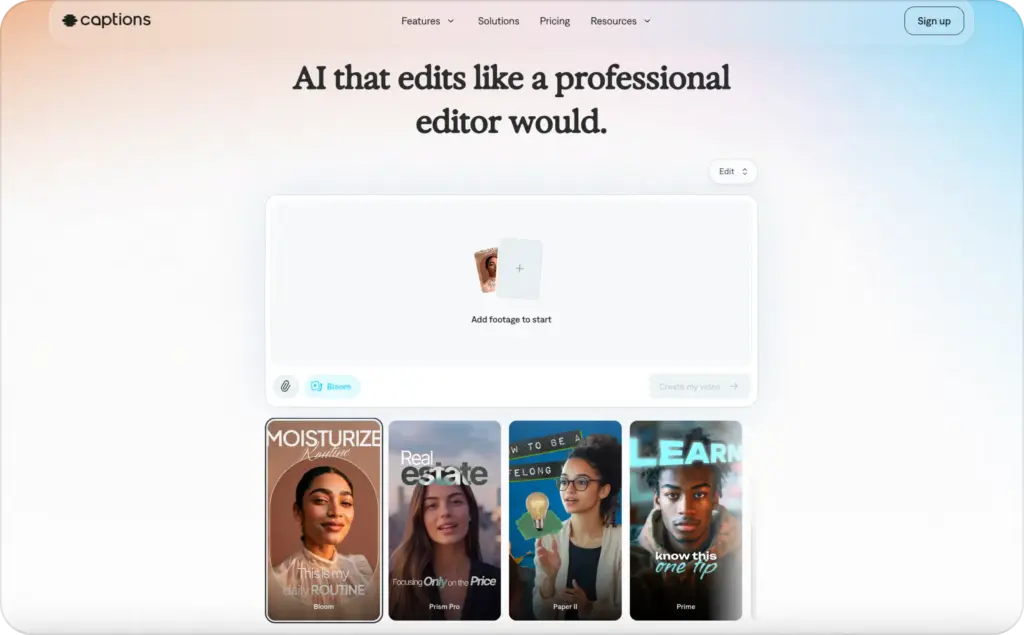
That’s the tension. The product outgrew its roots, and the pricing followed. Meanwhile, U.S. digital video ad spend is projected to surpass $80 billion in 2026, according to the IAB’s 2026 Digital Video Ad Spend & Strategy Report. More money chasing the same seconds of attention means every tool in your stack needs to earn its place.
Credits burn faster than the plan names suggest. Generative features eat more than basic captioning. A team putting out weekly ad content can bump into the credit ceiling by mid-cycle. And if all you really needed was a bit of AI editing alongside your captions, the $20 gap between Basic and Max feels like a lot for features you barely touch.
There’s a bigger issue, too. If your actual goal is turning a captioned video into a live Meta or TikTok ad, Captions AI can’t get you there. It creates content but won’t launch a campaign or track how it performs. That missing piece is what sends people elsewhere.

Best Captions AI alternatives: Quick comparison
Pricing shifts fast. Treat this table as a snapshot and verify on each tool’s site before committing.
| Tool | Best for | Starting price | Why it’s here |
| Zeely | Ad creators & small businesses | $29.95/mo | Captions inside a full ad creation and campaign launch workflow |
| Submagic | Viral captions for short-form | $19/mo | Trend-styled animated captions with auto-editing |
| CapCut | Mobile-first editing | Free / $9.99/mo | Deep template library, TikTok-native |
| HeyGen | AI avatar videos | $29/mo | 500+ avatars, lip-sync in 175+ languages |
| Descript | Transcript-based editing | $24/mo (Hobbyist) | Edit video by editing text |
| Creatify | Ecommerce video ads | $39/mo | URL-to-video with AI avatars |
| VEED | Browser-based editing | ~$18/mo (Basic) | Subtitles, translation, online editor |
| Kapwing | Team collaboration | $16/mo (Pro, annual) | Shared workspace, SRT/VTT export |
| Opus Clip | Long-to-short repurposing | $15/mo | AI pulls best moments, adds captions |
| InVideo AI | Prompt-to-video | $25/mo | Type a topic, get a finished video |
Top 10 Captions AI Alternatives
I ranked these by how much of the ad workflow each tool covers, not just caption quality. Pricing, limitations, and who each one actually fits are included for every pick.
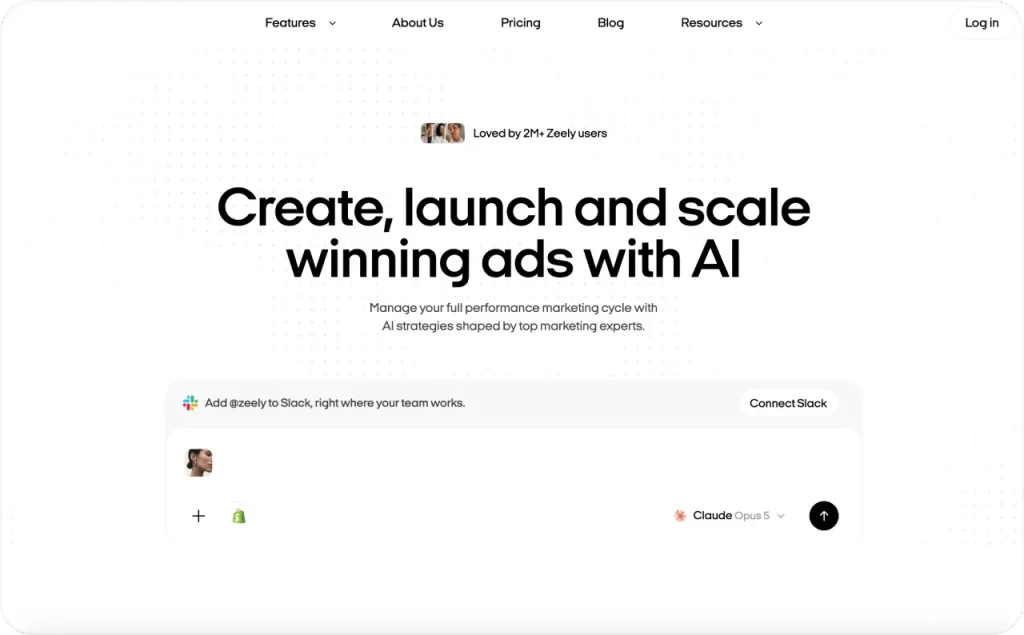
1. Zeely: Captions as part of the full ad workflow
Zeely is where I’d start if captions are just one step in a bigger production. You’re making a short-form ad. That means you also need a hook, product visuals, a script, a CTA, something formatted for whichever platform you’re running on. Captions are maybe 10% of that job.
What separates this from the caption-only tools is that you don’t stop after subtitles. You build the creative and actually launch it. Same platform, no exporting anywhere. I’ve watched small teams lose hours every week on that handoff alone. If you want the full walkthrough, read my guide to creating AI video ads that covers the setup from product link to published ad.
The workflow has three stages (Create, Launch, Scale) and keeps everything together. Video ads, image ads, talking-head clips, UGC, scripts, hooks, captions. You build, caption, preview, push to Meta or post through Social Posting. Sounds minor, but not having to re-import files between apps saved me more time than I expected.
I like how captions work here. Toggle them on or off. Pick a highlight color. Set placement. Preview before you render. They’re tied to scripts that follow AIDA and PAS frameworks, so the text on screen is already angled toward a selling point. I’d take that over flashy caption animations. For opening lines that actually stop the scroll, my UGC hooks for video ads guide is a good starting point.
Paste a product URL from Shopify, Etsy, or Amazon and Zeely pulls in the details automatically. There’s a library of 1,200+ avatars, an Inspiration Gallery with 2,000+ ad references, a Competitor Spy feed. More than I can cover in a paragraph.
Pricing page has the current numbers: $29.95/month for Starter, $49.95 for Plus, $79.95 for Growth. Credit allotments go up with each tier. App and website prices can be different, so always look at the live page. The people who get the most from this are small business owners and lean marketing teams who want auto captions for reels inside their ad workflow, not duct-taped on from somewhere else. If all you need is a quick caption on one video, Submagic or CapCut cost less and do less.s not the right choice if you only need to caption one casual video and nothing else. For a pure caption-only workflow, AutoCaption or MixCaptions may feel lighter.
2. Submagic: Viral-style animated captions
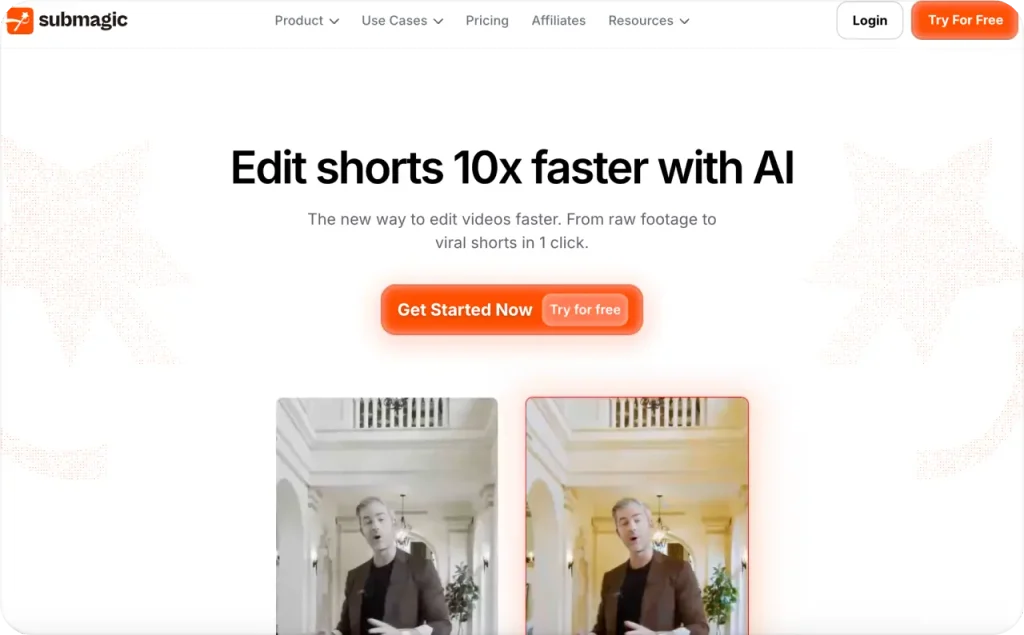
Submagic is probably the closest head-to-head competitor to Captions AI on this list. Narrow focus, sharp execution: make short-form clips look native to TikTok and Reels.
The caption styles are the hook. Word-by-word pop-ins, karaoke highlighting, custom-color key-phrase emphasis, emoji overlays. But Submagic also does a one-click auto-edit that strips silences, drops in B-roll, adds zooms, layers sound effects. You feed it a raw talking-head clip and get back something that looks edited. No timeline.
They claim ~99% accuracy across 123 languages. I can’t confirm that number, but English accuracy has been solid in my experience.
Free tier is 3 videos/month with a watermark and 90-second limit. After that, Starter at $19/month ($12 annually) gives 15 videos up to 2 minutes. Pro is $39 ($23 annual) for 40 videos. Business + API runs $69 ($41 annual), 100 videos. Magic Clips costs extra on top.
Good fit for creators and personal brands posting short-form regularly. Not a good fit if you need ad scripting, AI avatars, or anything related to campaign management. If you’re weighing AI-generated content against real creator footage, my AI UGC vs real UGC comparison breaks down when each format earns its budget. The caps on lower Submagic plans feel tight fast: 15 videos a month on Starter, each maxing at two minutes.
3. CapCut: Free editing with built-in captions
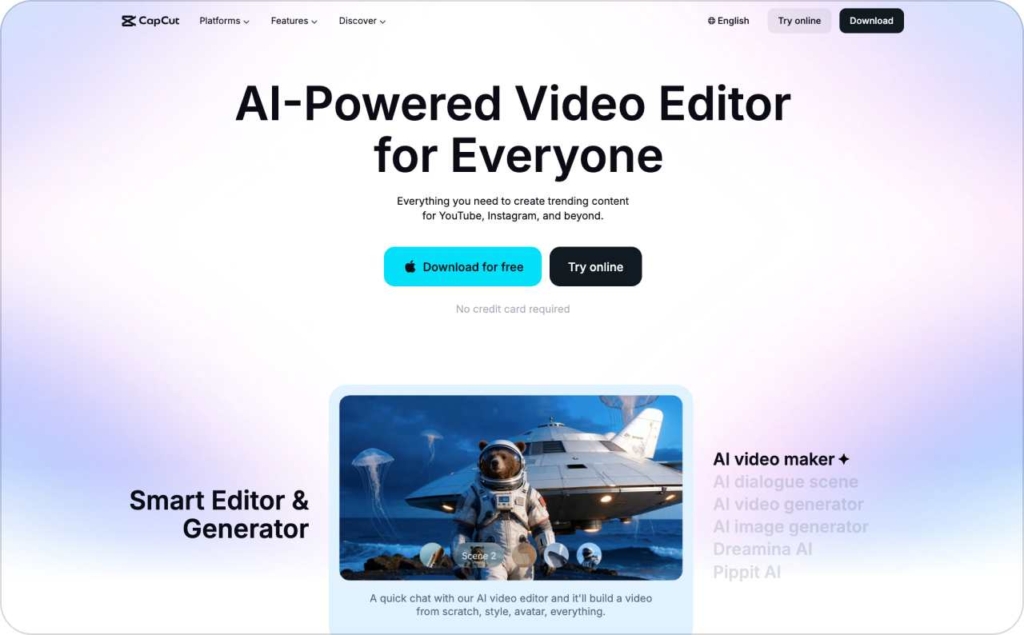
CapCut used to have one free tier. Now, after a 2026 pricing overhaul, there are several plans. The free version made it through, though. Core editing, basic AI captions, templates, 1080p exports, all still free. Tough to argue with.
ByteDance owns both CapCut and TikTok, so the connection runs deep. Templates mirror trending formats. The mobile editor was clearly built phone-first. If you already edit in CapCut, adding captions is just part of what you’re doing. Animated, static, custom fonts, word-by-word timing. Desktop works too, if you want more screen space.
Free covers a lot on its own. Standard at $9.99/month is mobile-only and drops the watermarks. Pro ($19.99/month, $179.99/year) is where 4K, the full AI toolkit, 1TB cloud, and desktop access sit. Teams start around $24.99/user. One detail that trips people up: Pro was $7.99 before this restructure. Check your account if you subscribed earlier.
Solid pick for TikTok creators, mobile editors, beginners. After export, though, CapCut is done. No ad building, no scripts, no campaigns, no tracking.
4. HeyGen: AI avatars and multilingual video
HeyGen has the AI avatar space locked down. Over 500 stock avatars with realistic lip-sync in 175+ languages, voice cloning, and custom avatars built from a short recording. If Captions AI’s “AI Actors” drew you in but felt limited, HeyGen is where you step up. Bigger library, stronger lip-sync, far broader language coverage.
Captions come free since the platform already has the script and audio. That’s just a side effect, though. The actual draw is avatar quality. HeyGen’s Avatar IV output looks more human than most competing tools, but it burns credits at a higher clip. For a different take on AI talking head video, Zeely’s avatar workflow ties captions, scripts, and campaign launch together in one place.
There’s a free tier (3 watermarked videos/month, 720p). Creator runs $29/month, roughly $24 if you pay annually, and gives you 600 credits at 1080p. Pro starts at $49 with more credits and 4K. Business is $149/month plus $20 per extra seat. Here’s the number that actually matters, though: Avatar IV eats 20 credits per minute. Those 600 Creator credits? About 30 minutes of top-quality avatar video. Then you’re upgrading.
Strong pick for multilingual campaigns, spokesperson-style ecommerce ads, education content at scale. But avatar video is all it does. No image ads, no campaign management, no dashboards. I’d keep a close eye on credit burn if you plan to produce regularly.

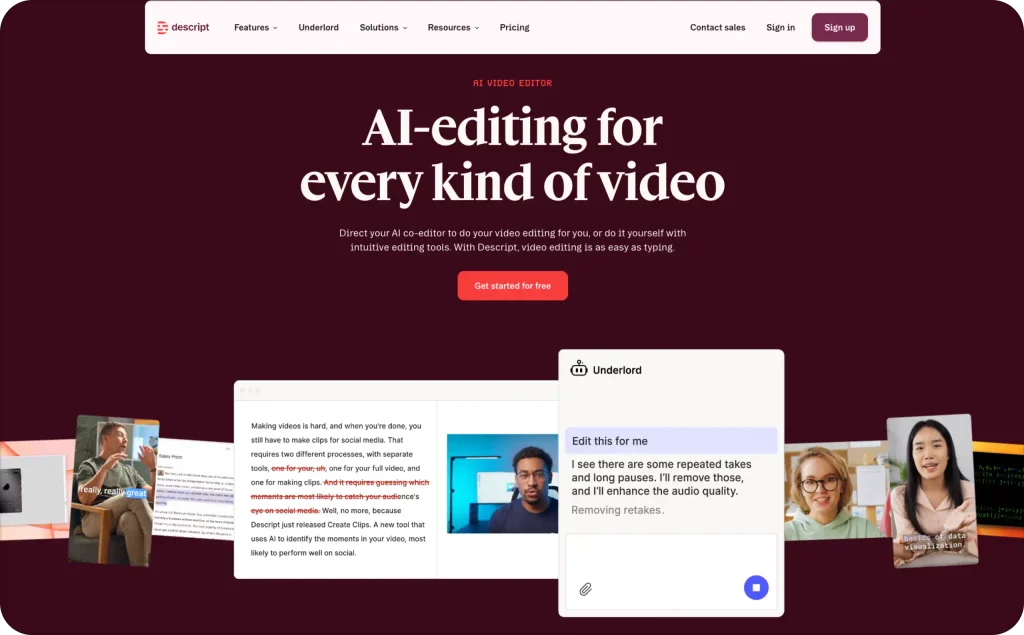
5. Descript: Edit video by editing text
Descript approaches editing differently than everything else here. You work from a text transcript. Delete a sentence and the matching video vanishes. It’s absurdly fast for cleaning up talking-head recordings, podcasts, interviews, webinar captures.
The AI features stack on top. Automatic filler-word removal (“um,” “uh”). Studio Sound for cleaning audio. Eye contact correction after the fact. And because Descript holds a word-level transcript of everything in the project, timed captions are essentially free. Export as SRT, VTT, or burn them straight into the video.
Four plan tiers. Free gives you 60 media minutes/month (720p, watermarked, 100 one-time AI credits). Hobbyist at $24/month ($16 annual) bumps that to 10 transcription hours and 1080p. Creator at $35 ($24 annual) adds 30 hours and 4K. Business at $65 ($50 annual) gets you 40 hours and team tools.
Podcasters and coaches love this. So does anyone who records a lot of talking and hates scrubbing through footage. The scope is narrow, though. Descript only edits what you’ve already shot. No new video generation, no avatars, no ad tools, no campaigns.
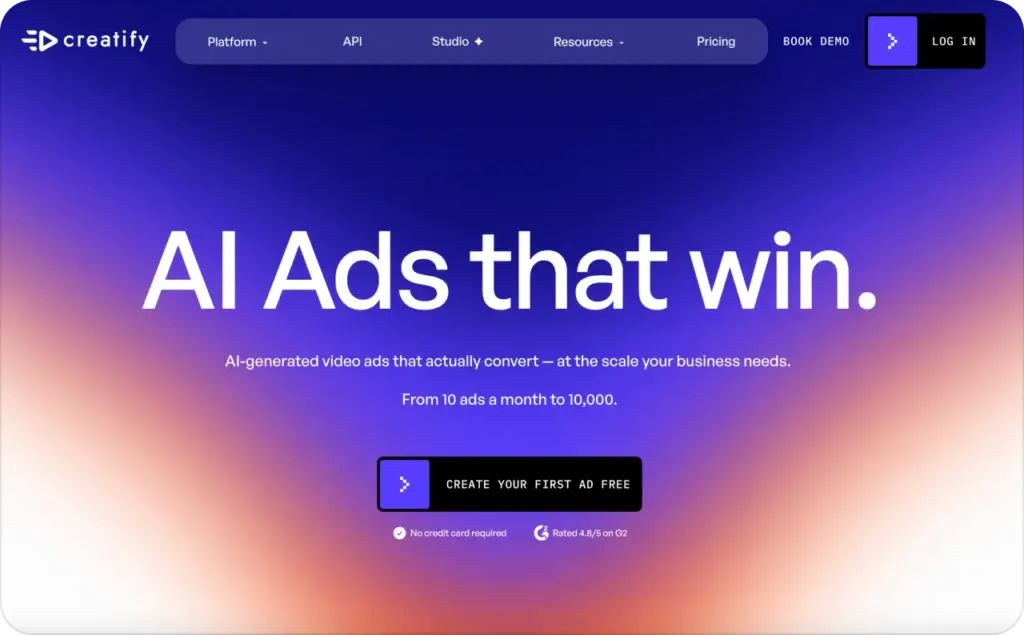
6. Creatify: Best for turning product URLs into video ads
Creatify is laser-focused on ecommerce video ads. Paste a product page URL. It generates short-form ad variations with AI avatars, scripts, and product visuals. Scripts follow a hook-problem-solution-CTA structure. Pro subscribers also get an ad launcher for Meta and TikTok and access to a competitor ad database.
If you tried Captions AI’s “AI Ads” feature and found it too shallow, Creatify addresses that more directly. The whole product is about converting product data into testable ad creatives.
Free gives you 10 credits/month (watermarked). Starter is $39/month for 100 credits. Pro, at $99, opens up 300 credits plus the ad launcher, competitor tracker, and 5 seats. Enterprise is custom. But here’s the thing nobody mentions upfront: a polished video ad usually runs 15 to 20 credits. So that 100-credit Starter plan? It’s really a 5-to-7-ad plan. Not the “2 to 20 credits per video” the website implies.
Ecommerce and DTC brands running constant Meta and TikTok creative tests will get the most from it. Everyone else will miss image ads, organic tools, and a proper campaign dashboard.
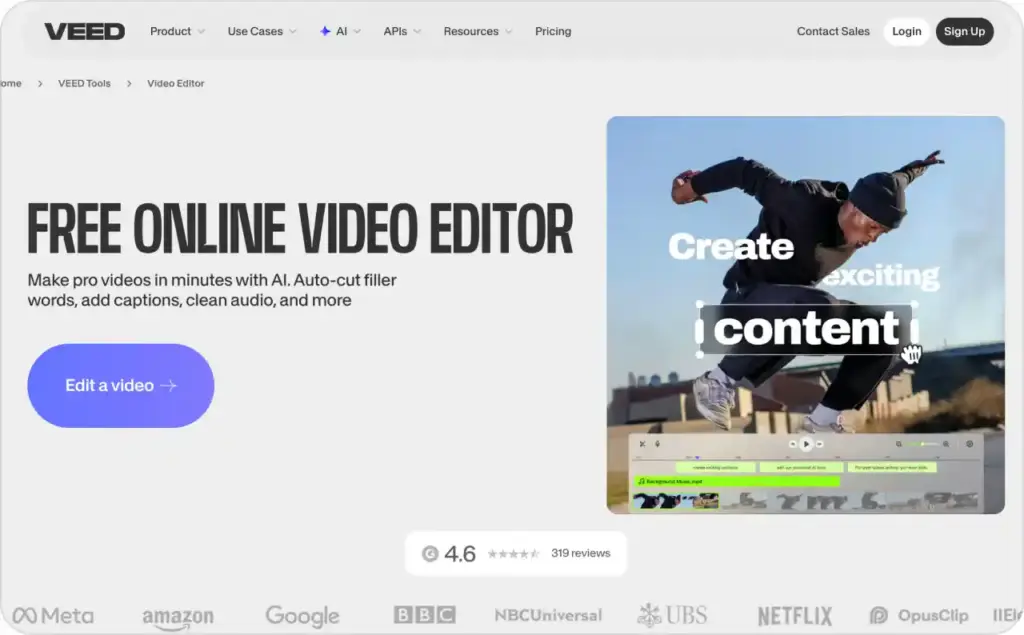
7. VEED: Browser-based editor with subtitle tools
VEED is browser-only. Upload, auto-caption, style, export. Fast for subtitles, with 100+ languages for translation. They bolted on AI avatars, text-to-video, and dubbing in 2026 (Pro and above), but those burn credits on top of the subscription. Plan price and actual cost aren’t the same thing if you use the AI features much.
Free is 720p, watermarked, 10 minutes max. Basic around $18/month. Pro about $30. Business roughly $59/seat. Numbers vary by region. Useful for browser-based editing with subtitles and translation. That’s about where it ends, though. No ad creation, no campaign tools.
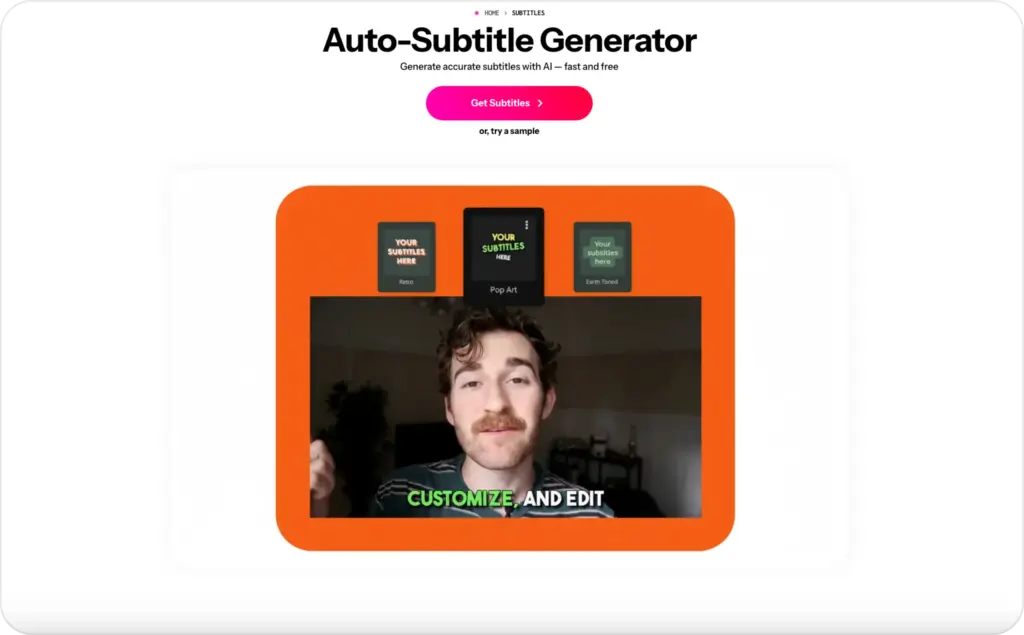
8. Kapwing: Collaborative subtitle editing for teams
Kapwing has done the same core things well for years, and I mean that positively. Auto-subtitles, editable transcripts, word-by-word timing, SRT/VTT/TXT export, 100+ translation languages, shared workspace.
The collaboration is the reason to pick it. Script writer, caption reviewer, final approver, all in one project. Brand kits lock the styling down.
Pro is $16/month annually, $24 monthly. Business $50/month. Free plan watermarks everything. More tool than a solo creator needs. No avatars, no ad features, no campaign stuff.
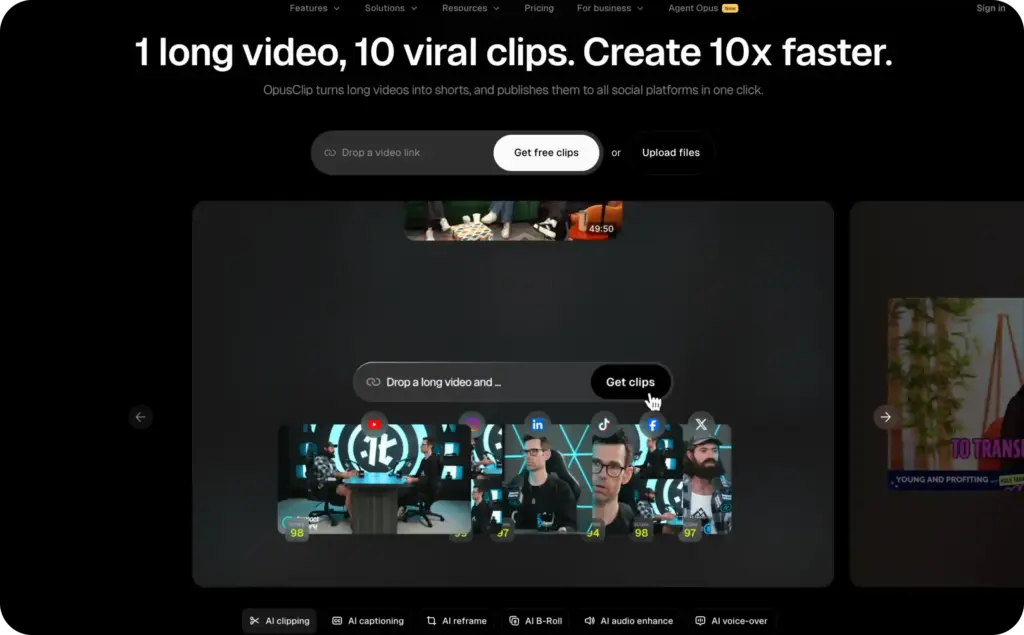
9. Opus Clip: Captioned shorts from long-form recordings
Opus Clip does one thing well. Give it a podcast, webinar, or YouTube video. The AI picks the strongest moments, clips them, captions them, scores each one for virality. Pro adds AI B-roll so you’re not staring at a static talking head the whole clip.
Free gets 60 credits/month (watermarked, 3-day expiry). Starter $15/month, 150 credits. Pro $29/month, 300 credits plus B-roll, scheduler, 2 seats. Credits count source minutes, not clips. A thirty-minute podcast costs 30 credits no matter how many clips come out.
For podcasters, YouTubers, educators who already create long-form content. If you don’t have long recordings, Opus Clip has nothing to work with.
10. InVideo AI: Full videos from a text prompt
InVideo AI takes a different route than everything else on this list. You type what you want. A product explainer, a social clip, a tutorial, whatever. The AI puts together the whole video on its own: writes a script, finds stock footage, adds a voiceover and music, drops in captions. You never open a timeline. If something’s wrong, you just describe the fix and it regenerates.
I’d reach for it when I need a video fast and don’t have any footage to start from. Nothing else here fills that gap as quickly. Plus plan is $25/month (free tier exists but watermarks everything). The trade-off is that output leans on stock footage and AI voices, so it can feel generic if your brand has a specific look. Works for quick social posts. Less so for actual ad campaigns where consistency matters.
How to choose the right alternative for ads
Don’t pick a caption tool based on accuracy claims alone. Accuracy matters, but ad subtitles need more than correct words. This is what I check first.
- Edit speed. Can you fix product names, promo codes, prices, and slang in seconds? One wrong brand name in a subtitle can make the entire ad feel careless
- Caption placement. Reels, Shorts, and TikTok stack buttons, handles, and UI overlays around the edges. Important subtitle text near the bottom-right or bottom-left gets covered by platform controls. Test every export on your phone before publishing
- Style control. Your subtitles should match the creative. A bold word-by-word style works for a TikTok hook. A clean two-line style works better for a skincare testimonial or B2B founder video. If the tool forces one look, you’ll outgrow it
- Export rules. Burned-in captions are safer for social ads. The text stays with the video no matter where it ends up. If you also need SRT or VTT files (YouTube, webinars, accessibility), make sure the tool supports that. My guide to captions for video content covers the format differences
- What happens after captions. This is the step most people skip. If you still need to add a hook headline, write an ad script, pick an avatar, generate variations, and push to a Meta campaign, that’s several more tools and several more hours. Some platforms (Zeely being the broadest) handle those steps natively. Most caption-only apps stop at the export
Caption best practices for Reels, Shorts, and ads
Good captions are read before the viewer consciously notices them. For accessibility guidelines on format and placement, W3C’s WCAG 2.2 and Section508.gov cover the standards.
Here’s the checklist I run through before publishing any short-form ad:
- One idea per caption line
- Hook text visible in the first two seconds
- Nothing covering the product, face, CTA, or price
- Brand names fixed manually after auto-captioning
- High contrast that reads on a phone screen in sunlight
- No caption animations that compete with the offer
- Final export watched on a phone, not just a laptop
Fancy effects don’t matter if the viewer can’t read the offer before they scroll past.
Final verdict
Zeely if captions are part of an ad workflow. Submagic for animated captions on organic content. CapCut if free matters most. HeyGen for AI avatars. Descript for transcript-based editing. Creatify for ecommerce URL-to-video. VEED or Kapwing for browser editing. Opus Clip for repurposing long-form. InVideo AI when you have no footage at all.
If subtitles are the whole job, use a caption app. If subtitles are part of a sales video, start with Zeely. For creative testing ideas once you’re set up, the ad creatives tips guide covers how to build variations that actually teach you something.
FAQ
It depends on your workflow. For ad creation and Meta campaign launch in one place, Zeely. For trend-styled animated captions on organic content, Submagic. For free mobile editing, CapCut. For AI avatar video ads, HeyGen. For transcript-based editing, Descript. For ecommerce URL-to-video ads, Creatify. No single tool wins for everyone.
For captions alone, the Basic plan (formerly Pro) at $9.99/month is fair. But if you want generative AI features, you jump to Max at $29.99/month with a 500-credit limit that drains fast under regular use. Teams producing weekly ad content often find better per-dollar value in Submagic (more caption options for the price) or Zeely (captions plus ad creation and campaign launch).
For TikTok, CapCut has the deepest native integration (ByteDance owns both). For YouTube Shorts, Submagic and Opus Clip both produce vertical captioned clips built for the format. If you need Shorts or TikTok ads rather than organic posts, Zeely covers creation through Meta and TikTok campaign launch.
Zeely. More than 70% of its users are small business owners or solo entrepreneurs, and the product reflects that. You import a product URL, generate creatives, add captions, write scripts, and launch Meta campaigns from one place. No need to piece together separate apps for each step.
CapCut’s free tier is the strongest: full editing, basic AI captions, 1080p, big template library. Submagic lets you try 3 videos/month for free (watermarked). VEED, Kapwing, Descript, and Opus Clip all have some kind of free plan, though each comes with limits. If you’re making actual ads, you’ll probably need a paid plan somewhere to drop the watermarks and get the features that matter.

Emma blends product marketing and content to turn complex tools into simple, sales-driven playbooks for AI ad creatives and Facebook/Instagram campaigns. You’ll get checklists, bite-size guides, and real results, pulled from thousands of Zeely entrepreneurs, so you can run AI-powered ads confidently, even as a beginner.
Written by: Emma, AI Growth Adviser, Zeely
Reviewed on: October 1, 2026