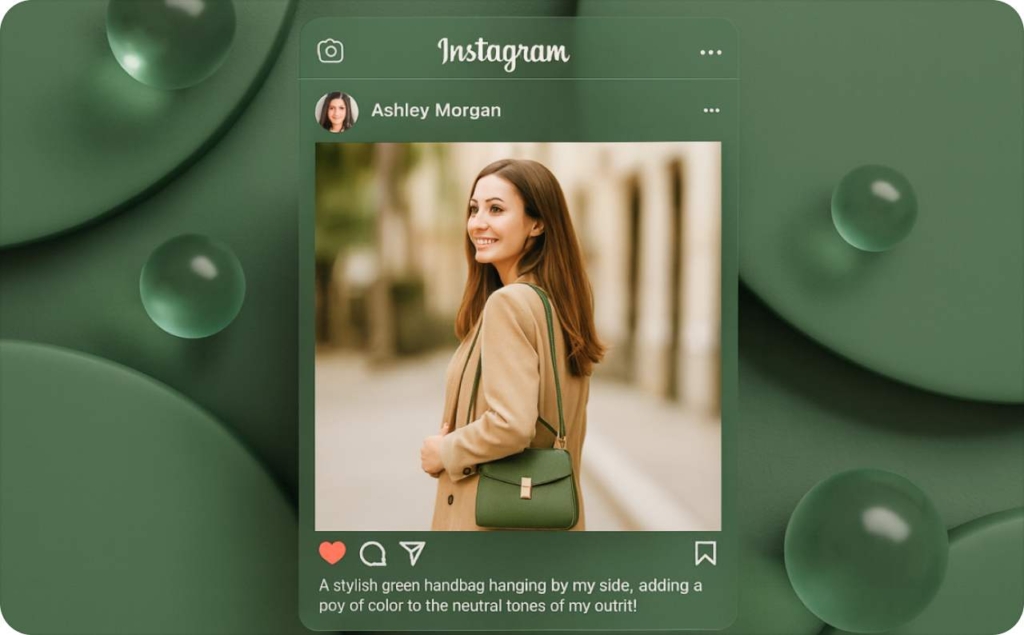
How Zeely works in 2026: AI ads, creatives, and campaigns in 5 steps
Most people ask the same thing when they first try Zeely: how does it actually work after I add my product, and where does my budget go inside the app? I worked with our product and growth teams to explain the full workflow in plain language. The goal is to help you understand what Zeely does in the background and what you control on your side, step by step.
Before we jump in, let me ground this in the real search landscape. The top-ranking posts in 2024 still come from Reddit stories, Medium essays, and old Facebook group threads. They are long anecdotes, not actual guides. A Reddit seller describes a “misleading free trial” and low-quality videos from a version of Zeely that no longer exists. A Medium piece from 2023 focuses on friction around cancellation, not on how campaigns or creatives work. A Facebook thread is a swirl of user complaints with no explanation of the system. None of them explain the real workflow that exists in 2026.
This guide fixes that gap. I will walk you through what happens from the moment you paste a link to the moment you see your first ROAS number. I will keep everything focused on how Zeely works.
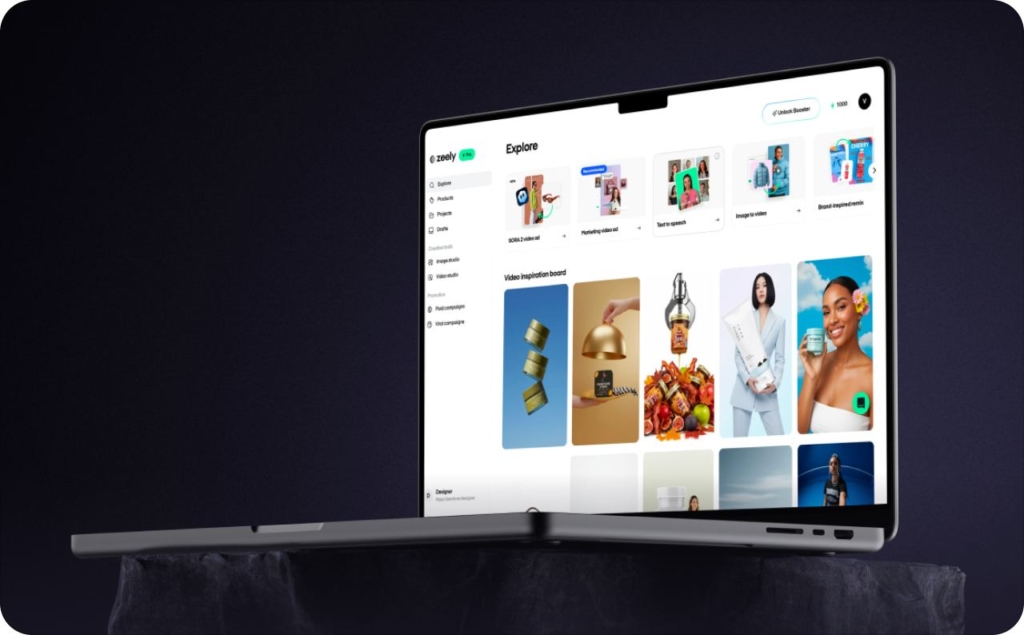
What Zeely is and who it helps in 2026
In 2026, small businesses cannot treat social media as a free billboard. Digital channels are expected to make up roughly 73% of a $1.08 trillion global ad market, as The Wall Street Journal states, and creator-style, user-generated content is passing traditional media for content-driven ad revenue. If you post and hope, you are feeding platforms, not your sales.
The real issue most small businesses face is simple: organic reach is too low to rely on, and paid ads are too confusing to manage alone.
Here is what people usually tell me:
- “My Instagram posts barely reach anyone”
- “Agencies cost more than I make per product”
- “Ads Manager feels like flying a plane”
- “I don’t have time to shoot and edit videos every week”
So they either boost posts randomly or avoid ads entirely. Both paths make growth unpredictable.
Zeely turns what you sell into ready-to-run Meta ads and a simple funnel you can manage from one app. You add a product, set a budget, and Zeely handles the creative work, campaign setup, and ongoing checks that keep your ads moving toward real sales.
It’s built for solo sellers, small e-commerce brands, Shopify stores, and local services that need results without learning Ads Manager or hiring agencies. If you’ve ever said, “I just want something to run good Facebook ads for my product,” this is exactly what Zeely does: clear creatives, clean setup, and numbers you can act on.
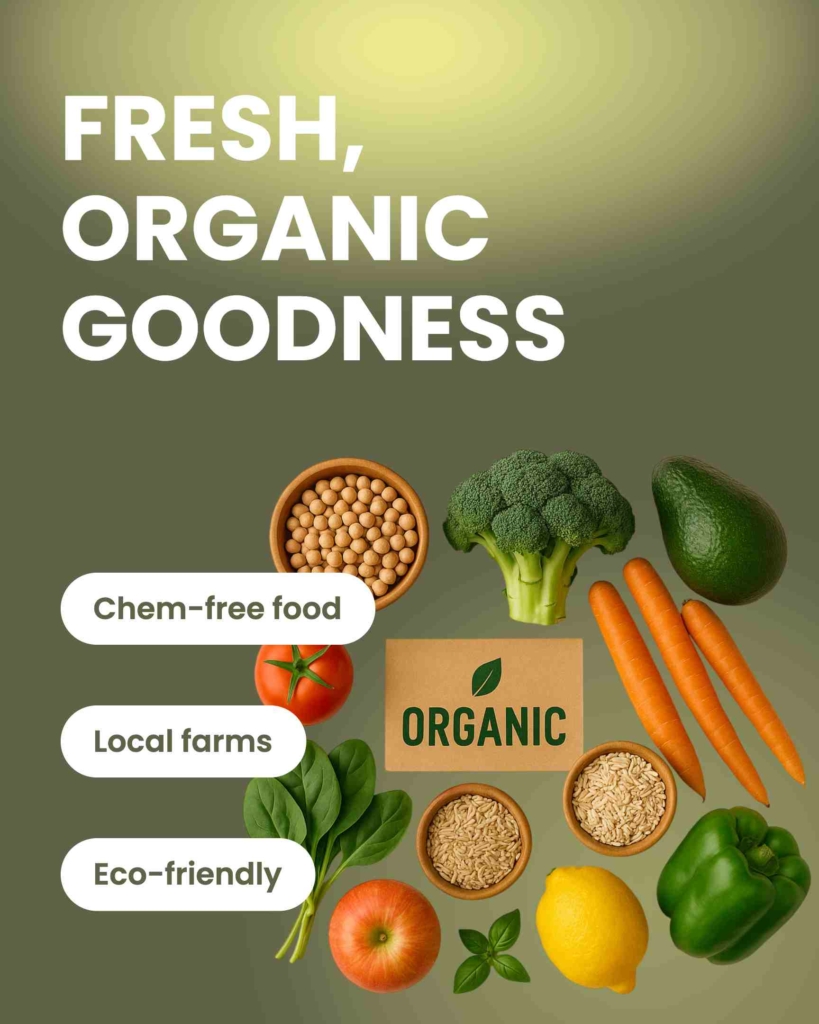
How Zeely works in one glance
Zeely moves your product through five connected actions that take you from “I want to run ads” to clear numbers you can trust. Here is the workflow you follow each time you use the app:
- Add your product or service
- Create your video and static ads
- Choose your goal and budget
- Launch your campaigns to Meta
- Track your results and improve them
Under the hood, Zeely follows a simple build → launch → track flow:
The customer adds a product or service, then chooses which creatives to make (static images or video) in the app or web. Next, they pick the specific static or video template style and generate creatives for that product.
When they’re ready to run paid ads, they open the campaign launch section, select the product to promote, and attach the creatives they already generated with an Instant ad maker for that product. (AI creatives can be used in campaigns only if they were generated in a square format.) Then they set audience targeting options and a budget, and pay for the campaign.
Before anything goes live, the campaign is reviewed by support to confirm it follows Meta’s guidelines and that all links work. After approval and launch, the customer tracks performance in the dashboard and uses the reported metrics to optimize the next run.
This keeps the workflow predictable. You add what you sell, review the creatives, set the budget that fits your comfort level, and let Zeely handle the heavy lifting.
Step 1: Connect your product and business data
When you start in Zeely, everything begins with your product or service. You can paste a link or add it manually. Zeely reads your content, structures it, and builds a product card the AI can use to generate scripts, videos, and images. Think of this step as setting the foundation for your ads. The clearer your inputs, the better your creatives and targeting hints become. You can also add information about a product or service from a link on Facebook or Instagram.
When you paste a website or product link, Zeely pulls:
- Titles and descriptions
- Images
- Prices
When you add a product manually, you enter the same elements through the app. Zeely uses both paths to understand what you sell and how people might use it. This is content-level data only. It shapes your creatives.
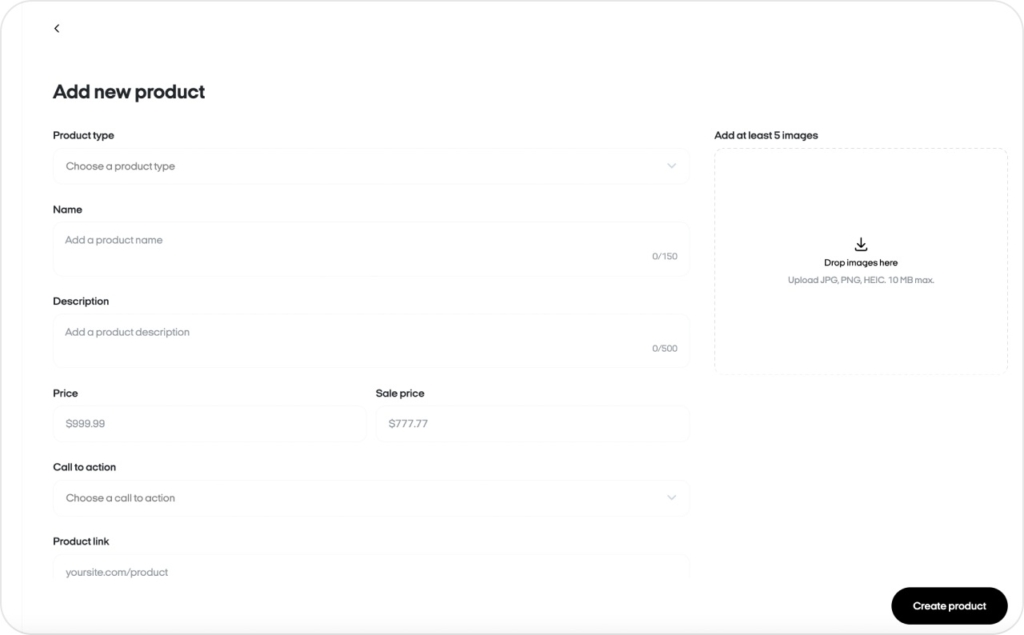
Connecting with or without a website
You can start either way:
- With a website: Paste your link. Zeely imports your product information and images. You confirm titles, prices, and benefits
- Without a website: Upload photos, name your product or service, describe it in a few lines, and set your price or offer
Both flows end in the same place: a structured product card inside Zeely. Before you save it, you also pick a call to action from a dropdown list. That CTA is added to creatives for that product if you use them in a paid campaign.
Step 2: Zeely AI creates your videos and static ads
You have accessed the functionality that you need and create creative content.:
- Script generation
- UGC-style video creation
- Static image sets
- Captions, headlines, and primary text variations
You get multiple versions with batch mode, because different angles work for different audiences. This gives you a small creative test batch instead of a single video you hope performs.
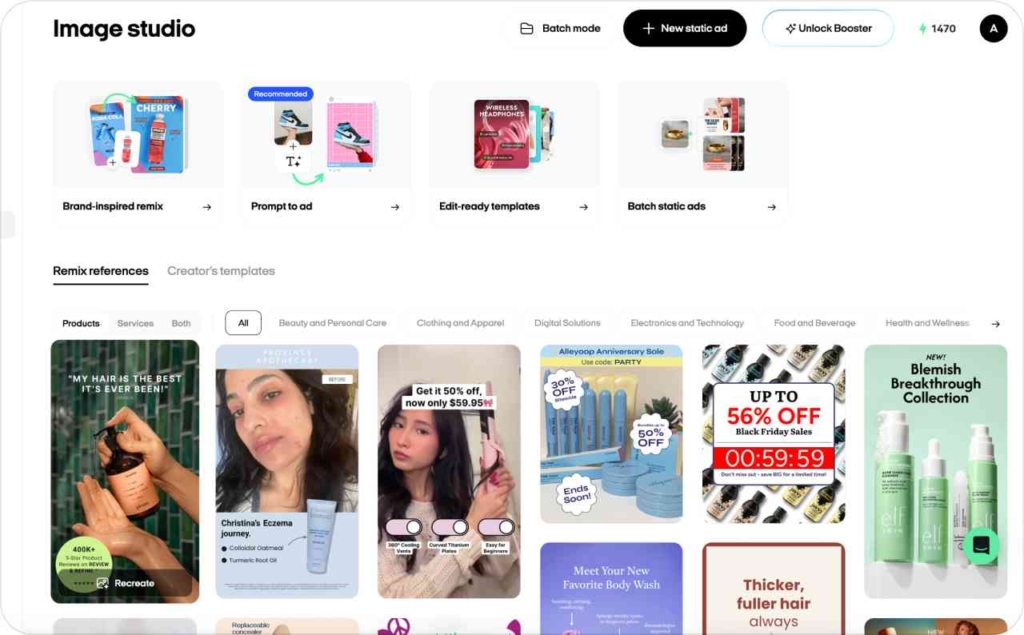
How UGC-style Zeely videos are generated
Zeely’s videos follow a familiar UGC pattern: a direct hook, a simple problem, a clear solution, and a call to action that fits your offer. You pick the avatar, confirm the script, and review variants generated for you.
Here is the typical flow:
- You choose an avatar that suits your target audience
- You choose and confirm a short script built around your product benefits, then select a product photo, music, and hook at the beginning (optional)
- Zeely generates UGC-style videos using lifelike AI avatars
- You preview each version, edit any text, and decide which ones go into your campaign pack
Static ads, thumbnails, and creative versions
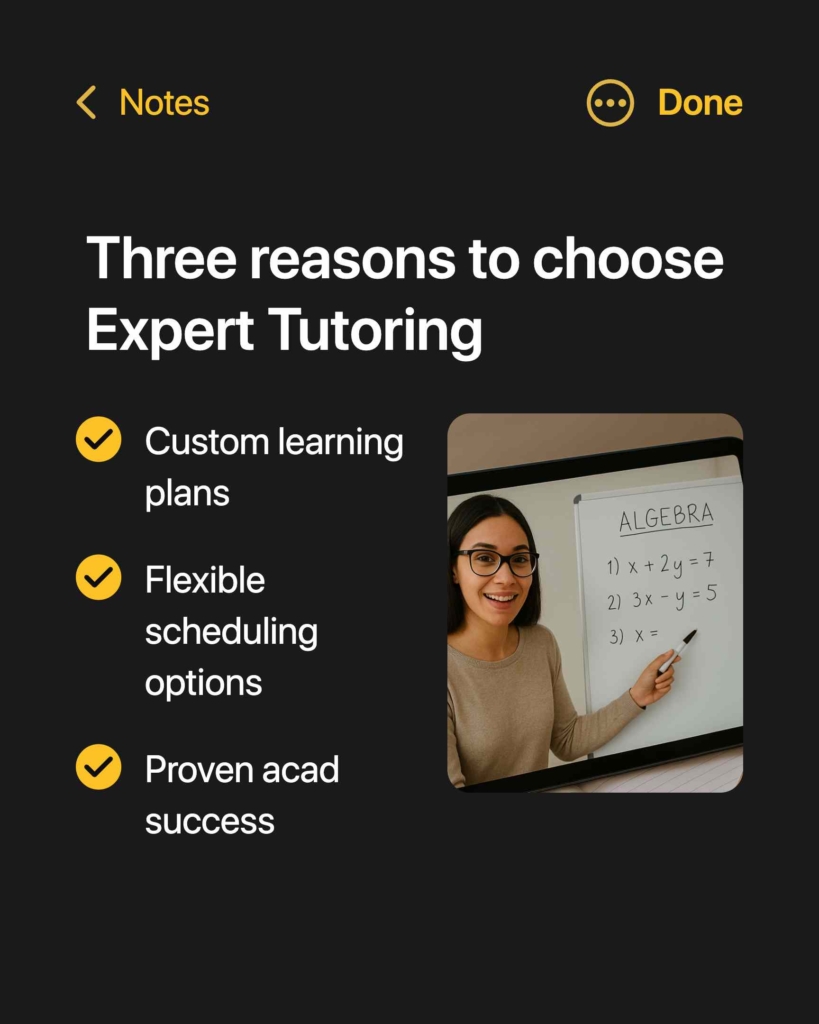
Static ads still play a big role in Meta performance, especially in feed placements. In Zeely, the formats and number of versions you get depend on which creative tool you use:
Edit-ready templates generate a set of creatives in multiple placements at once. You can also use batch mode to generate up to 20 edit-ready templates in one run, which is the fastest way to build a full set of options for a single product.
Scroll-stopping AI creatives can generate different outputs depending on the prompt and model behavior. Today, you may get different sizes or layouts from one generation to the next.
In other creative features, Zeely typically generates 1–3 creatives per run (it varies by feature, some produce a few options automatically, others generate a single version).
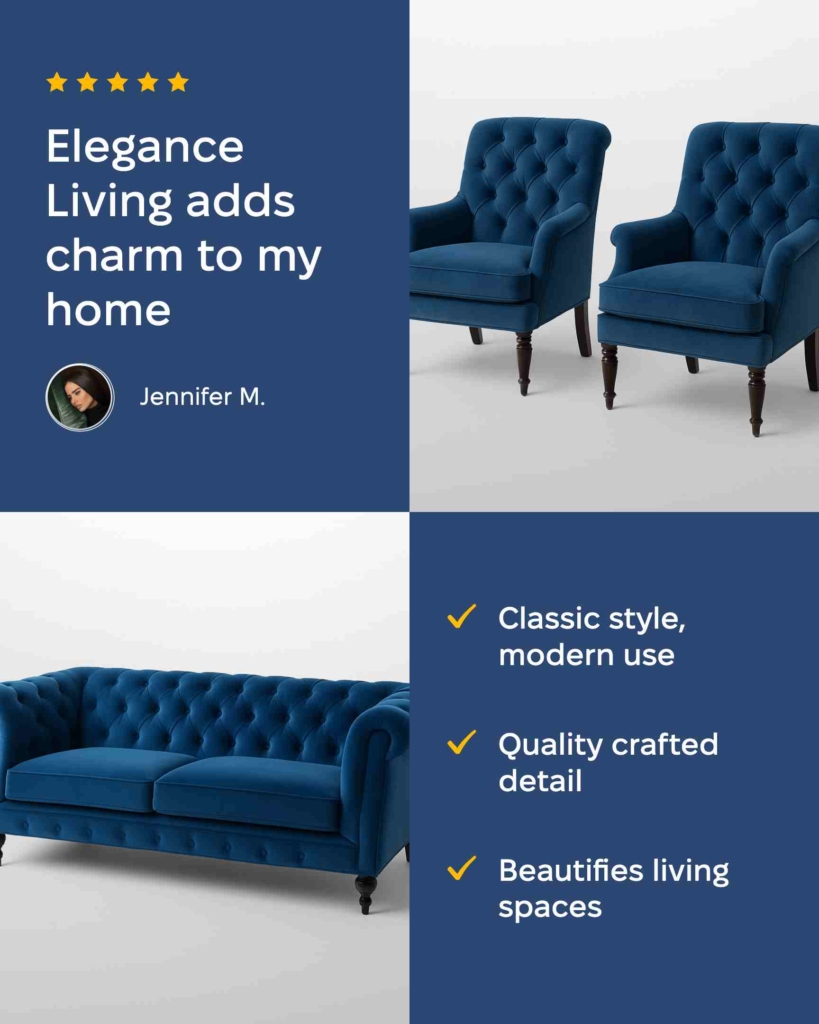
You’ll see multiple thumbnails for the same product when a feature generates variants. That makes it easier to compare options quickly and choose the ones you want to test in a paid campaign, without building every version by hand.

Step 3: Choose your goal, budget, and launch campaigns
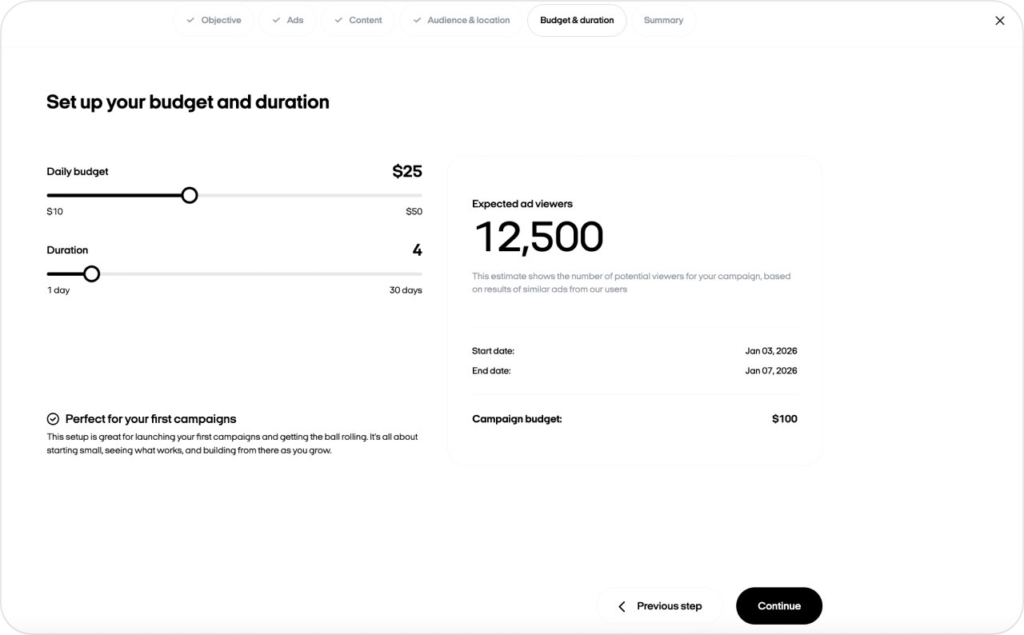
When your creatives are ready, you move to the campaign setup screen. This is where you define what success looks like and how much you want Meta to spend every day. I keep this step simple so you can make clear decisions without getting lost in technical terms.
Inside Zeely, you choose four things:
- Objective: website traffic or leads
- Location: the countries, regions, or cities where buyers live
- Target audience: age, male/female
- Budget: a daily or total amount you’re comfortable investing
Zeely turns these choices into a Meta Ads campaign. Your ads go straight into Meta’s review queue and run on Facebook and Instagram once approved. Advertising creatives are placed on the Zeely page. You may also like exploring targeted digital advertising and how it helps you reach the right audience.
Objectives, placements, and smart targeting
Your objective tells Meta what result to optimize for.
Traffic
Get more people to visit your product page.
When Traffic is best:
- If you want to make online sales without getting directly involved
- If your product page has a conversion rate of more than 1%
- If your product page has all the key details and people don’t need any extra demos or info
Leads
Collect contact info from potential customers.
When Leads is best:
- If your product is complex or high-cost and requires direct sales interaction
- If you don’t have a website or your product page lacks a built-in payment option
- If you want to collect people’s contact details to turn them into customers later
For physical products, Traffic to your website is usually the better fit. For services, or when you don’t have a site/link to send people to, Leads is the right default. Read also about the successful lead generation examples.
Approvals, go-live, and what you see in the app
Once you confirm the campaign, Meta checks your ads for policy issues. You’ll first see an “In review” status in Zeely. Reviews often finish within a few hours unless your niche has special restrictions.
When your ads are approved, Zeely shows an “Active” status and the campaign enters the learning phase. You will see delivery starting, but you should avoid heavy edits during this period.
Step 4: Optimization, analytics, and ROAS tracking
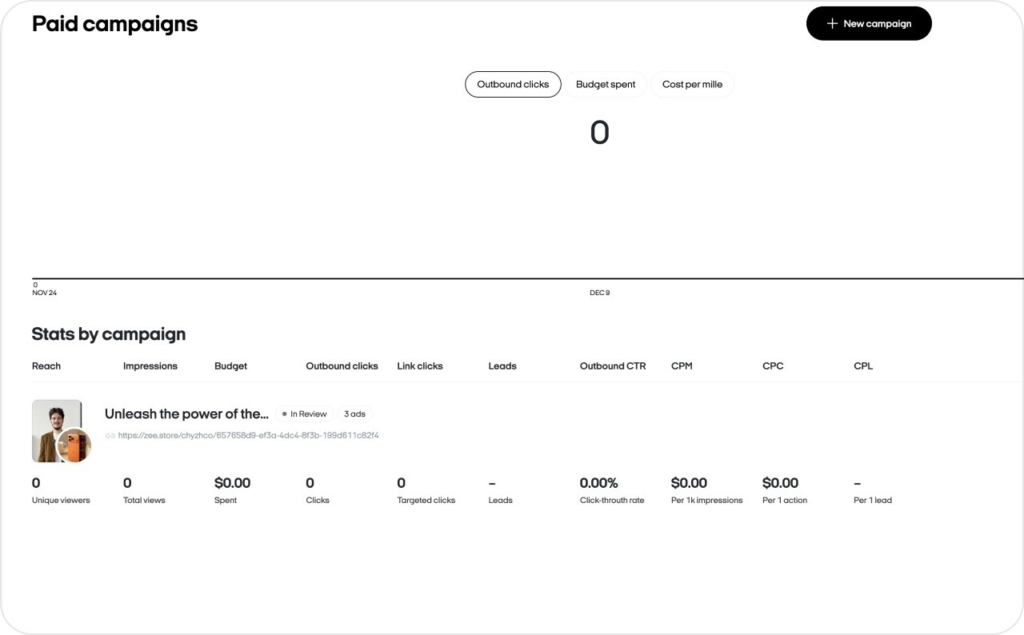
After your ads launch, Zeely shifts into measurement and improvement. You get the numbers that matter most for small businesses, presented in a way you can understand without being a media buyer.
Zeely surfaces:
- Impressions: how often your ads appear
- Clicks: how many people tap
- CTR: click-through rate (clicks ÷ impressions)
- CPC: cost per click (ad spend ÷ clicks)
- Conversions: orders or leads generated
- CPA: cost per acquisition (ad spend ÷ conversions)
- ROAS: return on ad spend (revenue ÷ ad spend)
These metrics live in one simple dashboard tied to each campaign and creative. Filters help you see what’s actually working instead of guessing.
How to use these numbers:
- Low outbound CTR + normal CPC: your ad isn’t grabbing attention. Swap the first line, thumbnail, or main visual
- High outbound CTR + high CPC: people want to click, but you’re paying too much per click. Test a new audience setup, refresh creatives, or shift budget to the cheaper variant
The key numbers Zeely watches
These three metrics drive most of your decisions:
- CTR: measures interest. Better hooks and thumbnails lift this.
Improve CTR with better angles, lower CPA by shifting budget toward better audiences, and increase ROAS by focusing spend on products that bring real revenue.
How often should you check your Zeely campaigns
A calm routine works best. You don’t need daily micromanagement.
Here is what I recommend:
- First three days: open Zeely once a day to confirm delivery.
- After that: check two or three times.
This keeps you in control without turning you into a full-time media buyer.
Why older negative reviews don’t reflect how Zeely works today
A lot of the harsher Reddit and Medium posts come from 2023 or early 2024. The product has changed meaningfully since then. The creative engine produces stronger videos, the preview controls are clearer, and the in-app guidance around budgets and learning phases is much easier to follow.
This article reflects Zeely in 2026, not the version those posts describe. My job here is to show you what actually happens from the moment you add your product. If you’re still exploring what Zeely AI is, this article has you covered.
Final checklist and metrics
Here is a clean way to put this workflow into action.
Do this now
- Pick one product or service you believe in
- Add it to Zeely from a link or manually
- Create and approve 2–3 videos and 3–5 static ads
- Set a budget you can learn from for 5-7 days
- Launch and let the campaign finish its learning phase
Check this
- CTR: Are people clicking? Benchmark with current ranges
Sort your ads by ROAS two or three times per week and follow one or two of Zeely’s suggestions.
Expected result
You should see:
- Faster creative production
- A clear view of which angles actually sell
- A steadier connection between budget and revenue
That is how Zeely works in 2026: from link, to AI creatives, to Meta delivery, to CTR you can understand and act on with confidence. Your first project is closer than you think — get a step-by-step guide in my article about setting up your first Zeely project in 2026.

Emma blends product marketing and content to turn complex tools into simple, sales-driven playbooks for AI ad creatives and Facebook/Instagram campaigns. You’ll get checklists, bite-size guides, and real results, pulled from thousands of Zeely entrepreneurs, so you can run AI-powered ads confidently, even as a beginner.
Written by: Emma, AI Growth Adviser, Zeely
Reviewed on: January 5, 2026