Instagram story size & dimensions: 2026 complete playbook
Master the 2026 Instagram story size and dimensions with this complete guide. Learn how to format photos and videos for 1080×1920 px, use safe zones, and keep your content crisp across devices. Plus, see how Zeely’s AI ad generator helps you design scroll-stopping, professional Stories that convert.
If my Instagram Story looks blurry or my logo gets cropped, I know it’s the wrong size. The right Instagram story size keeps my visuals sharp and centered on every device. With 3 billion monthly active users on Instagram, any degradation in quality risks losing a huge audience, according to Meta. Instagram updates layouts often, and each phone handles Stories a little differently. Here’s how I make mine look perfect in 2026 — clear, professional, and scroll-stopping for the right reasons, using the correct Instagram story dimensions.
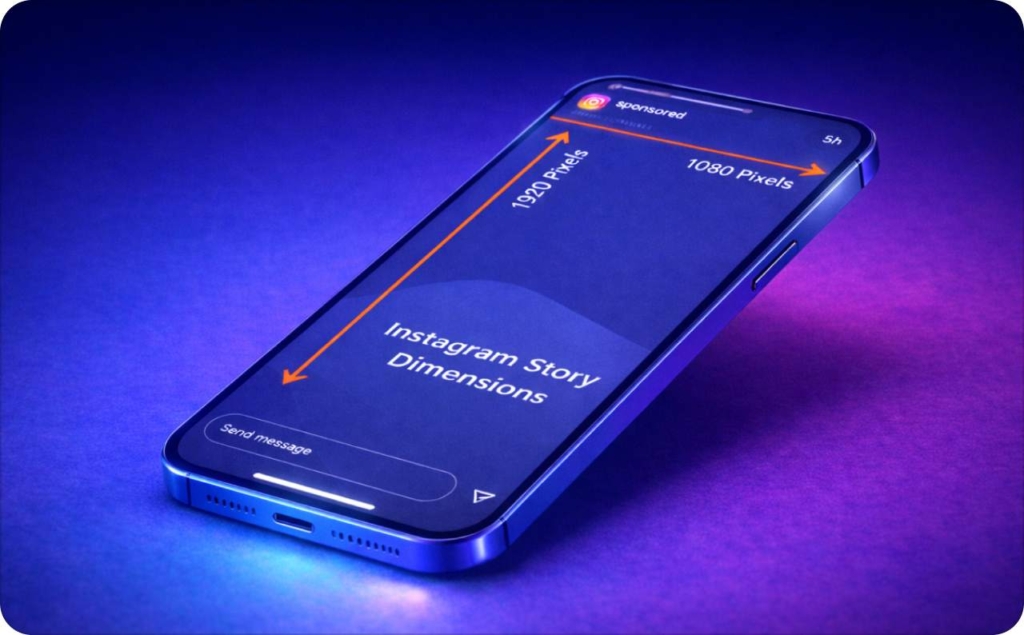
What are the official Instagram story dimensions?
When I create an Instagram Story, I stick to one simple rule: vertical, full screen, 9:16 ratio. That’s the shape Instagram is built for, and the right Instagram story size keeps visuals sharp and centered on every phone. According to a 2025 guide from HubSpot, posts that don’t follow platform-specific image specs often underperform due to cropping or misalignment. If your design doesn’t fit that frame, Instagram might crop or blur it. Here’s what you can use every time, follow the standard Instagram story dimensions.
| Element | Recommended | Minimum | Aspect ratio | File type |
| Photo | 1080 × 1920 px | 600 × 1067 px | 9:16 | JPG / PNG |
| Video | 1080 × 1920 px | 600 × 1067 px | 9:16 | MP4 / MOV |
Safe zone rule for text and logos
My recommendation is to leave space at the top and bottom, that’s where Instagram places your name and buttons, and it helps keep the Instagram story size layout clean.
Here’s a setup you can use:
- Leave 250 px at the top for your profile name and icons
- Leave 250 px at the bottom for “Send Message” or links
- Keep your main text and logo in the center area sized 1080 × 1420 px
Imagine a vertical rectangle sized 1080 × 1920 px, the standard Instagram story dimensions. The top and bottom 250 px are lightly shaded, those are the areas to avoid. The center area is clear and labeled Safe zone for your logo and text.
Do this now:
- Set your canvas to 1080×1920
- Keep your text in the middle 1420 px
- Export as JPG or MP4 for the cleanest result
Expected result: Your Stories stay sharp, centered, and brand-safe, no cropped logos, no blur, no surprises.
Instagram story size for photos
I always follow one simple setup for Story photo creation. It keeps images clear, fast to upload, and good frames for every device. In fact, Buffer notes, over 180,000 creators, small businesses and marketers use their sizing guide to stay pixel-perfect and avoid cropping or blur. If you respect the Instagram story size dimensions, your photos will look consistent across phones.
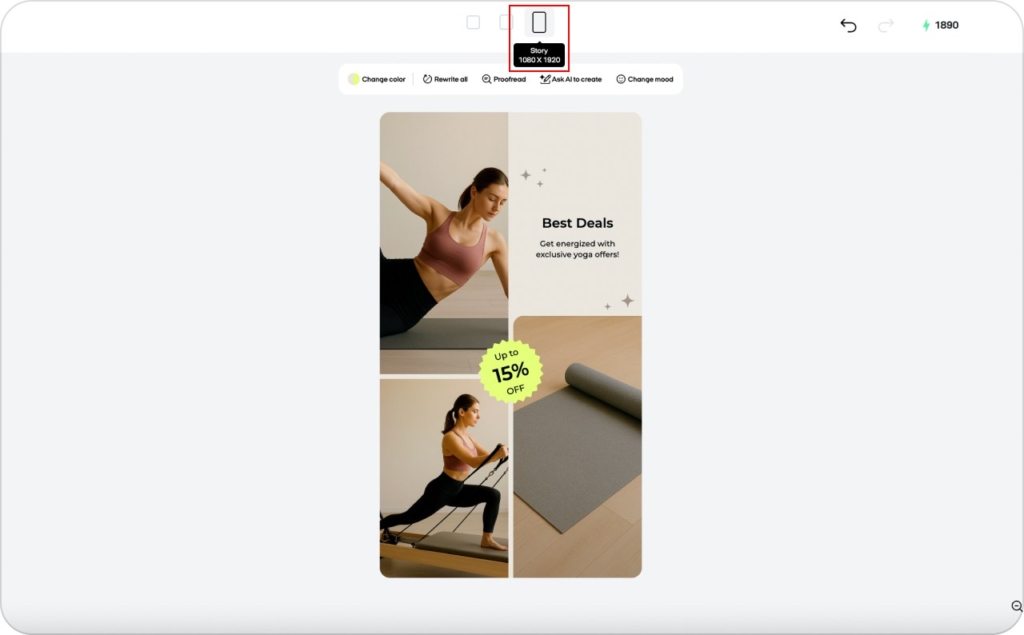
Step 1. Use a 1080×1920 template
Start with a 1080×1920 px canvas, that’s Instagram’s native 9:16 ratio. Anything smaller can look pixelated, and anything wider will get cropped. If I’m designing in Canva, Figma, or Zeely, I pick the Instagram Story preset so the Instagram story image size is correct from the start.
Step 2. Keep the file under 30MB
Oversized files slow down uploads and sometimes fail to post. Make sure each photo stays under 30MB so it loads fast and looks sharp. If the design app has a compression option, use it, quality stays the same, the file just gets lighter.
Step 3. Export in JPG or PNG for clarity
For most photo-based Stories, JPG gives me a smaller file with great color. If I’m adding text, shapes, or product images, I switch to PNG because it keeps every edge clean.
Do this now:
- Set your photo size for Instagram story to 1080×1920 px
- Keep your file under 30MB
- Export as JPG or PNG
Expected result: Clear, fast-loading Stories that always look professional, no blur, no cropping, just clean design that fits perfectly. Follow these dimensions for Instagram stories to stay consistent every time.
Instagram story size for videos
When uploading a Story video, keep it clear, smooth, and quick to watch. Matching the Instagram story size and overall Instagram story dimensions keeps playback crisp on every device, according to Sprout Social, today’s video specs guides for Instagram treat vertical, full-screen formats as the baseline for high performance.
Step 1. Maintain a 9:16 ratio
My recommendation is to film or edit in 9:16 vertical format, it fills the screen without black bars or awkward cropping. If I record horizontally, I crop it before posting. The same canvas used in the image size for Instagram story applies to video, too.
Step 2. Keep each clip under 15 seconds
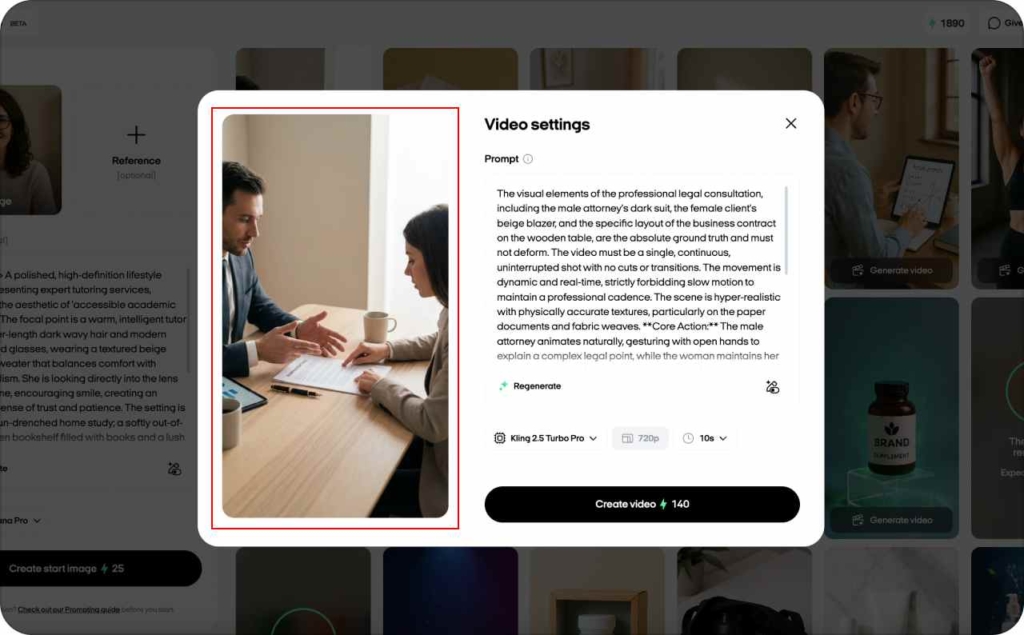
Instagram Stories automatically split longer videos into 15-second segments, which can cut mid-sentence or mid-frame. I plan my clips to fit under 15 seconds each so transitions feel smooth. For longer tips or product demos, I turn those into Instagram reels and share them as Stories to stay within the typical dimensions for Instagram stories experience.
Step 3. Export in MP4 or MOV under 250MB
Export each file as MP4 or MOV, with a max size of 250MB. MP4 is lighter and uploads faster, so I use it most of the time. MOV works best when I need the cleanest quality for polished clips or ads, both optimized for the size of Instagram stories.
| Type | Max length | File size | Format | Best for |
| Story video | 15 sec | ≤250MB | MP4 / MOV | Daily content |
| Reel shared as Story | 15–60 sec | ≤250MB | MP4 | Long tips / promos |
Common Instagram story aspect ratios explained
When resizing content for Stories, match the ratio to the goal. Sticking to the right Instagram story size and accurate Instagram story dimensions keeps everything sharp and on-brand.
9:16: Full-screen vertical
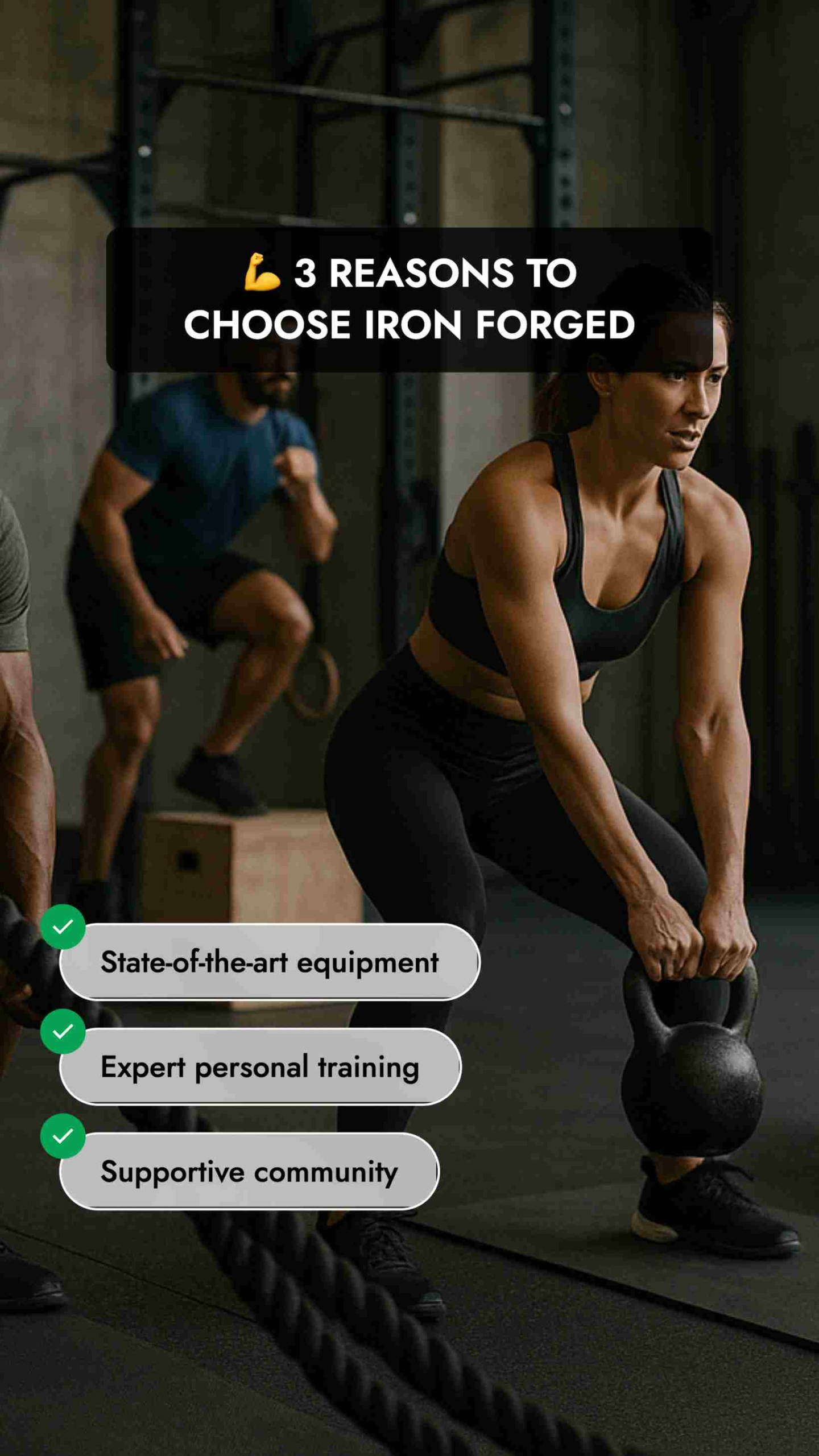
This is the official Story format: 1080×1920 px, completely vertical. Use 9:16 for content created specifically for Stories, like product teasers, quick tips, behind-the-scenes clips. It fills the screen edge to edge and aligns with the standard dimensions for Instagram stories and recommended image size for Instagram stories.
4:5: Cropped feed repurpose
When reusing a feed post or Reel in Stories, resize to 4:5 at 1080×1350 px. It’s not full-screen, but it preserves the original layout. Center it on a 9:16 canvas with a clean background so it still feels Story-native, while respecting typical Instagram stories image dimensions.
1:1: Square safe zone
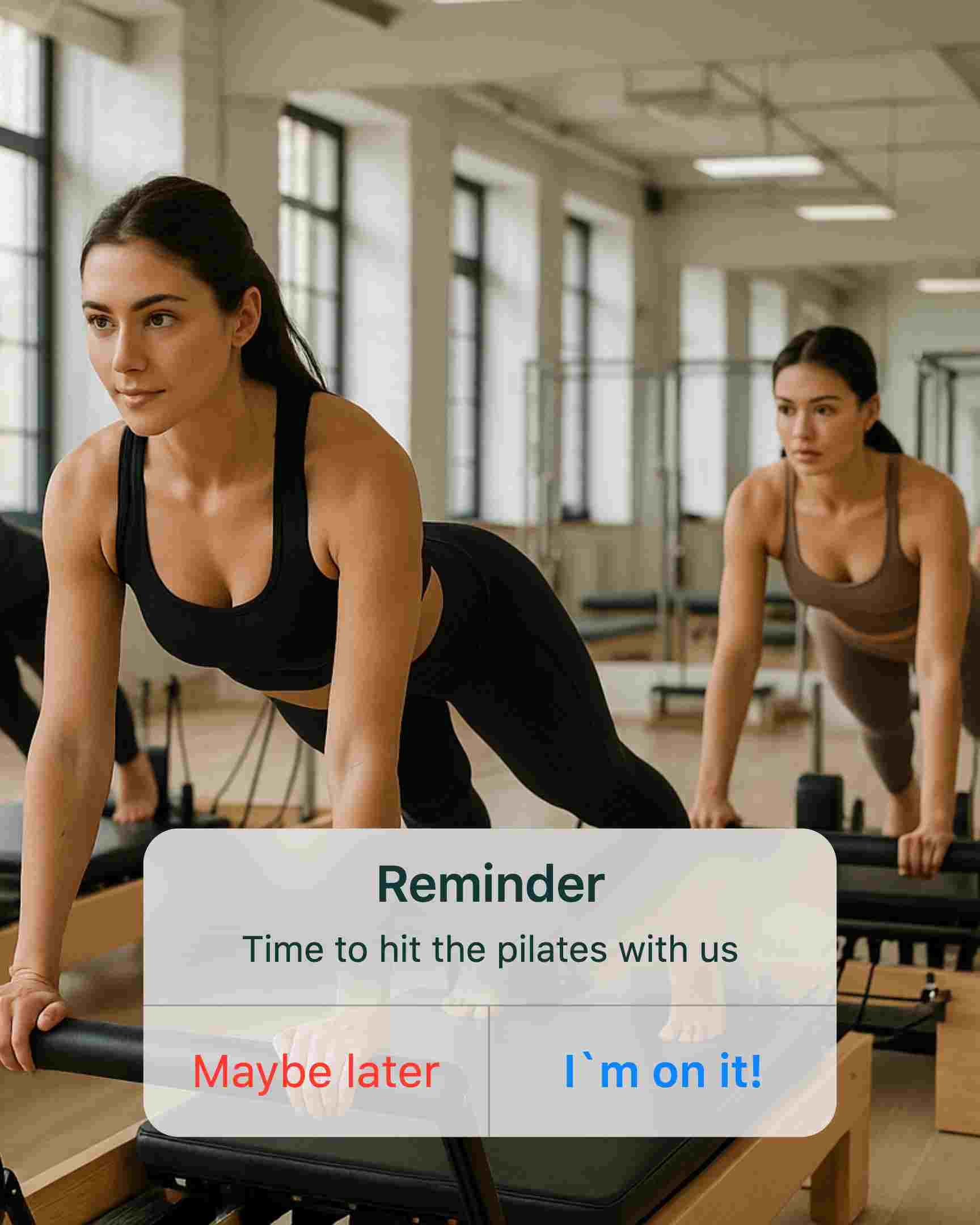
The 1:1 ratio at 1080×1080 px is ideal for square designs, like quotes, product images, or carousel previews. Treat it as a safe zone inside the full Story frame so it fits across formats without stretching or blur.
Visual samples:
- A tall rectangle 1080×1920 px labeled Full Screen 9:16
- A slightly shorter 4:5 rectangle centered on a vertical frame with subtle top and bottom margins
- A centered square within a tall 9:16 frame labeled square safe zone 1:1
How to resize photos and videos for Instagram stories
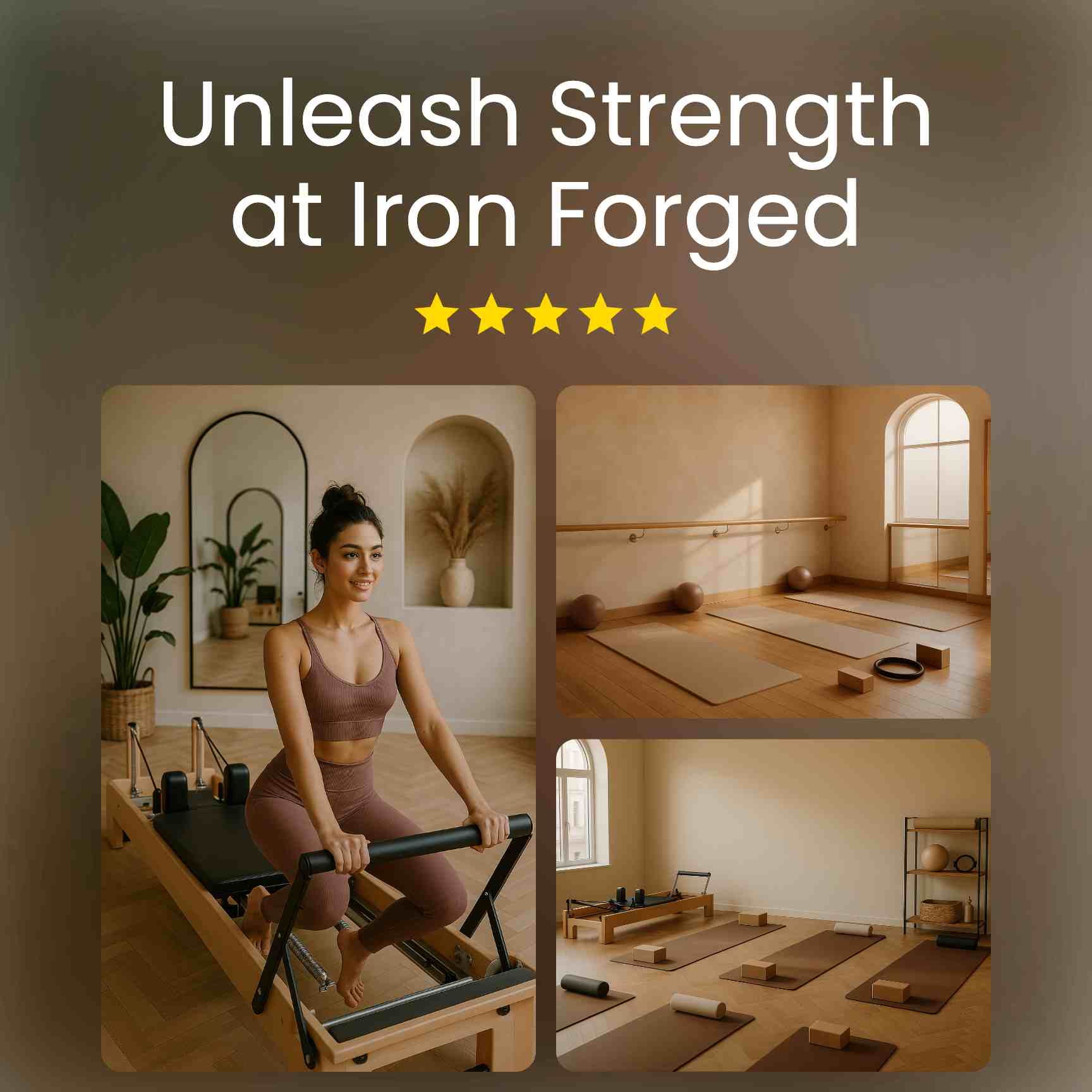
When repurposing photos or videos for Stories, resize first to avoid cropped edges, stretched faces, or blurry uploads. Starting with the correct Instagram story size and consistent Instagram story dimensions keeps quality high across devices.
Step 1: Use an online resizer or template
Open Zeely or Canva and start with an Instagram Story template, already set to 1080×1920 px, the standard image size for Instagram stories. For existing content, drag and drop, then adjust to fit the frame; these tools preserve proportions to prevent warping.
Step 2: Adjust the canvas to 1080×1920 px
Set the canvas to 1080×1920 px with a 9:16 ratio. Keep the main subject centered and leave space at the top and bottom for profile icons and buttons. This aligns with common dimensions for Instagram stories and ensures nothing gets cut off.
Step 3: Preview on mobile before posting
Before publishing, preview the Story on a phone. Desktop previews don’t reflect the in-app UI; confirm the logo, captions, and link stickers remain fully visible and the final Instagram story image size looks crisp.
Before / after Comparison
- Before: Photo stretched or cropped, text touching the edge, logo half visible
- After: Perfect 9:16 frame, subject centered, text readable, logo in the safe zone
Pro tips to avoid cropping or blurriness
Design Stories to look clean, sharp, and intentional. Most quality issues come from incorrect Instagram story size, stretching, or placing elements too close to the edges. Use these fixes aligned with recommended Instagram story dimensions:
1. Keep text 250 px from the edges
Leave 250 px of space at the top and bottom as a safe zone for names, icons, and buttons. This respects the standard dimensions for Instagram stories so text and logos won’t be covered.
2. Use high-resolution exports
Export at 1080×1920 px. Sticking to the correct Instagram story image size prevents fuzzy results and preserves detail across devices.
3. Don’t stretch square photos
Center a square image on a 9:16 canvas and fill the background with a brand color or a blurred version of the photo. This maintains the intended image size for Instagram stories without distortion.
4. Avoid uploading screenshots
Use original files or clean re-exports to reduce compression artifacts. Consistent Instagram stories image dimensions keep visuals crisp and professional.
Carousel idea: “Bad vs. Good” examples
- Slide 1: Text cut off at the top vs. text safely inside the frame
- Slide 2: Stretched square photo vs. properly centered image
- Slide 3: Screenshot upload vs. clean export at correct resolution
Each slide shows the fix visually, real examples always stick better than explanations.
Why you need an AI ad generator for Instagram story creation
Instagram Stories move fast; your creative has seconds to win attention and drive action. An AI Instagram ads maker turns that pressure into a process, producing on-brand, high-converting ads without the usual back-and-forth.
What is the Zeely app?
Zeely is an AI ad maker built for small businesses. The Zeely app transforms a few inputs, product, offer, brand assets, into ready-to-run Story creatives and copy in minutes.

What’s the purpose?
End-to-end automated ad creation: static image ads, motion/video ads, and campaign automation that aligns formats, safe zones, and CTAs with Instagram’s best practices, so your ads look native and perform.
Benefits of Zeely for Instagram stories
- Save time: Generate multiple Story variations in one click, cut production from hours to minutes
- High-converting ads: AI selects proven structures, uses contrast-safe typography, and places CTAs inside safe zones to prevent cut-offs
- Boost ROI: Creative testing is automated, Zeely spins variations, pauses underperformers, and promotes winners to maximize ROAS
- Scalable advertising: Create seasonal or catalog-wide Story sets at once; bulk update prices and promos without rebuilding
- Easy ad creation: Brand kit import locks colors, fonts, and logo placement for consistent, professional output, no design skills required
- Meta integration: Connect Meta accounts to launch ads directly from Zeely, with pixel signals and placements configured for Stories
- Shopify integration: Sync products, inventory, and pricing; auto-generate product Story ads with real-time data
- Insight-driven optimization: Built-in analytics highlight watch-through, taps, and CPA so you can iterate quickly, no spreadsheets
In a feed that rewards speed and relevance, an AI ad generator is the advantage, faster production, smarter testing, and measurable gains. The Zeely app packages all of that into one tool, making scalable Instagram Story campaigns simple to launch and profitable to run. Ready to save time, boost ROI, and ship more high-converting ads? Make Zeely your must-have.
FAQs
I get these questions all the time when people start optimizing their Stories. Here’s what usually comes up and how I handle it.
I always use 1080×1920 px with a 9:16 ratio. That’s the safest setup for full-screen, high-quality Stories on any device.
That usually happens when the file is compressed or not sized correctly. I recheck the export — it should match 1080×1920 px — and make sure it’s uploaded with a stable connection. Instagram sometimes compresses uploads if the file is too large or the network is weak.
I keep mine to 15 seconds per frame, 1080×1920 px, and under 250MB. That way, they load fast and stay smooth. If I need longer content, I post it as a Reel and share it in Stories.
Yes, but I never stretch them. I center the photo and add background padding or a blurred backdrop to fill the rest of the frame. It looks clean and keeps the focus where it should be.

Emma blends product marketing and content to turn complex tools into simple, sales-driven playbooks for AI ad creatives and Facebook/Instagram campaigns. You’ll get checklists, bite-size guides, and real results, pulled from thousands of Zeely entrepreneurs, so you can run AI-powered ads confidently, even as a beginner.
Written by: Emma, AI Growth Adviser, Zeely
Reviewed on: December 18, 2025