13 best AdCreative.ai alternatives
Not sure which AdCreative.ai alternatives actually deliver results? Zeely AI reviewed the most popular platforms to help you pick the smartest, most effective tools.
The hardest part of advertising isn’t hitting “publish.” It’s getting the creative ready. Founders say the same thing: too much time on designs, too much money on freelancers, and too many delays before ads even go live.
Nielsen found that 71% of big brands now rely on AI ad generators to speed up production and stretch shrinking ad budgets. They promise what busy teams need most: campaigns that launch in minutes, not months.
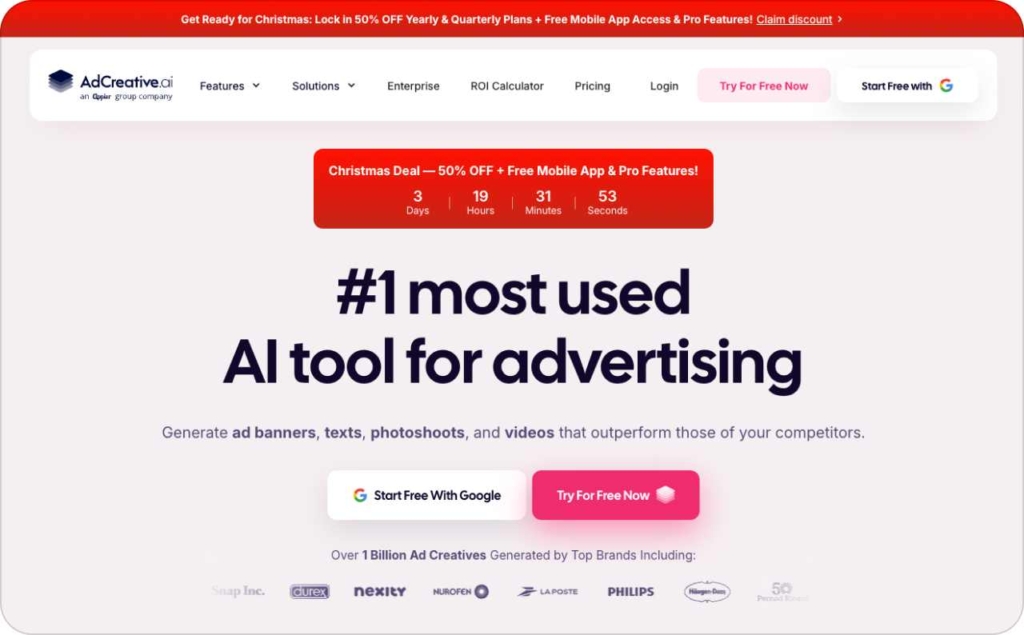
AdCreative.ai was one of the first to prove the idea. Upload your brand details, and the platform builds out banners and social ads automatically. But smaller businesses soon ran into limits: pricing that scales fast, a steeper learning curve than expected, and channel coverage that stops short.
In this guide, you’ll find 13 AdCreative.ai competitors for 2026, from instant video makers to large-scale creative automation platforms to budget-friendly tools built for SMBs.

What is AdCreative.ai?
AdCreative.ai is often reviewed as one of the first AI tools to automate ad design. Its pitch is clear: enter your brand details, and the platform generates banners or social ads within minutes. For busy founders, that feels like a shortcut to professional-looking campaigns without hiring a designer. Almost all companies invest in AI in 2025, but only 1% say they’re at maturity. Proof the space is still evolving.
AdCreative.ai pros and cons
Pros
- Creates banners and social ads quickly with AI
- Helps test multiple variations without design skills
- Useful for teams that want to scale campaigns faster
Cons
- Pricing tiers rise quickly for small budgets
- Interface takes practice before it feels time-saving
- Focuses mainly on display and social, with limited reach beyond those channels
Why do people look for alternatives?
Many founders search for AdCreative alternatives once they hit those limits. They’re not turning away from AI ads, they’re looking for options that fit their reality: easier to learn, friendlier on budgets, and flexible enough to cover more platforms. Competitors step in here, filling those gaps with workflows that feel lighter and more practical.
How to сhoose the right AI ad tool
If you’re running ads yourself or fitting them in after hours, you need a tool that lightens the load. These five points help you pick one that works:
1. Ease of use
A tool should feel natural from the start. If you’re still stuck in tutorials after days of trying, it’s costing you more time than it saves. The right platform gets ads live fast, without the learning curve.
2. Channel coverage
Your customers aren’t only on one platform. Managing Facebook, Google, and YouTube separately is a time drain. A strong AI tool lets you create once and publish across channels, so you stay visible without juggling logins.
3. ROI you can measure
ROI shows up in cost per lead. If the tool helps you spend less to win a customer, even by a few dollars, that’s proof it’s worth keeping. For a founder, booked calls matter more than abstract “efficiency gains.”
4. Creative that feels like your brand
Generic ads disappear in the feed. The right platform helps your business stand out by keeping your brand’s look and tone intact. That way, people recognize you instead of scrolling past.
5. Analytics that guide your next move
Publishing is only step one. A strong platform shows which ads earned clicks and which wasted spend, so every new campaign is smarter without trial-and-error guesswork.
Choose with these points in mind and AI stops being another app on your credit card. It becomes a real partner, saving you time, lowering costs, and keeping your brand visible where it matters.
Top 13 AdCreative.ai alternatives for 2026
1. Zeely AI
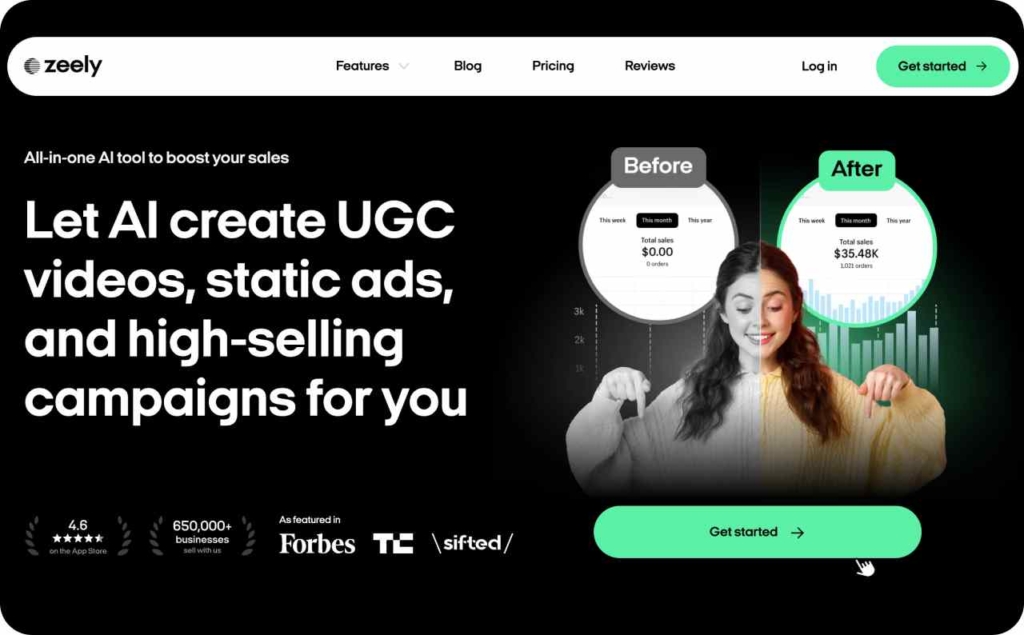
Zeely AI turns a product link into ready-to-launch ads in minutes. Paste your product URL or add products manually, and the platform pulls in details, images, and prices to create static ads, video ads, or even full campaigns.
Strengths:
- Spin up static ads in three seconds
- Render video ads with 500+ realistic AI avatars in under seven minutes
- Launch directly to Facebook or Instagram
- Boost click-through rates with built-in hooks and sales-ready scripts
- Tap into proven templates tested across $1B+ in ad spend
- Generate in bulk, optimize across platforms, and access 24/7 human support
Weaknesses:
- Advanced enterprise features and deep customization are still catching up
Audience fit: Perfect for small businesses that need ads live today, not next month. Expect faster refresh cycles, lower CPC, and a clear view of what’s working.
2. Canva Ads
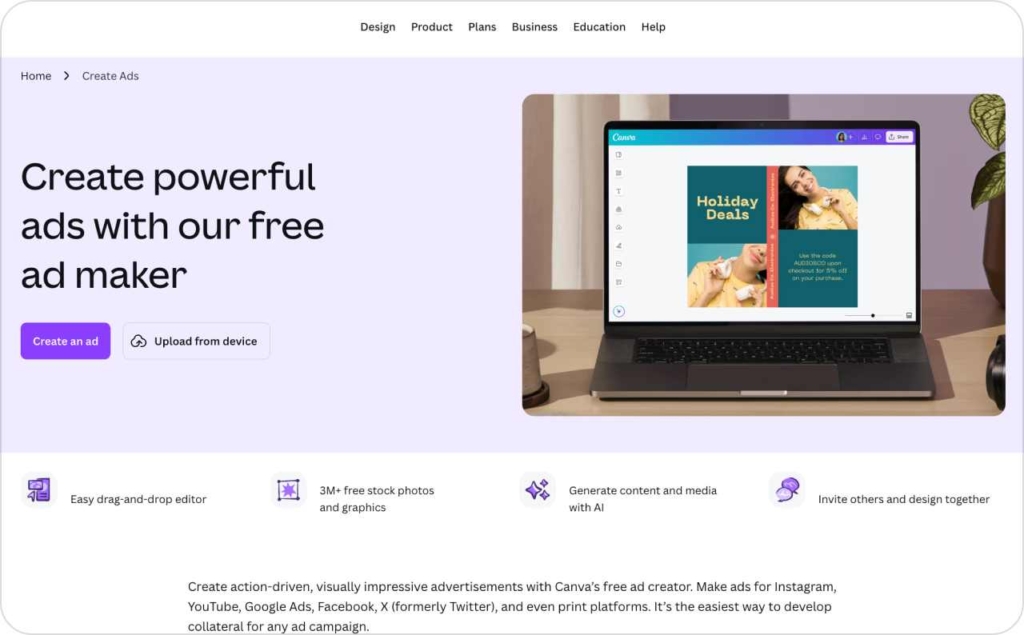
Canva Ads builds on the design tool millions already use. Its new AI features help you turn ideas into ads without leaving the platform.
Strengths:
- Magic Studio includes Magic Write, Magic Design, and Magic Media
- Bulk Create and Magic Resize generate ad variations in seconds
- Brand Kit keeps fonts, colors, and logos consistent
- Real-time collaboration helps teams move faster
Weaknesses:
- AI works more like an assistant than a full ad engine
- Designs often need tweaking to avoid generic results
- Many advanced AI features sit behind the Pro plan
Audience fit: Canva Ads works best for people already using Canva. It won’t launch campaigns like Zeely, but it speeds up creative work and keeps branding tight. Expect quicker drafts and cleaner visuals without leaving your design hub.
3. Abyssale
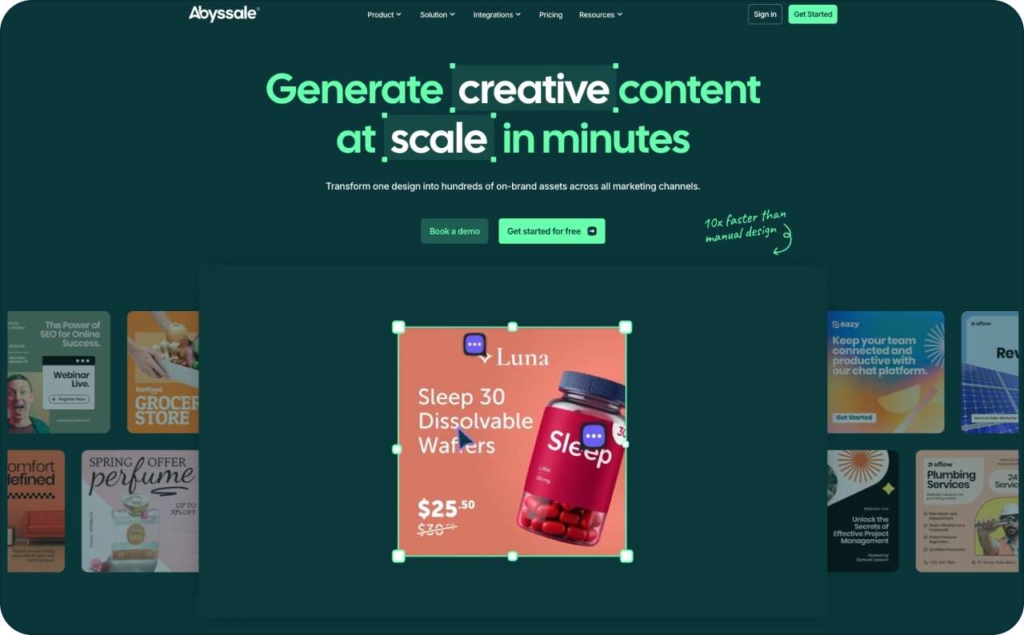
Abyssale stands out as a creative automation engine built for scaling visuals, not a full ad delivery tool, but a powerhouse when you need volume fast.
Strengths:
- Turn one master template into hundreds of variations via spreadsheets or APIs
- Lock design elements to protect brand consistency
- Reported production time cut by as much as 90%
Weaknesses:
- Limited deep custom design control due to template-driven system
- Video and animation features remain weaker than static options
Audience fit: Best for e-commerce brands, agencies, and marketers who crank out many ads at once. Expect big gains when you need dozens or hundreds of on-brand visuals with minimal effort.
4. Adzooma
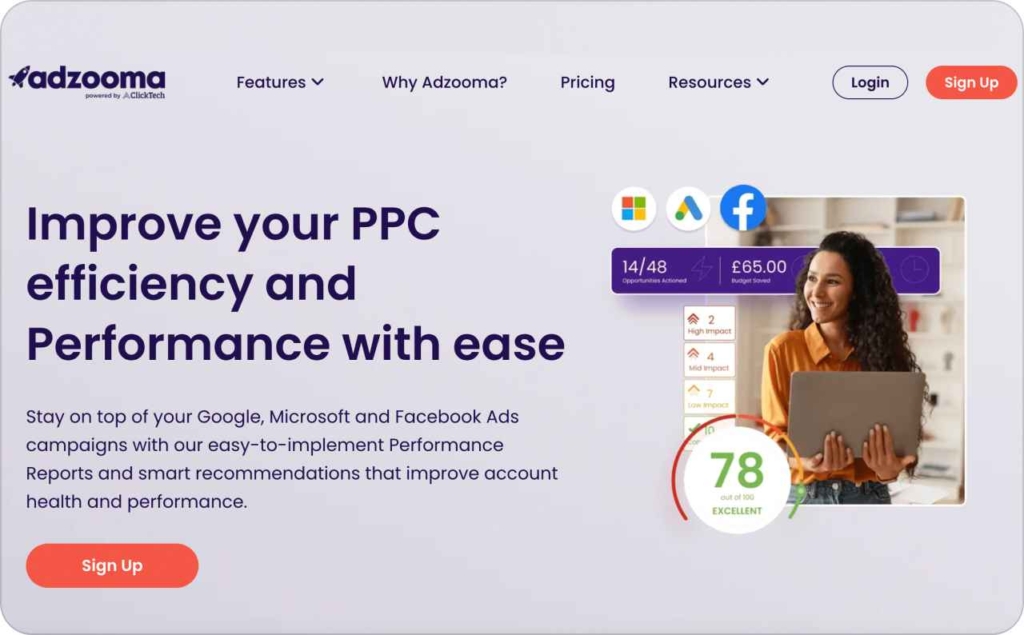
Adzooma acts as a smart assistant for your PPC campaigns. Rather than generating creative from scratch, it focuses on auditing, optimizing, and recommending improvements across Facebook, Google, and Microsoft ads.
Strengths:
- It scans your campaigns and surfaces “Opportunities” you can apply with a click, like adding more headlines or refining ads
- Centralized dashboard: manage ad accounts across multiple platforms from one screen
- Automation that adjusts bids, pauses underperforming ads, and suggests budget changes to optimize ROI
Weaknesses:
- It’s not built for full creative generation, its strength is in optimization, not design
- Fewer tools for video creation or brand-driven templates compared to full ad design platforms
Audience fit: Best for advertisers who want to improve existing campaigns rather than start from scratch. Expect cleaner performance, fewer wasted dollars, and smarter ads.
5. Pencil
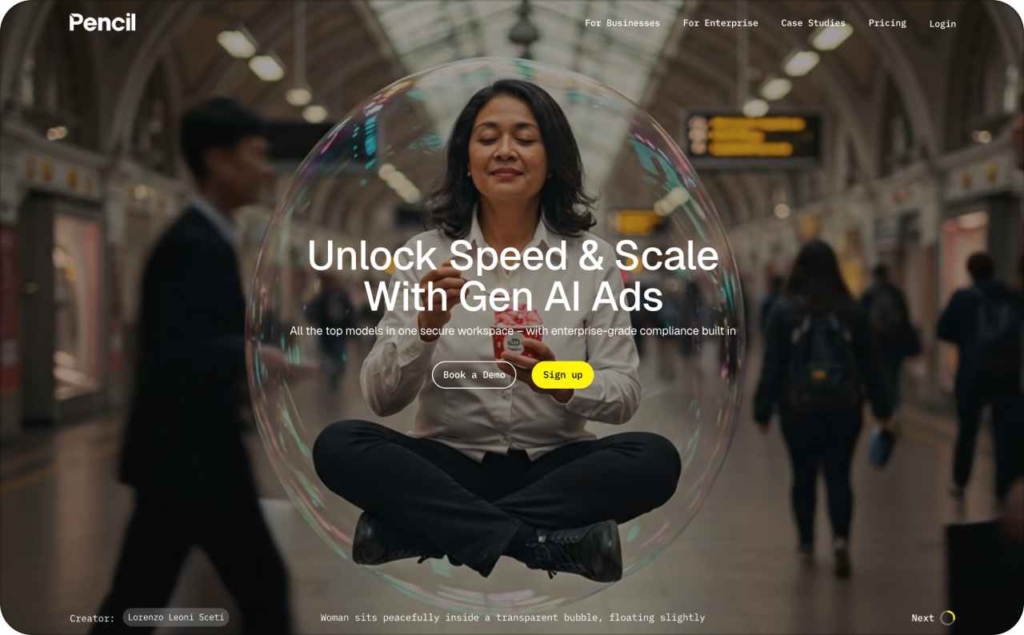
Pencil helps you scale ad ideas fast. You upload your brand assets and campaign goals, and it generates static or video creatives that align with your style. It’s built to cut the guesswork out of testing by showing which concepts are likely to convert before you spend.
Strengths:
- Uses predictive AI powered by billions in ad spend history to surface ideas likely to perform well
- Real-time editing lets you tweak copy, visuals, or layouts immediately
- Automates testing: it can push multiple variations, learn from results, and optimize over time
- Enforces brand guidelines by applying your logo, fonts, colors across new creatives
Weaknesses:
- When your input assets like images, logos, brief are low quality, output may look weak
- Custom design control sometimes feels limited. If you want a radical layout or very custom animation, it may struggle
Audience fit: Good for marketers and small teams who need to produce many ad variations quickly while preserving brand consistency. Expect faster creative cycles, stronger test-driven performance, and fewer manual design bottlenecks.
6. Jasper Ads
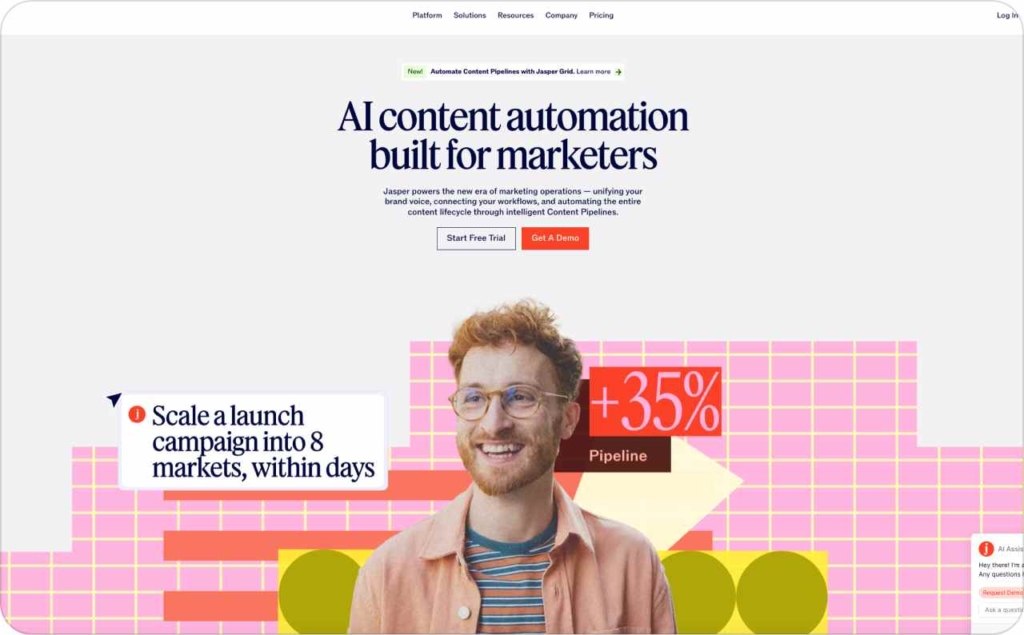
Jasper Ads brings the copywriting power of Jasper into the ad creation realm. Use its AI to generate headlines, descriptions, and creative drafts all in one flow.
Strengths:
- Strong at writing variations of copy that match your brand voice and test high-performing angles
- Good integration with other visual tools so you can pair its copy with strong images
- Helps reduce writer’s block, you type a brief and Jasper suggests multiple ad text ideas
Weaknesses:
- Its visual/design features are less mature compared to full ad builders
- Sometimes the copy options feel repetitive unless you guide the prompts strongly
Audience fit: Great for marketers or founders who struggle most with the words behind ads. Expect ad copy to get sharper, faster, and more on-point.
7. The Brief AI
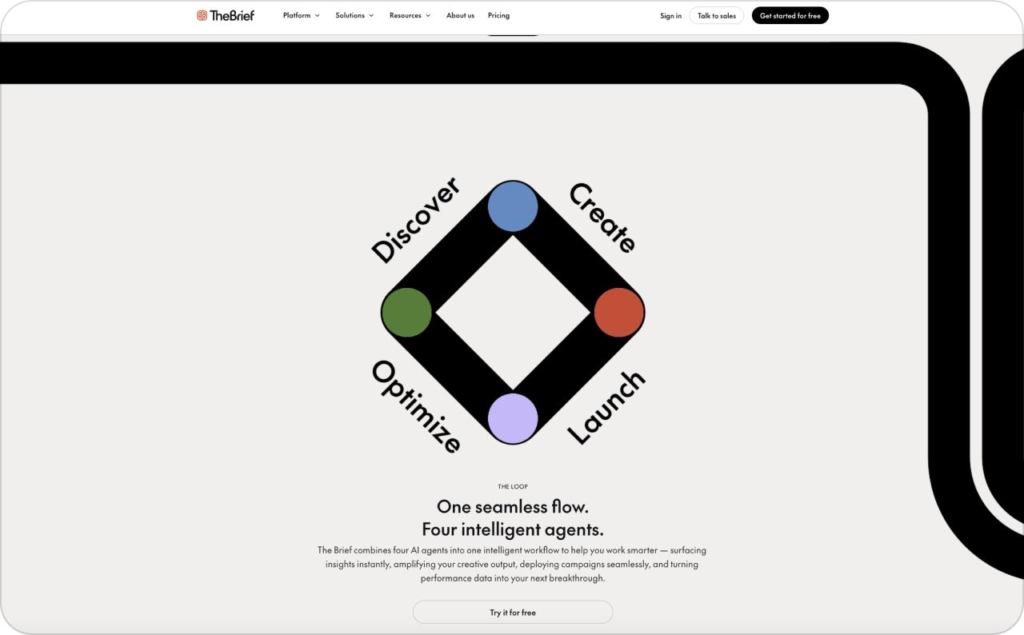
The Brief AI is a creative automation tool built for designers, marketers, and agencies alike. It helps you scale visuals: static, animated, or interactive without rebuilding each layout from scratch.
Strengths:
- It lets you generate multiple ad formats automatically using data feeds or dynamic rules, so one concept becomes many without extra effort
- You can animate ads, create interactive elements, and publish designs directly across channels
- Team collaboration and template locking help maintain brand consistency across versions
Weaknesses:
- For highly custom graphics or radical design ideas, TheBrief’s template-based system may feel restrictive
- Some users mention that pricing tiers become steep when you need access to advanced features
Audience fit: Best for small agencies and marketers who produce many variations of the same ad. Use The Brief when you want brand-safe volume, consistent style, and faster creative scaling. Expect smoother workflows and fewer manual tweaks.
8. Designs.ai
Designs.ai aims to be your all-in-one creative suite. Beyond just ads, it offers logo generation, video maker, speech-to-text, design templates, and brand kit features, all from one dashboard. It’s built for founders who want creative range without juggling multiple tools.
Strengths:
- You get access to a massive media library: 170 million+ images, 10 million+ video clips, 50 000+ audio files and over 20 000 templates to pull from
- Its video maker can convert text into video, complete with transitions, scenes, and voiceovers in multiple languages
- The Design Maker tool automates resizing, layout suggestions, and creative variations from a base concept
- The Brand Kit helps maintain consistency by locking colors, fonts, and logos across all assets
Weaknesses:
- Video rendering can sometimes be slow, which may hamper fast-cycles
- Some outputs like logos or visuals feel generic unless you customize heavily
- Customer support responsiveness and subscription cancellation have been flagged in user reviews.
Audience fit: Great for small teams needing a creative toolbox beyond just ad designs. If you want one place to handle logos, videos, graphics, and brand assets, Designs.ai is worth testing. Expect speed in common tasks, but plan to tweak for uniqueness.
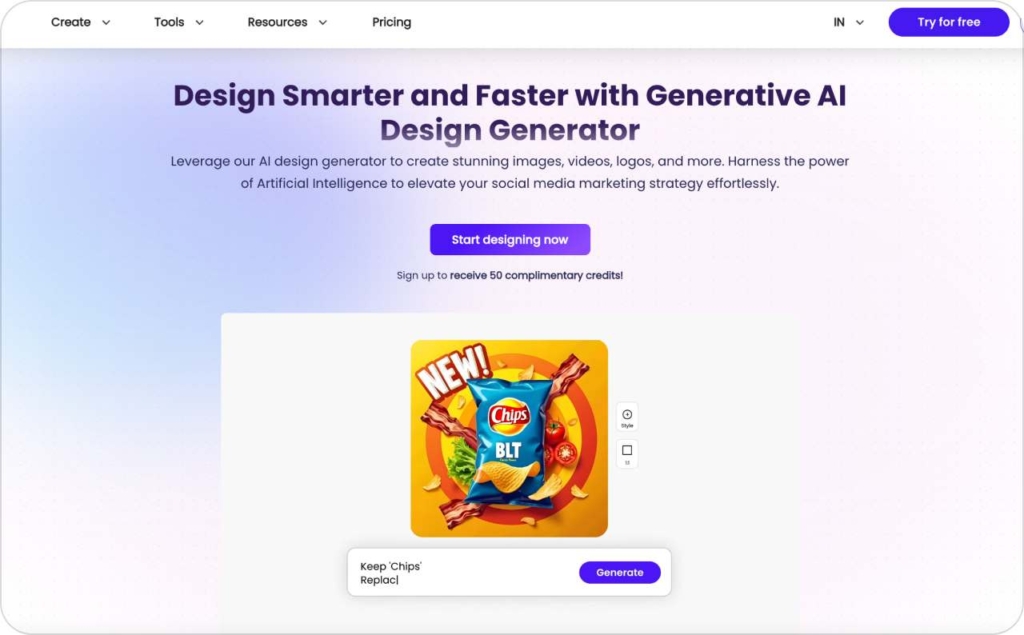
9. Bannerbear
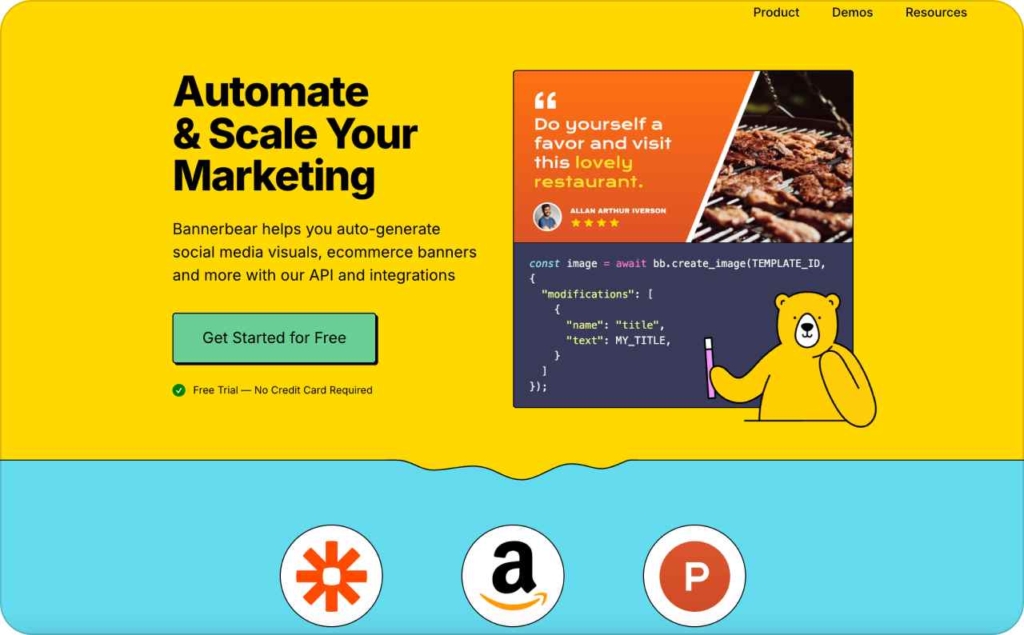
Bannerbear is an automation-first visual engine. You set up templates and feed it data. Then it automatically generates images, videos, or banners at scale. It’s not about dragging and dropping every version manually; it’s about connecting data and design.
Strengths:
- Scales visual production efficiently: one template + many data rows = loads of unique creatives
- Strong API and integration support in Zapier, Airtable, REST endpoints make it adaptable for both non-coders and developers
- Supports multiple media types like images, GIFs, videos, so your visual toolset isn’t limited
- Template logic handles conditional elements, which helps maintain clean, flexible designs
Weaknesses:
- The creative flexibility is limited by how much you can push templates; if you want highly unique or artistic designs, the system may feel restrictive
- Template setup and logic rules have a learning curve, especially when dealing with dynamic data and conditionals
- The visual editor is less interactive than “design-from-scratch” tools, which may frustrate designers wanting full manual control
Audience fit: Bannerbear shines for marketers and e-commerce brands that need large batches of on-brand visuals without hiring a full design team. Expect automation to save hours, especially on repetitive design tasks.
10. Clickable
Clickable is designed to generate brand-consistent ads across multiple platforms with minimal effort. You enter a URL, keywords, or brand details, and the AI develops visuals and copy that match your existing style.
Strengths:
- It pulls brand style colors, fonts, logo automatically from your website to keep your ads consistent
- Supports all major ad formats and channels: static, video, carousels, across social and search
- You can edit taglines, CTAs, visuals, gives flexibility after auto-generation
- Quickly produces multiple ad variants across sizes without rebuilding each one from scratch
Weaknesses:
- As a relatively new tool, some features, like deep A/B testing or very custom animations are less mature
- It tends to rely on a website URL to fetch brand data, if your site’s style isn’t fully built, the ads may look off
- Some users report that the editing interface feels limited when pushing beyond basic changes
Audience fit: Best for founders and marketers who don’t want to design from scratch. Expect consistent branding, faster ad drafts, and fewer creative bottlenecks, even if you aren’t a designer.
11. Celtra
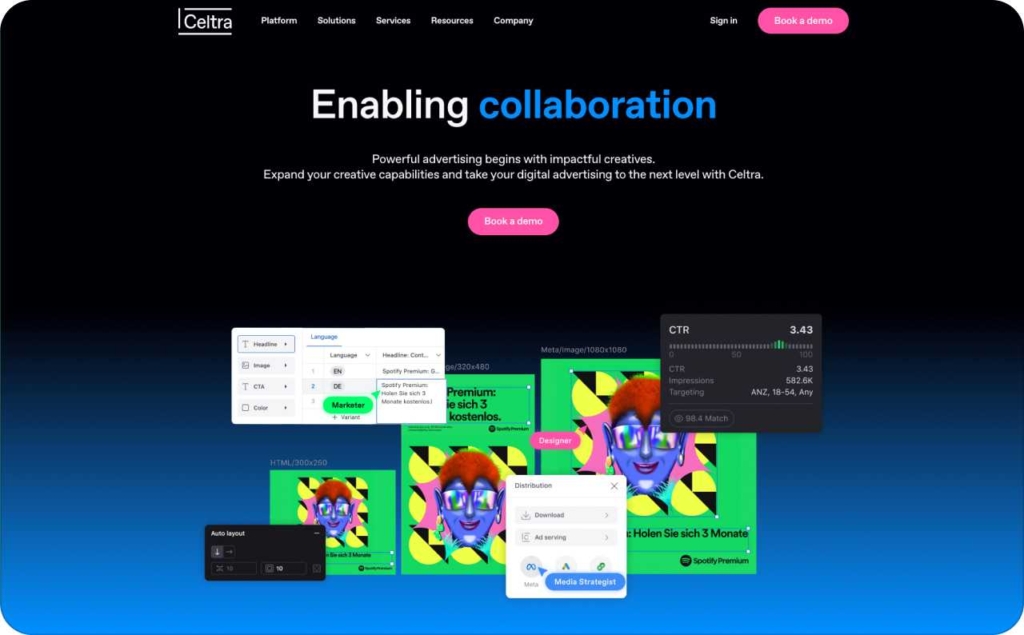
Celtra is built for large-scale creative operations. It offers tools to design, manage, and deliver ad campaigns across multiple channels, all in one platform. It’s designed to help enterprise teams keep every creative on-brand while scaling production across markets.
Strengths:
- Strong support for rich media, dynamic content, and interactive ad formats
- Excellent collaboration features, teams can work on the same creative assets without losing version control
- Deep performance tracking combined with creative insights allows you to see not just what ran, but why it performed
Weaknesses:
- Its advanced capabilities come with complexity; smaller teams may find it overwhelming at first
- Pricing is higher than many tools oriented to SMBs, which can limit accessibility for new or lean businesses
Audience fit: Ideal for brands or agencies running many campaigns across channels who need centralized creative operations. Expect better control over large campaigns and clearer insight into creative effectiveness.
12. Marpipe
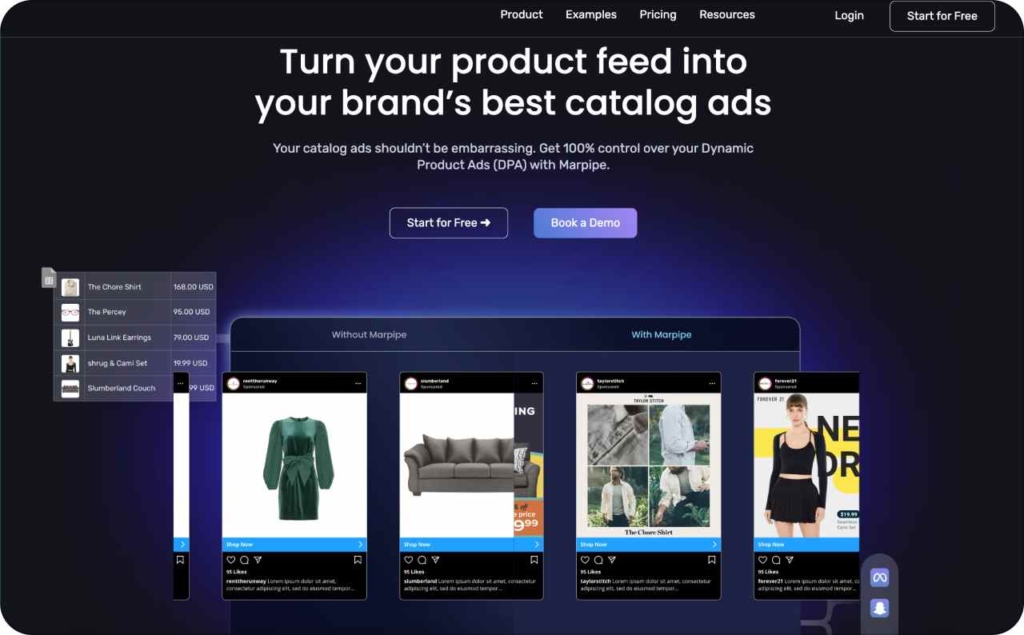
Marpipe is built for dynamic product ads. Rather than treating your catalog like a spreadsheet, it turns each SKU into a creative opportunity with rules, tests, and live updates. It gives marketers the ability to experiment at scale without manually designing every variation.
Strengths:
- Lets you test every variation of creative elements like images, headlines, colors, so you find what actually works
- You can push design changes to live campaigns without resetting the learning algorithm
- Flat-rate pricing without ad spend fees helps you scale without surprise costs
- Many users say it cuts catalog CPAs dramatically by shifting creative faster
Weaknesses:
- It’s mostly optimized for Meta / catalog ads, less flexibility for general creative campaigns
- Learning how to use rules, templates, and multivariate testing takes time. New users might feel steep at first
Audience fit: Best for e-commerce brands managing many SKUs who want to extract more from catalog ads. Expect sharper performance, fewer wasted creatives, and more control over how your catalog shows off. It’s especially useful for scaling shops that rely heavily on Meta product campaigns.
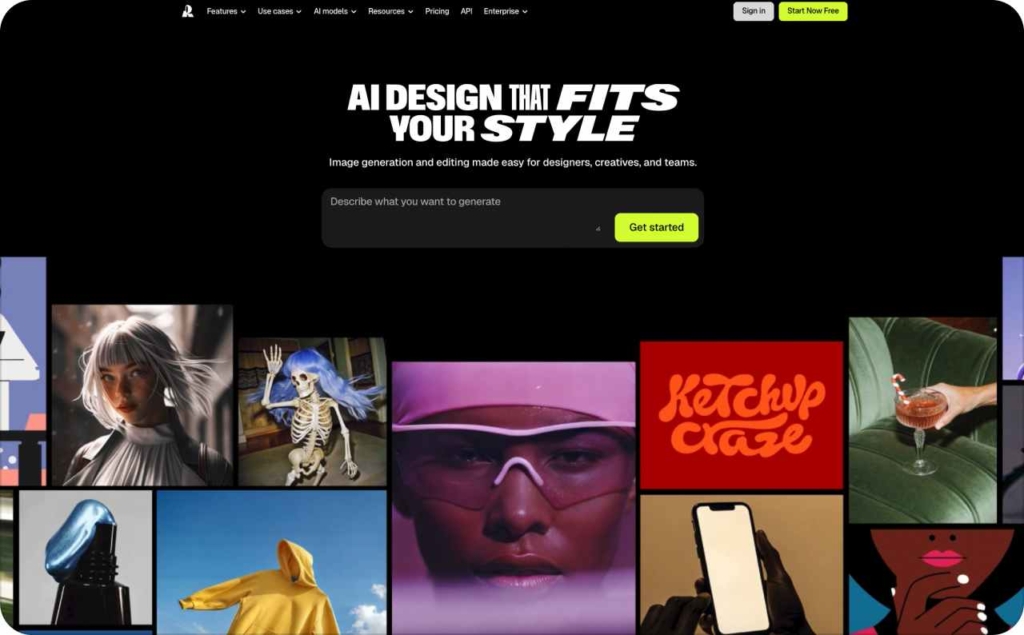
13. Recraft AI
Recraft AI is an emerging ad tool focused on video-first creatives powered by generative models. It’s made to help brands experiment with short-form ads, motion effects, and storytelling without a production crew. The platform is still evolving quickly, which means early adopters can influence its direction and features.
Strengths:
- Quickly produces video ad drafts from product images, copy prompts, or mood boards
- Offers built-in style presets like cinematic, energetic, minimal, so you don’t start from scratch
- Lets you tweak scenes, transitions, and pacing after generation to fine-tune the feel
- Supports export-ready formats for social platforms and ad networks
Weaknesses:
- As a newer tool, it may still have bugs, limited support, and fewer template options
- High customization, deep edits, advanced effects could be constrained by current version limits
Audience fit: Best for brands wanting to bet on video ads without hiring a video editor. Expect to see more story-driven creatives faster, ideal for marketers testing new formats. It’s a good fit for startups or growing teams looking to stand out with motion-led campaigns.
Side-by-side comparison: AdCreative.ai alternatives at a glance
Sometimes you just want the numbers up front. Here’s a quick look at how the top alternatives compare on pricing, free trials, and supported channels.
| Tool | Monthly pricing | Free trial | Channels covered | Best for |
| Zeely AI | Starter $29 Plus $49 Growth $79 | No | Facebook, Instagram, TikTok | SMBs that need instant static + video ads |
| Canva Ads | Free plan Pro plan $650 | Yes | Multi-platform export, design hub | Users already on Canva who want AI boosts |
| Abyssale | Start plan $12 Pro plan $36 Suite plan $60 | Yes | Image, banner automation | E-commerce and agencies scaling visuals fast |
| Adzooma | Free plan Selver plan $69 Gold plan $179 | No | Google, Facebook, Microsoft Ads | Teams optimizing existing PPC campaigns |
| Pencil | Core plan $14 Growth plan $55 | No | Facebook, Instagram, TikTok | Marketers testing many creative variations |
| Jasper Ads | Pro plan $69 | Yes | Copy-focused, integrates visually | Founders who struggle with ad copy |
| Creatopy | Free plan Pro plan $39 Team plan $59 | Yes | Static, animated, interactive ads | Agencies needing consistent ad templates |
| Designs.ai | Basic plan $19 Pro plan $49 Enterprise $169 | Yes | Logos, video, ads, brand kits | Founders wanting an all-in-one creative suite |
| Bannerbear | Automate $49 Scale $149 Enterprise $299 | Yes | Static + video automation via API | Teams needing bulk creative automation |
| Clickable | Free | Yes | Social + search ads | Quick brand-consistent ads from a URL |
| Celtra | Custom/enterprise | Demo only | Multi-channel, rich media | Large brands managing global campaigns |
| Marpipe | Free plan Startup $199 Enterprise $1499 | Yes | Meta product/catalog ads | E-commerce scaling with SKU-level ads |
| Recraft AI | Free plan Pro plan $10 Teams $55 | No | Video-first social ads | Startups testing motion-led ad creatives |
How AI ads performed in 2025
AI ads are now the standard, not a side experiment. WordStream’s September 2025 test benchmarks show Facebook ads averaging a 1.71% click-through rate, with cost per click around $0.70. Those numbers prove campaigns can still win attention at a price point most small businesses can afford.
Efficiency is the driver: AI makes it possible to refresh creative faster and keep testing without burning spend. The effect is just as strong in niche markets. The CDC reports nearly one in five adults lives with chronic pain. For chiropractors and wellness clinics, that’s a large audience searching for help every day. AI lets these businesses launch targeted ads in hours instead of weeks.
What this means for you:
- Use AI to shorten go-to-market time
- Test more creatives without extra budget
- Match your message to the exact pain points or needs of your niche
AI doesn’t just cut costs, it gives small businesses the speed to compete with bigger players.
Why Zeely AI is the best alternative for SMBs
Small businesses don’t have endless time or money to pour into advertising. That’s why Zeely built an AI-powered ad generator designed specifically for SMBs, marketers, and e-commerce owners who need results without the complexity. As an AI ad tool Zeely helps you move from idea to live campaign in minutes.
Common pain points and how Zeely solves them
- No time to design ads → Zeely creates ready-to-launch ads in minutes, saving hours every week
- Tight budgets → AI optimizes creative production so you don’t overspend on freelancers or agencies
- No design skills → Professional static and video ads are built automatically — no editing expertise needed
- Campaign complexity → Zeely streamlines setup across Facebook and Instagram, reducing technical hurdles
- Low conversions → Built-in hooks and tested templates drive higher click-through rates and sales
- Scaling problems → Bulk generation and cross-platform optimization help you grow without extra workload
- Wasted ad spend → Data-driven scripts and proven creative patterns prevent money from leaking into underperforming ads
The Zeely difference
As Adweek reports, streamlined workflows and the right tools can give teams back up to 7.3 hours per week, and Zeely was built with exactly that in mind. It removes the usual barriers of cost, skills, and time, giving small businesses the same creative firepower big brands enjoy without the price tag or complexity.
When it comes to channels, Zeely shines on Facebook and Instagram, where you can publish static or video ads directly in minutes. AdCreative.ai offers broader coverage, including Google Ads, but that comes with more complexity and higher costs. If Meta platforms drive most of your growth, Zeely delivers faster, simpler results. If Google Ads are your priority, you may still want to pair Zeely with Google’s native tools.
If you’ve been searching for an AI generator for ads that’s accessible, fast, and focused on results, Zeely is the best alternative to AdCreative.ai in 2026.
Final word: Future of AI ads beyond AdCreative.AI
By 2029, generative AI and automated media buying won’t feel experimental, they’ll be the default. Forbes projects over $26 billion in ad spend running through these systems. That means small businesses won’t just compete with big brands, they’ll run smarter, faster campaigns powered by the same tools.
But here’s the shift that matters: AI won’t stop at design. It will sit beside founders as a true co-pilot: guiding creative, testing formats, managing spend, and making adjustments in real time. Zeely AI is built for that future. It’s not another design app; it’s the partner that helps a founder move from idea to live ad in minutes, then learn from the results without drowning in dashboards.
The real win isn’t more ads. It’s more confidence in every decision you make with them, and that’s what Zeely is here for. Skip the design grind. Start your first AI-powered ad in minutes.
Read more about other alternatives