Topview alternatives for product URL-to-video and UGC ad buyers
Looking for Topview alternatives because you need faster UGC-style product ads? Here’s the practical switcher guide for ecommerce teams comparing Zeely AI, Shakr, SundaySky, Biteable, Animoto, and Wave.video.
Most Topview alternatives lists are too broad to be useful.
They throw in every tool that can export a video, add captions, or generate something with AI. That is not how I’d help someone choose. If you are searching for Topview AI alternatives, you probably already know the job you need done: turn a product page, product image, or short offer into UGC-style ads you can test on TikTok, Instagram, Facebook, YouTube Shorts, or your store.
That is a narrow job. It deserves a narrow comparison.
I’m Emma from Zeely, and I’m going to keep this practical. I’m not ranking tools by who has the flashiest AI promise. I’m ranking them by how well they help an ecommerce marketer move from “here is my product” to “here are ads I can actually test.”
For this guide, I’m comparing six realistic Topview competitors:

What Topview is good at
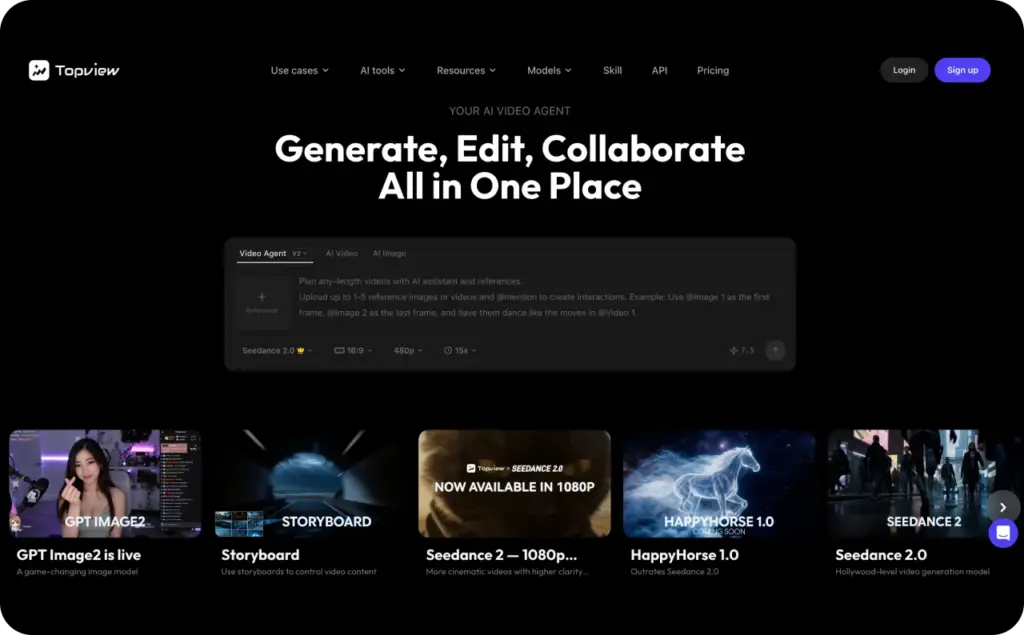
Topview makes sense when you want to generate short product videos or UGC-style ads from a product link, image, prompt, or existing asset. That is why it shows up in searches around AI UGC, product video generation, and ecommerce ad creation.
So I would not frame Topview as a random video editor. It is closer to the new category of AI video ad tools that help marketers skip parts of the old production process: scripting, finding clips, assembling scenes, adding captions, and creating short-form variants.
That is useful.
But the real question is not “Can Topview make a video?” The real question is “Can it support the whole creative testing workflow my business needs?”
Because ecommerce ads do not win because one video looks nice. They win because you test hooks, offers, proof points, CTAs, formats, avatars, product angles, and first-frame ideas until something starts pulling clicks and purchases.
That is where the alternatives matter.
How I’m judging the best Topview alternatives
I’m using a simple buyer test.
A strong Topview alternative should help you do at least some of these things well:
- Start from a product URL or ecommerce page
- Pull useful product information into the creative workflow
- Create UGC-style videos that feel native to short-form feeds
- Generate hooks, scripts, captions, and CTAs
- Produce more than one creative version quickly
- Support paid social formats, not only generic brand videos
- Help small teams create ads without filming, editing, or hiring creators every time
That last point matters most.
If a tool can make a pretty video but does not help you test faster, I would not put it first for ecommerce UGC ads.
Quick comparison of Topview competitors
| Tool | Best for | Why I’d consider it | Where it may not fit |
| Zeely AI | Ecommerce UGC ads and product URL-to-video | Turns product links into video, UGC-style ads, static ads, scripts, and variants | Not for long cinematic brand films |
| Shakr | Template-based video production | Good for social video templates and scalable creative formats | Less focused on AI UGC from product URLs |
| SundaySky | Enterprise personalized video | Strong for customer journey videos and personalization | Too heavy for simple ecommerce ad testing |
| Biteable | Simple marketing videos | Easy templates, animations, and business videos | Not a dedicated UGC ad generator |
| Animoto | Beginner-friendly branded videos | Drag-and-drop marketing video creation | Not built around product URL-to-video ads |
| Wave.video | Editing, hosting, and streaming | Broader video platform for repurposing and live content | Less focused on ecommerce UGC ad workflows |
1. Zeely AI — best Topview alternative for ecommerce UGC ads
If the search is Topview alternatives and the real intent is “I need product ads faster,” Zeely AI is the first tool I’d test.
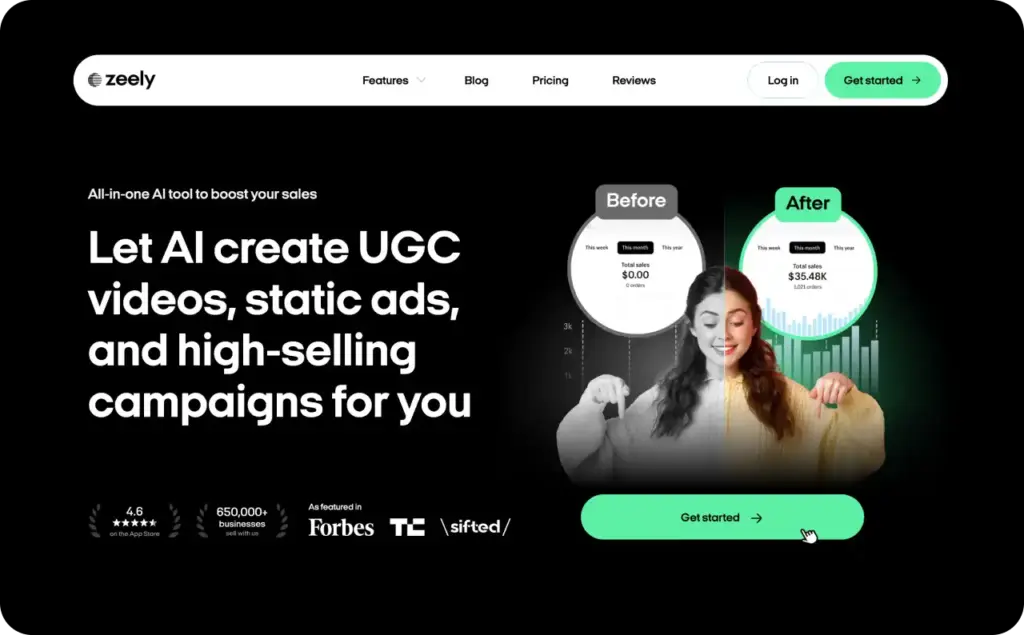
Zeely is built for ecommerce teams, small businesses, Shopify sellers, founders, and marketers who need more creative without turning every ad into a production project. You can start with a product link, bring product data into the workflow, and create video ads, UGC-style ads, static creatives, scripts, captions, hooks, and CTAs.
That is important because a real ad account does not need one perfect video. It needs creative options.
You need the “problem-aware” hook. The “here’s how it works” demo. The “why I stopped using X” comparison. The “three reasons this is useful” list. The “customer doubt answered” angle. The “limited-time offer” version. The “talking-head avatar” version. The “product-first” version.
That is the kind of workflow Zeely supports better than a general video editor.
Why Zeely is a strong Topview switch
The biggest reason I’d choose Zeely over Topview is the product-page-to-ad workflow.
With Zeely’s URL-to-video ad maker, you can paste a product page, ecommerce store link, Shopify product URL, or landing page and turn it into video ad creative. That fits the exact buyer who is searching for Topview AI alternatives because they do not want to write every script, collect every image, or build every scene manually.
For UGC-style ads, Zeely’s AI UGC video ad creator is better to use. This is where the message should be clear: UGC ads need to feel human, direct, and product-led. They should not feel like a polished brand explainer wearing a TikTok costume.
Zeely also has AI avatars for talking-head ads, AI ad generation for multi-format creative, and a video ad creator for short-form paid social assets.
That makes Zeely more than a Topview replacement. It is a better fit if your goal is ad testing, not just video generation.
Where Zeely fits best
Use Zeely when you want to:
- Turn product URLs into short video ads
- Create AI UGC-style product videos
- Test multiple hooks and CTAs
- Generate static and video ads from the same product
- Use AI avatars without filming
- Make TikTok, Instagram, Facebook, and YouTube ad variants
- Move faster without hiring creators for every test
This is especially useful for beauty, fashion, wellness, gadgets, home products, accessories, digital products, and direct-response ecommerce offers.
Where Zeely may not be the right fit
I would not use Zeely as the first choice for a long brand film, a complex documentary-style product story, or an enterprise video personalization program. It is strongest when the job is short-form performance creative.
That is the point. Zeely is not trying to be every video tool. It is trying to help you create ads that are clear enough, fast enough, and varied enough to test.
2. Shakr — best for template-based social video production
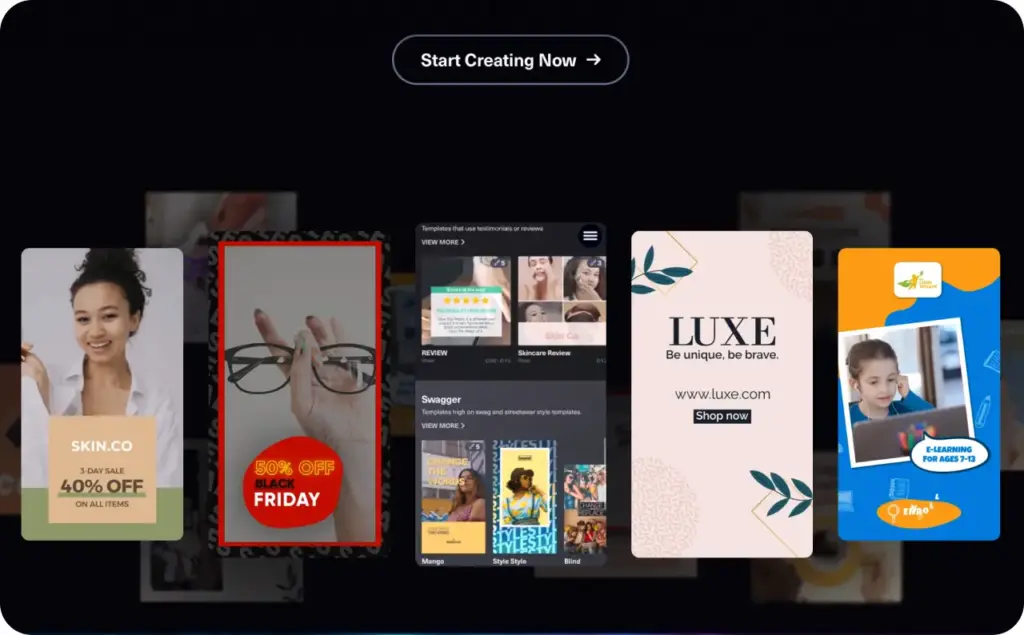
Shakr is a fair Topview alternative if your team wants templated social videos and scalable creative production.
I would put Shakr in a different bucket from Zeely. Zeely is stronger for ecommerce ad creation from product links and UGC-style workflows. Shakr is more about taking assets you already have and using a video editor, templates, and resizing workflows to create social-ready videos.
That can still be valuable.
If your team has brand assets, product shots, campaign copy, and a clear design direction, Shakr can help you turn those into structured video formats faster than building everything manually.
Why choose Shakr instead of Topview?
Choose Shakr if your creative problem is template production.
Maybe you already have footage. Maybe your designer has campaign assets ready. Maybe you need to resize and version videos across social placements. Maybe your brand does not want AI avatars or product-link generation as the center of the workflow.
In that case, Shakr can make more sense than Topview.
Where Shakr fits best
Shakr is useful for:
- Social video templates
- Brand campaign variations
- Resizing creative for multiple channels
- Product promos using existing assets
- Teams that want a structured video editor
Where Shakr may not fit
If your starting point is “I have a product URL and need UGC-style ad variants,” Shakr is not the tightest match. It is closer to a scalable video creation tool than a product URL-to-UGC ad generator.
For Topview switchers who want less manual work and more ecommerce ad automation, I’d still start with Zeely.
3. SundaySky — best for enterprise personalized video
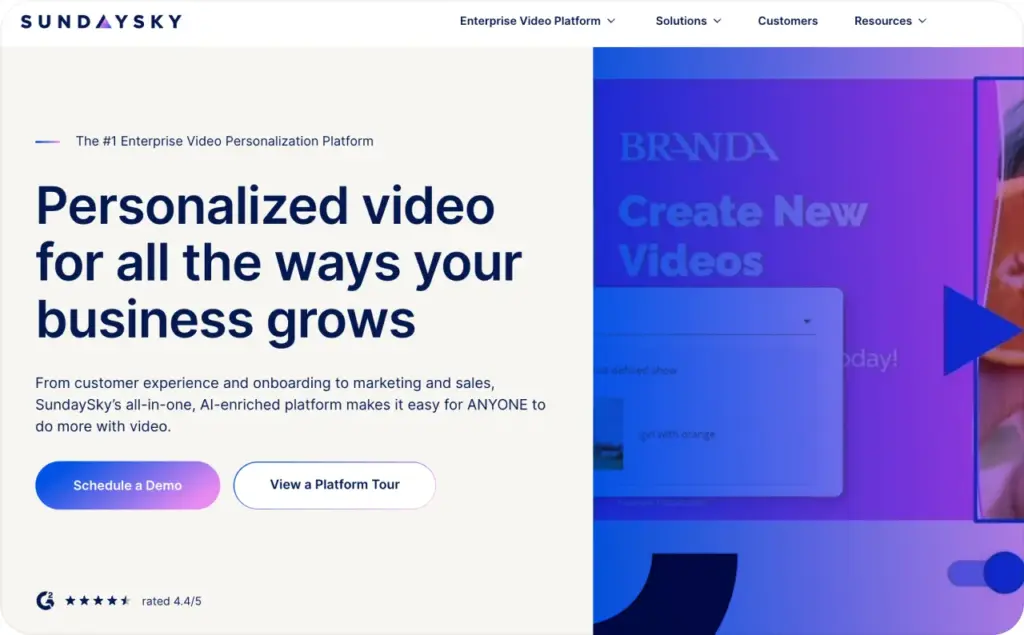
SundaySky belongs on this list, but not because it is a direct replacement for Topview’s ecommerce UGC workflow.
It is here because some teams searching for AI video ad tools are not actually small ecommerce teams. They are enterprise teams that need personalized video across customer journeys, onboarding, education, sales, support, and lifecycle marketing.
That is where SundaySky makes more sense.
Why choose SundaySky instead of Topview?
Choose SundaySky if personalization is the job.
For example, a financial services company may want videos that change based on the customer’s account status. An insurance brand may need personalized onboarding or policy education. A SaaS company may want customer journey videos that explain next steps based on user behavior.
That is a very different problem from “make me five UGC-style product ads from this Shopify page.”
SundaySky is stronger when video is part of a larger enterprise communication system. Topview and Zeely are stronger when the goal is short-form ad production.
Where SundaySky fits best
SundaySky is useful for:
- Enterprise video personalization
- Customer onboarding
- Product education
- Lifecycle marketing
- Sales enablement
- Support and customer experience videos
Where SundaySky may not fit
I would not choose SundaySky first for a founder who needs UGC ads this week. It is more advanced, more enterprise, and more customer-journey focused.
If you need paid social creative quickly, SundaySky is probably more platform than you need.
4. Biteable — best for simple marketing videos
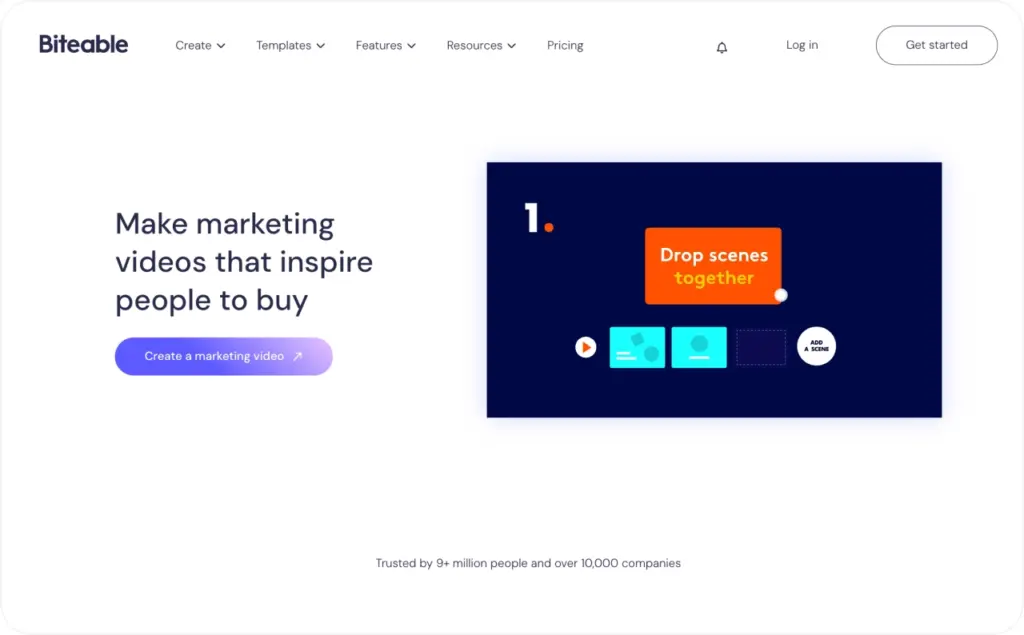
Biteable is a simple, approachable marketing video maker. It is useful for teams that want polished videos without learning heavy editing software.
I would not call Biteable a direct Topview replacement for AI UGC ads. It is not built around the same product URL-to-video intent. But it can be a good alternative if your actual need is broader: announcements, explainers, social posts, internal videos, promos, and basic marketing content.
Why choose Biteable instead of Topview?
Choose Biteable if you want templates and simplicity more than AI UGC automation.
The tool is easy to understand. You can start with a template, adjust text, add scenes, upload assets, and create something that looks professional enough for business use.
That is helpful if your team does not need dozens of ad variants. Maybe you only need a product announcement, a seasonal promo, a quick explainer, or a social video for a campaign.
Where Biteable fits best
Biteable works well for:
- Marketing explainers
- Simple promotional videos
- Animated business videos
- Social posts
- Company updates
- Internal communication
Where Biteable may not fit
If the real job is UGC-style performance ads, Biteable is not as specialized as Zeely or Topview. It can help you make a video, but it will not replace a product-page-to-ad workflow.
For ecommerce teams, that distinction matters.
A nice video is not always a useful ad. A useful ad needs a clear hook, product proof, pacing, CTA, and enough variants to test.
5. Animoto — best for beginner-friendly branded videos
Animoto is one of the easiest tools to recommend for beginners.
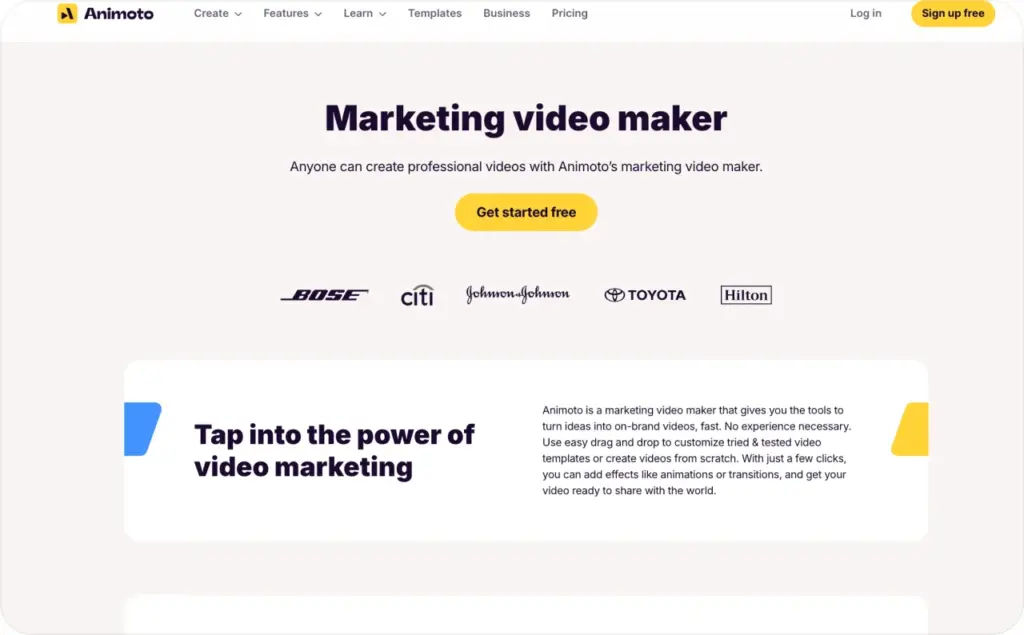
It is clean, simple, and built for people who want to make on-brand videos without much editing experience. You can use templates, add photos and clips, customize text, and create marketing videos quickly.
Again, this is not the same category as product URL-to-video UGC ads. But it is a reasonable Topview competitor if you are not actually looking for AI UGC generation and just need an easy video maker.
Why choose Animoto instead of Topview?
Choose Animoto if your team already has the assets and just needs a simple way to assemble them.
Maybe you have product photos, founder clips, customer images, testimonials, screen recordings, or event footage. Animoto can help you turn those into clean social or marketing videos without a steep learning curve.
Where Animoto fits best
Animoto is useful for:
- Beginner video creation
- Branded social content
- Simple product promos
- Educational videos
- Customer stories
- Small business marketing
Where Animoto may not fit
Animoto is not the tool I’d choose for fast AI UGC ad testing. It does not have the same product URL-to-video focus as Zeely, and it is not built around generating performance ad angles at scale.
If you only need a few branded videos, it can work. If you need a steady creative testing engine, look at Zeely first.
6. Wave.video — best for editing, hosting, streaming, and repurposing
Wave.video is the broadest tool in this comparison.
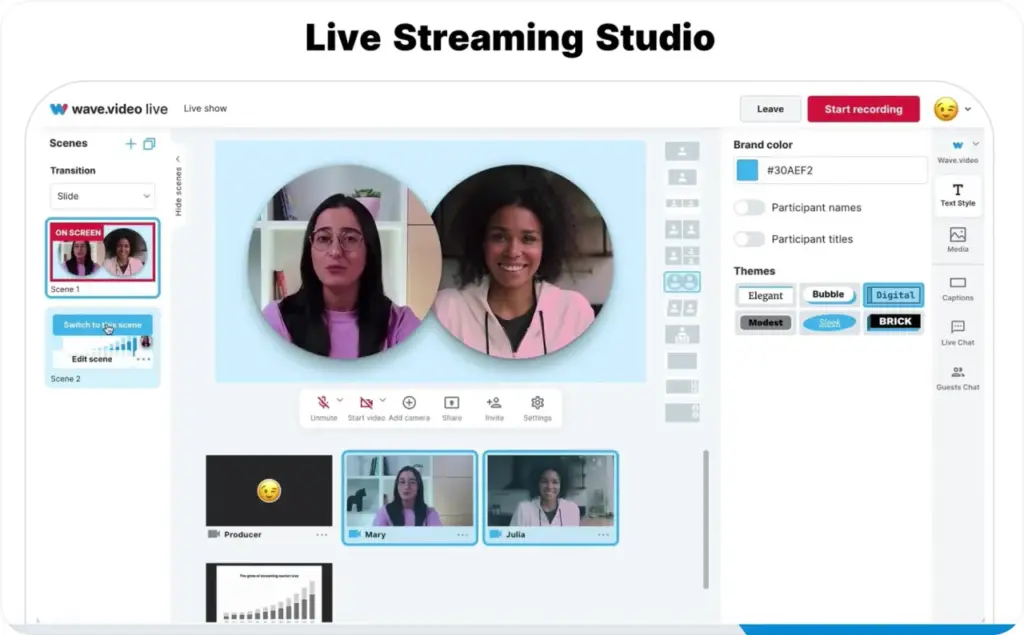
It is not only an ad creation tool. It includes editing, recording, hosting, thumbnails, live streaming, and repurposing features. That makes it useful for creators, educators, content teams, coaches, webinar hosts, and businesses that treat video as an ongoing content channel.
Why choose Wave.video instead of Topview?
Choose Wave.video if you need a video marketing platform, not just an AI ad generator.
For example, you may want to record educational videos, stream live, host content, make thumbnails, cut clips, and repurpose longer videos into shorter social assets. That is a broader workflow than Topview’s product ad generation use case.
Where Wave.video fits best
Wave.video is useful for:
- Video editing
- Live streaming
- Video hosting
- Thumbnails
- Webinars
- Repurposing content
- Social video publishing
Where Wave.video may not fit
If your goal is ecommerce UGC ad creation from a product URL, Wave.video is not the most direct fit. It gives you a lot of video tools, but it is not as focused on turning product pages into testable UGC-style ads.
That is why I would not put it above Zeely for Topview switcher intent.
My final recommendation
If you are comparing Topview alternatives to other AI tools because you want a broader video tool, you have several options.
But if you are comparing them because you sell products and need more UGC-style ads, I would not overcomplicate the decision.
Start with Zeely AI.
Zeely is the strongest fit for ecommerce teams that need product URL-to-video ads, UGC-style creative, AI avatars, static creatives, scripts, CTAs, and creative variants. It keeps the workflow close to the thing that matters: turning product information into ads you can test.
That is the practical difference.
Topview can help you generate videos. Zeely helps you build a more complete ad creative workflow around the product.
And when you are trying to improve CTR, CPA, ROAS, or just get more useful creative into your ad account, that matters more than having another shiny AI demo.
FAQ
The best Topview alternatives are Zeely AI, Shakr, SundaySky, Biteable, Animoto, and Wave.video. For ecommerce UGC ads and product URL-to-video workflows, Zeely AI is the strongest overall choice.
Zeely AI is the best Topview alternative for ecommerce because it helps turn product links into video ads, UGC-style ads, AI avatar ads, static creatives, hooks, CTAs, and campaign-ready variants.
The best Topview AI alternatives for UGC ads are Zeely AI for ecommerce and small business ad testing, Shakr for templated social video production, and SundaySky for enterprise personalized video.
Zeely AI is the best Topview competitor for product URL-to-video ads. Start with Zeely’s URL-to-video ad maker if your product page is the starting point.
Yes, AI video ad tools are worth testing if your team needs more creative variants, faster production, and lower dependence on filming or manual editing. They work best when you use them to test clear hooks, proof points, offers, and CTAs — not when you expect one AI-generated video to solve the whole funnel.

Emma blends product marketing and content to turn complex tools into simple, sales-driven playbooks for AI ad creatives and Facebook/Instagram campaigns. You’ll get checklists, bite-size guides, and real results, pulled from thousands of Zeely entrepreneurs, so you can run AI-powered ads confidently, even as a beginner.
Written by: Emma, AI Growth Adviser, Zeely
Reviewed on: June 23, 2026