How to download Zeely AI on iPhone and Android
If you’re looking for a safe, simple way to download the Zeely app and choose the right AI-powered marketing tools for your online store, you’re in the right place. In this guide, I share what I’ve learned from thousands of AI-assisted campaigns so you can use tools that actually help your store grow.
I get asked about this more than you’d think. Not “what does Zeely do” but literally “where do I download it and what’s the app called in the store?” So here’s the short version.
The Zeely AI app lives on both the App Store and Google Play. You’re looking for Zeely: AI Sales Growth App by Zeely, Inc. That exact name matters because a few knockoff listings have floated around, and plugging your ad account into the wrong app is the kind of Tuesday nobody wants.
The whole thing takes maybe ten minutes. Download, account, first product, first ad. I’ll walk through each piece below.
How to download Zeely AI on iPhone
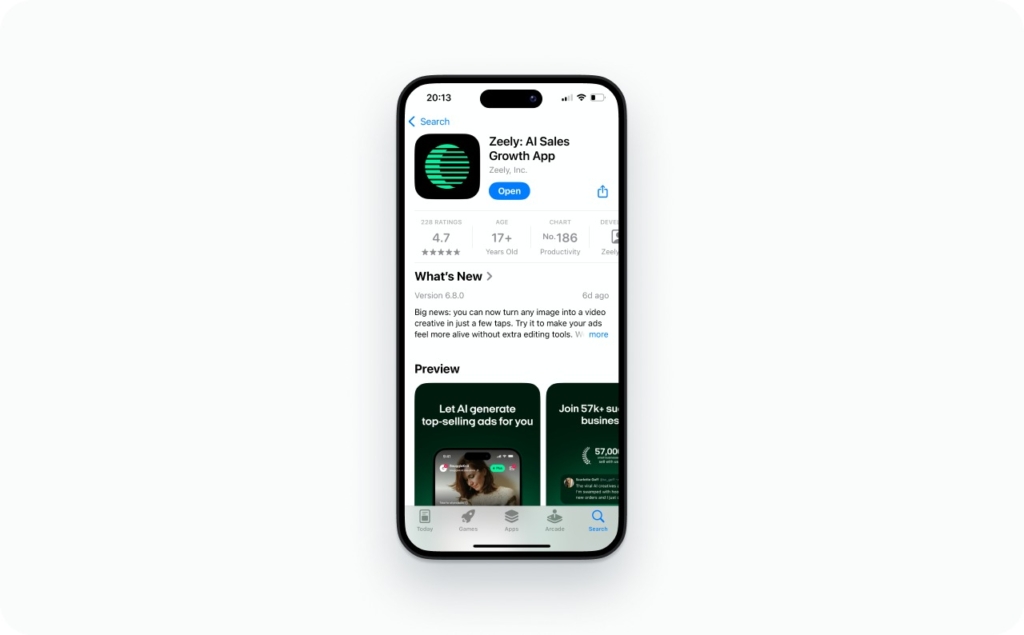
Pull up the App Store and search the full name: Zeely: AI Sales Growth App. Partial searches like “Zeely” or “Zeely AI” sometimes bury the real listing under unrelated results, so use the whole thing.
Check two details before you tap anything. The developer should say Zeely, Inc., and the logo should match what you’ve seen on the website or in ads. Once that checks out, tap Get, confirm with Face ID or your Apple ID password, and let the install run. Takes maybe thirty seconds on a decent connection.
Stick to the official App Store. I know that sounds obvious, but third-party APK sites and sideload links do circulate, and they’re not worth the gamble with your store credentials.

How to download Zeely AI on Android
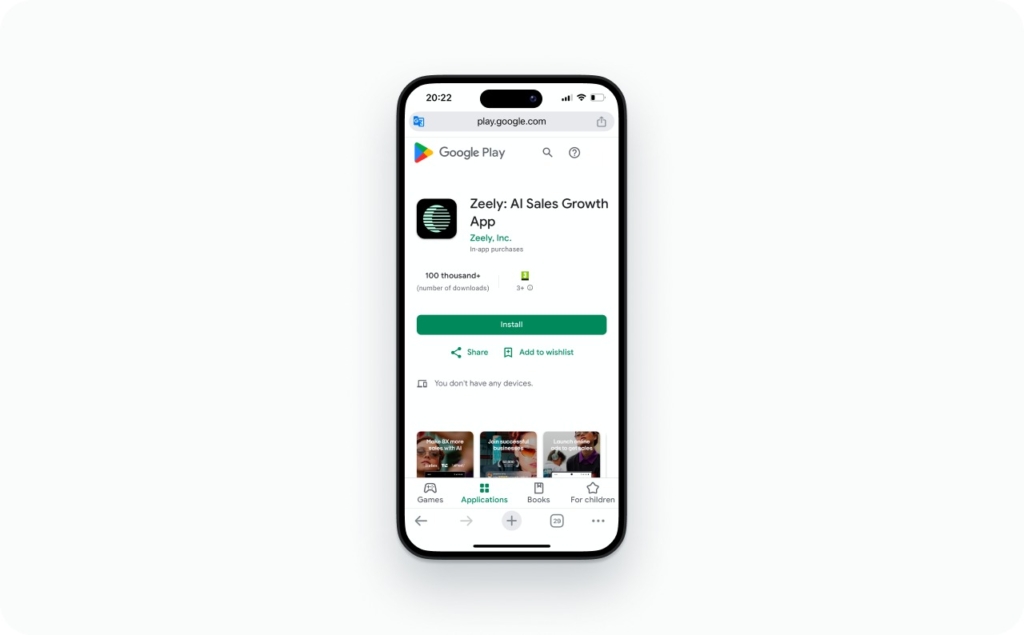
Same idea, different store. Open Google Play, search for Zeely: AI Sales Growth App, and verify that Zeely, Inc. is listed as the developer.
Tap Install. When it finishes, tap Open.
You might see permission prompts during setup. Zeely can use your camera and microphone for video ad creation and sends notification alerts for campaigns. All optional. You can toggle any of them off later in your phone’s settings if you change your mind.
Troubleshooting the Zeely app download
Rarely an issue, but when something goes sideways it’s usually one of these.
- Can’t find the app in your store? Search the full name: Zeely: AI Sales Growth App. Shortened searches miss it sometimes. Also worth checking whether your phone’s operating system needs an update, since older OS versions can hide newer apps. And yes, regional availability is a factor. Not every country has the listing yet
- Download stuck or won’t start? Almost always a storage or connectivity issue. Free up space on your phone, get on a stronger Wi-Fi network, and force-close the App Store or Google Play before trying again
- App crashing or sluggish after install? Look for an update first. Older versions occasionally have bugs that newer releases already squashed. If you’re already current, close whatever else is running in the background to free memory. Still happening? Uninstall, redownload from the official store, and start fresh. The Zeely web version works fine as a stopgap while you figure the mobile app out
- Can’t log in? Most common cause is a typo in the email during signup. People don’t realize they mistyped it until they try logging back in. Hit the password reset on the login screen, and if that doesn’t solve it, email support@zeely.app with the address you used. The team’s usually fast
More edge cases live in the Zeely Help Center.
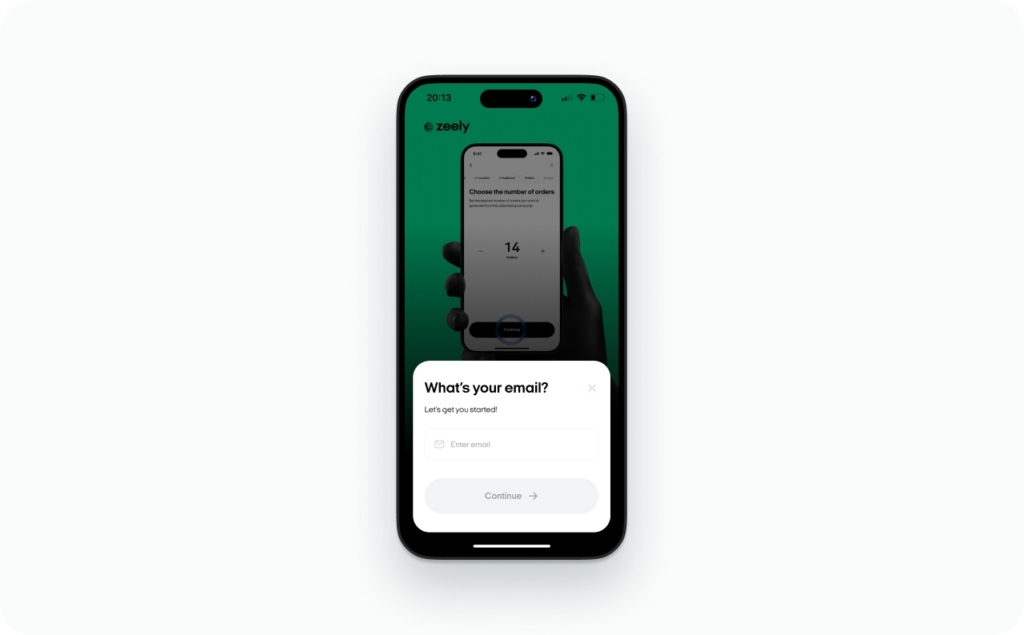
Download Zeely AI and make your first ad
That’s the whole process. Download the Zeely app from the App Store or Google Play, knock out the quiz, add a product, and build your first ad. No desktop needed, no design skills required.
Honestly, creating that first ad will teach you more about how Zeely works than anything I could write here. Go make one.