Does Instagram notify you when you screenshot a Story?
Can someone tell you screenshotted their Instagram Story? I'll cover what the creator actually sees, where Instagram does send alerts, and why DMs and Stories follow different rules.
Key takeaways
- Screenshotting or screen recording a Story sends zero alerts. Public account, private account, Close Friends, makes no difference.
- The Story owner has no way to see who captured their Story. The viewer list, Insights, and notifications show nothing.
- The one place Instagram does flag screenshots is disappearing DM content: View Once, Allow Replay, and Vanish Mode. Nowhere else.
- Screen recording works the same as a screenshot. Instagram cares about what was captured, not how.
- People confuse DM alerts with Story alerts. Those are separate systems with separate rules.
You screenshot a Story and half expect a little alert to pop up on the other end. It does not. Instagram sends no notification when you screenshot or screen record someone’s Story in 2026.
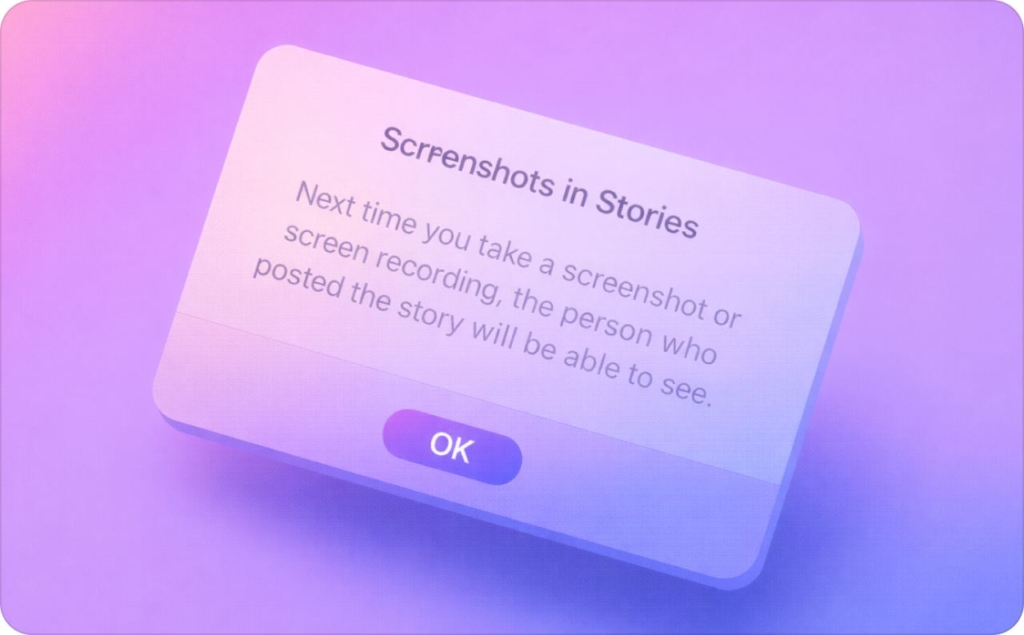
Why screenshot anxiety is everywhere in 2026
Nobody worries about whether people screenshot Stories. They worry about whether Instagram reports it.
The confusion comes from mixed signals. Some features inside the app clearly notify users when content is captured. Others stay completely silent. Instagram has never published a single page explaining which is which, so people guess, and usually guess wrong.

Is there any notification when you screenshot a Story on Instagram
No. Stories and DMs follow entirely different rules, and Instagram does not flag Story screenshots in any way.
The app has features that alert users when content is captured, but those features live inside DMs, not Stories. There is no notification sent to the creator. No hidden signal. Nothing.
The quick version I give creators and business owners:
- Story screenshot: no alert
- Story screen recording: no alert
- Viewer list or Insights: no “screenshot” label or count
There is no alert at the time of capture and no delayed notification hours later. The creator cannot see who screenshot it, how many times, or whether it happened at all. You look like every other viewer.
Account type makes no difference either. Public, private, Close Friends, tagged Story, all silent. Audience controls decide who can view your Story, not who can capture it.
Snapchat does notify. Instagram does not, at least not for Stories. The myth survives because people see a DM screenshot alert, assume the whole app works that way, and then half-remembered articles from 2018 fill in the gaps. But the rule has not changed: your Story screenshots are invisible to the creator.
Screen recording a Story: treated differently?
Same rules. Sound on, sound off, does not matter. Instagram does not tell the Story owner, and the viewer list and Insights stay unchanged. Screen recording can trigger alerts inside certain DM features. For Stories, it does nothing.
When Instagram notifies about screenshots
Instagram Direct runs on different rules because messages are supposed to feel private. The problem is that people see a screenshot alert in their DMs and assume Instagram works that way across the entire app. It does not.
Regular DMs vs disappearing messages
Screenshotting a regular DM conversation does not trigger a notification. Normal chat, standard photos, shared posts: the other person is not told.
Notifications only apply when the message itself was supposed to disappear. Regular DM content stays in the chat, so Instagram treats screenshotting it as normal behavior.
Vanish Mode screenshots and recordings
Vanish Mode flips the rules. Messages disappear after they are seen and the chat is closed. If someone captures that content, whether screenshot or screen recording, Instagram may notify the sender. The alert format varies by device and app version, but the sender gets a signal.
Sound on, sound off, makes no difference here either.
One detail most guides miss: Vanish Mode only works on the Instagram mobile app. It is not available on Instagram’s web or desktop version in 2026.
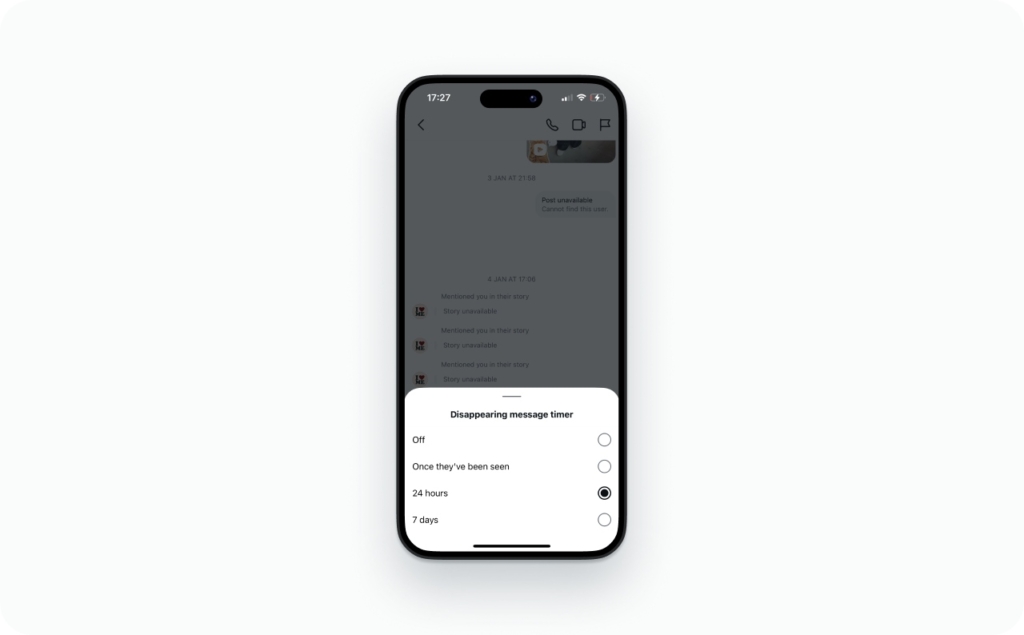
View Once and Allow Replay media
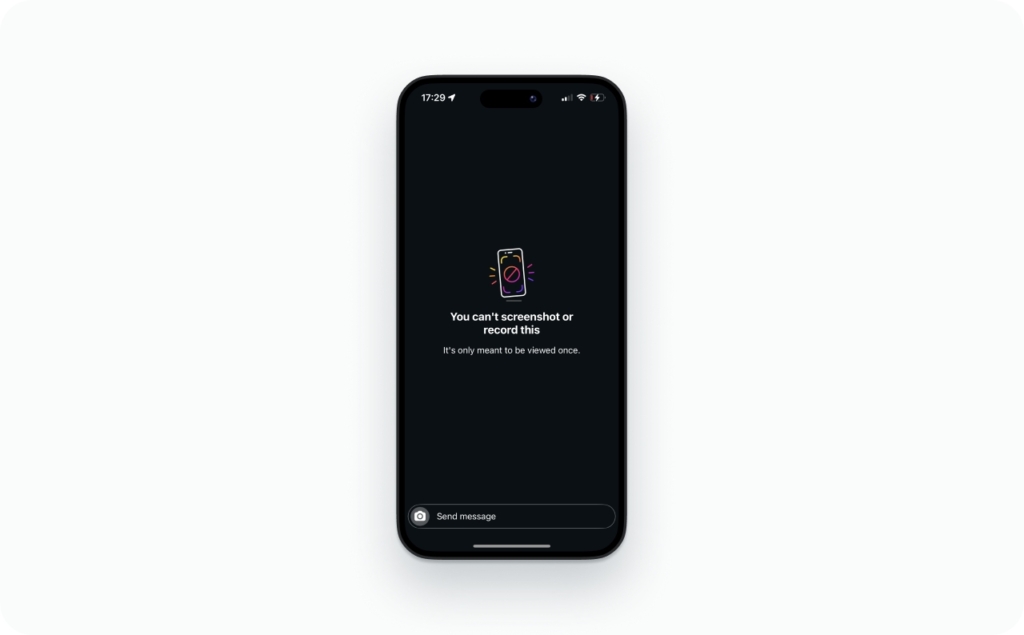
View Once photos and videos take a harder approach. Instead of just notifying, Instagram may block the capture entirely. Some devices get blocked. Others get flagged. The inconsistency in user reports comes from real device-level variation, not confusion.
Allow Replay media, the kind that loops once and then vanishes, triggers screenshot notifications too, similar to View Once. Instagram’s Help Center confirms that senders can see if someone took a screenshot of a disappearing photo or video they sent in a chat.
All three DM features follow the same principle: if the content was built to disappear, Instagram protects it. Stories stay visible to everyone with access for a full 24 hours. Different intent, different rules.
Does Instagram notify screenshots for posts, Reels, Highlights, profiles, or other content?
None of them trigger alerts.
| Content type | Screenshot notification? |
| Story: public, private, Close Friends | No |
| Story Highlight | No |
| Feed post | No |
| Reel | No |
| Profile / profile photo | No |
| Notes | No |
| Live | No |
| Regular DM: text, photos, shared posts | No |
| Disappearing photo/video in DM, View Once | Yes |
| Disappearing photo/video in DM, Allow Replay | Yes |
| Vanish Mode messages | Yes |
Screen recording follows the same column for every row. The trigger is the content type, not the capture method.
A couple that get their own questions:
- Lives. Instagram shows the creator when someone joins, but it does not detect captures. Anyone watching can screen record silently
- Notes. The short text statuses at the top of the DM inbox. No screenshot notification
FAQ
There is no “report a screenshot” option because Instagram has no way to verify one happened. If the person does something with that screenshot, that is what you report: harassment, impersonation, reposting without permission. Grab your evidence before you file.
For Stories, there is nothing to trick. Instagram does not notify in the first place. For disappearing DM media, workarounds like airplane mode are unreliable and often risky.
Briefly. In early 2018, a small test added a camera-shutter icon next to viewer names. User backlash killed it by mid-2018, and it never rolled out beyond the test group. That test is the source of almost every “I heard Instagram notifies” rumor still circulating eight years later.
Almost certainly a DM feature. Disappearing photos, View Once, Allow Replay, and Vanish Mode can all flag captures. People also mistake seen receipts, message reactions, and viewer-list appearances for screenshot alerts. Stories have never sent one.
No. Instagram does not expose screenshot data to third-party apps. If an app claims it can show you who captured your Story, it is either guessing or fishing for your login credentials.

Emma blends product marketing and content to turn complex tools into simple, sales-driven playbooks for AI ad creatives and Facebook/Instagram campaigns. You’ll get checklists, bite-size guides, and real results, pulled from thousands of Zeely entrepreneurs, so you can run AI-powered ads confidently, even as a beginner.
Written by: Emma, AI Growth Adviser, Zeely
Reviewed on: October 6, 2026