How AI product placement creates accurate ad images
Can AI place your real product inside a new advertising scene without changing the packaging customers recognize? I’m Emma from Zeely, and I’ll show you what to upload, what AI can safely edit, and how to review every image before you run it as an ad.
AI product placement uses image-generation and image-editing models to place a real product inside a new advertising scene. For accurate results, start with clear product photos, define which details cannot change, and edit the smallest possible part of the image. Then review packaging, logos, proportions, colors, perspective, shadows, and reflections. AI works well for lifestyle scenes, seasonal ads, background changes, and creative variations. Keep traditional product photography when exact text, color, scale, performance, or safety information affects the purchase.
Marketers already use generative AI heavily for creative work. A Gartner survey of 418 marketing leaders found that 77% of organizations using generative AI had adopted it for creative development. That figure reached 84% among high-performing marketing organizations.
The opportunity is clear, but faster production does not remove the need for accuracy. If an AI-generated product ad changes the package, quantity, material, or included parts, it can create the wrong customer expectation.
In this guide, I’ll explain how AI product placement for ads works, which inputs improve product fidelity, and where human review still belongs.
What is AI product placement for ads?
AI product placement is the process of using an AI image model to insert a real product into a generated or edited advertising image.
For example, you might start with one plain photograph of a skincare bottle. AI can place that bottle on a bathroom shelf, beside a travel bag, inside a gift arrangement, or against a clean studio background.
The product stays at the center of the creative. The model generates or edits the visual context around it.
This use of AI product placement in advertising is different from traditional product placement in films, television programs, or games. You are not paying to feature a brand inside somebody else’s content. You are creating new product imagery for your own ads.
An AI product placement model may help with:
- Lifestyle product images
- Studio-style advertising images
- Seasonal campaign scenes
- Audience-specific visual settings
- Product catalog variations
- Social media ad formats
- Background and surface changes
- Creative concepts before a photo shoot
You could turn one coffee package into a morning kitchen image, an office desk image, and a holiday gift image. Each version can support a different advertising angle while keeping the same product.
That is useful for small businesses because one product photo no longer has to carry every campaign.
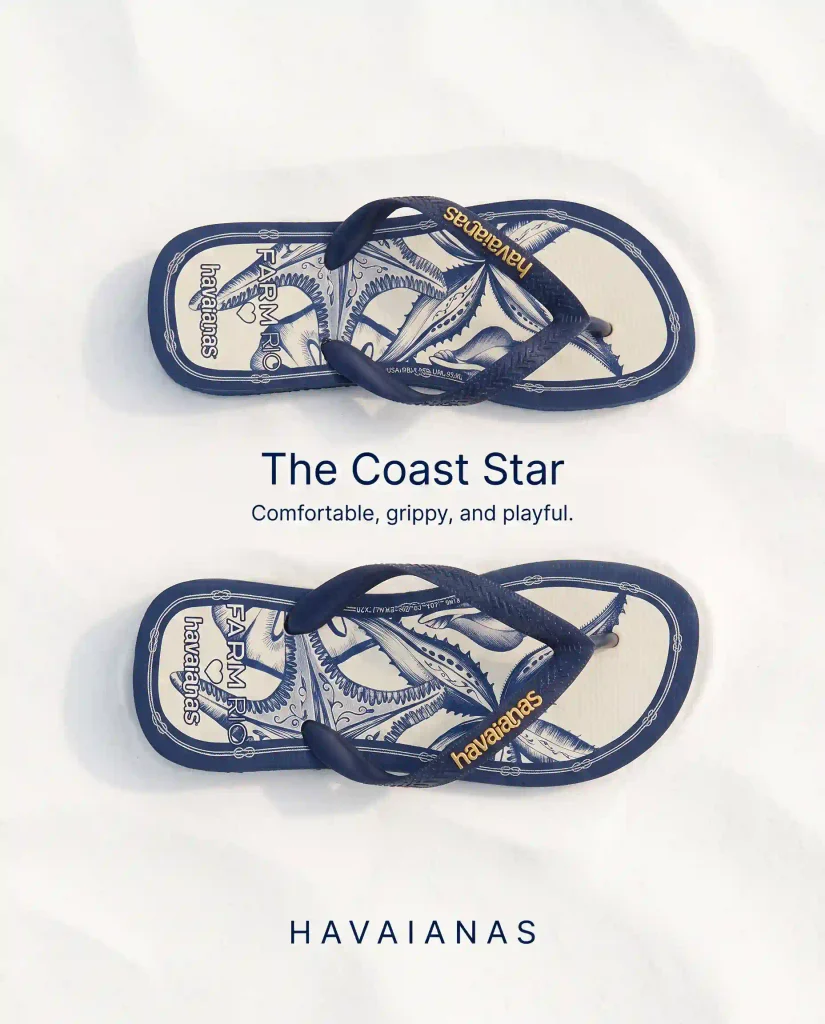
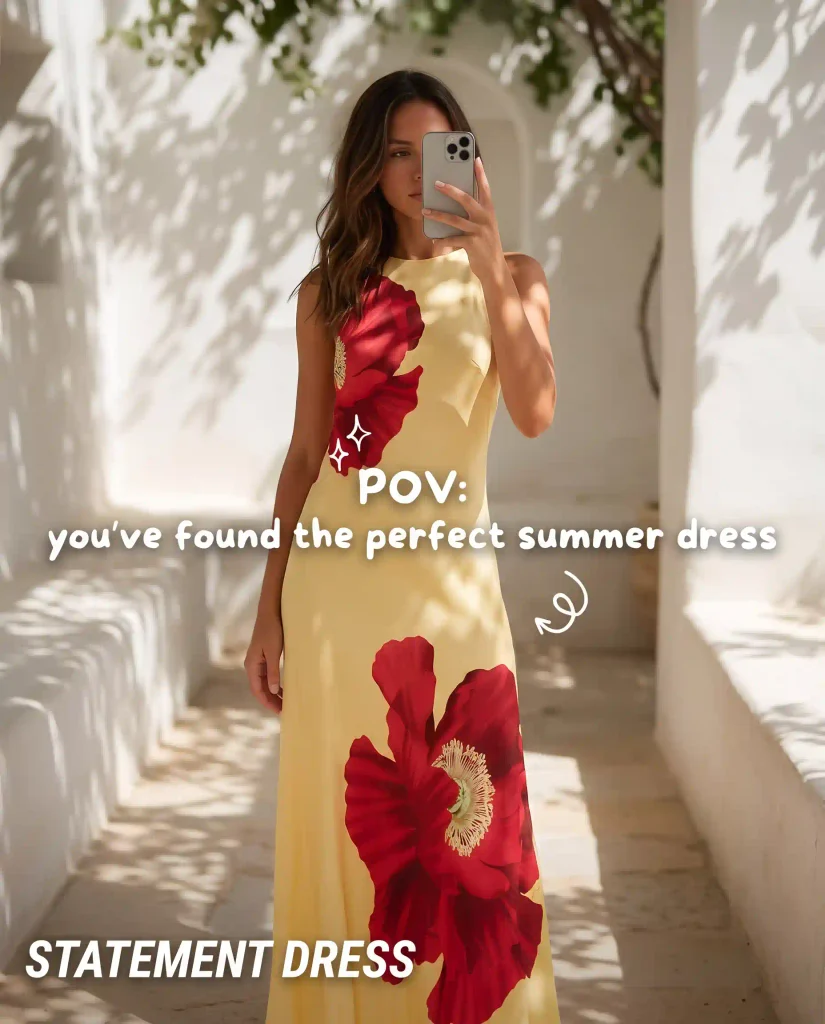
How does AI product placement work in advertising images?
An AI model does not simply copy a product and paste it onto another image. It has to understand the product, the requested scene, and how both should fit together.
First, the model reads the reference image. It identifies visible features such as the product shape, label position, colors, material, edges, and camera angle.
Next, it interprets your instruction. You may ask for a minimalist studio scene, a bedroom vanity, a gym bag, or a holiday table.
Then the model generates or edits the surrounding pixels. Depending on the tool, it may replace the full scene or change one selected region.
Behind the interface, several image-processing tasks may happen:
- Image understanding identifies the product and scene
- Object segmentation separates the product from its background
- Masking marks areas that should change or stay protected
- Inpainting regenerates selected parts of the image
- Outpainting extends the image beyond its original frame
- Relighting adjusts light, shadows, and color temperature
- Reference-image editing uses an existing product as visual guidance
You do not need to manage each technical step yourself. Still, understanding them helps you spot why an image failed.
The broader guide to AI models for ad creative generation explains where image models sit beside copy, video, audio, and multimodal models. This page stays focused on placing products accurately inside static advertising images.
AI image generation vs product image editing AI
The biggest production decision is whether you want AI to generate the whole image or edit a product image you already trust.
Pure image generation starts with a written description. You might ask for a luxury perfume bottle on black marble, surrounded by soft smoke and gold light.
The result may look convincing, but the model has invented the bottle. It may change the cap, logo, glass shape, or printed text because it does not have a fixed source of truth.
Product image editing AI starts with your real photograph. You upload the correct product and ask the model to modify the background, surface, crop, props, or lighting.
That difference matters.
| Method | What you provide | Best for | Product fidelity risk |
| Text-to-image generation | A written description | Concepts and fictional products | High |
| Reference-guided generation | Prompt and product references | New lifestyle scenes | Medium |
| Image-to-image editing | An existing product photo | New settings and lighting | Lower |
| Masked local editing | Product image and selected edit area | Controlled background or object changes | Usually lowest |
| Template-based ad creation | Product asset and ad layout | Fast campaign variations | Lower when the product stays untouched |
I usually recommend editing over full generation when you are advertising a real SKU.
The smallest useful edit is often the safest one. If the product already looks correct, do not ask the model to recreate it. Protect it and change the environment around it.
You can still use full generation during concept development. It can help you explore campaign directions before spending money on production. Just do not confuse a concept image with a verified product ad.
Model-specific instructions belong on model-specific pages. For example, Zeely’s guide to Nano Banana 2 for ad creatives owns the Google model workflow, version differences, and detailed editing guidance.
What inputs improve AI product placement results?
You do not need a professional product shoot to begin. You do need images that clearly show what the model must preserve.
Start with one sharp product photograph
Choose an image with clean focus, visible edges, and enough resolution to inspect the package.
A useful source image should show:
- The complete product shape
- The front label or main design
- The correct closure, cap, or handle
- Important textures and materials
- Accurate product colors
- Included parts or accessories
Avoid starting with a product that appears tiny in the frame. The model cannot preserve details it can barely see.
Dark lighting, strong filters, blur, and reflections can also hide useful information.
Use a transparent product image when available
A transparent PNG is not always required, but it can simplify product isolation. The model does not have to guess where the product ends and the original background begins.
This is especially helpful when you want a clean studio composition or a completely new environment.
A standard JPG can still work. Clear contrast between the product and background often matters more than the file format.
Add more angles when shape matters
One front-facing image may not show the depth of a box, the side of a bottle, or the handle of a bag.
Add supporting angles when the new scene may reveal details missing from the first image:
- Front view
- Three-quarter view
- Side view
- Top view
- Packaging detail
- Texture close-up
- Back or ingredient panel
Google’s current image documentation says some Gemini image models can use up to 14 reference images, with different limits for objects, people, and style references. That does not mean every task needs 14 files. It shows that modern systems can use several sources to understand an object more fully.
I would rather upload three useful angles than ten nearly identical images.
Separate product references from style references
A product reference tells the AI what the object must look like.
A style reference tells it how the final advertisement should feel.
You might provide:
- One clear product image
- One approved brand campaign
- One lighting reference
- One composition reference
Keep those roles clear. Otherwise, the model may borrow product details from an image you only intended as visual inspiration.
Tell the model what cannot change
Do not rely on a broad instruction such as “keep the product the same.”
List the fixed details:
- Preserve the exact package shape
- Keep the original logo
- Do not rewrite label text
- Maintain the cap and dispenser
- Keep the approved brand colors
- Do not add accessories
- Do not alter product quantity
Then list what may change:
- Background
- Surface
- Props
- Lighting
- Crop
- Empty copy space
- Aspect ratio
This structure gives the AI product placement model a clearer boundary.
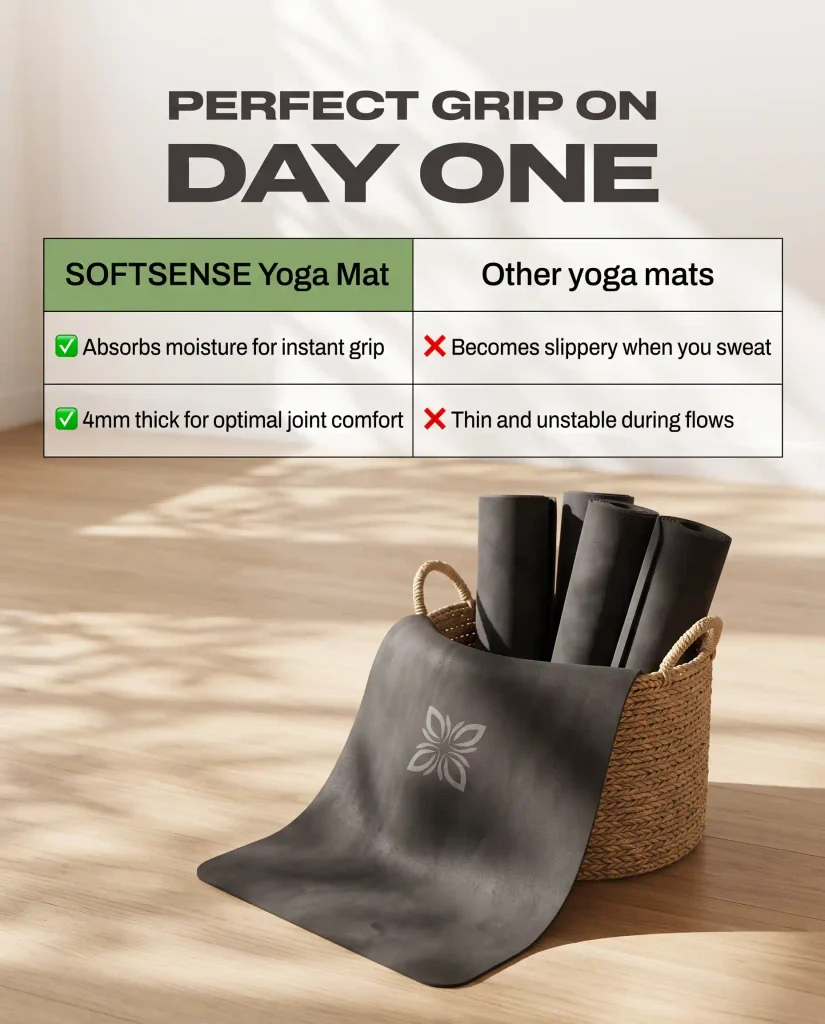
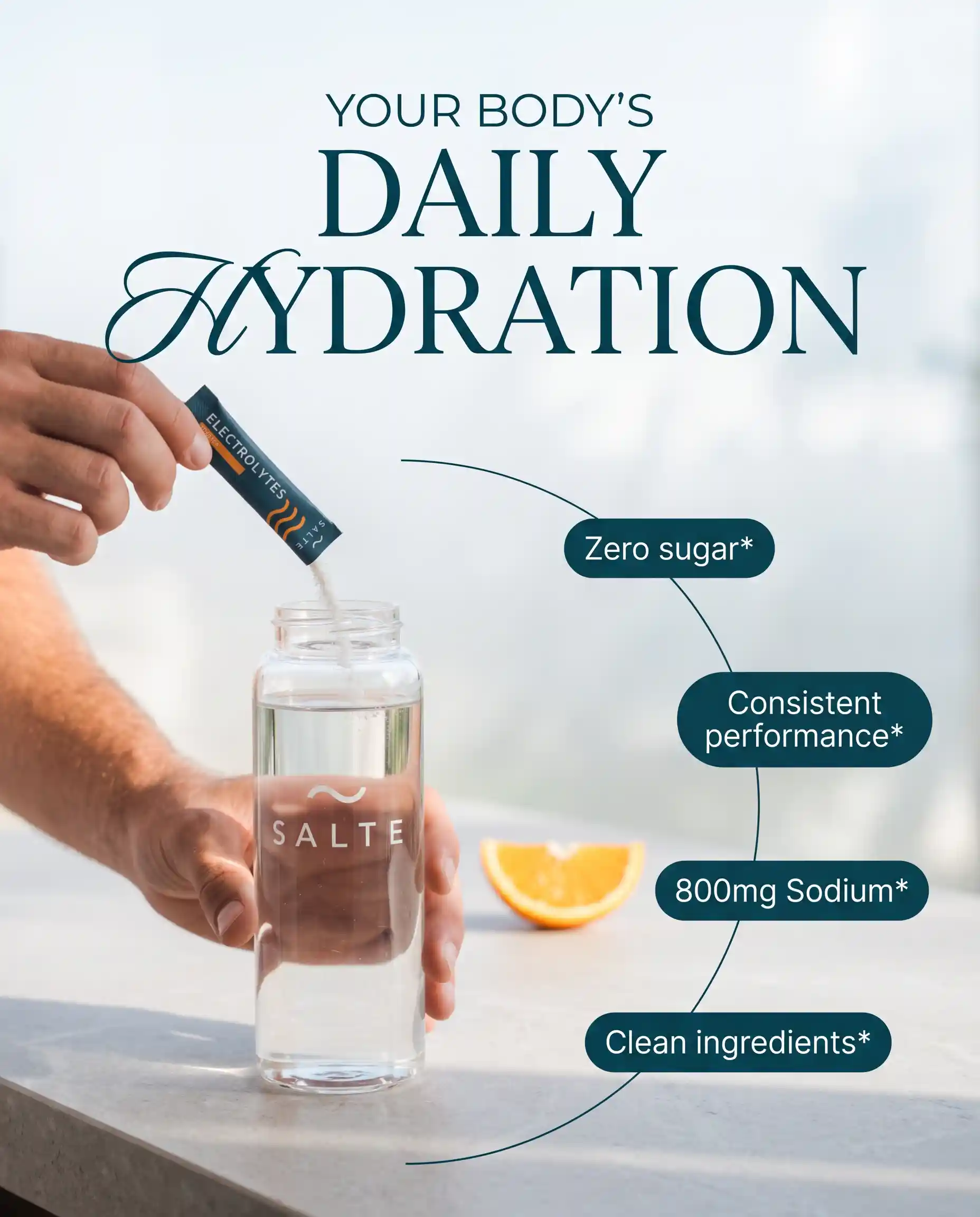
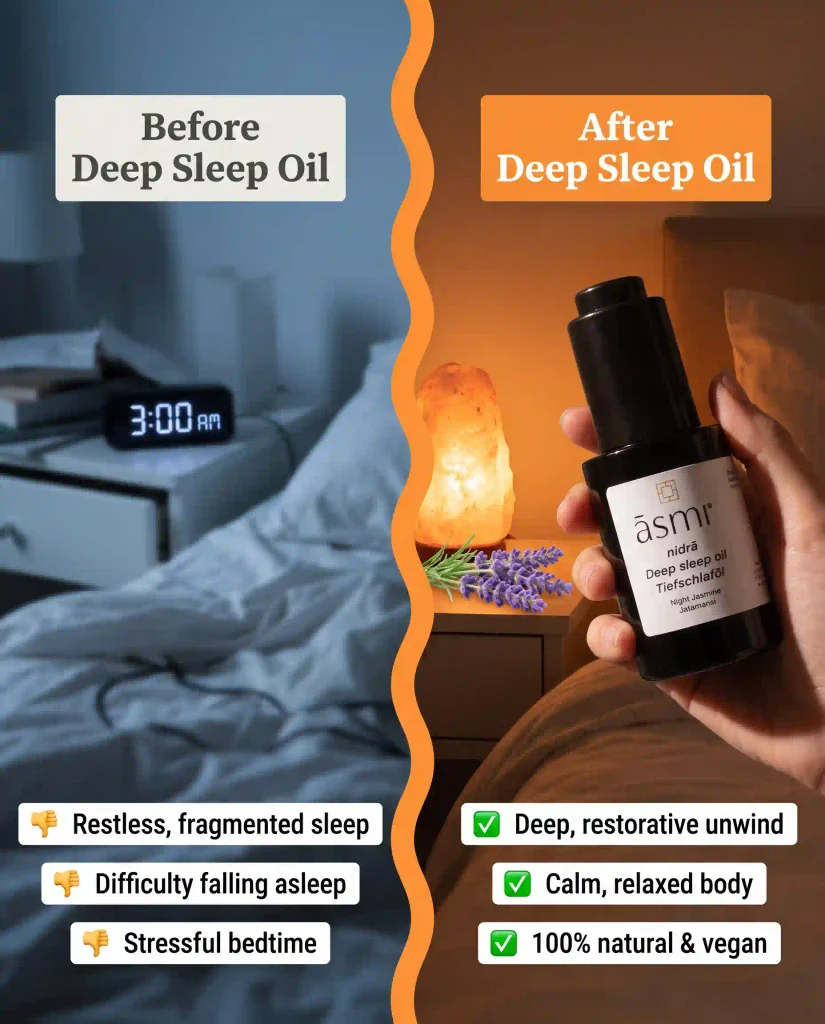
How AI models preserve product shape and packaging
Product identity includes more than a logo. Customers may recognize the item by its silhouette, closure, color, size, label, texture, or included accessories.
Modern editing models can use reference images and local editing to preserve visible features. FLUX.1 Kontext, for example, supports targeted modifications and object consistency across different scenes.
That does not guarantee a perfect result. Generative models still predict what the image should look like. They can create a plausible version instead of an exact copy.
Why AI changes logos and label text
Small text is difficult because every character must appear in the correct order and position.
The model may understand that text belongs on the package without accurately reproducing it. Curved labels, glossy surfaces, low resolution, and angled packaging increase the risk.
Always compare generated packaging with the source image.
For campaign-ready ads, you may need to:
- Protect the original label during editing
- Restore the package from the source image
- Add exact text in a design editor
- Use a verified pack shot as the final layer
Do not assume a readable word is correct because it looks close at thumbnail size.
Why product colors change
The model may alter color to match the new environment.
A white package can appear warm in sunset light. A blue box can become muted inside a beige scene. These changes may look realistic but still weaken brand recognition.
Check the result against your approved brand colors and original product photography.
Why proportions drift
AI may make the product taller, narrower, wider, or larger than it should be. This often happens when the model has only one angle or has to rebuild part of the object.
Look at relationships between fixed features. Check the distance between the logo and cap, the height-to-width ratio, and the size of repeated elements.
Why transparent and reflective products need more review
Glass bottles, clear packaging, polished metal, and glossy plastic reflect their surroundings.
When the environment changes, those reflections should change too. Keeping the original reflection can make the product look pasted in. Regenerating it can alter the product’s shape or contents.
These materials often need a hybrid workflow with AI scene creation and manual retouching.
Can product swap AI and background replacement work separately?
Yes. Product swap AI and AI background replacement are two separate capabilities inside the larger product-placement workflow.
A product swap replaces one object while keeping the original scene. For example, you might replace a generic drink can with your branded can.
The model must match:
- Product position
- Camera angle
- Hand placement
- Scale
- Occlusion
- Shadows
- Reflections
This is harder when somebody holds the product. Fingers may cover the package, so the model must understand which parts belong in front of the replacement.
AI background replacement keeps the product and changes the environment around it. You might move a shoe from a plain table into a gym locker scene.
Background replacement is often safer because the verified product can remain untouched. Still, you must review edges, light direction, reflections, and contact shadows.
This article covers those features only as parts of AI product placement. The dedicated product swap AI article should own the complete replacement workflow, while the AI background replacement article should own masking, edge cleanup, relighting, and background-specific prompts.
That separation keeps each page useful and prevents three articles from answering the same query.
How to create AI product placement ads step by step
A strong workflow begins before you generate anything. You need to know what the image should sell and what must remain true.
1. Choose one advertising job
Decide what the image needs to communicate.
You may want to show:
- Where the product fits into daily life
- Which audience it serves
- A seasonal use case
- A product benefit
- A gift occasion
- A premium or practical setting
Do not ask one image to explain every benefit. A focused image is easier to understand and easier to evaluate.
2. Select the product source of truth
Choose the photograph that most accurately represents what the customer receives.
Confirm the package, quantity, product color, accessories, logo, and visible claims before you begin.
3. Define fixed product details
Write a short product-lock list.
For example:
Keep the exact bottle shape, black cap, cream label, green logo, and 100 ml package size. Do not change the label wording or add accessories.
This does not guarantee perfection, but it gives the model clearer instructions.
4. Describe the new advertising scene
Include the setting, surface, lighting, camera angle, and composition.
For example:
Place the bottle on a light stone bathroom shelf. Use soft morning window light from the left. Add a folded white towel in the background. Keep clear negative space above the product for ad copy.
The instruction connects the scene to an advertising layout, not just an attractive picture.
5. Generate a small set of distinct directions
Create three to five meaningful variations before producing a large batch.
Try different campaign ideas:
- Clean studio
- Everyday lifestyle
- Seasonal promotion
- Problem-and-solution setting
- Premium hero image
Do not generate twenty versions that differ only by a plant or cup.
6. Review product accuracy before beauty
I always check the product before deciding whether I like the scene.
Zoom in and compare:
- Package shape
- Label
- Logo
- Color
- Cap
- Quantity
- Product proportions
- Included parts
Reject the image if the product is wrong, even when the background looks expensive.
7. Fix the smallest failed area
If the product is correct but the shadow looks wrong, edit the shadow.
If one prop feels distracting, remove the prop.
Avoid restarting the whole image when a local edit can solve the problem. Black Forest Labs also notes that long chains of repeated edits can introduce artifacts, so save a clean approved version before continuing.
8. Prepare the image for its ad placement
A beautiful square image may fail inside a vertical Instagram Story.
Set the correct aspect ratio early. Google’s image documentation lists support for common formats such as 1:1, 4:5, 9:16, and 16:9, depending on the image model.
Leave room for:
- Headline
- Offer
- CTA
- Logo
- Platform interface
- Safe cropping
9. Turn the image into a complete ad
Product placement creates the visual base. The finished advertisement still needs copy, branding, layout, and several testable versions.
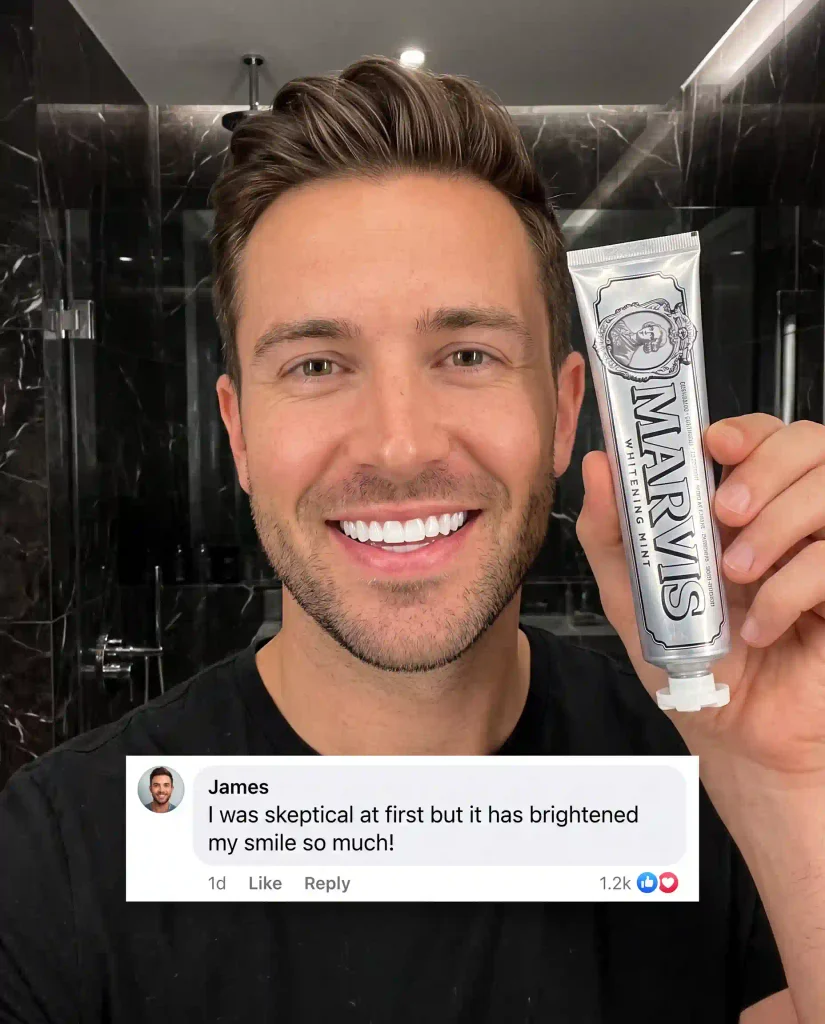
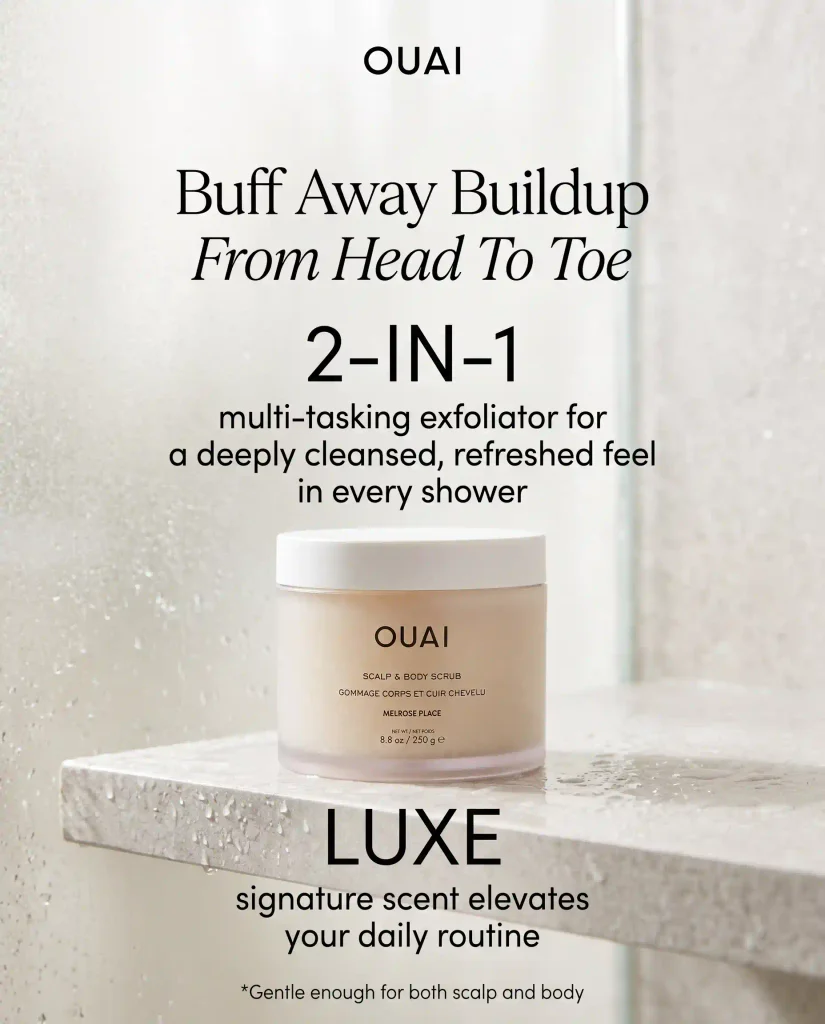
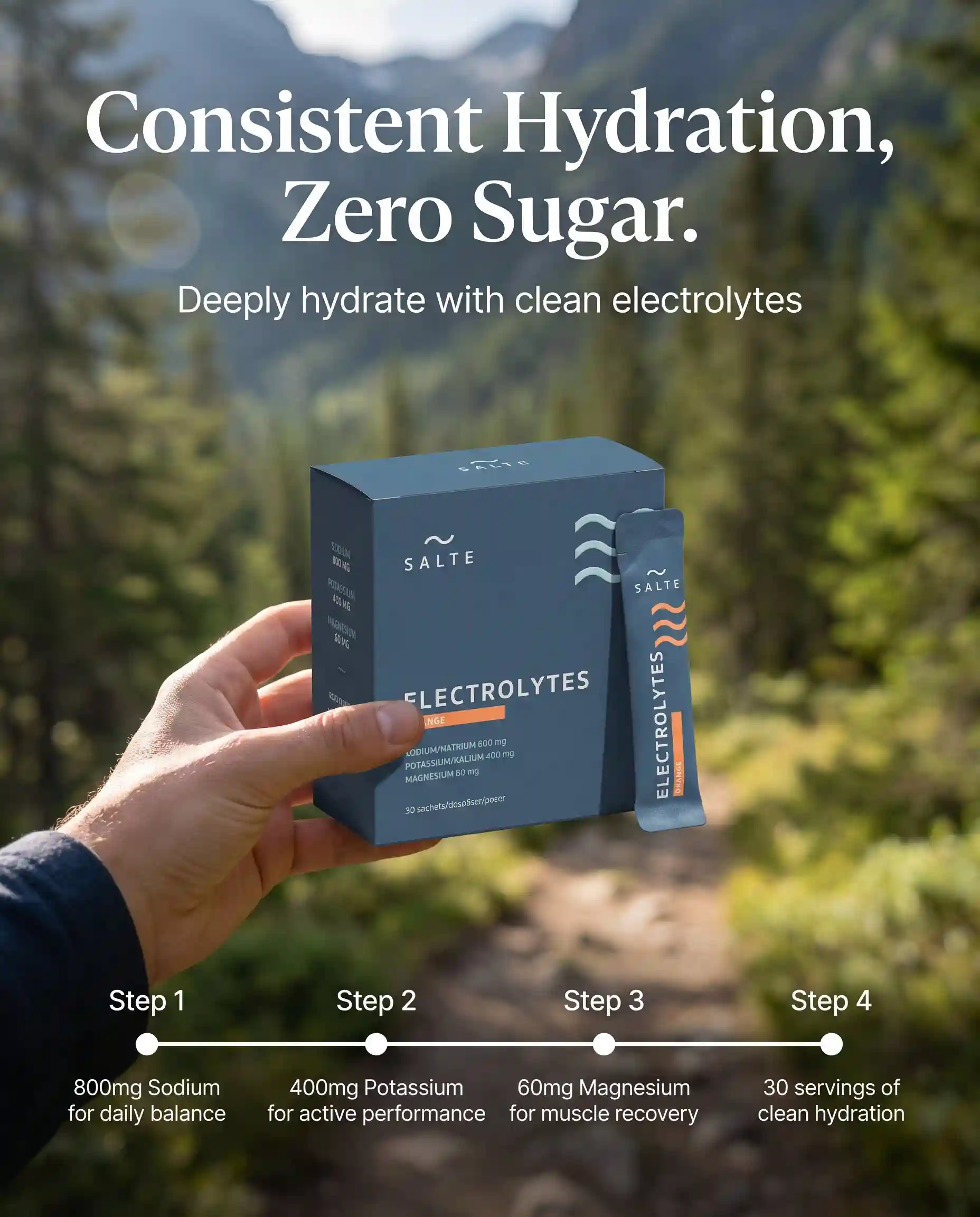
An AI static ad creator can help you move from product imagery to formatted ad variations. Zeely supports product inputs, templates, several output formats, and editable static creatives.
What ads can AI product placement create?
The same product reference can support several campaign needs.
Lifestyle product ads
Place the product inside a realistic daily setting. A supplement might appear beside a breakfast bowl, while a travel accessory might sit inside an open suitcase.
The scene should support the product’s real use, not invent a benefit.
Studio advertising images
AI can create clean backgrounds, surfaces, soft shadows, and negative space around a product.
These images work well for:
- Launch announcements
- Sale ads
- Retargeting
- Product carousels
- Display banners
- Email graphics
Seasonal product campaigns
You can keep the same product while changing the scene for summer, back-to-school, Black Friday, Valentine’s Day, or holiday gifting.
This is one of the safest uses because the product stays stable while the context changes.
Audience-specific ad images
A water bottle can appear inside a gym bag for one audience and on an office desk for another.
The product does not change. The situation helps each audience recognize when it may fit their routine.
Product catalog variations
For a larger catalog, AI can help standardize backgrounds or create scene families across several products.
Batch production needs stricter review. One incorrect label repeated across fifty images creates more work, not less.
How to evaluate AI product placement quality
Do not judge the image only by whether it looks professional.
A useful product ad must pass three tests:
- The product is accurate
- The scene feels believable
- The image works as an advertisement
Use this review table before approval.
| Review area | What to inspect | Reject the image when |
| Product shape | Width, height, edges, closure | The silhouette has changed |
| Packaging | Label, logo, quantity, colors | The SKU looks different |
| Perspective | Camera angle and product position | The product appears warped |
| Scale | Size compared with props and people | The product looks unusually large |
| Lighting | Highlights and light direction | Product and scene use different light |
| Shadows | Direction, softness, contact point | The product appears to float |
| Reflections | Glass, metal, and glossy surfaces | Reflections belong to another setting |
| Background | Depth, blur, and scene logic | The scene looks artificial or misleading |
| Ad layout | Copy space, crop, safe areas | Platform elements cover the product |
| Claims | Visual promises and product use | The image suggests an unsupported result |
I would give product fidelity the greatest weight:
- Product accuracy: 40%
- Scene integration: 25%
- Ad composition: 20%
- Brand consistency: 10%
- Technical image quality: 5%
A wrong package should remain an automatic rejection. A total score cannot rescue an image that misrepresents the item.
What to look for in an AI product placement model
The best model is not automatically the one with the most dramatic sample images.
You need a model or platform that performs reliably on your products.
Look for:
- Reference-image support
- Image-to-image editing
- Local masking or selective editing
- Object consistency
- Several aspect ratios
- High-resolution output
- Multiple reference images
- Batch generation
- API access when needed
- Clear commercial-use terms
- Reasonable generation time
- Predictable production cost
Test difficult products first. A simple matte box will not reveal the same weaknesses as a glass bottle with a curved label.
Run the same brief several times. Then ask:
- How often does the package remain correct?
- Does the product change between generations?
- Can I repair one region without rebuilding everything?
- Does the tool preserve approved brand details?
- How much manual editing remains?
- Can I produce enough usable variations?
One excellent output does not prove consistency. You need a workflow that produces acceptable results repeatedly.
A future comparison page about the best AI image models for product ads should own rankings and provider comparisons. This workflow guide should remain model-agnostic.
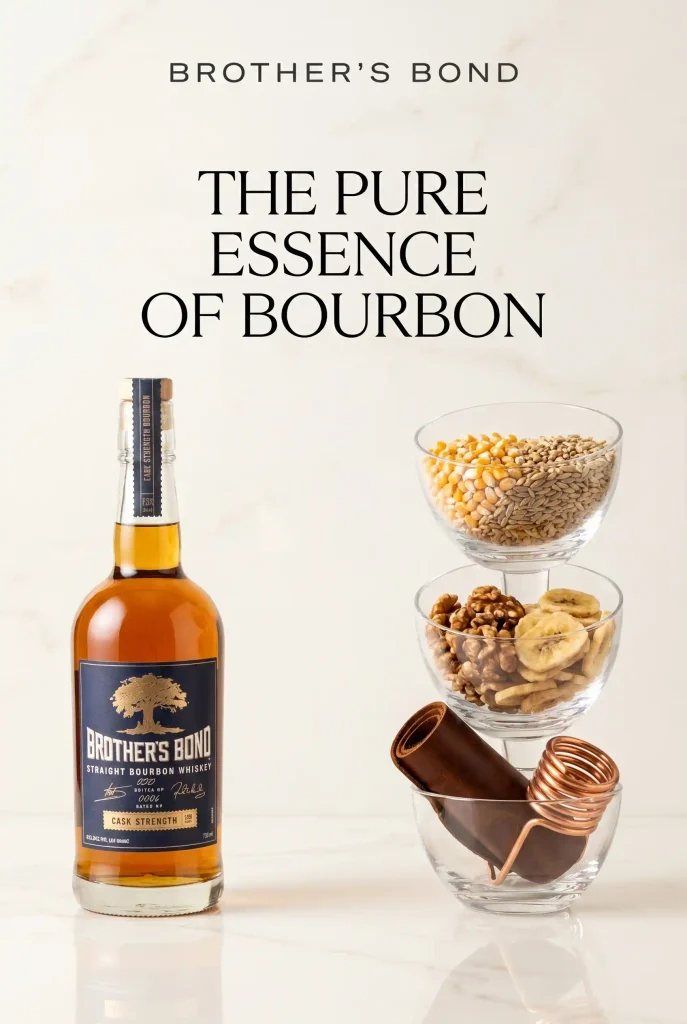

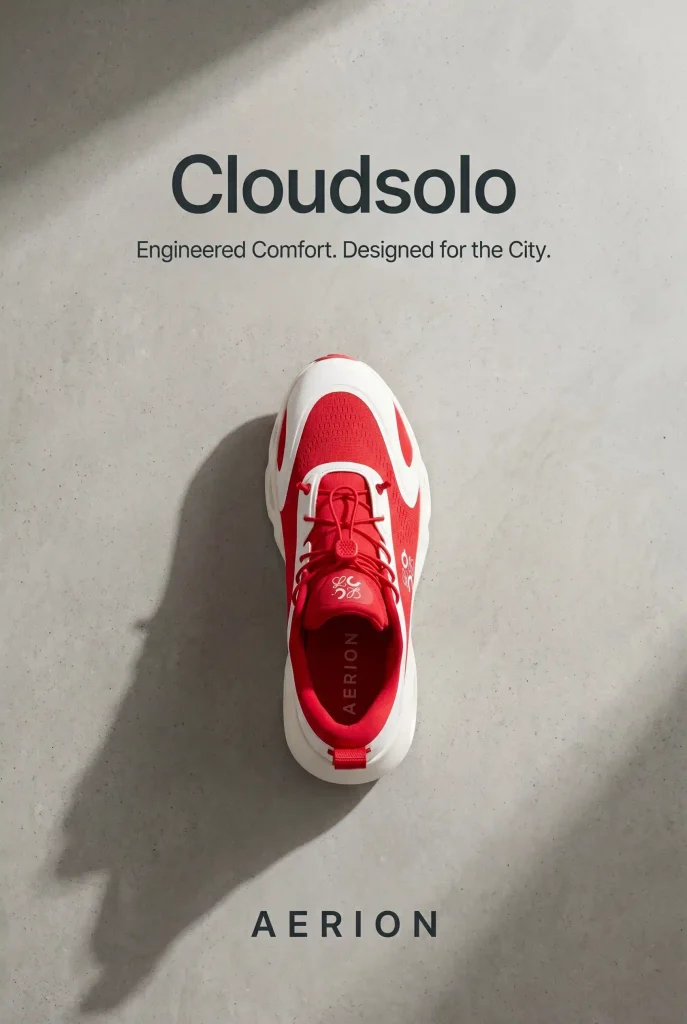
AI product placement limits marketers should know
AI product placement models can produce convincing images, but they do not understand product truth the way your business does.
Common limitations include:
- Misspelled packaging text
- Altered logos
- Incorrect product proportions
- Unnatural hand placement
- Floating objects
- Inconsistent shadows
- False reflections
- Invented accessories
- Wrong colors
- Product drift across variations
There is also a difference between visual creativity and advertising accuracy.
The Federal Trade Commission’s advertising guidance says advertising must be truthful and non-deceptive. Advertisers also need evidence supporting express and implied claims.
That means the image itself can create a claim.
Showing a cleaning product removing a stain instantly may imply measurable performance. Showing a cosmetic product beside altered skin can imply a result. Displaying accessories around a product may suggest they come inside the package.
Review what the visual communicates, not only what the headline says.
How Zeely turns product images into complete ads
A raw AI image is not yet a complete advertisement.
You still need a headline, offer, CTA, layout, platform format, brand styling, and enough variations to test.
Zeely connects those production steps. You can add a product link or upload product details, then create static, video, and UGC-style ad assets in one workspace. The Zeely AI ad generator supports product imports, brand information, static ads, videos, copy, and several creative variations.
Different AI models may handle product scenes, editing, copy, or motion differently. Zeely brings those capabilities into a practical workflow, so you can focus on what you sell, who needs it, and which creative direction deserves a test.
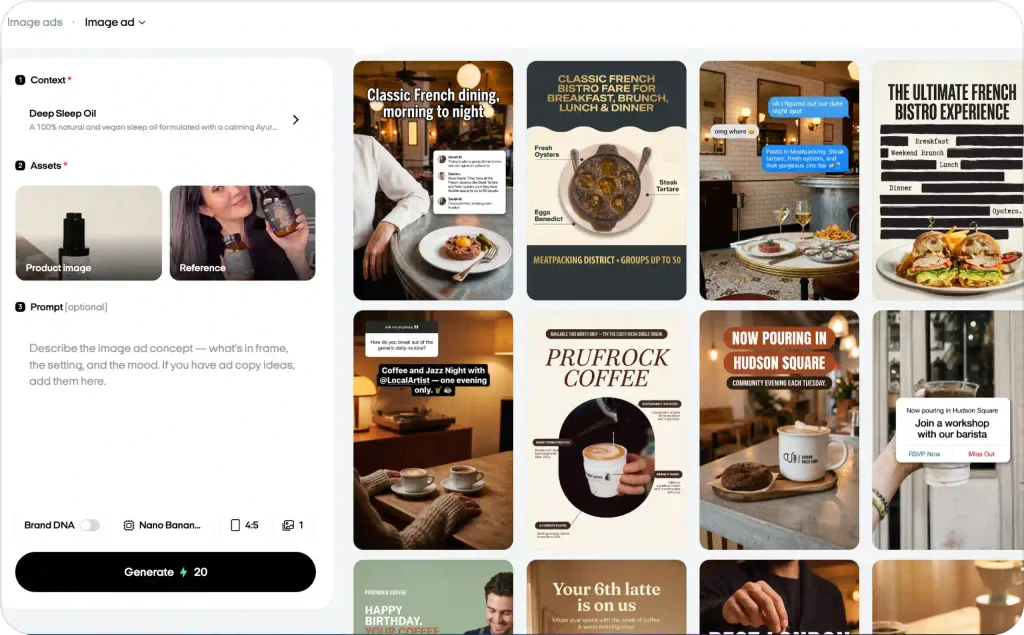
Inside that workflow, your job remains clear:
- Upload accurate product information.
- Choose the campaign goal.
- Review every generated visual.
- Correct product or brand errors.
- Create distinct ad variations.
- Test the approved creatives.
- Use performance data to plan the next batch.
The model helps produce the image. Your review protects the product. Zeely helps turn the approved image into an ad you can actually use.

Emma blends product marketing and content to turn complex tools into simple, sales-driven playbooks for AI ad creatives and Facebook/Instagram campaigns. You’ll get checklists, bite-size guides, and real results, pulled from thousands of Zeely entrepreneurs, so you can run AI-powered ads confidently, even as a beginner.
Written by: Emma, AI Growth Adviser, Zeely
Reviewed on: September 3, 2026