Top AKOOL alternatives for beginners and pros
Looking for Akool alternatives because credit pricing, avatar workflows, video translation, or face swap limits do not fit your team? This guide compares tools to help you choose the best AI video platform for your business.
If you’re looking for AKOOL alternatives, you’re likely balancing two goals: faster video delivery and tighter control over cost and quality. AI tools like AKOOL make it easy to swap faces or localize content, but not every platform keeps pace when teams need volume, policy clarity, or real creative control.
This guide breaks down the best options from light UGC creators to full API-ready systems, so you can see which one fits your workflow. Every tool is compared on render speed, video quality, rights transparency, and true cost per finished minute.
Short-form video still delivers the highest ROI across all marketing formats, which means your next growth win will likely come from faster content cycles, not bigger budgets. Here’s how to choose the AI video generator that helps you get there with data, not guesswork.

Why teams look for Akool alternatives
Akool has a broad AI video toolkit, but breadth can become a problem when your goal is simple: create content that sells.
The first reason teams switch is pricing clarity. Akool’s public pricing page lists a free Basic plan with 720p resolution, limited templates, the Classic face swap model only, one concurrent generation, slow processing, personal license, and watermark included. Its higher creator plans are structured around pay-as-you-go usage and credit packs, while Enterprise is listed as “Let’s Talk.” Akool also shows different limits for avatar video, video translation, face swap, voice generation, live face swap, and workspace roles.
That flexibility can be useful. But for a small business owner, it can also feel like homework.
The second reason is workflow. Akool is strongest when you already know the AI video task you want: swap a face, translate a video, create an avatar clip, or generate a visual asset. But many SMBs do not start with a video task. They start with a product, offer, audience, and sales goal. They need hooks, scripts, video ads, static ads, captions, CTAs, and creative variations.
The third reason is team fit. Enterprise teams may care about API access, longer uploads, higher resolution, workspace collaboration, and custom support. SMBs usually care about speed, price, ease of use, and content that can be launched on Facebook, Instagram, TikTok, YouTube Shorts, or Google Ads.
Quick pricing comparison of the best Akool alternatives
| Tool | Starting price / pricing model | Best for | Best fit |
| Zeely AI | From $29.95/month on the pricing page; plans include credits | AI video ads, UGC-style creatives, static ads, campaign assets | SMBs, ecommerce, local businesses, agencies |
| Akool | Free Basic plan; Pro-style use includes pay-as-you-go credit packs; Enterprise is “Let’s Talk” | Face swap, avatars, video translation | Creators, video teams, enterprise workflows |
| Soul Machines | Free plan; Basic $12.99/month; Plus $99/month; Pro $2,700/month | Interactive AI agents | Enterprise CX and digital humans |
| UneeQ | Custom / demo-based pricing | Enterprise digital humans | Large companies and customer experience teams |
| Didimo | Popul8 Express and Enterprise; pricing not publicly listed on page | 3D characters and NPCs | Game studios and 3D teams |
| Rosebud AI | Free prompts available; paid plans shown inside account | AI games and creative worlds | Creators, students, indie builders |
| Avatar SDK | Pro $800/month; Enterprise quoted | Avatar infrastructure and SDKs | Developers, apps, games, platforms |
| Vidnoz | Free plan; Starter from $18.99/month yearly; Business from $54.99/month yearly | Budget avatar videos | Creators, educators, small teams |
| Yepic AI | Basic $20/user/month; Creator Plus $199/user/month; AI Employee $499/month | Presenter videos and AI agents | Business video, e-learning, multilingual content |
| Rephrase.ai | No current self-serve pricing; acquired by Adobe | Legacy AI video technology | Category research, not active switching |
Prices can change, and AI platforms often adjust credits, plan limits, and annual discounts. Always check the linked pricing pages before buying.
1. Zeely AI — best overall Akool alternative for SMB video ads
Zeely AI is the best Akool alternative for small businesses because it solves the problem most switchers actually have: they need finished marketing creatives, not just AI video effects.
Akool is useful when you want to perform a specific AI video task. Zeely is better when you want to turn a product, offer, or service into content that can sell.
With Zeely, the workflow is built around AI ad creation. You can create marketing video ads, static ads, talking reels, prompt-to-ad creatives, brand-inspired remixes, batch static ads, avatar customization, and AI-enhanced visuals. Zeely’s pricing page lists Starter at $29.95/month with 2,500 credits, Plus at $49.95/month with 5,000 credits, and Growth at $79.95/month with 10,000 credits.
That makes Zeely easier to understand for SMBs. You are not only paying for video generation. You are paying for a marketing workflow.
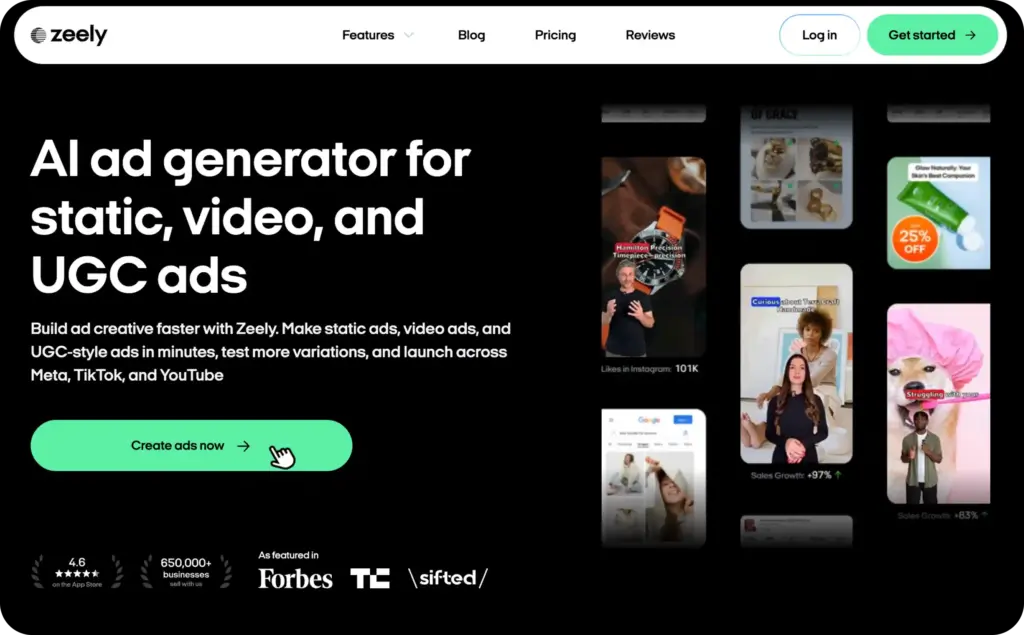
This is why Zeely should sit first on a list of Akool competitors. If a business is switching from Akool because face swap is not enough, Zeely gives them a stronger growth path. It helps create AI video ads, UGC-style videos, product promos, static ads, sales hooks, scripts, and campaign-ready variations.
Zeely is especially useful for ecommerce brands, local businesses, solo founders, creators, and agencies. These teams usually do not have a full production crew. They do not want to hire actors, editors, designers, and media buyers just to test new creatives. They need to move from idea to ad quickly.
Zeely also supports paid campaign workflows. Its pricing FAQ says running ads through Zeely may require additional ad spend and can include a service charge of up to 12% for ad campaign support. That is important to mention because it keeps the price section honest. Zeely is not “free advertising.” It is an AI content and campaign tool with subscription pricing, credits, and possible ad-running costs.
Choose Zeely AI if you want:
- AI video ads for products or services
- UGC-style creatives for TikTok, Reels, and Shorts
- Static ads and video ads in one workflow
- AI avatars with marketing scripts
- Product-led ad creation
- A practical SMB tool instead of an enterprise video stack
2. Soul Machines — best Akool alternative for interactive AI agents
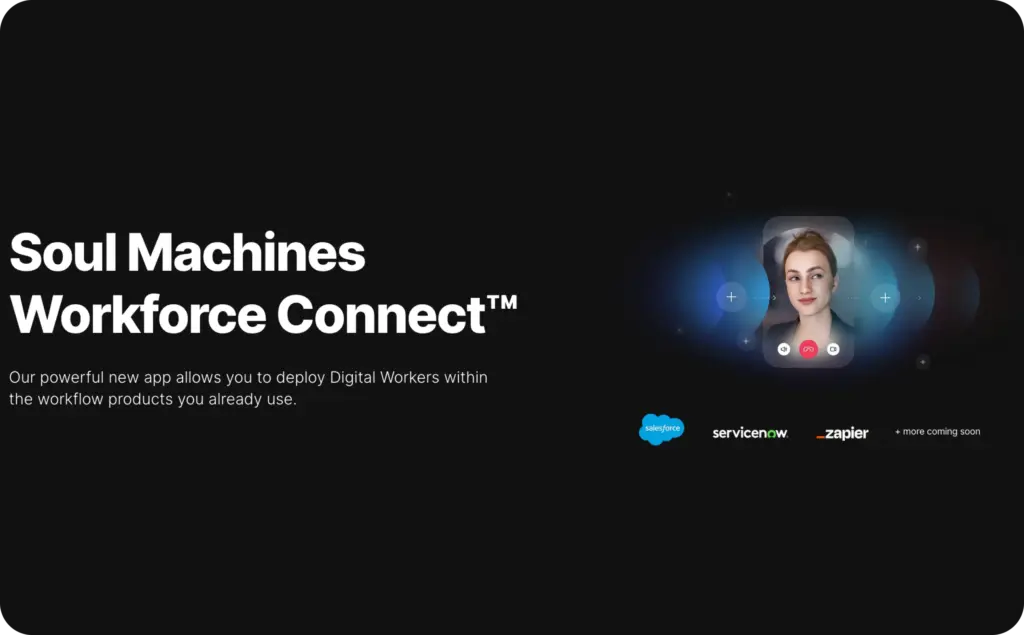
Soul Machines is a strong Akool alternative if your team needs interactive digital people, not ad creatives.
Its pricing is much more enterprise-shaped than Zeely’s. Soul Machines Studio has a Free plan, Basic at $12.99/month, Plus at $99/month, Pro at $2,700/month, and enterprise pricing available through sales. The paid tiers increase interactive conversation minutes, live deployments, AI assistants, video downloads, embedding options, custom LLM integration, and support.
This makes Soul Machines a good fit for customer service, training, onboarding, education, and branded AI agent experiences. It is not the best choice if your main goal is to create five product ads before Friday.
Compared with Akool, Soul Machines is more conversational and agent-focused. Compared with Zeely, it is less practical for SMB marketing output.
3. UneeQ — best for enterprise digital human customer experiences
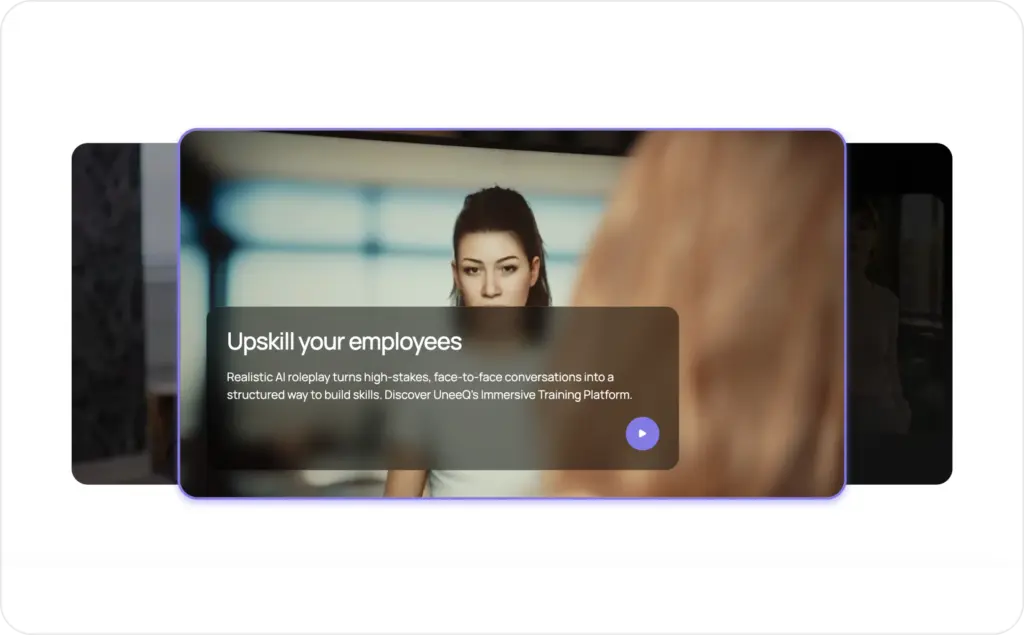
UneeQ is another enterprise-grade digital human platform. It is built for companies that want AI-powered people inside customer journeys, training experiences, and service workflows.
UneeQ does not publicly list simple self-serve monthly pricing on its homepage. The platform is positioned around enterprise digital human experiences, SOC 2 and GDPR compliance, flexible API integrations, and secure cloud or on-premise deployment.
That tells you a lot about who it is for.
UneeQ is a better fit for banks, telecom companies, healthcare organizations, airlines, universities, and large service businesses. These teams may need security, integrations, procurement, compliance, and custom deployment. They are not just buying an avatar tool. They are buying a digital human system.
For SMBs, that is usually too much. If you are comparing Akool AI alternatives because you want cheaper and faster content, UneeQ will likely feel too enterprise-heavy.
4. Didimo — best for 3D characters, NPCs, and game pipelines
Didimo is not a direct AI video ad platform. It is an alternative for teams that care about 3D characters, game-ready assets, and virtual worlds.
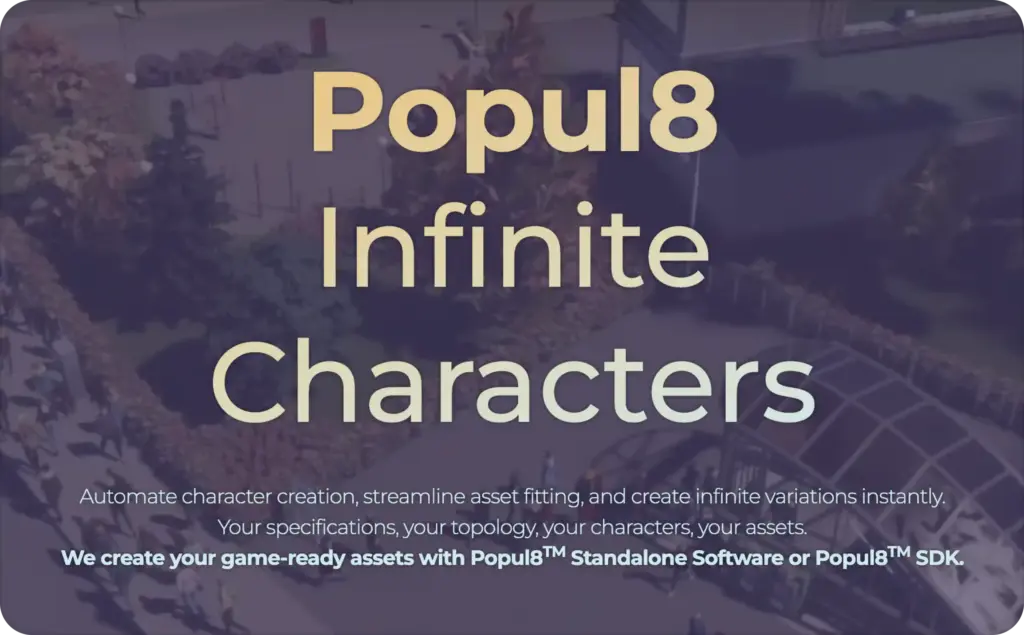
Didimo’s Popul8 page describes Popul8 Express for fast, self-service character creation and Popul8 Enterprise for full customization and integration. It focuses on production needs such as customization, engine compatibility, pricing, support, and feature requests.
This makes Didimo relevant for game studios, 3D teams, virtual production groups, and companies building avatar systems. It is not the best fit for face swap, short-form ads, or video translation.
Pricing is not clearly listed as a simple monthly plan on the Popul8 page, so buyers should treat Didimo as a quote or sales-led option. Choose Didimo if your “avatar” needs to become a 3D character.
5. Rosebud AI — best for AI games and creative worlds
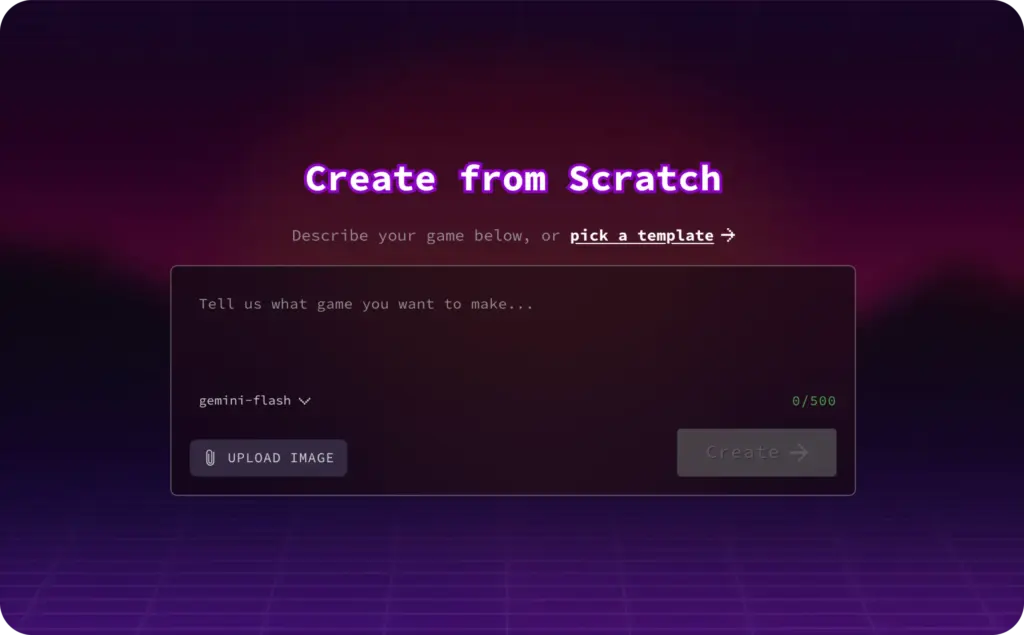
Rosebud AI is best for people who want to build games, apps, characters, and interactive worlds with AI.
This is a different use case from Akool. Akool is more about video, face swap, avatars, and translation. Rosebud is more about game creation and prompt-based creative building.
Rosebud’s pricing FAQ says users can try several prompts for free, then view current paid plans under “My Plan” inside the Rosebud account. That means pricing is less transparent from the outside than Zeely, Vidnoz, Soul Machines, or Avatar SDK.
Rosebud is worth including because some people searching for AI face swap alternatives or avatar alternatives are actually looking for AI characters and world-building. If that is your goal, Rosebud may be exciting. If your goal is SMB advertising, it is the wrong category.
6. Avatar SDK — best for developers building avatar features
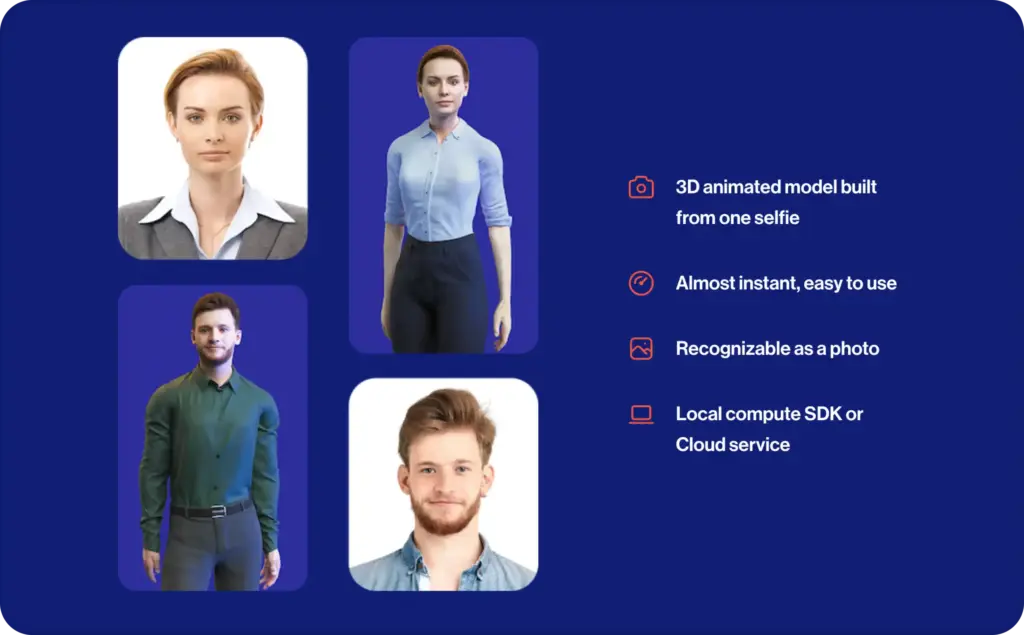
Avatar SDK is the most technical option on this list. It is not built for a marketer who wants to publish a quick social ad. It is built for developers who want avatar generation inside their own app, platform, or game.
Avatar SDK’s pricing page lists Pro at $800/month, including 6,000 avatars per month and extra avatars at $0.03 each. Enterprise is quoted and includes more advanced needs such as local compute, REST API access, custom topology, blendshapes, custom hairstyles, outfits, and dedicated support.
That price makes sense for infrastructure. It does not make sense for a small business that needs ad creatives.
Compared with Akool, Avatar SDK gives developers more control over avatar generation. Choose Avatar SDK if your product needs avatar creation built in.
7. Vidnoz — best budget-friendly avatar video alternative
Vidnoz is one of the more direct Akool alternatives for avatar videos, templates, voices, and basic AI video creation.
Its pricing page lists a Free plan with 30 credits per day, 720p export, standard processing, a maximum of three minutes per video, AI avatars, video templates, and voices. Paid yearly pricing starts with Starter at $18.99/month and Business at $54.99/month. Business includes more credits, faster processing, 1080p export, no watermark, voice clone, video translation, brand kit, team collaboration, video analytics, and other business features.
Vidnoz is a good fit if your priority is low-cost avatar video generation. It gives you a generous starting point and a broad template library.
The trade-off is strategy. Vidnoz helps you make videos. That is not a small difference when your KPI is sales, not video volume. Choose Vidnoz for budget avatar videos.

8. Yepic AI — best for presenter videos, talking photos, and AI agents
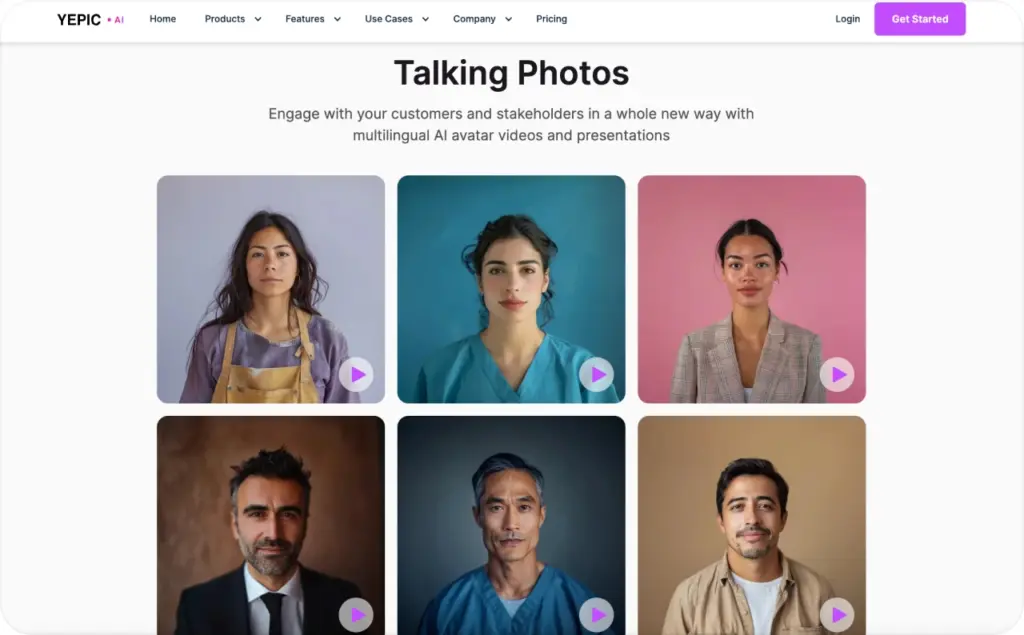
Yepic AI is a good alternative for business videos, talking photos, avatars, dubbing, and AI video agents.
Yepic’s pricing page lists Basic at $20 per user per month, Creator Plus at $199 per user per month, and AI Employee at $499 per AI per month. The page also includes annual pricing and credit-based usage details for different video and avatar features.
That makes Yepic more transparent than many enterprise-first tools, but it is still more complex than a simple ad creator. The platform is stronger for presenter-style content, website engagement, training, e-learning, real estate, ecommerce explainers, and multilingual video workflows.
Compared with Akool, Yepic may feel more business-presenter focused. Compared with Zeely, it is less ad-performance focused.
Choose Yepic if you need avatar presenters or AI agents. Choose Zeely if you need scroll-stopping ads and campaign creatives.
9. Rephrase.ai — legacy option, not the best active switch
Rephrase.ai deserves a short mention because it appears in many older lists of Akool competitors. It was known for AI video and personalized avatar-style content.
But it should not be treated like a normal self-serve alternative today. Adobe acquired Rephrase.ai in 2023, and reports described the deal as Adobe’s first agreement in the generative AI and video-tooling space, as well as the first Indian startup acquired by Adobe.
That changes the buying decision. If you are researching the category, Rephrase.ai is useful context. If you need a tool to test this week, choose an active platform with clear access and pricing.
Best Akool alternative by use case
If you want the best overall SMB alternative, choose Zeely AI. It is the strongest fit for product ads, UGC-style creatives, avatar-led promos, static ads, scripts, hooks, and campaign-ready content.
If you want the closest face swap and video translation replacement, Akool may still be worth keeping in your stack. This is the honest answer. Zeely is better for marketing workflows, but Akool remains relevant for specialized face swap, visual transformation, and localization tasks.
If you want interactive AI agents, choose Soul Machines or UneeQ. These are stronger for enterprise customer experience and digital humans.
If you want 3D character infrastructure, choose Didimo or Avatar SDK. These tools are built for game pipelines, apps, platforms, and virtual worlds.
If you want low-cost avatar videos, choose Vidnoz. It gives you a free plan, low entry pricing, templates, avatars, and business video tools.
If you want talking photos, presenter videos, and multilingual avatar content, choose Yepic AI.
If you want AI games or interactive creative worlds, choose Rosebud AI.
Final verdict: Zeely AI is the best Akool alternative for SMBs
The best Akool alternatives depend on what you are really trying to replace.
If you need face swap, video translation, and advanced synthetic video tools, Akool may still be useful. But if you are a small business, you probably need more than a video effect. You need content that can help you sell.
That is where Zeely AI wins.
Zeely is the best Akool alternative for SMBs because it is built around marketing output. It helps teams create AI video ads, UGC-style clips, static ads, scripts, hooks, CTAs, avatars, and campaign assets without hiring a full creative team. Its pricing is also easier to understand for small teams because the plans connect directly to ad creation and business growth.
So if you are searching for Akool alternatives, Akool AI alternatives, Akool competitors, or AI face swap alternatives because you need a more practical marketing workflow, start with Zeely AI.

Emma blends product marketing and content to turn complex tools into simple, sales-driven playbooks for AI ad creatives and Facebook/Instagram campaigns. You’ll get checklists, bite-size guides, and real results, pulled from thousands of Zeely entrepreneurs, so you can run AI-powered ads confidently, even as a beginner.
Written by: Emma, AI Growth Adviser, Zeely
Reviewed on: June 16, 2026