10 Best AI avatar tools for explainer videos: expert comparison for 2026
Need AI avatar tools for explainer videos? This expert comparison breaks down which tools fit product demos, training, social explainers, animated explainers, and paid-social product ads.
AI avatar tools for explainer videos help you create videos where a digital presenter, animated character, or realistic AI spokesperson explains a product, service, lesson, or process on camera. Instead of hiring actors, recording voiceovers, or editing from scratch, you add a script, choose an avatar, and build a video that guides viewers through one clear idea.
The tricky part is choosing the right tool for the job. Some AI avatar platforms are built for training videos. Others work better for animated explainers, product demos, sales videos, or paid-social ads. That difference matters because an explainer video for onboarding is not the same as a 30-second product ad.
I’m Emma from Zeely, and I’ll keep this comparison practical.
AI avatar tools for explainer videos compared by real use case
If you’re shortlisting tools fast, start here.
| Tool | Best for | Explainer fit | Watch-out |
| Zeely | Paid-social product explainer ads | Strong for short product-led ads | Not built for long training modules |
| Powtoon | Branded avatar explainers | Strong for business presentations and simple lessons | AI avatars are tied to paid plans |
| Animaker | Animated explainer videos | Strong for character-led education and promos | Can feel more animated than realistic |
| Biteable | Simple team-friendly explainers | Good for fast templates and beginner editing | Less deep avatar control |
| Renderforest | Polished AI video drafts | Good for branded explainers, demos, and campaigns | Review generated scenes closely |
| Yepic AI | Multilingual business explainers | Good for training, e-learning, and API workflows | More business-video than social-ad native |
| Krikey AI | 3D character explainers | Good for playful tutorials and demo content | Not ideal for realistic presenter videos |
| EasyVid | Scene-by-scene explainer drafts | Good for consistent characters and story control | Newer tool, so test export quality first |
| Dreamina | Talking-photo explainers | Good for fast face-to-camera tests | Better for short tests than full workflows |
| VidAU | Bulk product-link video ads | Good for product ad variations | Can overlap with ad-creative workflows |
How I chose these AI avatar tools for explainer videos
For this comparison, I used one simple rule: the tool had to help explain something, not just create a talking face.
That means I looked for tools that can support at least one of these jobs:
- turn a script into a clear visual explainer
- add an avatar, character, or talking-photo presenter
- support captions, voiceover, scenes, or story flow
- help a team make repeatable product or training videos
- create short product explainer ads for paid social
Best AI avatar tools for explainer videos in 2026
1. Zeely: best when the explainer is a paid-social product ad
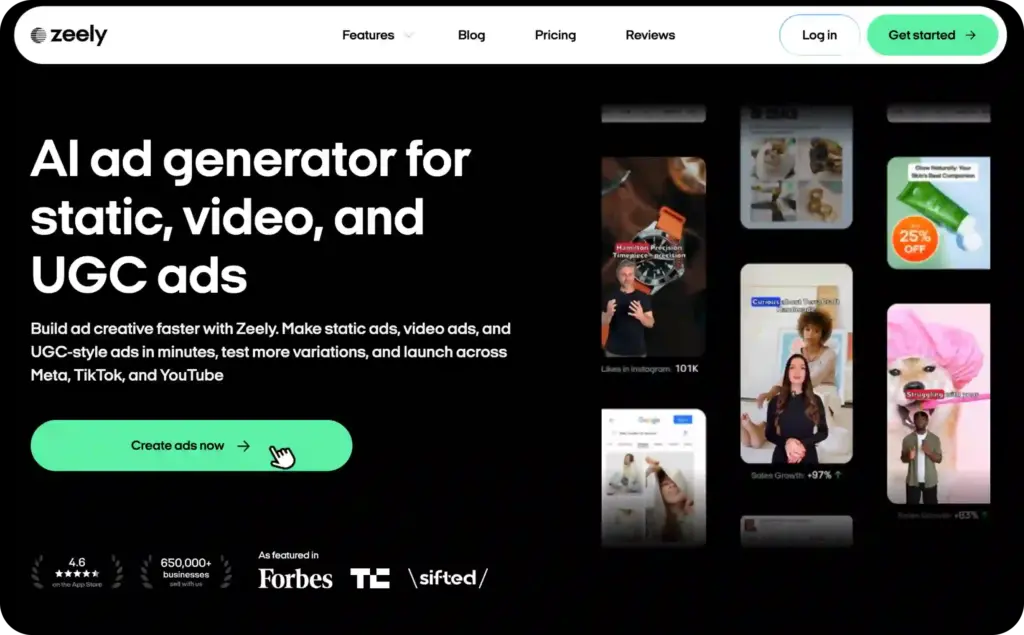
Zeely is the best fit when your explainer video is not a long corporate walkthrough. It’s stronger when you need a short product explainer ad for Facebook, Instagram, TikTok, YouTube Shorts, or another paid-social channel.
That distinction matters.
A classic explainer video usually starts with a script. Zeely starts closer to the product. You can build an avatar-led video around a product, offer, hook, captions, music, and a clear CTA. That makes it useful for ecommerce brands, local businesses, creators, and SMB teams that need sales-focused video, not just a nice talking presenter.
Use Zeely when:
- you need short avatar video ads
- you want product visuals inside the explainer
- you need hooks, captions, and CTA structure
- you want to test several creative angles
- the final video needs to lead to clicks, leads, or sales
Zeely is not the first pick for a 7-minute employee training module. It’s the better pick when the explainer needs to sell the product in 15 to 45 seconds.
2. Powtoon: best for branded avatar explainers and presentations
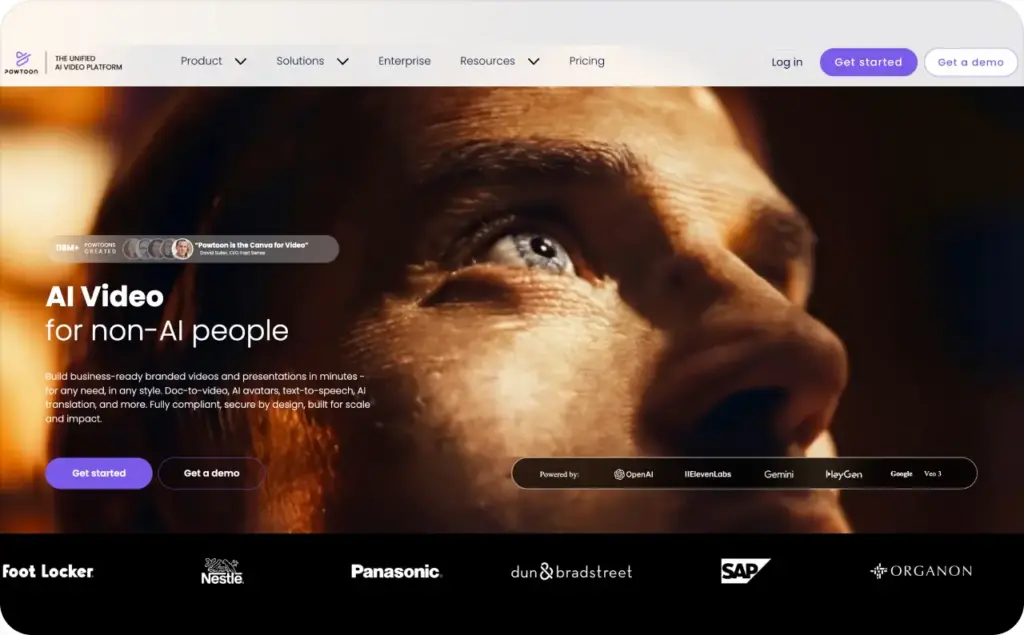
Powtoon is a strong choice when you want AI avatars inside a broader explainer-video studio. It gives you AI avatars, templates, text-to-speech, brand controls, and editing tools in one workspace.
Powtoon says its AI avatars can deliver lifelike videos in any language, and its avatar feature includes natural speech, lip sync, avatar diversity, and customization options. The platform lists 95+ human avatars and lets users customize voice, language, accent, clothing, style, and background scenes.
That makes Powtoon useful for:
- product explainers
- team updates
- onboarding explainers
- sales presentations
- brand-friendly educational videos
Powtoon works especially well when the video needs to feel polished but not overly cinematic. You can keep the avatar as part of a larger visual story with slides, icons, scenes, and branded templates.
The watch-out: Powtoon’s own FAQ says its AI avatar generator is a premium feature available with an active paid plan. So it’s not the best pick if you need a free AI avatar tool to test casually.
3. Animaker: best for animated explainer videos with characters
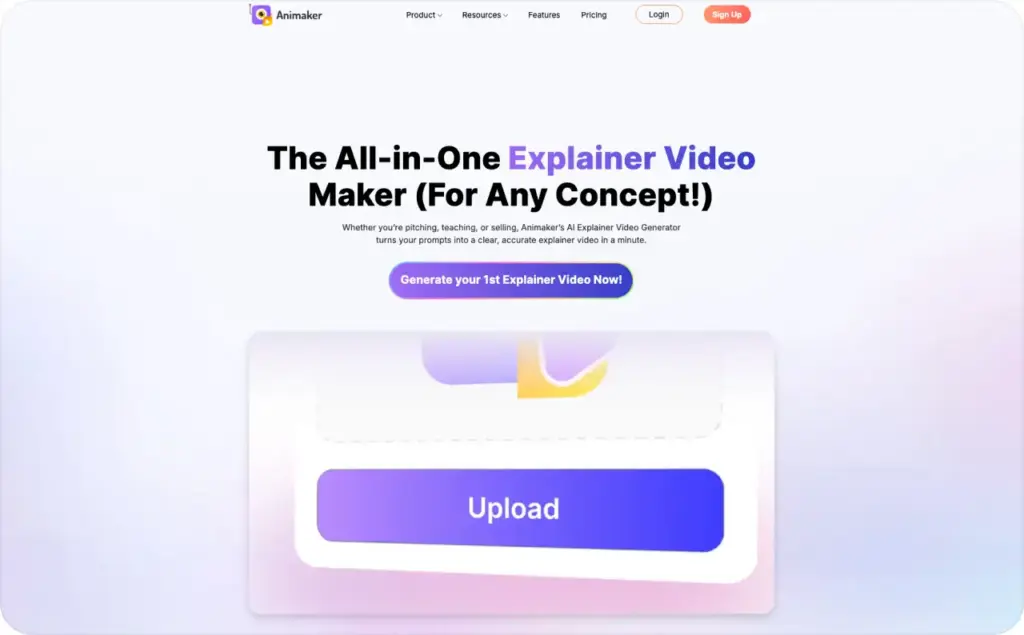
Animaker is a better fit when you want animated characters, not hyper-realistic AI presenters. That makes it useful for education, training, onboarding, startup explainers, and light product demos.
Animaker’s explainer video page says users can generate explainer videos across 30+ categories from prompts. It also highlights AI photo-to-character creation, custom character styles, AI subtitles in 130+ languages, AI translation in 100+ languages, and 1800+ voices in 200+ languages.
Use Animaker when:
- your brand can handle a playful animated style
- you need character-led scenes
- you want subtitles and voice options
- the topic is easier to explain with visuals than a talking head
- you need social, training, or promo explainers
Animaker is not the tool I’d choose for a serious founder-style video or realistic spokesperson ad. It shines when you want a visual explanation with characters, props, scenes, and movement.
4. Biteable: best for simple team-friendly explainers
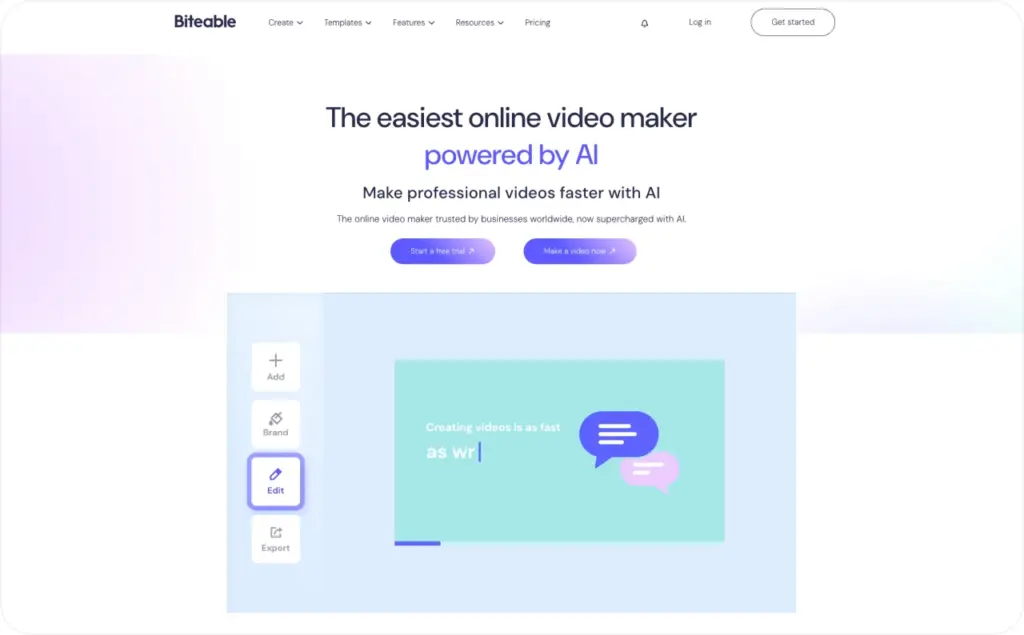
Biteable is a good pick for teams that want fast explainer videos without a heavy editing workflow. It is less about deep avatar realism and more about templates, drag-and-drop editing, brandable scenes, and clear video structure.
Biteable’s AI avatar page says its avatar generator creates videos with realistic digital avatars that can present your message from a script. It also says users can test premium tools with a 7-day free trial, while downloads require a paid plan.
Its explainer page also notes that users can create animated explainers, product demos, training videos, onboarding walkthroughs, and more, and that avatars or AI voiceovers can be added to narrate a video.
Use Biteable when:
- you want a simple product explainer
- your team needs easy editing
- you want templates over deep customization
- the video needs captions, scenes, and brand colors
- you’re making internal or social explainers
The watch-out: Biteable is friendly for beginners, but it may not satisfy teams that want advanced avatar control, complex scene timing, or very realistic presenters.
5. Renderforest: best for polished AI explainer drafts
Renderforest is useful when you need a polished explainer draft from text, images, or scripts. It is not only an avatar tool, but it can help teams make product explainers, demos, campaigns, and visual explainers without building everything from scratch.
Renderforest says its AI video generator creates videos from text, images, or scripts, with visuals, voiceover, and editing handled in one place. It also says users can refine scenes before export, and that marketing teams can create branded content, product explainers, and campaigns at scale.
Use Renderforest when:
- you need a polished first draft
- you want visuals, voiceover, and scenes in one flow
- your explainer needs brand polish
- you’re making product demos or campaign videos
- you need team review and browser-based editing
Renderforest also supports HD, full HD, and 4K exports, plus built-in animation, image generation, and branding tools.
The watch-out: because generative tools can create scenes quickly, you still need to check whether every visual matches the product accurately.
6. Yepic AI: best for multilingual business explainers
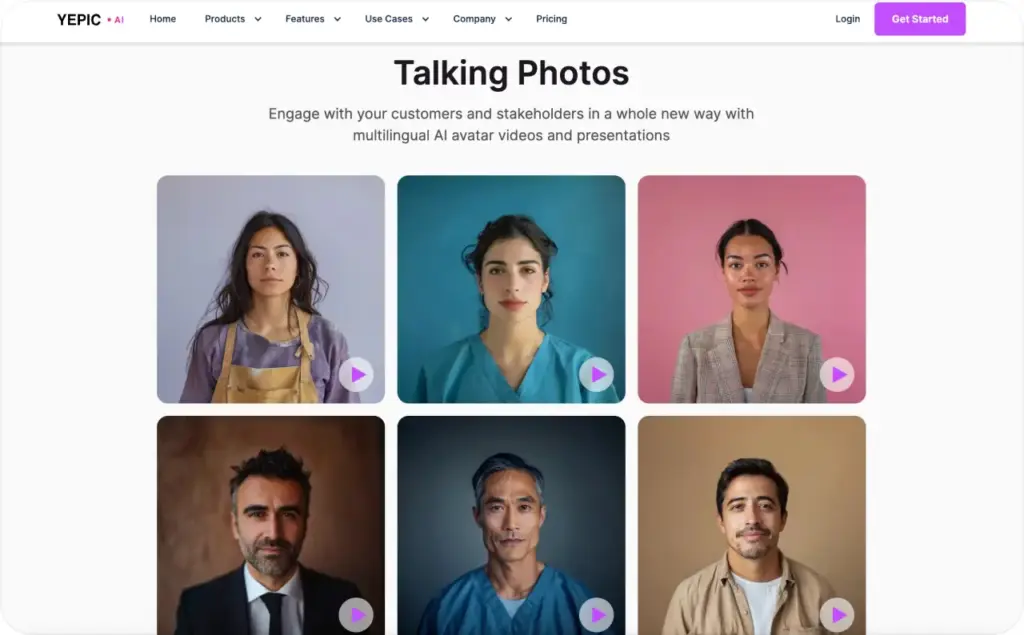
Yepic AI fits teams that need AI video for business communication, e-learning, training, customer education, or localized explainers. It feels more business-video than social-ad native.
Yepic’s site describes its toolkit as a way to create, dub, and personalize videos anywhere. Its use-case navigation includes e-learning, ecommerce, real estate, and video production. Yepic also says it helps users create videos in minutes and reach new markets with 65+ languages.
Use Yepic AI when:
- you need multilingual explainers
- your video is for education or customer support
- you need avatars plus dubbing
- your team may want API-based video workflows
- you care more about clarity than ad testing
The watch-out: Yepic may be more than a small team needs if the goal is one quick product ad. It makes more sense when video will become part of a repeatable business workflow.
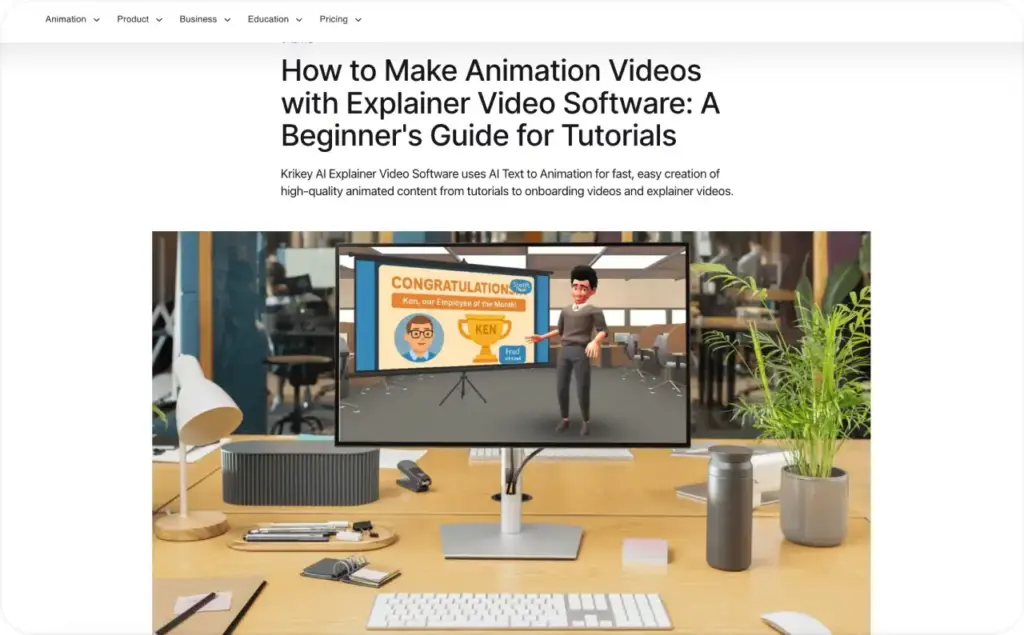
7. Krikey AI: best for 3D character-based explainer videos
Krikey AI is a stronger fit for 3D animated avatar explainers than realistic talking-head videos. It works well for playful tutorials, education, demos, creator content, and brand characters.
Krikey says users can choose a custom avatar and 3D animation, type the voiceover, select from 20+ languages, then generate a 3D animated video. It also says users can change camera shots, background images, and more after generation.
Krikey’s explainer software page says the platform uses AI text-to-animation and includes a 3D cartoon character store with pre-rigged 3D models.
Use Krikey AI when:
- you want 3D cartoon avatars
- your brand can use a playful presenter
- you need tutorials, demos, or creator-style explainers
- the message needs movement and character personality
- realism is less important than clarity and energy
The watch-out: Krikey is not the best tool when the viewer needs a serious spokesperson, a polished SaaS presenter, or a humanlike avatar.
8. EasyVid: best for scene-by-scene explainer drafts
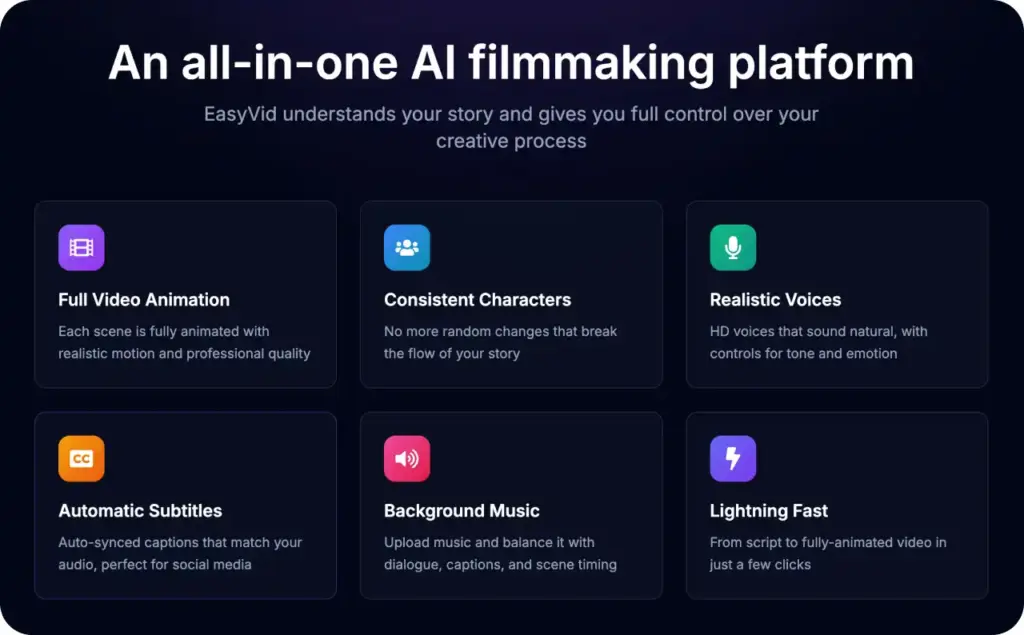
EasyVid is useful when you want story control, consistent characters, realistic voices, and automatic subtitles. It feels closer to an AI video studio than a simple avatar generator.
EasyVid says its platform offers full video animation, consistent characters, realistic voices, and automatic subtitles. Its AI video generator page says users can create videos with AI voice and video generation, realistic AI voices and characters, automatic scene creation, transitions, and scene-by-scene control.
Use EasyVid when:
- you want storyboard-level control
- you need character consistency across scenes
- your script needs several visual beats
- you want subtitles for social viewing
- you need a first cut you can refine
The watch-out: EasyVid is worth testing with your real script before using it for client or campaign work. The promise is useful, but export quality and editing comfort should be checked directly.
9. Dreamina: best for quick talking-photo explainer tests
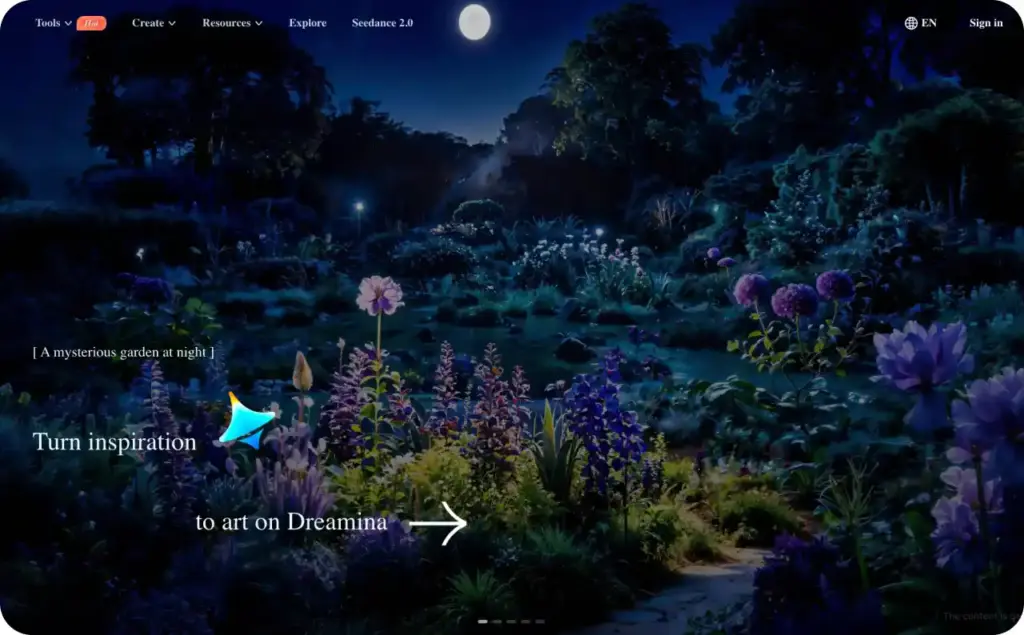
Dreamina by CapCut fits a lighter use case: turning a photo into a talking avatar explainer. It is useful when you need to test whether a face-to-camera style works before building a fuller video workflow.
Dreamina says users can upload a picture, type a script, and generate a lifelike talking avatar explainer video in minutes. It also says the AI avatar can transform a photo into an explainer video with lip sync and expressions.
Use Dreamina when:
- you want a quick talking-photo explainer
- you need a short test video
- you are validating a script before production
- you do not want to film yourself
- you need a simple face-led format
The watch-out: talking-photo tools can look impressive in short bursts but feel thin in longer explainers. Keep tests short and judge mouth movement closely.
10. VidAU: best for bulk product-link explainer ad variations
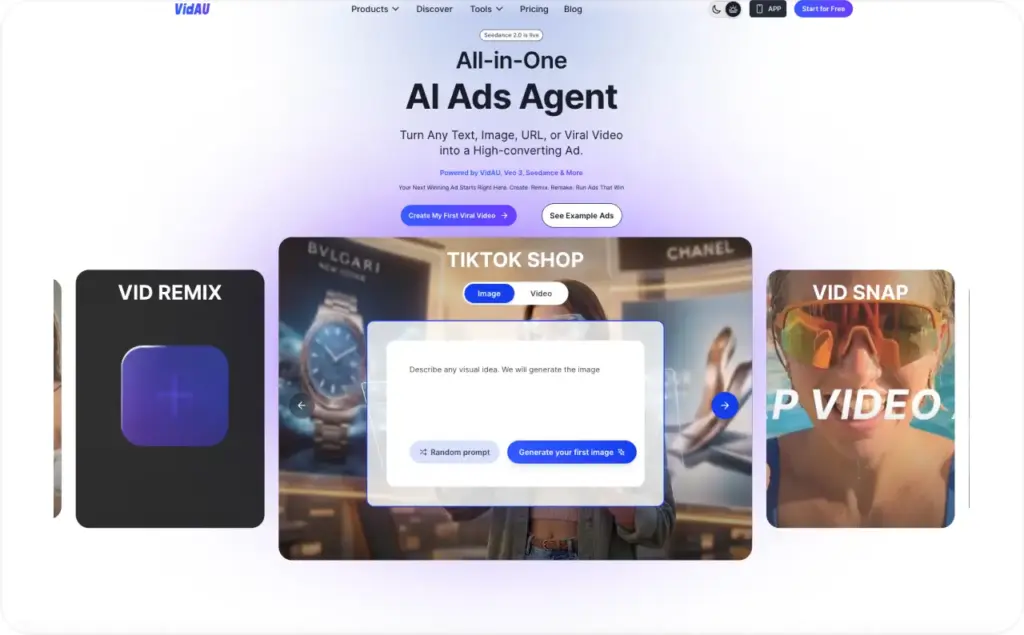
VidAU says users can explore winning video ads by hook, message, selling points, and visuals. It also says users can turn product links or assets into video ads in bulk, with BGM, AI avatars, or voiceovers, then run A/B tests across video ad variations.
Use VidAU when:
- you need bulk video ad variations
- you want product-link input
- your explainer is really a performance ad
- you want to compare hook and format tests
- you need fast product creative production
Best test to run: create five product explainer ad variations from one product page. Compare hook clarity, product accuracy, and how much manual cleanup each version needs.
Which AI avatar explainer tool should you pick?
The right choice depends on what your explainer must do after publishing.
If it needs to sell a product in paid social with AI avatars, start with Zeely. Your video needs a hook, product visuals, captions, and a CTA that earns clicks.
If it needs to explain a business idea in a polished branded format, start with Powtoon, Biteable, or Renderforest. These tools give you more presentation-style structure and visual polish.
If it needs animated characters, start with Animaker or Krikey AI. These work better when realism is less important than clarity, motion, and style.
If it needs multilingual business communication, test Yepic AI. It fits training, customer education, and internal explainers better than social ad testing.
If it needs a fast talking-photo test, use Dreamina. Keep the first version short and judge whether the avatar adds trust. Read also about the best AI avatar generators.
What makes a good AI avatar explainer video?
A good AI avatar explainer video does not just add a face to a script. It explains one idea clearly and gives the viewer one next step.
Use this structure:
- Problem: what the viewer is dealing with
- Product or idea: what solves it
- Proof: why it works or why it matters
- Demo: what the viewer sees or does
- CTA: what happens next
For training or onboarding, give the avatar a teaching role. For product ads, give the avatar a selling role. Mixing both usually creates a video that feels too long for ads and too shallow for training. You may also like to read about free AI video generators and how to make an AI avatar video ads.
FAQ: AI avatar tools for explainer videos
The best tool depends on the type of explainer. Zeely fits paid-social product explainer ads. Powtoon and Biteable fit branded business explainers. Animaker and Krikey AI fit animated character explainers. Yepic AI fits multilingual business video. Dreamina fits fast talking-photo tests.
An AI avatar video uses a digital presenter or character to speak. An explainer video teaches one idea, product, feature, or process. The best AI avatar explainer videos use the avatar to make the message clearer, not just more decorative.
Yes, if the script is short, specific, and tied to real product visuals. AI avatars work well for simple demos, product benefits, offer explanations, and paid-social ads. They work less well when the product is complex and needs detailed screen walkthroughs.
Zeely is the best fit when the video is built for paid social, ecommerce, or SMB marketing. VidAU is also worth testing for bulk product-link ad variations. For longer business explainers, Powtoon, Biteable, or Renderforest may fit better.
For paid-social ads, start with 15 to 45 seconds. For a homepage or sales page, 60 to 90 seconds can work. For training, the length depends on the topic, but shorter modules are usually easier to finish and update.
Yes. Most tools in this list let you use stock avatars, animated characters, talking-photo avatars, or custom characters. If you clone a real person, make sure you have clear consent and usage rights.
Check script accuracy, product claims, avatar lip sync, captions, export quality, usage rights, and CTA clarity. If the video is for paid ads, also check aspect ratio, first-frame hook, and whether the product appears early enough.
Free or trial tools are useful for testing, but they often limit export quality, credits, avatar options, duration, or commercial use. For paid campaigns, check watermark rules and usage rights before publishing.

Emma blends product marketing and content to turn complex tools into simple, sales-driven playbooks for AI ad creatives and Facebook/Instagram campaigns. You’ll get checklists, bite-size guides, and real results, pulled from thousands of Zeely entrepreneurs, so you can run AI-powered ads confidently, even as a beginner.
Written by: Emma, AI Growth Adviser, Zeely
Reviewed on: June 12, 2026