Best AI product video generators for ads
Need an AI product video generator for your ecommerce ads? I tested the leading tools, compared pricing, and looked at how each one helps turn products into videos that are ready to sell.
The best AI product video generator for ecommerce depends on what you need. Choose based on product accuracy, ad formats, credits, commercial use, and how many usable ads you get for the price.
Most ecommerce teams need a product ad that explains the offer, shows the item clearly, and earns a click. That’s where the right product video generator AI can save real time, especially when every new SKU needs more than one creative.

How to judge an AI product video generator before you pay
A good product video tool starts with the product, not with a blank prompt box.
That sounds simple, but it changes everything. A generic AI video tool may create a pretty clip from a sentence. An ecommerce seller needs the tool to understand the product page, pull the right image, keep the offer honest, and make a video that works inside Meta, TikTok, YouTube Shorts, or a product page.
That’s why the buying checklist should look different for this category.
Before you pay for an AI product video generator, check five things:
- Product input: Can it use a product URL, product image, catalog asset, or landing page?
- Product truth: Does it preserve the product shape, color, price, and claims?
- Ad readiness: Does it create hooks, captions, sizes, and calls to action?
- Testing speed: Can you make several versions without rebuilding the ad?
- Real cost: How many finished, usable videos do you get for the plan?
Video is already part of the buying path. Wyzowl’s 2026 video marketing report says 91% of businesses use video, 63% of consumers prefer short video to learn about products or services, and 63% of video marketers already use AI video tools. The IAB also reports fast adoption of generative AI for video ad creative, especially among small and mid-sized brands that need cheaper creative output.
So the question is which tool gives you product ads you’d actually feel safe putting behind budget.
Best AI product video generator tools by price and job
Prices change often, and credit systems can be messy. The table below uses current public pricing pages where available.
| Tool | Best for | Product URL to video | Starting price | Main watch-out |
| Zeely AI | Small ecommerce teams that need ads, not just clips | Yes | Starter from $29.95 per month | Best fit for sellers who want a guided ad workflow |
| Pika | Fast social video effects and playful product hooks | No | Free plan, paid from $10 per month | Credit use rises with length and resolution |
| Luma Dream Machine | Cinematic product mood, B-roll, and polished scenes | No | Plus from $30 per month | Not built around ecommerce ad launch |
| Hailuo AI | Visual exploration and motion tests | No | Standard from $14.99 per month | Credits and queues matter for volume |
| Kling AI | Realistic motion and premium product scenes | No | Third-party trackers list paid plans from around $10 per month | Pricing and credit rules need checkout review |
| PixVerse | Stylized product motion and fast video variations | Limited | API docs list video-based pricing; plan prices vary | Web plan pricing needs verification |
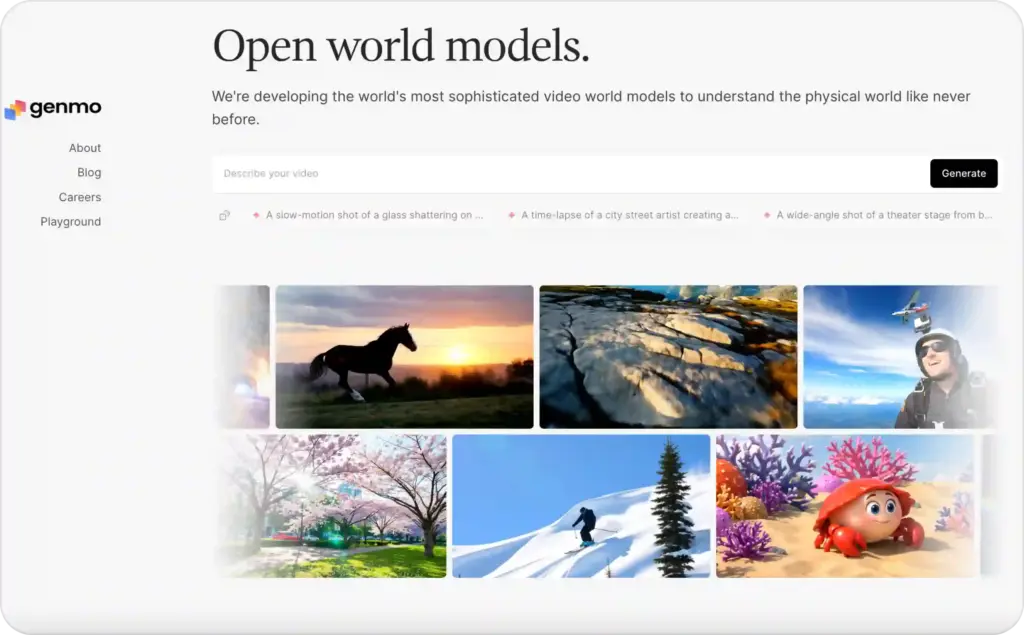
| Genmo | Creative testing and open-model experimentation | No | Free plan with watermark | Less ecommerce-specific than ad tools |
Zeely AI: the ecommerce video ad generator built for sellers
Zeely is the strongest choice when you want an ecommerce video ad generator, not a general video lab.
The difference is workflow. With Zeely, you can add a product link, let AI pull product data and images, then build a video ad from that product information. Zeely’s URL-to-video page explains that the tool can pull images, price, and product descriptions from a link, then create a video ad in minutes.
That matters when you’re running a store, not making a film reel. You don’t want to paste prompts all morning. You want five sellable angles for the same product:
- A direct benefit-led ad
- A founder-style explanation
- A UGC-style product demo
- A discount or offer video
- A problem-solution video for paid social
Zeely also connects the creative side with ad work. Its video ad creator workflow includes product links, templates, AI avatars, scripts, review, rendering, and launch steps. For sellers comparing tools, that’s the real reason Zeely belongs at the top. It helps move from product page to creative to campaign, rather than stopping at a downloaded clip.
Use Zeely when you want to:
- Turn a product URL into a video ad
- Create ads with an AI video ad creator
- Build multiple product ad versions without hiring editors
- Test Meta-style ecommerce creatives faster
- Keep your product page, copy, and ad asset in one flow
There’s also a pricing detail worth knowing. If you launch paid campaigns through Zeely, the ad budget is separate from the subscription. Zeely’s help center says a service fee applies only to Meta campaigns launched through Zeely, with Booster reducing that fee. That’s not a problem, but it should be part of your budget math.

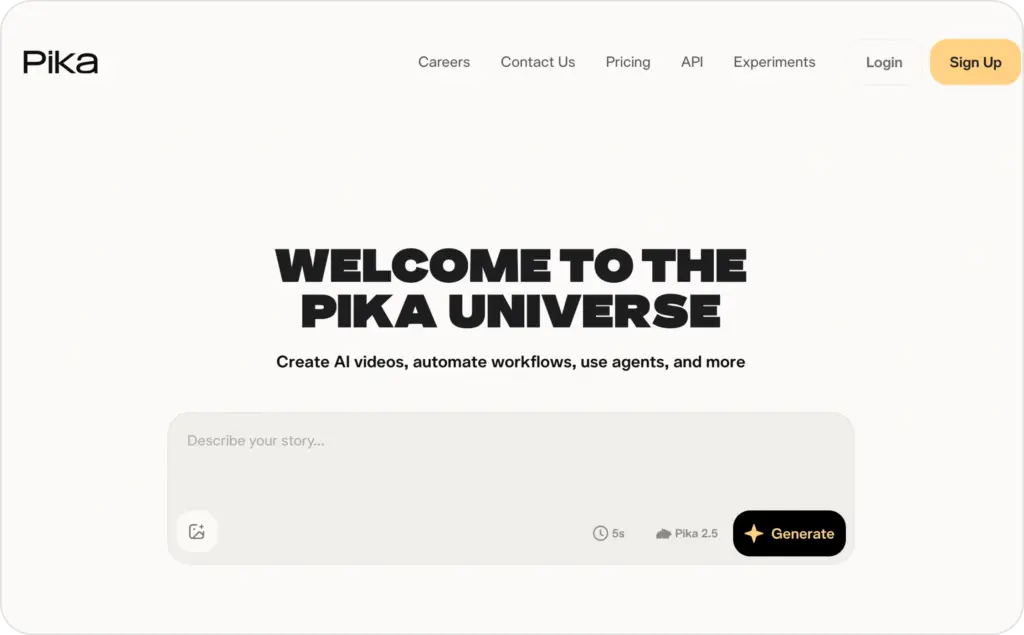
Pika: best for fast hooks and visual effects
Pika is useful when your product needs scroll-stopping motion, meme-like edits, or fast visual tests. It’s a strong creative sandbox for short social videos.
For ecommerce, I’d use Pika when you already have a clear ad idea. For example, you might test a “before and after” hook, a quick product transformation, or a stylized product moment. Pika’s credit pricing depends on length and resolution, so the real cost depends on how many generations you need before one feels usable.
The weak spot is product workflow. Pika is not built first around product pages, product descriptions, Meta launch, or ecommerce offer testing. It can help you create a visual moment. It won’t replace a full product ad system.
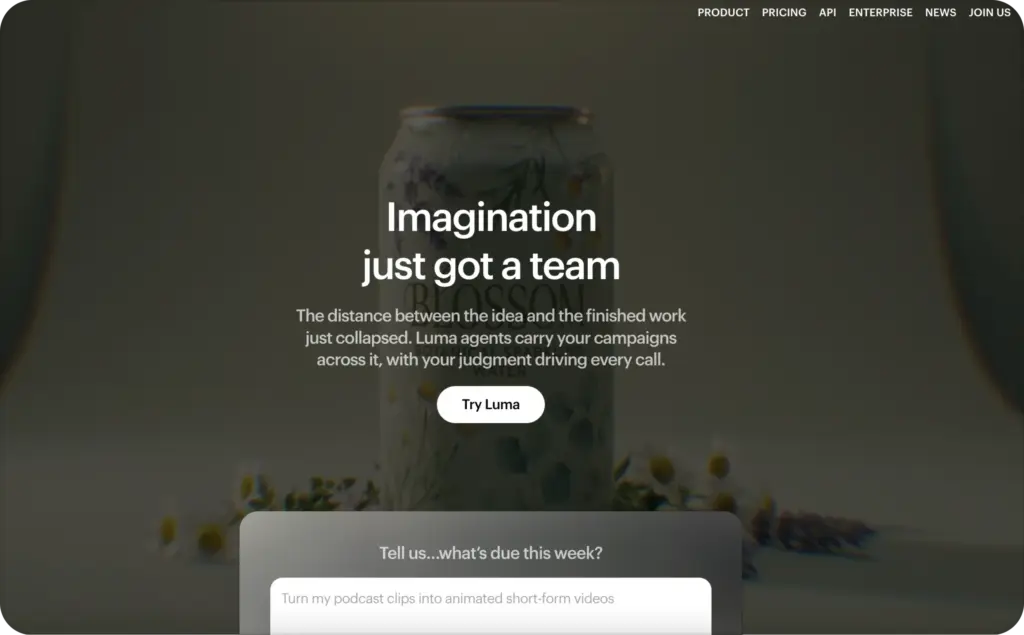
Luma Dream Machine: best for cinematic product scenes
Luma Dream Machine is a strong pick for polished motion, mood, and premium-looking B-roll. It can help make a product feel more expensive, especially for beauty, fashion, home, and lifestyle brands.
Use Luma when the ad needs atmosphere. Think soft lighting on skincare, a bag moving through a city scene, or a product reveal with a more cinematic feel. Luma’s paid tiers start at Plus and scale into Pro and Ultra for heavier use.
The tradeoff is control. Cinematic clips can look great, but product detail can drift. For ecommerce ads, always compare the rendered video against the real product page before posting.
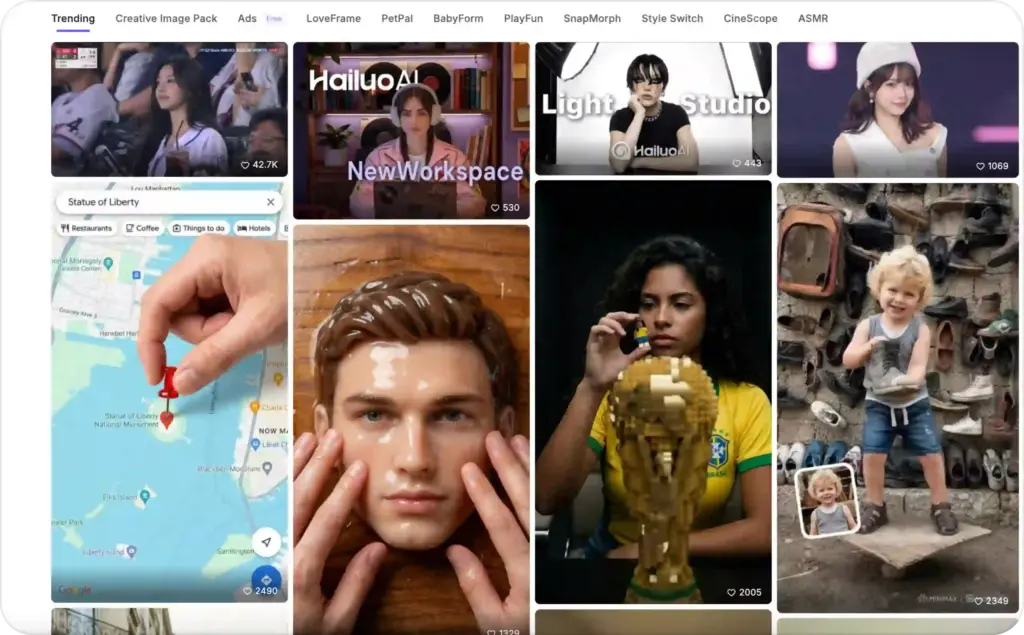
Hailuo AI: best for visual exploration on a tighter budget
Hailuo is worth testing when you want to explore several visual ideas quickly. Its official payment policy lists clear monthly plans with credits, watermark-free downloads, and queue benefits.
This can work well for early creative testing. You might generate product-in-use scenes, background motion, or lifestyle variations before picking a final ad direction.
The main caution is volume. Credit plans can look affordable until you need multiple attempts per video. For ecommerce sellers, the price that matters is not one generation. It’s one approved ad after rejected clips, edits, and new hooks.
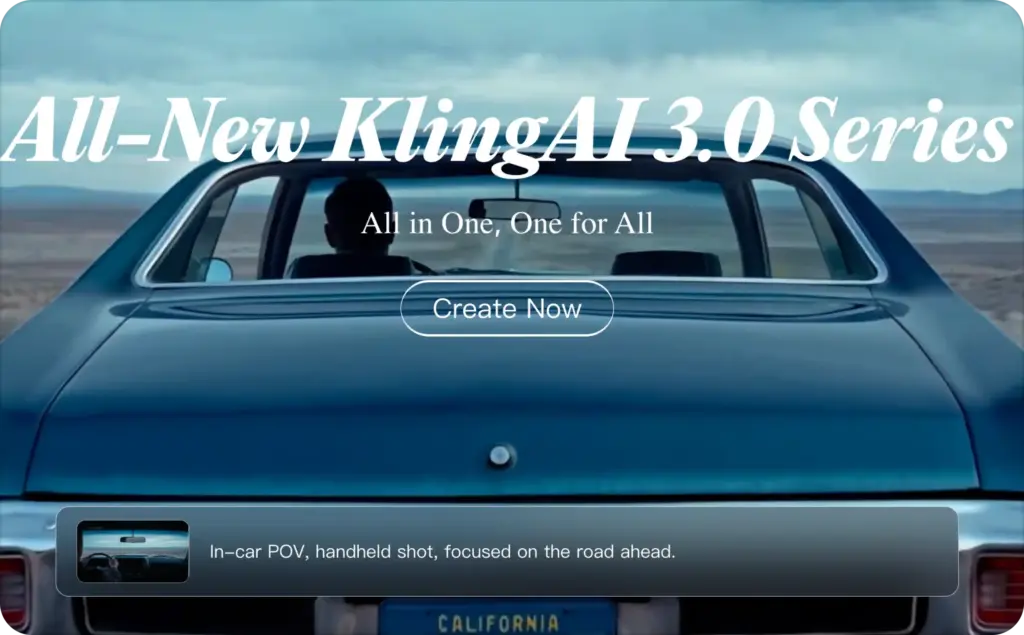
Kling AI: best for realistic motion and premium experiments
Kling AI is often discussed for realistic motion, human movement, and higher-end video generation. It can be useful for brands that want premium social creative, especially when product movement matters.
The pricing picture is less clean from public pages. Third-party pricing trackers list a free tier and paid plans around Standard, Pro, Premier, and Ultra levels, but you should verify the final checkout price before buying.
For a small store, I’d treat Kling as a creative test tool, not the main ad machine. Use it to create a strong scene, then bring that asset into your ecommerce ad workflow.
PixVerse: best for stylized motion and quick variations
PixVerse is another strong creative engine for short-form motion. It can be useful when you want stylized product visuals, animated scenes, or fast variations from an image prompt.
PixVerse’s public API documentation shows usage-based pricing tied to video creation, model, duration, and resolution. Third-party pricing trackers list several web plans, but sellers should verify current plan prices inside PixVerse before committing.
The main buyer note is simple: PixVerse can help make product clips, but it is not the same as a product URL-to-video ad system. You still need the script, offer, compliance check, and paid social setup.

Genmo: best for creative experimentation
Genmo is interesting for creators who want to experiment with open video models and AI video generation. Its pricing page lists a free plan with a watermark and credits, plus paid tiers with commercial usage and higher priority features. Genmo’s own site describes its work around video world models and Mochi, an open-source text-to-video model.
For ecommerce, Genmo is best as an exploration tool. It can help you test scenes, motion, or rough creative ideas. It is less suited to sellers who need product-page input, ad templates, and a direct campaign workflow.
AI product video generator prices: the hidden math
The sticker price is only the first number.
Small business owners should calculate the cost of a usable ad, not the cost of a subscription. That means you need to include failed generations, credit burn, editing time, export limits, watermark rules, and commercial usage rights.
Here’s the cleaner way to compare prices:
Monthly plan cost: What you pay before making anything.
Credits per video: How many clips you can generate at your needed length.
Retry rate: How many attempts you need before one video is usable.
Editing cost: Time spent fixing captions, claims, product shots, and formats.
Ad launch cost: Media budget, platform fees, or campaign service fees.
Commercial rights: Whether the video can run in paid ads without watermark limits.
A $10 plan can become expensive if it takes 30 tries to get one clean product video. A $79.95 plan can be cheaper if it produces several ad-ready variants and saves editing time. That’s why ecommerce sellers should compare AI tools by output quality, not only by plan names.
The right question is not, “What is the cheapest AI product video generator?” The better question is, “Which tool gives me the most usable product ads for the least total work?”
The secret sauce small business owners actually need
The hidden issue is not video quality. It’s buyer trust.
AI can create motion, avatars, captions, and product scenes. But shoppers still need to believe the product, the claim, and the brand. Forum discussions about AI UGC often circle back to the same fear: fake-looking customer content can damage trust instead of building it.
That’s why the best product videos usually follow a simple rule: use AI for speed, not fake proof.
Do not invent a customer story. Do not make an AI avatar pretend to be a real buyer. Do not add review claims that never happened. The FTC’s final rule against fake reviews and testimonials makes this risk much more serious for brands using AI-generated endorsements.
There’s also a platform trust issue. TikTok says AI-generated content with realistic images, audio, or video should be labeled to avoid misleading viewers. The Verge has also reported on AI-generated influencers being used to sell dropshipped products with misleading stories and unclear transparency.
For small business owners, the secret sauce is practical:
- Pull the script from real reviews, support questions, and objections
- Show the product early, not after a long intro
- Use one believable benefit per video
- Keep product claims tied to the product page
- Test hooks, but never fake customer proof
- Label AI content when platform rules require it
- Track sales behavior, not only views
A pretty video can win attention and still lose trust. A clear product video can feel simple and still sell well.
For more creative angles after picking a tool, use Zeely’s guide to ecommerce video ad examples. If your store leans into creator-style ads, pair this page with the guide to UGC video ads for ecommerce.
A 7-day product video generator AI test plan
You don’t need a huge content calendar to test this category. Start with one product and one clear buying problem.
Day 1: Pick the product.
Choose one SKU with traffic, margin, and a clear buyer objection. The best first test is not always your bestseller. It’s often the product people view but don’t buy.
Day 2: Collect buyer language.
Pull phrases from reviews, support tickets, abandoned cart notes, refund reasons, and sales calls. The script should sound like your buyer, not like an AI template.
Day 3: Build five angles.
Make one video for each buyer question:
- What is it?
- Why should I care?
- How does it work?
- What makes it better?
- Why buy today?
Day 4: Generate and edit.
Use your chosen AI product video generator to make several versions. If you use Zeely, start with the product link and let the tool build from real product data. Then adjust the hook, captions, avatar, offer, and call to action.
Day 5: Run a product truth check.
Compare every video against the product page. Check price, color, size, ingredients, shipping claims, offer terms, and testimonial wording.
Day 6: Launch a small test.
Do not spend the full budget on one video. Test several hooks with the same product and offer. Track click-through rate, add-to-cart rate, conversion rate, cost per purchase, and return on ad spend.
Day 7: Keep the winner, rebuild the loser.
If a video gets attention but no sales, the hook may be too broad. If it gets clicks but no carts, the product promise may not match the page. If it gets carts but few purchases, the offer or checkout may need work.
Which AI product video generator should you choose?
Choose Zeely AI if you want the shortest path from product page to ecommerce ad. It is the best fit for small sellers who need video ads, captions, product-focused scripts, and campaign tools in one place.
- Choose Pika if you want playful social effects and fast creative hooks
- Choose Luma if your brand needs polished, cinematic product scenes
- Choose Hailuo if you want to explore visual ideas with clear plan tiers
- Choose Kling if realistic motion matters and you’re comfortable checking credits
- Choose PixVerse if you want stylized product motion and quick variations
- Choose Genmo if you want open-model creative experiments
FAQ
An AI product video generator is a tool that helps create videos for products using AI. Some tools start from prompts or images. Ecommerce-focused tools can also use product pages, product photos, descriptions, prices, templates, captions, avatars, and ad formats.
Yes. Tools like Zeely can turn a product link into a video ad by pulling product images, descriptions, and other product data. This is useful when you need a fast product URL to video workflow for ecommerce ads.
Zeely AI is the best fit for small ecommerce teams that want to create and test product ads from a product link. Pika, Luma, Hailuo, Kling, PixVerse, and Genmo are better when the main goal is visual experimentation or cinematic clips.
Current prices range from free plans with limits to paid plans around $10, $30, $80, $100, or more per month. The real cost depends on credits, retries, watermark rules, commercial rights, and how many usable ads you create from the plan.
Yes, but check each tool’s commercial-use terms before launching. You should also review platform rules for AI-generated content and avoid fake testimonials, fake customer stories, or misleading claims. TikTok and the FTC both give clear reasons to treat AI transparency and testimonial accuracy carefully.
You can, but use them carefully. AI UGC works better when it presents a product clearly instead of pretending to be a real customer. For a deeper tool list, use Zeely’s guide to UGC AI video generators.

Emma blends product marketing and content to turn complex tools into simple, sales-driven playbooks for AI ad creatives and Facebook/Instagram campaigns. You’ll get checklists, bite-size guides, and real results, pulled from thousands of Zeely entrepreneurs, so you can run AI-powered ads confidently, even as a beginner.
Written by: Emma, AI Growth Adviser, Zeely
Reviewed on: July 9, 2026



