How to make Shopify store ads with AI
What turns a Shopify product page into an ad worth testing? I’ll show you how to build the offer, hooks, formats, review checks, and first creative test set.

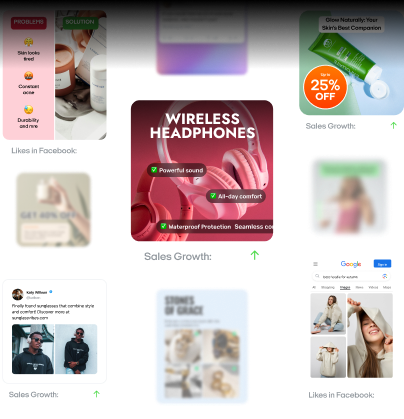
Start with one complete product page and copy its verified facts into a product truth sheet. Turn one offer into three hooks, then make static, video, and UGC-style versions. Use AI for drafting, resizing, and variations, but check every claim, price, image, crop, and caption yourself. Prepare six assets that test three angles across two formats. This guide ends when those files are reviewed and ready to upload.
Key takeaways
- Start with one product that has a complete page: sharp photos, a current price, clear shipping and returns, and at least one claim you can prove.
- Before writing any ad, collect the verified facts in a product truth sheet. This keeps AI from inventing features or using outdated prices.
- An offer doesn’t have to be a discount. A bundle, an extra accessory, or a clear return window can add value without cutting the price.
- Write three different hooks for the same offer: problem, demonstration, and product. Keep everything else the same so you can tell which hook worked.
- AI can draft, resize, and create variations, but you still need to check every price, claim, crop, and caption against the live product page.
- For your first test, prepare six assets: three angles in static and video formats, with one offer, one landing page, and clear file names.
Most searches for ads for Shopify store lead straight to platform setup. I start one step earlier, because the product, offer, and creative decide what you have to launch.
Good ads for Shopify stay close to the facts shoppers see after clicking. That match makes the message easier to trust and the test easier to read.
This guide covers the work before campaign automation, targeting, budgets, and tracking. You will finish with six reviewed files tied to one product page. When you are ready to publish them, use my guide to set up and run AI-assisted Shopify campaigns.
Start your Shopify store ads with one strong product
Adobe Digital Insights analyzed more than one trillion US retail visits and 100 million products. It found that AI-referred retail visitors converted 54% more often than other traffic in May 2026. People are arriving with clearer questions, so your product page needs clear answers.
Do not begin by designing ten ads for five products. Pick one item that gives you enough material for a useful test.
I look for a product with:
- A clear use that someone can understand in seconds
- Sharp photos showing the item from several angles
- A price, stock status, and variant list that are current
- Shipping and return details that are easy to find
- At least one claim you can prove with product facts
A bestseller can be a safe first choice, but it is not required. A newer product can work when its use is obvious and the page is complete. Skip any item with missing images, unclear sizing, or a promise you cannot support.

Make a product truth sheet
Before I write a Shopify ad, I copy the reliable details into one short note. This protects the creative from made-up features and old prices.
Use this template:
- Product name:
- Customer and use:
- Three verified features:
- Main benefit:
- Price and active offer:
- Colors, sizes, or variants:
- Shipping and returns:
- Available proof:
- Words or claims to avoid:
- Product page link:
“Available proof” can mean a real demonstration, material specification, verified review, warranty, or test result. It does not mean a guess that sounds convincing.
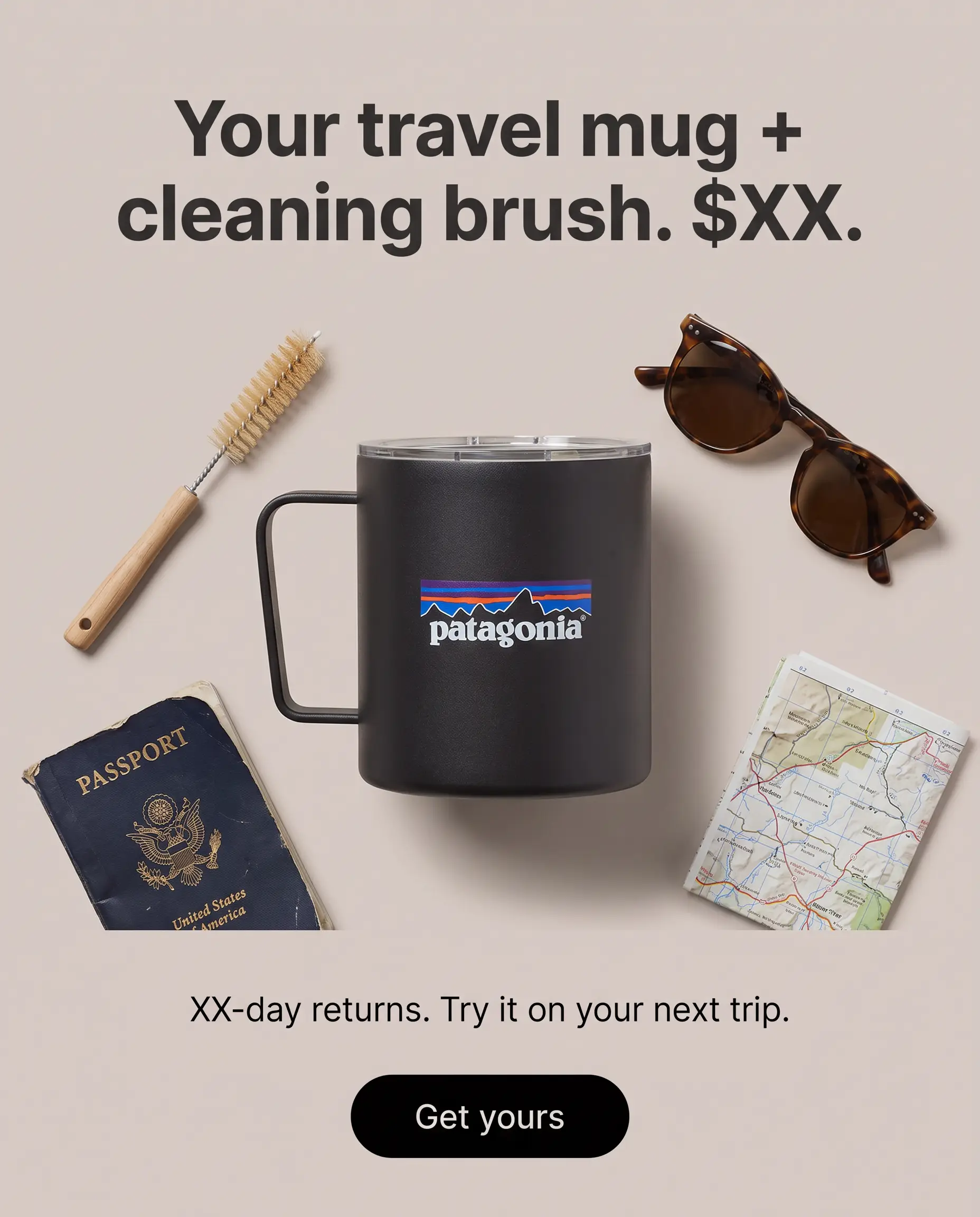
For example, imagine a 20-ounce travel mug with a leak-resistant lid. The page says it includes a cleaning brush and has a 30-day return window. Those facts can support the ad. “Never leaks” cannot, unless the business can prove that absolute promise.
Build a Shopify ad offer people can understand
Capgemini’s 2026 consumer study surveyed 12,000 people. It found that 61% would consider switching for bundle value that included a product plus service or warranty. A useful offer can add value without cutting the price.
Your offer answers three questions:
- What do I get?
- Why should I buy this version?
- What makes the decision feel safer or easier?
For the sample mug, the offer might be: “Get the 20-ounce mug and cleaning brush, with 30-day returns.” That is specific. It also matches the product page.
A discount is only one option. You can test a bundle, free shipping threshold, extra accessory, clearer return window, or limited color release. State the condition plainly. If an offer ends Friday, say Friday. If exclusions apply, put them where shoppers can see them.
Write three hooks from one offer
A hook is the first message or visual that earns another second of attention. I write three because one idea is too easy to overrate.
Try these:
- Problem hook: “Still finding coffee in the bottom of your bag?”
- Demonstration hook: “Watch what happens when I tip this full mug.”
- Product hook: “One lid, three parts, and two minutes to clean.”
Each hook starts a different conversation. The problem hook names a frustration. The demonstration hook creates a reason to watch. The product hook makes a useful detail easy to picture.
Keep the rest of the offer steady while testing hooks. If you change the hook, price, product, and landing page together, you will not know what caused the result.
Create static, video, and UGC-style Shopify ads
US digital ad revenue reached $294.6 billion in 2025, up 13.9% year over year, according to the IAB and PwC. Social and video were major parts of that growth. For a small store, the practical lesson is simple: prepare more than one format for your first Shopify ads set.
Make static ads for fast message tests
Static ads help you compare hooks without producing a full video each time. Start with one product image, one short headline, one proof point, and one call to action.
Create three directions:
- Problem first: the spill risk, then the mug
- Product first: a clean lid close-up and one benefit
- Offer first: the mug, brush, return window, and price
AI can resize these assets into square, portrait, and vertical versions. That saves time, but resizing is not the same as reviewing. Check whether the product was cropped, the headline became too small, or the button moved too close to an edge. Google’s current responsive display ad requirements also show why one source image cannot fit every placement unchanged.
Turn one product story into a short video
Keep the first video easy to follow:
- Show the problem
- Show the product solving it
- Show one proof detail
- Show the offer and next step
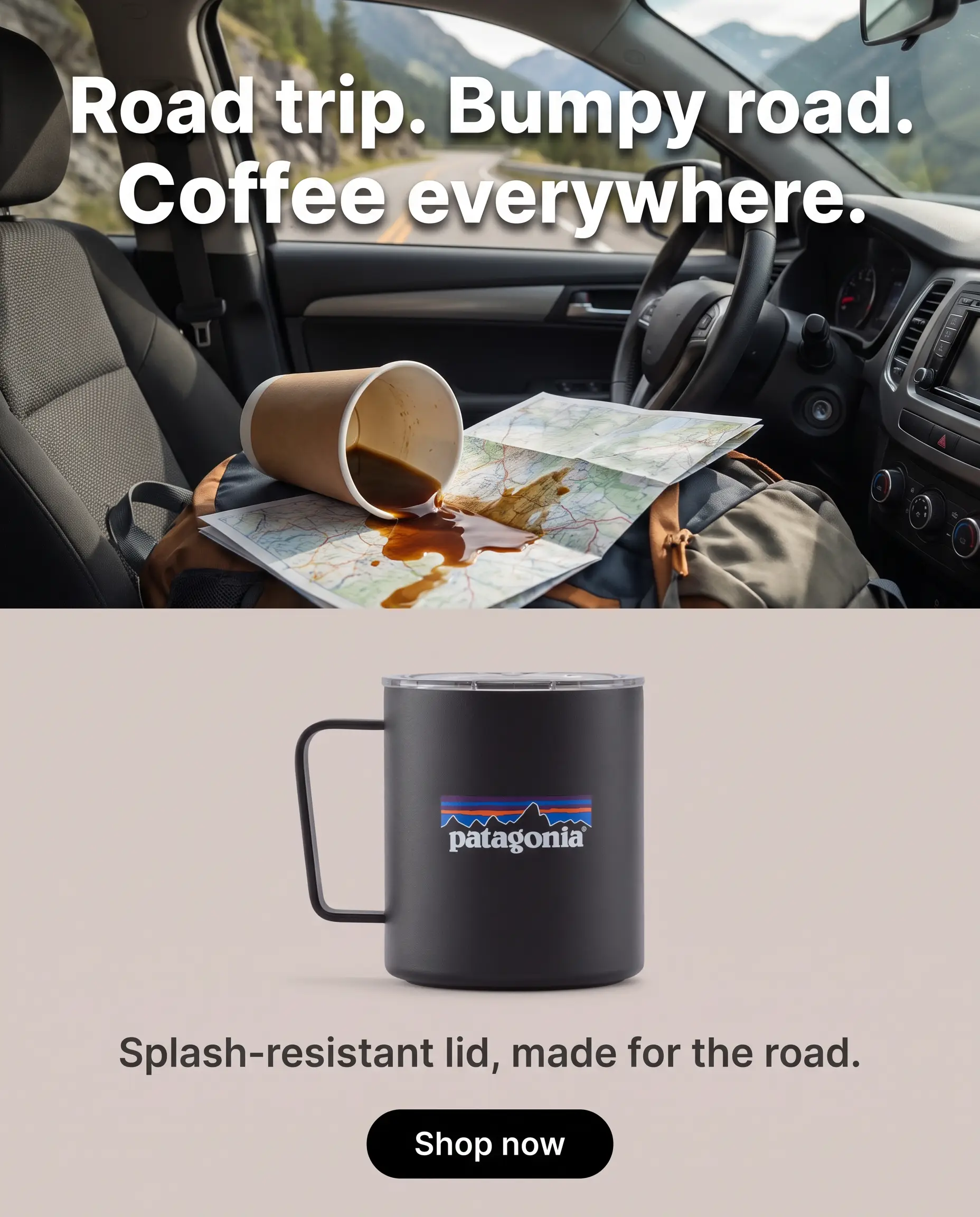
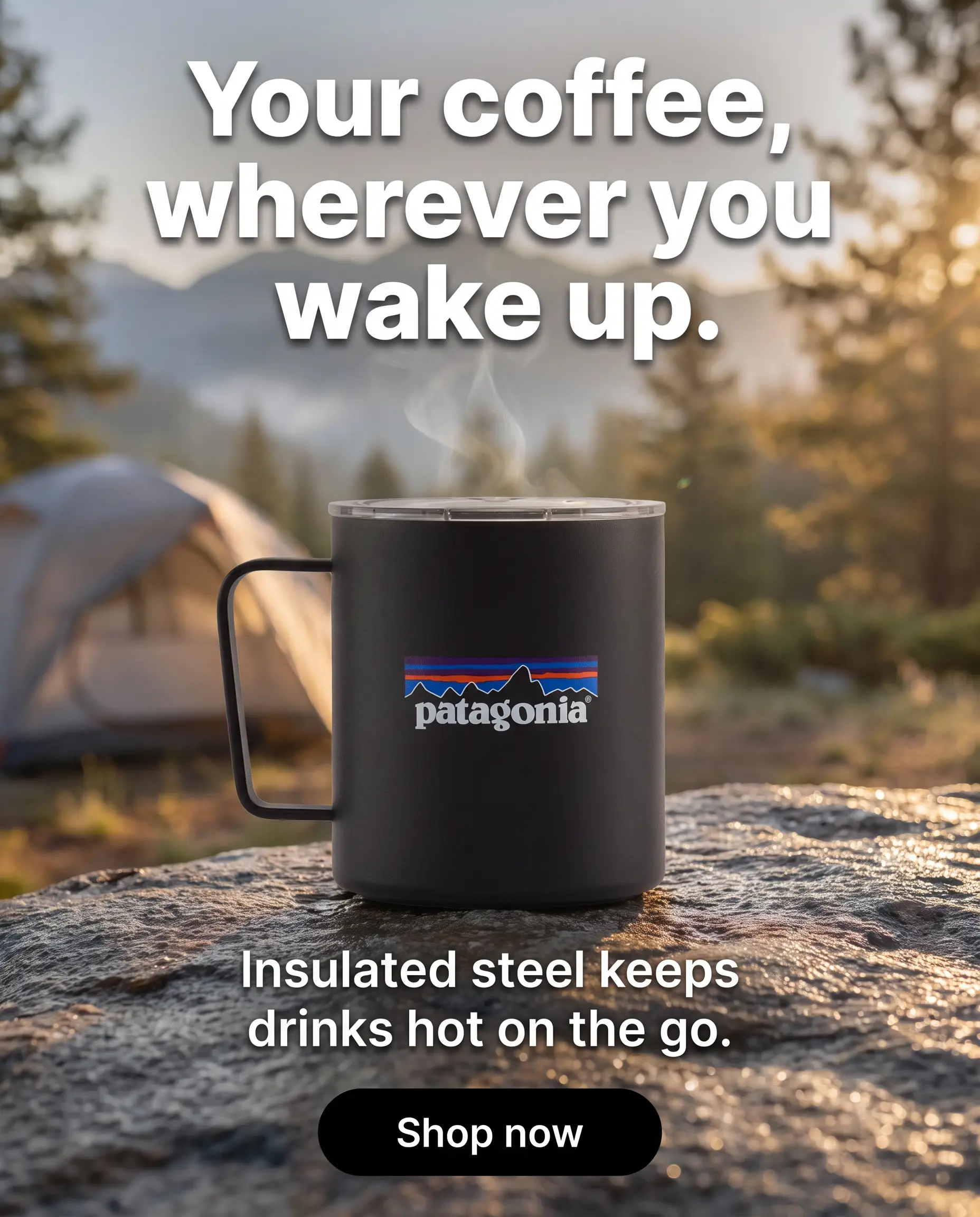
For the mug, that could be a bag with a visible spill, a lid demonstration, a close-up of the seal, then the mug and brush together. Add captions because the message should work without audio.
Do not hide the item behind a long opening. The viewer should know what you sell before the story gets complicated.
Use UGC style without inventing a customer
UGC-style means the ad uses the direct, person-led feel of customer content. It does not give you permission to create a fake testimonial.
A safe presenter script could say, “Here is how the lid locks, how it comes apart, and what comes in the box.” That is a demonstration. “I used this for six months and it changed my mornings” would be a false personal experience if the speaker is synthetic.
If you want to create Shopify ads with AI, Zeely can pull product details and images from a link, then help you make static ads, videos, scripts, and variants. Our AI ad generator covers mixed formats, and also focuses on video and UGC-style production.
Zeely is a creative and ad-production tool. I would not describe it as a Shopify App Store plugin.
Review every Shopify ad before you spend
I use three review passes.
Pass one: check the product
Compare the creative with the live product page.
- Is the name correct?
- Is the current price correct?
- Are the color, size, material, and included items accurate?
- Does the product image show the real item?
- Is the offer still active?
AI can confuse similar variants or turn a qualified claim into an absolute one. Fix those errors before anyone sees the ad.
Pass two: check the message
Read every line out loud. Remove repeated words, vague praise, and promises without proof.
Pay close attention to health, beauty, financial, and performance claims. “Supports softer-looking skin” and “cures dry skin” do not mean the same thing. The second claim requires a level of proof most product pages do not provide.
Do not turn a customer review into a bigger promise than the customer made. Keep the name, wording, and context accurate. The FTC’s endorsement and testimonial guidance is a useful review reference for US advertisers.
Pass three: check the final file
Watch every video once with sound and once without it. Then inspect each resized version on a phone.
Check the crop, captions, logo, spelling, contrast, voice, music rights, and final call to action. Confirm that text stays readable and no visual suggests a feature the product lacks. If a generated person looks or sounds unnatural, change the scene instead of hoping viewers ignore it.
Prepare a six-ad Shopify creative test
Motion’s 2026 benchmark covered 578,750 creatives across 6,015 advertiser accounts and $1.29 billion in spend. It put the winning-ad rate at 4% to 8% across spend tiers. That does not predict your store’s result, but it explains why one favorite ad is not a test.
Start with three angles across two formats:
| Angle | Static asset | Video asset |
| Problem | Spill in the bag, problem headline | Spill scene, then product fix |
| Product | Lid close-up, cleaning proof | Quick lid demonstration |
| Offer | Mug, brush, returns, and price | What is included, then call to action |
That gives you six Shopify store ads without changing the product or landing page. Name the files so you can read the test later:
- mug_problem_static_v1
- mug_problem_video_v1
- mug_product_static_v1
- mug_product_video_v1
- mug_offer_static_v1
- mug_offer_video_v1
Keep the first test clean
Use the same offer, destination page, and main call to action. You are testing the angle and format. If one version earns stronger results, build the next round around that clue.
After launch, watch click-through rate, cost per click, purchases, cost per purchase, and return on ad spend. Define those numbers before increasing spend. A cheap click is not useful when the visitor does not buy. Six recolors of the same message give the system less to learn than three genuinely different angles.
Copy this pre-launch checklist
- One product and one live product page
- One product truth sheet
- One offer that matches the page
- Three clear hooks
- Three static and three video assets
- Verified prices, claims, and variants
- Reviewed crops, captions, audio, and links
- Clear file names for the test
At this point, the creative work is ready. Campaign settings, tracking, targeting, and budgets belong in the next workflow.
Shopify ads FAQ
Gartner found that CMOs planned to put 15.3% of their marketing budgets into AI in 2026, but only 30% reported mature AI readiness. Using AI is common. Having a reliable review process is what makes it useful.
Choose one product, copy its verified facts, build one clear offer, and write three hooks. Turn those hooks into static, video, or UGC-style assets. Review every claim and visual, then prepare a small test with clear file names.
Start with the product name, customer use, three features, main benefit, price, offer, variants, shipping, returns, and proof. Also note claims you cannot make. Your ad should never promise more than the product page can support.
Start with static images and short videos because they let you test the same idea in different ways. Add UGC-style creative when a person-led explanation helps. The right mix depends on what the shopper needs to see, not which format feels newest.
Yes. AI tools can adapt an asset for square, portrait, landscape, and full-screen placements. Always inspect the output. Automatic resizing can crop the product, shrink text, cut captions, or move key details outside a safe viewing area.
Use three passes: product accuracy, message accuracy, and file quality. Compare facts with the live page, remove unsupported claims, then inspect every crop, caption, voice, logo, and link. A human should approve every version before publication.
No. Creative production gives you files, copy, and variants. Launching requires a campaign destination, account setup, tracking, audience and delivery choices, budget, and platform review. Keep those steps separate so you know what you are checking.
Paste one product page into Zeely and build three angles: problem, product, and offer. Make one static and one video version of each. You will have six assets to review without starting six separate projects.
That is the whole first workflow. One product page goes in. Six clear, checked creatives come out. You can make your first set with Zeely, then move to campaign setup when every file matches what your store actually sells.