Top AI avatar tools for real estate video walkthroughs in 2026
Compare AI avatar real estate video tools for property walkthroughs, listing promos, market updates, and lead-gen ads. Here’s where each tool fits and when Zeely is the better choice for real estate AI video ads.
The top AI avatar tools for real estate video walkthroughs help agents turn property photos, listing details, and scripts into narrated videos without filming every tour by hand.
Real estate video has moved from “nice extra” to daily marketing work. NAR’s 2025 technology survey says social media, CRM, and local MLS produced the highest number of quality leads for realtors, while drone photography and video stayed among the most popular tech tools.
I’m Emma from Zeely, and I’d use AI avatars in real estate carefully. They’re useful for repeatable property walkthroughs, market updates, open house reminders, and lead-gen ads. They’re not a license to fake a property, invent a view, or make a listing look better than it is.

Top 10 AI avatar tools for real estate video walkthroughs: the quick pick list
If you’re choosing fast, start with the job.
| Tool | Best for | Real estate fit | Watch-out |
| Zeely | Lead-gen ads and paid-social property promos | Strong for real estate AI video ads | Not a full 360 tour platform |
| Argil | Agent clone videos and social walkthrough narration | Good for personal brand content | Needs clean source video |
| PhotoAI Video | AI avatar property walkthroughs from listing images | Very real estate-specific | Check rights and export details |
| Leadde | Bulk videos from docs, PDFs, and listing sheets | Good for brokerages with many assets | More business-video than ad-native |
| RealAgentClone | Realtor clone videos without filming | Very niche for agents | Less broad than full editors |
| Topview AI | Real estate videos with avatar narration | Strong asset-to-video workflow | Review final property accuracy |
| BHuman | Personalized buyer and seller follow-ups | Good for lead nurture | Not mainly a walkthrough editor |
| Gan.ai | Personalized lead videos at scale | Good for CRM-style outreach | Better for follow-up than tours |
| Pipio | Simple avatar explainers and listing intros | Good budget testing option | More generic than real estate-native |
| Zoice | Custom avatar and creative video generation | Good for brand-style experiments | Needs more manual direction |
I would not include HeyGen, Synthesia, Vidnoz, Creatify, D-ID, Canva, VEED, Colossyan, Elai, AI Studios, JoggAI, Fliki, Invideo AI, Runway, Arcads AI, or similar tools here because your existing avatar articles already cover that territory.
What makes an AI avatar real estate video different from a normal tour?
An AI avatar real estate video uses a synthetic presenter to guide viewers through a listing, neighborhood, market update, or open house invite. The avatar can introduce the home, explain the layout, highlight buyer benefits, and end with a CTA.
A normal video tour usually depends on filmed footage. An AI avatar property walkthrough can start from listing photos, a property description, a script, and a digital presenter. It is as a video where a digital presenter explains the listing while property visuals play on screen. Agents may use stock AI presenters, custom branded avatars, or a cloned version of themselves.
That said, the avatar should not replace property proof. Buyers still need accurate photos, room flow, floor plans, pricing, location details, and showing options. Zillow’s 3D Home page frames virtual tours and interactive floor plans as tools that help buyers understand layout and imagine living in the home.
A good avatar walkthrough does five things:
- Opens with the address, neighborhood, or buyer hook
- Shows real property visuals early
- Explains layout, price range, and standout features
- Adds local context without overpromising
- Ends with one clear CTA, like “Book a showing” or “Get the full tour”
Best AI avatar real estate video tools for walkthroughs and ads
1. Zeely: best for real estate AI video ads and local lead generation
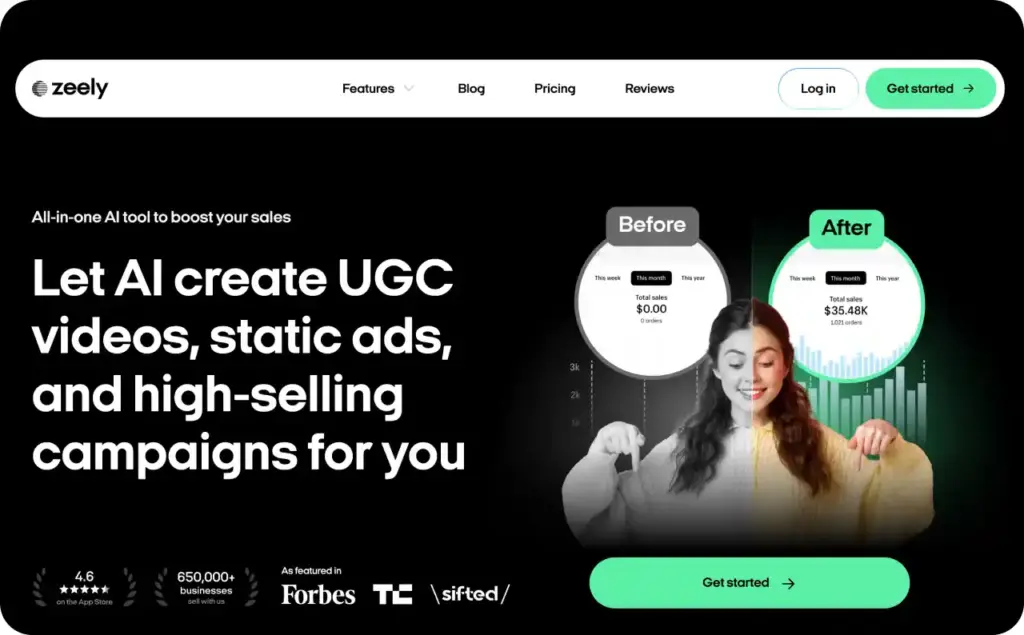
Zeely is the best fit when the goal is not just a nice avatar clip. It’s stronger when you need real estate AI video ads for Facebook, Instagram, TikTok, YouTube Shorts, or local service campaigns.
The workflow starts with product or service details. For real estate, that can be a listing page, offer page, or manually entered property details. You can paste a product URL and the AI extracts key data for ad creation; if there is no website, you can enter details manually. You can also create real estate static ads as a support to your video
For avatar video ads, Zeely supports avatar-led videos, scripts, captions, music, and ad-ready exports. You can choose from 500+ avatars with different ages, genders, and styles, then use AI storytelling tools to edit or generate the script.
Use Zeely for:
- “Just listed” avatar video ads
- Open house reminder ads
- Free home valuation lead-gen ads
- Neighborhood spotlight videos
- Buyer consultation promos
- Retargeting ads for people who clicked but did not book
Best Zeely script angle for real estate:
“Looking for a move-in-ready home near [local area]? This [beds/baths] property gives you [feature], [feature], and [lifestyle benefit]. Book a private showing today.”
2. Argil: best for agent-clone social walkthrough videos
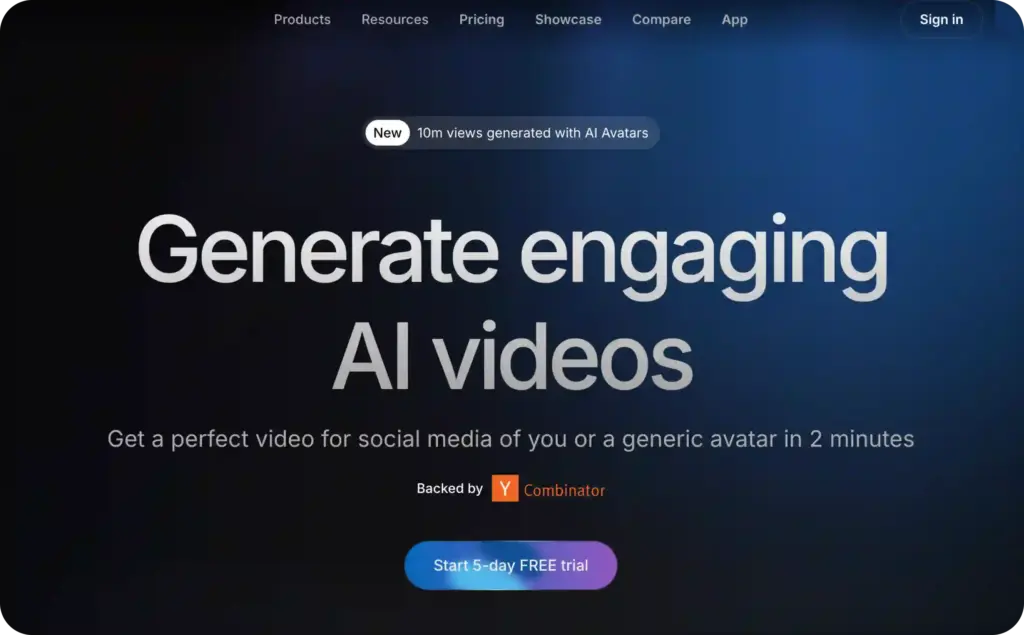
Argil is a strong fit if the agent’s face is part of the brand. Its site says users train an AI clone with a 2-minute video and a consent video, which is important for safe avatar creation. Argil also says users own the generated video rights and can use the videos as they wish.
For real estate, this works well when an agent wants consistent social presence without filming every listing update.
Use Argil for:
- Agent clone intros
- Weekly market updates
- Short walkthrough narration
- Listing teaser videos
- “What this price gets you in [city]” clips
Argil’s own real estate competitor article says its tool combines avatar creation with editing, scripting, and repurposing, and that agents can generate walkthrough videos by updating scripts and property images.
The limitation is simple. A cloned agent can build familiarity, but it should never pretend to be live footage from a showing. Add a simple disclosure when the avatar represents a real person synthetically.
3. PhotoAI Video: best for AI avatar property walkthroughs from images
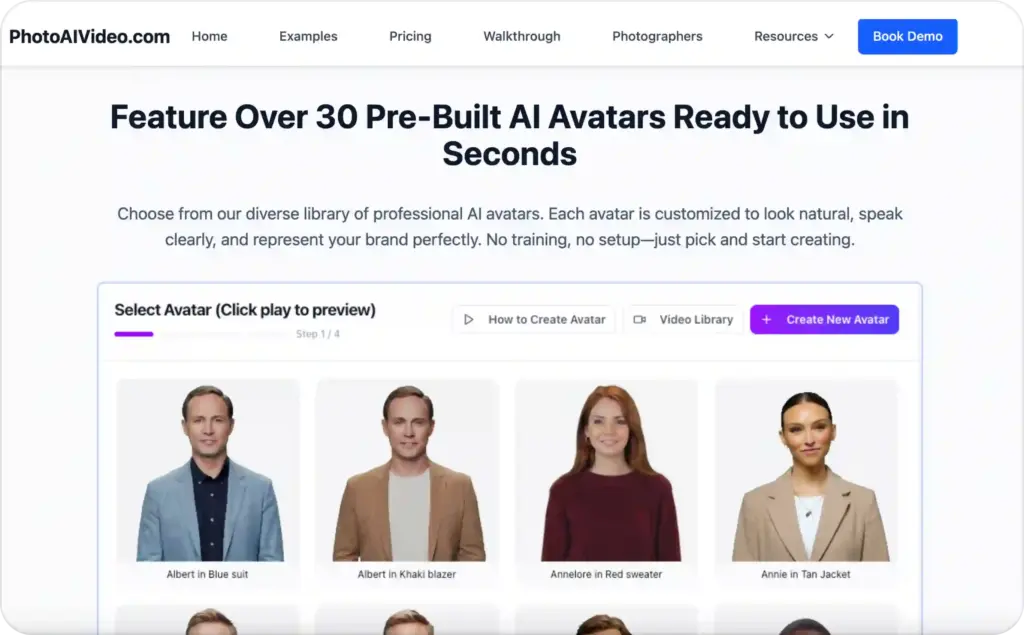
PhotoAI Video is one of the most direct real estate fits in this list. Its real estate page says users can create a personalized AI avatar clone from a single photo, then use that digital version across property videos, training materials, and marketing content.
CloudPano’s guide also frames the workflow clearly: upload property images, generate dynamic video scenes, then add an AI avatar presenter to explain the listing.
Use PhotoAI Video for:
- Property image-to-video walkthroughs
- Agent avatar narrations
- Listing presentation videos
- Virtual tour intros
- Social media listing clips
The biggest strength is focus. It is built around real estate use cases instead of forcing agents into a generic avatar editor.
The watch-out is accuracy. If the AI adds motion, zoom, or scene treatment, review every frame. In real estate, a pretty but misleading room can create trust problems fast.
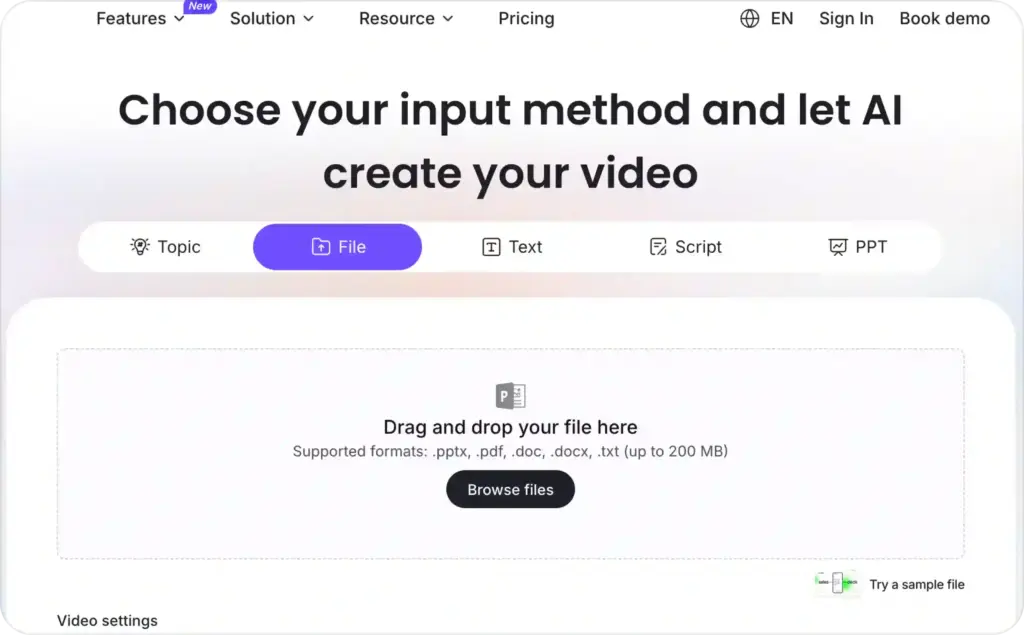
4. Leadde: best for brokerages turning documents into avatar videos
Leadde works well when your source material lives in documents: listing sheets, PDFs, buyer guides, relocation packets, or market reports.
Its homepage says Leadde can create videos in 170+ languages and convert DOC, PDF, PPT, text, and scripts into organized outlines with adjustable depth and clarity.
Leadde’s AI video creator page says it can turn any document into an explainer video with AI-generated scripts, visuals, and avatar narration in 170+ languages.
Use Leadde for:
- Market report videos
- Buyer education explainers
- Seller prep videos
- Broker training
- Relocation guides
- Multi-language listing explainers
I would not use Leadde as the first choice for punchy paid-social property ads. I would use it when a brokerage has content sitting in PDFs and wants it turned into watchable videos.
5. RealAgentClone: best niche avatar clone for realtors
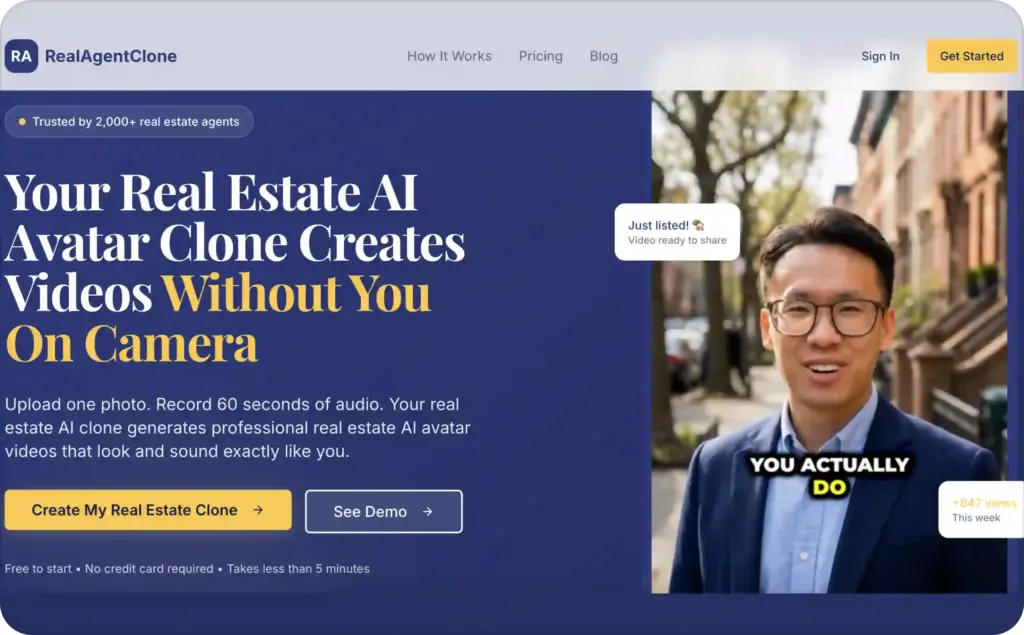
RealAgentClone is exactly what the name says. Its homepage says agents can upload one photo, record 60 seconds of audio, and generate professional AI videos that look and sound like them.
That makes it useful for agents who want a lightweight personal clone workflow rather than a broad video suite.
Use RealAgentClone for:
- “This week in [city]” updates
- Listing intro clips
- Seller lead magnets
- Short social explainers
- Evergreen FAQ videos
It is less useful if you need a complete ad launch workflow. For that, Zeely is stronger. But for a solo agent who wants to show up more often without being on camera, RealAgentClone fits the vertical nicely.
6. Topview AI: best for real estate video templates with avatar narration
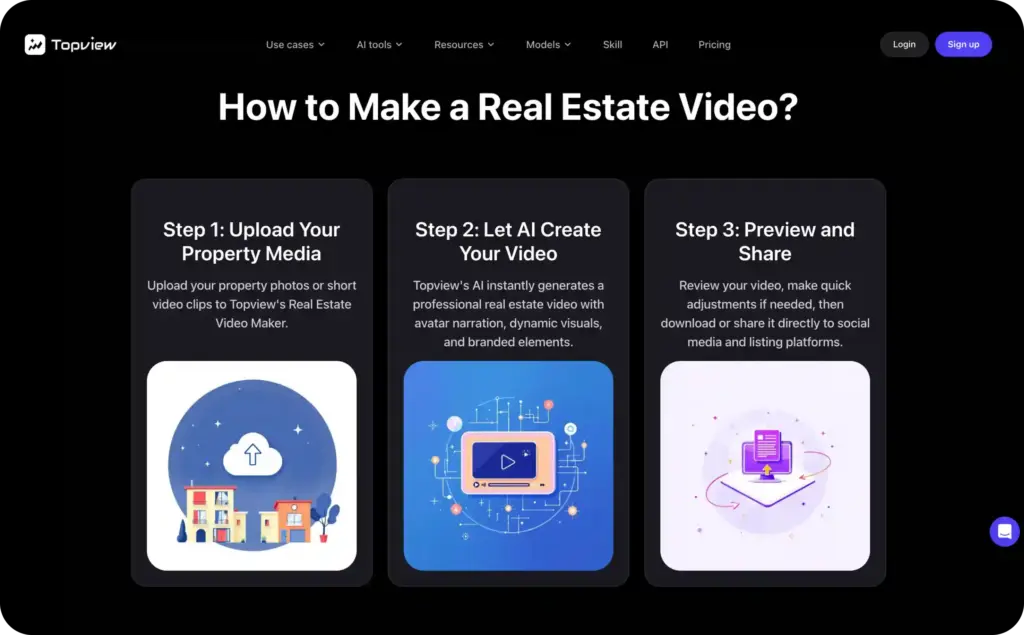
Topview AI has a real estate video maker page that directly mentions property videos. It says users can choose from over 1,000 lifelike AI avatars to narrate property videos, or upload their own. It also says videos are optimized for YouTube, Instagram, TikTok, and property listing sites.
Topview’s broader homepage says its AI Avatar technology creates realistic spokespersons with expressive faces, voice sync, and support for 30+ languages.
Use Topview for:
- Listing highlight videos
- Multi-platform property promos
- AI-narrated walkthroughs
- Neighborhood content
- Short vertical videos
Topview is a good choice when formatting across channels matters. If your video needs to become a Reel, TikTok, YouTube Short, and listing clip, that multi-platform angle is useful.
Still, review the output carefully. AI can make real estate visuals feel smoother than the property actually is.
7. BHuman: best for personalized real estate follow-up videos
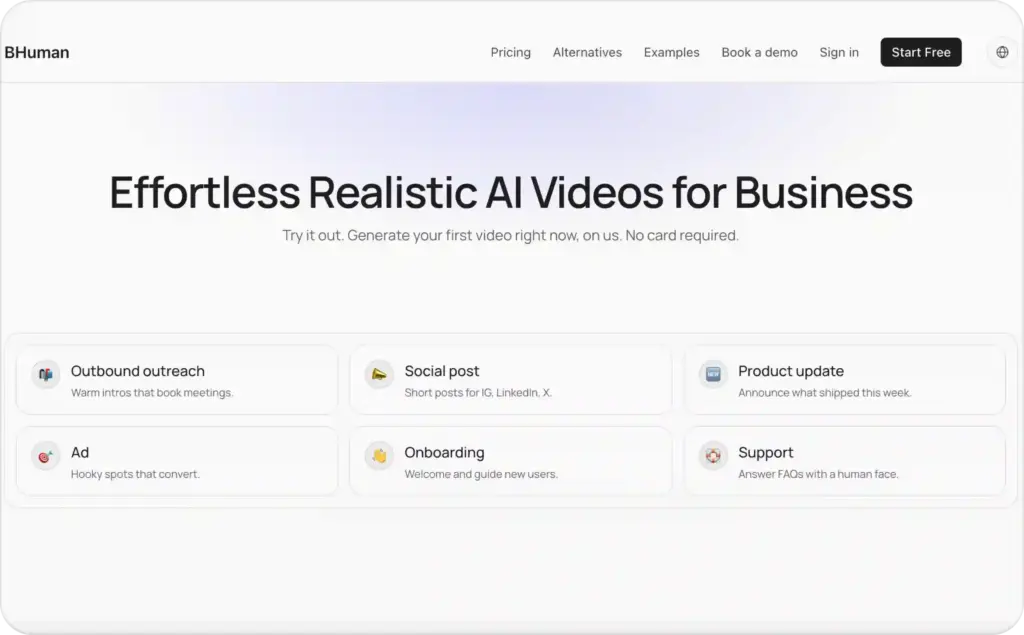
BHuman is less of a property walkthrough tool and more of a personalized video tool. Its site says users can start from one base video and generate thousands of personalized versions using names, companies, and other variables. It also supports delivery across email, CRM, and social.
In real estate, that matters after the click.
Use BHuman for:
- Personalized buyer follow-ups
- Seller lead replies
- Open house thank-you videos
- Past client reactivation
- “I found three homes for you” messages
This is not the tool I’d pick for a full AI avatar property walkthrough. It is better for the next step: turning interest into booked calls and showings.
8. Gan.ai: best for personalized video campaigns at scale
Gan.ai is also a personalization tool. Its site describes personalized videos that dynamically insert names, locations, and product details for customer leads.
For real estate, “product details” can become property details, neighborhood names, price ranges, or lead segments.
Use Gan.ai for:
- Buyer nurture by neighborhood
- Seller lead follow-up
- Investor outreach
- Agent recruiting videos
- Local market update campaigns
Gan.ai is a stronger CRM and outreach fit than a pure walkthrough editor. I’d pair it with a listing video workflow, not use it as the main property tour tool.
9. Pipio: best for simple avatar listing explainers
Pipio is useful when you want a simple text-to-avatar explainer without a heavy real estate-specific setup. Its site says it offers over 100 virtual spokespeople, supports 40+ languages, and serves marketing, sales, eLearning, and training use cases.
Use Pipio for:
- Basic listing intros
- Buyer FAQ videos
- Seller education clips
- Agent bio videos
- Simple market explainers
The benefit is simplicity. The trade-off is that you will likely need to add property visuals, captions, and final ad formatting somewhere else.
10. Zoice: best for custom avatar experiments and branded presenters
Zoice is a broader AI creative tool. Its official documentation says users can create professional AI-generated images, videos, voices, and animated avatars.
Its text-to-avatar documentation says users can describe their ideal presenter with text prompts and generate a 3D avatar model, with control over appearance, style, clothing, and characteristics.
Use Zoice for:
- Branded presenter concepts
- Custom avatar experiments
- Creative neighborhood videos
- Stylized listing explainers
- Agent brand assets
Zoice is not the most real estate-native tool here, but it gives teams more creative control over avatar style. That can help if an agency wants a branded “host” for a video series.
How to choose the right AI avatar property walkthrough tool
The right tool depends on what the video must do after publishing.
If you need paid leads, start with Zeely. It is the cleanest fit for real estate AI video ads because the output is built around ads, hooks, captions, and campaign use. Read also how to make AI avatar video ads with Zeely.
If you need a virtual tour feel, look at PhotoAI Video or Topview. They focus more on property visuals and narrated presentation.
If you need an agent clone, look at Argil or RealAgentClone. They are stronger when personal brand trust matters.
If you need bulk education, look at Leadde. It can turn listing sheets, PDFs, and guides into avatar-led videos.
If you need lead follow-up, look at BHuman or Gan.ai. They help after someone fills out a form, attends an open house, or asks for a property list.
What not to fake in AI avatar real estate video
Real estate is a trust-heavy category. AI can help you move faster, but it can also make listings feel suspicious when used carelessly.
WIRED reported on AI-generated real estate content that created distorted or misleading property visuals, including unrealistic walkthroughs and altered spaces. The same reporting notes that misleading AI use can create legal and ethical risk for real estate professionals.
NAR also has AI resources for real estate professionals and policy templates for responsible AI use.
My rule is simple:
Use AI to explain the property. Do not use AI to invent the property.
Avoid:
- Adding rooms that do not exist
- Hiding visible flaws
- Making a small room feel much larger
- Changing views, fixtures, walls, flooring, or outdoor features without disclosure
- Using an AI avatar as a fake buyer testimonial
- Cloning an agent without clear consent
NAR’s guidance on AI-enhanced listing photos says real estate pros cannot misrepresent a property. That same principle should guide avatar videos too. Read also about the best AI avatar generators.
FAQ: AI avatar real estate video tools
The best tools depend on the job. Zeely is best for real estate AI video ads and lead-gen promos. PhotoAI Video and Topview fit property walkthroughs. Argil and RealAgentClone fit agent clones. Leadde fits bulk document-to-video. BHuman and Gan.ai fit personalized follow-up.
An AI avatar property walkthrough is a video where a synthetic presenter explains a listing while property photos, footage, or tour visuals appear on screen. It can help agents create more narrated listing content without filming themselves every time.
Not fully. AI avatar videos can explain and promote a property, but they should not replace accurate listing photos, floor plans, 3D tours, real footage, or in-person showings.
Yes, when the ad needs a clear spoken hook, fast production, and repeatable local messaging. They work well for open house reminders, valuation offers, neighborhood videos, price-drop ads, and retargeting.
Zeely is the strongest fit when the goal is paid-social creative, not just a talking avatar clip. It helps create avatar video ads with scripts, captions, music, and formats suited for Meta, TikTok, YouTube, and Instagram.
Argil and RealAgentClone are stronger choices when the agent wants a digital version of themselves. Always use clear consent and avoid making the avatar seem like live footage.
You may be able to use AI-made videos depending on the platform and local rules, but you should verify usage policies first. Keep property visuals truthful, disclose meaningful digital changes, and avoid misleading edits.
Keep it specific: location, property type, top features, lifestyle fit, showing options, and CTA. Do not let the avatar read a long MLS description word for word.
For paid social, start with 15 to 35 seconds. For listing pages or buyer education, 45 to 90 seconds can work. Longer videos need stronger structure and more real property visuals.
Yes, if they look fake, overpromise, or misrepresent the property. Use AI for speed, narration, captions, and versioning. Keep the property proof real.

Emma blends product marketing and content to turn complex tools into simple, sales-driven playbooks for AI ad creatives and Facebook/Instagram campaigns. You’ll get checklists, bite-size guides, and real results, pulled from thousands of Zeely entrepreneurs, so you can run AI-powered ads confidently, even as a beginner.
Written by: Emma, AI Growth Adviser, Zeely
Reviewed on: June 2, 2026