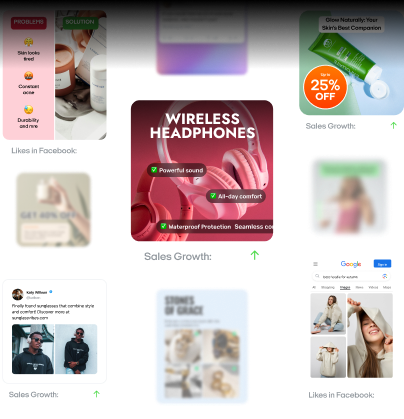
10 best ad spy tools for competitor research and inspiration
Want to check out some ads worth emulating? Here I compare 10 ad spy tools to help with competitor research. Which ones to use and how to use Zeely to create AI generated ads using other people’s creativity as references.

I’ll go over 10 of the best ad spy tools to assist you in competitor research based on what product or service you’re selling and advertising.
Key takeaways
- Zeely is my choice for creating AI advertisements from competitor images. It also offers a feature to edit ads to include your product. Competitor Spy gives users the ability to filter advertisements based on industry and format.
- Free options to research advertisements are provided by the platforms themselves. Examples include the Meta Ad Library to view advertisements on Facebook and Instagram, TikTok’s Creative Center to view trending videos on the platform, and Google’s Ads Transparency Center to view advertisements on Google services.
- More in depth research can be conducted using various ad spy tools. Foreplay allows users to store and organize advertisement references. AdSpy and Minea are best used to research advertisements to promote and sell products on various ecommerce sites respectively. Atria also uses AI to create advertisements.
A quick pick of best ad spy tools
Database size is not an important factor in choosing an ad spy tool. A large database with millions of ads is of no use if you still have to create each advertisement from the ground up.
Here I’ll provide some information based on what you’re likely to use it for.
| Ad spy tool | Best for | Starting price | What you get |
| Zeely Competitor Spy | Finding competitor image ads and creating new AI creatives | $29.95/month | Ad discovery, filters, saved references, AI image recreation |
| Meta Ad Library | Facebook and Instagram competitor research | Free | Public advertiser searches and ad previews |
| TikTok Creative Center | TikTok video hooks and creative ideas | Free | Selected Top Ads, filters, video analytics |
| Google Ads Transparency Center | Google and YouTube advertiser research | Free | Advertiser searches, creative previews, date and region filters |
| Foreplay | Saving ads and briefing creative teams | $59/month | Swipe files, creative boards, briefs |
| AdSpy | Detailed Facebook and Instagram searches | $149/month | Advanced filters, comment search, affiliate research |
| BigSpy | Research across multiple ad platforms | Free limited plan; $69/month for Starter | Ad searches, tracking, AI prompt extraction |
| Minea | Ecommerce product and store research | $49/month | Ad listings, product research, shop tracking |
| PiPiADS | TikTok and Facebook ecommerce research | $294/year on the advertised Q4 offer | Advertiser research, product data, ad tracking |
| Atria | AI creative generation and team workflows | $19/month | Ad inspiration, AI image generation, creative tools |
What criteria did I use to evaluate these ad spy tools?
I assessed 5 factors:
- The range of platforms covered by each tool
- The number of search filters they provide
- The type and quality of information they provide about ads
- The actions one can take on saved ads
- The cost of each plan
Given the extent of advertisement out there, you’re bound to find plenty of examples to analyze. In 2025, advertisers in the U.S. generated $117.7 billion in revenue from ads hosted on various social platforms, according to the IAB/PwC Internet Advertising Revenues report.
What kind of information can I expect an ad spy tool to provide?
An ad research tool allows you to gather information about an advertisement and related details. Some elements may include the name of the advertiser, content of the advertisement, format, date, comments, and linked product page. Meta’s tool offers visibility into advertisements on their platform. Other tools such as AdSpy may need to be used in conjunction to search through advertisements effectively.
The phrase “spy ads” sounds dramatic. In fact it is looking at the advertisements to determine what product or service they are promoting to customers and deciding if it would be beneficial for you to do the same.
Zeely has a good resource on how to locate competitors’ ads across the major advertising websites. Once you have decided on the software you’d like to use, you can refer to Zeely’s instructions to set up ads on the site of your choice.
Limitations of ad intelligence
Ad intelligence software should be used to gain additional information and context on advertisements.
Examples of advertisement intelligence software are Foreplay and PiPiADS. Foreplay focuses on monitoring and analyzing advertisement creativity across different competitors. On the other hand PiPiADS focuses on identifying advertisement creativeness across different products and landing pages.
It is important that you differentiate between the information that the tool has gathered about an advertisement, estimate figures for example advertisement expenditure, and conclusions that you draw.
10 best ad spy tools compared
Zeely’s competitor spy
Best for: Using AI to create image ads based on examples posted by the competition.
Zeely has created a tool that pulls examples of competitors’ ads and compiles them in a single feed. From there users have the ability to trim the result set based on the user’s industry and save examples that they use to create new ads.
What’s unique about Zeely is that once an example ad has been identified, users can have the AI generate an image ad for a product of their choice.
Price: Starter, Plus and Growth plans cost $29.95, $49.95 and $79.95 respectively, each plan comes with a different credit allowance. Check Zeely’s pricing and credit structure carefully to see which plan best meets your needs based on the number of variations you intend to generate weekly.
Limitation: Though examples of images, videos and carousels are available on the site, the ‘Recreate’ function of the Competitor Spy tool is currently functional only with images.
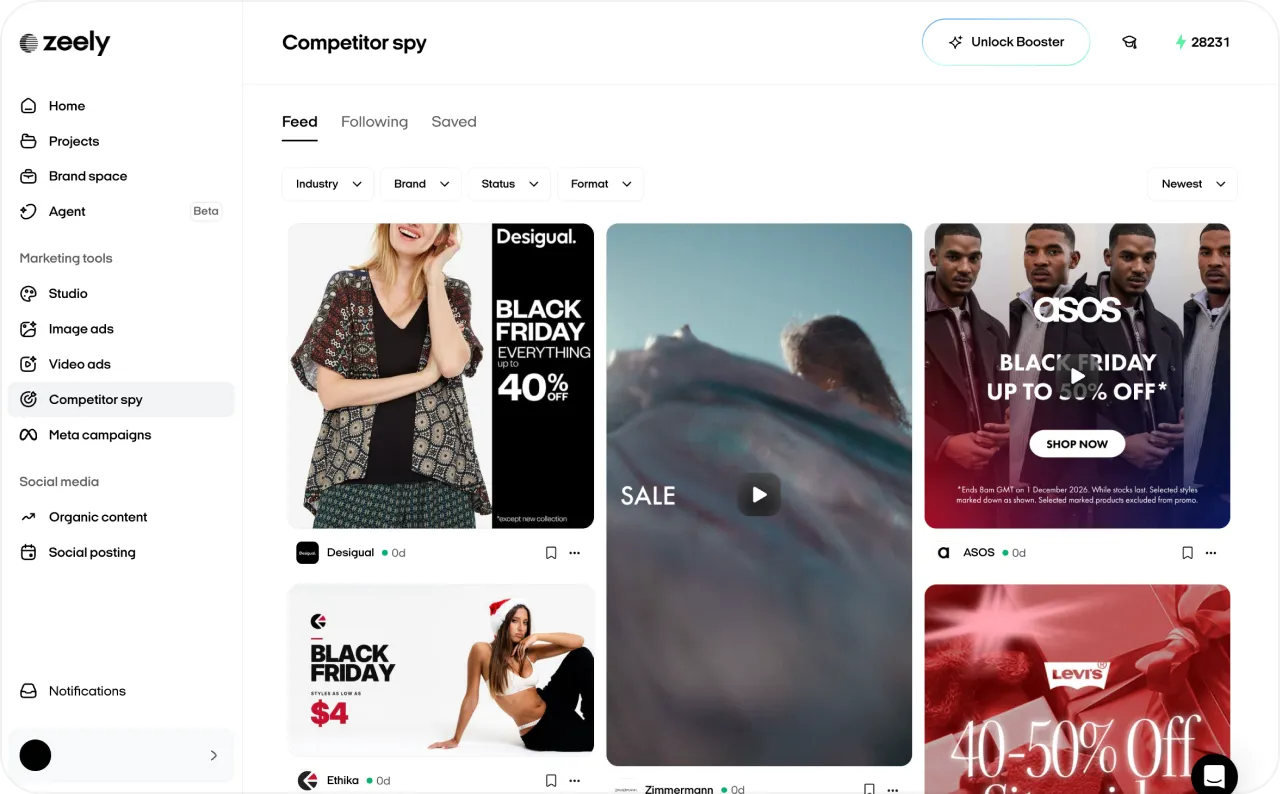
Examples available in Zeely Competitor Spy
Examples of ads from various brands show up in the feed. Users have the ability to further refine the results using the following criteria.
- Industry: Includes ads for services and products across various industries
- Brand: Users have the option of including ads from specific companies
- Status: Results can be filtered to show either active or inactive ads
- Type: Results can also be filtered to show image, video or carousel ads
Once a sample ad has been saved, users have the option of viewing it on the ‘Saved’ or ‘Following’ tabs.
Below are some examples of ads from Rothy’s. One ad claims “Up to 40% off”. The other states “Mary Janes $89”. Though they each use a product photo to represent their product, the message in each ad varies.
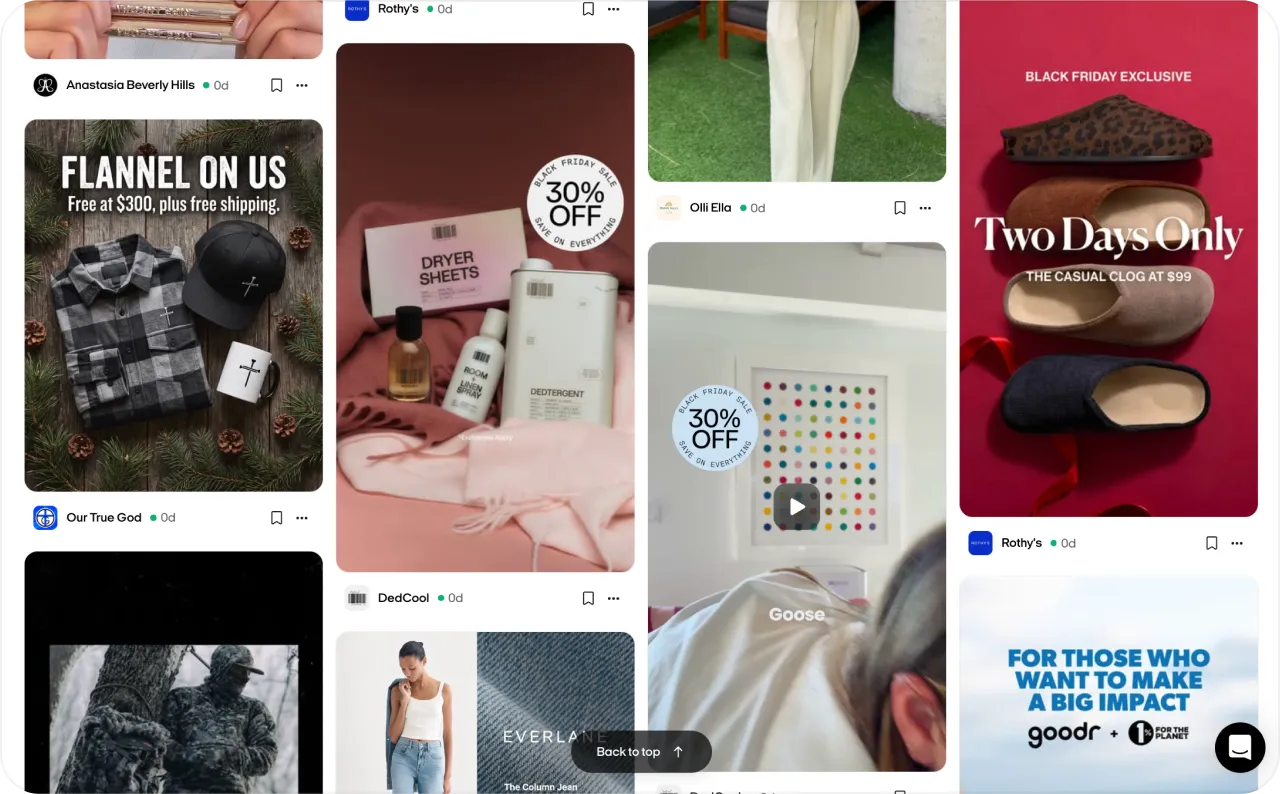
If I sold handbags I would create a similar ad to each of these examples to compare a sale price to a list price. Once again, I would use handbags as the product in the ad.
How to make a competitor style image ad using Zeely
Using Competitor Spy, locate the image ad that most appropriately represents the product you wish to promote.
- In the ad, click ‘recreate’
- Select the product photo of your choice
- In the next screen, enter the particulars of the product and ad as you see fit
- Review and adjust the ‘Brand DNA’ of the AI to best fit your product and ad
- Once satisfied, create the final ad design
Using Zeely’s image ad generator a travel dog bowls’s ad could show a picture of the bowls tied to a person’s back with the copy “Fresh water on every walk”.

To customize the design of the ad generated by Zeely, you can save the design to ‘Projects’ for later editing.
My opinion: I would recommend Zeely for a business that frequently needs picture ads to be posted on Facebook and Instagram. Compared to other AI generating tools, Zeely has the added benefit of integrating competitor analysis to derive advertising ideas.
You can create an advertising idea using a sample image available on Zeely, edit it to include your product and let the AI do the rest to come up with a new idea to post to advertise your product.

Meta ad library
Best For: Looking at the ads as a particular business running campaigns on Facebook and Instagram.
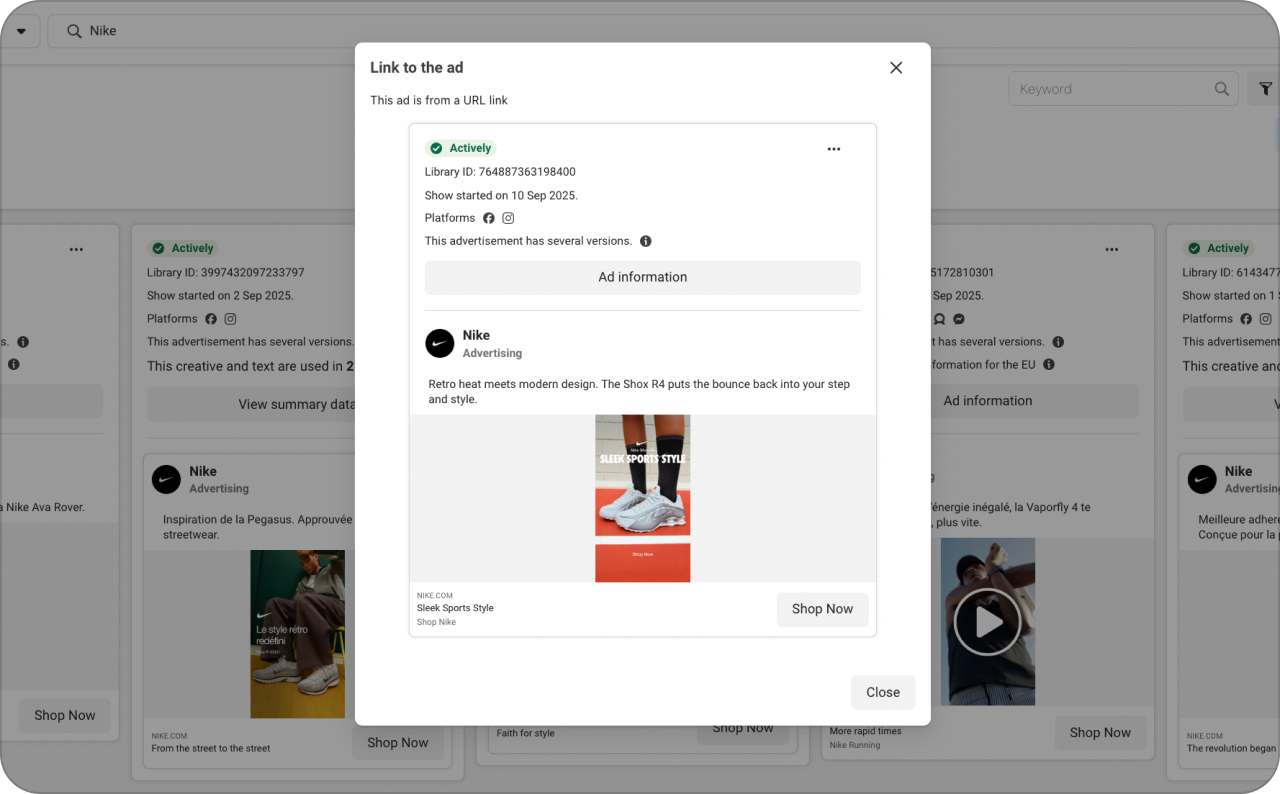
When I want to look at the ads a business is running on these platforms, I go to the Meta Ad Library. Once there, I search for the business name and select the advertiser to see examples of their ads. On the results page, filters let me further refine results by medium and country.
Of the three major social media platforms, Facebook has the most users in the U.S. According to a 2026 survey by the Pew Research Center, 70% of U.S. adults use Facebook.
Let’s say you own a skincare studio located in your area and you want to see what types of ads your competitors run to attract customers. You may find one offering a first-customer discount, while another shows customers the treatment process.
In these cases, it’s prudent to copy down the ad text to get the product name, rather than trying to interpret the product from a picture in the ad.
Price: Free
Limitation: The ads in the library are public. You won’t be able to find a competitor’s actual cost per click or return on ad spend using this tool.
Overall, I think the Meta Ad Library is a great resource to use when looking into a few competitors’ advertising strategies. Prior to using this resource, I recommend creating a free account on Meta’s site to gain more in depth advertising insights.
My opinion: I think the Meta Ad Library is a great resource to use when looking into a few competitors’ advertising strategies. Prior to using this resource, I recommend creating a free account on Meta’s site to gain more in depth advertising insights.
TikTok creative center
Best For: Analyzing how brands create brief videos to promote products.
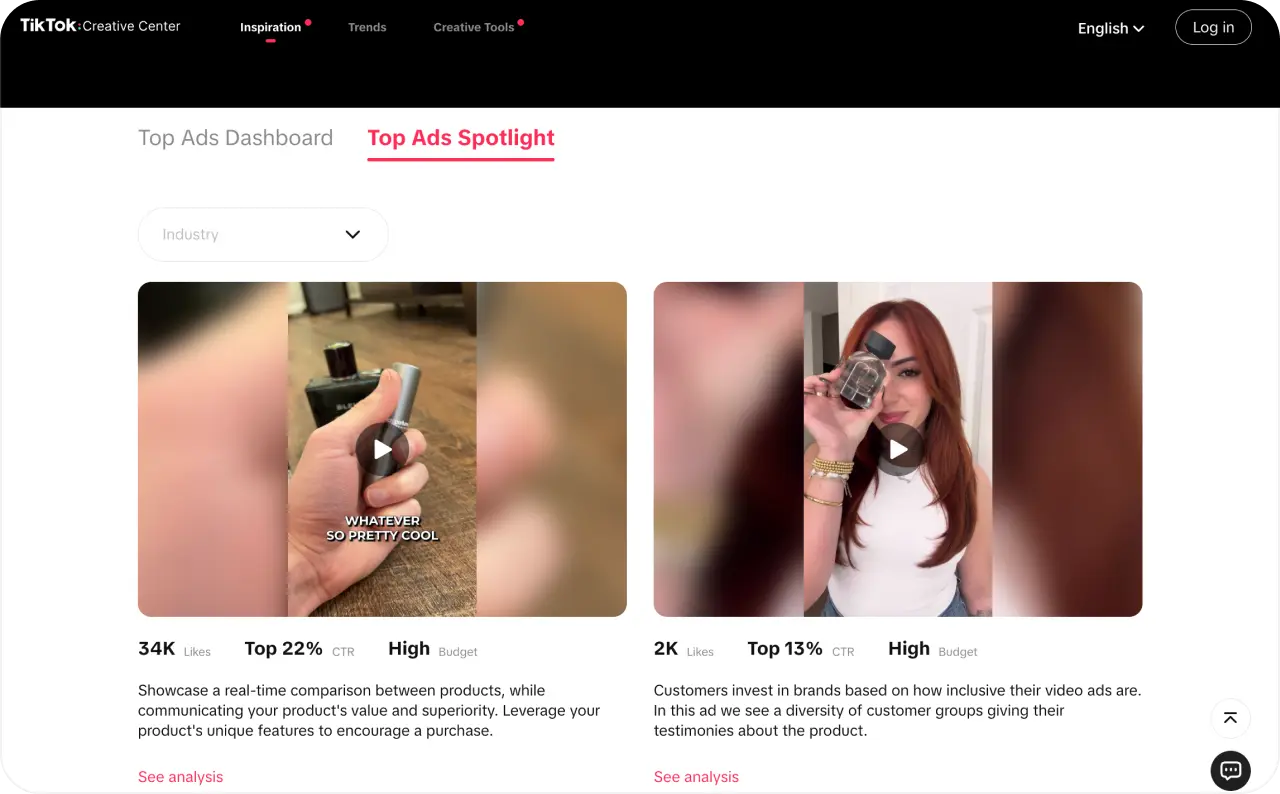
TikTok Creative Center has a section called ‘Top Ads’ where some sponsored content is posted by the brand. ‘Top Ads’ content can be filtered based on industry and country. Some examples also include a graph to show audience activity and interest over the duration of the video.
Look at the graph and first few seconds of the example to quickly grasp the content of the video.
Using this example, let’s say you’re comparing two portable blenders. In one video the blender is held and shown with no explanation of how it’s used to make the drink. In the other video, fruit is added to the cup to show how the drink is made.
The second example would be a better way to capture how the product is used to make the drink.
TikTok provides more information about ‘Top Ads’ in ‘Creative Analytics’ to give users more insight into each example that’s posted.
Price: ‘Top Ads’ is free to view; however, users must create an account to gain more functionality than a guest user.
Limitations: Keep in mind, ‘Top Ads’ represents just some of the sponsorships and ads on TikTok.
My opinion: I’d use it to generate video content ideas and write hook phrases. If the large majority of your sales come from image ads, I’d look elsewhere.
Google ads transparency center
Best for: You can search for advertisers or websites using this tool and, depending on the location, filter the results based on region and date.
Customers using this app to look for a cleaning service to book an appointment may come across a video ad showing a competitor’s cleaning service completing the cleaning of that customer’s home.
In this situation I would look to see if other video ads or text ads also contain messages concerning the availability and time frame of the cleaning service to determine if that aspect of the advertisement is used to sell the service.
Price: The Transparency Center is free to use.
Limitations: Compare messages to determine how widely and strongly a competitor is promoting their product or service.
My opinion: To gain more in depth information about your competitors’ strategies you’ll need to use other resources.
Foreplay
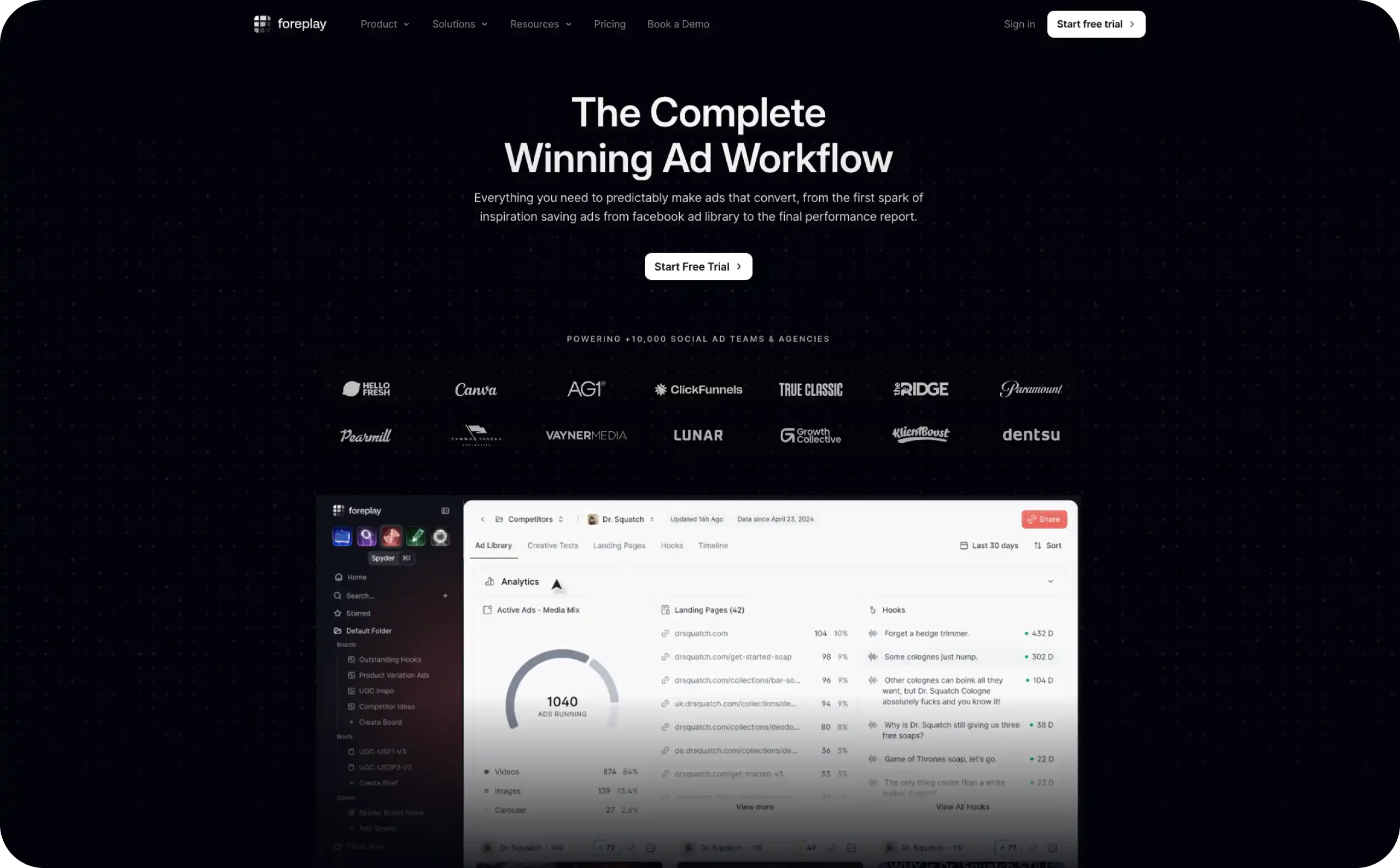
Best for: Foreplay is a great tool for creatives to capture and organize ads and share them with the team. Spying on the competition is made easier with Foreplay’s Spyder tool, as well as creating creative briefs.
Suppose a designer receives 15 screenshots from a member of the team with the message “come up with something like this.” This offers little to no constructive criticism. To organize examples of what they would like an advertising team to create, that member of the team should create two or more boards to represent the various concepts.
Foreplay would be best implemented in a team environment by the person or people responsible for creating the advertisements.
Price: The monthly cost for the basic version of Foreplay is $59, and $175 for the version that includes Spyder. Seven day free trials are available.
Limitations: Features for competitor tracking are included in the more expensive version of Foreplay.
My opinion: I would recommend Foreplay to a team that is frequently miscommunicating or losing references.
AdSpy
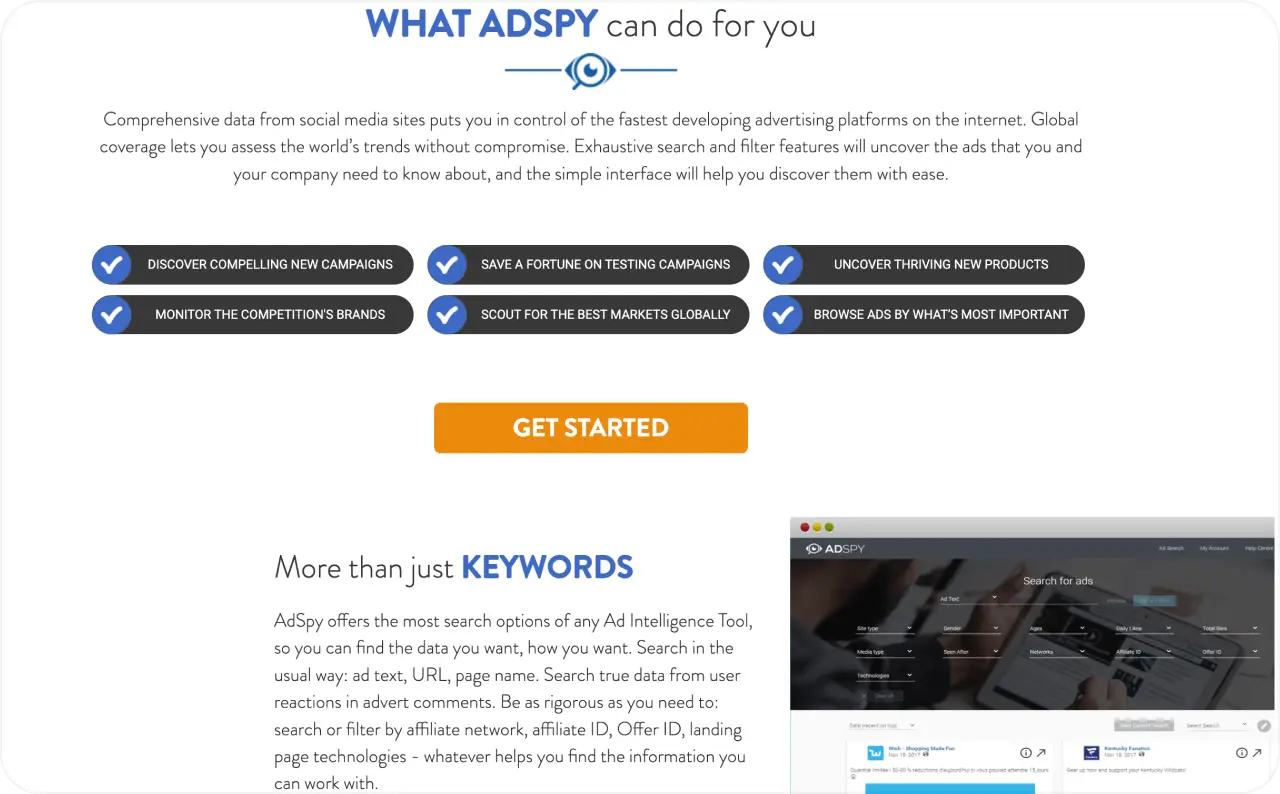
Best for: AdSpy provides a more thorough search of ads on Facebook and Instagram compared to other search tools. Users have the ability to search using numerous fields including ad text, advertiser, URL and media type.
An additional feature that increases the utility of the site is the search function for comments. Using this function members of the marketing team can determine what potential customers’ questions and concerns are about the product.
Let’s say you’re running a hair extension business. Questions people post about color, how long the extensions will last, and ways to install them, should be researched by you in order to create your next advertisement.
Browsing AdSpy’s searches can help with ideation for your next ad. AdSpy also allows users to filter searches by affiliate network and offer ID. I would only find value in using AdSpy at this level of detail if I was searching frequently.
Price: The cost, according to their web site, is $149 a month.
Limitation: The tool is currently only useful for creating ads to be run on Facebook and Instagram.
My opinion: I would use AdSpy’s tool to create ads to be run on other platforms in addition to Meta. AdSpy’s main focus is allowing users to create advertisements for Facebook and Instagram.
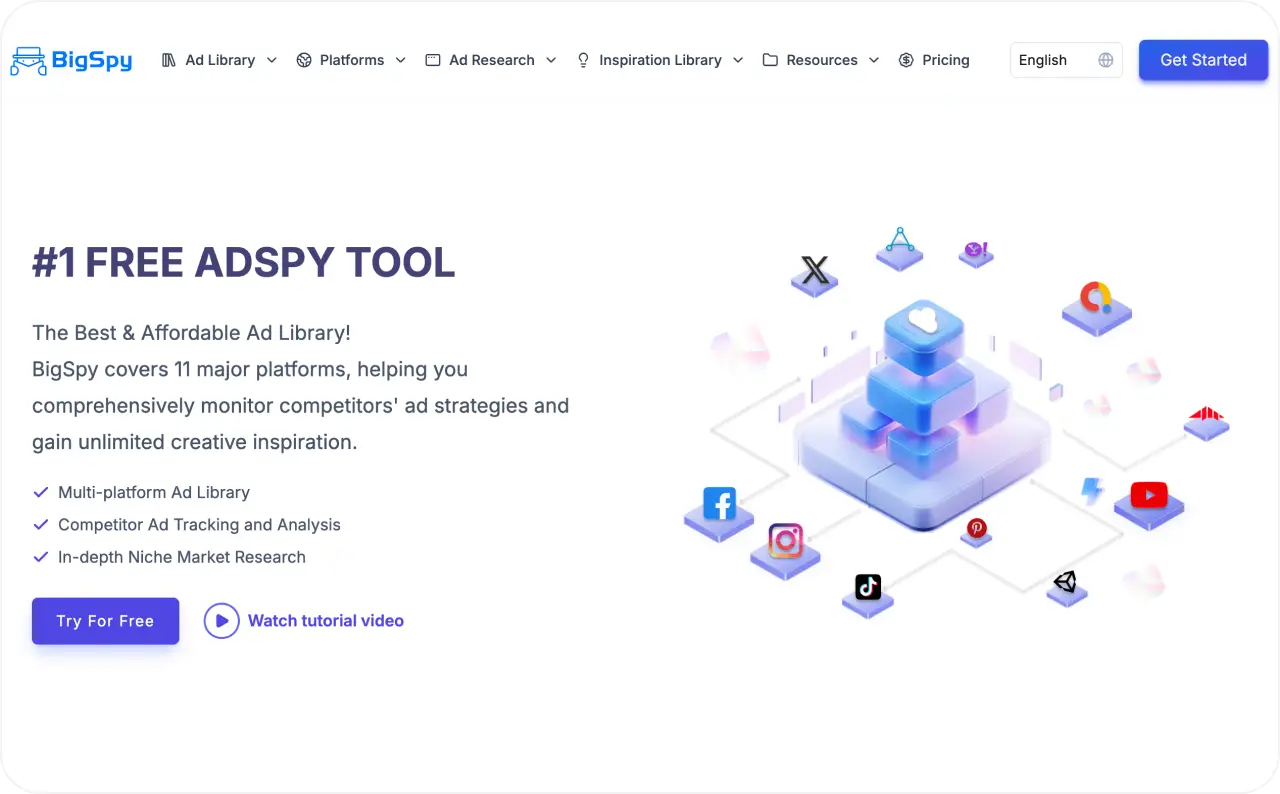
Big Spy
Best for: Big Spy’s more expansive plans include the ability to search and create advertisements for more platforms outside of Facebook and Instagram.
I’d use Big Spy to compare advertisements for product demonstrations across different platforms to get ideas for product ads for the items I sell through my online store.
Price: BigSpy offers a free plan, Starter plan at $69/mo and Growth plan at $159/mo. Annual plans come at $49, $119 and $199 respectively.
Limitations: The Starter plan mainly restricts access to data from certain platforms. To get access to Google and TikTok ads you’d need the Growth plan.
My opinion: I would recommend BigSpy to users who are going to do cross channel ad research. For users who are just going to check a few platforms, BigSpy is an unnecessary expense.
Minea
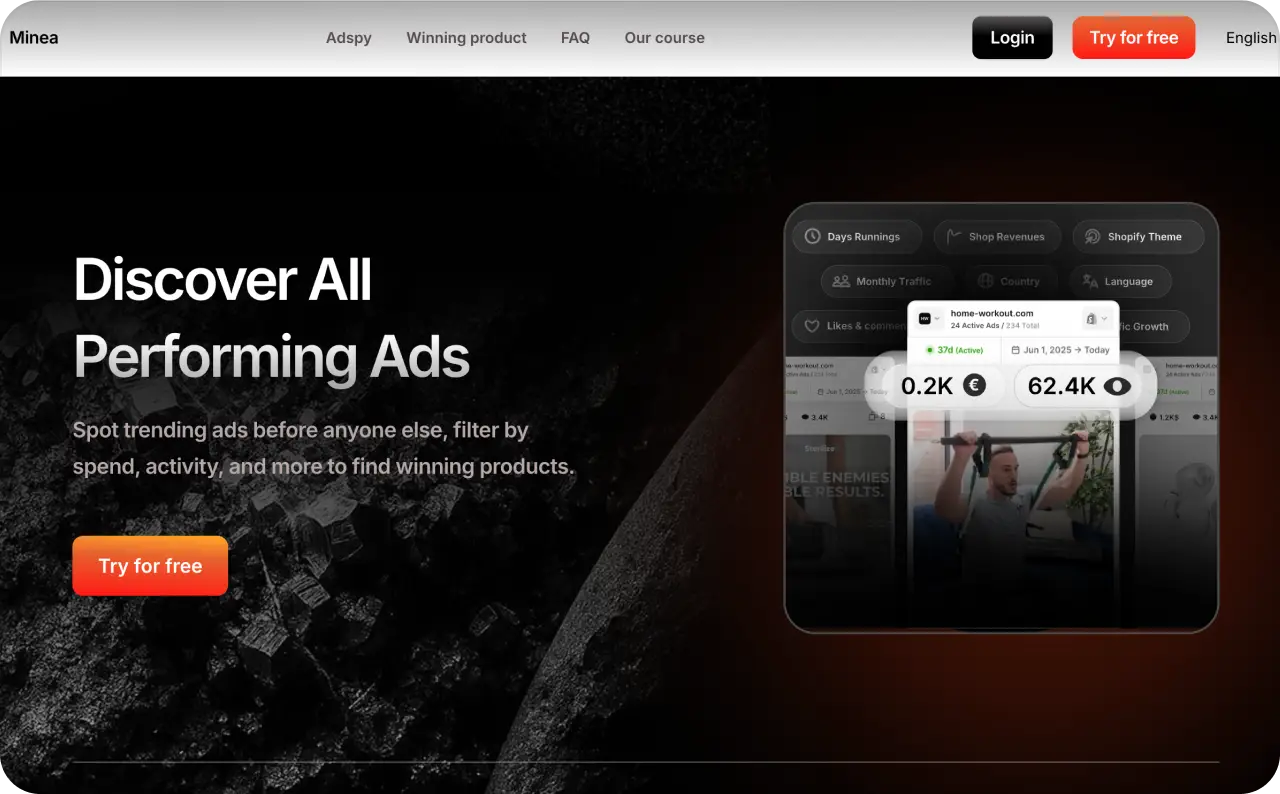
Best for: Users who wish to research advertising of products sold on ecommerce websites. Minea allows users to search ads pertaining to specific products as well as track particular stores. This is useful to identify potential products to sell in your store.
For example if you are thinking of selling compact desk lamps in your store, you can look through relevant ads to get ideas on how to best present the product. You can also look through store listings to see what the product is like.
Price: To get access to 10 AI generated ad analyses as well as ads on Meta platforms, users would have to pay $49/mo, $99/mo and $199/mo for the Starter, Premium and Business plans respectively, respectively.
Limitation: Product and store research are central to Minea. If you already know what you’re selling and mainly need new creatives, some features may be unnecessary.
My opinion: I would recommend Minea to users who wish to research ecommerce products to sell in their store.
PiPiADS
Best for: Users interested in examining advertisements created by businesses on TikTok and Facebook.
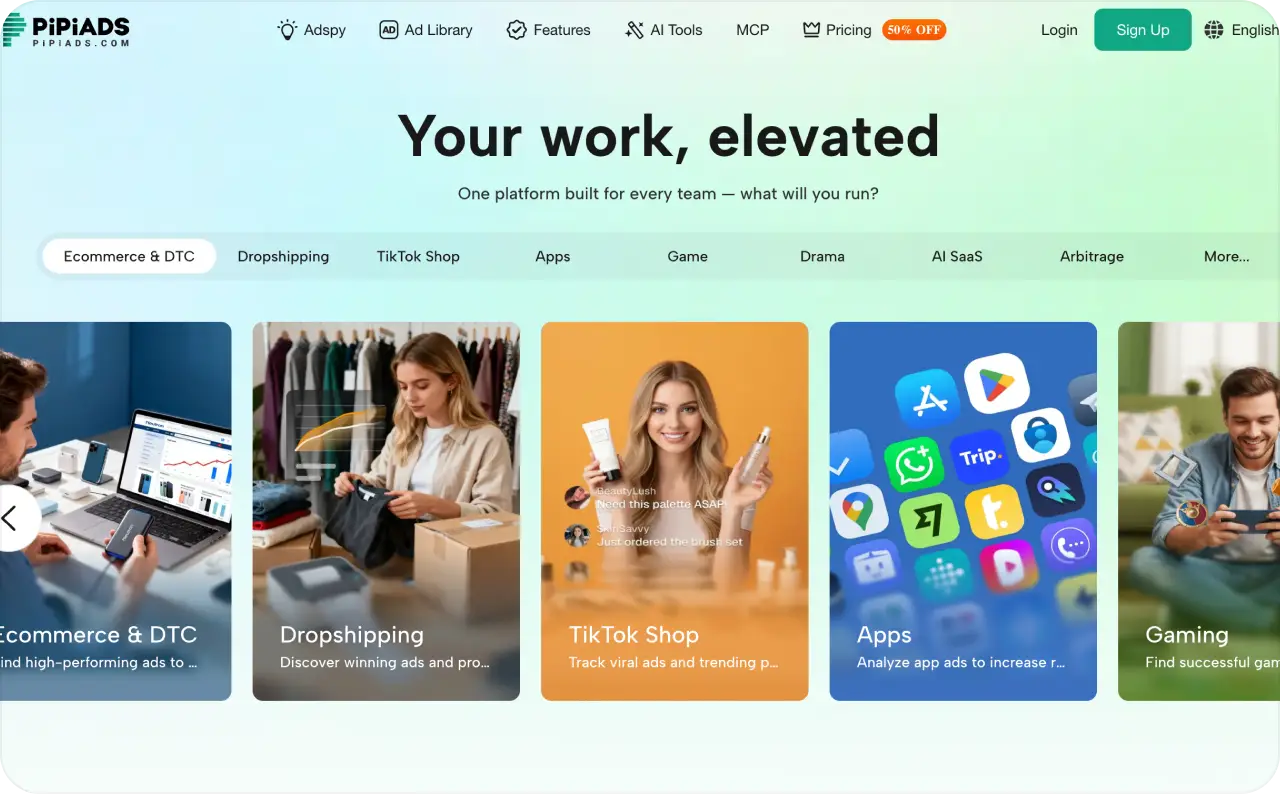
PiPiADS allows users to view examples of advertisements, together with the name of the advertisers and products. You can also use PiPiADS to research advertisements on TikTok Shop. PiPiADS is useful to determine how different stores promote the same product.
For example when doing research on portable pet carriers, advertisements may show a person carrying the pet carrier, or a person’s pet arriving to the carrier to be loaded into it, or a person collapsing the pet carrier for easy transport.
When doing product research it’s important to consider the questions potential customers may have and create advertisements showing the product answering those questions. PiPiADS also includes an estimate of each advertisement’s cost.
Price: During its Q4 promotion PiPiADS’s ‘Basic’ plan was $294 a year, $24.50 a month. The promotion does not allow monthly billing. The ‘Basic’ plan comes with a 500 credit free trial, but no access to ‘ad details.’
Limitation: To use some features users must purchase additional credits or use other AI applications.
My opinion: Overall, I’d say PiPiADS is a good tool to use to gather more information on products advertised on TikTok.
Atria
Best for: Users interested in generating creative ads using AI.
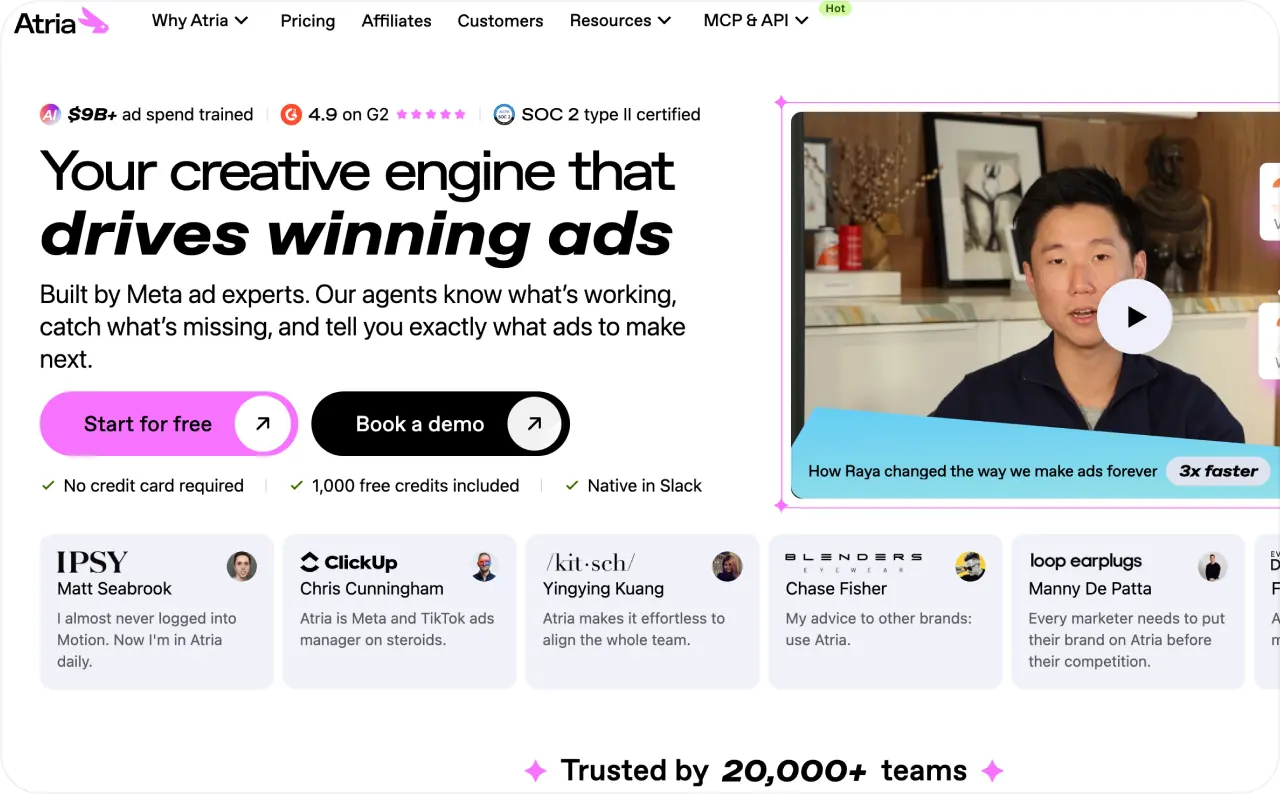
Atria, like Zeely, generates picture ads based on competitor examples. The Raya assistant allows users to create branded image ads using other ads as examples. Users can also generate ad copy and scripts. With more features, Atria has the potential to be more useful to a larger extent to users managing multiple brands. More comprehensive ad analytics and Radar features are included in higher plans of Atria.
Price: The Maker Starter plan is $19/month and includes 20 inspiration searches, 50 saved ads and 3 followed brands. The Core plan, which costs $129/month, billed annually, adds additional user accounts and analytics.
Limitations: Not including Radar and ad analytics reduces usage of the Maker Starter plan.
My opinion: Overall, I would recommend Atria to a user or team in need of more extensive analysis of competitors’ accounts. For users interested in locating and saving competitors’ ads, I would suggest starting with Zeely.
What ad spy tools are worth paying for?
Paying to use an ad spy tool is recommended when you really need that specific data and can’t find it using free tools.
If you only need to check 5 ads against 5 competitors each month then using a paid tool is unnecessary. Go to the public library, look up the ads you need, and then leave until you need more info.
If you are losing too much time during the research phase of your project to come up with the info needed to create the ad, then a subscription would be justified.
When free ad spy tools would be adequate to use
I would use free tools to look up current ads being run by competitors to my business. I might also use a free ad spy tool to look up examples of video ads used in previous campaigns.
Prior to creating a new holiday promotion, a local bakery might use some free ad spy tools to see how other local businesses advertise holiday gift baskets. In most situations, using a free ad spy tool is sufficient to gain the info needed to create an ad.
When it would be appropriate to use a paid ad spy tool
It would be worth the cost of a paid ad spy tool if you needed to conduct more extensive research about your competitors. Some tools also include a reference library of ads which would also increase the cost of the tool.
Prior to paying for the tool, check to see if competitor research and ad generation are included. You may also need to check how many times each user of the tool can generate an ad prior to using it themselves.
A low cost monthly subscription would be of no use if you are required to upgrade the subscription in order to use the feature you need the most.
FAQ about ad spy tools
Sometimes. It depends on the platform and region. Meta keeps certain political and regional advertising records after campaigns end. Regular U.S. commercial ads generally disappear from public search after the campaign ends. If you come across an ad you’d like to use as an example, capture the example while you can.
Yes, however there is a fine line. Like in the example of an advertiser showing its product with its main benefit. That is a common advertising concept. Using the photography, design, and/or logo of your competitor can raise questions of copyright infringement and/or other legal issues.
I’d use my product photos and describe the benefits of my product using new ad copy. If you want to learn more about legal implications, consult a lawyer.
Generally no, a competitor won’t be notified if you looked at their ad. Visiting a competitor’s site may show up in their site analytics, but you don’t need access to a competitor’s advertising accounts to look at a competitor’s public ads.
I’d say it depends on your goal. If you’re trying to see the types of products offered and the benefit claims made by competitors in your industry, look at your direct competitors. To look at more general design concepts, look at large brands.
For a small skincare store, I’d take a look at competitors in my price range to get a better sense of the offers customers have to choose from. Then, I’d consider taking a look at some luxury beauty brands.
For businesses running weekly creative tests, I’d do competitor ad reviews once a week. If I were running a campaign around a sale or a new product launch, I’d also do reviews more often, outside of the ad reviews.
If you only create new ads a couple of times a month, looking over competitors once a month would work, too.
The important question is, have you found a new testable idea? You shouldn’t need to do further research just to collect more competitor ads.
If I only needed to spy on competitor ads on Facebook and/or Instagram, I would first check the Meta Ad Library. I can access the ads for free, and I get to see the public creative the advertiser posts. For a business that needs to repeatedly create new ads, Zeely is the ad spy tool I’d look at.
Sources
Official product pages and research used to check features, pricing, and market figures.
Market data
• IAB / PwC — Internet Advertising Revenue Report, 2025
• Pew Research Center — Americans’ Use of Social Media in 2026
Official product and platform sources
• Zeely Help Center — How to use Competitor Spy
• Zeely Help Center — How to create an Image ad
• TikTok for Business — About Top Ads
• Google Ads Help — Ads transparency
• Foreplay — Pricing and features
• AdSpy — Official website and pricing
• Atria Help Center — Generate image ads with Raya
Additional industry reference
• Creatify — AI Ad Spy: Facebook and Instagram research