Best AI banner ad generators for display ads
Which AI banner ad generator gives you usable display ads, not just pretty mockups? I built this guide so small teams should check before paying.
The best AI banner ad generator depends on what you need to ship. Zeely is the best fit for small businesses that want product-based static ads and Meta-ready campaigns without hiring a designer. Bannerbear is better for API-driven image automation. Bannerwise and Celtra fit larger display teams. Abyssale is strong for creative automation and HTML5 needs. Creatopy, now The Brief, is useful for teams that want one ad studio for banners, video, social, and exports.
Banner ads look simple until you need ten sizes, three offers, two audiences, and one deadline. That is where a good AI tool starts to matter. I’m not looking for the tool with the flashiest demo. I’m looking for the one that helps you create, edit, export, and test banners without losing the selling message.
AI banner ad generator comparison: the fast verdict
If you run a small business, your best tool is usually the one that removes the most work between product and live ad. A pretty banner is not enough. You need readable copy, clean product focus, fast resizing, clear pricing, and a format that fits your campaign.
Here is my short list.
| Tool | Starting price | Best for | Banner and display fit | My verdict |
| Zeely | From $29.95/month | Small businesses, ecommerce, product ads | Static ads, display-style creatives, product import, batch variations, Meta launch | Best small business pick |
| Bannerbear | From $49/month | Developers and automation teams | API-based image generation, templates, bulk creative workflows | Best for API automation |
| Bannerwise | From €275/month | Brands and agencies | HTML5, animated banners, dynamic display, publishing add-ons | Best for display teams |
| Creatopy/The Brief | From $29/month annually | Designers, freelancers, creative teams | Multi-format ad studio, AI, exports, HTML5, MP4, brand kits | Best design studio option |
| Celtra | Custom pricing | Enterprise creative operations | Creative automation, dynamic product ads, serving, governance | Best enterprise option |
| Abyssale | From $15/seat/month | Teams that need many banner sizes | Creative automation, HTML5, spreadsheet generation, API, approvals | Best value automation pick |
Before you pick any banner maker AI, ask one blunt question: will this tool help me publish more usable ads, or will it just give me more files to clean up?
Best AI banner ad generator for small businesses: Zeely
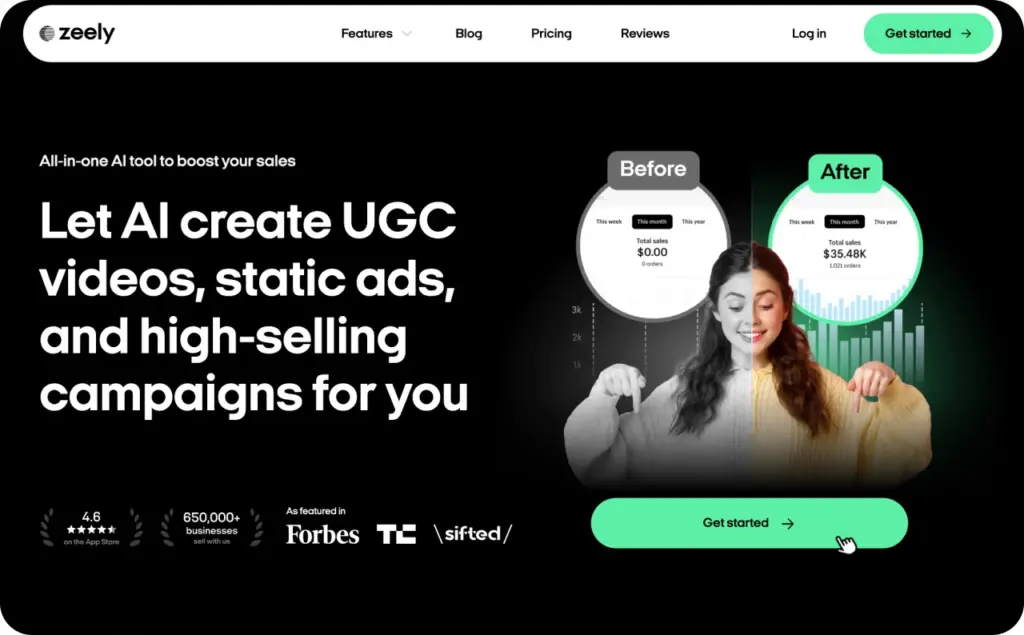
Zeely is my best small business pick because it starts where most business owners actually start: with a product. You can add a product link, use existing product details, create static ad variations, and move closer to launch without opening five design tabs.
That matters when you do not have a designer sitting beside you. Many banner tools assume you already know the layout, the offer, the audience, the export format, and the next test. Zeely is more helpful when you need the tool to carry more of that setup.
Use Zeely when you need:
- Product-based static ads for Facebook and Instagram
- Several creative variations for one offer
- A simple way to test product angles
- A workflow that connects creative and campaign launch
- A faster alternative to hiring a designer for every promo
Where Zeely fits this article is specific. I would not position it as the deepest HTML5 banner platform. That would be unfair. Zeely is stronger as a small-business AI banner ad generator for product ads, social display-style ads, and quick static variations.
Best for: ecommerce sellers, service businesses, dropshippers, local businesses, and teams that need simple display-style creatives fast.
Not best for: enterprise teams that need advanced ad serving, complex HTML5 animation, or deep DSP workflows.
Internal link to use: If you want product-based image ads, start with Zeely’s AI static ads creator. If your campaign also includes display-style placements, link to the AI display ad creator.
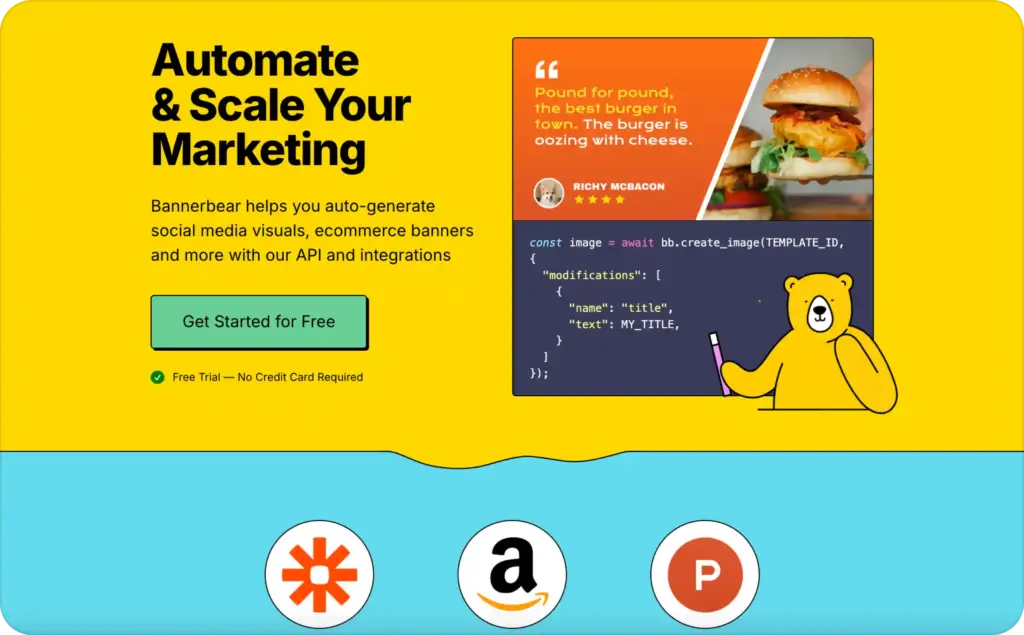
Best AI display ad generator for API workflows: Bannerbear
Bannerbear is not the tool I would hand to a beginner who wants a banner by lunchtime. It is better for teams that have a workflow already and want to automate it.
The real value is the API. You can build templates, connect data sources, and generate images at scale. That makes it useful for ecommerce, real estate, certificates, event images, social graphics, and dynamic visual assets.
A small shop owner may not need that. A technical marketer might love it.
Use Bannerbear when you need:
- API-based image generation
- Zapier, Make, Airtable, or REST API workflows
- Reusable templates for many products
- Automated social images or ecommerce banners
- Predictable generation credits
The hidden thing to know is that Bannerbear’s value depends on setup. If you do not want to build templates or connect tools, it may feel heavier than expected. If you do have that setup, it can save hours.
Best for: developers, marketing ops teams, no-code builders, and businesses with repeatable visual data.
Not best for: non-technical owners who want a guided ad workflow and campaign launch help.
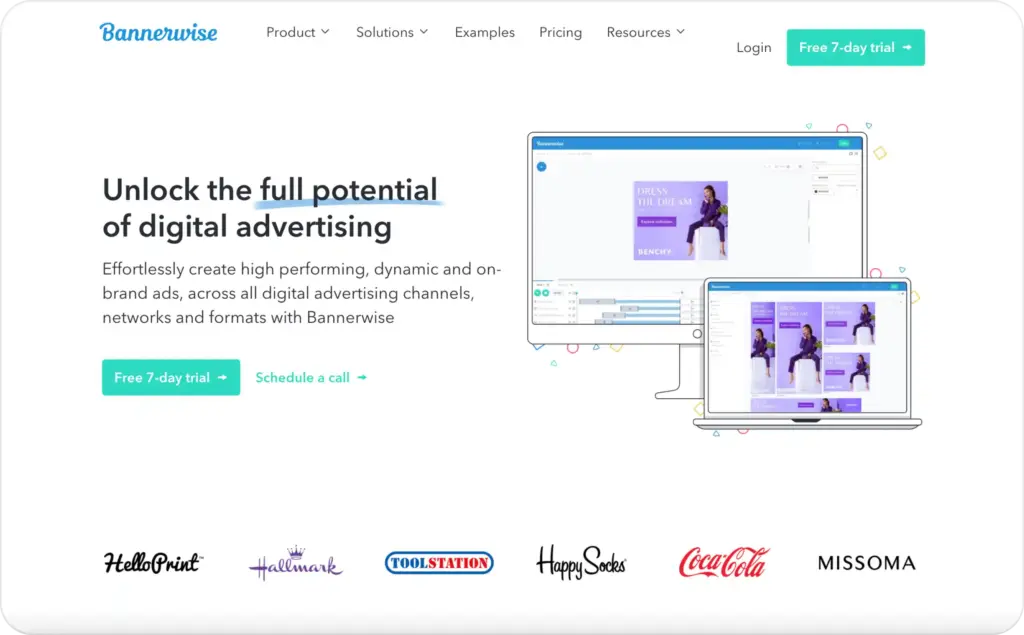
Best banner maker AI for display teams: Bannerwise
Bannerwise is built for serious banner production. It is not a light social post tool. It focuses on digital ad production, HTML5 ads, animated ads, dynamic social and display ads, ad network publishing, and agency workflows.
That is why the price starts higher. Bannerwise makes more sense when a team already spends time rebuilding banners, resizing assets, managing versions, or preparing ads for different networks.
Use Bannerwise when you need:
- Static and animated HTML5 ads
- Dynamic display ads
- Network publishing support
- Edit-all-sizes-at-once workflows
- Brand control across many formats
- Agency or brand team access
The main thing small businesses should know is that Bannerwise may be too much if you only need a few display-style graphics each month. It becomes more useful when production volume is the real pain.
Best for: display marketers, agencies, in-house creative teams, and brands with recurring banner campaigns.
Not best for: solo owners who need low-cost product ads quickly.
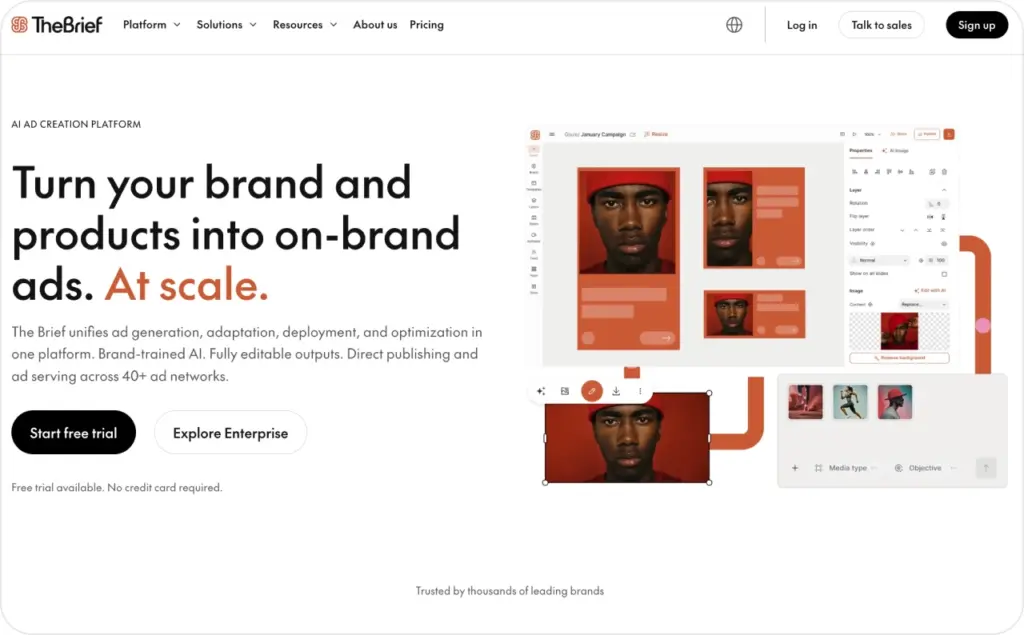
Best display ad creative AI for design teams: Creatopy, now The Brief
Creatopy has shifted into The Brief. Many people still search for Creatopy, but the current product experience points to The Brief.
The Brief is closer to a full ad studio than a simple banner generator. It supports static and animated exports, HTML5, MP4, GIF, PDF, brand kits, AI image tools, AI copy, AI resize, and team workflows.
That makes it useful when design control matters. You can work from templates, import assets, edit creative, and export across formats. It is less “paste product URL and launch” and more “build a proper creative system.”
Use The Brief when you need:
- Banners, animated ads, and HTML5 exports
- Brand kits and reusable templates
- Design control across many formats
- Team collaboration
- AI image, copy, and resize tools
- A wider creative workspace beyond banners
The hidden buyer question is simple: do you need a banner generator or an ad studio? If you only need fast product ads, Zeely is cleaner. If your team wants a larger creative workspace, The Brief becomes more interesting.
Best for: designers, freelancers, creative teams, and agencies.
Not best for: owners who want the lowest-friction product-to-ad path.
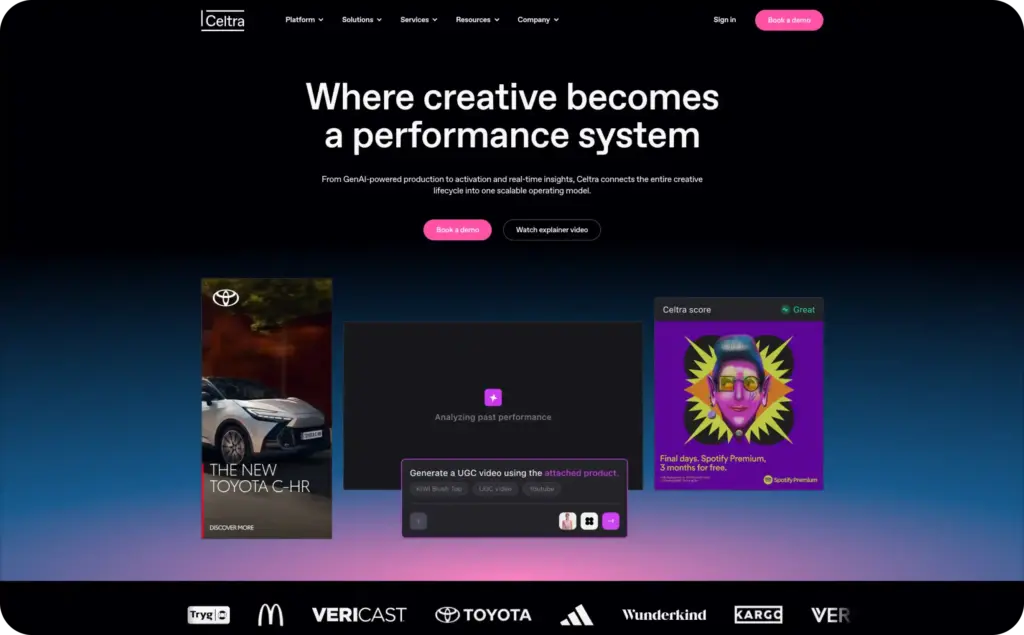
Best enterprise AI display ad generator: Celtra
Celtra belongs in this comparison because it solves a different problem. It is not trying to be the cheapest AI banner ad generator. It is built for enterprise creative automation, creative enablement, dynamic product ads, predictive AI, custom API integrations, ad serving, and creative services.
That means Celtra is more likely to fit a brand with many markets, many approvals, many product variations, and a need for governance.
Use Celtra when you need:
- Enterprise creative automation
- Dynamic product ads
- Ad serving options
- Custom integrations
- Creative governance
- Support for large production teams
The tradeoff is price transparency. Celtra uses custom pricing, so you need a sales process before you know the real cost. For a small business, that is usually a sign to look elsewhere.
Best for: enterprise brands, media teams, large agencies, and global creative operations.
Not best for: small businesses comparing self-serve monthly tools.
Best AI banner maker for automation value: Abyssale
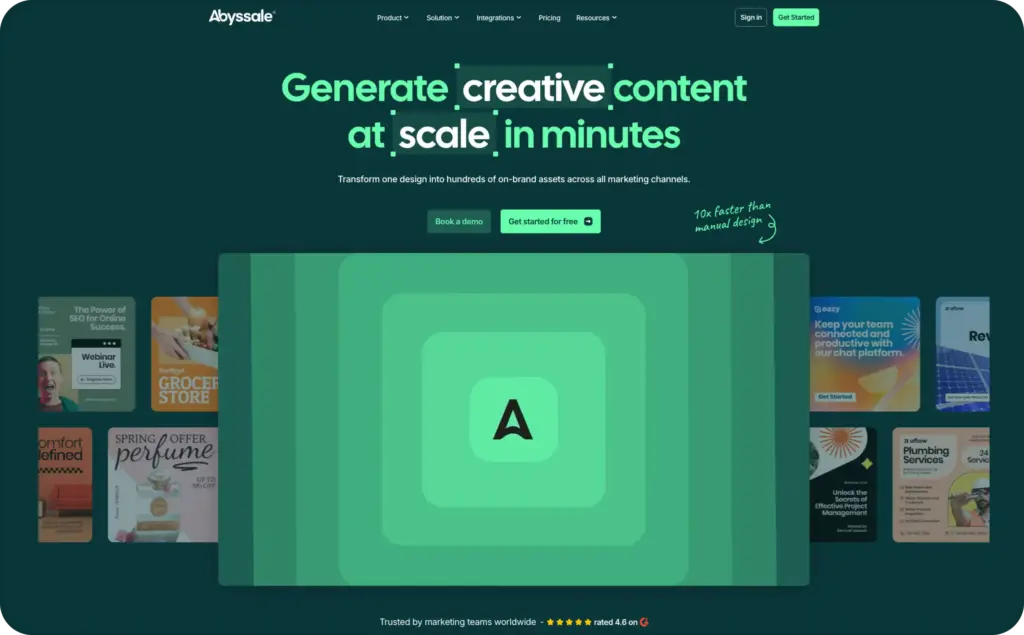
Abyssale is one of the strongest tools in this list for teams that need lots of variations without paying enterprise rates. It supports creative automation, spreadsheet generation, Dynamic Images, API access, GIF and MP4 output, approval workflows, and HTML5 ads on higher plans.
The pricing is easier to understand than many display tools. Start is for basic image generation. Pro adds automation. Suite adds HTML5 ads, ad-network compliance, public Quick Generation, and print-ready CMYK PDF export.
Use Abyssale when you need:
- Bulk banner generation
- Spreadsheet-based creative production
- Dynamic image URLs
- HTML5 exports on Suite
- Approval workflows
- API and no-code integrations
The secret sauce is not that Abyssale makes one banner. It is that it helps you make many controlled variations from one system. That is exactly where small teams often lose time.
Best for: lean teams, agencies, ecommerce brands, and marketers who need repeatable creative production.
Not best for: someone who wants a fully guided campaign launch tool.
AI banner ad generator buying checklist for display ads
Most bad banner tool choices happen because people compare the wrong things. They look at monthly price and ignore the cost of fixing outputs later.
Here is the checklist I would use before paying for any display ad creative AI tool.
First, check format coverage. A good banner tool should support the formats your campaign actually needs. For Google responsive display ads, Google recommends horizontal, square, and vertical image assets. For uploaded display ads, Google still lists fixed image sizes like 300 x 250, 728 x 90, 160 x 600, 300 x 600, and mobile banners.
Second, check text behavior. Google recommends clear headlines, simple descriptions, and clean image assets. Too much text inside the image can reduce flexibility, especially for responsive display ads.
Third, check editability. AI banners often look fine in one size and fall apart when resized. Your tool should let you adjust text hierarchy, product placement, logo size, CTA position, and background.
Fourth, check export quality. For static banners, JPG and PNG may be enough. For richer display work, you may need GIF, HTML5, MP4, AMP, or ad-network-ready ZIP files.
Fifth, check hidden costs. Watch for credits, AI credits, paid add-ons, extra users, hosting CPMs, ad serving fees, API limits, export limits, and watermark rules.
Sixth, check campaign fit. A banner for remarketing should not look like a cold awareness ad. A product discount banner should not look like a brand manifesto. A social display-style banner should not feel like a corporate billboard.
What small business owners ask in forums but top Google results miss
Forum questions around banner ads are usually more practical than search results. People do not just ask “what is the best tool?” They ask why their ads get views but no sales, why CTR is low, why Google crops images, why text looks tiny on mobile, and whether display ads are even worth testing.
Here is the real answer.
Banner ads are rarely your whole sales machine. They work better as reminders, retargeting assets, offer refreshes, product proof, and frequency builders. If you expect a cold banner to perform like a high-intent search ad, you will judge it unfairly.
Small businesses should care about these hidden problems:
- Unreadable mobile text
- Too many words in one banner
- Product image cropped in smaller sizes
- CTA that looks like decoration
- No offer difference between awareness and retargeting
- Generic AI backgrounds that hide the product
- Pretty banners with no reason to click
- Wrong metric focus, especially judging banners by CTR only
The best AI banner ad generator is not the one that makes the prettiest first draft. It is the one that helps you create enough clean variations to learn what earns clicks, saves budget, and brings people back.
My test scorecard for AI banner ad generators
Before publishing this article, I would add real screenshots from each tool. Do not fake them. Readers can feel when a comparison is stitched from homepages.
Use this scorecard for the proof section:
| Test area | What to capture | Why it matters |
| Input workflow | Product URL, prompt, or template setup | Shows how much work the user must do |
| Output quality | First 3 to 5 generated banners | Shows whether the AI creates usable drafts |
| Resize control | Same ad in square, landscape, mobile, and banner sizes | Shows whether the layout survives format changes |
| Copy control | Headline, offer, CTA, and logo editing | Shows whether the ad can be fixed fast |
| Export options | JPG, PNG, GIF, HTML5, MP4, ZIP, AMP | Shows real display campaign fit |
| Pricing proof | Pricing page screenshot with date | Builds trust and prevents stale comparison copy |
| Best for verdict | One sentence per tool | Helps readers buy faster |
Best AI banner ad generator by use case
Choose Zeely if you want product ads fast. It is the best fit when your banner work connects to paid social, product offers, and small-business testing.
Choose Bannerbear if automation is your main need. It is strong when banners come from data, not one-off design work.
Choose Bannerwise if your team lives in display production. It is built for HTML5, dynamic ads, publishing, and display workflows.
Choose The Brief if you want a larger creative studio. It fits designers and teams that need many ad types, not only banners.
Choose Celtra if you are running enterprise creative operations. It is too heavy for most small businesses, but right for large teams.
Choose Abyssale if you want automation without going full enterprise. It is useful for teams that need many versions, approvals, and HTML5 options.
Final verdict on the best AI banner ad generator
For most small businesses, I would start with Zeely because it keeps the workflow close to the product, the offer, and the campaign. That is what matters when you do not have time to build a full banner operation.
For technical automation, Bannerbear is stronger. For classic display production, Bannerwise and Abyssale deserve serious testing. For a full creative studio, The Brief is useful. For enterprise creative systems, Celtra is the better fit.
The real winner is the tool that helps you ship cleaner banner ads more often. Not more files. Not more AI noise. More usable creative you can actually test.
FAQ
Zeely is the best AI banner ad generator for small businesses that need product-based static ads and campaign-ready creative without a designer. Bannerbear is stronger for API automation, while Abyssale and Bannerwise are better for larger display production workflows.
An AI display ad generator helps create visual ad assets for display placements, social banners, retargeting campaigns, and responsive ad workflows. The best tools help with resizing, text hierarchy, product placement, exports, and repeatable testing.
Sometimes. For responsive display ads, you need strong image assets, headlines, descriptions, and logos. For uploaded display ads, you may need fixed banner sizes, strict file limits, and clean exports. Always check current Google Ads specs before launch.
Bannerwise, Abyssale, The Brief, and Celtra are stronger fits for HTML5 banner workflows. Zeely is better for small-business static ads and display-style social creatives.
Watch credits, export limits, watermarks, seat costs, HTML5 access, hosting costs, API add-ons, and whether the tool creates ads you can edit. The cheapest tool can become expensive if every output needs manual repair.
AI does not guarantee better performance. It helps you create more variations faster. The real gain comes from testing clear offers, readable layouts, strong product images, and different audience angles.

Emma blends product marketing and content to turn complex tools into simple, sales-driven playbooks for AI ad creatives and Facebook/Instagram campaigns. You’ll get checklists, bite-size guides, and real results, pulled from thousands of Zeely entrepreneurs, so you can run AI-powered ads confidently, even as a beginner.
Written by: Emma, AI Growth Adviser, Zeely
Reviewed on: July 20, 2026