Best AI ad generators for Instagram: 10 tools compared
Which Instagram ad generator is worth paying for when you need ads you can actually use? I compare 10 tools by creative features, pricing, and campaign support, with a clear reason to choose each one.
The best AI ad generators for Instagram help you turn an offer into something customers understand. For some businesses, that means a clear product image. For others, it means a presenter video, several creative versions, or help launching the campaign.
Quick picks
My picks for the best AI Instagram ad generators in 2026 cover both complete advertising workflows and specialist creative tools. Start with the task you need help finishing.
- Best overall for ad creation and Meta campaign management: Zeely
- Best for product-to-video ads with AI presenters: Creatify
- Best for businesses already creating in Canva: Canva Grow
- Best for creative variations and predictive scoring: AdCreative.ai
- Best for ad creatives alongside regular social content: Predis.ai
- Best for AI actor delivery and emotion control: Arcads
- Best for multilingual presenter videos: HeyGen
- Best for scene-based ads with editing control: InVideo
- Best for repeatable creative production: Pencil
- Best for AI tools with optional managed services: QuickAds

What is an AI Instagram ad generator?
An AI Instagram ad generator turns your product information into ad creative built for Instagram placements. You give it photos, a product link, a description, and an offer. It returns static images, short videos, carousels, and the copy that goes with them.
Small businesses use these tools to produce more versions of an offer without hiring a designer or an editor. Some tools stop at the finished file. Others, like Zeely, connect the creative to Meta campaign setup so the ad can move from an idea to a running campaign.
AI Instagram ad generator vs. social media post maker: what’s the difference?
An ad generator produces creative meant to run as paid Instagram placements, and the stronger options connect that creative to campaign setup, budgets, and reporting. A post maker or scheduler produces organic content for your feed and queues it for publishing.
Some tools in this comparison handle both. That overlap helps a small team, but an organic post going out on schedule is not the same as a paid campaign with a budget, targeting, and results to review. If paid ads are the reason you are buying, check for campaign controls before you subscribe.
The 10 best AI ad generators for Instagram
1. Zeely
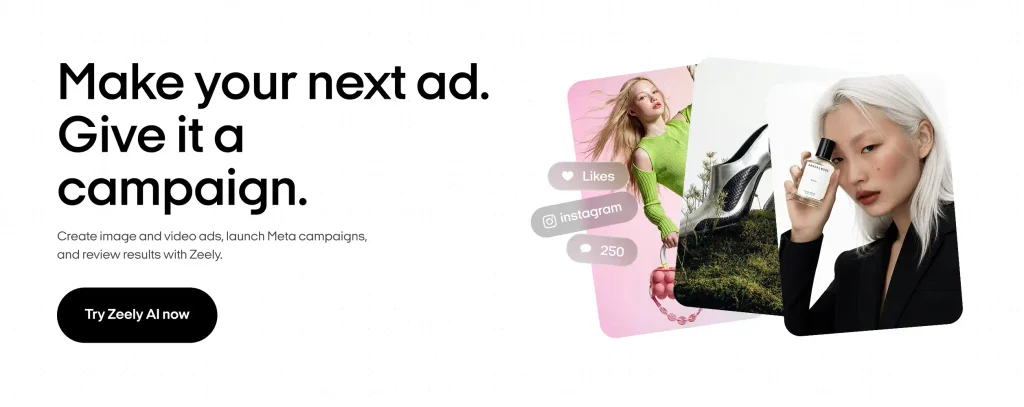
Zeely is my first pick for a business that needs help across the advertising process. As an AI Marketing Intelligence Platform, it brings creative production, paid Meta campaign setup, and performance review into one product. That makes it useful when the same person owns both the ads and the results.
Zeely’s Instagram ad creator supports static creatives, video ads, AI scripts, and avatars. You can build different ways to present an offer, then move into campaign work. Its role as an AI Marketing Intelligence Platform becomes concrete here: you have a place to create, launch, and review.
You can start with a product link or add product information manually. Imagine you sell a handmade candle gift set. You might create a static ad showing the contents and a short video explaining who would enjoy it. Those are two different selling ideas around the same product, rather than the same graphic with another background.
The next step is choosing the creative, goal, audience options, and campaign budget. The guide to how Zeely works explains the wider sequence.
Useful features:
- Product import and manual entry to organize the information behind your ads
- Static and video creation for different ways to explain the offer
- Scripts and avatars for presenter-style product content
- Paid Meta campaign setup and performance tracking alongside creative production
Main advantage: You can use Zeely for both making ads and managing campaign work.
Pricing: The Zeely plan cards display Starter at $29.95/month with 2,500 credits, Plus at $49.95 with 5,000, and Growth at $79.95 with 10,000. The page also contains different comparison and FAQ amounts. Confirm the checkout price, renewal terms, and any campaign service charge. Ad spend is additional.
My verdict: Choose Zeely when you want a manageable path from product information to creative production and campaign review. That connected workflow is its strongest reason to lead this list.
2. Creatify
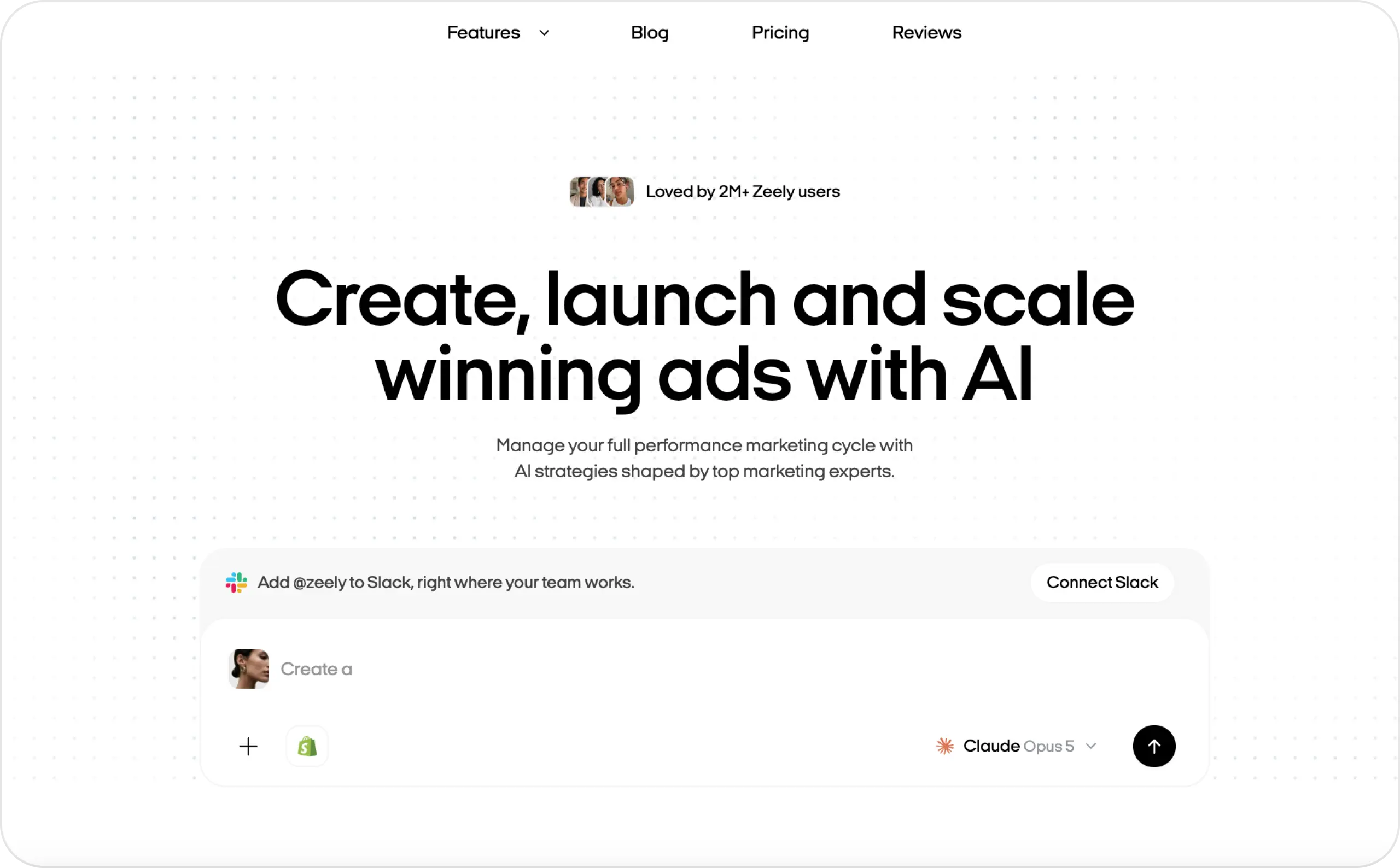
Creatify is a strong candidate when product videos fill your production calendar. Its Instagram ad generator focuses on video ads and Reels, giving product-focused teams a clear place to begin.
The useful buying question is whether your offer benefits from a person explaining it. A subscription box, for example, may need more context than a single photograph provides. A presenter can introduce the contents while the visuals show what the customer receives. Creatify’s paid plans combine creation tools, AI actors, and ad templates. Its Pro tier also lists campaign-related tools, including a Performance Agent. That matters if you want help beyond the finished video: the cheapest creation plan and the campaign workflow are different purchasing decisions.
Useful features:
- Product-oriented video creation for Instagram advertising
- AI actor options for spoken product explanations
- Ad templates to give each video a starting structure
- Campaign-related capabilities on the relevant higher plan
Main advantage: It gives video-focused advertisers a product-centered production workflow with several presenter options.
Pricing: Creatify pricing displays Starter at $39/month with 100 credits and Pro at $99/month with 300 credits. The free plan includes 10 monthly credits and watermarked exports.
My verdict: Shortlist Creatify when you need a steady supply of product videos. Compare it with Zeely if campaign management is equally important to your purchase.
3. Canva Grow
Canva Grow deserves a fresh look if your team already keeps brand assets in Canva. The current product supports AI ad creation, direct Meta publishing, and performance feedback. Its advertising workflow extends beyond choosing a template and downloading a graphic.
You can begin with business information, a website, or product images. Canva’s ad creation instructions describe reviewing concepts, generating creative, and editing the result. Keeping those steps in a familiar editor can be useful when colleagues need to adjust headlines, layouts, and branding.
Think of a store preparing a weekend promotion. The owner supplies the offer, a designer refines the visuals, and another colleague reviews the wording. I would consider Canva Grow when this shared design process already works well and the team wants to bring ads into it.
Useful features:
- Ad generation from business details and existing product assets
- Concept review before choosing what to generate
- Editing within Canva’s design environment
- Direct Meta publishing and ad performance features
Main advantage: It builds on an existing Canva workflow, which can reduce the effort of introducing another editor.
Pricing: Canva’s U.S. pricing page displays Pro at $180/year for one person and Business at $250/year per person, before applicable tax. Free access has limits; AI allowances also vary by plan.
My verdict: Compare Canva Grow first if your team already creates and reviews designs in Canva. Choose based on the campaign and analysis features included in your account.
4. AdCreative.ai
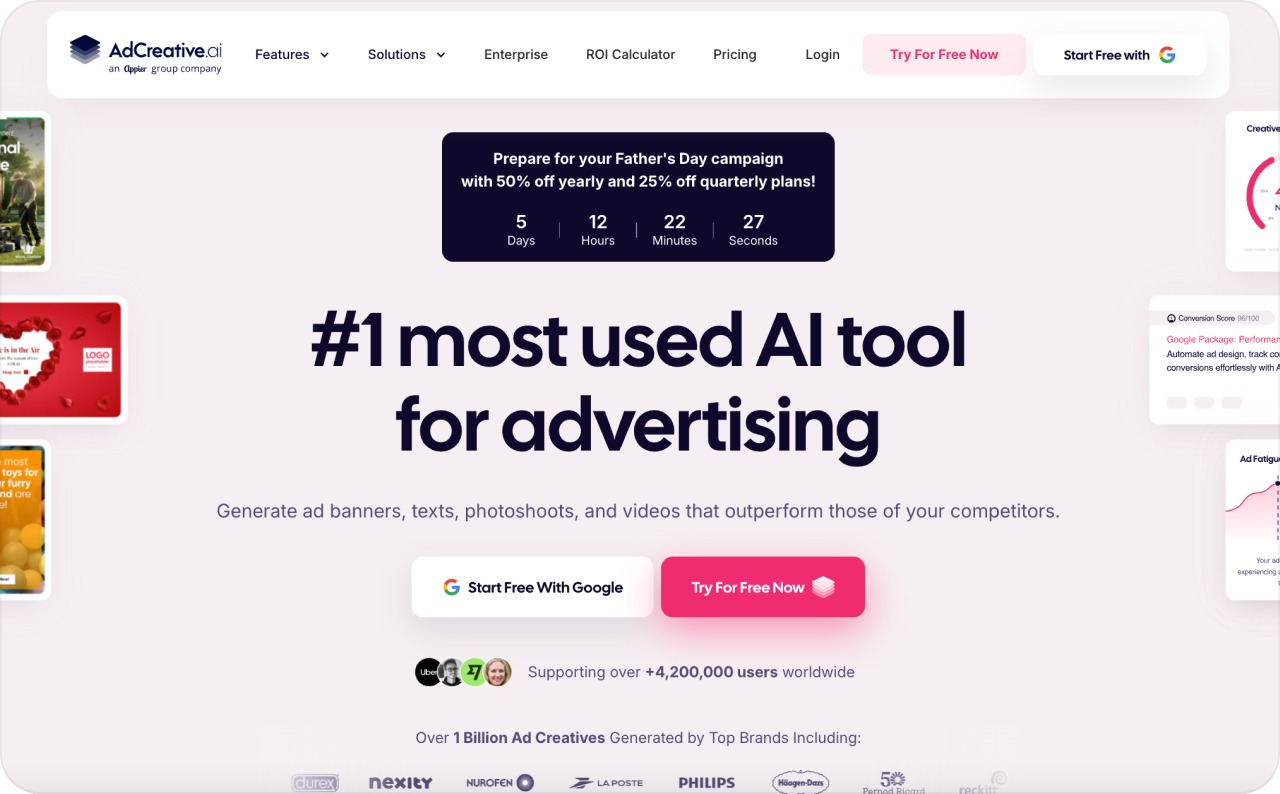
AdCreative.ai suits advertisers who need more ideas to test within an existing campaign process. Its official product page lists creative generation, batch creatives, scoring, and video tools. The practical value is having several versions of an offer to review. For a home-cleaning service, you might want to compare a convenience message with an offer built around predictable pricing. I would look for meaningful differences in the message and visual, then decide which ones deserve campaign spend.
Creative scoring can help organize that shortlist. They should not become a substitute for results from your own audience. A prediction cannot establish whether an ad attracts profitable customers, whether the landing page works, or whether the offer suits the market.
Useful features:
- Creative generation for developing new ad concepts
- Batch tools for producing multiple versions
- Creative scoring to help prioritize review
- Image and video options within the broader product
Main advantage: It fits a team that already knows how to run campaigns and needs support with creative production.
Pricing: The official pricing section displays monthly Starter at $39 with 10 credits and one brand. Its FAQ says downloads consume credits, while generation can continue without using a download. Lower advertised equivalents require longer billing commitments.
My verdict: Consider AdCreative.ai when creative supply is slowing down an otherwise established advertising process. If you also need guided campaign setup, compare that requirement separately.
5. Predis.ai
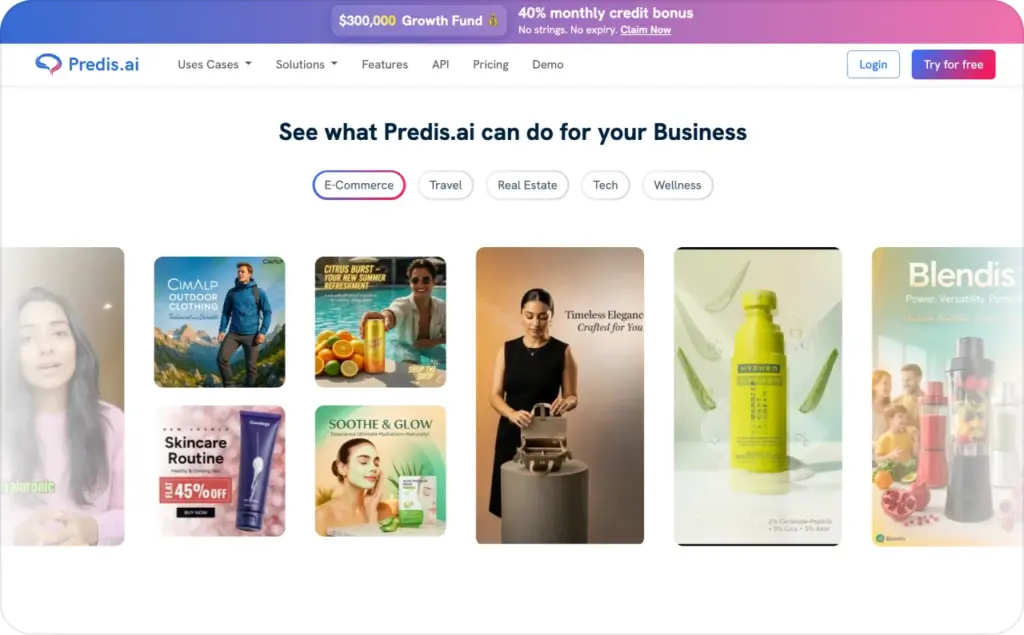
Predis.ai fits businesses whose Instagram workload mixes regular content and promotions. Its Instagram ad maker accepts a prompt or product link, then creates copy and visuals using your brand information. It supports static and video creative, including different Instagram formats.
Consider a boutique launching a new collection. The business needs product posts, promotional graphics, and videos around the same items. Starting with shared product details can keep the offer and visual identity consistent across that work.
The important distinction is how the finished content reaches Instagram. Predis promotes publishing and scheduling alongside generation. Those features help manage a content routine, but a calendar does not by itself establish paid campaign controls. If paid advertising is the main reason you are buying, ask about objectives, budgets, account connections, and reporting.
Useful features:
- Prompt and product-link inputs for starting an ad
- Brand colors, fonts, and logos within the creative workflow
- Static and video production for different content needs
- Publishing and scheduling features, depending on the plan
Main advantage: It brings ad creative into the same production routine as other social content.
Pricing: The Predis Core card displays $24/month, billed $288 annually, with 1,300 monthly credits. A comparison table on the page shows a different amount. Confirm the checkout price and required automation features.
My verdict: Shortlist Predis when content production takes most of your time. Zeely is worth comparing closely when running paid campaigns is the central job.
6. Arcads
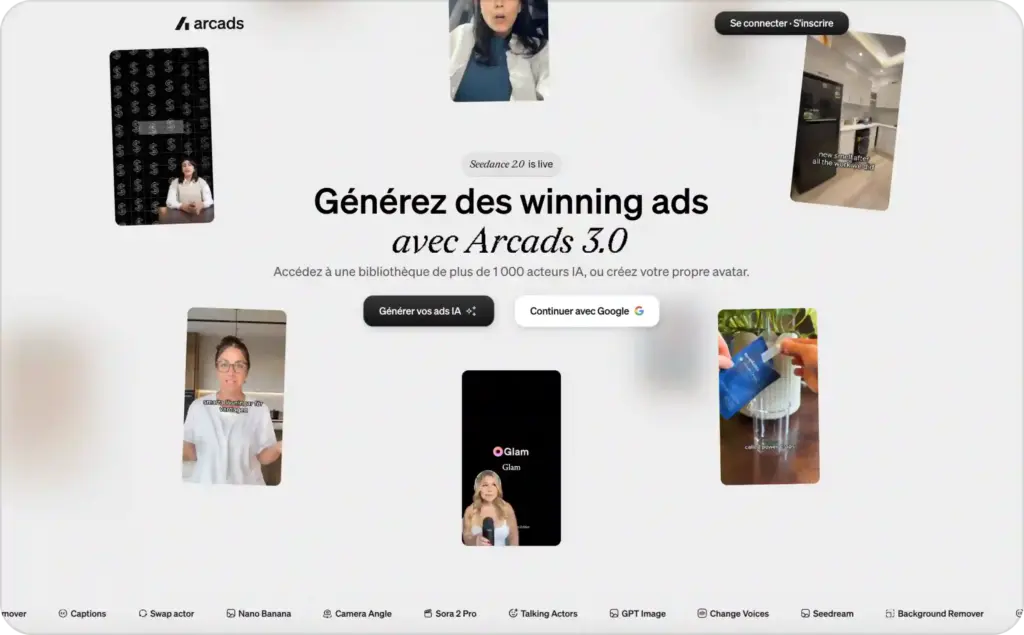
Arcads gives presenter delivery a prominent role in video creation. Its AI advertising platform offers an actor library, custom avatars, and controls for how the presenter speaks. That makes it relevant when the spoken delivery carries much of the ad’s message.
I would consider it for a short script that needs several treatments. A calm explanation of a service feels different from an energetic introduction to a product launch. The wording may stay similar, but pace and emotion can change how naturally the message lands.
Arcads also offers speech-to-speech tools, giving advertisers another way to shape spoken content. In your buying test, use the same short script with the delivery styles you actually need. Listen to the complete result, especially product names and phrases customers would recognize.
Useful features:
- AI actors and custom avatars for presenter-led ads
- Emotion controls for shaping spoken delivery
- Speech-to-speech tools for working with voice performance
Main advantage: It gives you a specific reason to compare presenter variations, instead of treating every avatar video as interchangeable.
Pricing: A current public dollar price could not be verified from the official pages reviewed. Check the current Arcads offer for the payment amount, video allowance, and billing period before subscribing.
My verdict: Consider Arcads when the actor’s delivery is central to your Instagram video ads. Choose the complete sample you can use, rather than the most impressive avatar preview.
7. HeyGen
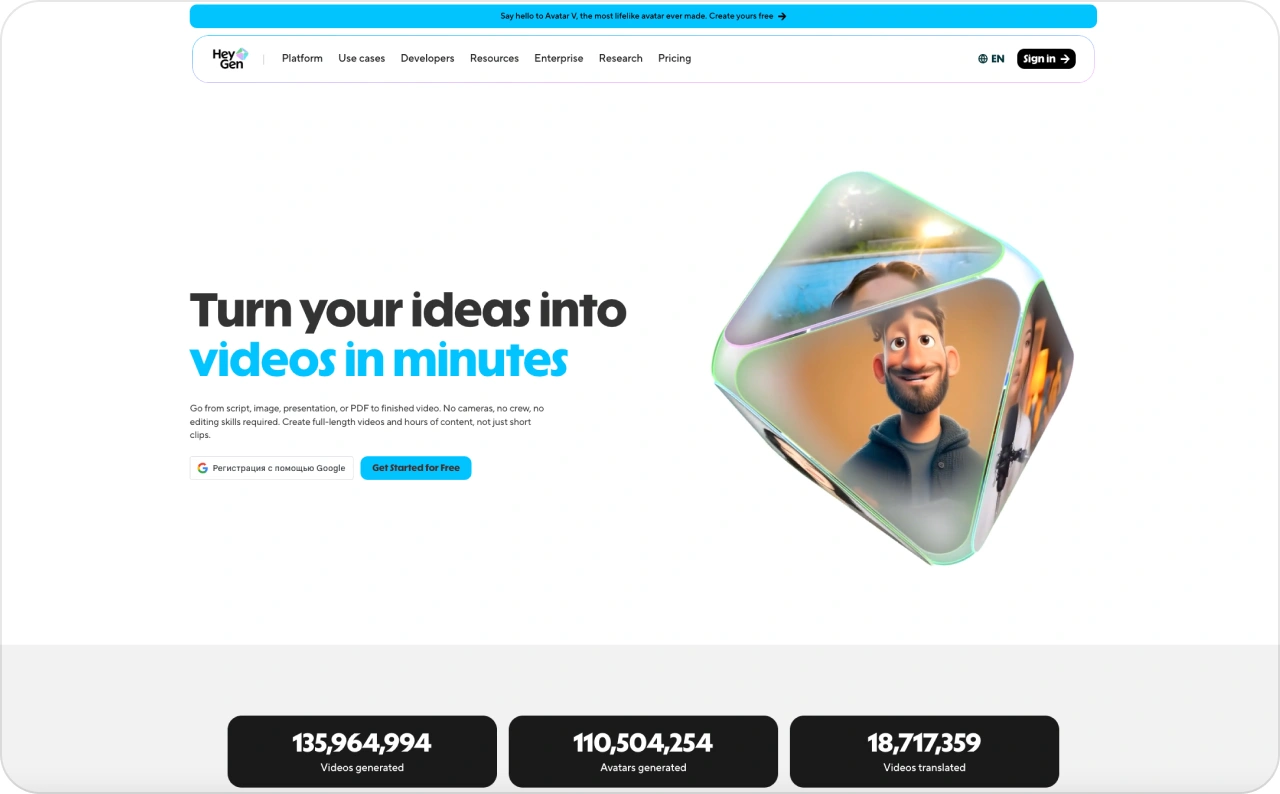
HeyGen belongs on the shortlist when you need to adapt presenter videos for different languages. Its Instagram ad generator combines video creation with narration, captions, avatars, and localization. For example, a business serving English- and Spanish-speaking customers might want two versions of the same product explanation. I would compare how easily the team can keep the offer consistent while reviewing pronunciation, captions, and on-screen wording. HeyGen describes exporting video files, thumbnails, and captions for an ad manager. Do not assume video production also includes campaign budget management.
Useful features:
- Presenter videos with AI avatars and narration
- Translation and lip-synced delivery for localized versions
- Captions and export bundles for campaign preparation
- Voice cloning on the relevant paid plan
Main advantage: It is a useful comparison candidate when the same message needs to work across several language audiences.
Pricing: HeyGen’s pricing page displays Creator at $29/month with 600 credits and watermark removal. Pro displays $49/month with 1,000 credits. Free access includes three videos per month, up to one minute each.
My verdict: Choose HeyGen for a localization-heavy video workload. If you advertise in one language, compare whether its additional language capabilities solve a real need for you.
8. InVideo
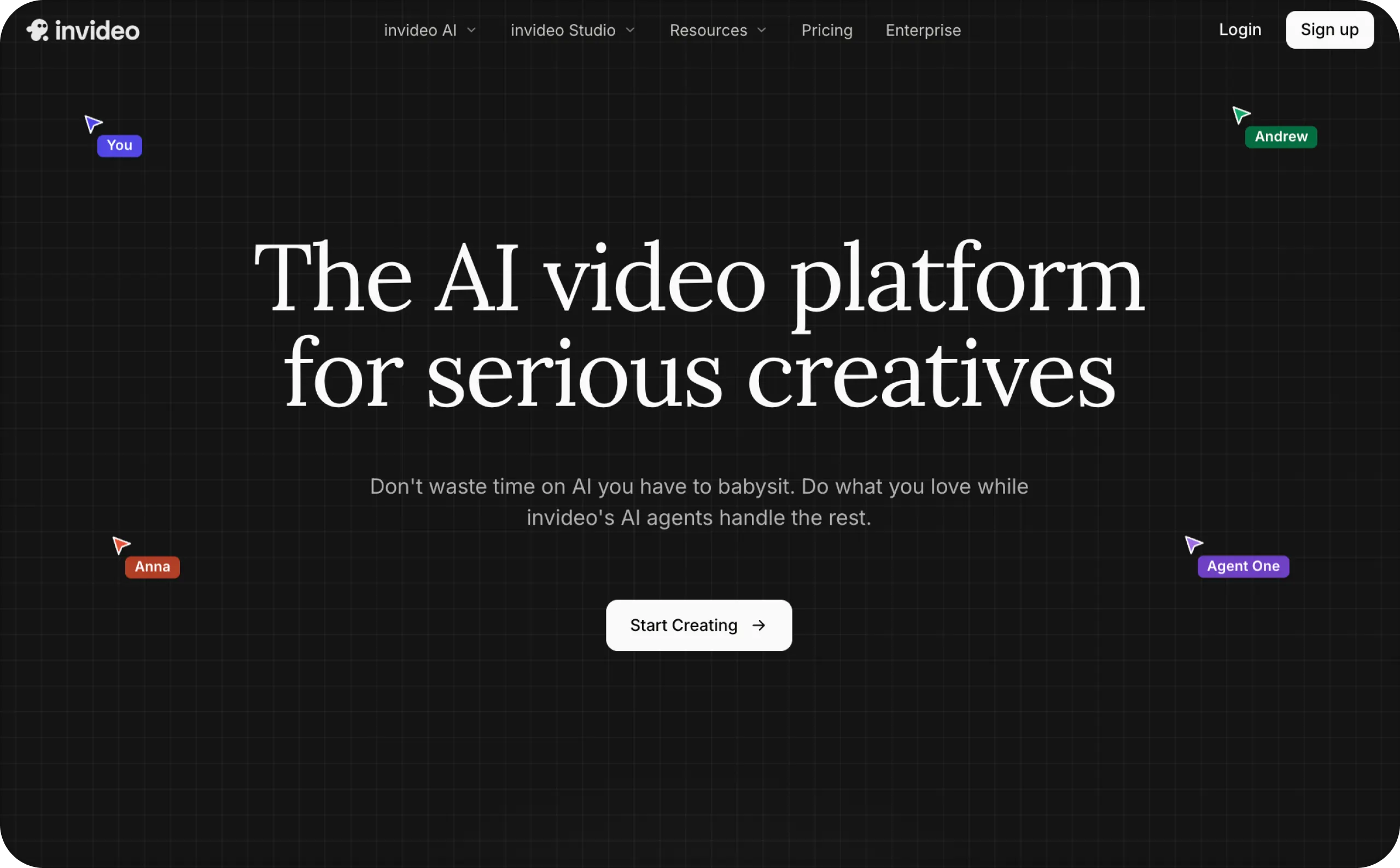
InVideo is worth comparing when your ad needs several scenes and a voiceover. Its product-to-Instagram workflow describes starting with a product description or URL, generating a video, and refining it with text instructions.
I would consider it for an ad that moves through a simple sequence: introduce the problem, show the product, explain the benefit, and give the next step. A travel organizer, for example, could use scenes showing its compartments and how it fits inside a bag. The ability to revise through written instructions can help when the first draft emphasizes the wrong detail. You might ask for a shorter opening or a clearer final offer.
Useful features:
- Product descriptions and URLs as starting inputs
- AI voiceovers for narrated ads
- Text-based refinement of the generated video
- Access to stock media and generation tools on paid plans
Main advantage: It offers a way to build a complete narrated video around an offer, rather than relying entirely on a talking presenter.
Pricing: InVideo Plus displays $200 billed annually, advertised as $17/month, with 750 monthly credits. Paid plans list watermark-free exports. Model and agent prices can change, so estimate usage for your intended videos.
My verdict: Shortlist InVideo when scene-based storytelling is the creative job you need help completing. Plan to review the sequence and product accuracy before taking it into a campaign.
9. Pencil
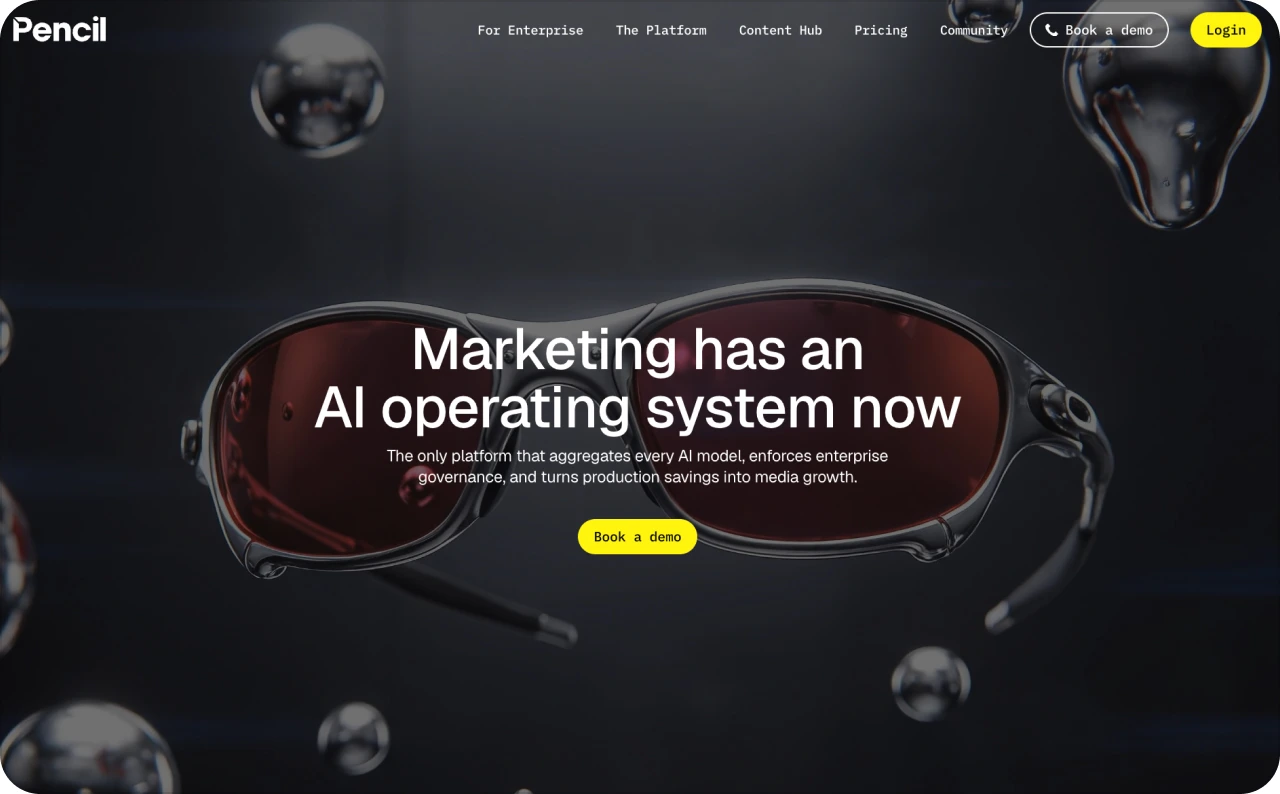
Pencil is worth considering when your team repeatedly adapts creative across products, audiences, or markets. Its AI-powered editor combines layout tools, image editing, animation, and feed-linked layers. Imagine a retailer advertising the same promotion across several product ranges. The layout stays recognizable, but images, messages, and product details change. I would compare Pencil for that kind of repeatable production, where a structured design process can save repeated manual work.
Pencil’s integration directory also lists Meta, including Facebook and Instagram Ads, as generally available. However, the pricing page contains conflicting feature labels, so confirm which integrations and tools your selected account can use.
Useful features:
- Layout and alignment controls for precise creative editing
- AI image enhancement and background editing
- Keyframes and animation presets for motion content
- Feed-linked layers for adapting creative across multiple versions
Main advantage: It suits a production problem that becomes more demanding as the number of creative versions grows.
Pricing: Pencil’s monthly plan cards display Core at $14/month with 50 generations and Growth at $55/month with 250. Pro uses custom pricing. Generation allowances should not be treated as a guaranteed number of finished ads.
My verdict: Consider Pencil when repeatable production is the main requirement. A team creating many related versions has a clearer reason to explore it than someone needing one occasional promotional video.
10. QuickAds
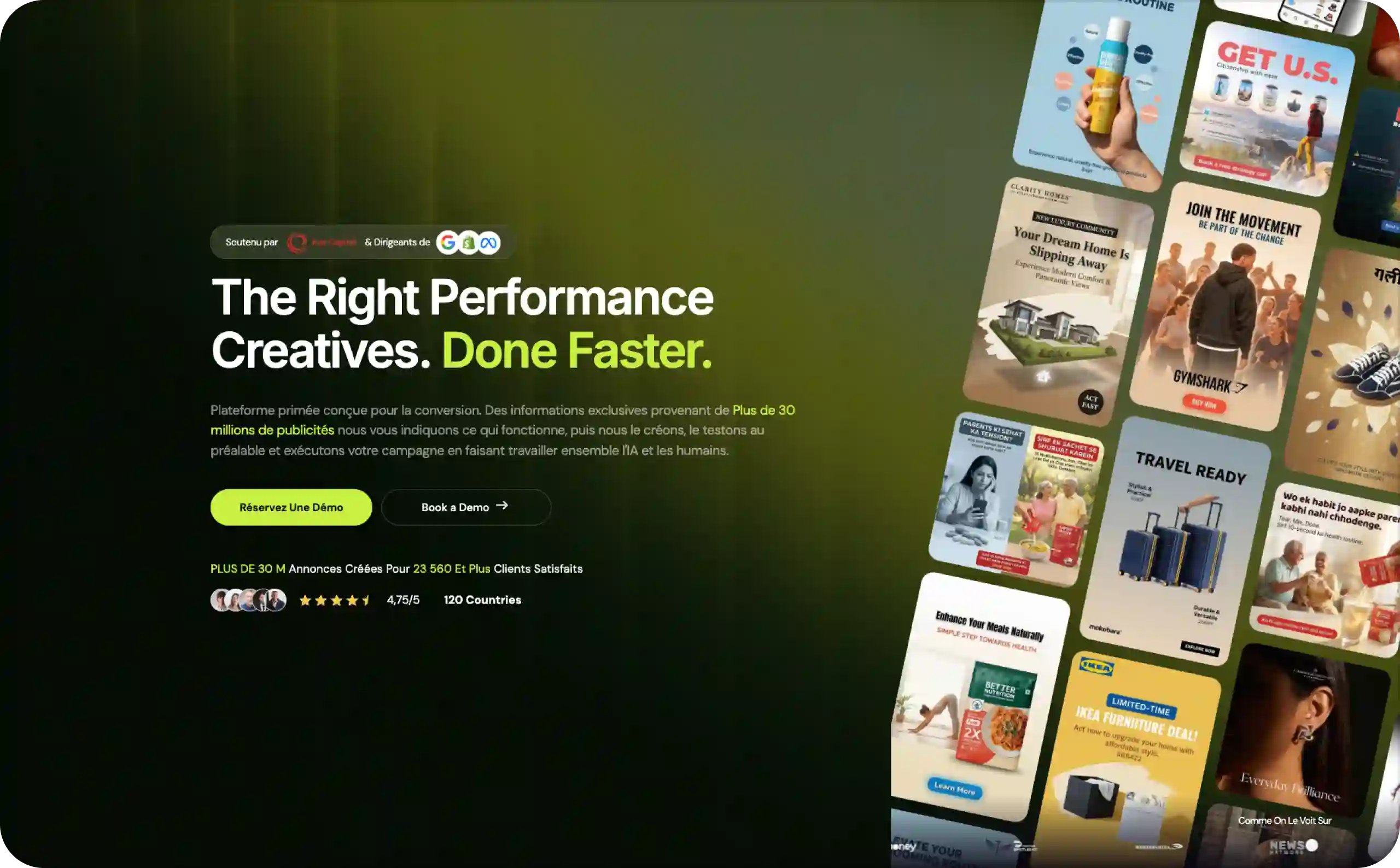
QuickAds offers a different buying choice: use the platform yourself or add help from a creative and campaign team. Its current offering combines creative research, image and video production, and managed advertising services. I would consider it for a business that can supply product information and approve creative but lacks production capacity. A growing retailer, for example, may need regular campaign assets without hiring a full team. In that situation, the value of human support depends on the scope, revision process, and responsibility for delivery.
The platform and service packages should be compared separately. Managed creative or campaign work adds people and a separate commercial agreement.
Useful features:
- Creative research tools for exploring advertising ideas
- AI image and video production within the platform
- Optional managed creative production
- A separate service package covering campaign management
Main advantage: You can consider outside production support alongside the software, which may suit a team short on capacity.
Pricing: QuickAds pricing lists platform Pro plans from $99/month. Managed creative and campaign packages require a conversation about pricing. Confirm the deliverables, revision terms, and whether media spend is separate in the proposed agreement.
My verdict: Explore QuickAds when you want the option of additional production help. For a smaller self-managed workflow, compare the software plan directly with Zeely and the other tools above.
| Tool | Static ads | Video/UGC ads | Ad copy | Launches campaigns | Best for |
| Zeely | ✅ | ✅ (avatars, UGC) | ✅ | ✅ Meta launch + optimization | All-in-one for SMB/ecom |
| Creatify | ✅ | ✅ | Scripts | Partial (Pro tier only) | Product video volume |
| Canva Grow | ✅ | Basic | Basic | ✅ Direct Meta publish | Manual design, Canva-native teams |
| AdCreative.ai | ✅ | Limited | ✅ | ❌ | Creative scoring |
| Predis.ai | ✅ | ✅ | ✅ | ❌ (scheduling) | Budget/social-first |
| Arcads | ❌ | ✅ | Scripts | ❌ | Presenter/UGC actor testing |
| HeyGen | ❌ | ✅ | Scripts/captions | ❌ (export only) | Multilingual video ads |
| InVideo | ❌ | ✅ | Scripts | ❌ | Scene-based video storytelling |
| Pencil | ✅ | Animated | ❌ | Partial (Meta integration, unconfirmed) | Multi-version production at scale |
| QuickAds | ✅ | ✅ | ❌ | Managed service (paid add-on) | Platform + optional managed team |
How to choose an Instagram ad generator for your business
Adobe’s 2026 consumer report found that 69% of respondents give promotional content five seconds or less to gain attention. The global survey covered 4,000 consumers. This is a reported preference across emails, ads, and social posts, not a measured Instagram viewing limit.
Match the format to the buying question
A clear product photograph may explain a simple offer quickly. A narrated video can show several details. A presenter can introduce an unfamiliar service. Choose the format that helps your customer understand.
Browse these Instagram ad examples if you need a starting reference. Notice how the product, benefit, and next step work together.
Give two shortlisted tools the same brief
Use one actual product, the same photos, a defined customer, and an accurate offer. Ask for a small set of creative directions, then compare the results on your phone.
Check the product’s appearance, the wording, and the amount of editing required. For a presenter video, listen to the complete script. An avatar should not invent a personal customer experience or promise a result you cannot support.
Check campaign support separately
For Instagram ad creation and campaign management, review what happens after the asset is ready. Look at account connections, objectives, budgets, placement controls, and reporting. Once you choose a tool, follow the guide to create your Instagram ads and review the current options available in your account.
What should you budget beyond the subscription?
Your AI ad generator pricing comparison should include three things: software access, the cost of producing usable creative, and paid distribution.
Credit totals are not comparable across tools. Generation, downloads, and different AI models may each carry different costs.
Use a simple calculation with your own test results:
Creative production cost ÷ usable ads produced = cost per usable ad.
For illustration, a $40 subscription producing eight usable ads costs $5 per ad. If only two results meet your needs, the figure rises to $20. Add any paid editing or extra credits to the production cost. This is a planning example, not a benchmark for the tools above.
Campaign spending comes next. Zeely’s pricing page explicitly separates additional campaign charges from subscription access. For every tool, read the payment breakdown before assuming distribution or managed services are included.
Once the campaign runs, track a business result alongside attention metrics. Click-through rate shows the share of impressions that produced clicks. Cost per click tells you what those visits cost. Cost per lead or acquisition helps assess the outcome, while ROAS compares attributed revenue with ad spend. ROAS is not profit.
FAQ
My first pick is Zeely for small teams wanting ad creation and Meta campaign management together. Other tools suit narrower needs, including presenter control, localization, design collaboration, and managed production. Choose the relevant workflow rather than assuming one tool wins every category.
Compare Creatify for product-oriented presenter videos, Arcads for actor delivery, HeyGen for localization, and InVideo for narrated scene-based videos. Zeely also supports video creation alongside campaign management. Test the format that explains your product most clearly.
Yes. Several tools in this guide support product links or website information as inputs, including Zeely, Creatify, and Predis.ai. Review imported details before generation. Product prices, images, benefits, and availability should match the offer you intend to advertise.
Free access and watermark-free export are separate conditions. Creatify’s free plan exports with a watermark, while other tools apply account or feature limits. Check the exact export you need before choosing a free plan for paid advertising.
Some offer campaign capabilities, including Zeely, Canva Grow, and relevant Creatify plans. Pencil also advertises launch integrations, while QuickAds offers managed campaign services. Verify plan access and placement controls. Social scheduling alone does not establish paid campaign management.
No. Generation speed and creative scores do not guarantee sales or a lower acquisition cost. Results also depend on the offer, audience, website, budget, and measurement. Use AI to support production and testing, then judge results against your business goal.
Check what consumes credits, how much each intended action costs, and whether unused credits expire. Then estimate how many usable ads your plan can produce. Credit totals are not standardized across tools, so a larger number does not automatically mean better value.

Emma blends product marketing and content to turn complex tools into simple, sales-driven playbooks for AI ad creatives and Facebook/Instagram campaigns. You’ll get checklists, bite-size guides, and real results, pulled from thousands of Zeely entrepreneurs, so you can run AI-powered ads confidently, even as a beginner.
Written by: Emma, AI Growth Adviser, Zeely
Reviewed on: September 21, 2026