Best InVideo AI alternatives for business video ads
Thinking about switching from InVideo AI but worried you'll run into the same limitations again? At Zeely, we work closely with small businesses creating video ads every day, so we understand which tools actually help turn ideas into high-performing campaigns.
The best InVideo AI alternatives depend on what you need to make. InVideo AI can still be useful for quick drafts. But most business owners looking for InVideo alternatives are not asking whether AI video works. They are asking which tool helps them ship usable ads without losing time, credits, or creative control after the first version.

Why look for an InVideo AI alternative?
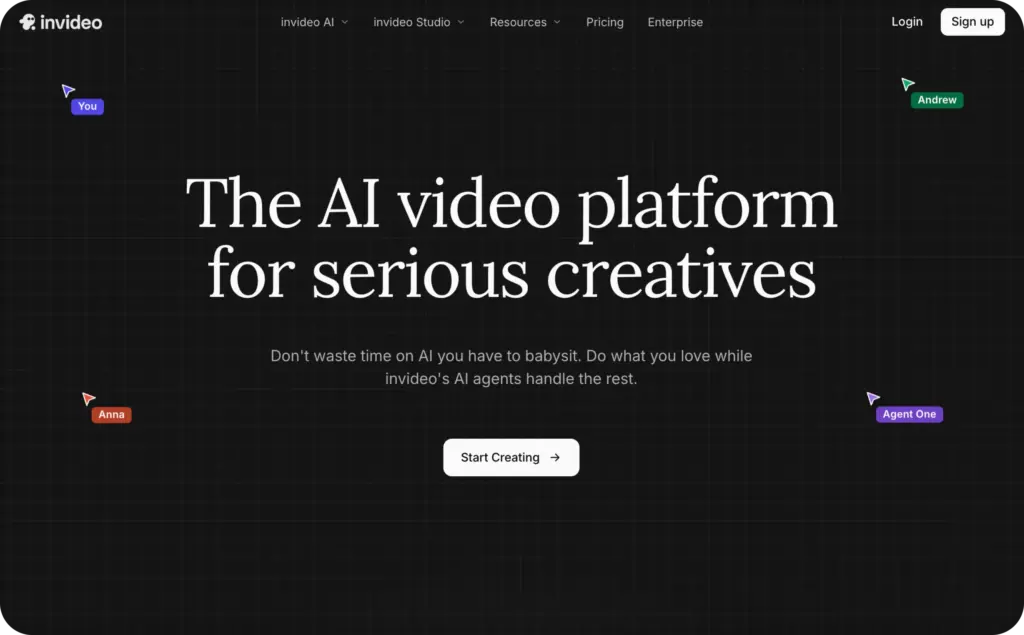
Here’s the honest switcher problem: InVideo AI is convenient until your workflow becomes more serious. A quick product promo is one thing. Weekly ad testing, client revisions, branded offers, platform-specific hooks, and repeatable video campaigns are another.
The biggest friction usually appears in five places:
- credit usage
- editing control
- output accuracy
- watermarks
- cost per usable video
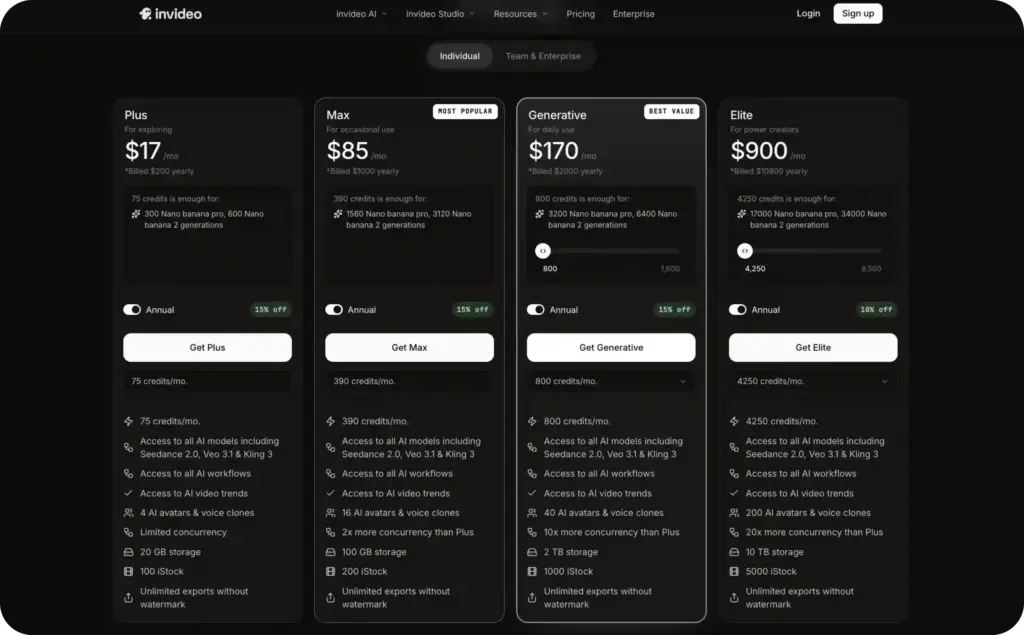
InVideo’s own pricing page explains that credits work like platform currency for video creation, generative models, and AI features, while model and agent prices can change and unused credits do not roll over. Its help center also explains that credit use can vary by model, complexity, duration, resolution, video input, and audio generation.
That matters for small businesses because the real cost is not “monthly subscription divided by exports.” It is “monthly subscription + extra credits + revision time divided by videos I can actually publish.” Review-platform signals show the same pattern: users praise InVideo’s ease of use and quick creation, but complaints cluster around credit limits, unclear value, UI control, support, output mismatch, crashes, and image consistency.
Which video ad editor alternative matches the kind of business video you need to make every week?
Best InVideo AI alternatives compared
| Tool | Starting price | Best value for |
| Zeely AI | From $29.95/month | Product ads, UGC-style ads, small businesses |
| InVideo AI | Paid plans with credits; pricing and model costs can change | Prompt-to-video drafts |
| Pictory | From $25/month | Blog, webinar, and script-to-video repurposing |
| Lumen5 | Free plan; paid plans from $29/month | Branded content marketing |
| Clipchamp | Free plan; premium via Microsoft 365 | Free manual editing |
| Filmora | From $29.99/quarter or $49.99/year | Timeline editing control |
| FlexClip | Paid plans from $11.99/month billed annually | Budget browser-based editing |
1. Zeely AI: best for small-business video ads
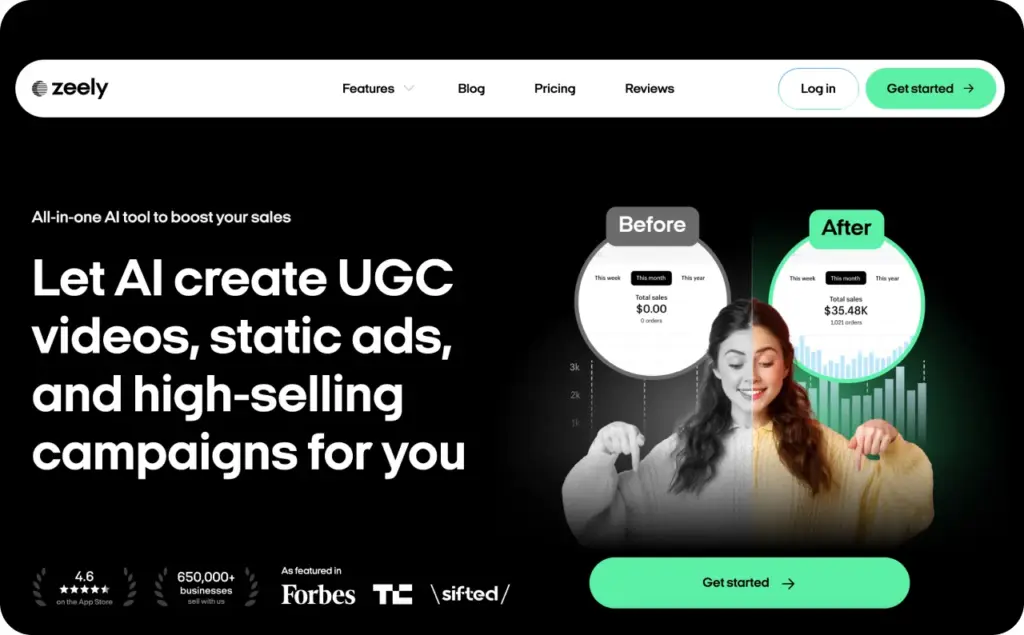
Zeely AI is the strongest fit if you are not just “making a video,” but trying to create ads that can be tested, launched, and improved. Instead of asking you to build every scene from scratch, Zeely helps turn your product into UGC-style video ads, static creatives, hooks, scripts, and campaign-ready assets. So if you’re an ecommerce brand, dropshipper, agency, or small business owner trying to launch more tests without hiring creators, editors, and copywriters, Zeely gives you a much shorter path from idea to live campaign.
This is why Zeely is a sharper InVideo AI alternative for business video ads than a general editing tool. InVideo AI can help you generate a video. Zeely is built closer to the ad workflow: product in, creative angles out, test variations ready. Its AI video ad generator page highlights video ads for Instagram, Facebook, and TikTok, no filming or editing required, with product URL input, templates, AI avatars, scripts, review steps, rendering, and launch flow.
Use Zeely if your goal is to create more ad variations without hiring a creator, editor, designer, and media buyer for every test.
Best for: ecommerce ads, UGC-style ads, TikTok ads, Instagram ads, Facebook ads, small businesses, dropshippers, solo founders, lean agencies.
Not ideal for: long-form documentary videos, advanced timeline editing, complex cinematic post-production.
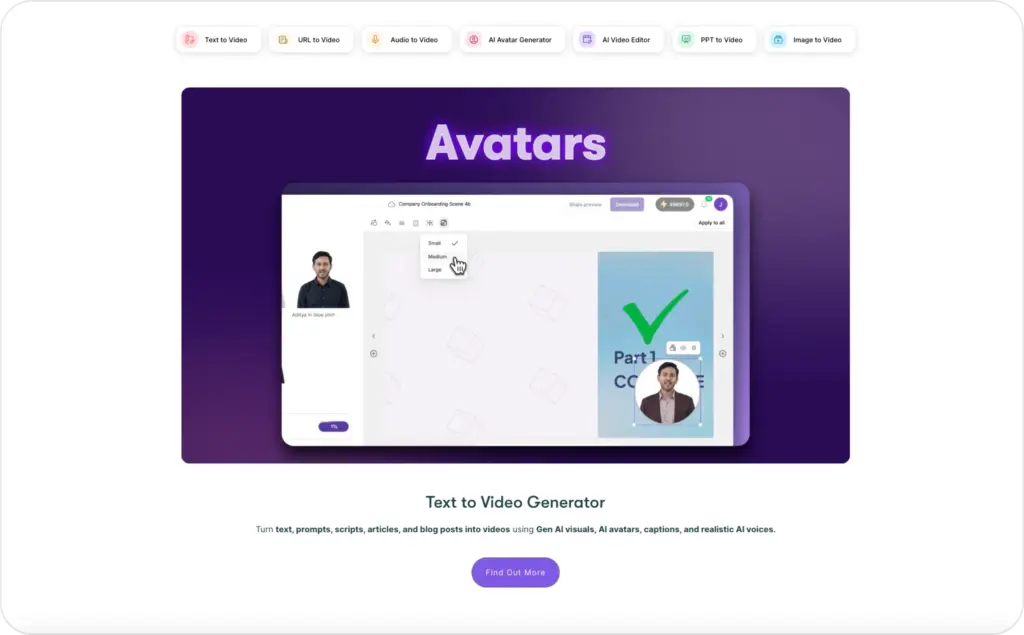
2. Pictory: best for repurposing blogs, webinars, and long videos
Pictory is one of the best InVideo competitors if your business already has long-form content. Think blog posts, webinars, interviews, podcasts, course lessons, or YouTube videos that deserve a second life as short clips.
Pictory is less about building performance ads from scratch and more about turning existing content into structured videos. Its pricing page lists a 14-day free trial, Starter and Professional tiers, video generation from script or URL, subtitles, B-rolls, PowerPoint-to-video, brand kits, stock media, AI credits, AI voices, voice cloning, and export options up to 1080p on higher tiers.
Choose Pictory when you already have the message and need faster packaging. A consultant can turn a blog into LinkedIn clips. A coach can turn webinar sections into Shorts. A SaaS founder can turn help articles into onboarding videos.
The trade-off is creative freshness. Pictory is excellent for repurposing, but it may not be the best first choice for UGC-style product ads where the first three seconds, actor style, offer, and CTA need to feel native to TikTok or Reels.
Best for: YouTube Shorts from long videos, blog-to-video, webinar clips, educational content, faceless channels.
Not ideal for: original ad concepts, UGC avatar campaigns, highly customized visual storytelling.
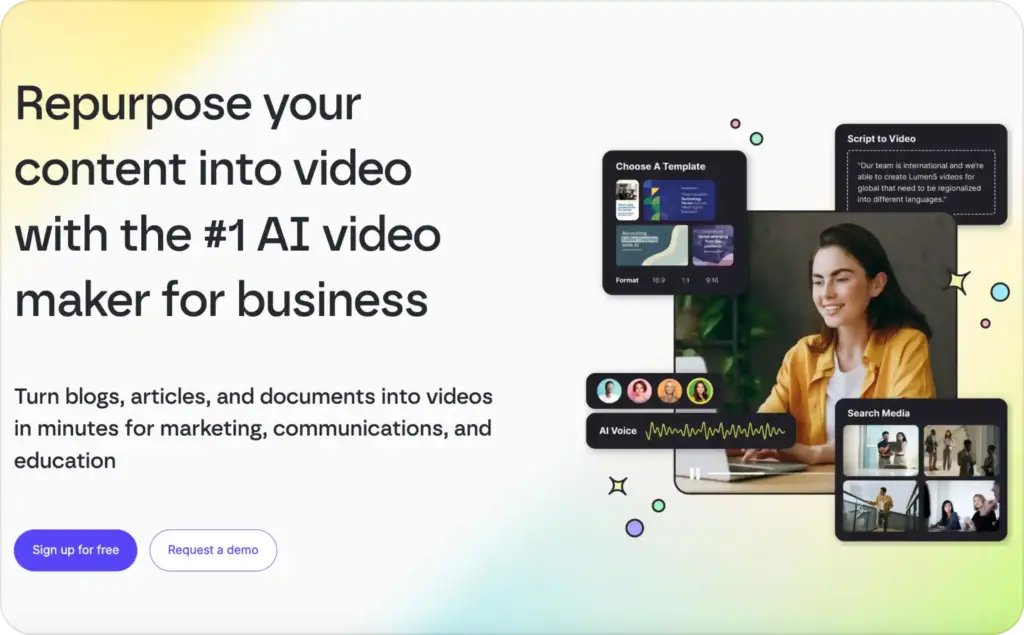
3. Lumen5: best for branded content marketing
Lumen5 is a good alternative when your priority is brand-safe content, not aggressive ad testing. It suits marketing teams that want polished videos for LinkedIn, blogs, announcements, thought leadership, explainers, and internal communications.
Lumen5’s help center says paid plans can remove Lumen5 branding, provide access to a premium media library of over 500 million images and videos, customize brand colors, fonts, and watermark, and translate videos with AI. Its pricing page positions Basic and Starter for individual creators, Pro for small businesses that need advanced branding and customization, and Team for organizations needing templates, collaboration, workflow controls, translations, SSO, and enterprise support.
This makes Lumen5 one of the better InVideo alternatives for content marketing teams. It is not trying to be the scrappiest UGC ad creator. It is trying to make branded business video easier for non-editors.
Use it when consistency matters more than raw testing speed. For example, a B2B company publishing weekly blog summaries may value brand control and repeatable templates over avatar variety.
Best for: branded social content, LinkedIn videos, blog summaries, business updates, internal comms.
Not ideal for: fast UGC ad testing, advanced manual editing, cinematic production.
4. Clipchamp: best free alternative to InVideo AI
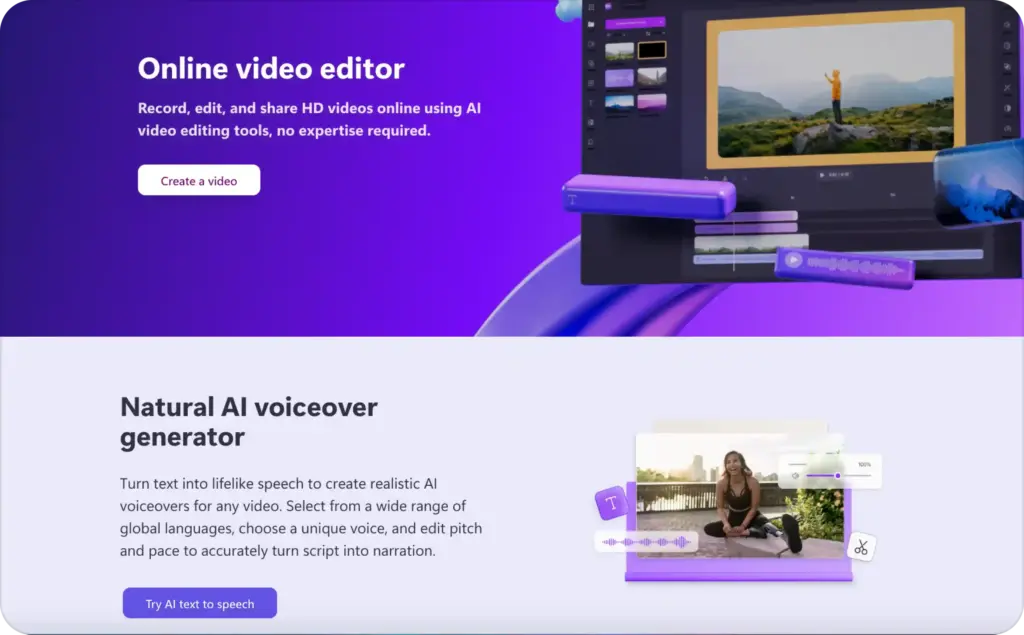
Clipchamp is the best free alternative if you want manual control without a watermark. Microsoft’s pricing page says Clipchamp’s free plan supports unlimited exports up to 1080p with no watermarks, plus basic editing tools and AI features like subtitles, voiceovers, and silence removal. Premium features through Microsoft 365 Personal and Family add 4K UHD exports, premium stock, and the brand kit tool.
That is unusually practical for small businesses. If you already have your own product footage, phone-shot testimonials, founder clips, or customer videos, Clipchamp can be a clean editing workspace without forcing you into a paid plan immediately.
But it is not the closest replacement for InVideo AI’s prompt-to-video workflow. It is better when you want to edit, trim, subtitle, resize, and publish assets you already have.
Best for: free editing, simple social videos, trimming UGC clips, captions, founder videos, teams already using Microsoft tools.
Not ideal for: automated product-to-ad generation, AI avatar ads, high-volume prompt-based creation.
5. Filmora: best for hands-on editing control
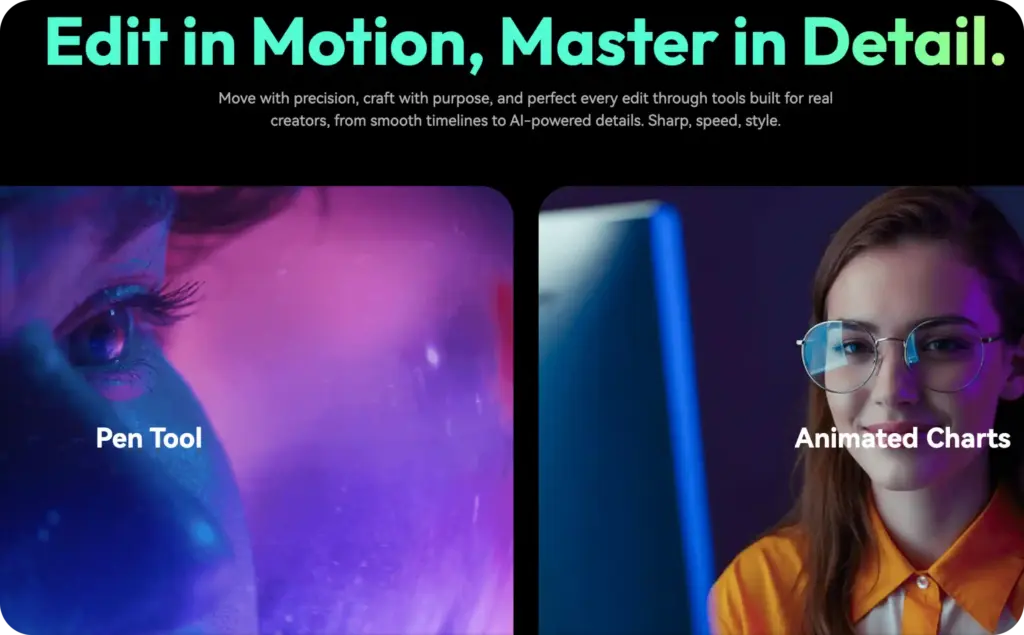
Filmora is the right pick when your problem with InVideo AI is control. If you want timeline editing, effects, assets, transitions, audio control, and more traditional post-production power, Filmora gives you a bigger editing surface.
Wondershare’s current Filmora pricing page lists a cross-platform quarterly plan at US$29.99 per quarter, an annual plan at US$49.99 per year, and a perpetual plan at US$79.99, with watermark-free export, creative assets, advanced editing features, AI credits, and cloud storage. The page also notes a Filmora Creative Assets trial that can auto-renew at US$19.99 per month, with subsequent purchases at full price.
That last point is important. Filmora can be great value, but business owners should read the checkout carefully. Add-ons can make a low editing price feel less simple over time.
Choose Filmora when you need more control than browser AI editors provide. Choose something else when you want the AI to build ad variations for you.
Best for: manual editing, YouTube videos, product demos, creators who want effects and control.
Not ideal for: non-editors who want instant ads, mobile-first ad production, simple campaign creative testing.
6. FlexClip: best budget-friendly browser editor
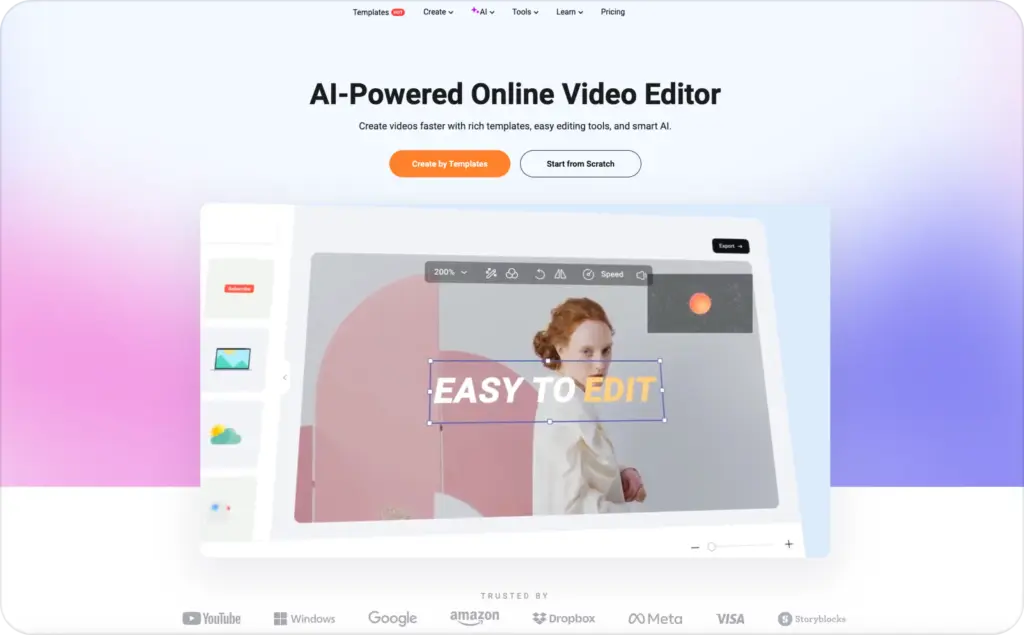
FlexClip is one of the most similar InVideo competitors for people who want a browser editor with templates, stock, and AI tools at a lower price point.
FlexClip’s pricing guide says its Plus plan is $11.99 per month and Business plan is $19.99 per month when paid annually; both support 1080p full HD exports without watermarks or video length limits. The same guide says Plus allows 5 stock videos or audios per project, Business allows unlimited stock videos or audios, and Plus and Business include monthly AI credits.
That makes FlexClip appealing if you create simple promos, explainers, intros, social posts, or budget-friendly brand videos. The hidden detail is stock usage. FlexClip’s pricing page notes that stock video limits vary by plan, and exceeding the limit can add a FlexClip watermark.
So FlexClip is affordable, but you still need to calculate the real production workflow. If your videos rely heavily on stock, the cheaper plan may feel tighter than expected.
Best for: budget-conscious creators, simple promos, browser editing, templates, small social teams.
Not ideal for: advanced editing, high-volume stock-heavy projects on lower plans, performance ad automation.
Which InVideo AI alternative is most similar?
The most similar alternative depends on which part of InVideo AI you use.
If you use InVideo AI as a browser-based template and stock editor, FlexClip is the closest. It gives you templates, stock, AI tools, and straightforward exports.
If you use InVideo AI for script-to-video content, Pictory may feel closer. It is especially strong when the source is a script, article, webinar, or long recording.
If you use InVideo AI to make business ads, Zeely is the better-fit switch. It is less “similar” in interface and more similar to the business outcome you wanted from InVideo in the first place: faster ad creatives that can actually be tested.
Best alternative for YouTube creators
For YouTube creators, the best choice depends on format.
Choose Pictory for faceless videos, educational repurposing, blog-to-video, and Shorts made from longer content. Choose Filmora if you record your own footage and need stronger editing control. Choose Clipchamp if you want a free editor for basic cuts, subtitles, and 1080p exports.
Zeely can work for YouTube ads and short promotional videos, but it is strongest when the video is tied to a product, offer, landing page, or campaign.
Best alternative for marketing teams
Marketing teams should choose based on the content pipeline.
Choose Zeely if the team needs more ad creatives, UGC-style videos, static ads, and campaign-ready concepts. Choose Lumen5 if the team creates branded content marketing videos from articles and company updates. Choose Clipchamp if the team already has recorded assets and needs a simple Microsoft-friendly editor.
Here’s the switcher secret: marketing teams do not need the “most powerful” tool. They need the one that removes the most handoffs. If the content still has to pass through a copywriter, designer, editor, and paid ads specialist before testing, the tool did not solve the real bottleneck.
Best alternative for agencies
Agencies need speed, repeatability, and client-safe workflows. Zeely is the best fit for small agencies producing product ads, ecommerce ads, UGC-style concepts, and multiple creative variations. Pictory is useful for repurposing client webinars, podcasts, and blogs. Filmora is useful when an agency needs more hands-on editing control.
The agency mistake is buying five overlapping tools. Pick one core tool by output type. One for product ads. One for repurposing. One for manual post-production. Stacking three template tools often creates more logins, more billing, and more inconsistency.
Best alternative for AI avatars
For business video ads, Zeely is the strongest avatar-led option in this comparison. Its video ad page highlights 500+ hyper-realistic AI avatars, AI-generated scripts, product URL input, and ad-ready video generation for social platforms.
Pictory also includes avatar-related features on its pricing page, including stock video avatars and custom avatars on some plans, but its core strength is still repurposing long-form content into videos.
Use avatars when they improve trust or clarity. Do not add an avatar just because it looks futuristic. For small-business ads, the avatar should answer a customer hesitation: “Will this fit me?” “Does this solve my problem?” “Why should I buy today?”
Best alternative for script-to-video workflows
Pictory is the safest pick for script-to-video when your script already exists. It is structured around turning text, URLs, and long-form assets into videos with captions, B-roll, brand kits, and voice features.
Zeely is the better script-to-ad option. Instead of starting with a general script, you can start with a product, offer, or URL and let the workflow generate ad-oriented creative assets. That is more useful when your final output is a TikTok ad, Reels ad, Facebook ad, or ecommerce promo.
FlexClip is a good budget option if you still want to manually shape the video after generation.
Hidden switcher lessons business owners should know
The first hidden lesson: count usable ads, not generated videos. A tool that gives you ten outputs but only one publishable ad is more expensive than a tool that gives you three outputs and two winners.
The second lesson: credits change behavior. When every revision feels like it might consume credits, teams stop experimenting. That is dangerous because ad performance usually improves through variation, not perfection. InVideo’s own help docs show that credit use can depend on model choice, duration, resolution, input, and audio, so high-volume teams should check how revisions, regeneration, avatars, and premium models are charged before committing.
The third lesson: stock footage sameness is real. If your ad looks like every other AI-generated montage, the audience scrolls. This is where product footage, customer language, offer clarity, UGC-style framing, avatars, and platform-native pacing matter more than glossy visuals.
The fourth lesson: watermarks are not always as simple as “I paid, so it is gone.” InVideo’s help article explains that projects exported before subscribing can still contain watermarks and need to be re-exported after subscribing. That kind of detail is small until a launch is due today.
The fifth lesson: AI variation needs organization. Research on human-AI video co-creation notes that creators can struggle to compare many AI-generated alternatives, even though variation is one of AI’s strengths. For a business owner, the practical fix is simple: name every test by hook, offer, audience, and format before you export it.
How to choose the right InVideo AI alternative
Start with your weekly output, not the feature list.
If you need five new product ads every week, choose Zeely. Your workflow should revolve around offers, hooks, avatars, static ads, video ads, and fast testing.
If you need to turn blogs, webinars, or podcasts into short videos, choose Pictory. Your workflow should revolve around repurposing and captions.
If you need branded thought-leadership videos, choose Lumen5. Your workflow should revolve around templates, brand control, and business content consistency.
If you need a free editor for assets you already have, choose Clipchamp. Your workflow should revolve around trimming, captions, resizing, and clean exports.
If you need deep editing control, choose Filmora. Your workflow should revolve around timeline editing and finishing quality.
If you need affordable browser-based video creation, choose FlexClip. Your workflow should revolve around simple templates and budget-friendly exports.
Before you switch to any of this AI tools, ask five questions:
- How many publishable videos do I need per month?
- Do revisions consume credits?
- Can I export without a watermark on the plan I can afford?
- Can I make platform-specific versions quickly?
- Does this tool create the kind of video that helps me sell?
That last question is the one most comparison articles skip. A beautiful video that does not match your sales goal is still waste.
FAQ
Zeely AI is the best fit for business video ads because it focuses on UGC-style video ads, static creatives, product-based ad generation, AI avatars, and campaign-ready workflows instead of generic video creation.
Clipchamp is the best free option in this list because its free plan supports unlimited 1080p exports with no watermark. It is best for editing existing footage rather than generating full ads from prompts.
Pictory is best for repurposed YouTube content and faceless videos. Filmora is better if you want more hands-on editing control. Clipchamp works well for simple free editing.
Zeely is best for short-form ad content, especially TikTok, Reels, Facebook, and Instagram ads. FlexClip is a budget-friendly option for simple short-form videos, while Clipchamp is useful if you already have footage.
Filmora gives the strongest editing control in this list because it is closer to traditional timeline editing. Clipchamp is easier and free, but less advanced.
Switch when your costs are hard to predict, revisions slow you down, the output does not match prompts, your videos look too generic, or your team needs a clearer path from idea to publishable ad.
Final verdict
There is no single perfect InVideo AI alternative for everyone. There is only the best fit for the job.
For business video ads, start with Zeely AI. It is built around the real small-business goal: create more usable ad creatives, faster, without needing a full production team. For repurposing, use Pictory. For branded content, use Lumen5. For free editing, use Clipchamp. For timeline control, use Filmora. For budget browser editing, use FlexClip.
The best switch is not the tool with the longest feature list. It is the tool that helps you publish more videos your customers actually respond to.

Emma blends product marketing and content to turn complex tools into simple, sales-driven playbooks for AI ad creatives and Facebook/Instagram campaigns. You’ll get checklists, bite-size guides, and real results, pulled from thousands of Zeely entrepreneurs, so you can run AI-powered ads confidently, even as a beginner.
Written by: Emma, AI Growth Adviser, Zeely
Reviewed on: July 1, 2026