How Zeely AI works from product link to published ad
What happens after you add a product or service to Zeely? I’ll show you how its creative, publishing, and campaign workflows fit together, plus what stays under your control.
Key takeaways
- How Zeely works: you add an offer, create with AI, review the result, then download, publish, or promote it
- Product import reads public webpages. It does not require an ecommerce account connection or store plugin
- You can make image ads, several video formats, and organic social content from one workspace
- Zeely handles generation and setup recommendations. You control the final creative, audience, budget, schedule, and launch
- Start with one offer and one outcome. Keep the first test small enough to review carefully
Zeely is an AI creative and campaign workspace for small businesses. It helps you turn product details into content you can use or promote. You can download an asset, publish it organically, or build a paid Meta campaign.
For the wider overview, see what Zeely AI is. Here, I’ll focus on how the parts work together.
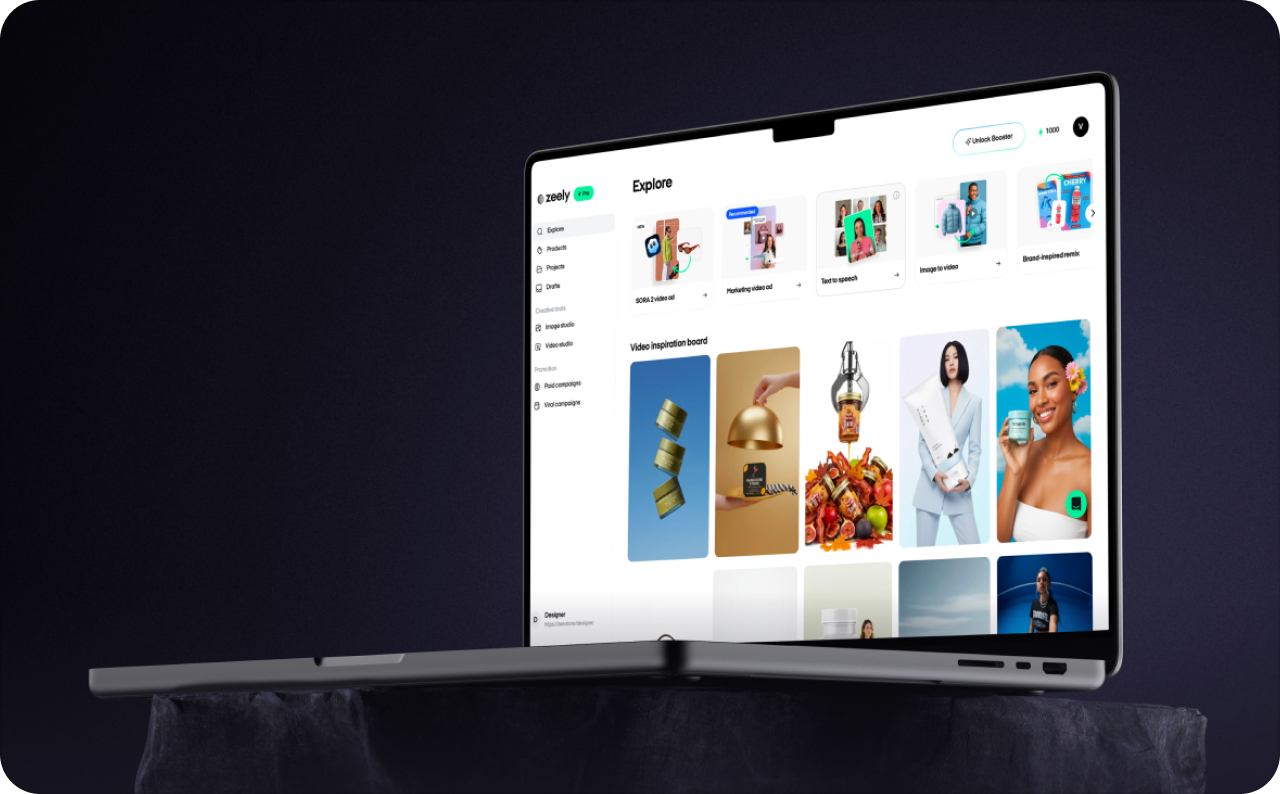
How Zeely works in one minute
The Zeely workflow has five practical stages. Each stage moves your offer closer to something customers can see.
- Add a product or service. Paste a public webpage or enter the details manually
- Choose what to create. Pick an image ad, video format, or organic-content tool
- Give AI useful direction. Add assets, references, a prompt, and available brand settings
- Check the result. Edit supported elements, regenerate, download, schedule, or add the creative to a campaign
- Publish with intent. Approve an organic post or launch a paid Meta campaign. Then watch the relevant content or campaign data
Zeely handles time-consuming production steps and offers recommendations. You decide what represents your brand and when anything goes live. Zeely does not take an offer and secretly spend money behind your back. You select the audience, confirm the budget, and press the final launch button.
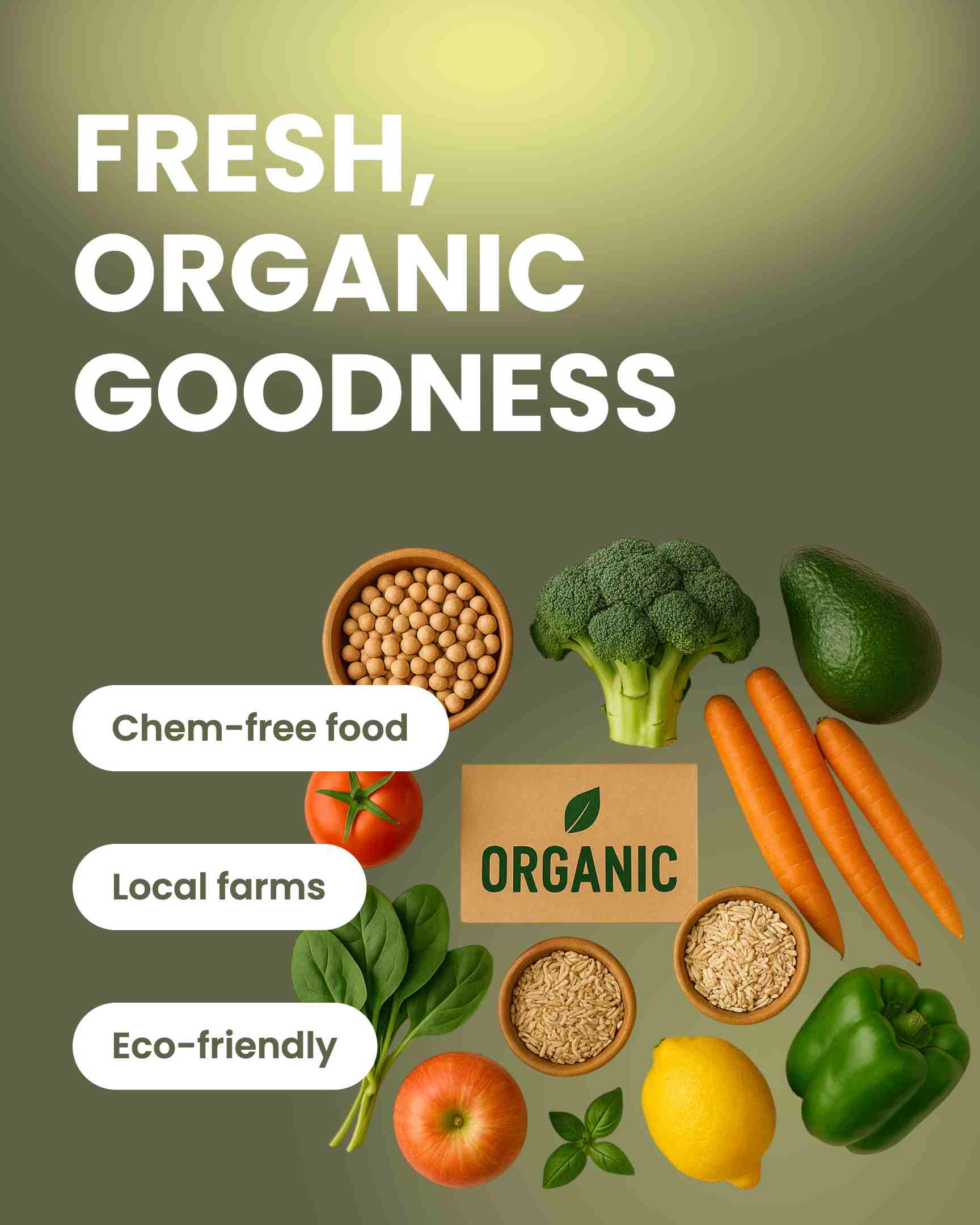
Step 1: Add a product or service without connecting your store
Every Zeely project starts with an asset. An asset is the product or service you want to promote.
You can paste a public product link or add the information yourself. Zeely product import reads available webpage content without accessing your store account or private data.
What Zeely can read from a public link
Depending on the page, Zeely may collect the product title, description, and images. Public Shopify product pages can also provide a displayed USD price when available. Price extraction is not guaranteed for other websites or import methods.
AI then identifies the offer type and can suggest a niche, call to action, and audience. These suggestions are generated, not copied from the webpage.
Supported and unsupported sources
Shopify has the most developed URL-based flow. A public store URL may return several products for you to select. If you paste a Shopify admin link, Zeely may convert it to the matching public page when possible.
Instagram and Facebook links receive dedicated processing. Etsy and Amazon require a direct product-page link. A store homepage, seller page, or profile is not enough for those marketplaces.
Other public ecommerce pages use general extraction, so results depend on page structure.
Private pages, password-protected content, Google Drive files, Canva documents, and inaccessible admin pages are unsupported. For the exact screen flow, see how to import a product from a public webpage.
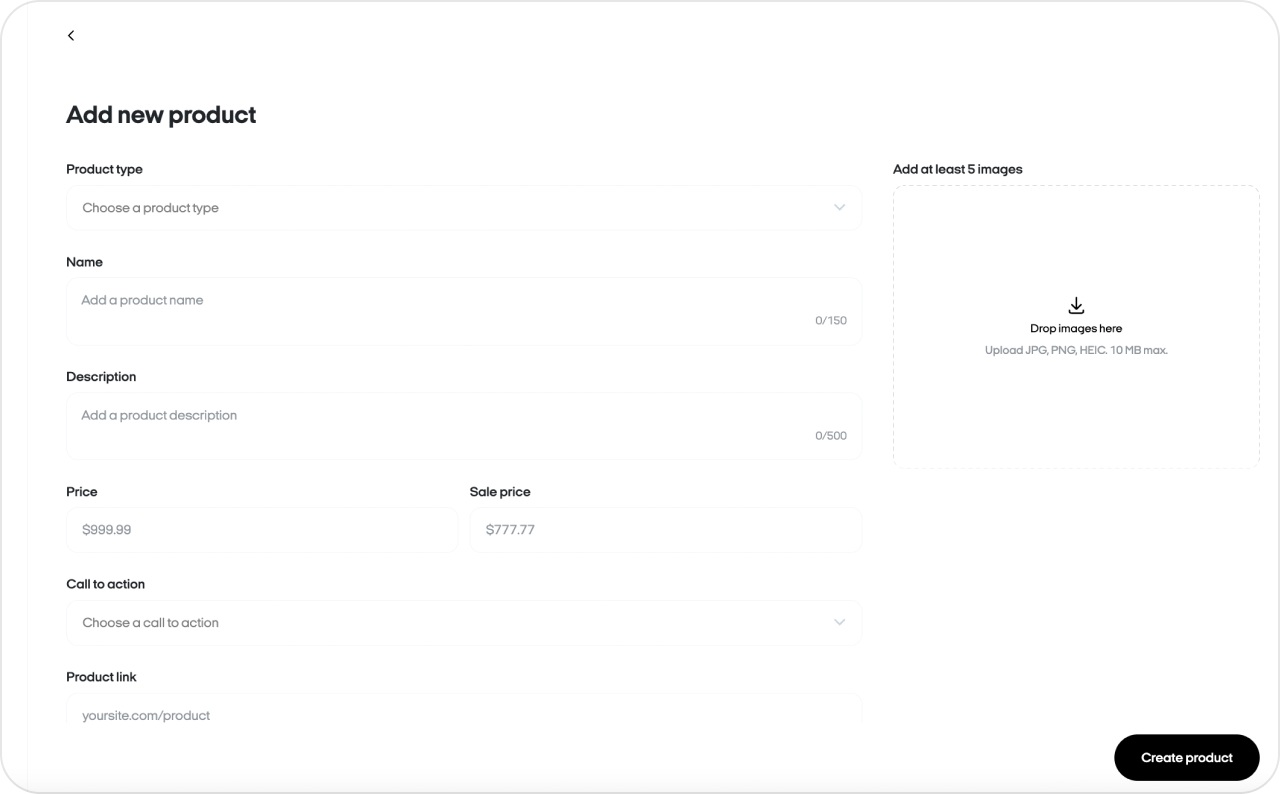

Step 2: Choose the right Zeely creation path
Once your asset is ready, match the output to the job. The current Zeely AI features and Zeely AI ad generator support several creation paths.
| Goal | Zeely path, input, and output |
| Make a static ad | Image ad: Start with a product, optional photo, references, and prompt. Create one or more image ads. |
| Build without a fixed template | Playground: Combine a prompt, assets, and tagged references. Create a custom image or video. |
| Make an avatar-led ad | Video ad: Add a product, reference, avatar, and script. Create a hook, body, or full ad. |
| Create a presenter clip | Talking-head video: Add an asset, avatar, and script. Create a 30-second presenter video. |
| Add motion to a still | Animate an image: Start with a clean product image and optional reference. Create a short video. |
| Recreate a social trend | Viral video: Add a reference video, avatar, and headline. Create an organic short-form video. |
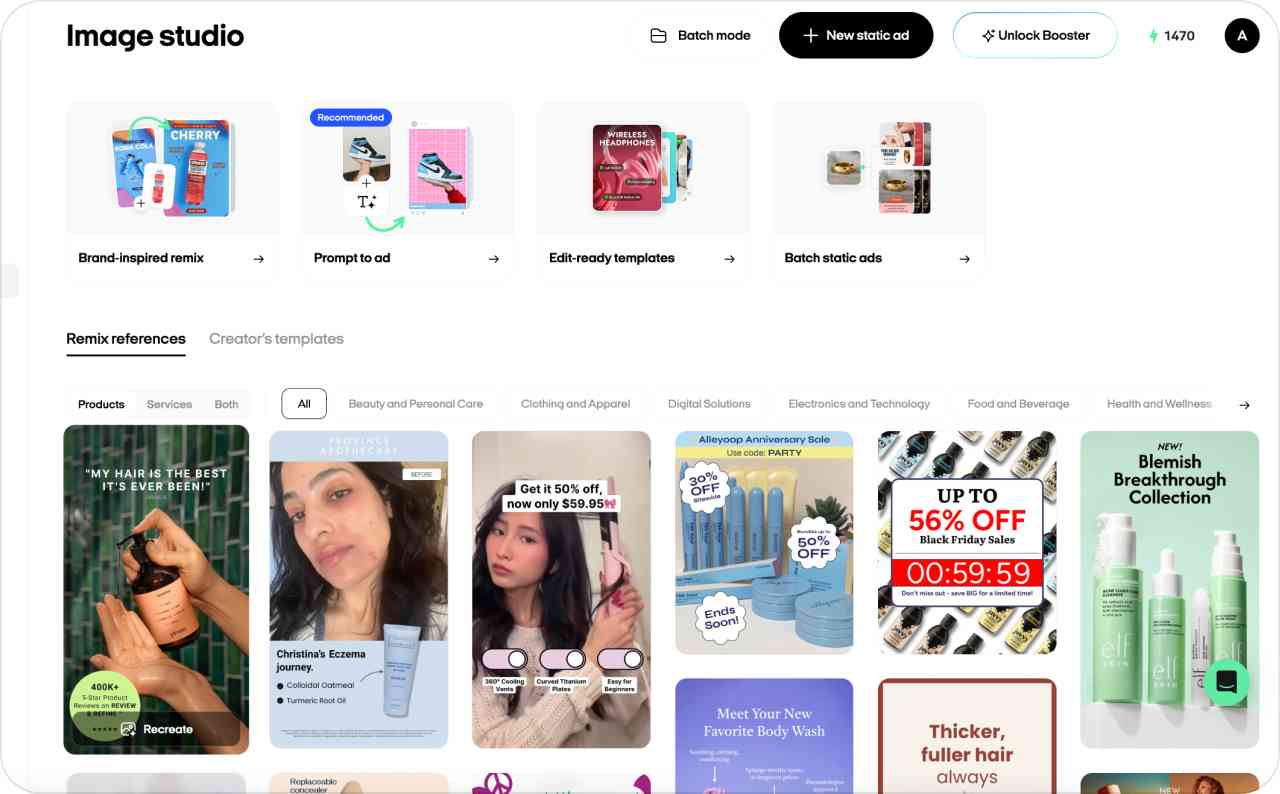
Step 3: Give AI direction with references, prompts, and Brand DNA
AI needs direction, just like a designer or photographer. Your product information provides the facts. References, prompts, and brand settings shape the creative decision.
A reference guides composition or style. Image ad supports up to ten references. Multiple references create separate directions, while one can support several variations.
Your prompt defines the subject, action, setting, lighting, mood, and wording. Identify anything that must remain unchanged.
For example, “make it premium” leaves too much open. Try this instead:
Place the uploaded serum bottle on pale stone in soft morning light. Keep the label, cap color, and bottle shape unchanged. Add the headline “Calm starts here” above the product.
If prompts feel awkward, use this guide to write a clearer Zeely prompt. It explains how to combine the goal, context, visual direction, and boundaries.
Brand DNA stores your logo, colors, fonts, tagline, tone, and style. You can enable selected elements for an image. Follow the current Brand DNA setup.
Clear inputs and controlled variations beat endless random generations.placed on the Zeely page. You may also like exploring targeted digital advertising and how it helps you reach the right audience.
Step 4: Review, edit, download, or publish your creative
Every generated asset appears in Projects. That gives you one place to reopen, compare, organize, and use completed work.
Check the product shape, package, label, price, offer, headline, and call to action. A polished mistake remains a mistake, only better dressed.
Next, choose what the asset should do:
- Download it. Export the finished image or video for another marketing channel
- Publish it organically. Send eligible Zeely-created content to Instagram or TikTok
- Promote it. Add selected images and videos to a paid Meta campaign
With Zeely social posting, you connect Instagram or TikTok, choose the media, set the publishing time, and confirm the post. Scheduled content publishes at the time you selected.
Direct organic publishing currently accepts content created inside Zeely. External uploads are not supported for this workflow. Organic posts also lack clickable links, so place an important destination in the caption or social bio.
The Zeely social posting guide explains these limits. Organic publishing uses no advertising budget. Paid reach begins inside a campaign.
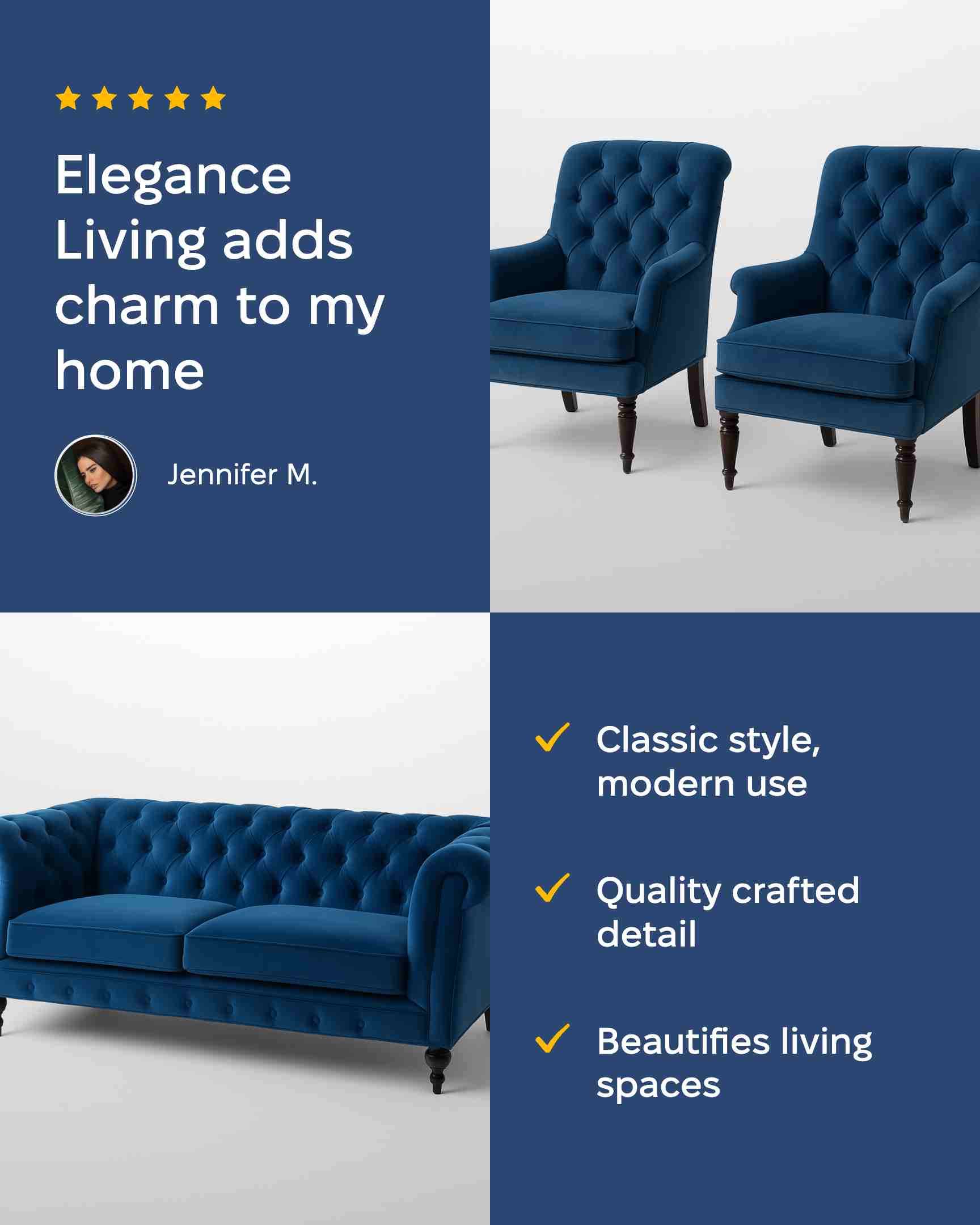

Step 5: Launch a paid Meta campaign in two ways
Zeely Meta campaigns place creatives beyond your existing followers. Two launch paths are available.
| Campaign path | How it works and who it suits |
| Connect your Meta account | Uses your advertising account. Meta manages verification, review, settings, and ad charges. Best when you already advertise through Meta. |
| Zeely AI Marketplace | Uses a Zeely-managed Meta account. You pay in Zeely, then Zeely and Meta review the campaign. Best when you do not want to connect your own ad account. |
With your account, Meta handles authorization, account checks, and ad charges. See how to launch through your Meta account.
Zeely AI Marketplace removes that connection step. You pay during setup, then Zeely checks the campaign before Meta’s review. The Help Center documents the Meta partner account process.
The remaining setup follows the same basic order:
- Add the destination URL and campaign name
- Choose an available objective
- Select three to five image and video creatives
- Review the visual, description, button, and placement
- Use the suggested audience or set location, age, and gender
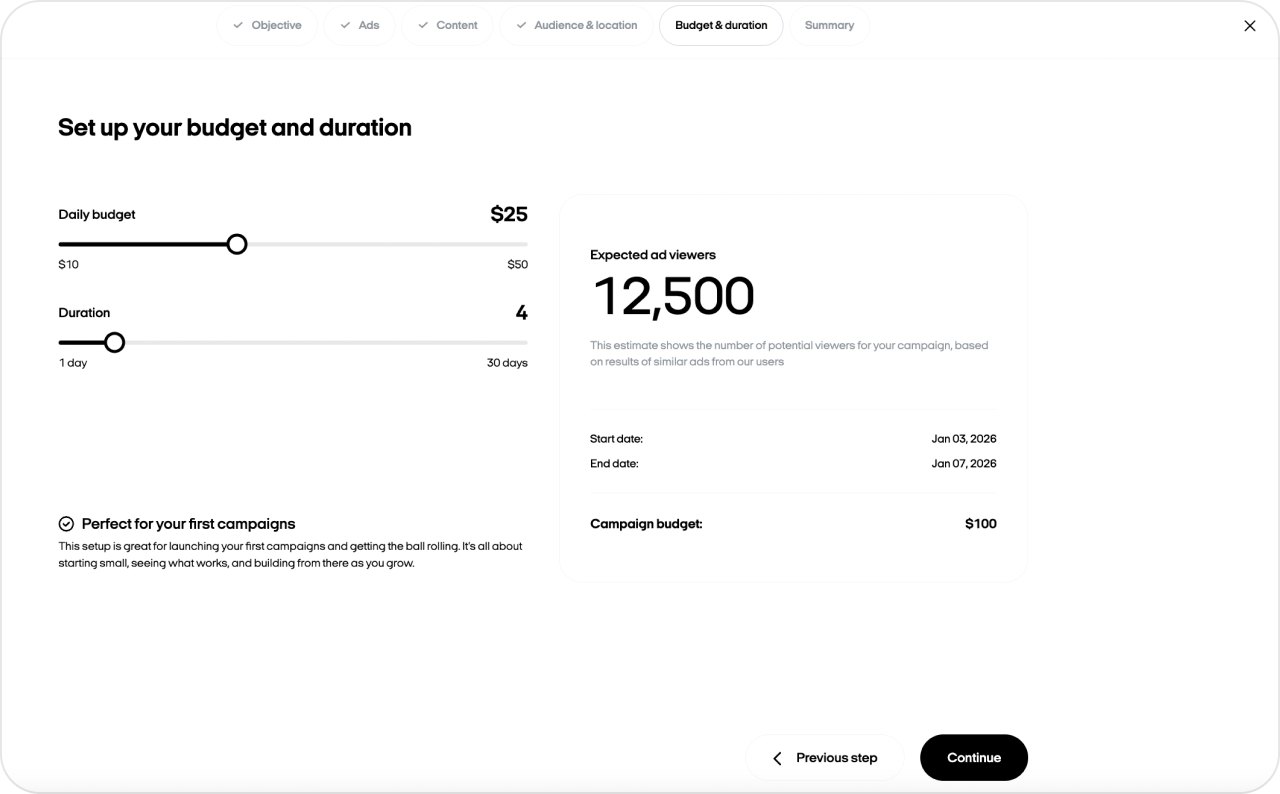
- Confirm the budget and campaign duration
- Launch the campaign for review
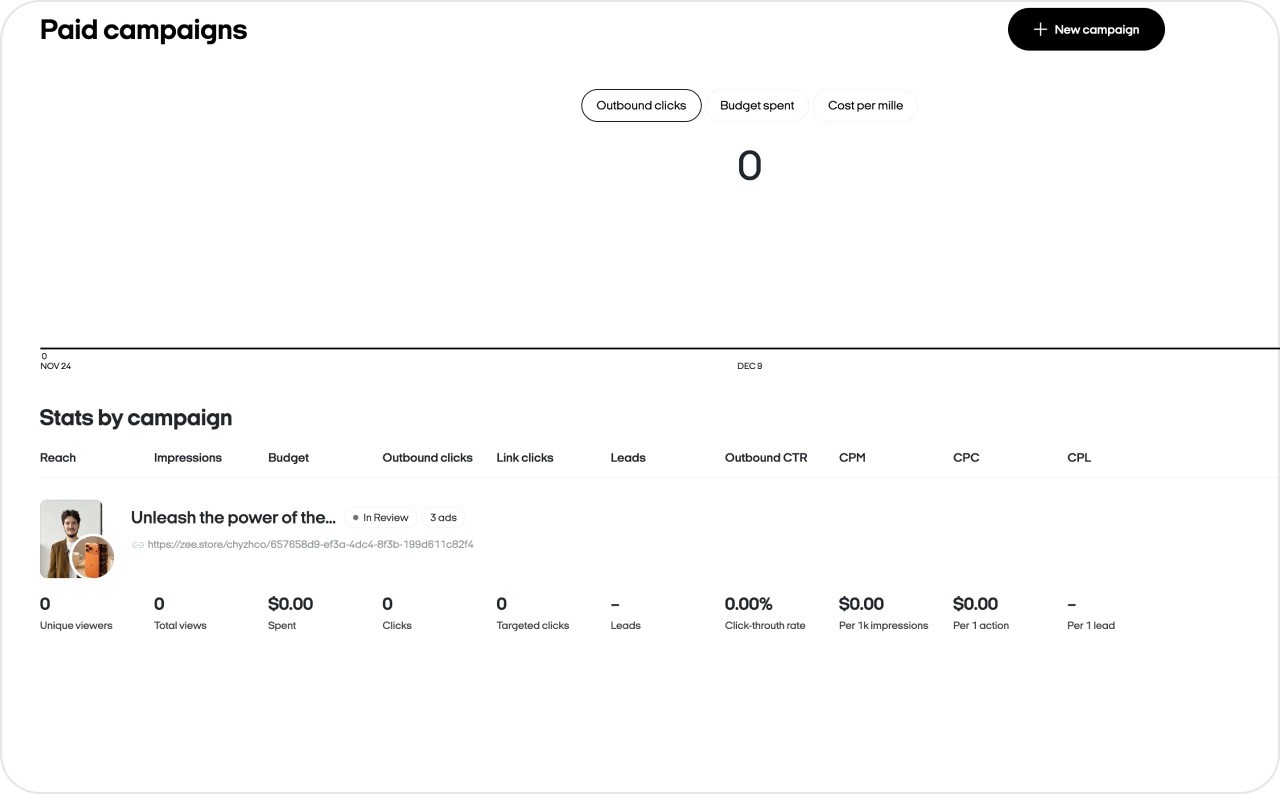
The dashboard can show spend, views, clicks, CTR, CPA, creative results, campaign status, and Meta feedback. Use those signals to compare ads.
What Zeely automates and what stays under your control
Does Zeely run ads for you? It removes production and setup work, but it does not make every decision.
The current Zeely automation explanation uses a useful rule: nothing publishes without your approval. Scheduled posts go live only after you deliberately set them. Paid campaigns begin only after you finish the setup and launch.
| Owner | Responsibility |
| Zeely | Public-page extraction; AI profile suggestions; image, video, script, hook, and caption generation; creative variations; audience and budget recommendations; scheduled posting after approval |
| You | Product facts; prompts and references; brand choices; final creative; social connections; audience; budget; duration; decision to publish or launch |
| Meta | Ad review, approval, delivery, and platform policy enforcement |
AI suggestions are starting points, not orders. Check generated claims against your product page. Review the audience and call to action before approving them.
Other tools that support the Zeely workflow
Several supporting tools inside Zeely AI help you find ideas, prepare inputs, and reuse completed work.
- Competitor Spy provides a searchable ad feed. Filter results, follow brands, save examples, or recreate an image direction. The Competitor Spy guide explains its collections.
- AI Agent (beta) supports research and marketing tasks. Attach files or assets, choose an available model, or start with a prepared AI Skill.
- Assets stores products and services. Projects keeps the images and videos created from them for reuse.
- Organic content includes Viral video. Carousel post remains labeled coming soon.
Use each tool for a clear blocker: direction, research, asset storage, or organic production.
How Zeely credits and support fit into the process
AI creation uses credits from one shared balance. Videos, image ads, animation, editing, regeneration, and new variations can all deduct credits.
The creation button shows the required amount before you confirm an action. Compare that cost with a complete regeneration.
Plan credits refresh with the billing cycle. Extra credits follow separate balance rules. Viewing, organizing, and downloading completed assets do not use credits. You can also open your credit history to see the feature, amount, date, and model connected to each deduction.
The Help Center explains how Zeely credits work. For plans and subscriptions, use the current Zeely pricing guide.
Start with one product and one outcome
You do not need to explore every Zeely feature on day one. Start with the offer that matters most this week.
Do this now
- Choose one product or service
- Check its name, description, images, price, and audience
- Pick one output: image ad, video, organic post, or Meta campaign
- Review every product fact and brand element
- Publish only when the creative matches the real offer
The easiest way to learn how to use Zeely AI is one clean test. Use my guide to set up your first Zeely project.
FAQ about how Zeely works
Zeely starts with a product or service that you add manually or from a public webpage. You choose an image, video, or organic-content tool, then review the AI-generated result. After that, you can download the creative, publish eligible content to Instagram or TikTok, or use it in a paid Meta campaign.
Zeely does not require a native Shopify connection for product import. It reads available information from public Shopify pages through URL-based extraction. A public store URL may return several products for selection. Zeely does not need store authorization, an installed plugin, or access to private Shopify data for that process.
Yes. Add your product or service manually with a clear name, description, images, price, and audience. Zeely can use those details to create image and video ads. Service businesses should add real photos of their work, space, or results when possible. You can review every field before generation begins.
Zeely generates creatives and helps structure a campaign. It can also suggest an audience, budget, scripts, hooks, and captions. You still review the creative, choose the campaign settings, and approve launch. Nothing spends until you confirm the campaign. Meta reviews paid ads and controls their delivery under its advertising policies.
Yes, Zeely can publish or schedule eligible AI-generated content organically on Instagram and TikTok. The current direct-posting workflow accepts content created inside Zeely. You choose the account, caption, publishing date, and time. Paid promotion in this guide remains limited to the confirmed Meta campaign paths for Facebook and Instagram.
AI generation and AI-powered edits use credits from one shared balance. Zeely shows the required amount before you create, edit, or regenerate something. Viewing, organizing, and downloading completed creatives do not use credits. Plan credits refresh with your billing cycle, while extra credits follow their own balance rules.