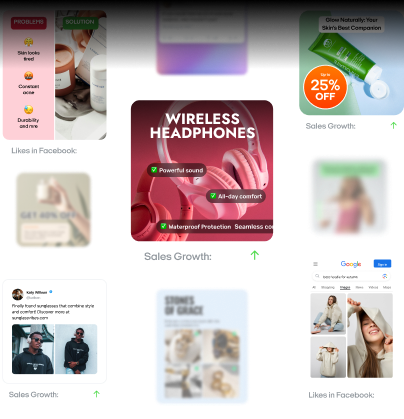
Best Shopify apps to increase sales: 37 picks for 2026
I recommend a small Shopify app stack that covers reviews and customer follow-up before adding advanced upsells. You’ll find 37 options with pricing and guidance on when each one earns a place in your store.

The best Shopify apps to increase sales depend on where you’re losing orders. If shoppers leave full carts, a recovery email app is worth comparing. When few visitors reach checkout, I’d check product pages and traffic quality first.
I’ve grouped 50 tools by the job you need done, from creating ads to managing repeat orders. Each entry shows a starting price and the metric to watch. You’ll also see who the app suits and what to check before paying. Choose the section that matches your store’s biggest gap.
Key takeaways
- The best Shopify apps to increase sales on my shortlist include Judge.me for reviews, Klaviyo for email and SMS automation, and Zeely for Meta ad creation.
- Shopify Messaging, formerly Shopify Email, suits your first email campaigns. Its first 10,000 monthly emails are free; additional sends cost more.
- Check profit before adding bundle discounts. A larger order still needs to leave enough margin.
- Compare costs at your expected order volume. A low starting price can hide a much higher bill.
- Budget ad spend separately from app subscriptions. Ad tool prices usually exclude what you spend on campaigns.
- Before subscribing, name who will maintain the app and check its results.
Quick picks of Shopify apps to increase sales
For a small team, I give setup time as much weight as feature depth.
| Your task | My pick | Choose it when |
| Create ads and launch Meta campaigns | Zeely | You create ads without a dedicated creative team |
| Manage product feeds across channels | DataFeedWatch | Several channels require different product titles or feed rules |
| Handle product SEO in bulk | Smart SEO | Editing tags and finding broken links takes too much time |
| Run email and SMS flows | Klaviyo | Customer behavior should determine which message goes out next |
| Build SMS campaigns | Postscript | SMS has its own subscriber list and someone managing sends |
| Build campaign landing pages | PageFly | A sale needs a page your current theme cannot easily provide |
| Customize the cart drawer | UpCart | Relevant add-ons belong beside items already in the cart |
| Personalize product recommendations | Rebuy | Your catalog supports related offers across several shopping stages |
| Sell product bundles | Bundler | Customers often buy certain products together |
| Show progress toward free shipping | Hextom Free Shipping Bar | Shoppers should see how much more qualifies their cart |
| Collect and display reviews | Judge.me | Review requests need to follow completed orders automatically |
| Run a points program | Smile.io | Returning customers would use purchase rewards |
| Reward customer referrals | ReferralCandy | Buyers already recommend your products to friends |
| Manage subscriptions | Recharge | Your products suit scheduled repeat deliveries |
| Send restock alerts | AMP Back in Stock | Popular sizes or variants sell out between deliveries |
| Manage customer support | Gorgias | Support messages arrive through several channels |
| Manage shipping labels | ShipStation | Orders from several stores share one shipping workflow |
| Provide order tracking | CWILL Order Tracking, formerly ParcelWILL | Customers need a tracking page and automatic delivery updates |
| Import and export store data | Matrixify | Large catalog updates happen through spreadsheets |
| Translate your storefront | LangShop | Customers shop in languages your store doesn’t yet support |
How I compare Shopify apps
I look for recent merchant reviews that describe the feature you’ll actually use. For a cart app, check comments about mobile layouts and checkout buttons. A developer’s reply helps you see how support handles a specific complaint.
Before recommending a paid plan, I check these details:
- The plan includes the exact feature you intend to use
- The app supports your Shopify plan and theme
- Setup requirements match the time your team has
- Export options let you move your data when switching tools
- Uninstall instructions cover any code added to your theme
Shopify’s Built for Shopify badge identifies apps that meet its quality requirements. I use that certification as supporting evidence when comparing native apps. For a custom storefront, confirmed theme compatibility still comes first.
37 best apps for Shopify
Choose the channel around how customers find and buy your product. I’d compare advertising needs differently for replacement refrigerator filters and handmade birthday gifts.
1. DataFeedWatch: best for Shopify product feeds across channels
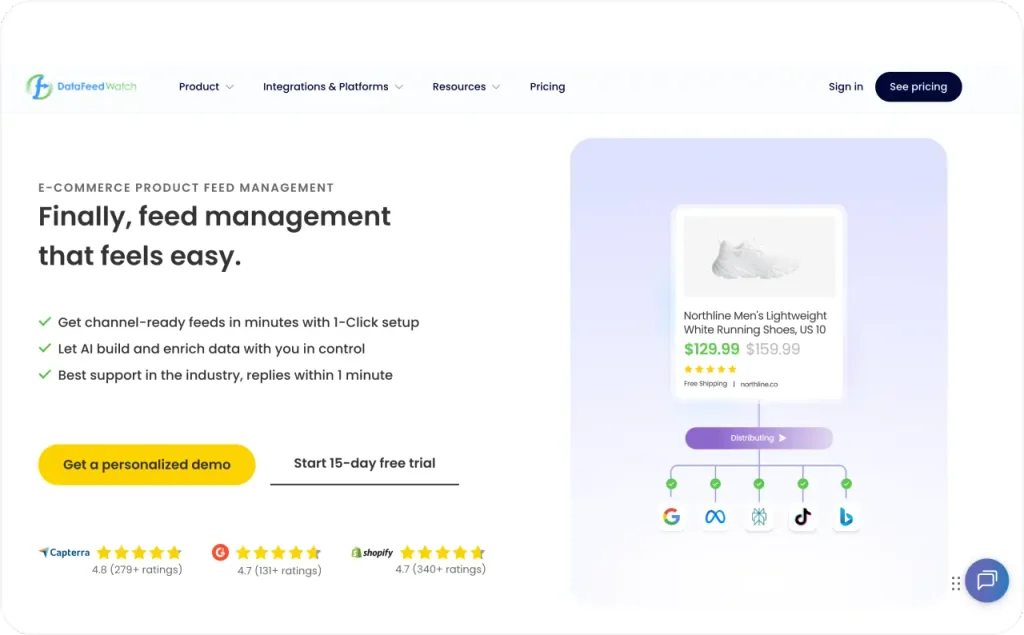
Control what Google Shopping and Meta receive from your Shopify catalog without editing each feed by hand. DataFeedWatch supports bulk title changes and rules for correcting product data before sending it to a channel. These changes apply to the exported listings, allowing your Shopify product pages to keep their existing copy.
Custom labels group products for campaigns using criteria such as margin or sales performance. For a candle store, a “clearance” label can separate discounted jars from full-price gift sets. You can then assign different budgets to those groups in your ad platform.
For stores selling across countries, the Shopify Markets integration also carries local prices and currencies into feeds. I would choose DataFeedWatch once maintaining several feeds becomes regular work. Before paying, check the plan’s update frequency, especially if stock or prices change throughout the day.
- Best for: Stores managing large catalogs or different product-feed requirements across several channels
- Price: From $64/month for 1 store, 1,000 SKUs, and 3 channels. The Shop plan adds $5 per extra 1,000 products.
- Main risk: Paying for feed controls you don’t need with a small catalog on a single channel
- KPI: Feed error rate and ROAS by channel
2. Smart SEO by Sherpas: best for bulk Shopify SEO edits
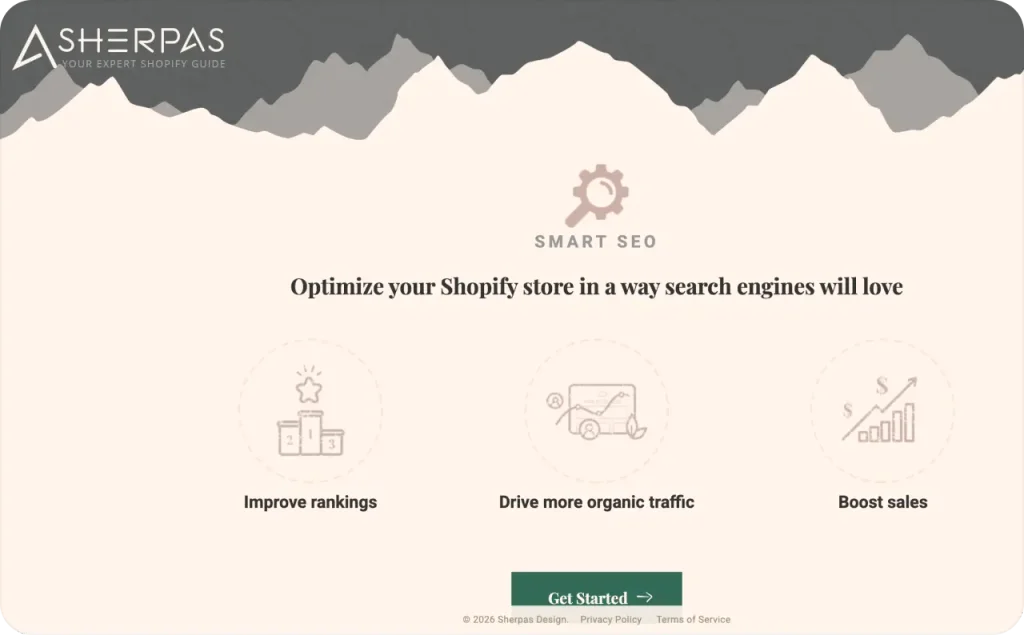
I prefer Smart SEO when the same page edits need to reach many Shopify products. Templates handle search titles and meta descriptions across your products and collections. AI can draft those fields or write image alt text and product descriptions. Paid plans add bulk controls, so you can apply changes without opening every page.
The app compresses images and includes page-speed tools for your storefront. Broken-link checks flag addresses that lead to missing pages. Paid plans connect Google Search Console and add structured data, code that helps search engines read product details.
Before applying AI edits in bulk, my priority is checking a sample for incorrect product details. A cotton scarf must still say cotton if the AI suggests “silk.”
- Best for: Stores updating search titles, descriptions, and image text across many product pages
- Price: Free plan with usage limits; Pro $14.99/month. Business $24.99/month adds bulk AI meta tag generation.
- Main risk: Generic AI copy making similar products harder to distinguish
- KPI: Organic revenue and organic sessions
3. Zeely: best for Shopify ad creation and Meta campaigns
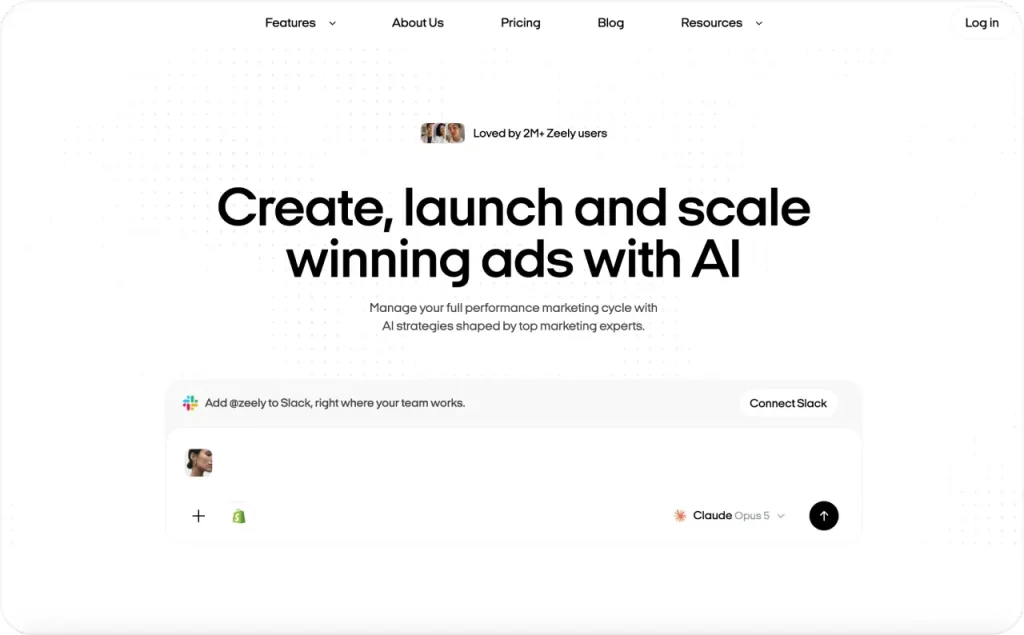
Zeely turns Shopify product information into ad creatives you can use in Meta campaigns. It’s an AI Marketing Intelligence Platform that also lets you review campaign and creative results. Import available product details from a public product or store link, without installing a Shopify plugin.
Create image ads or Shopify video ads with AI avatars. Video creation supports separate hooks and bodies, so you can refresh part of an ad. For a travel mug, my first test would show how it fits a car’s cup holder. Review the generated scene to confirm it represents your product accurately.
Launch with your own Meta ad account or Zeely AI Marketplace, which uses a Zeely-managed account. Your own account bills through Meta; Marketplace takes your campaign payment inside Zeely. The dashboard shows campaign spend and individual creative results.
- Best for: Small Shopify teams handling ad creation and Meta campaigns without a dedicated creative department
- Price: Starter $29.95/month with 2,500 credits; Plus $49.95/month with 5,000 credits; Growth $79.95/month with 10,000 credits. These web subscription prices exclude advertising spend.
- Main risk: Spending credits on creative variations you don’t use
- KPI: CTR and CPA
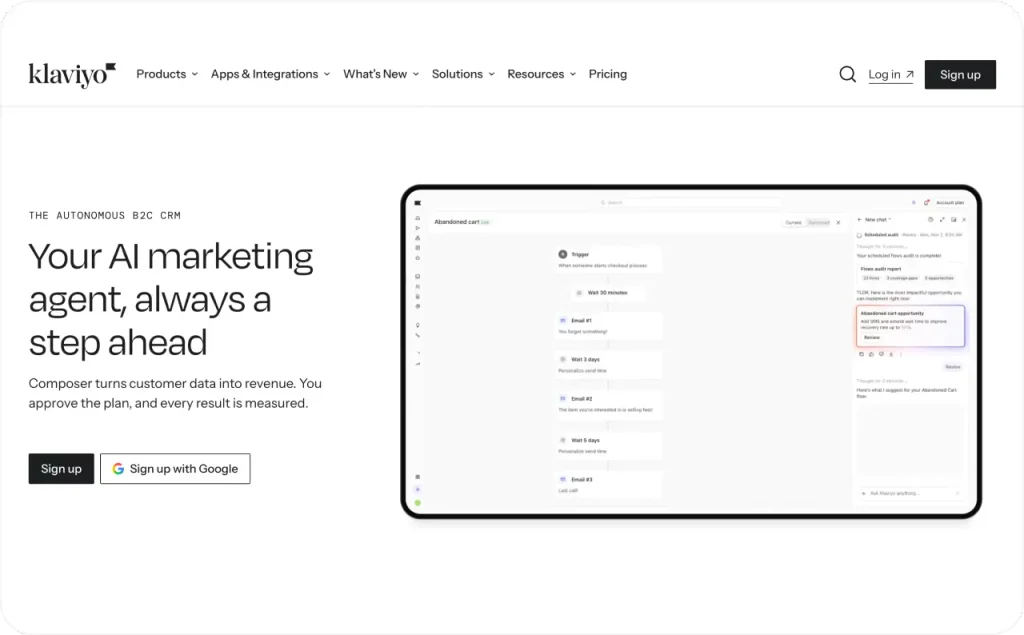
4. Klaviyo: best for purchase-based email and SMS automation
Klaviyo pulls in your Shopify customer and order data so you can group people by what they’ve actually bought. Those groups drive personalized messages and product recommendations. Flows, which are automated messages set off by something a customer does, cover the basics like welcome emails and abandoned checkout reminders.
It also handles browse abandonment and winback. Browse abandonment emails go out when a known visitor looks at a product but doesn’t buy. Winback messages reach past customers who haven’t ordered in a while. With both, you decide who gets the follow-up and how long to wait before sending it.
Say you run a pet supply store. You could time dog food refill reminders to match how often each customer usually reorders. A/B test the delay, then check the reports to see how much revenue each version brought in. It’s a simple way to work out how soon you can email a buyer again without annoying them.
Klaviyo makes sense to me when someone can review sending rules and customer exclusions every week.
- Best for: Stores sending different follow-ups based on what customers viewed or purchased
- Price: Free email covers 250 active profiles (contacts you can email) and 500 sends/month. Paid email starts at $20/month for 251 to 500 profiles. SMS starts at $15/month.
- Main risk: Rising subscription costs and harder-to-maintain sending rules as your customer list grows
- KPI: Revenue per recipient, reviewed separately for each campaign or flow
5. Omnisend: best for ready-made email and SMS automations
Omnisend works well if you want signup forms and email sequences in the same app. It comes with welcome and abandoned-cart templates, so you’re not building your first flows from a blank page, and the editor has layouts for newsletters and promos. SMS is built in too, along with AI help for writing subject lines and email copy.
Picture a soap shop that offers a short guide to choosing a scent in exchange for an email address. That guide should go in the welcome email, so the first thing a new subscriber gets is what the form promised. You can collect those signups through popups, embedded forms, or both.
Before choosing a paid plan, I’d look at the “Total billable contacts” number under Audience. Omnisend counts subscribers and some non-subscribers toward your tier, which means an imported customer list can push your bill up. Check that number before you move an old list over.
- Best for: Stores that want email automations and signup forms without writing every message from scratch
- Price: Free for up to 250 contacts and 500 emails a month. Standard starts at $16/month for 500 contacts, and Pro starts at $59/month for 2,500 contacts. SMS credits cost extra on the current paid plans.
- Main risk: Importing a contact list and ending up in a more expensive pricing tier
- KPI: The share of store revenue that comes from automations

6. Shopify Messaging: best for email inside Shopify
Shopify Messaging, the new name for Shopify Email, keeps campaign editing and reporting inside your Shopify admin. Use its ready-made templates to announce products or schedule promotions. Customer groups let you target particular audiences, and campaign reports show clicks and conversions. Email now sits alongside SMS and WhatsApp campaigns in the same app.
Shopify’s automation templates cover welcome emails and abandoned checkouts. Custom sequences use Shopify Flow, Shopify’s tool for building store automations. Abandoned-checkout emails are free and sit outside the monthly email allowance.
I prefer sending a useful product email here before paying for a separate email platform. For a ceramic-vase launch, include the available sizes and link directly to that collection. The product details give your first campaign a clear job without a complicated sequence.
- Best for: Stores sending their first campaigns or keeping routine email work inside Shopify
- Price: Eligible Shopify plans include 10,000 emails/month. Additional sends start at $1 per 1,000 emails; SMS is billed separately.
- Main risk: Custom automations adding setup work in Shopify Flow
- KPI: Revenue attributed to each email campaign
7. Postscript: best for Shopify SMS campaigns
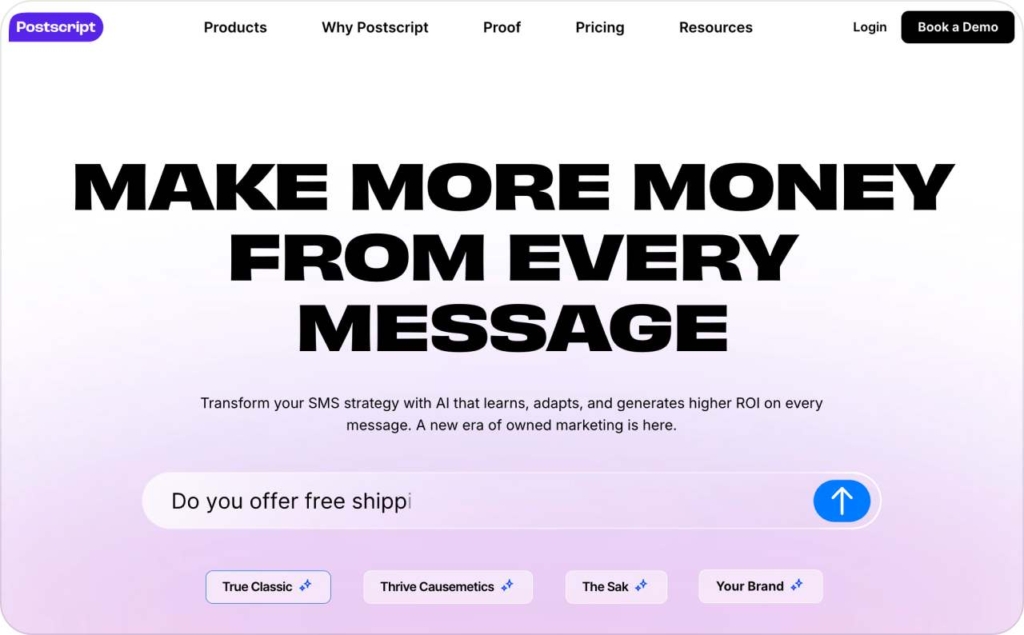
Postscript is built for SMS campaigns that draw on your Shopify customers’ purchase history. It uses store data to create customer groups, and you can either schedule campaigns or set up automated texts. There are signup tools for collecting new subscribers, and the reports show how much revenue your messages brought in.
Messaging is two-way, so subscribers can reply, and you can A/B test different versions of a text. If I were announcing a camping lantern restock, I’d test it on people who’ve already bought other camping gear from the store. That gives the campaign a clear audience, and you can weigh the results against what it cost to send.
Before you schedule anything, estimate how many people will get the text and add carrier fees to the cost. Automated messages belong in your monthly forecast as well. Since Postscript has a minimum spend and charges per message, how often you send ends up being a budget decision.
- Best for: Shopify brands building a dedicated SMS channel around customer and purchase data
- Price: Starter has a $49 monthly minimum spend. Once the introductory credits run out, it’s $0.009 per SMS and $0.045 per MMS, plus carrier fees.
- Main risk: Sending to more people or more often than planned, which pushes costs past your monthly budget
- KPI: SMS revenue per subscriber, plus total messaging spend
8. PageFly: best for Shopify campaign landing pages
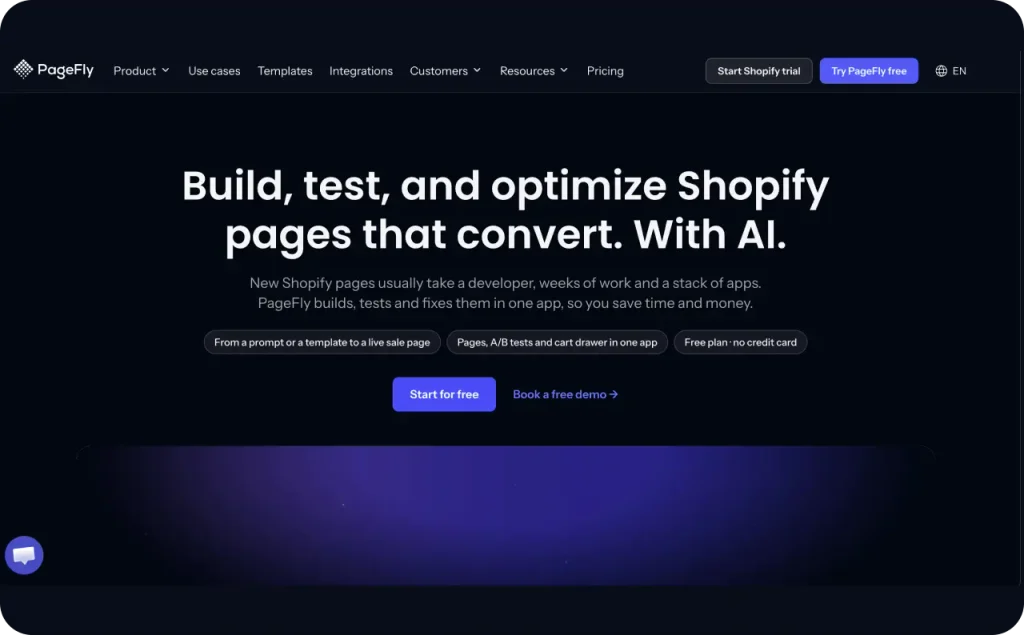
Build landing pages or product pages with a drag-and-drop editor, then reuse sections across campaigns. PageFly supports FAQ and coming-soon pages too, with templates you can adapt without writing code. Its AI builder can draft pages and sections for you to edit.
The editor includes add-to-cart buttons and sales banners. Countdown timers and trust-badge sections are available too, so check these elements before paying for separate widget apps. Higher plans add A/B testing and heatmaps, visual reports showing where visitors click.
For a beginner’s crochet kit, my page would show the box contents beside the buy button. Mobile preview would decide which extra sections I keep. Check that the product details stay readable and the button stays easy to tap after arranging the page.
- Best for: Stores regularly building campaign landing pages or product layouts their theme doesn’t provide
- Price: Free for 1 published page or section. Builder starts at $24/month for 5 pages or sections. Extra capacity costs $5/month per additional 5 pages or sections.
- Main risk: Extra sections and media slowing the page or crowding the mobile layout
- KPI: Purchase conversion rate for traffic landing on the page
9. Sticky Add to Cart Booster Pro (STKY): best for long mobile product pages
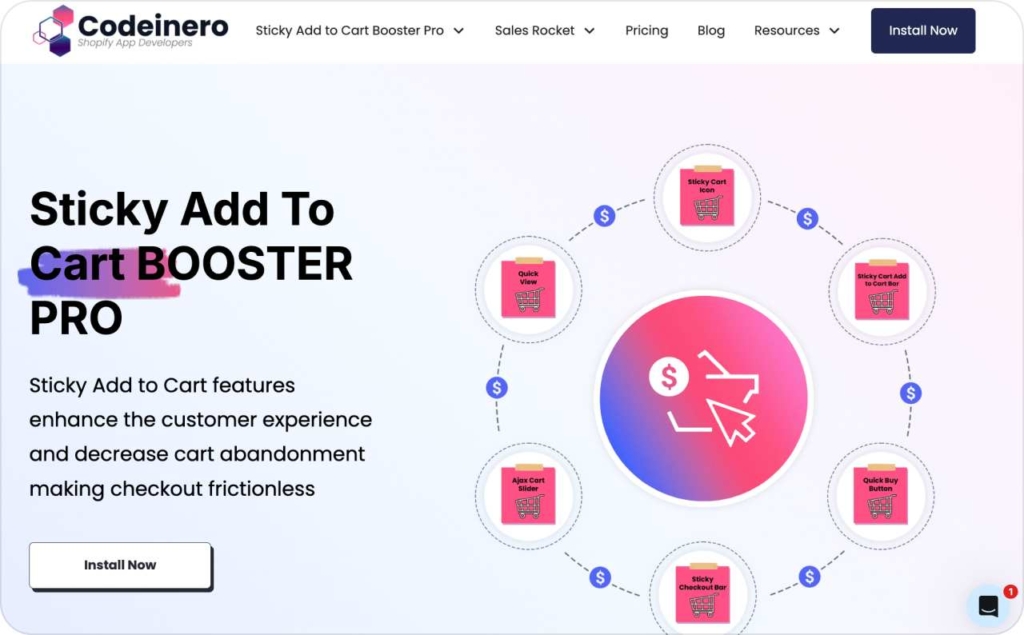
Use this when shoppers reach the sizing chart and lose sight of your buy button. Sticky Add to Cart Booster Pro, now listed as STKY, adds a buy bar that stays visible during scrolling. It also offers quick-buy buttons and sticky cart and checkout bars. A slide-out cart drawer holds in-cart upsells.
I put correct variant selection ahead of button animations. On a desk-chair page, change the color before adding it from the sticky bar. Check that the cart receives the color you chose.
- Best for: Mobile-heavy stores with product pages shoppers need time to read
- Price: Free for up to 25 add-to-cart clicks/month; $6.99/month on Shopify Basic, with higher prices on other Shopify plans
- Main risk: Sticky buttons overlap chat widgets or cover content on smaller screens
- KPI: Add-to-cart rate
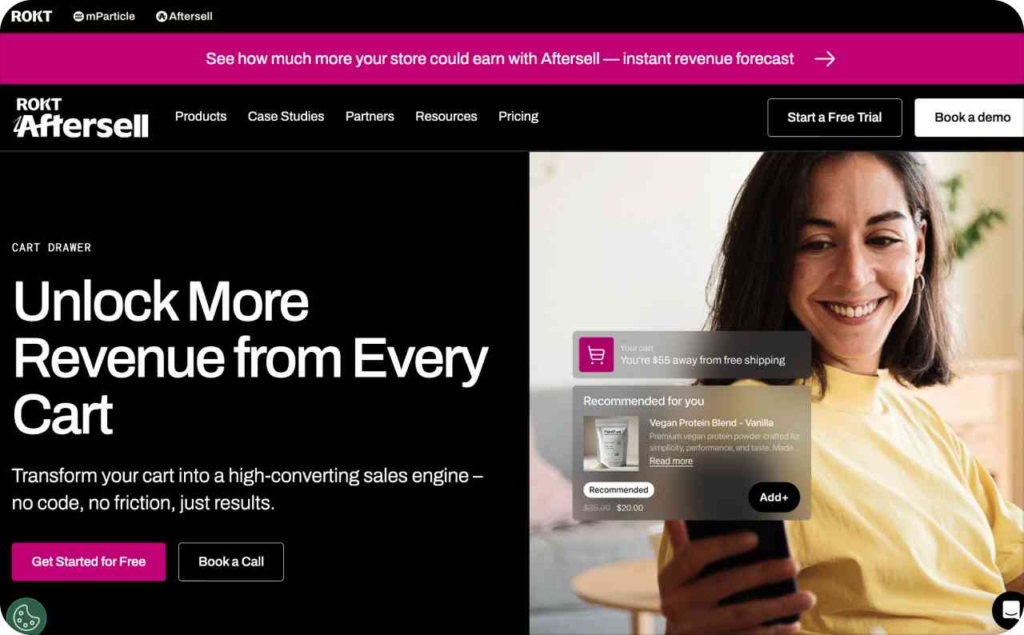
10. UpCart: best for adding useful offers inside the cart
Someone buying a camera should be able to grab the matching memory card without going back into your catalog to find it. UpCart handles this with a slide-out cart you can style to fit your storefront. The drawer can hold cross-sells and add-ons, plus announcements and rewards. If the built-in design settings aren’t enough, custom HTML and CSS let you take it further.
There’s also a free-shipping progress bar that shows shoppers how much more they need to spend to qualify.
I’d go with UpCart for stores that have outgrown standard cart templates. Use the trial to make sure discount codes and subscription products still work with the apps you already have, and run a few test purchases before you swap out your current cart.
- Best for: Stores with relevant cross-sells and specific ideas about how their cart should look
- Price: From $29.99/month for up to 200 orders a month, with a 14-day free trial
- Main risk: Clashing with cart scripts you already use, or packing so many offers into the drawer that it feels cluttered
- KPI: Cart conversion rate
11. Vitals: best for replacing several separate Shopify apps
Choose Vitals when it can replace subscriptions on your current app bill. The bundle includes reviews and product bundles, plus wishlists and back-in-stock alerts. A sticky add-to-cart bar and cart drawer are included too. Popups share the app with AI tools for creating product pages and ad creatives.
Open the apps list in your Shopify admin and mark the tools Vitals would replace. Compare the functions you actually use before canceling those subscriptions.
I wouldn’t switch for a wishlist alone.
Don’t calculate savings from the base subscription alone. Vitals adds fees for sales it credits to its tools and for usage above included limits. Check its usage-based pricing against your store’s numbers before making the switch.
- Best for: Stores replacing several separate apps with one subscription
- Price: $29.99/month base, plus the usage fees described above; 7-day free trial
- Main risk: Turning on tools you don’t use adds storefront clutter and settings to manage
- KPI: Conversion rate and number of apps removed
12. Rebuy: best for AI product recommendations across your store
I consider Rebuy once a store has steady orders and wants recommendations across several pages. Rebuy uses AI for upsells and cross-sells in its slide-out cart. Other tools place offers at checkout and after purchase. Search and collection features help shoppers find products beyond those offer boxes.
Check the package guide before subscribing. Cart tools and search belong to different packages, and A/B testing has its own package. You pay for the parts you select.
Test a recommendation against the same page without it. I trust that comparison more than a raw “upsell revenue” total. Include the app fee when you judge the extra profit.
- Best for: Stores with steady traffic and enough orders to compare recommendation tests
- Price: From $25/month for one package; the total depends on selected packages and monthly orders
- Main risk: Too many recommendation widgets interrupt product selection
- KPI: AOV lift
13. ReConvert (Upsell.com): best for post-purchase offers
Offer replacement filters after someone buys an air purifier, once the original purchase is complete. I look for that clear next purchase before choosing ReConvert (Upsell.com).
The app supports one-click post-purchase offers and recommendations on the thank-you page. Product-page recommendations and cart offers cover earlier shopping steps. Checkout placements require Shopify Plus. AI recommendations suggest products, while A/B testing lets you compare different offers.
Billing uses all monthly store orders, alongside revenue from accepted upsells. Upsell.com charges according to whichever figure puts you in the higher tier. Check both figures when estimating your subscription.
- Best for: Stores with a useful follow-up item to offer after purchase
- Price: Shopify lists a free tier capped at 50 monthly store orders and $50 in upsell revenue; paid tiers start at $9.99/month
- Main risk: Irrelevant offers or too many post-purchase screens
- KPI: Post-purchase offer acceptance rate
14. Wiser: best for low-cost AI product recommendations
Wiser lets you get product recommendations working before you spend money on advanced search or cart features. It picks related products based on what shoppers have bought and browsed. You can place its widgets on product pages and in popups, and show offers in the cart and after checkout. Thank-you page recommendations come included as well.
For frequently bought together groups, you can let the AI make suggestions or choose the products yourself. Product rules decide which items are allowed to show up. The Enterprise plan adds an advanced cart drawer, checkout offers, and bundle discounts. AI search and filters are part of that tier too, so you’ll need to request a quote if you want them.
When showing related products is the main thing you need, I stick with the simpler plans.
- Best for: Smaller stores that want AI recommendations without committing to a big subscription upfront
- Price: Free for up to 50 orders a month and $9/month for 51 to 100 orders. Higher tiers kick in as your order volume grows.
- Main risk: Too many recommendation rows and popups cluttering the product page
- KPI: AOV lift
15. Bundler: best for your first Shopify bundle offer
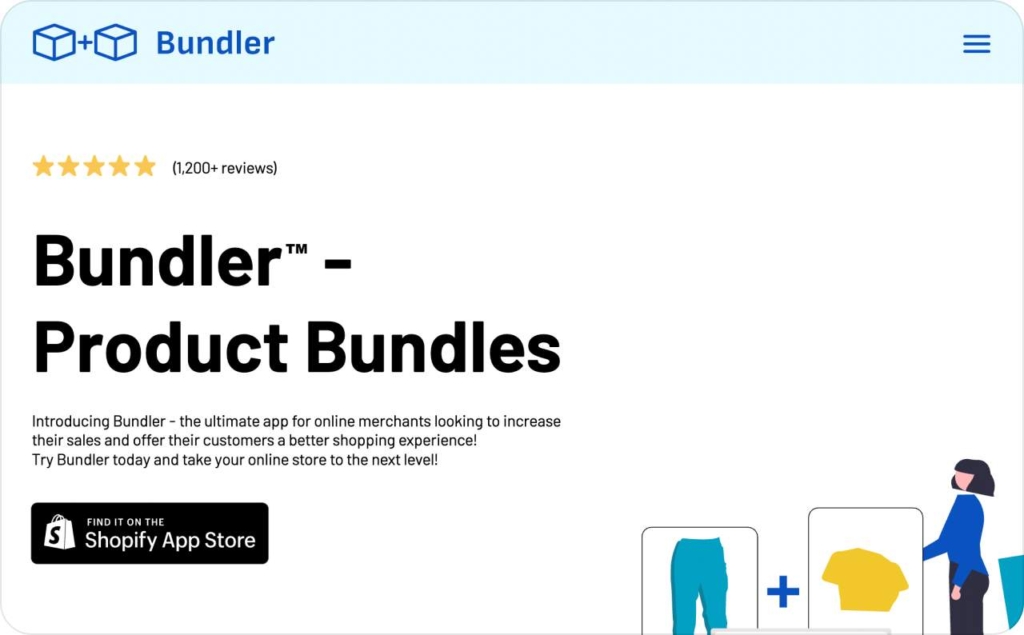
Offer a sketchbook with pencils as a fixed set when both belong in the same purchase. Bundler handles classic bundles and quantity breaks, where discounts change with the number purchased. Tiered discounts and subscription-compatible bundles are supported too.
Premium adds mix-and-match sets and dedicated bundle landing pages. Executive adds reports on bundle sales and applied discounts, alongside other bundle analytics. Those reports matter more once you have several offers to compare.
My first choice is the free plan for a straightforward fixed set or quantity offer. Pay for Premium when customers need to select their own items.
- Best for: Stores launching their first bundle offers
- Price: Free plan; Premium $9.99/month; Executive $19.99/month
- Main risk: Discounted sets replace purchases that would have sold at full price
- KPI: Share of orders containing a bundle
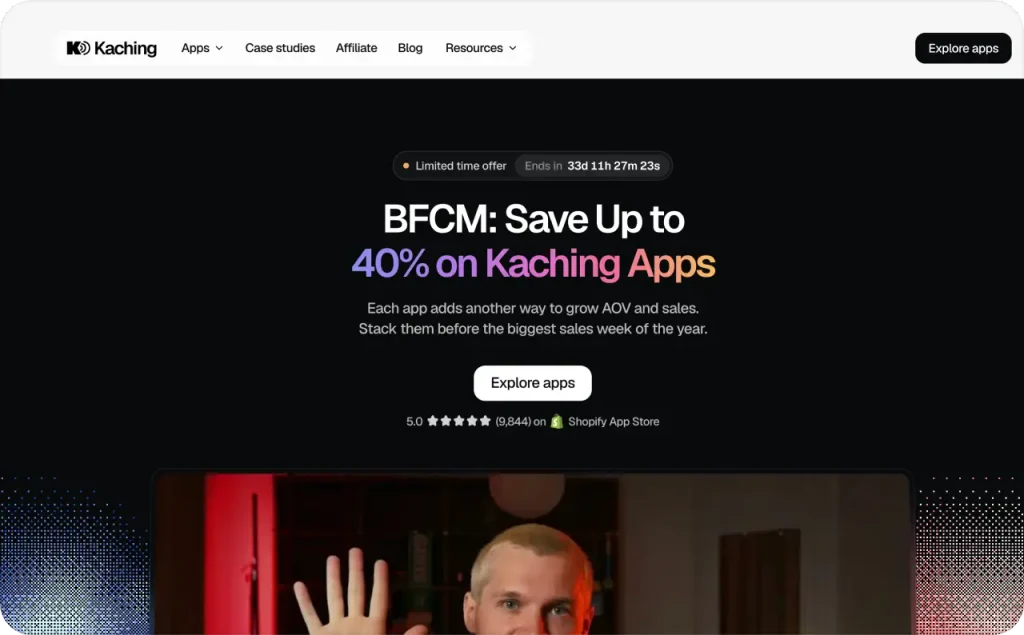
16. Kaching Bundles: best for testing bundle prices
Compare prices for the same bundle before changing the rest of the offer. Kaching Bundles supports variant bundles and volume discounts, alongside offers that add another product. Built-in A/B testing compares offer versions, while the builder lets you adjust their appearance.
If your water bottle sells for $25, compare 2 for $45 with 2 for $40. I hold the product choices and page layout steady so price is the variable. Run both versions during the same dates.
Kaching says it supports all Shopify themes. Its listing also names PageFly and GemPages among supported page builders.
- Best for: Stores testing bundle pricing before applying it across more products
- Price: From $14.99/month for up to $1k in additional revenue reported by Kaching; higher tiers follow that figure; free for development stores only
- Main risk: Frequent discounts teach shoppers to wait for another offer
- KPI: Bundle conversion rate and AOV
17. Hextom Free Shipping Bar: best for free shipping thresholds
This app tells shoppers exactly how far they are from free shipping. If your threshold is $60 and someone has $52 in their cart, the bar should say “Add $8 for free shipping.” Hextom Free Shipping Bar updates the message on its own as products go into the cart. The free plan gives you one active bar.
Premium adds Shopify Markets targeting and automatic currency conversion for stores selling across countries. You also get scheduled bars and tracking for impressions and conversions. I would set the threshold within reach of your current AOV. Pair the message with a useful add-on so shoppers know what to add.
- Best for: Stores offering free shipping above a spending threshold
- Price: Free plan; Premium $9.99/month
- Main risk: An unchanged banner that shoppers learn to ignore
- KPI: AOV
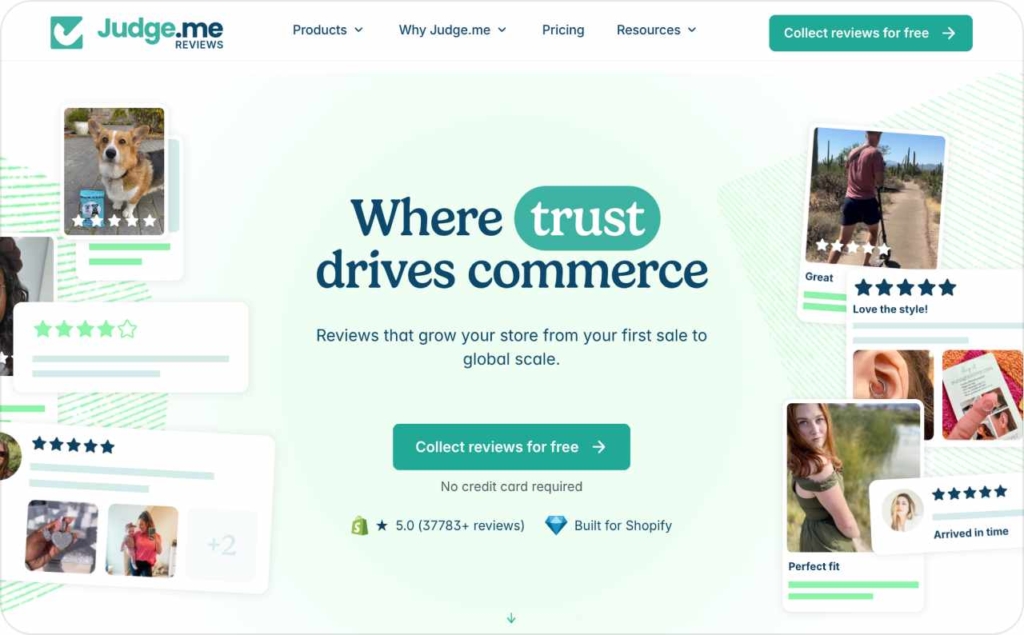
18. Judge.me: best free Shopify reviews app
If you want customer reviews without a big monthly bill, I’d go with Judge.me. Its free plan gives you unlimited product and store reviews, photos and videos included. Review requests can go out automatically after an order is fulfilled or delivered, and the widgets show reviews next to star ratings. It also adds structured data for Google.
Imports bring in reviews from Etsy, Amazon, and other review apps. If your walnut cutting board already sells on Etsy, check imported reviews against that same product. Judge.me also supports multiple languages for collecting and displaying customer feedback.
- Best for: Stores that need review collection without a large subscription cost
- Price: Free plan; Awesome $15/month
- Main risk: Generic requests that collect little useful product feedback
- KPI: Product page conversion rate
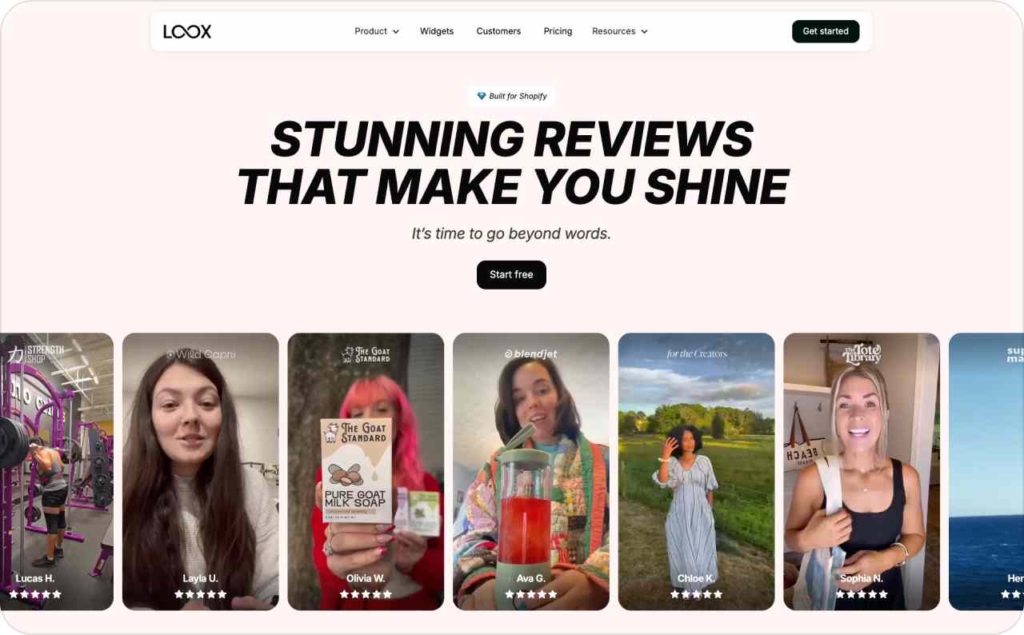
19. Loox: best for photo and video reviews
A customer photo can show how a cardigan sits across the shoulders. I value that detail when promoting an online clothing store, because shoppers can’t try your clothes on.
Loox sends automated review emails and reminders, then displays customer photos in customizable widgets. Discounts can reward submissions that include a photo. The paid Convert plan adds video reviews and referrals. If you offer a discount, reward the photo submission regardless of the rating.
- Best for: Visual products in fashion, beauty, and home
- Price: Beginner is free for 500 total store orders after the trial. Convert costs $49.99/month for 300 monthly orders, plus $50 per additional 300 orders.
- Main risk: Media-heavy widgets that hurt product page speed
- KPI: Product page conversion rate
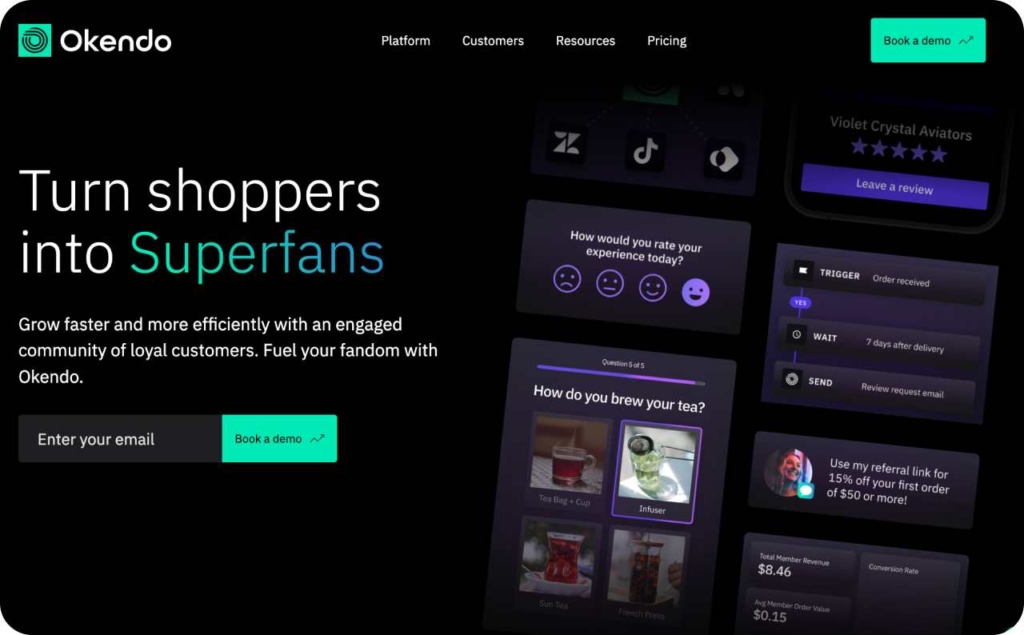
20. Okendo: best for using review data in email marketing
Ask backpack buyers how comfortable the straps feel with a laptop inside. Okendo lets you collect ratings for product details alongside written reviews. I recommend it when those answers will shape your emails or product decisions.
Review widgets display the feedback on your store, and Growth adds AI summaries and Q&A. Power includes email and SMS integrations for using review data in customer groups. Optional loyalty and quiz products have their own plans and bundles.
Keep the rollout small: migrate your reviews and set 1 request flow. Add Q&A once you’ve measured conversion with the new widgets.
- Best for: Brands that use customer feedback across email campaigns and product decisions
- Price: Free for up to 50 orders/month; Essential $19/month for up to 200; Growth $119/month for up to 1,500; Power $299/month for up to 3,500
- Main risk: A higher subscription bill as monthly orders grow
- KPI: Review volume and product page conversion rate
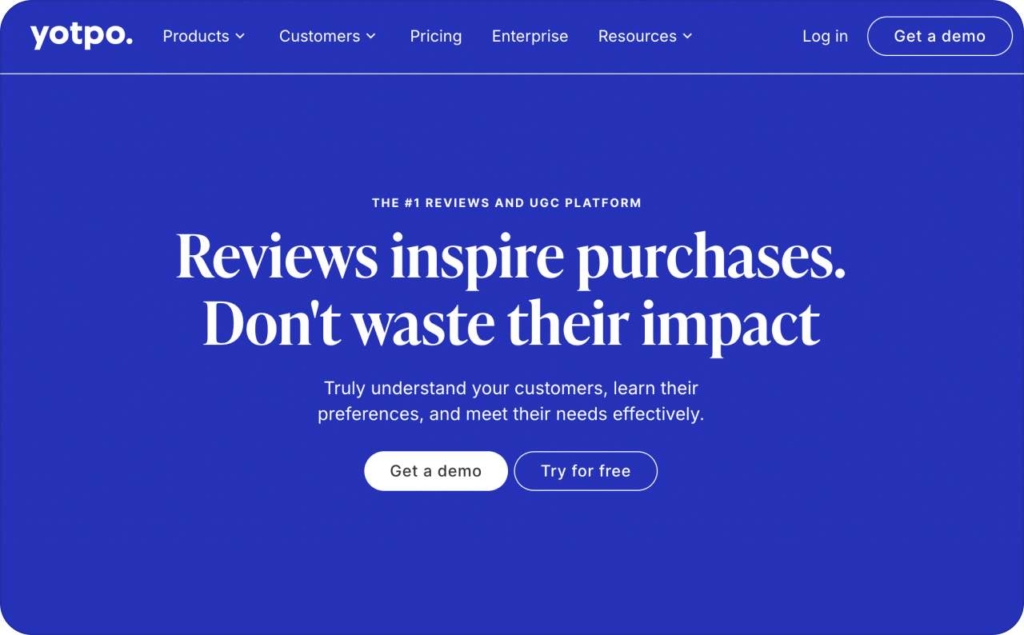
21. Yotpo Reviews: best for ratings in Google search and ads
Yotpo Reviews makes my shortlist when you want customer ratings in Google Shopping ads. It automates email review requests and handles moderation, with widgets and reports in the same app. SMS requests can run through the Klaviyo integration, which uses a separate messaging service.
Starter adds photo and video collection, plus Google Shopping support and markup for search results. Pro adds AI review summaries and smart sorting, with Google Seller Ratings for your store. Before paying for Pro, decide whether you need store ratings as well as product stars. Google decides whether product stars appear, based partly on the completeness of your product data.
- Best for: Brands using customer ratings in Google Shopping and search
- Price: Free for up to 50 orders/month; Starter from $15/month; Pro from $119/month, with paid pricing based on order volume
- Main risk: Order growth pushing the bill above the advertised starting price
- KPI: Review volume and product page conversion rate
22. Essential Trust Badges: best for payment and guarantee icons
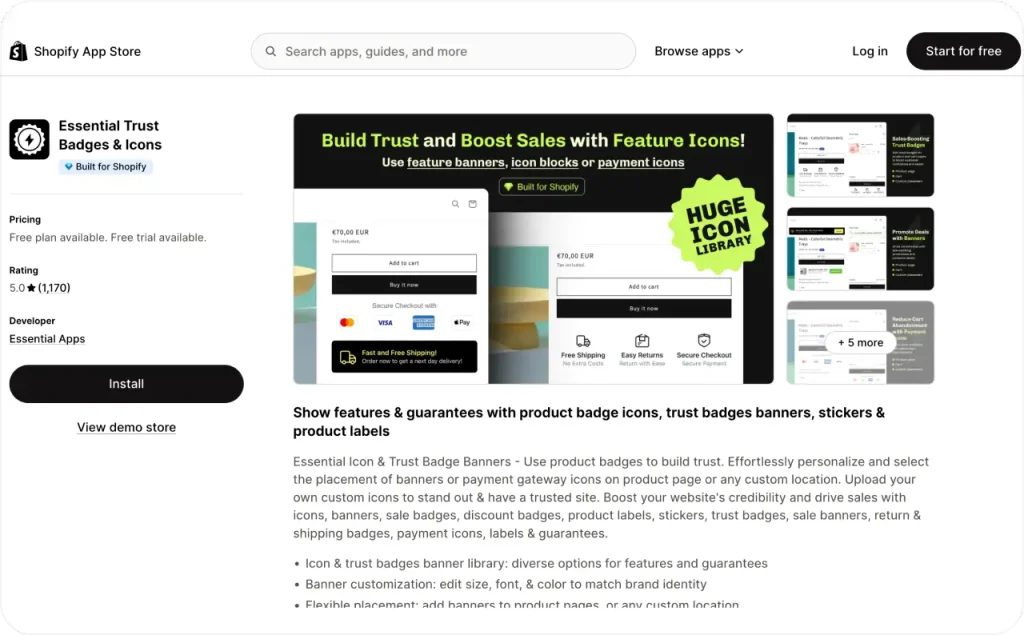
Show the promise a shopper needs to see beside the buy button. A clear “30-day returns” badge earns its place only if that’s your actual policy. Essential Trust Badges & Icons adds payment icons and shipping or guarantee messages without a custom design build.
Its controls let you change sizing and colors, then adjust spacing and placement to match your page. The icon library works for a basic setup; Starter adds uploads for your own icons. My rule here is simple: every badge should answer a real buying question. A row of decorative shields gives shoppers little useful information.
- Best for: New stores that need clear payment, shipping, or return information near the buy button
- Price: Free for up to 5,000 monthly views; Starter $6.99/month; Essential $9.99/month; Professional $29.99/month, with view limits by plan
- Main risk: Too many badges making the product page look cluttered
- KPI: Product page conversion rate
23. Smile.io: best for a first loyalty program
Give customers a reward they can understand before asking them to collect points. Smile.io handles points and referrals, with discounts or free shipping as rewards. Paid plans add a dedicated loyalty page and more ways to display rewards. Growth includes VIP tiers, so those aren’t part of the entry plan.
I keep the first version focused on a purchase reward with a clear redemption threshold. If 200 points buys $10 off, show that beside the points balance. Then check whether members place another order within your usual buying cycle.
- Best for: Small and mid-size stores with repeat buyers that want a first rewards program
- Price: Free for up to 200 monthly orders; Essential $15/month for up to 500; Growth with VIP tiers $199/month for 2,500, plus $20 per additional 100 orders
- Main risk: Rewards reducing margin on purchases customers would have made anyway
- KPI: Repeat purchase rate
24. LoyaltyLion: best for a customized loyalty program
I’d recommend LoyaltyLion if someone on your team can take ownership of the program. You get a loyalty page and configurable rewards, which give you more say over how customers earn points and what they can spend them on. It connects with review tools and email platforms like Klaviyo, and VIP tiers and customer groups let you give different buyers different offers.
Instead of handing returning customers yet another blanket discount, you could give them early access to a new collection. Make sure that perk shows up on the loyalty page so members can actually find it.
Keep the explanation of how the program works short enough that people get it from the first screen. Someone should also keep an eye on how rewards are being used and reach out when members stop buying.
- Best for: Higher-volume brands that have a person in charge of loyalty
- Price: Free plan for up to 400 orders a month. Classic is $199/month, and higher order volumes get custom quotes.
- Main risk: A program so complicated that customers sign up and then barely use it
- KPI: Customer lifetime value and repeat purchase rate
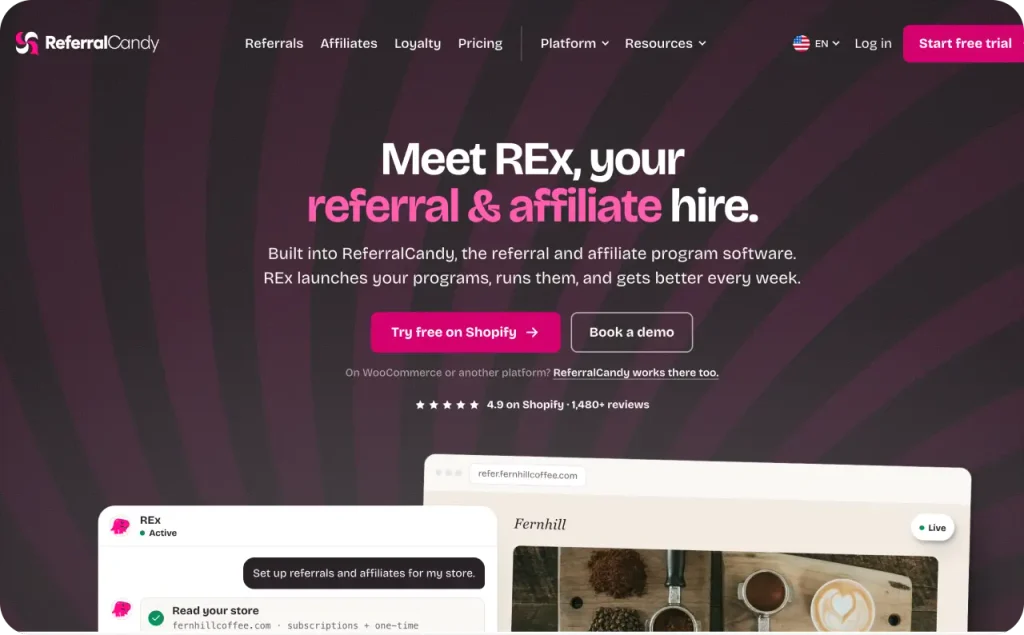
25. ReferralCandy: best for customer referral rewards
Give a happy customer a code to pass along to a friend, and both of them get a reason to buy. ReferralCandy keeps track of those referrals and sends out the rewards on its own. You can reward people with coupon discounts or cash, and the app runs fraud checks and reports on purchases that came through referrals. Those reports make it easier to tell new referral sales apart from repeat orders.
I calculate the full fee before choosing a plan for a gifting campaign. Using ReferralCandy’s listed fees, Basic and Grow each cost $114 on $1k in monthly referral sales, before customer rewards. When comparing Basic with Grow, Grow costs less past that point.
- Best for: Products customers already recommend to friends, including gifts
- Price: Basic $9/month plus 10.5% of referral sales; Grow $79/month plus 3.5%; higher-volume plans available; 7-day trial
- Main risk: Referral codes spreading to coupon sites
- KPI: Share of revenue from referred customers
26. Social Snowball: best for affiliate and creator programs
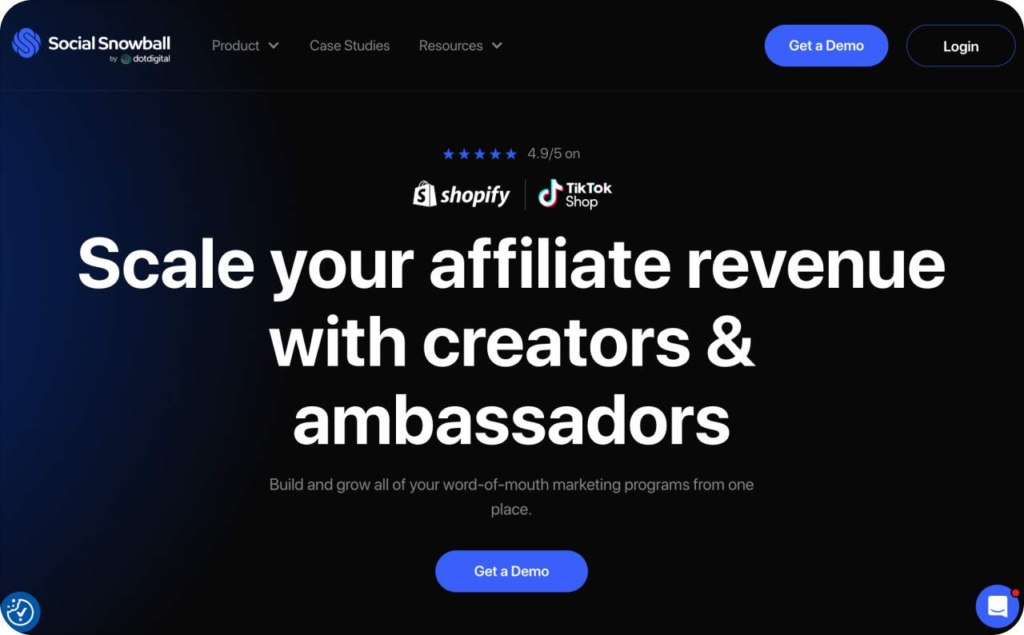
At some point, the spreadsheet of creator codes and unpaid commissions gets too messy to keep up with. Social Snowball can take its place. It tracks affiliate sales through referral links and codes, then pays out commissions automatically. You can run customer referrals and influencer programs side by side, and there are controls to catch fraud and leaked codes. The reports show which partner gets credit for each sale.
You can also have it invite customers to become affiliates right after they buy, which works well for products people already recommend to their friends. Even when tracking runs automatically, I still look through a creator’s content and audience before approving a partnership. And before you hand out any codes, decide what partners can and can’t say about your products.
- Best for: Brands juggling a growing list of affiliate and creator partnerships
- Price: Snow Day starts at $249/month plus 3% of affiliate revenue. Blizzard starts at $899/month with a custom plan.
- Main risk: Affiliates making claims about your product that hurt your brand’s credibility
- KPI: Share of revenue coming from affiliates and referrals
27. Recharge: best for replenishable product subscriptions
Let cleanser subscribers delay their next delivery when a bottle lasts longer than expected. Recharge adds recurring purchase options and a customer portal for managing orders. Customers can skip a shipment or change the schedule without opening a support ticket. Cancellation offers and failed-payment recovery address different reasons a subscription stops.
The platform also provides retention reports, while Plus adds customizable bundles for curated sets or customer selections.
I give the cancellation flow more setup time than the product-page widget.
Offer a practical alternative based on why the customer is leaving, such as a later delivery. Check whether saved subscribers stay through the next billing cycle.
- Best for: Products customers regularly use up, such as skincare or supplements
- Price: $25/month for the first 50 subscribers without Recharge transaction fees; Starter $99/month plus 1.49% and $0.19/transaction; Plus $499/month plus 1.34% and $0.19/transaction
- Main risk: Customers canceling because the product or delivery frequency doesn’t fit their needs
- KPI: Subscriber retention rate
28. Appstle Subscriptions: best for a smaller subscription budget
Keep subscription management simple for customers who just need to change their next order. Appstle Subscriptions lets you manage plans through its dashboard or Shopify admin. Reports cover active and paused subscribers. Customers manage their plans through a portal, with passwordless login available on Starter. I value that access when account passwords would otherwise send routine changes to support.
Automated emails cover upcoming orders and failed payments, with payment retries available to recover declined charges. Loyalty features support tiered subscriber discounts and rewards, including gifts, depending on your plan. The free tier has a subscription revenue ceiling, so budget around recurring revenue rather than subscriber count. Review failed-payment cases regularly instead of leaving them in a report.
- Best for: Smaller stores launching subscriptions with a limited software budget
- Price: Free for up to $500/month in subscription revenue; Starter $10/month for up to $5k; higher tiers available, with no Appstle transaction fee
- Main risk: Failed payments going unresolved because recovery messages aren’t configured
- KPI: Subscriber retention rate
29. AMP Back in Stock: best for restock alerts
Keep a sold-out product page useful by giving shoppers a way to hear when it returns. AMP Back in Stock collects signups and sends email, SMS, or push notifications when inventory returns. Paid plans also support preorders, so the app can handle more than a waitlist.
Demand reports show which products shoppers are waiting for and the revenue linked to notifications. For restock planning, I care about the exact variant people requested. Check which dinner plate color has the longest waitlist before placing another supplier order. Send alerts when that variant is genuinely available, and make follow-up messages easy to stop.
- Best for: Stores that regularly sell out of popular products or variants
- Price: Free for 10 notifications/month; Starter $19/month for 500 notifications, or $49/month on Shopify Plus; SMS charges depend on destination
- Main risk: Repeated notifications causing unsubscribes or spam complaints
- KPI: Revenue recovered from restock alerts
30. Timesact: best for launch preorders
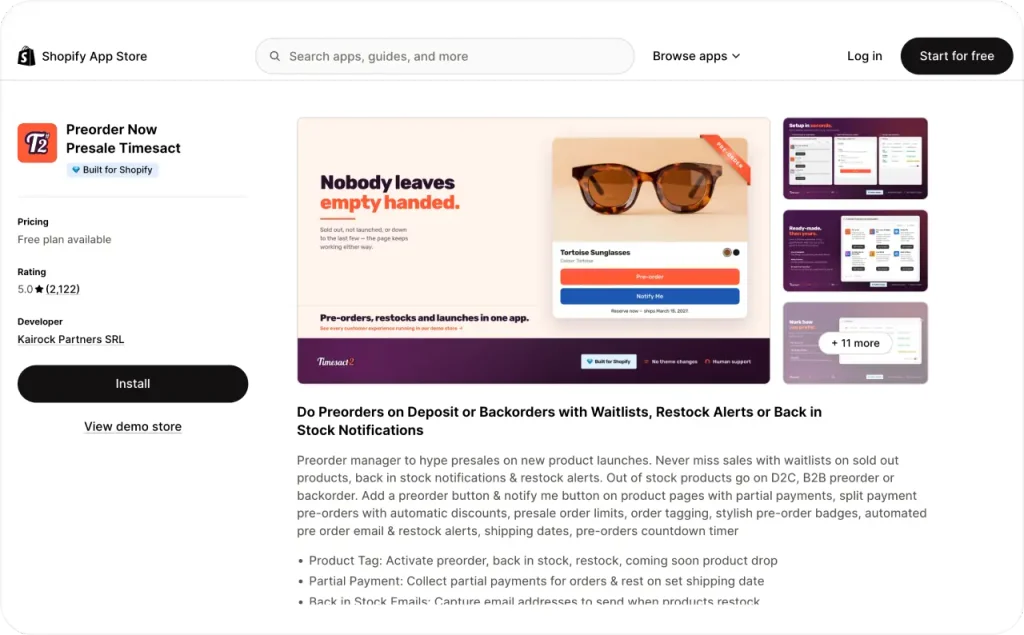
For a planner launch, I want the shipping date beside the preorder button. Timesact displays preorder buttons and badges, with shipping messages and automated emails. It supports preorder discounts and mixed-cart alerts for orders containing available products and preorder items.
Paid plans add deposits or split payments, plus reports for reviewing preorder demand. Those order counts help you plan the production run before every unit reaches your warehouse. Confirm the supplier’s timing before accepting payment, and keep the date consistent across the product page and confirmation email. Explain how mixed orders will ship so buyers know what arrives first.
- Best for: Product launches and items with a confirmed future shipping date
- Price: New-user free plan for 20 orders/month; Core Flex from $5/month for 30 orders, plus $0.20 per additional order; fixed plans from $23/month, based on your Shopify plan
- Main risk: Taking preorders against a shipping date you can’t meet
- KPI: Preorder revenue and on-time fulfillment rate
31. Gorgias: best for a growing support inbox
Picture a customer who emails about a damaged order and then messages you about it on Instagram too. Gorgias pulls both into one shared helpdesk, with the Shopify order details right next to the conversation. Email, live chat, and social messages all land in the same place, and SMS is available as an add-on. Since agents can see the order, they don’t have to ask the customer to explain everything again.
Saved replies and automation take care of routine questions, and the AI Agent can close out conversations within the rules you set. You’re charged for AI each time it resolves a conversation. Before letting it automate refunds or other order changes, I’d make sure it’s clear who’s responsible for what. Even a tidy inbox needs rules about who answers and when a conversation gets handed to someone else.
- Best for: Stores that have outgrown a shared email inbox for support
- Price: Starter is $10/month for 50 tickets, Basic is $60/month for 300, Pro is $360/month for 2,000, and Advanced is $900/month for 5,000. Overages and AI usage are billed separately.
- Main risk: Bad routing that leaves urgent customer messages with nobody assigned to them
- KPI: First response time, along with refund rate and repeat purchase rate
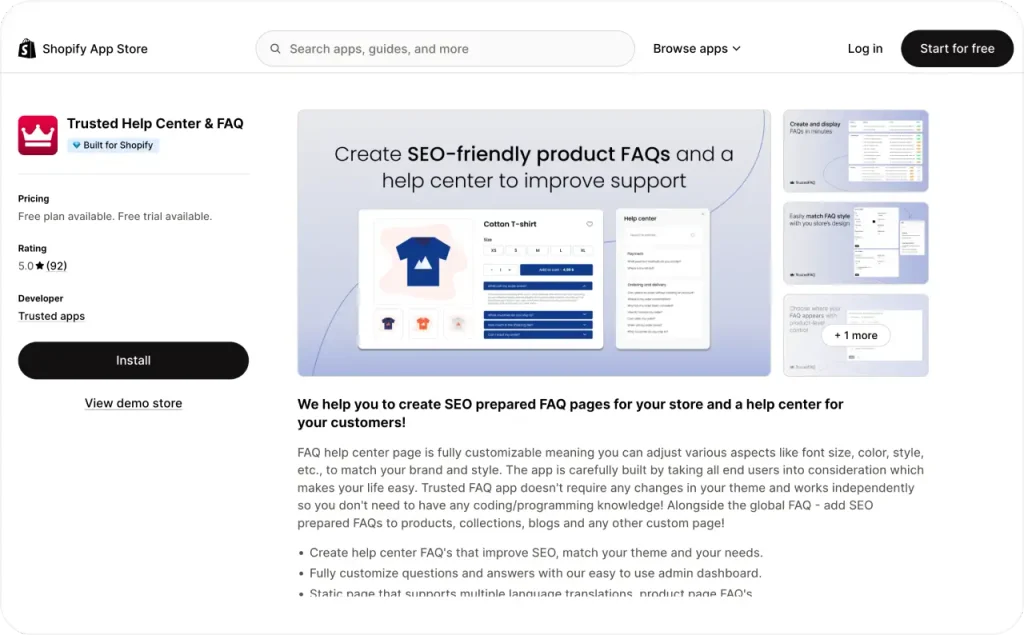
32. Trusted Help Center: best for store and product FAQs
“Does this poster arrive framed?” is the kind of question a buyer should be able to answer for themselves before checkout. Trusted Help Center & FAQ, which used to be called FAQ King, builds a FAQ page for your store that you can customize. Answers can include images and rich text, so if the frame question needs a photo, show the poster exactly as it ships.
The free plan gives you a standalone FAQ page, and paid plans add FAQs on product pages plus control over where they appear. The design settings help the questions blend in with your theme, and you don’t have to touch your product descriptions. I pull the questions from real customer messages, then put someone in charge of keeping the answers up to date. Store-wide policies go on the main FAQ page, and product-specific answers go next to the item they’re about.
- Best for: Stores that keep getting the same questions from buyers
- Price: Free plan available. Paid is $4.99/month or $49.99/year, or $79 for lifetime access.
- Main risk: Outdated answers that contradict your current products or policies
- KPI: Support tickets per order
33. ShipStation: best for shipping across several sales channels
When your packing team is jumping between separate dashboards, it’s time to get Shopify and marketplace orders into one shipping queue. ShipStation connects multiple stores and marketplaces, eBay included. It compares carrier rates and lets you buy and print shipping labels, and there are return-label tools for orders headed back to you.
The inventory features show stock levels and can send low-stock alerts, while advanced inventory management comes with Premium. Automation rules can sort orders and assign fulfillment steps before anyone prints a label. The first thing I’d do is ship a real parcel using the carrier and label printer you normally use. Try out the return process during the trial too, because returns often need different staff permissions.
- Best for: Merchants fulfilling orders from several stores or marketplaces
- Price: In the U.S., Starter begins at $14.99/month for 50 shipments, and Premium (with advanced inventory) begins at $349.99/month. Pricing varies by country and volume, postage is extra, and there’s a 30-day trial.
- Main risk: Your subscription getting more expensive as you ship more
- KPI: Fulfillment time and shipping cost per order
34. Zapiet: best for local delivery and store pickup
For a florist, I put preparation time ahead of a same-day delivery promotion. Zapiet adds pickup and local delivery options, with date and time selection. Product-page widgets show the available choices before buyers reach checkout.
You control delivery zones and rates, with time slots for each location. Advanced adds product preparation settings and order limits. The app supports translated customer messages and connects with Shopify POS and delivery partners. Check a nearby address and an address outside your zone so shoppers see the correct options.
- Best for: Local businesses offering scheduled delivery or pickup at physical locations
- Price: Essential $49.99/month for 1 location and 250 monthly orders; Advanced $79.99/month for up to 10 locations and 1,000 orders; 14-day trial
- Main risk: Location settings allowing orders your staff can’t prepare or deliver
- KPI: Checkout conversion rate for local customers
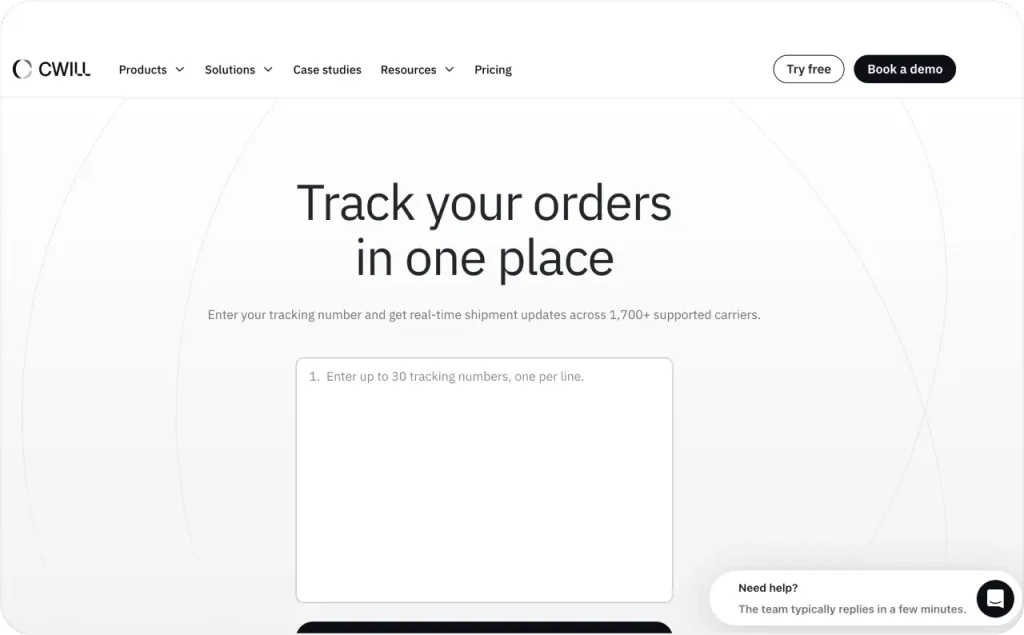
35. CWILL Order Tracking: best for branded tracking pages
Keep customers on your store when they check where their package is. CWILL Order Tracking, formerly ParcelWILL and ParcelPanel, builds a tracking page with your branding. It pulls carrier updates into a shipment dashboard and supports localized tracking messages.
Paid plans add shipping notifications and product recommendations or discounts on the tracking page. Analytics cover delivery performance and tracking activity, including notification results. For me, the delivery update deserves the most space on this page, especially when a shipment stalls.
- Best for: Stores receiving frequent order-status questions
- Price: Free for 20 orders/month; Essential $11/month for 200 orders, plus $0.05 per additional order
- Main risk: Missing carrier updates leaving customers with an unclear delivery status
- KPI: Order-status tickets and revenue from tracking pages
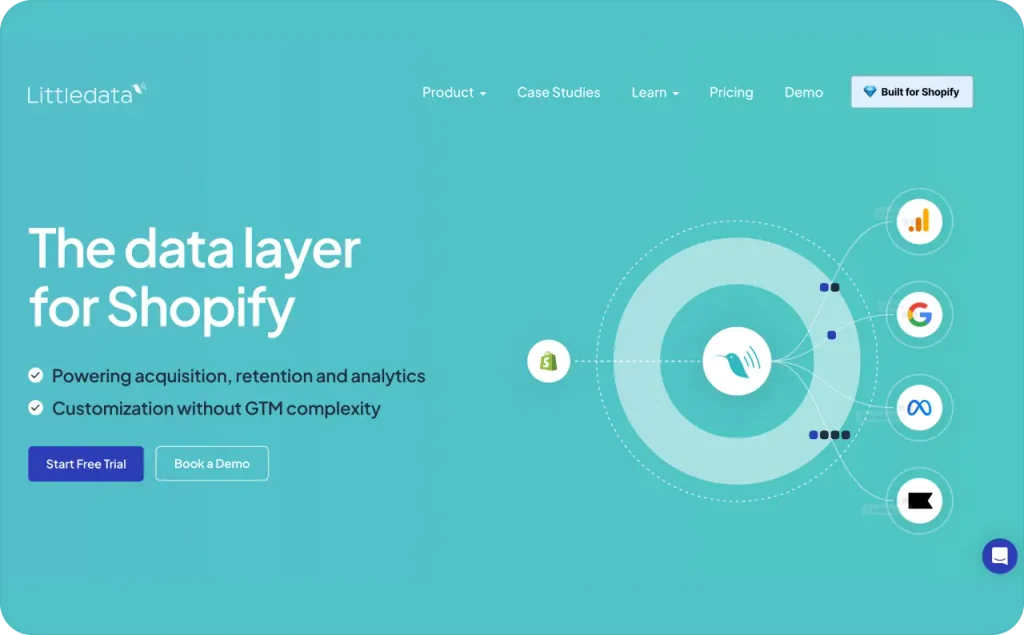
36. Littledata: best for Shopify purchase tracking
Your purchase data needs to actually reach the tools you use to judge your paid campaigns. Littledata handles this with server-side tracking, which means store events go straight to your analytics and ad platforms. It connects to GA4 as well as Meta Ads and Google Ads. With checkout events in your reports, you can see where buyers drop off and where your revenue is coming from.
I think the fee is worth it when missing purchases make your ad decisions unreliable. Before you change your budget, compare the number of tracked purchases with your paid Shopify orders for the same dates. Attribution settings still affect reported ROAS, so use the same window for the whole comparison. Also watch the per-order bill as your order volume goes up.
- Best for: Stores running paid ads with missing or unreliable purchase data
- Price: Flex is $0.35 per tracked order. Scale is $199/month for 1,500 orders, then $0.15 per order from 1,501 to 3,000 and $0.06 per order after that. There’s a 30-day trial.
- Main risk: Per-order charges growing faster than the value you get from the extra data
- KPI: Purchase tracking coverage and checkout drop-off rate
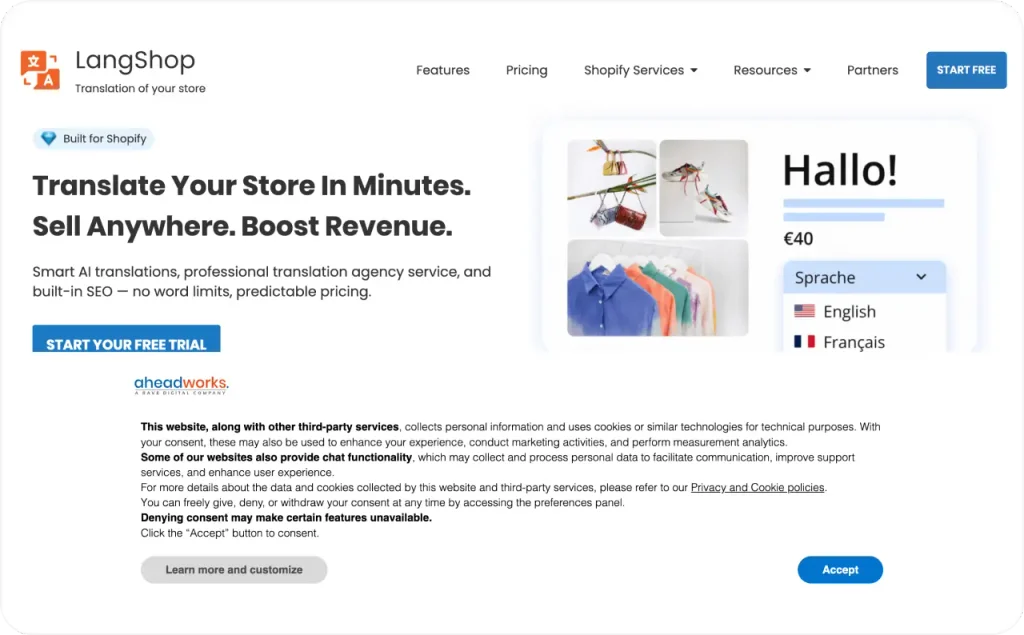
37. LangShop: best for translating a Shopify store
Make the buying details readable in the languages your customers use. LangShop translates product content and policies with AI, including supported checkout content. It also handles language and currency selectors, with glossary rules for consistent wording.
I add brand names and fabric terms to the glossary before translating the catalog. “Wool blend” shouldn’t become “100% wool” in the translated description. Ask a fluent speaker to check sizing and return conditions before publishing those pages. Paid tiers expand the language count and catalog allowance, so compare both limits before choosing a plan.
- Best for: Stores selling to customers who need another language
- Price: Free for 1 language and 50 products with limited AI translation; Basic $10/month for 5 languages and 250 products; Standard $40/month for 10 languages and 2,000 products; Advanced $75/month for 20 languages and 5,000 products
- Main risk: Machine translations changing product details or sizing instructions
- KPI: Conversion rate by market
Which Shopify apps belong in your first stack?
Let shoppers see delivery costs and complete an order before adding more sales apps. For a new store, I choose tools that cover the route from product page to purchase. Keep Shopify’s built-in tools when they already handle the work.
A Shopify app stack for a new store
Cover the essentials below as you need them. The app profiles above explain the plan limits, so check those details before choosing between alternatives.
| Store task | App shortlist |
| Customer reviews | Judge.me |
| Welcome and abandoned checkout messages | Shopify Messaging, or Omnisend if you also need SMS |
| Free shipping or product bundles | Hextom Free Shipping Bar or Bundler |
| A visible mobile buy button | Sticky Add to Cart Booster Pro |
A Shopify app stack for a scaling store
Choose the upgrade around the work your current setup leaves unfinished. I look for the manual handoff that keeps delaying your team before adding a larger subscription.
| Work that needs more coverage | App shortlist |
| Ad production and Meta campaign management | Zeely |
| Email and SMS automations | Klaviyo |
| Product recommendations or offers after purchase | Rebuy for your storefront, or ReConvert after checkout |
| Review collection across marketing channels | Okendo or Yotpo Reviews |
| Customer conversations across support channels | Gorgias |
| A rewards program | Smile.io or LoyaltyLion |
| Product feeds for several shopping channels | DataFeedWatch |
Get review collection and essential email messages working before testing an app for increasing order value. Expand paid traffic when checkout and purchase tracking are ready. Add more detailed recommendations when you have enough customer activity to judge their results.
How to judge a Shopify app after installation
Choose the KPI from the app’s profile and decide what result would cover its cost. I treat a trial as a buying decision with a deadline. Record your starting result before activation, along with changes to prices or traffic sources. A clearance sale during the trial makes it harder to separate the app’s contribution.
For an operations app, count the manual work it removes. If you value your admin time at $15/hour, a $30/month app must save 2 hours monthly to cover its fee. For apps that change order value, use the margin checks from the upsell profiles above.
Put the trial’s end date in your calendar so the billing decision happens before renewal. Use the controlled test described in the upsell section when your chosen app supports it. A short trial with few purchases gives you limited evidence, so keep the commitment monthly while you learn.
Keep your Shopify app list current
Check the setup again when your theme or store processes change. Shopify says apps added to a theme need reactivation after you change the published theme.
- Review the data access shown on Shopify’s install screen before approving an app
- Record installation dates and major settings changes in the same store log
- Follow the developer’s removal instructions, then check cart and checkout after uninstalling
Each quarter, I review paid apps against the tasks they still handle. Cancel subscriptions tied to finished projects after completing the app’s removal steps.
FAQ
Start with whatever gap is costing you the most sales right now. For most new stores, that’s reviews and a basic email setup, and you can start both for free with Judge.me and Shopify Messaging. Bundles, loyalty, and a helpdesk can wait until you have the order volume and someone to manage them.
They can. Apps that load widgets, popups, or media on your storefront add weight to the page, and photo-heavy review widgets are a common culprit. I check page speed before and after each install and remove anything the store no longer uses.
For a lot of stores, yes. Several apps on this list have free tiers, including Judge.me, Klaviyo, Omnisend, Wiser, and Hextom Free Shipping Bar. Check the limits, though. They’re usually tied to contacts, orders, or page views, and once you grow past them you’ll be on a paid plan.
I wouldn’t. Two review apps or two cart drawers can show duplicate widgets, clash with each other’s scripts, and split your data across dashboards. Pick one app per job and remove the old one when you switch.
Several apps here don’t charge a flat fee. Postscript bills per message, Littledata per tracked order, and Gorgias for each AI resolution, while Klaviyo and Omnisend price by contacts, so importing an old list can bump your plan. To see what you’re paying, go to Settings, select Apps, and click the app’s name. The billing and usage charges section shows your current cycle, spending, and usage limit.
That’s why each app in this list comes with a KPI. Note the number before you install, then compare it over the same length of time afterward. If the change doesn’t cover the subscription after a fair test, cancel it.
Run the app against your real store setup. Place a test order with a discount code, try a subscription product if you sell them, and see how the app handles returns or handoffs to your team. It’s much better to find problems before you’ve replaced the tool you’re using now.

Sources
Shopify App Store,
Shopify Help Center,
Google Help,
DataFeedWatch,
Sherpas,
Omnisend Help Center,
Aftersell & UpCart Docs,
Hextom,
LoyaltyLion,
ReferralCandy,
Appstle,
Gorgias,
ShipStation
Fact checked by Anastasiia Stovpova