AI models Zeely uses for ad creation
What AI models does Zeely use to turn a product link into ad copy, static creatives, UGC-style videos, avatars, and campaign-ready assets? I’m Emma from Zeely, and I built this guide to spill some tea.
Zeely uses a multi-model AI stack for ad creation. The stack includes GPT/ChatGPT, Gemini, Kling, Seedance, Nano Banana for older workflows, ElevenLabs.
Most people searching for AI models Zeely uses are not only looking for model names.
They want to know whether Zeely’s ad generator is flexible enough to create ads that look real, save time, and support paid campaigns. That is a fair question. A model list alone does not tell you how an ad gets made, where human review fits, or why one asset can look better than another.
So I’ll keep this practical. First, I’ll show the confirmed model inventory from Zeely’s product team. Then I’ll explain how those Zeely AI models fit into the real ad workflow, from product link to campaign-ready creative.
How Zeely’s AI ad generator turns a product URL into ads
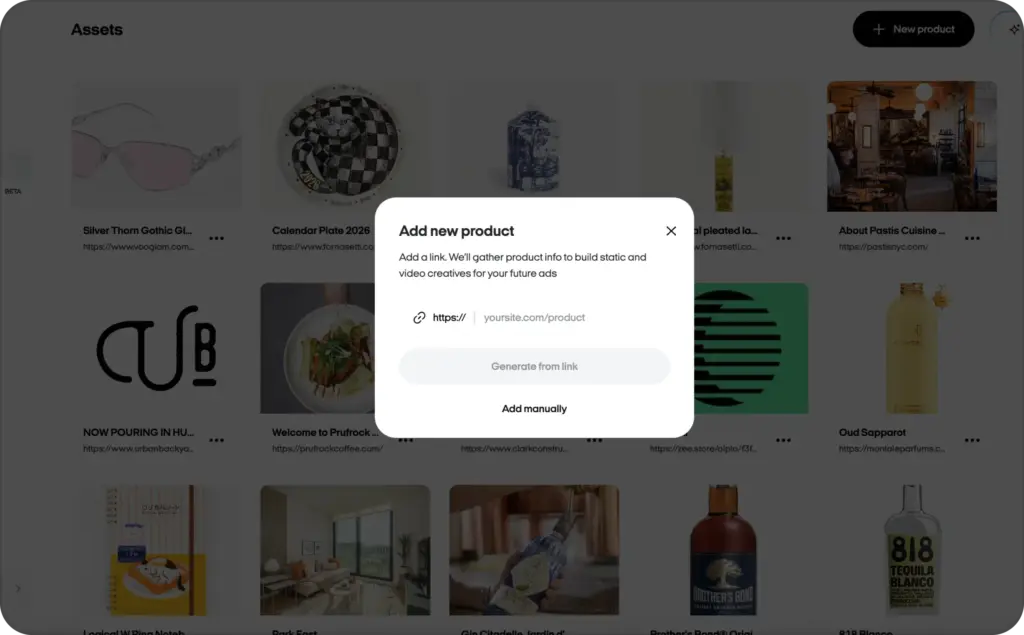
Zeely turns a product URL into an ad by reading the product page, pulling useful product details, shaping the message, and turning that message into static or video ad assets. If you do not have a website, you can also enter product details manually.
That is the simple version of how Zeely works. The real value is the sequence.
- You add a product URL or manual product details
- Zeely gathers product data and images
- The system turns those details into ad messaging
- Language models help create hooks, scripts, captions, and CTAs
- Templates shape the ad into a usable format
- Image models can support static creative and product-led visuals
- Video, avatar, and voice models support UGC-style ads
- You review and edit the ad before launch
- Zeely helps prepare the campaign setup
- You test fresh variations as performance data comes in
Zeely’s URL to video ad maker offers users the ability to paste a product link, let Zeely gather product data and images, create a video in about 7 to 12 minutes, build a static ad, and move into launch and optimization.
That is why the Zeely AI ad generator is not just a model wrapper. It combines model output with templates, product extraction, editing, campaign setup, and creative variation.
What happens after a user pastes a product link into Zeely?
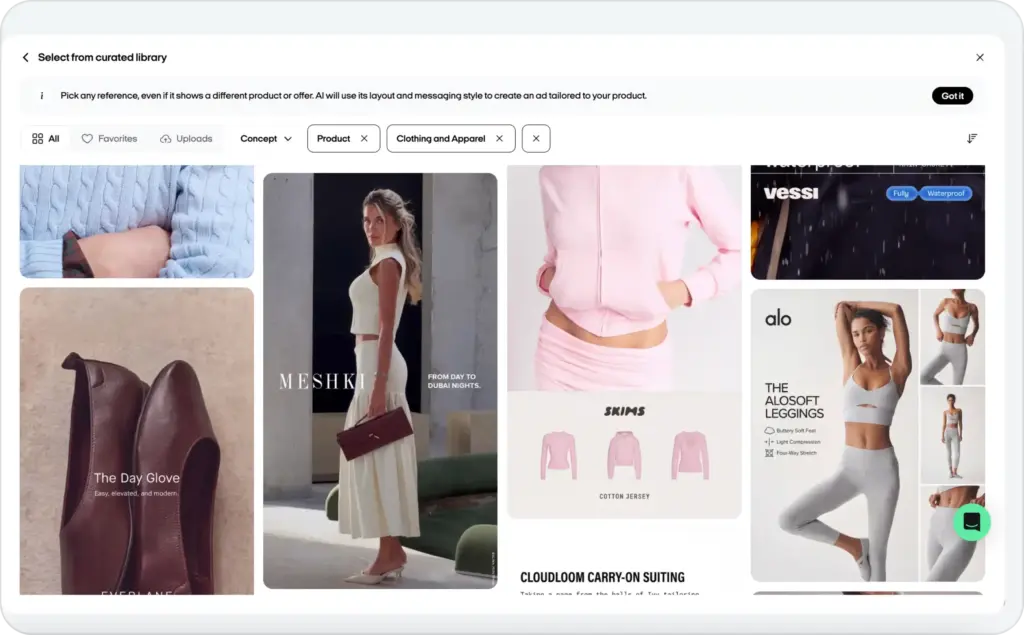
After you paste a product link, Zeely looks for the information an ad needs. That can include the product name, images, price, category, benefits, page context, audience cues, offer language, and visual direction.
This step matters because weak input usually creates weak output. If the product page has thin copy, unclear pricing, or exaggerated claims, the AI can carry those problems into the ad.
Before launch, check:
- Product name and price
- Benefits and feature claims
- Offer details
- Shipping, discount, or guarantee language
- Product visuals
- Landing page match
AI can speed up the first draft. It should not replace a final product check.
How Zeely turns product data into hooks, scripts, and CTAs
Which AI model creates Zeely’s ad copy?
The safest answer is: Zeely’s language-model layer supports ad copy, and the exact routing can vary by workflow. According to the product-team inventory, ChatGPT/GPT and Gemini models are part of the language-model layer inside Zeely’s ad creative AI stack.
That layer can help create:
- First-line hooks
- Short UGC-style scripts
- Product benefit framing
- Headlines
- Captions
- CTA options
- A/B test variations
- Offer angles for different audiences
You can start with one product page, then review several hooks, scripts, and CTAs before spending money on traffic.
How Zeely maps AI model integrations to ad outputs
Zeely organizes its inventory around ad outputs, not vendor hype. That is the right way to understand Zeely model integrations, because a business owner does not need a model museum. They need to know what gets created.
For a broader explanation of how LLMs, image models, video models, and optimization models work in advertising, see our guide to how AI models for ad creative generation work.
Here is how the Zeely ad creative AI stack maps to real ad assets:
| Zeely output | Model category used | Product-team inventory examples | What users get |
| Ad copy and hooks | Language models | ChatGPT, GPT 4o, GPT 4o Mini, GPT 5.5, GPT 5.4 nano, Gemini 2.5 Pro, Gemini 3.0 Flash, Gemini 3.0 Pro, Gemini 3.1 Pro Preview | Headlines, scripts, CTAs, captions, offer angles |
| Static ad creatives | Image and design models | Nano Banana, Nano Banana 2, Nano Banana Pro, GPT Image 2 | Product-led visuals, ad concepts, creative variations |
| Video ads | Video-generation models | Kling 3.0 Pro, Seedance 2.0 | Motion ads, product videos, UGC-style scenes |
| Voiceovers and narration | Voice and speech models | ElevenLabs | Voiceovers, captions, transcription, audio support |
| Creative variations | Combined model workflow | Multiple routed models depending on output | A/B test angles, hook variants, format-ready assets |
These models are part of the available model inventory, but the exact model used for a specific asset may depend on the creative format, input quality, workflow, and production routing. Read more about different Nano Banana models.
Image ad models can support product-led visuals, product-image enhancement, visual concept generation, background changes, and static ad variations. The goal is not to make random art. The goal is to help a product look clear, believable, and ready for a sales-focused ad.
For a practical workflow, see how to create static ads with Zeely’s AI ad generator.


Video AI models Zeely can use for UGC-style ads
Does Zeely use video-generation models for UGC-style ads?
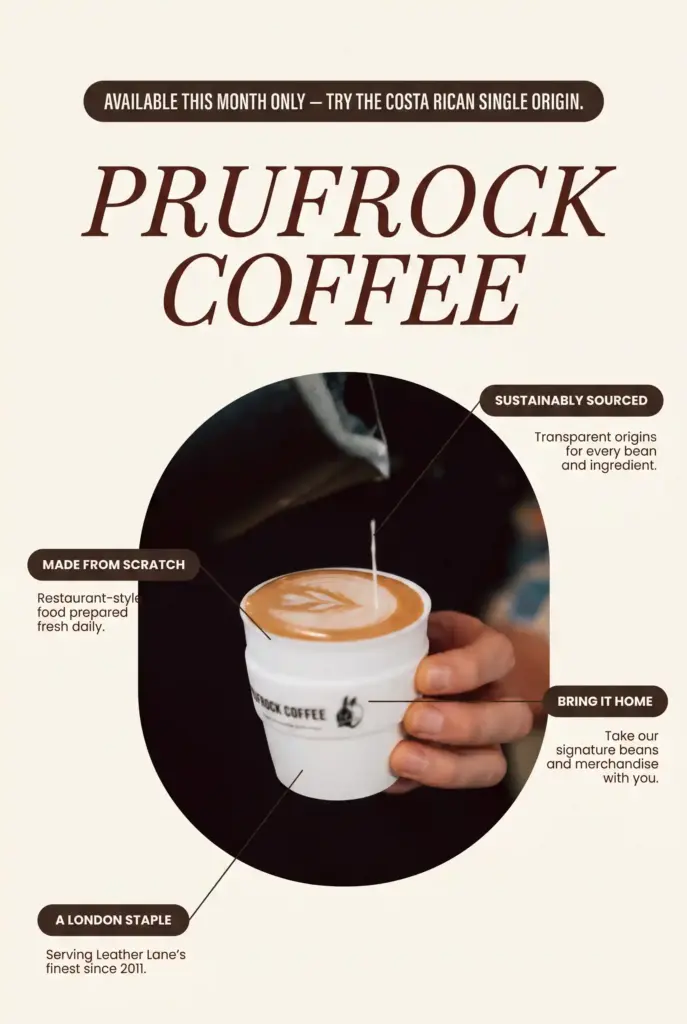
Zeely’s product-team inventory includes several video-generation model families, including Kling, Seedance. The specific routing can vary by ad format and workflow.
These Zeely video ad models can support product scenes, motion creative, UGC-style formats, and short-form video ads. The user does not need to choose every model manually. The workflow is built to move from product input to usable ad assets with less production drag.
To see the user-facing workflow, read how to create AI video ads with Zeely.
Voice, speech, and caption AI models in Zeely’s workflow
Does Zeely use ElevenLabs? Which AI model creates Zeely’s voiceovers?
The product-team inventory includes ElevenLabs, Whisper 1, Scribe v1, and Scribe v2. These belong to the voice, speech, and caption layer of Zeely’s workflow.
This layer can support narration, voiceover workflows, transcription, captions, audio clarity, accessibility, and localization support. I would not say every voiceover is always generated by ElevenLabs unless that routing is confirmed for that specific asset.
For the user-facing format, see Zeely AI avatar and voiceover ads.
Why Zeely does not assign one public model to every ad output
It would be easier to say, “This model makes the copy, this model makes the video, and this model makes the voice.” It would also be less accurate.
Modern AI ad tools often use model routing, fallback models, and task-specific generation. One model may help with product messaging. Another may help with an image. Another may support motion, voice, captions, or final creative variations.
Limits, review steps, and safe commercial use
Zeely AI-generated ads can be used for commercial ad creation, but they still need human review before launch.
That is true for any AI ad workflow. AI can misread product details, overstate claims, create off-brand visuals, write generic scripts, or produce a visual that looks polished but slightly wrong. A product page may also include old prices, missing disclaimers, weak shipping details, or claims that need proof.
Meta’s Advertising Standards say ads are reviewed against policy and can be checked across images, video, text, targeting, and landing pages. TikTok keeps its advertising policies organized by categories such as deceptive practices, misinformation, healthcare, financial services, and misleading content. Google says advertisers must follow applicable laws and Google Ads policies, and repeated or serious violations can lead to blocked ads or account action on Google Ads policies. If your ad uses testimonials, endorsements, or influencer-style content, the FTC’s endorsement guidance is also worth checking.
Human review checklist before launch
Use this checklist for human review before launching AI ads:
- Product accuracy: Check the name, price, offer, ingredients, size, and availability
- Unsupported claims: Remove claims you cannot prove
- Legal category restrictions: Review health, finance, alcohol, supplements, crypto, weight loss, and other sensitive categories
- Avatar disclosure: Check whether the platform or jurisdiction expects disclosure
- Voiceover clarity: Make sure narration sounds natural and matches the script
- Visual consistency: Check hands, product shape, packaging, labels, and background details
- CTA accuracy: Match the button, offer, and landing page
- Landing page match: Keep the ad promise aligned with the page
- Platform policy fit: Review Meta, TikTok, Google, and YouTube rules before launch
- Brand tone: Make sure the ad still sounds like you
The best AI ad is not the one that needs no review. It is the one that gets you to a better review-ready draft faster.
FAQ
According to Zeely’s product-team model inventory, ChatGPT and GPT models are part of the language-model layer in Zeely’s ad creative stack. This layer can support hooks, scripts, headlines, captions, CTAs, and creative variations.
Yes. Zeely’s product-team inventory lists Gemini 2.5 Pro, Gemini 3.0 Flash, Gemini 3.0 Pro, and Gemini 3.1 Pro Preview as part of the language-model inventory.
The product-team inventory lists ElevenLabs in the voice and speech layer. It can support voiceover and narration workflows, but exact routing may vary by asset.
HeyGen is not included in the product-team inventory used for this article. Do not claim HeyGen usage unless product confirms it.
Yes. Zeely’s product-team inventory includes video-generation model families such as Kling, Seedance. These can support UGC-style video ads and motion creative.
Yes. Zeely’s public AI ad generator page says users can review and edit ad creative before launch, including visuals, copy, and CTA elements. That keeps the workflow fast without removing human control.
Yes. Zeely’s public pages say users can paste a product URL or manually enter product details. That helps businesses create ads even when they do not have a full product page ready.
Yes. Zeely supports static ads, video ads, UGC-style ads, avatar video ads, ad copy, headlines, and CTA variations. You can also explore Zeely AI features for the wider product workflow.
Zeely’s public workflow pages describe campaign launch support for Facebook and Instagram, with broader ad creation for platforms such as TikTok, YouTube, and Google Ads. Always check the current product flow before writing platform-specific launch claims.
Zeely’s product-team inventory confirms the available model families listed in this article. Public Zeely pages confirm the user-facing workflow. Exact model routing for each generated asset may vary and is not fully disclosed on public pages.
Zeely’s AI avatar workflow is built for ad creation, but you should review the final asset before launch. Check platform policies, disclosure rules, likeness rights, and any claims made by the avatar before running paid campaigns.

Emma blends product marketing and content to turn complex tools into simple, sales-driven playbooks for AI ad creatives and Facebook/Instagram campaigns. You’ll get checklists, bite-size guides, and real results, pulled from thousands of Zeely entrepreneurs, so you can run AI-powered ads confidently, even as a beginner.
Written by: Emma, AI Growth Adviser, Zeely
Reviewed on: July 29, 2026