GPT Image 2 for product ads
I know the first question with any AI image tool is simple: can this actually help you sell, or is it just another cool toy? In this guide, I’ll show where GPT Image 2 helps with product ads, where you still need review, and how to use it without making a good-looking mistake.
GPT Image 2 for product ads can help you create product visuals, lifestyle scenes, promo banners, readable text overlays, and quick ad variants. It works best for creative testing and production-ready drafts, not final publishing without review. You still need to check the product, packaging, price, offer, claims, text, and platform specs before the ad goes live.
What is GPT Image 2 for product ads, really?
GPT Image 2 is OpenAI’s image-generation model for creating and editing images from text and image inputs. In simple words, you can write what you want, upload a product photo, and ask the model to create or change an ad visual around it.
OpenAI describes GPT Image models as tools that can use text and image inputs to create new images or edit existing ones in its official image and vision documentation. You usually have a product photo, a campaign idea, a sale offer, or an old creative that needs a cleaner version.
For me, the best use of GPT Image 2 for product ads is faster product ad creative generation: early concepts, cleaner drafts, controlled edits, and useful versions your team can review before money goes into paid media.
Is GPT Image 2 an image generator or editor?
It’s both. As a GPT Image 2 image generator, it can create a new ad concept from a prompt. As a GPT Image 2 editor, it can use uploaded or reference images to edit product image details, replace a background, adjust a scene, or change one part of the creative without rebuilding everything.
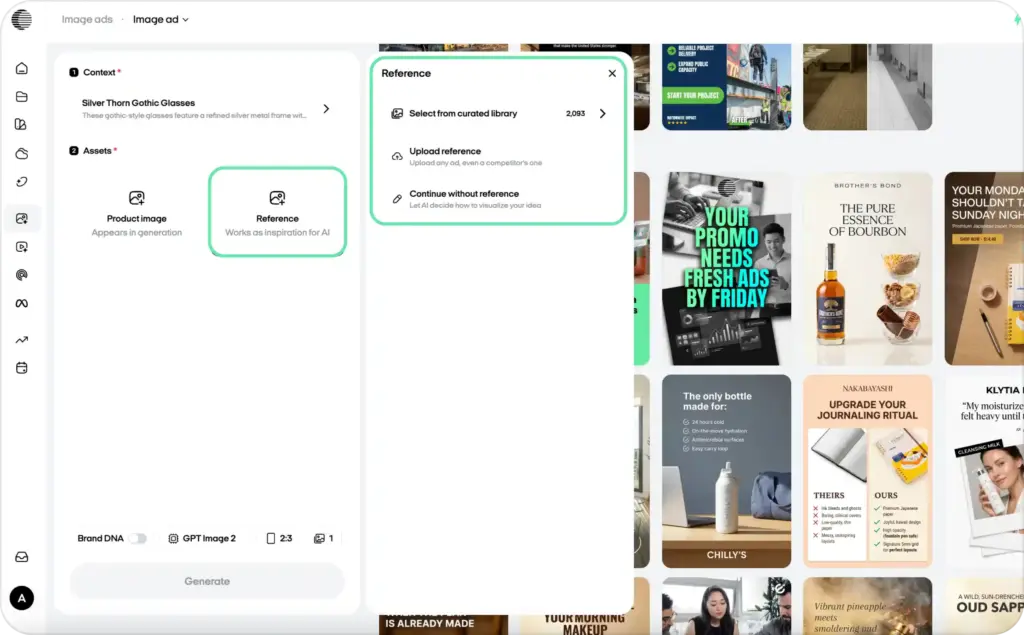
Can you use GPT Image 2 in ChatGPT or the API?
Yes. ChatGPT Images is better when marketers and designers want hands-on creative work. You can test ideas, react to results, and refine the image step by step. The GPT Image 2 API, Image API, and Responses API are better for developers who need templates, bulk variants, app workflows, or automated OpenAI image generator ads.
Who should use GPT Image 2 for marketing?
Marketers can use it for hooks and concepts. Designers can use it for layout options. Ecommerce teams can create product scenes, bundles, and sale visuals. Agencies can make more ad variants without starting from zero. Developers can build pipelines for GPT Image 2 marketing workflows using product data, prompts, and campaign briefs.
What GPT Image 2 can create first
GPT Image 2 for product ads can help you create the first 20 creative directions, not blindly publish 20 ads. That’s the difference. Use it to explore product ad images AI, campaign angles, seasonal looks, and localized versions before you spend budget. A 2026 Madison and Wall estimate cited by Business Insider projected U.S. AI-powered advertising revenue to grow 63% to $57 billion in 2026.
Product ads and ecommerce visuals
For ecommerce, GPT Image 2 can help you create hero images, product-in-use visuals, shelf-style images, bundles, sale creatives, and simple product education graphics. Think Shopify product ads for a new bundle, Amazon product visuals that explain size or use, or clean product scenes for your store. Start with a clear product photo, then ask for versions by use case: gift, daily routine, travel, refill, or sale.
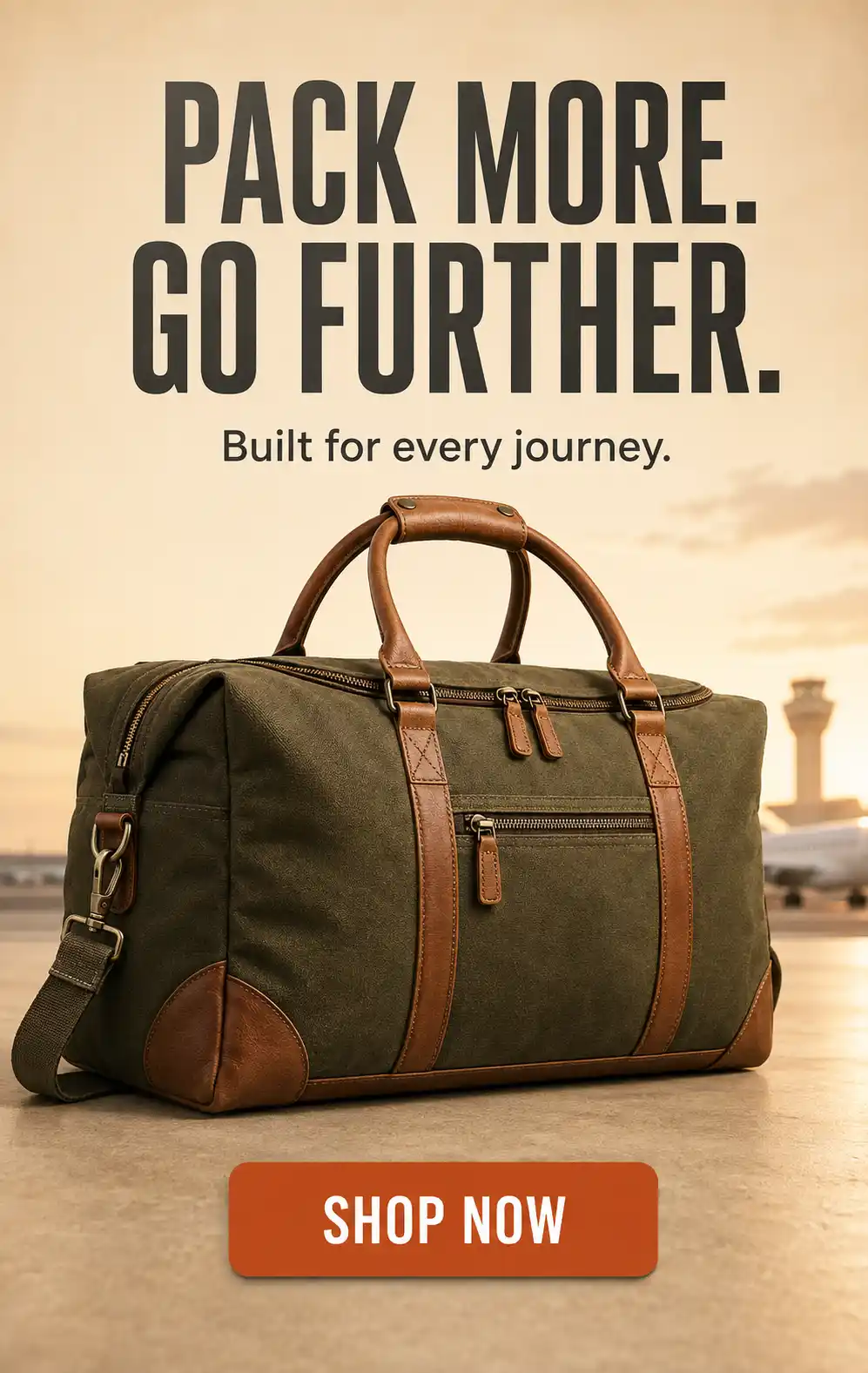
Social, display, and seasonal campaigns
For social media ad creatives, use GPT Image 2 to test static Meta ad creative, TikTok-style static ads, holiday drops, promo events, and localized campaign versions. You can also create Google Display banner concepts before final resizing. I’d use it for first drafts of seasonal ad creative: Black Friday, Valentine’s Day, summer sale, back-to-school, or a local market launch. Keep each version focused on one message, one product, and one CTA.
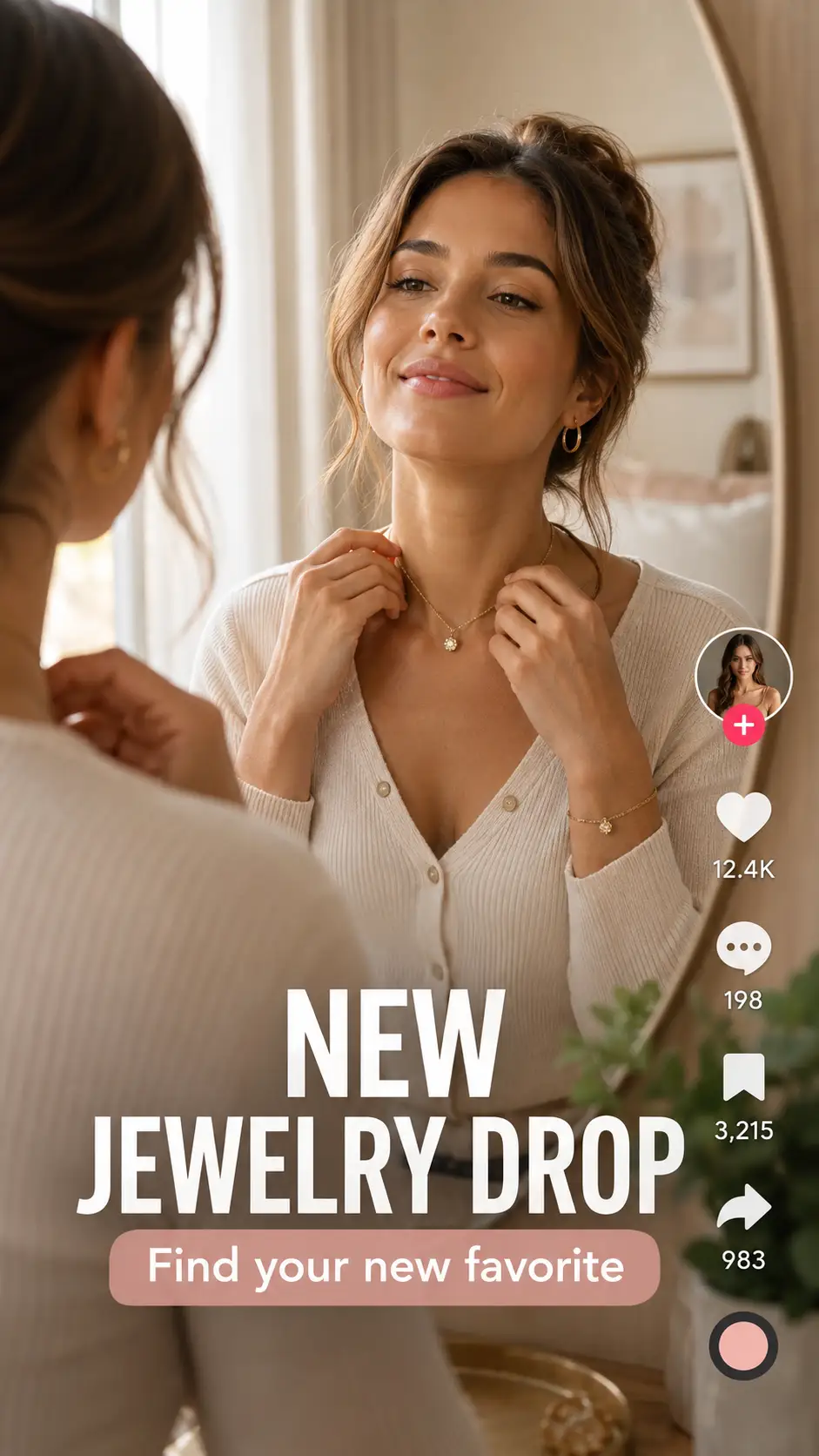
A/B testing ad variants
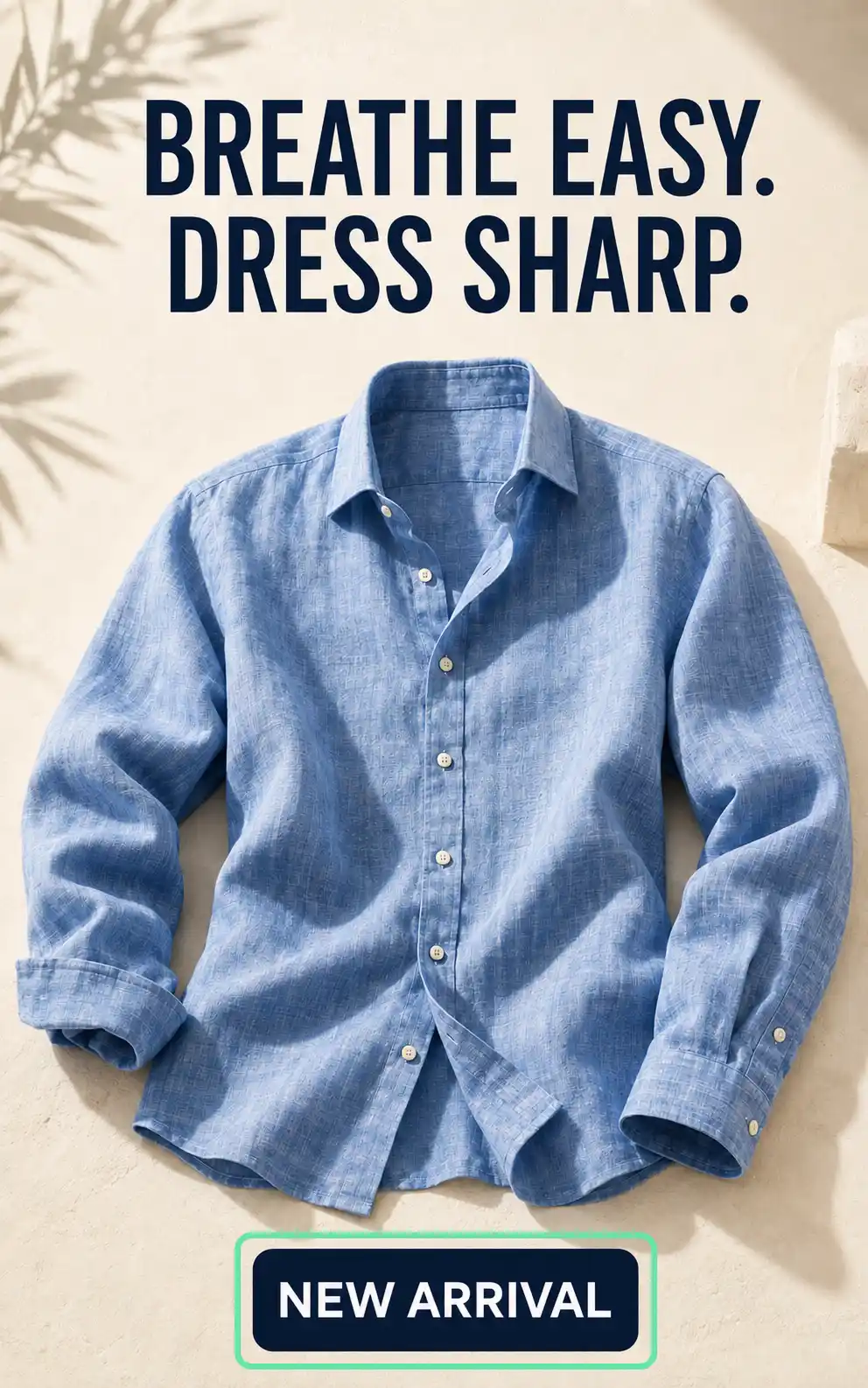
For A/B testing creatives, change one thing at a time: hook, background, audience, offer, CTA, color palette, or composition. That gives you cleaner campaign testing. If one ad says “Save 20%” and another says “New Arrival,” you’re testing the hook. If everything changes, you’re mostly guessing with nicer images.
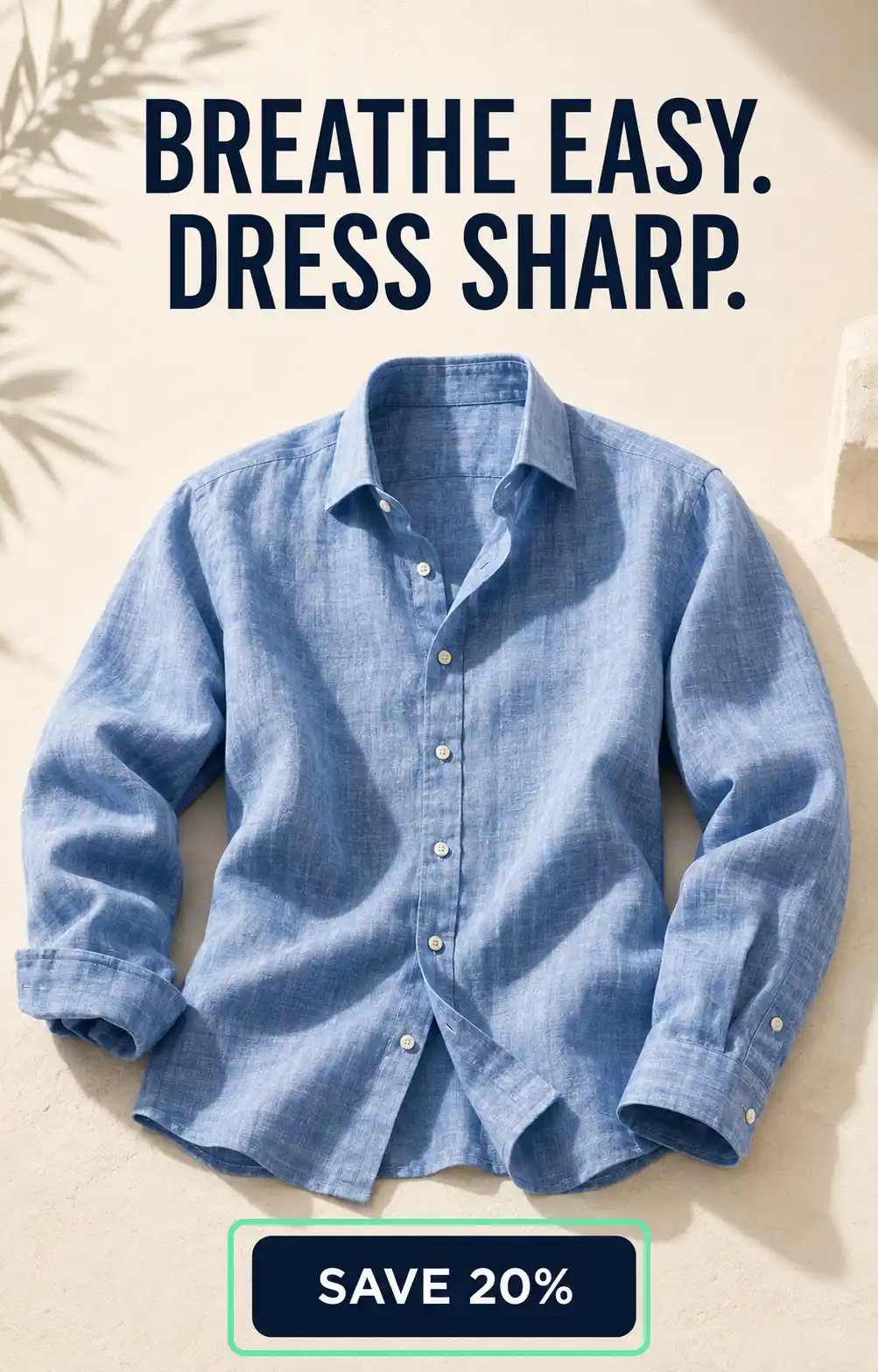
Why GPT Image 2 for product ads wins on text
GPT Image 2 text rendering is stronger than earlier image models, especially for short ad copy. OpenAI’s prompting guide for image generation recommends putting exact copy in quotes, asking for verbatim rendering, and describing placement and font style for marketing creatives with real text in the image. That’s useful for AI ad headlines, AI CTA images, discount badges, prices, labels, and localized ad versions.
I’d still keep the rule simple: short copy inside the image, detailed copy outside it.
Headlines, CTAs, prices, and promo badges
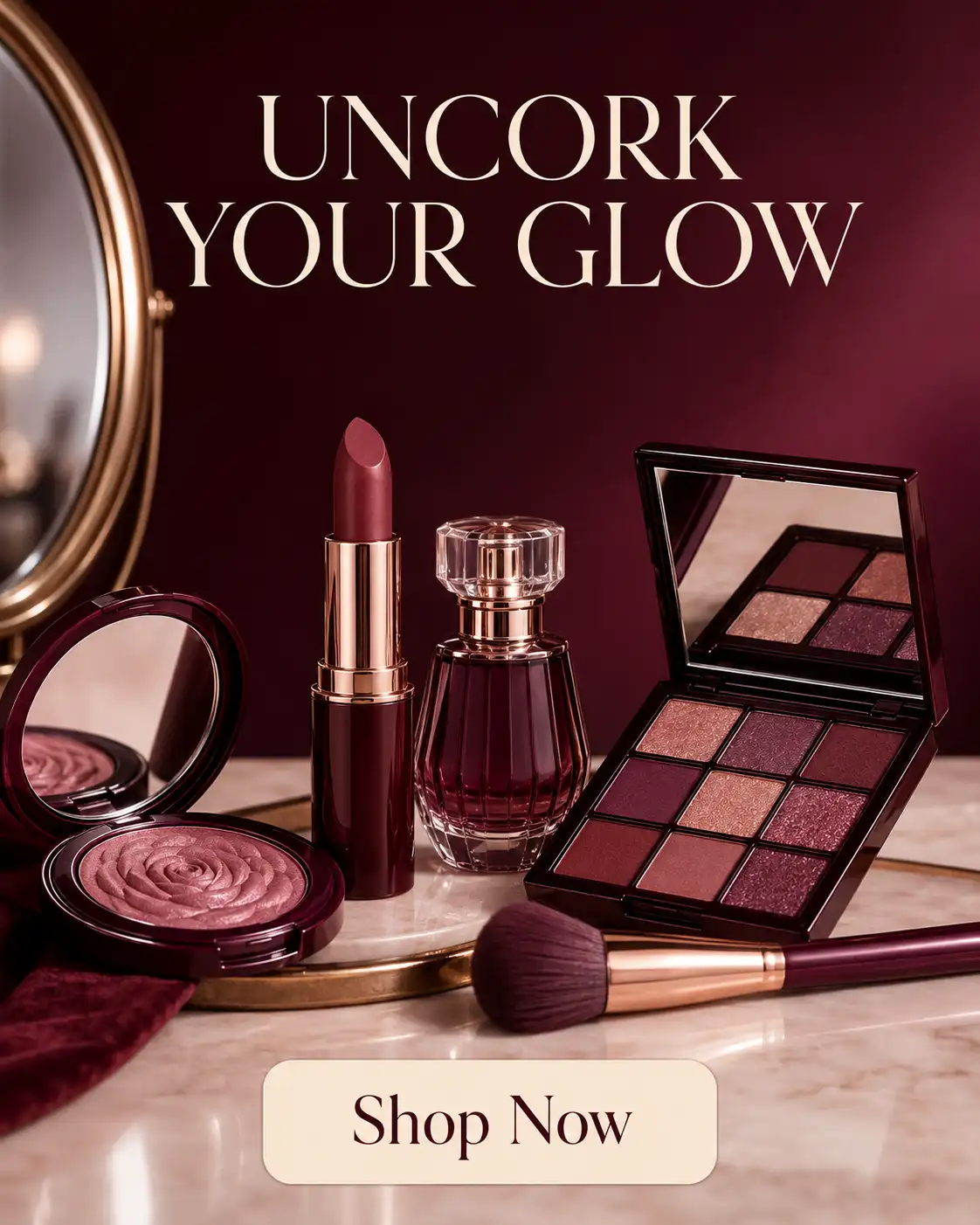
GPT Image 2 can attempt readable headlines, CTA buttons, price tags, discount bursts, offer copy, and a small promo badge. Use copy like “Shop Now,” “20% Off,” “New Arrival,” or “Bundle & Save.” Put the exact text in quotes. Say where it should go: top left, centered above the product, or inside a small badge near the corner. Also ask for no extra words.
Multilingual and localized ad text
For multilingual ad creative, use one language per creative. Give the model short native-language copy, not a vague request to “translate this for Spain.” Keep the headline and CTA simple, then ask a native speaker to review it. AI translation can help with first drafts, but local campaign text still needs human eyes before you spend money on it.

When to add ad copy later in a design tool
Add final legal copy, long body text, microcopy, exact brand fonts, and regulated claims in a design tool after generation. This is safer for text-heavy creatives and cleaner for post-production. If your ad needs tiny disclaimers, dosage rules, financing terms, or exact typography, let GPT Image 2 create the visual draft, then finish the text manually.
GPT Image 2 ad text QA checklist
Before publishing, check spelling, offer accuracy, price, currency, product name, brand terms, CTA, promo end date, trademarked claims, and platform policy. Also check for hallucinated copy: fake awards, fake certifications, extra badges, or words you never asked for. This is why Zeely treats text control as part of a broader AI ad creation model stack, not a one-click publish step.
How GPT Image 2 keeps products on-brand
A nice background can sell the mood. It cannot fix a product that suddenly has the wrong label, shape, color, or claim.
For product consistency AI, your goal is simple: keep the product believable across every version. That means checking packaging, product labels, proportions, materials, logo placement, brand colors, and any claim shown in the creative. GPT Image 2 can help preserve product appearance, but paid ads still need human review before launch.
Use reference images for product accuracy
Start with clean product photos. Upload a front view, side view, packaging closeup, and label closeup when you have them. A strong reference image GPT Image 2 prompt should name what cannot change: bottle shape, logo, label text, product color, ingredient list, certification marks, and pack size. If you want the same product across ad variants, keep the product photo stable and change only the scene, offer, or layout.
What to include in a brand prompt
Your brand prompt should include brand colors, mood, audience, offer, product facts, forbidden claims, logo rules, font direction, and a simple visual style guide. For example: “clean studio lighting, soft blue background, no medical claims, keep logo centered, use a calm premium look.” This helps with brand consistency because the model gets clear rules instead of guessing what “on-brand” means.
GPT Image 2 aspect ratios for ads that fit the platform
One strong ad idea should not live in one size only. GPT Image 2 can help your product ads turn the same concept into a square ad, vertical ad, horizontal banner, or display banner concept.
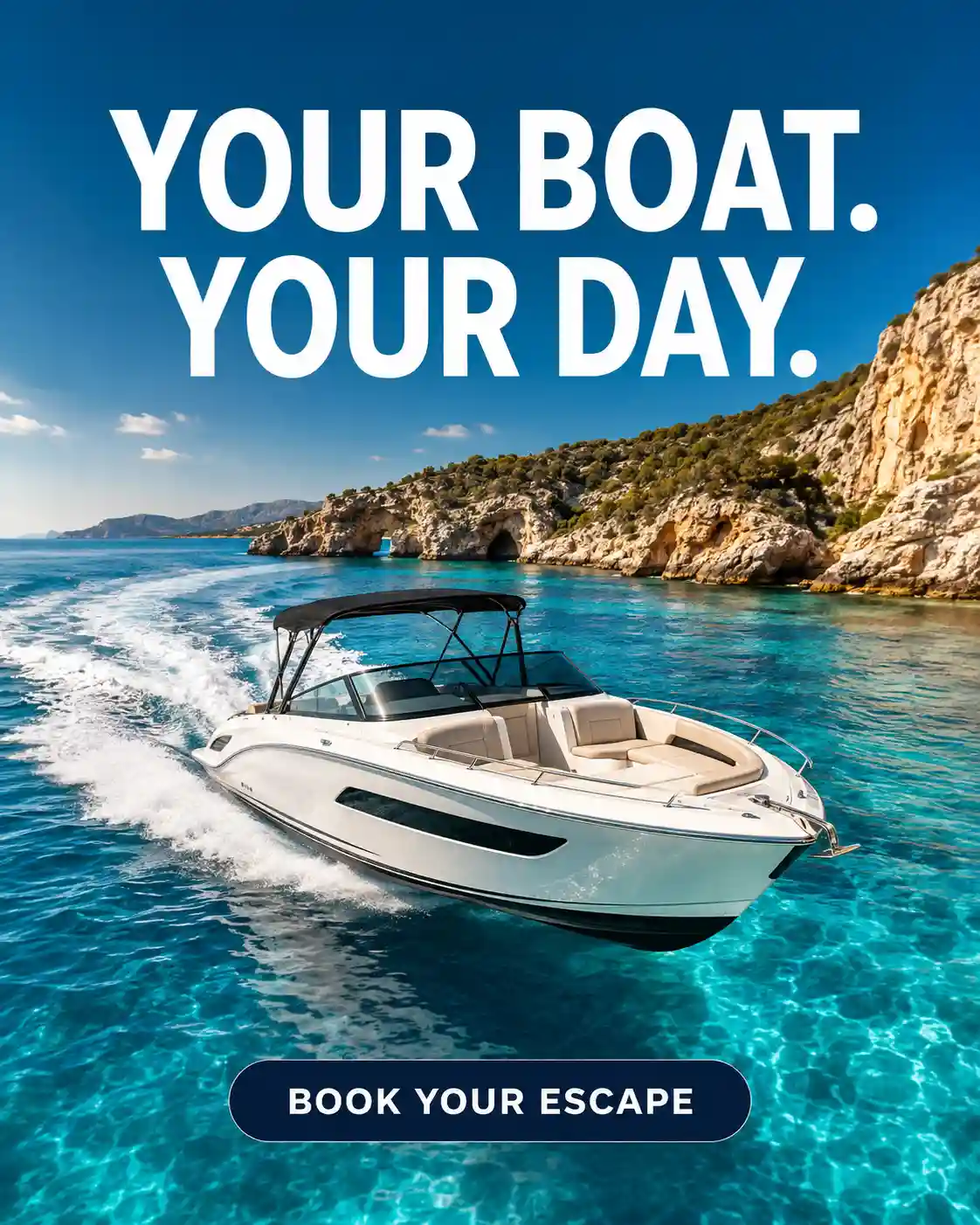
The prompt needs to be specific. Add the aspect ratio, focal point, safe zones, mobile-first composition, and space for text. Don’t just say “make it for Instagram.” Say “create a 4:5 feed ad with the product centered, headline at the top, CTA below, and 15% empty space around the edges.”
Square, vertical, horizontal, and banner formats
Use 1:1 for square ad concepts, 4:5 for feed placements, 9:16 for Story, Reel, or TikTok-style static creative, and 16:9 for horizontal banner layouts. For Google Display-style banners, check the final size before export. Google lists uploaded display ad formats such as GIF, JPG, and PNG, with a 150 KB max file size and common sizes like 300 × 250, 728 × 90, 300 × 600, and 320 × 50 in its display ad specs.
Safe zones and mobile-first composition
For AI ad resizing, ask GPT Image 2 to keep the product, headline, and CTA away from the edges. Leave clean text space for overlays. Avoid tiny text, crowded corners, and product details that only look good on desktop. Most people will see your ad on a phone. Design for that first.
Background removal and transparent-background caveat
GPT Image 2 can help you replace background scenes, create clean product cutout looks, and build opaque studio backgrounds for design handoff. The transparent background detail is worth checking twice. OpenAI says ChatGPT Images can follow instructions to make a background transparent, but its API guide says gpt-image-2 does not currently support transparent backgrounds through the API.
So before you promise a transparent PNG, check the surface you’re using: ChatGPT Images, Image API, or another tool in your workflow.
A GPT Image 2 prompt workflow you can reuse
The best AI ad workflow starts before you type the prompt. Start with a short campaign brief:
- Product
- Audience
- Platform
- Offer
- CTA
- Brand style
- Forbidden claims
- Final size
- Product or reference images
Write one strong product ad prompt, generate 4 to 10 concept directions, choose the strongest two, and improve one detail at a time.
After that, resize for each platform, QA the text and product details, then finalize in Zeely or a design tool. This is how you keep speed without letting messy assets reach paid media.
Start with a product photo, prompt, or existing ad
Use a product photo when accuracy matters. This works best for packaging, skincare, food, fashion, home goods, and anything with a label.
Use a blank AI ad prompt when you need fresh concepts. Use an existing ad when you need a creative refresh, like a new background, season, offer, or layout.
Reusable GPT Image 2 prompt template
- Create a [platform] ad for [product] targeting [audience].
- Main offer: “[offer].”
- In-image headline: “[headline].”
- CTA: “[CTA].”
- Visual style: [style].
- Composition: [product placement, background, lighting].
- Format: [ratio or size].
- Brand rules: [colors, logo rules, mood, font direction].
- Keep [product details] unchanged. Do not add extra text, fake badges, fake awards, altered packaging, watermarks, or unsupported claims.
That template gives GPT Image 2 enough detail to generate ad creative without guessing the parts that matter.
How to create variants without starting over
For better prompt iteration, change one thing at a time: hook, background, model, offer, CTA, season, country, or platform size. That gives you cleaner A/B testing and sharper creative angles. If every version changes everything, you don’t learn what made the ad work.
When to use the API instead of ChatGPT
Use ChatGPT Images for manual creative direction. It’s better when you want to react, refine, and guide the image step by step.
Use the GPT Image 2 API for bulk generation, repeatable templates, app workflows, campaign automation, image QA pipelines, and developer handoff. That’s where an ad creative pipeline starts to save real production time.
Generate my first AI ads
Want product ad variants without juggling five tools? Try Zeely AI and create campaign-ready visuals from one product photo, prompt, or offer.
GPT Image 2 cost for ad creatives, without guessing
GPT Image 2 pricing depends on input text tokens, input image tokens when you edit from reference images, and image output tokens. OpenAI’s image generation guide says final cost includes input text tokens, input image tokens for edits, and image output tokens. It also lists GPT Image 2 example output costs by quality and size.
For 1024 x 1024 images, OpenAI lists GPT Image 2 output examples at $0.006 for low quality, $0.053 for medium, and $0.211 for high. For 1024 x 1536 and 1536 x 1024, it lists $0.005 for low, $0.041 for medium, and $0.165 for high.
Drafts vs final ads
Use low or medium quality settings for rough concepts, early draft ads, and fast campaign exploration. Use high quality only after the creative direction is approved. That keeps cost control simple: don’t pay for polished versions of ideas you have not chosen yet.
Budgeting for campaign variants
Estimate your ad variants cost with this simple formula: concepts × variants × sizes × retries, then add QA and design time. If you create 5 concepts, 4 versions, 3 sizes, and 2 retry rounds, that is 120 outputs before final review. The math gets real fast.
Bulk generation tradeoffs
Bulk AI ad generation makes sense for agencies, ecommerce catalogs, and performance marketing teams with clear briefs. It creates review overload when the inputs are messy. The robot can make 100 concepts. It cannot know your Black Friday discount changed from 30% to 25% unless you tell it.
GPT Image 2 limitations every ad team should check
GPT Image 2 can create convincing product ads. That also means it can create convincing mistakes.
The main AI ad risks are simple: distorted products, inaccurate labels, fake badges, incorrect discounts, invented certifications, misleading product claims, unlicensed likenesses, competitor logos, trademarked assets, and platform-policy issues. A creative can look clean and still be wrong.
Ad platforms already deal with this at huge scale. AP reported that Google blocked or removed more than 8.3 billion ads in 2025, and Google said Gemini helped catch more than 99% of policy-violating ads before they reached an audience.
OpenAI’s usage policies also set safety boundaries around privacy, consent, and misuse, including likeness use. For U.S. advertising review, the FTC’s Advertising and Marketing guidance says ad claims must be truthful, not deceptive or unfair, and evidence-based.
Product and claim accuracy
Check for factual errors, fake badges, false scarcity, wrong prices, and packaging distortion. Be careful with product claims like “clinically proven,” “FDA approved,” “best-selling,” or “limited stock.” If your team cannot prove it, it should not be in the ad. GPT Image 2 can help with visuals, but it cannot verify your offer.
People, likenesses, competitors, and trademarks
Get consent before using real people. Avoid celebrity lookalikes and celebrity likeness AI ads that could suggest endorsement. Review photorealistic people, competitor logos, trademark logos, branded packaging, and recognizable assets. If the creative uses someone’s face, voice, style, or brand mark, slow down and check the rights.
Practical GPT Image 2 prompt examples for product ads
Good prompts do not need to be long. They need to remove guesswork.
For GPT Image 2 for product ads, your prompt should answer seven things: what the product is, who the ad is for, where the ad will run, what the offer says, what text must appear, what size you need, and what the model must not change.
Bad prompt vs good prompt
Bad prompt:
“Make a cool ad for my skincare product.”
This sounds simple, but it gives GPT Image 2 too much room to guess the audience, format, scene, copy, and product rules.
Better prompt:
“Create a 4:5 Instagram feed ad for a vitamin C serum. Target women 25 to 40. Use a clean bathroom shelf scene with a soft peach background. Add the headline ‘Glow in 7 Days’ and CTA ‘Shop Now.’ Keep the product label unchanged. Leave 15% safe space around the edges. No extra text.”
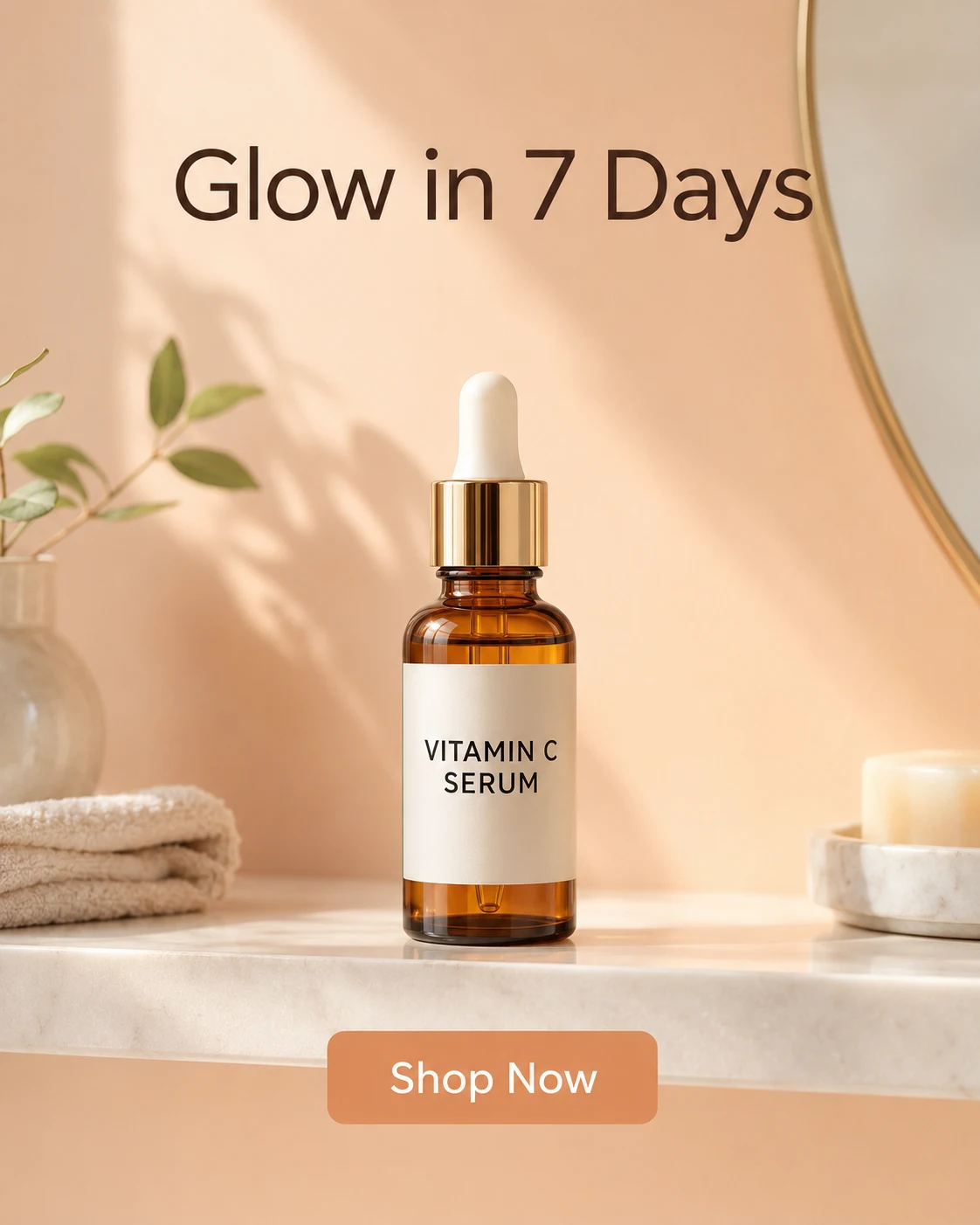
That works because it includes the product, audience, platform, visual scene, text, ratio, and limits.
Reusable product ad prompt template
Use this template when you want repeatable product ad images AI without rewriting the whole prompt each time:
- Create a [platform] ad for [product] targeting [audience]
- Offer: “[offer].”
- Headline: “[headline].”
- CTA: “[CTA].”
- Visual scene: [scene].
- Brand colors: [colors].
- Format: [ratio or size].
- Keep [product details] unchanged. Do not add extra text, fake badges, altered packaging, watermarks, or unsupported claims.
- Create [number] variants with different [hook, background, audience, or season].
Short prompt examples by use case
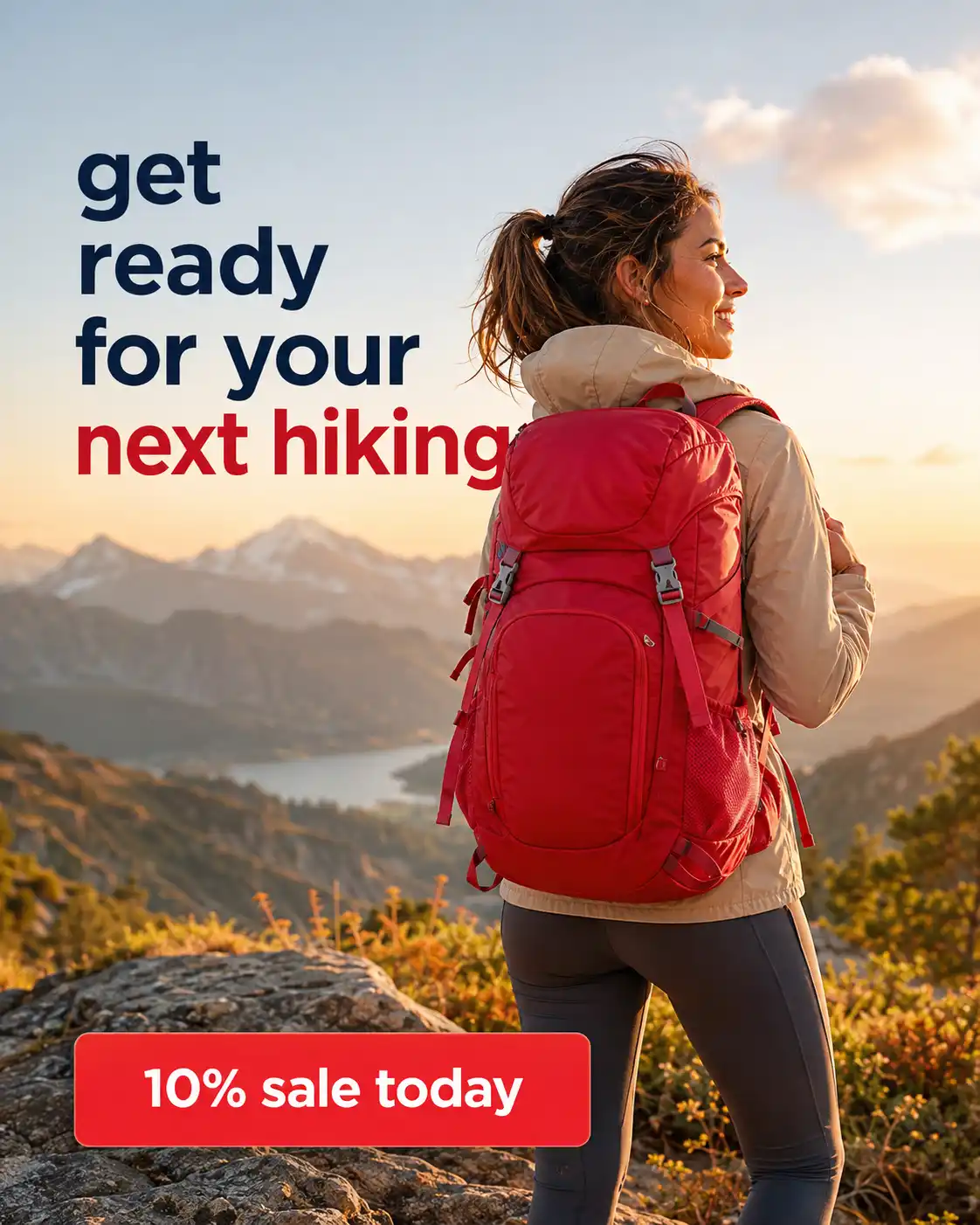
Meta ad prompt:
Create a 4:5 Meta ad for [product]. Target [audience]. Use headline “[headline]” and CTA “[CTA].” Keep packaging unchanged. Check all text for spelling.
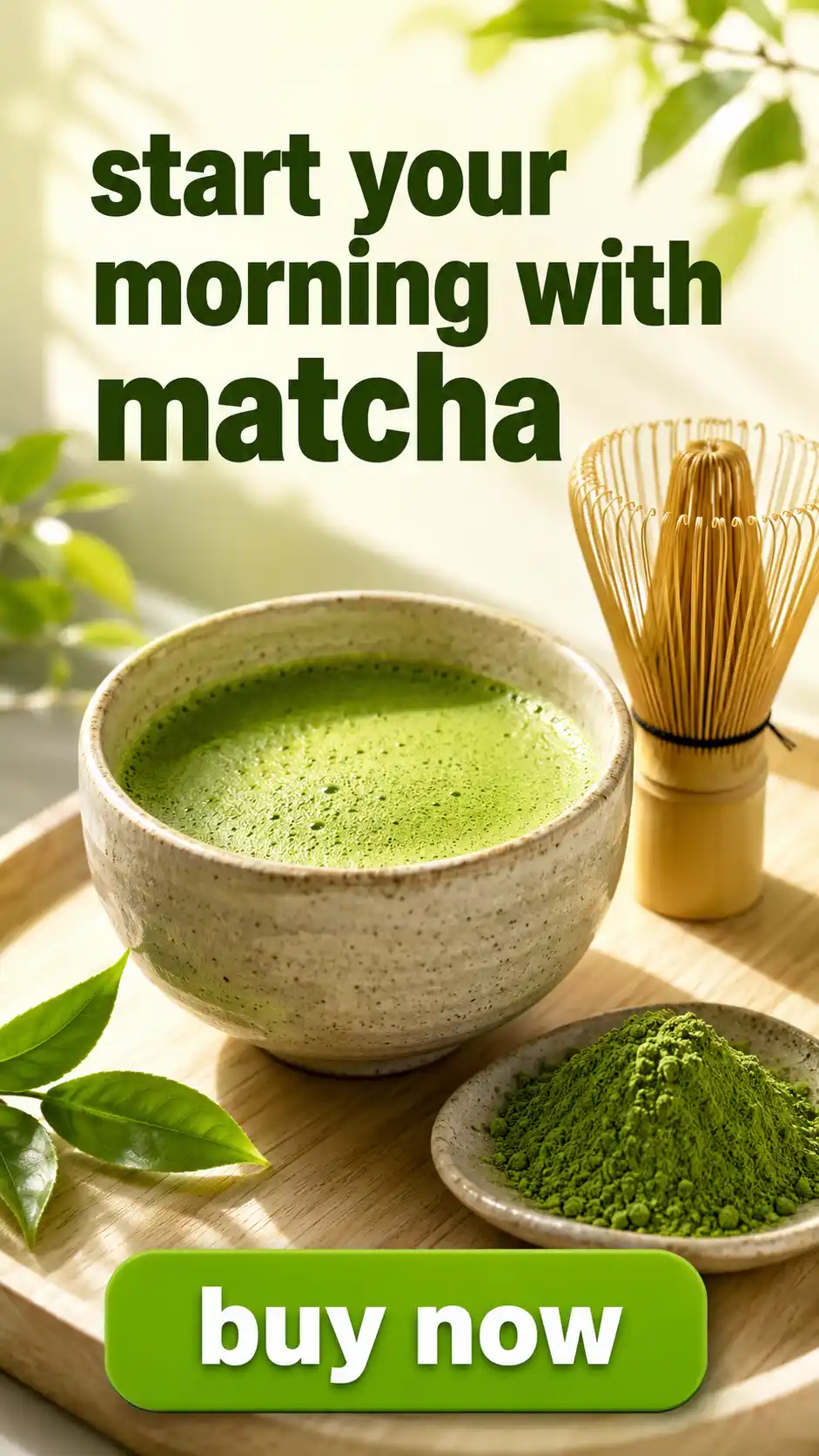
TikTok static ad prompt:
Create a 9:16 TikTok-style static ad for [product]. Make it mobile-first. Use bold text: “[hook].” Add CTA “[CTA].” No extra words.
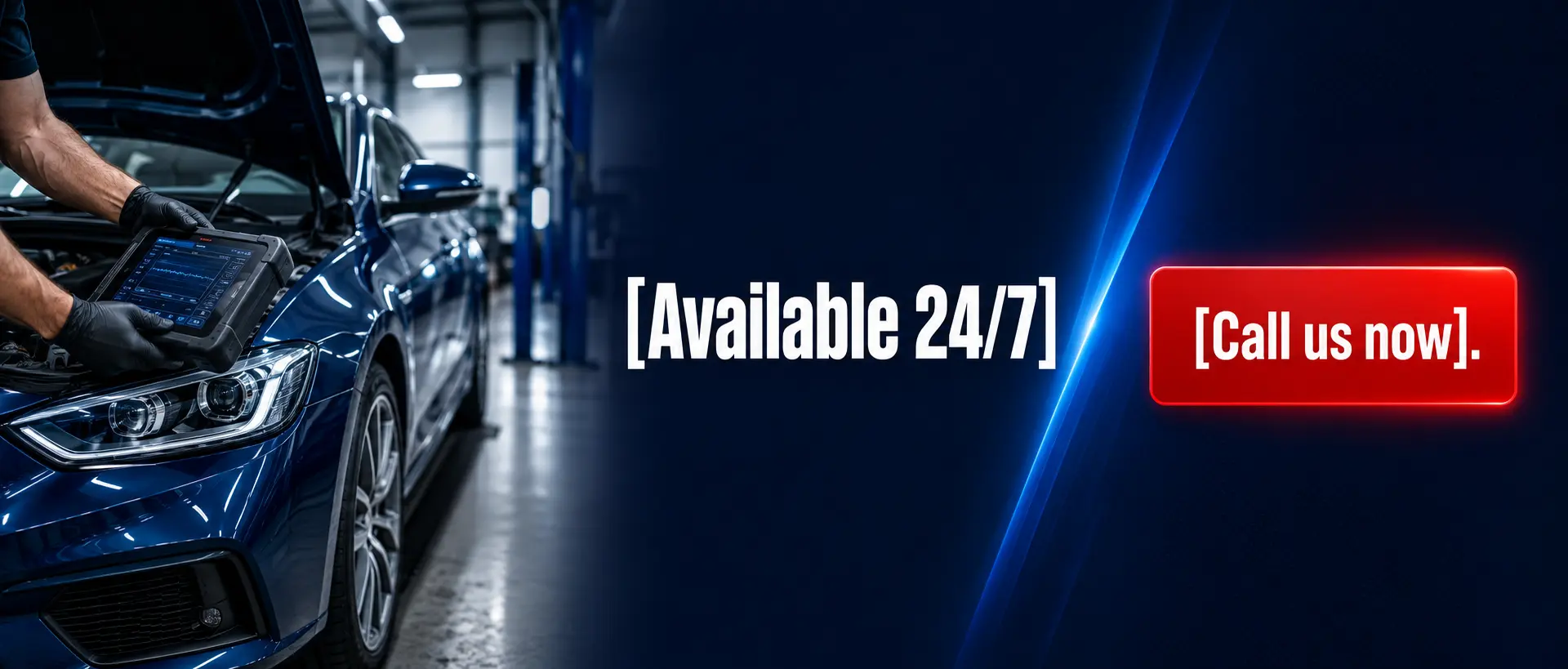
Google Display banner prompt:
Create a horizontal banner for [product]. Place product on the left, headline in the center, and CTA on the right. Use only “[headline]” and “[CTA].”
Ecommerce sale prompt:
Create a sale creative for [product]. Add badge “[discount].” Use CTA “[CTA].” Do not invent extra offers or fake urgency.

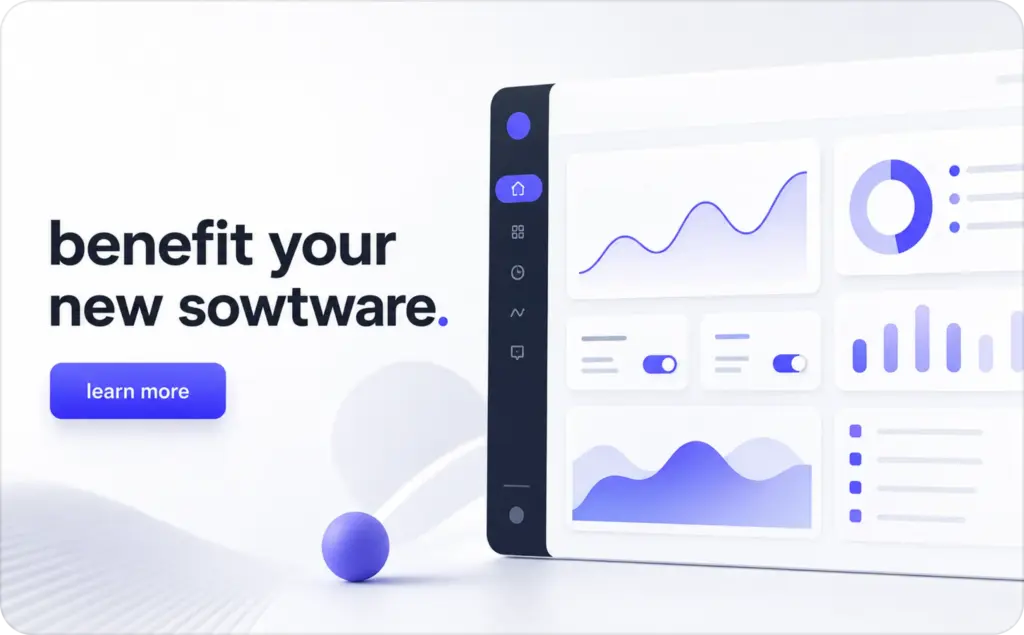
SaaS ad prompt:
Create a 16:9 ad for [software]. Show a clean dashboard-style visual. Headline: “[benefit].” CTA: “[CTA].” No fake metrics or customer logos.
How Zeely uses GPT Image 2 for product ads in a full AI stack
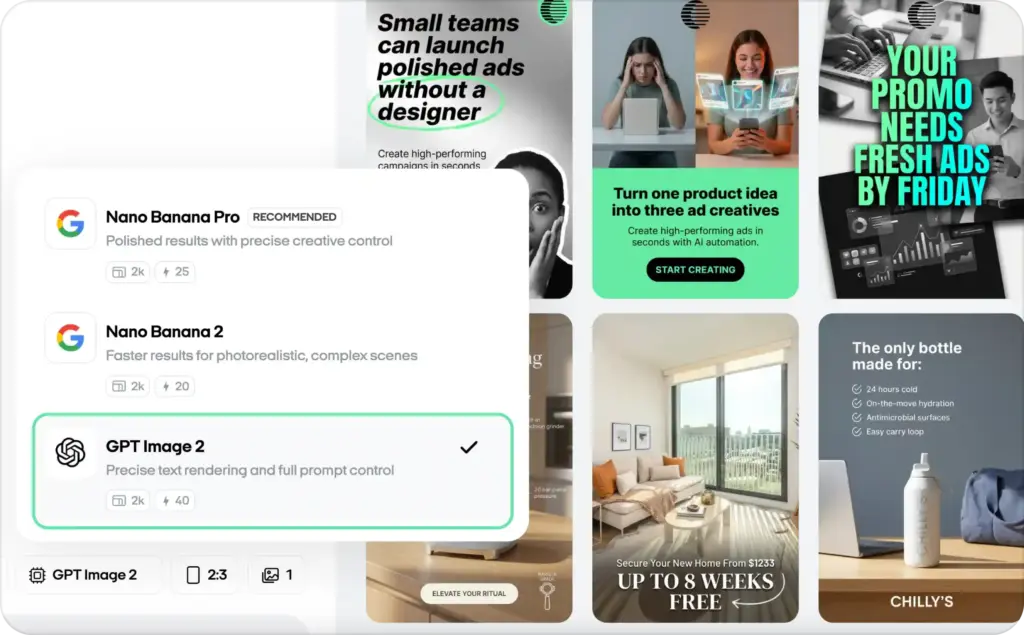
GPT Image 2 is useful when Zeely users need prompt control, readable ad text, and fast product creative exploration. It can help you test product ad images AI, promo layouts, and static ad concepts before you spend time polishing every version.
But Zeely does not rely on one model alone. In real ad work, one model may be better at text, another at image editing, and another at product consistency. That is why Zeely uses a broader AI ad creative workflow for generation, editing, variants, resizing, and campaign-ready handoff.
Why not rely on one image model?
One image model can be strong and still not be enough. Text rendering, background changes, product editing, product consistency, variant generation, and final handoff all need different strengths. A full AI model stack helps reduce tool switching and keeps the ad workflow cleaner. Zeely covers this wider setup in its guide to AI models for ad creation.
Want product ad variants without juggling five tools? Start with one product photo, prompt, or offer, and let Zeely help you turn it into campaign-ready ads.
FAQ
Yes. GPT Image 2 can generate and edit product ad concepts, ecommerce visuals, lifestyle scenes, and banner ideas. Final use still needs product, copy, and compliance review before you publish.
It is best for ideation, fast variants, and production-ready drafts. I would use it to find strong creative directions, then run human QA and design review before the ad goes live.
Yes, especially short text like headlines, CTAs, price tags, and promo badges. Keep copy brief and exact. Long body copy, legal disclaimers, and tiny terms should usually be added later in a design tool.
Reference images help, but they do not replace review. Check packaging, labels, logo placement, colors, size, ingredients, and product claims manually. A small label mistake can still make the whole ad unusable.
API cost depends on input text, input image tokens for edits, output size, and quality setting. Use lower quality for draft exploration, then move to higher quality only when the creative direction is approved.
Use ChatGPT Images for hands-on creative work and quick direction changes. Use the GPT Image 2 API for repeatable templates, bulk variants, app workflows, and larger production pipelines.

Emma blends product marketing and content to turn complex tools into simple, sales-driven playbooks for AI ad creatives and Facebook/Instagram campaigns. You’ll get checklists, bite-size guides, and real results, pulled from thousands of Zeely entrepreneurs, so you can run AI-powered ads confidently, even as a beginner.
Written by: Emma, AI Growth Adviser, Zeely
Reviewed on: August 3, 2026