Affordable Opus Clip alternatives for Shorts, Reels, and ads
Which Opus Clip alternative helps small teams turn long videos into clips they can actually post and test? At Zeely, we compared official pricing, clipping limits, ad workflows, and creator pain points to help you choose with less guesswork.
The best Opus Clip alternatives are not always the tools that generate the most clips. For small businesses, creators, and short-form ad teams, the better question is how many clips are usable after review. Let’s look at different AI tools. Zeely AI is best for ad-first SMB workflows. Klap is a low-cost clipping pick. Vizard gives more edit control. Munch Studio supports broader social planning. Quso.ai and Vidyo.ai are useful when clipping and scheduling belong in one workflow.
I’m Emma from Zeely, and I don’t think a clipper should be judged by how fast it fills your download folder. A tool can turn one podcast into 40 clips and still leave you with only three worth posting. If you’re comparing affordable Opus Clip alternatives, look past the clip count and ask whether each tool helps you sell, teach, retarget, and stay visible.
YouTube says Shorts now average more than 200 billion daily views, while TikTok’s own ad guidance tells brands to build vertical, TikTok-first videos with strong hooks, captions, and clear calls to action. That is why long-to-short clipping is no longer only a creator trick. It is a practical way for small businesses to turn webinars, product demos, customer clips, podcasts, livestreams, and UGC-style footage into short-form ads.
Why Opus Clip alternatives matter for short-form ads
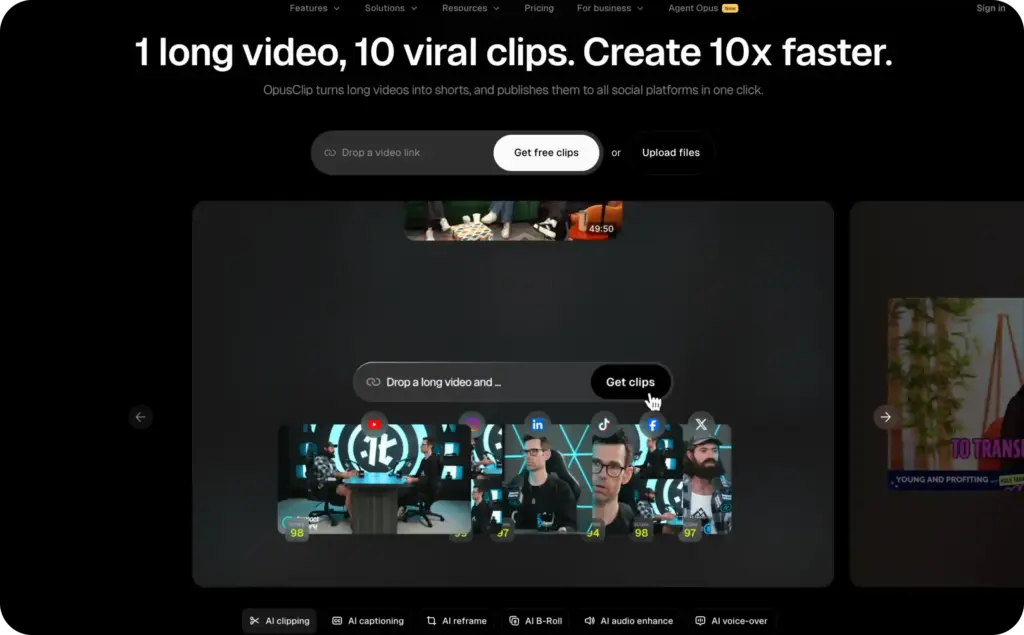
Opus Clip became popular because it made one painful task feel simple: upload a long video, let AI find moments, add captions, and export short clips. That is still useful. The problem is that many small businesses need more than “here are 12 clips from your video.”
They need short clips that can work as Reels, Shorts, TikToks, and paid ad tests. That means the tool has to understand the hook, keep enough context, frame the speaker or product correctly, preserve the punchline, and make exports clean enough for the channel.
OpusClip’s own pricing shows why buyers start comparing. Its free plan includes 60 credits per month, up to 1080p rendered clips, AI captions, auto reframe, a watermark, no editing, and clips exportable for only three days. Paid plans add editing, watermark removal, brand templates, social posting, custom fonts, and more credits.
That is fair for many creators. But for SMBs, a different tool may fit better if the goal is to repurpose long videos into ads, not just cut them into shorts.
A good AI clip maker alternative should help you answer five business questions:
- Can this clip sell the offer without the full video?
- Does the first three to six seconds make sense?
- Are captions readable on a phone?
- Can the clip match our brand without manual design work?
- Can we export in the formats our channels and ads need?
If a tool fails those questions, it is not affordable. It is just cheap.
Best Opus Clip alternatives compared by price and workflow
Prices change often, so treat this table as a buying snapshot and verify the checkout page before you subscribe. The real number to track is not monthly cost. It is cost per usable clip after review.
| Tool | Starting price | Best fit | What to check before switching |
| Zeely AI | From $29.95/month | SMBs and short-form ad teams turning business footage into ad-ready clips | Credit use, ad formats, templates, and how your team reviews exports |
| OpusClip | Free plan, Starter from $15/month | Creators who want quick long-to-short clipping | Watermark on free plan, three-day free export window, credits, brand templates, seats, and storage |
| Munch Studio | From $38/month billed yearly | Teams that want repurposing plus social planning | Annual billing, repurposing minutes, generated video limits, storage, and team needs |
| Vizard | Free plan, paid Creator and Business tiers | Teams that want clipping plus editor control | 720p on free plan, three-day storage on free plan, credits, brand kit, social accounts, and 4K export access |
| Klap | From $14/month billed yearly | Creators who want simple, lower-cost clipping volume | Annual billing, video upload count, long-video length, HD vs. 4K exports, and dubbing needs |
| Quso.ai | Free plan, paid from $24/month monthly or $15/month annually | Teams that want AI clips, captions, scheduling, and social tools | Watermark, 720p free exports, credits or minutes, brand kit, scheduling, and data retention |
| Vidyo.ai | Legacy name connected to Quso.ai | Existing Vidyo users comparing the newer Quso.ai setup | Current pricing, account migration, storage, and whether your workflow now lives in Quso.ai |
This is where a lot of “best tools” lists get thin. They list prices, but they do not talk about clipping quality. For a small business, quality is not cinematic beauty. Quality is whether the clip can do a job.
A restaurant owner needs a clip that makes someone hungry. A coach needs a clip that lands one useful idea. A contractor needs the before-and-after to stay visible in frame. A local shop needs the product, price, and next step to survive the crop.
That is why the best video repurposing tools are not only clippers. They are filters for attention, context, and speed.
Zeely AI: an Opus Clip alternative for ad-first SMB teams
Zeely AI fits teams that think about clips as ad assets, not just social posts. If you already have product links, pics, customer footage, Zeely can help turn those assets into short-form videos with a selling goal.
That matters because small businesses rarely have one clean content source. They have scattered files: a product demo from last month, a few vertical clips from a phone, an old testimonial, a Zoom recording, and maybe a founder explaining the offer in one take. The job is not to make the footage look expensive. The job is to make it usable.
Zeely’s pricing page lists Starter at $29.95/month with 2,500 credits, Plus at $49.95/month with 5,000 credits, and Growth at $79.95/month with 10,000 credits. The plans include items such as marketing video ads, edit-ready templates, paid campaigns, viral campaigns, talking reels, prompt-to-ad, brand-inspired remix, batch static ads, avatar customization, and AI image tools.
That makes Zeely a strong fit when your team cares about:
- Product-led short clips
- Reels and Shorts that can also feed paid tests
- Brand templates for repeated formats
- Fast creative testing from the same source asset
- SMB workflows where one person wears the marketer, editor, and owner hats
Use Zeely’s guide to creating AI video ads with Zeely and the AI video ad script templates article. Those links support this page without stealing its long-to-short clipping intent.
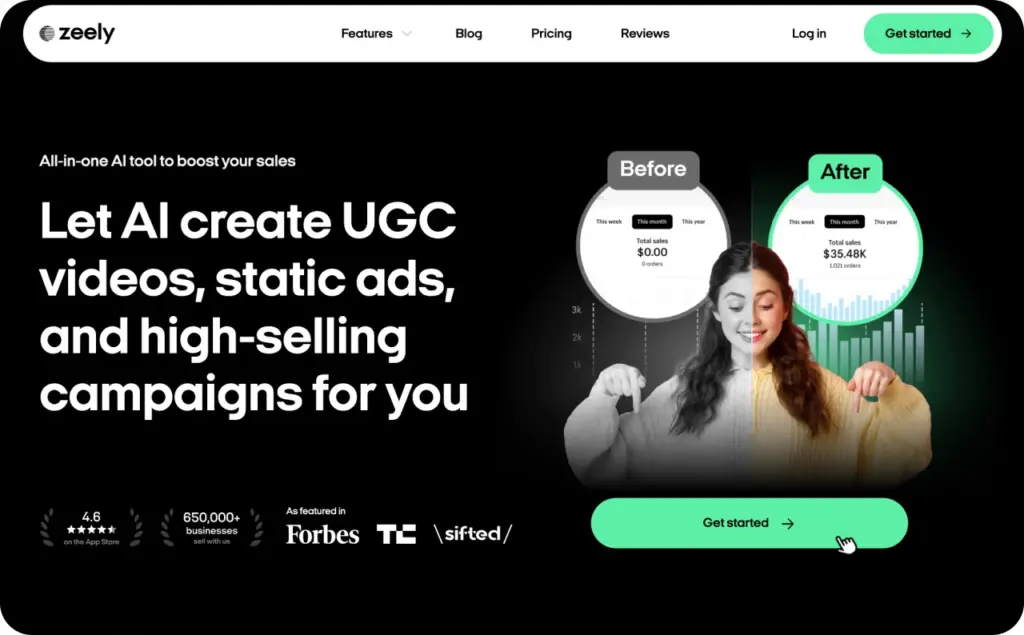
Munch Studio: best for broader video repurposing tools
Munch Studio is worth comparing if you want more than clip extraction. Its pricing page positions plans around website and brand-material training, social publishing, a content plan, a content planner, and a performance dashboard. Its Essential annual plan lists 500 minutes of video repurposing per month, while Premium lists 1,000 minutes and unlimited team members.
That makes Munch Studio useful for businesses that want a larger social content machine. It may be more than a solo creator needs, but it can make sense for a brand with many long-form sources and a team that wants planning, publishing, and repurposing in one place.
The buying question is whether you need that full system. If you only need a few short clips from one weekly video, Munch may feel heavier than needed. If you want a repeatable content calendar from webinars, interviews, and product explainers, it belongs on your shortlist.
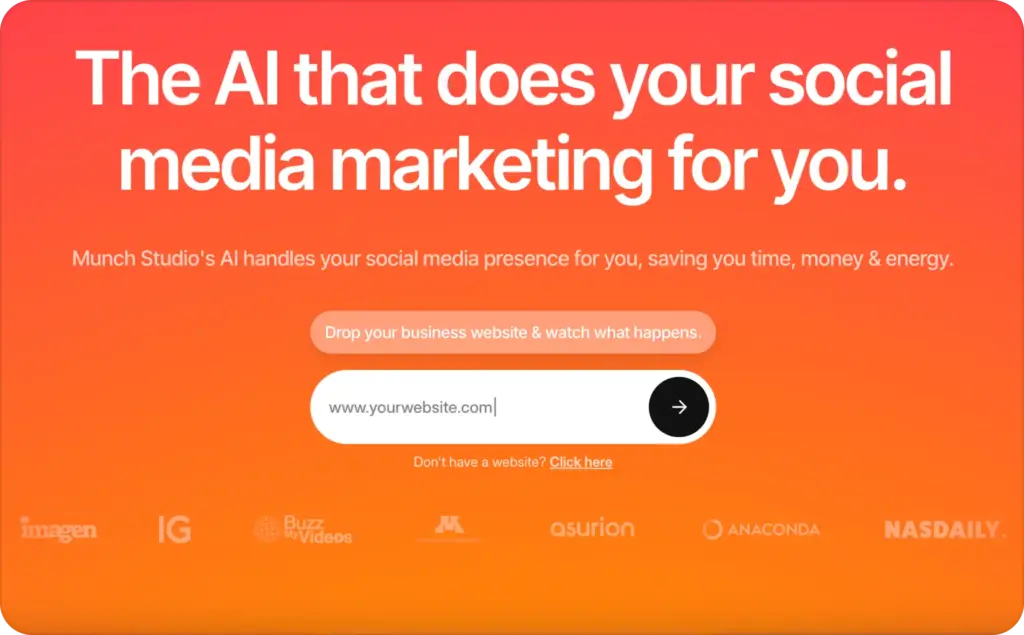
Vizard: best when clipping quality needs editor control
Vizard is one of the stronger AI clip maker alternatives for teams that want AI clipping but still need a real editing layer. Its free plan includes 60 credits per month, AI-generated clips, 720p export, an editor, one social account, and three-day storage. Paid tiers add 4K export, longer storage, brand kit options, custom templates, more social accounts, and scheduling features.
That editor control matters. Forum discussions about AI clippers often come back to the same problem: the tool finds a decent section, but the first line starts too late, the ending cuts too early, or the b-roll crop misses the subject. One Reddit user said AI tools can struggle with clean start and stop points, especially when footage was not originally made for vertical clips.
Vizard may fit a social manager who wants AI to find the rough clip, then wants transcript editing, templates, captions, and export control before publishing. It is less about replacing editing judgment and more about removing the first messy pass.
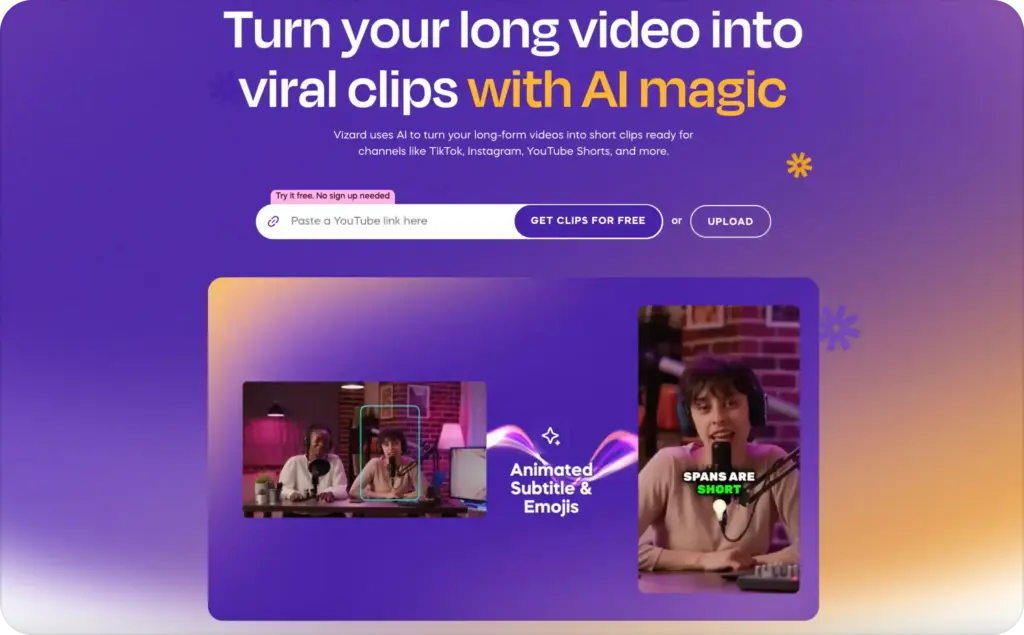
Klap: best for affordable long-to-short clipping volume
Klap is the leaner choice in this set. Its annual pricing page lists a $14/month plan with 10 uploaded videos per month, long videos up to 45 minutes, 100 generated clips, and HD download. Higher tiers raise video upload limits, long-video length, generated clips, 4K download, and AI dubbing access.
That makes Klap attractive if your main goal is simple long-to-short clipping at a lower entry price. It is especially relevant for YouTube videos, interviews, podcasts, and talking-head content where the subject is clear and the source video has obvious topic breaks.
The tradeoff is that low-cost volume still needs review. If you create 100 clips and only five are usable, the tool did not save as much time as it promised. Test Klap with your own longest, messiest video before deciding it is the cheapest option.
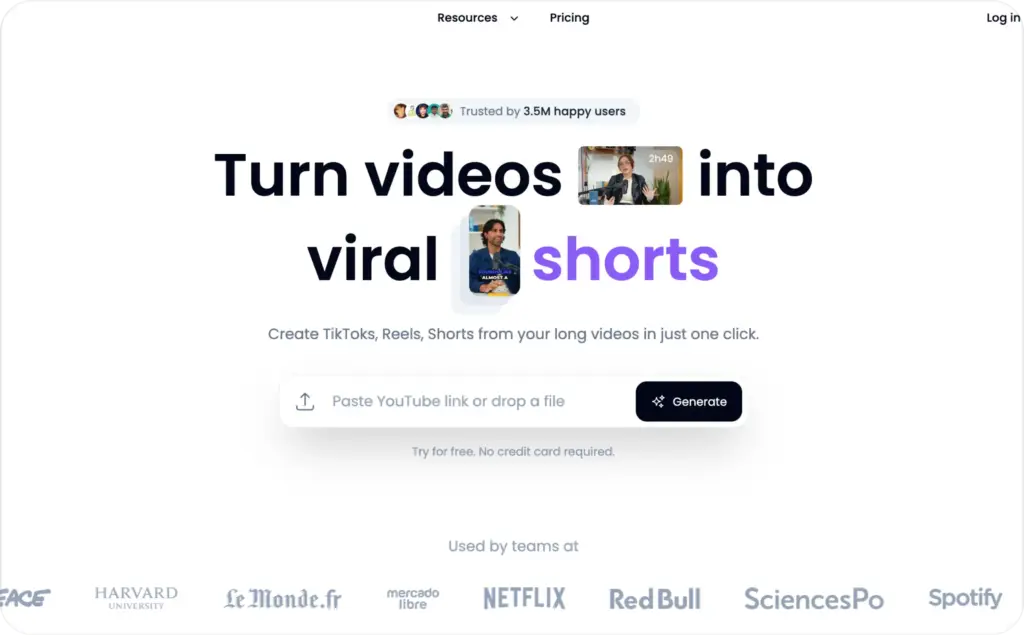
Quso.ai and Vidyo.ai: best for clipping plus scheduling
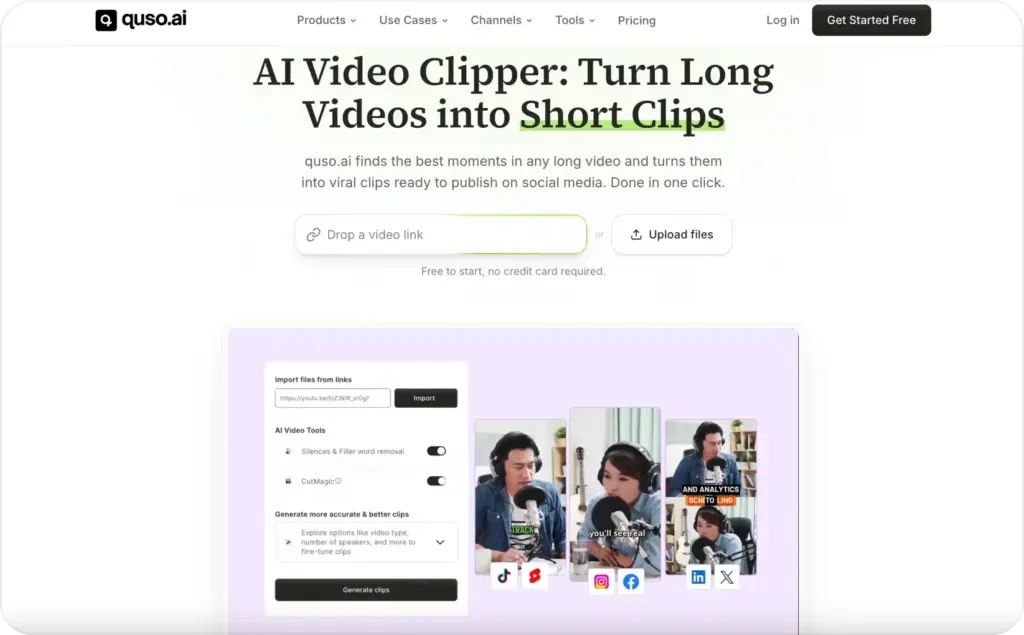
Quso.ai is important here because it is connected to the Vidyo.ai brand many creators already know. Quso.ai’s pricing page refers to “formerly vidyo.ai” and lists a free plan with 75 credits per month, 720p exports, AI clips and captions, YouTube chapters, TikTok publishing, and a watermark. Paid tiers add Full HD exports, resizing, AI tools, filler and silence removal, scheduling, analytics, custom templates, and brand kit features depending on plan.
This makes Quso.ai useful when your team wants clipping and publishing to sit close together. It is not only a clip generator. It can support a social workflow where clips, captions, scheduling, and brand assets stay connected.
The main caution is plan clarity. The pricing page includes both newer credit language and Vidyo-related monthly minute language, so buyers should verify the exact plan, workspace, retention, and export rules at checkout.
For businesses already using Vidyo.ai, the question is not “Is Vidyo still good?” It is “What parts of my workflow now live under Quso.ai, and what plan do I actually need?”
What Reddit teaches about affordable Opus Clip alternatives
Google results tend to show the same surface comparison: price, captions, templates, export quality. Forums reveal the messier buying truth.
The first hidden problem is wrong moment selection. In one Reddit thread, a user working with long coaching-call content said common AI clippers kept selecting the wrong parts and wanted a tool that could learn what mattered in their specific content. That is a big deal for SMBs. A contractor, consultant, doctor, fitness coach, or SaaS founder may not want the loudest moment. They want the moment that builds trust.
The second problem is summary clips that feel empty. Some tools try to condense a whole long video into one short. That can turn into a vague recap with no clear reason to watch. Short clips usually work better when they capture one complete idea: one objection, one answer, one mistake, one proof point, one before-and-after, one offer.
The third problem is manual cleanup. Creators in long-to-short threads often describe marking good moments manually, highlighting transcripts, or using AI for a rough first pass before editing the final clip themselves. That is not a failure of AI. It is the real workflow. The best tool saves time before the final judgment call.
The fourth problem is security and permissions. One Reddit user raised concern about a clipping app asking for YouTube or Google access when the app was not verified. Small businesses should take that seriously. Before connecting a channel, check what permissions the app requests, who owns the account, and whether your team can revoke access later.
The fifth problem is burnout from random posting. Small business owners do not need another tool that creates more decisions. They need formats they can repeat: founder tip, customer proof, product demo, objection answer, before-and-after, behind the scenes, and offer reminder.
How to choose AI clip maker alternatives without wasting credits
Do not test Opus Clip alternatives with your cleanest video. Test them with the type of source your team actually has.
Use one 30 to 60-minute video with a few real problems: a slow intro, a product mention in the middle, one useful quote, a section with screen sharing, and one moment where the speaker drifts. Then compare tools based on how many postable clips they create.
Your review score should include:
- Keeper rate: How many clips are good enough to post after light review?
- Context: Does the clip make sense without the full video?
- Hook: Does the first line give people a reason to stay?
- Framing: Does auto-reframe keep faces, hands, products, and screen details visible?
- Captions: Are captions readable, accurate, and not covering key visuals?
- Brand fit: Can you save fonts, colors, logo use, and repeatable templates?
- Exports: Can you export 9:16, 1:1, and 16:9 when needed?
- Limits: Are credits, minutes, storage, watermarks, and team seats clear?
TikTok’s own ad guidance recommends vertical 9:16 creative, 720p or higher resolution, safe-zone checks, strong hooks, clear selling points, captions or text overlays, and a clear call to action. That is a useful checklist even when you are making organic clips for Reels and Shorts.
One more practical note: captions should not be the deciding factor by themselves. Zeely has a separate video captions guide for that topic. On this page, captions are part of the workflow. The bigger buying decision is whether the tool finds the right moments and lets you ship them fast.
Best affordable Opus Clip alternatives by use case
For SMB ad clips, choose Zeely AI. It is the best fit when the final goal is a short-form ad, not a general clip dump. Start with your product demo, offer explanation, founder video, or customer footage. Then use Zeely’s ad-focused tools and templates to shape clips into content that can sell.
For low-cost clipping volume, choose Klap. It is simple, affordable on annual billing, and useful for YouTubers, podcasters, and educators with clean long-form video sources.
For editor control, choose Vizard. It works well when AI can find the candidate clips, but a human still needs to polish transcript cuts, captions, framing, and exports.
For a broader social workflow, choose Munch Studio. It fits teams that want repurposing, planning, publishing, and brand training in a larger system.
For clipping plus scheduling, choose Quso.ai. It is especially relevant for teams comparing Vidyo.ai, since Quso.ai presents itself as formerly vidyo.ai and combines AI clips with captions, publishing, scheduling, and brand features.
For existing OpusClip users who only need fewer limits, upgrading inside OpusClip may still be the simplest move. The paid plans remove the watermark and add editing, brand templates, social posting, custom fonts, and more export features. Switching tools makes more sense when you need a different workflow, not just one missing feature.
Common mistakes when switching from Opus Clip
The first mistake is chasing the cheapest monthly price. A cheap plan with watermarked clips, limited storage, low-resolution exports, or confusing credit rules can become expensive once your team starts using it.
The second mistake is judging a tool by its best demo. Most official demos use clean, well-lit, well-paced footage. Your real footage may include pauses, tangents, screen shares, background noise, or product shots that do not fit vertical crops.
The third mistake is posting every AI clip. Short-form platforms reward clarity. If a clip starts mid-thought, cuts off the useful ending, or hides the product under captions, do not post it just because the tool made it.
The fourth mistake is using one clip format forever. TikTok recommends testing multiple creative assets and refreshing them when performance declines. For SMBs, that can be simple. Test one proof clip, one teaching clip, one product clip, one founder clip, and one offer clip.
FAQ
Zeely AI is a strong choice for small businesses that want short-form clips built around ads, products, offers, and repeatable brand templates. Klap, Vizard, Munch Studio, and Quso.ai can also fit depending on whether you care most about price, editor control, social planning, or scheduling.
Klap has one of the lowest listed entry prices in this comparison, starting at $14/month when billed yearly. OpusClip, Vizard, and Quso.ai also offer free plans, but free plans often include limits such as watermarks, lower export quality, storage windows, or credit caps.
No. Captions matter, but they are expected now. The better test is whether the tool finds a self-contained moment, keeps the right context, frames the subject well, and exports clean files for Shorts, Reels, TikTok, and ads.
You can, but only if the export rules fit each channel. Check aspect ratios, safe zones, captions, resolution, file quality, brand templates, and whether the tool supports your posting or ad workflow.
Final take: choose the tool that gives you usable clips
The best Opus Clip alternatives do not simply create more clips. They help you find moments your audience understands, package them in a clean vertical format, and publish them without rebuilding every video by hand.
For small business owners, that means your best tool is the one that reduces editing time without reducing judgment. Use AI to find the rough cut. Use your team’s knowledge to decide what deserves to represent the brand.
If your goal is short-form ads, product-led Reels, founder clips, and fast creative testing, start with Zeely AI and connect this article to Zeely’s guides on AI video ads, AI video ad scripts, and Zeely AI features.

Emma blends product marketing and content to turn complex tools into simple, sales-driven playbooks for AI ad creatives and Facebook/Instagram campaigns. You’ll get checklists, bite-size guides, and real results, pulled from thousands of Zeely entrepreneurs, so you can run AI-powered ads confidently, even as a beginner.
Written by: Emma, AI Growth Adviser, Zeely
Reviewed on: July 13, 2026