Best AI tools for social media ad creation and scaling in 2026
I compared 14 AI tools for creating and scaling social media ads. You’ll see what each one is best at, how much it costs, and which parts of your ad workflow it can actually handle.
Key takeaways:
- The best AI tools for social media ads in 2026 include Zeely, AdCreative.ai, Creatify, Predis.ai, Canva, Adobe Express, Invideo AI, HeyGen, Pencil, Madgicx, Smartly, Meta Advantage+, TikTok Symphony, and Buffer
- Zeely is a strong fit for small businesses that want to create ads and launch Meta campaigns from one workflow
- AdCreative.ai, Creatify, HeyGen, Canva, Adobe Express, Invideo AI, and Pencil focus more heavily on producing and refining ad creatives
- Madgicx, Smartly, and Meta Advantage+ make more sense when you already run paid campaigns and need help with optimization, budgets, or creative refresh
- TikTok Symphony is built around TikTok creative, while Buffer and Predis.ai are more useful when content planning and publishing sit alongside ad creation
If you’re trying to create more ads without adding more manual work, AI tools can help at different points in your workflow. Choosing the right platform starts with identifying which part of that workflow needs improvement.
I compared 14 tools by what they actually do, how they fit into your workflow, what they cost, and how much they automate. The recommendations are based on documented product features, so I use them to match tools to use cases.
Compare ad generating tools in a quick table
The comparison below distinguishes creative production from campaign automation and organic content planning.
| Tool | Best for | Main role in the workflow | Starting price |
| Zeely | Small-business ad creation and launch, marketing teams, enterprise | Generates static and video ads; supports Meta campaign setup and management, social media autoposting | Starter: $29.95/month |
| AdCreative.ai | Producing and prioritizing creative variants | Generates ad assets and provides creative scoring | Starter: $39/month |
| Creatify | Product-based avatar video ads | Converts product information into videos; higher plans add performance and launch features | Starter: $39/month |
| Predis.ai | Combining ad assets with social content production | Creates images, videos, carousels, and captions; publishing automation depends on plan | Core: $32/month |
| Canva | Editable branded ads and connected publishing | Canva Grow generates ads, launches to supported networks, and reports on performance | Free plan; paid prices vary by market and plan |
| Adobe Express | Brand-controlled creative production | AI-assisted image editing, design, resizing, and social scheduling | Free plan; Premium: $9.99/month in the US |
| Invideo AI | Scripted videos and AI-assisted editing | Creates and edits videos with agent assistance and timeline controls | Starter: $20/seat/month, billed annually |
| HeyGen | Multilingual presenter and avatar videos | Script-based video generation, voice tools, and localization | Free plan; Creator: $29/month |
| Pencil | Data-informed creative production | Generates creative and provides eligible accounts with predictive media scores | Core: $14/month |
| Madgicx | Meta advertising optimization | Campaign diagnostics, creative tools, and automation | Advertised from $45/month; varies with ad spend and billing |
| Smartly | Enterprise creative and media operations | Feed-based creative production, campaign management, and budget optimization | Sales quote, range from $60,000 to $300,000 per year |
| Meta Advantage+ | Native Facebook and Instagram automation | Creative variations, audience selection, placements, and campaign budget automation | Included within supported Ads Manager workflows; media spend applies |
| TikTok Symphony | TikTok video creation and creative refresh | Generates and localizes videos; Symphony Automation supports ongoing creative refresh | Creative Studio is free; advertising spend is separate |
| Buffer | AI-assisted social content planning | Drafting, repurposing, and scheduling organic posts—not paid campaign optimization | Free plan; Essentials from $6/channel/month |
Best AI tools for creating social media ads
1. Zeely
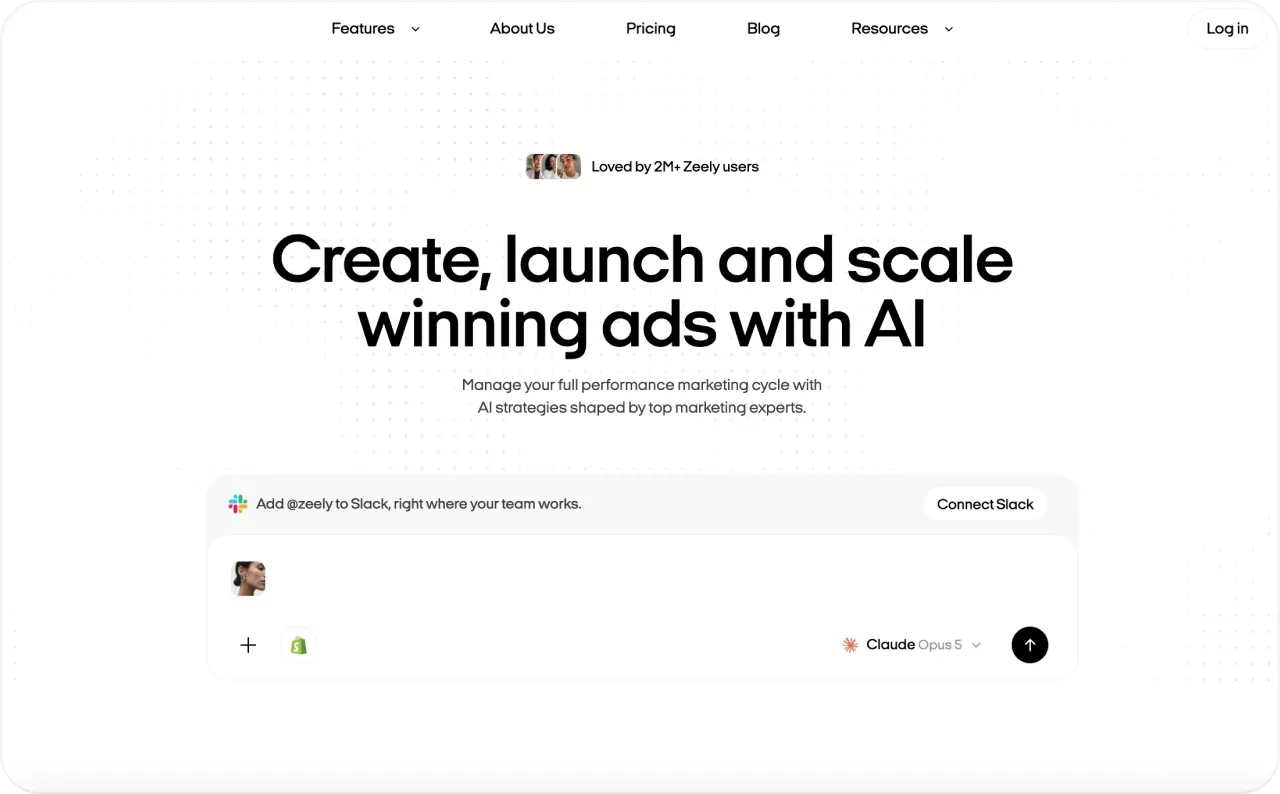
Zeely is an AI ad creation and campaign management platform for businesses of all sizes. You can create static and video ads, then move into Facebook and Instagram campaign setup without exporting your creatives into a separate workflow.
Main features
- AI-generated static ads from your product or business details
- AI video ads with avatar and product-focused formats
- Batch creative generation for testing several ad versions
- Facebook and Instagram campaign launch from the same workflow
- Brand-based creative generation and editing
Available on
iOS, Android, and web
What it automates
Zeely automates several steps before and during campaign launch, including creative generation and parts of campaign setup. You still control the offer, budget, audience decisions, and final creative approval
- You can create and launch ads without switching between a design tool and Meta Ads Manager
- The workflow works well for business owners without a dedicated designer or media buyer
- Batch generation makes it easier to prepare several creatives for testing
- Static and video formats sit inside the same workflow
- It is more focused on Meta than advertisers who manage several paid social networks may need
- Some generation limits depend on your plan and available credits
- AI-generated ads still need a manual check for product details, claims, and visual accuracy
What to know before choosing it
Zeely makes the most sense when creative production and Meta campaign setup are both taking too much of your time. If video is your main bottleneck, I also have a step-by-step guide on how to create AI video ads from product assets and test several versions.

2. AdCreative.ai
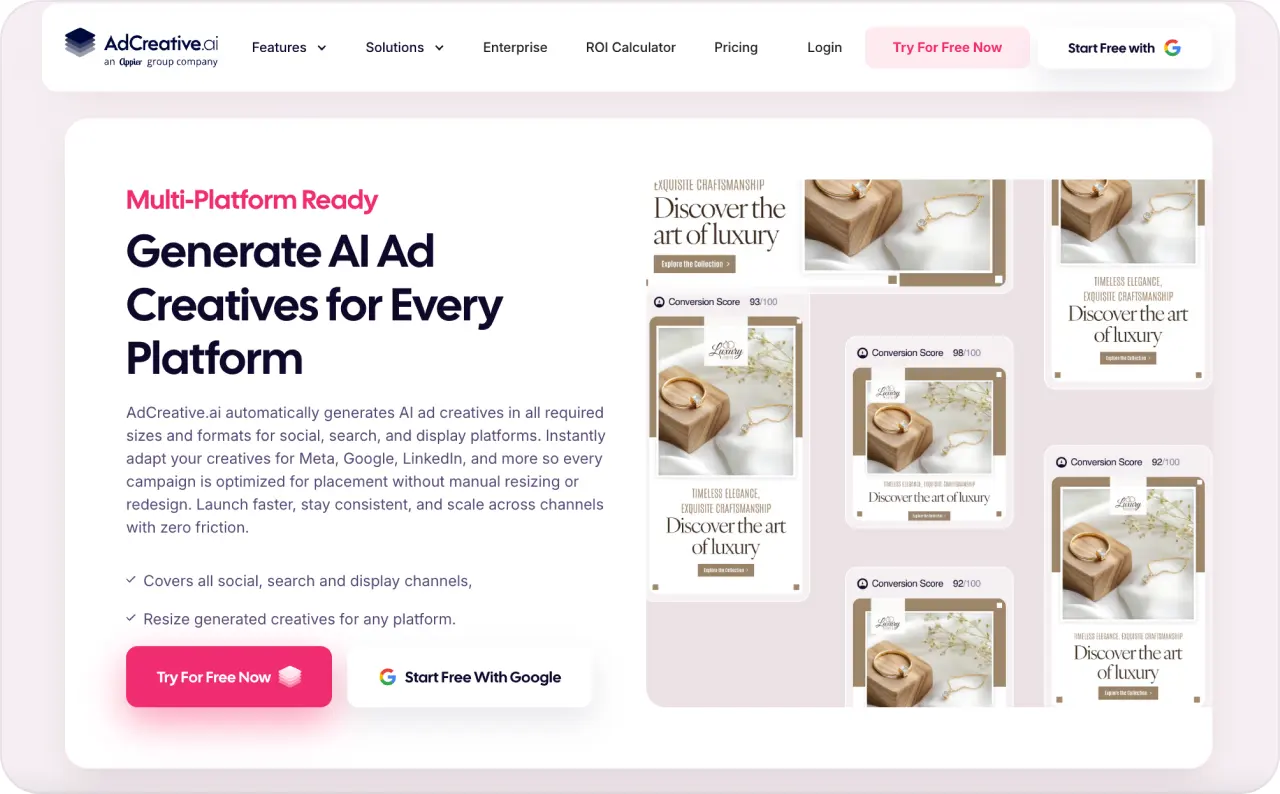
AdCreative.ai is an AI ad creation platform built for producing and evaluating creative at scale. It covers static ads, UGC-style video, product visuals, ad copy, competitor research, and creative scoring in one workspace.
Main features
- AI-generated static ads in multiple sizes and formats
- UGC-style videos and product video generation
- Product and fashion photoshoots from existing images
- AI-generated ad copy and headlines
- Creative scoring, competitor analysis, and creative performance insights
Available on
Web, iOS, and Android
What it automates
AdCreative.ai automates much of the production work behind ad variations. It can generate layouts, messaging, formats, and resized versions without rebuilding each asset manually.
You can also connect advertising accounts and push creatives into supported ad accounts. Connected account data helps personalize its creative analysis and predictions.
- You can produce many creative variations from the same campaign idea
- Automatic resizing reduces manual work when you advertise across several placements
- Creative scoring can help you decide which concepts to test first
- Product visual tools reduce the need to prepare every ecommerce image manually
- Creative scores are predictions, so live campaign performance still decides which ad works
- It focuses more on creative production and analysis than automated media buying
- Generation volume depends on the credits included in your plan
What to know before choosing it
AdCreative.ai makes more sense when creative volume is your bottleneck. I would use it when you already know how and where you want to run your ads but need more concepts to test.
If you mainly need automated budget changes, audience optimization, or campaign scaling, you will need another tool for that part of the workflow.
3. Creatify
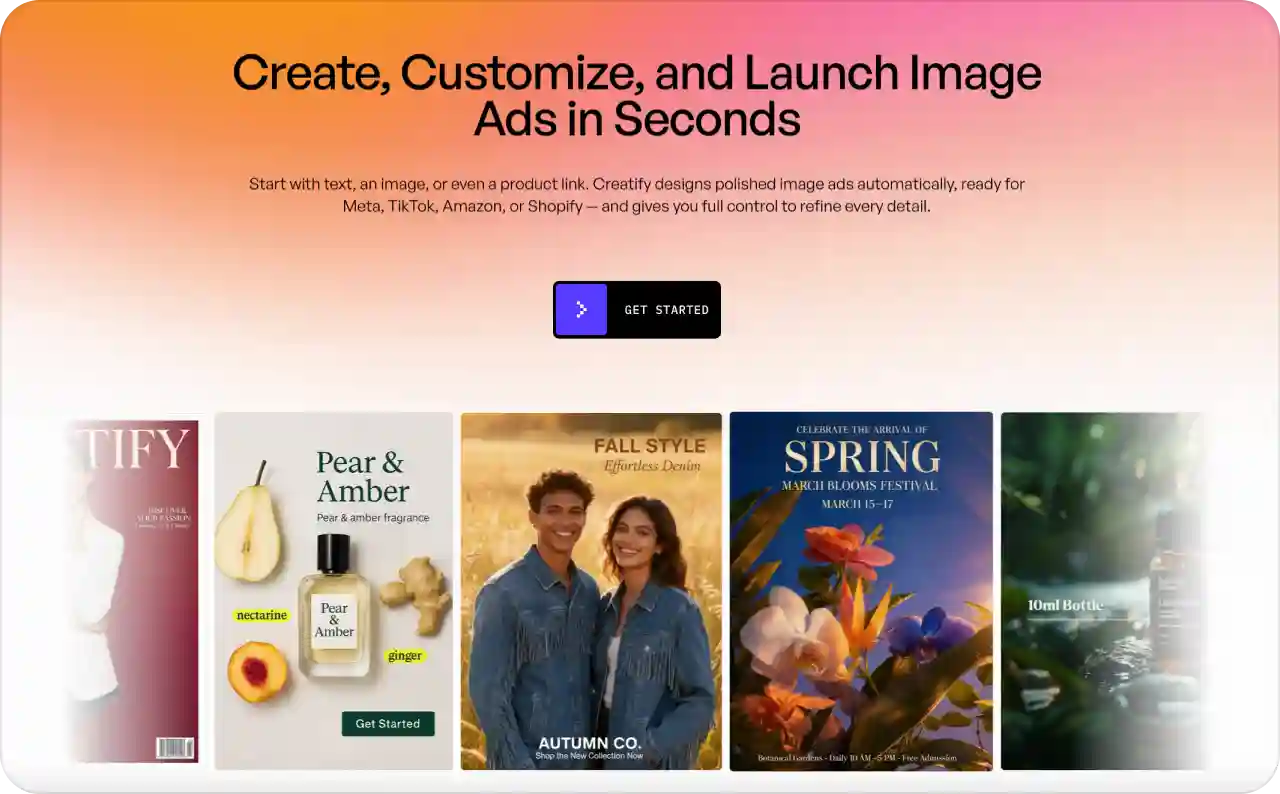
Creatify is an AI video ad generator built around product-led advertising. You can paste a product or business URL, and Creatify can turn the information on that page into scripts, scenes, voices, avatars, and finished video ads.
Main features
- URL-to-video generation from product and business pages
- AI avatars and custom digital presenters
- AI-generated scripts, voices, captions, and B-roll
- Batch creation for multiple hooks and ad variations
- Creative analysis plus direct launch workflows for Meta and TikTok
Available on
Web and iPhone
What it automates
Creatify can pull product information and visuals from a URL, build a script, create the video structure, add an avatar or voice, and render several variations. This removes several manual steps from performance video production.
Its current workflow can also connect creation with Meta and TikTok ad launch and analysis.
- A product page can become a video brief without manual asset collection
- You can test several hooks, avatars, and scripts without reshooting every version
- It supports formats for Meta, TikTok, YouTube, Instagram, Snapchat, and other video placements
- Ecommerce teams can reuse existing product information instead of building every ad from scratch
- The mobile app is currently listed for iPhone, while the full platform runs on web
- Video generation uses credits, so high-volume testing can increase usage quickly
- AI avatars, product details, prices, and claims still need human review before launch
What to know before choosing it
Creatify is most useful when video production slows down your testing cycle. It works particularly well for ecommerce products because the URL can supply much of the starting information.
If your ads already exist and your bigger problem is budget allocation or campaign optimization, Creatify will solve a different part of the workflow.
4. Predis.ai
Predis.ai combines AI ad creative generation with everyday social media content production. You can create ads, posts, reels, carousels, captions, and branded content, then organize them inside the same content calendar.
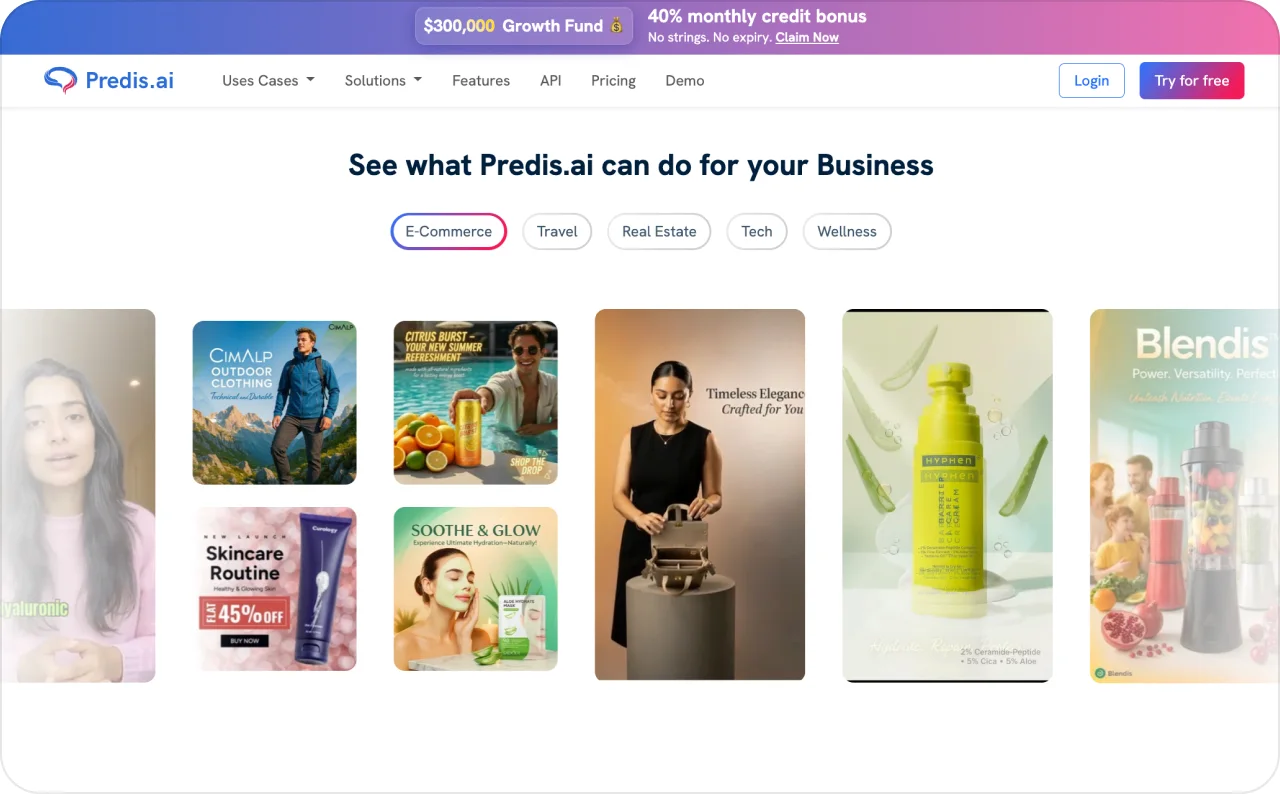
Main features
- AI social media ad generator
- Image, video, reel, carousel, and caption generation
- Brand colors, logos, and editable templates
- Content calendar and multi-channel publishing
- Competitor analysis, approvals, and social analytics
Available on
Web, iOS, and Android
What it automates
Predis.ai can automate the path from a content idea to a finished post or creative. It can generate the visual, write the caption, adapt the format, place it in a calendar, and publish it to connected social accounts.
Auto posting depends on your plan. The current Core plan does not include it, while Rise and Enterprise+ do.
- Paid and organic social content can share one production workflow
- You can create several content formats from one campaign idea
- Scheduling and creative generation sit inside the same workspace
- Approval workflows help when several people review content before publishing
- The entry Core plan does not include automatic posting
- Predis.ai focuses more on content creation and publishing than paid media optimization
- It does not replace tools that automate bids, campaign budgets, or paid audience decisions
What to know before choosing it
Predis.ai fits teams that manage social content and ad creative together. It can remove a lot of repeated production and publishing work when the same people handle both.
If your main problem starts after the campaign goes live, look more closely at a dedicated advertising optimization platform.
5. Canva
Canva now covers much more of the paid social workflow through Canva Grow. You can generate an ad from a website and prompt, edit every element in Canva, publish to supported ad platforms, and bring campaign performance data back into the same workspace.
Main features
- AI-generated static and video ads
- Fully editable Canva designs after generation
- Brand Kits, templates, and reusable creative systems
- Bulk publishing to Meta, TikTok, and LinkedIn
- Ad performance reports, AI tagging, and creative recommendations
Available on
Web, Windows, macOS, iOS, Android, and Chromebook
What it automates
Canva Grow can pull information from your website, generate ad concepts, prepare ad copy, and publish multiple ads into connected campaigns and ad sets. Its Learn tools then organize performance data and identify creative patterns that can inform your next batch.
You can currently launch supported campaign types on Meta, TikTok, and LinkedIn. Ads are submitted as paused, so you can review them before activation.
- You can move from generation to detailed manual editing without changing tools
- Brand Kits make it easier to keep many ad variations visually consistent
- Paid ad publishing removes repeated exporting and uploading
- Creative reports connect campaign results with the assets that produced them
- Canva Grow currently supports Meta, TikTok, and LinkedIn rather than every ad network
- Some Canva plans and account roles do not include access to all Grow features
- You need an existing advertising account because Canva cannot create a new one for you
What to know before choosing it
Canva is a strong choice when you want AI speed but still expect to edit every part of the final creative. Canva Grow also makes it more relevant to performance marketers than the older design-only Canva workflow.
Check whether your plan includes Create, Launch, and Learn before choosing Canva specifically for paid ad management.
6. Adobe Express
Adobe Express combines AI-assisted creative production with a visual editor and social publishing tools. It works well when you want to generate or adapt assets but still need direct control over brand colors, typography, product images, and final layouts.
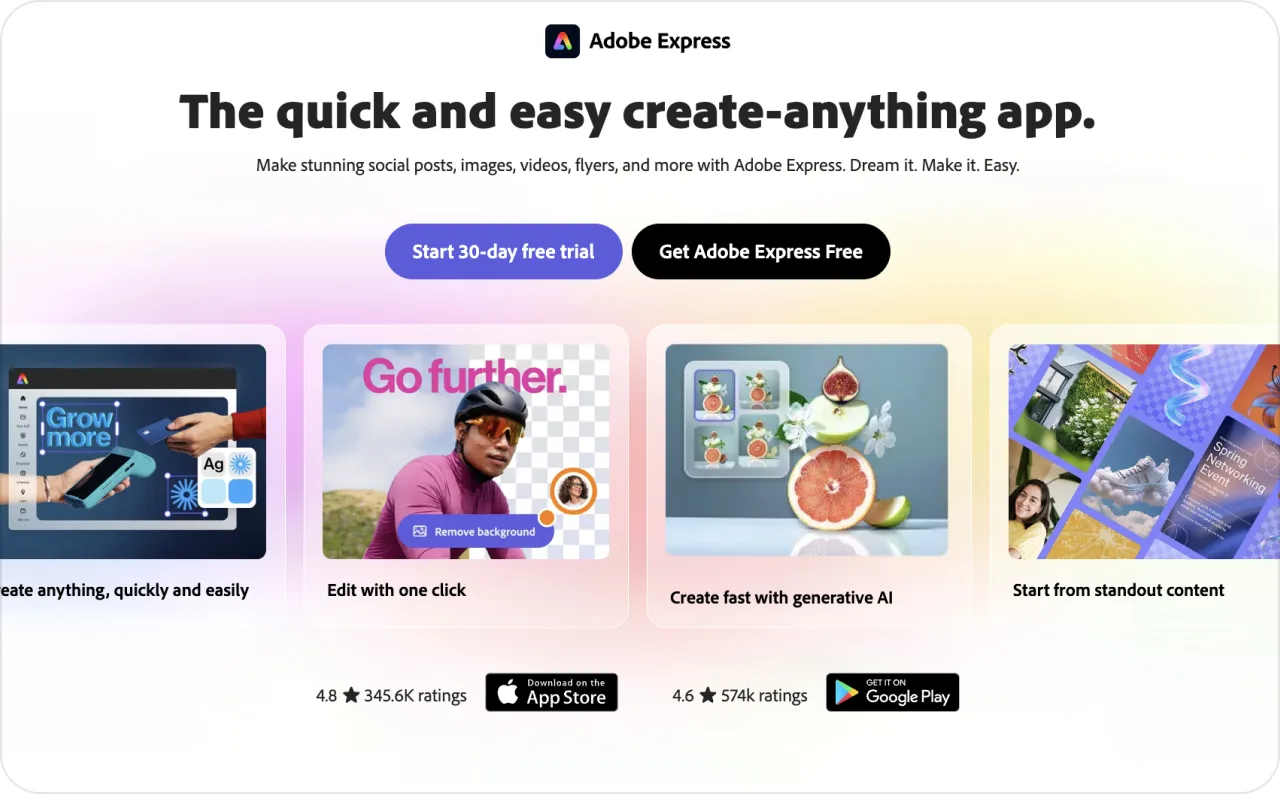
Main features
- AI image generation and editing
- Static and video templates
- Background removal and visual editing tools
- One-click resizing for different channels
- Social content planning, scheduling, and publishing
Available on
Web, iOS, Android, and iPad
What it automates
Adobe Express can automate repetitive creative tasks such as resizing, background changes, caption generation, and preparing several channel formats. Its Content Scheduler can also publish content to Facebook, Instagram, LinkedIn, TikTok, Pinterest, YouTube, and X.
The publishing workflow handles organic social content. It does not automate paid campaign budgets, bidding, audiences, or media optimization.
- You keep detailed editing control over AI-generated assets
- Adobe Stock, templates, fonts, and editing tools sit in the same workspace
- Resize tools make it easier to adapt one concept across placements
- The scheduler can handle creation and organic publishing without another social tool
- It does not provide a full paid ad campaign management workflow
- Generative AI usage is limited by the credits included in your plan
- You still need Ads Manager or another advertising platform to control paid delivery and budgets
What to know before choosing it
Adobe Express makes sense when your priority is producing polished, on-brand assets faster. It is especially useful if your team already works inside the Adobe ecosystem.
I would pair it with a separate media buying tool if campaign optimization and automated scaling are part of your requirements.
7. Invideo AI
Invideo AI is an agentic video creation platform that can take a campaign idea from script to generated scenes and editing. Its current Agent Two workflow is built for ads, social videos, short films, and other projects that need more structure than a simple template.
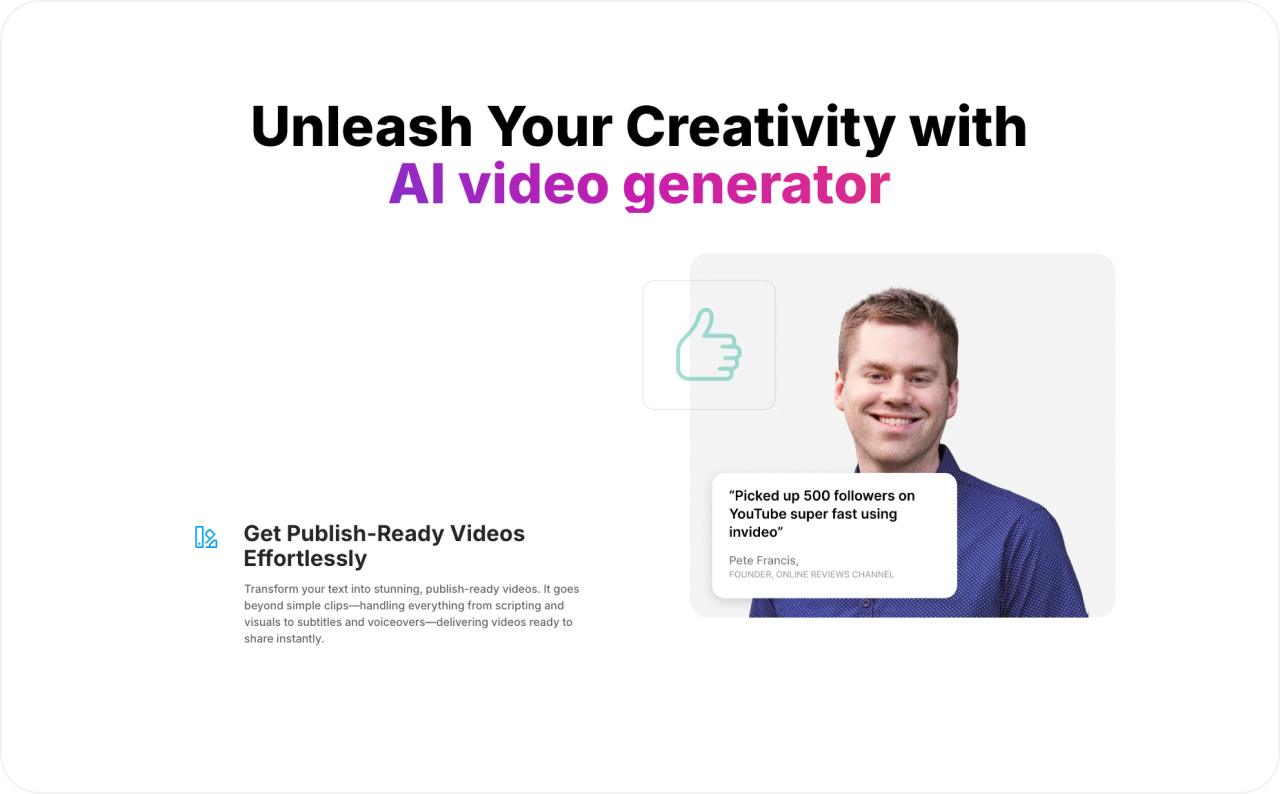
Main features
- AI script and storyboard generation
- Multi-shot video generation and editing
- Long-term project memory for characters, locations, and visual style
- Automatic routing across multiple AI video models
- Real-time collaboration for video teams
Available on
Web, iOS, iPad, and Android
What it automates
Invideo can automate scripting, storyboarding, shot generation, voice, supporting footage, and many editing tasks. You describe the result you want, and its agents manage much of the production sequence.
The mobile app lets you review takes, approve shots, request regenerations, and direct the agent. Final timeline assembly still requires desktop.
- You can build more complex video ads without starting from a blank editing timeline
- Project memory helps keep recurring characters and visual choices consistent
- Multi-shot editing can apply one requested change across several scenes
- Mobile approvals help you keep production moving away from your desk
- Final timeline assembly still belongs on desktop
- It automates video production rather than paid campaign management
- Complex AI-generated scenes still need review for product accuracy and visual continuity
What to know before choosing it
Invideo AI fits campaigns where the creative idea needs several scenes, a narrative, or more detailed video direction. It gives you more production depth than a simple avatar generator.
For high-volume product UGC ads, a more specialized ad generator may give you a shorter workflow.
8. HeyGen
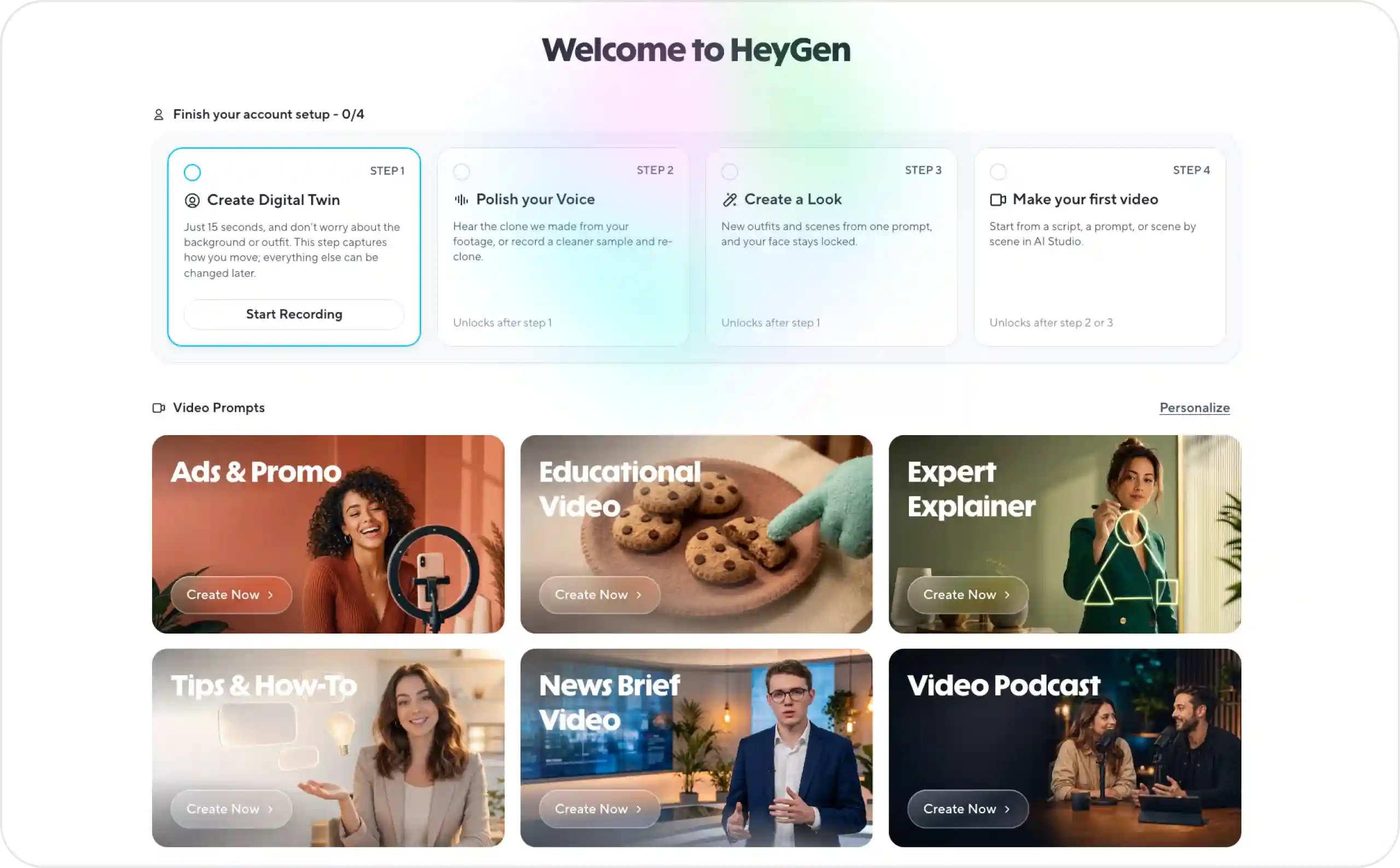
HeyGen is an AI video platform centered on digital presenters, voice, and localization. You can turn a script into a presenter-led video, build a custom digital twin, or translate an existing video for another market.
Main features
- Stock and custom AI avatars
- Digital twins based on a real presenter
- AI voice generation and voice cloning
- Video translation and dubbing
- UGC ad and social video creation tools
Available on
Web, iOS, iPad, and Android
What it automates
HeyGen automates much of presenter-led video production. You can supply the script, choose the presenter and voice, generate the video, and then create localized versions without recording each language separately.
Its browser tools also cover tasks such as UGC generation, video enhancement, highlight extraction, and other video workflows.
- You can create presenter videos without organizing a new shoot for every script
- Localization is much faster when one campaign needs several languages
- Custom avatars help maintain a consistent presenter across multiple ads
- You can update the script without reshooting the entire video
- The desktop experience remains more complete than the mobile version
- Advanced avatar and video models consume different amounts of credits
- HeyGen creates video assets but does not manage paid ad budgets or campaign delivery
What to know before choosing it
HeyGen is most useful when the person delivering the message is central to the ad. Think product explanations, founder-style videos, spokesperson ads, and localized campaigns.
Review every translated claim, price, and call to action with a fluent speaker before publishing.
9. Pencil
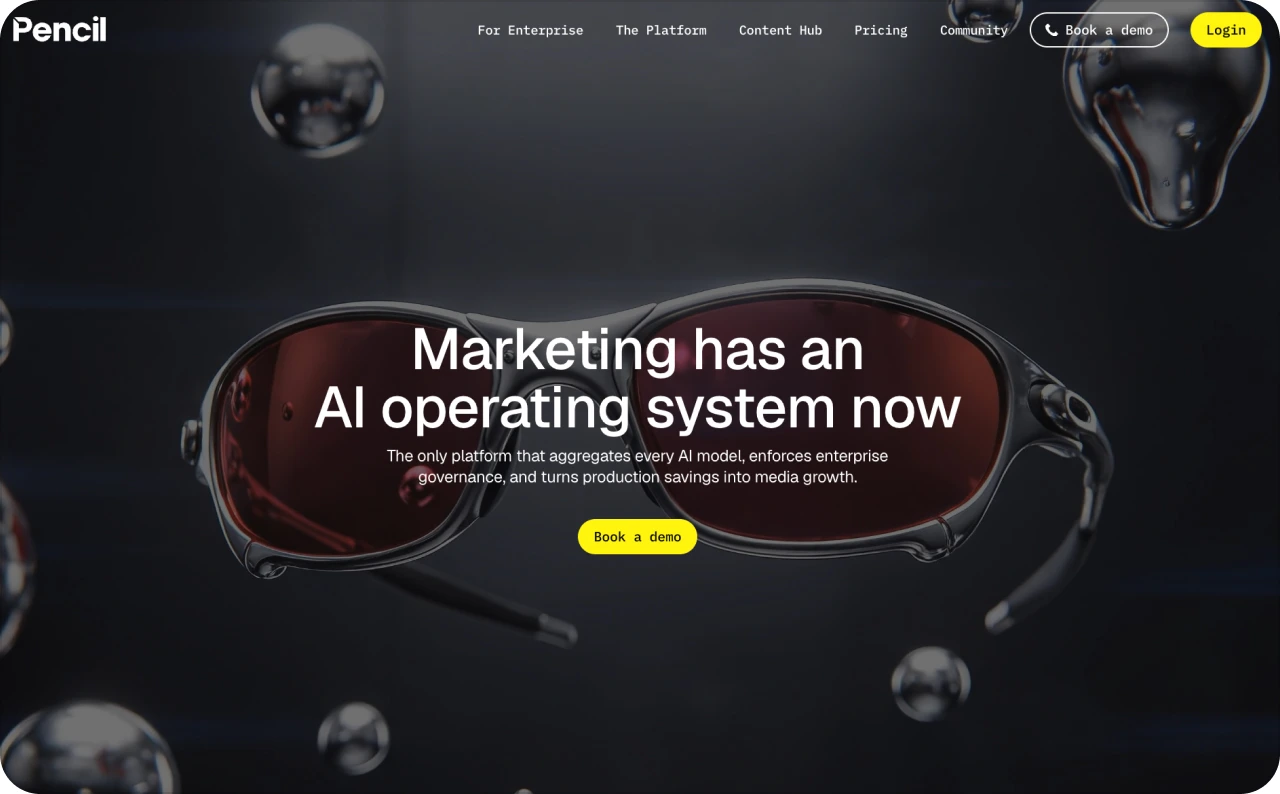
Pencil is an AI ad creation platform that connects creative generation with advertising performance data. It combines AI models, brand libraries, editing, automated workflows, prediction tools, and direct ad publishing.
Main features
- AI generation for copy, images, and video
- Brand libraries and reusable templates
- AI agents for research, scripting, and creative production
- Automated Workflows and Sheets for bulk generation
- Creative scoring and direct publishing to major ad platforms
Available on
Web, with full browser support currently limited to Google Chrome
What it automates
Pencil can automate multi-step creative workflows. For example, a workflow can generate copy, create matching visuals, score the output, and route it for review.
It can also create high volumes of variations from templates or feeds and publish approved work directly to platforms such as Meta, Google, TikTok, and Pinterest.
- Generation, editing, approvals, and publishing can live in one creative workflow
- Brand libraries give AI models more context before they generate assets
- Performance data can feed back into future creative decisions
- Workflows help large teams repeat the same production process at scale
- Pencil Pro currently requires Google Chrome for full browser support
- Its Media Performance Score needs a connected Meta account and roughly 200 to 300 valid historical ads
- The current Media Performance Score predicts relative CTR, so it does not predict ROAS or final sales
What to know before choosing it
Pencil becomes more useful when you already have enough advertising history to feed its prediction system. A new advertiser may still use its generation tools, but the account-specific performance score will have less to work with.
The historical-data requirement is important. Pencil hides the score when it does not have enough valid data rather than showing a weaker prediction.
10. Madgicx
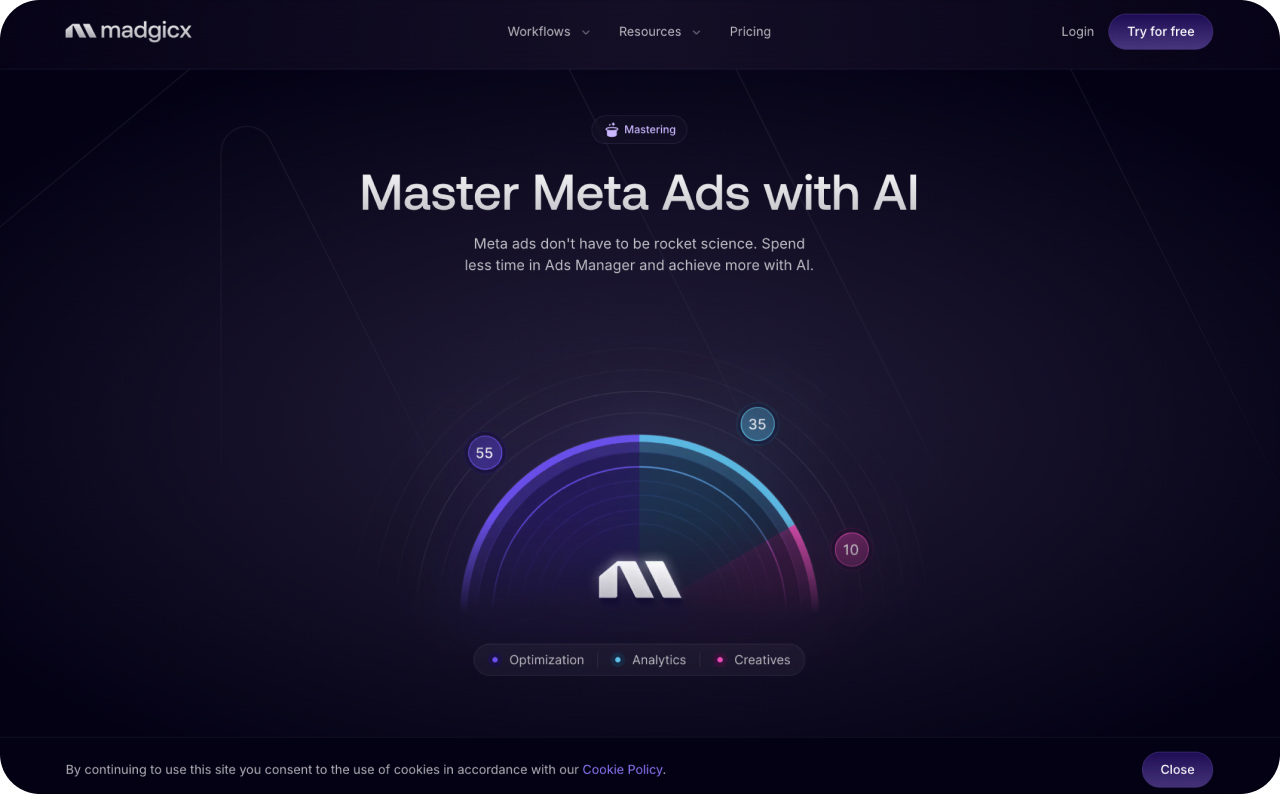
Madgicx is an AI advertising management platform focused primarily on Meta campaigns. It connects campaign analysis, reporting, automated rules, budget management, and AI-assisted account control in one system.
Main features
- Meta campaign analysis and optimization recommendations
- Custom automation based on more than 300 metrics
- Automated budget management
- Cross-channel reporting
- MCP access for managing ad accounts through compatible AI assistants
Available on
Web
What it automates
Madgicx can automate actions that media buyers normally perform inside Meta Ads Manager. Depending on your setup, rules can pause or start campaigns, adjust budgets and bids, set spending limits, and react to performance conditions.
Its Facebook Ads MCP also lets compatible AI assistants read performance data and take authenticated actions in the ad account. Google Ads MCP currently provides read-only capabilities.
- Automation can remove repetitive daily Meta account checks
- Custom rules give experienced media buyers more control over when actions happen
- Reporting can combine Meta, Google, Shopify, GA4, TikTok, and other data sources
- Natural-language account control can shorten some campaign management tasks
- The deepest automation is centered on Meta rather than every paid social network
- Automated rules still need monitoring because the conditions you set determine what happens
- Google Ads MCP is currently read-only
What to know before choosing it
I would look at Madgicx when campaign management takes more time than creative production. It makes more sense once you have active Meta campaigns and enough data for meaningful optimization.
There is also a product detail worth checking before purchase. Madgicx describes AI ad generation in some product materials, while its current comparison page still marks in-platform ad creation as “Coming Soon.” Verify the exact creative features included in your account if generation is one of your main reasons for choosing it.
11. Smartly
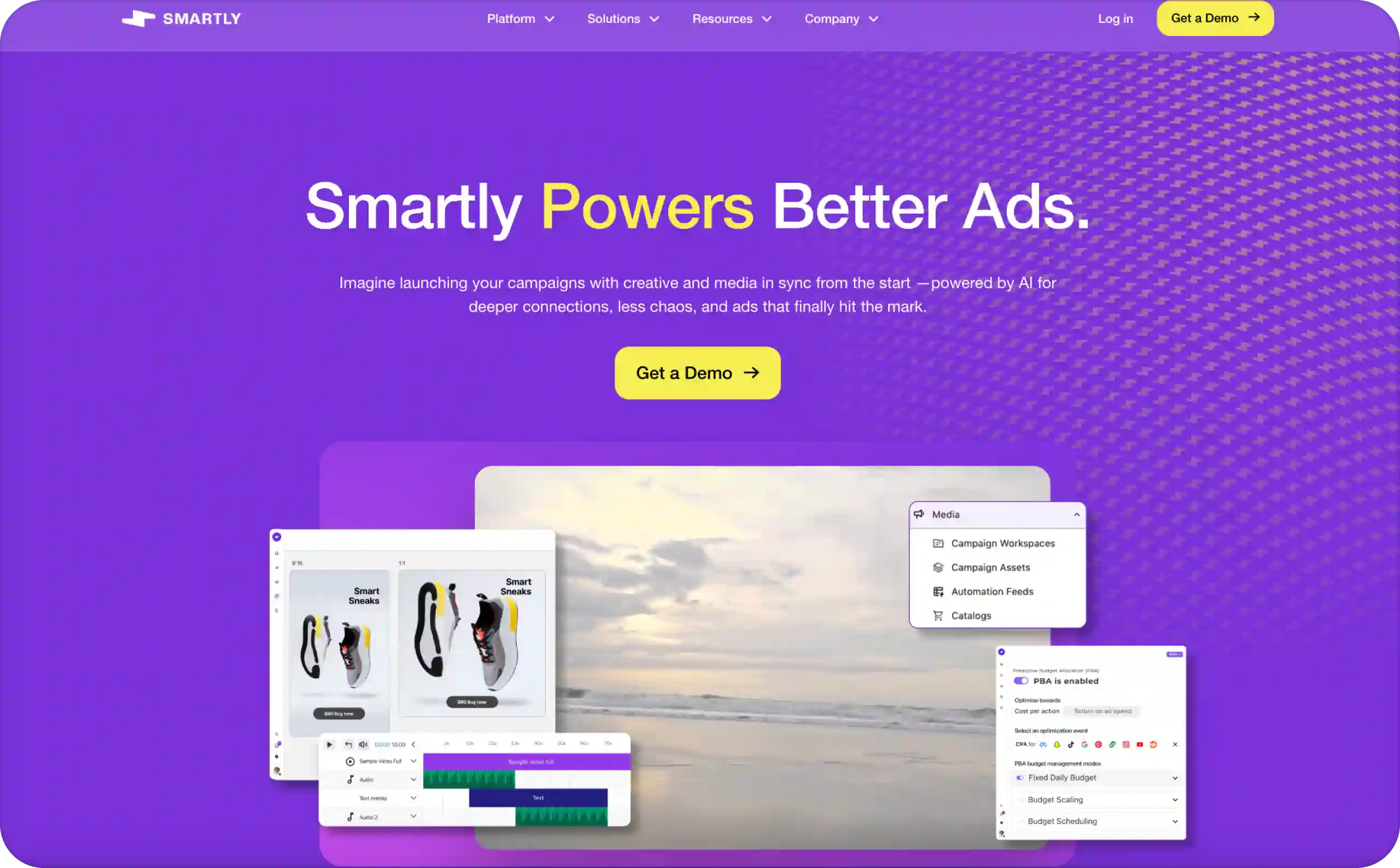
Smartly is an enterprise advertising platform that connects creative production, media activation, optimization, and measurement across multiple channels. It is built for teams handling large numbers of campaigns, products, markets, or creative variations.
Main features
- AI-assisted image, video, text, display, and HTML5 production
- Dynamic templates and feed-based creative variations
- Dynamic creative optimization
- Cross-channel campaign management
- Creative performance analysis and automated optimization
Available on
Web, with Google Chrome currently listed as the supported browser
What it automates
Smartly can connect product feeds and other data sources to creative templates, then generate large numbers of personalized variations. It can also traffic ads, update campaigns, and optimize media across supported channels.
Its current platform supports advertising workflows across Meta, TikTok, LinkedIn, Pinterest, Snapchat, Reddit, Google, YouTube, Amazon, Roku, and other media platforms.
- Large catalogs can generate thousands of creative variations from reusable templates
- Media and creative teams can work from the same campaign data
- Feed-based updates reduce manual changes when product information changes
- Approval, version control, and brand governance support larger teams
- Setup is heavier
How to choose an AI tool for ad creation and automation
Start with the task that needs improvement
Write down the specific constraint before comparing subscriptions.
A business that cannot produce enough usable creative needs a different solution from one that already has ads but struggles to interpret results. Zeely connects creative production with Meta campaign workflows. If Meta is your main paid channel, my guide to AI Facebook ads explains what Meta can automate and where you still need control.
HeyGen concentrates on presenter videos and localization. Madgicx focuses more heavily on connected advertising data and optimization. Buffer supports planning and organic publishing.
Choose the smallest tool set that covers the work. A second platform should solve a defined gap rather than duplicate an existing feature.
Check what “automation” actually does
Ask the vendor to demonstrate the full sequence: what information enters the system, what it generates, what it can publish, and which decisions it can execute.
Creative automation may produce new images or videos. Publishing automation may schedule or launch them. Performance automation may change delivery settings or budgets using campaign data. Canva Grow’s connected launches, for example, serve a different function from Smartly’s predictive budget allocation.
Also check whether automation is included in the entry plan. Predis.ai’s current Core plan excludes automatic posting, while Creatify reserves several performance and automation features for higher tiers.
Compare the cost of usable output
Use a trial campaign to calculate:
Cost per approved creative = subscription allocation + generation charges + editing time + review time.
Keep media spend separate from that production calculation. Then combine production and campaign costs when evaluating the total cost of acquiring customers.
Track failed generations, revisions, export restrictions, seat charges, and channel charges. Credit allowances are not directly comparable across vendors: a credit in one system may represent a different operation from a credit elsewhere.
Require review and spending controls
Evaluate whether the workflow lets your team approve claims, preserve product details, preview adaptations, and stop automated changes.
For scaling, require clear budget limits and a record of what changed. These controls align with current buyer priorities: IAB’s 2026 research reports demand for human oversight, explainable agent activity, and limits on what automated systems can do.
Performance and automation in AI advertising
The industry is moving toward ongoing optimization. The shift is from isolated generation tasks toward systems that connect planning, activation, measurement, and subsequent action.
In practical terms, tools that keep evolving with minimal hands-on work need a continuing source of information. That might be campaign performance, updated product data, approved creative libraries, or changes in available inventory.
TikTok provides a concrete example: its Symphony offering includes automatically generated video options and automation intended to refresh creative during campaign delivery. Smartly connects creative production with product feeds and performance-based media controls. These are ongoing workflows, not simply one-time prompt-to-image tools.
The useful objective is to reduce repetitive execution while retaining control over business goals, approved messaging, and spending. “Minimal hands-on” should not mean that no one reviews the result.
Do AI-generated video ads outperform agency-produced creative?
There is no strong industry-wide evidence showing that AI-generated video consistently outperforms agency-produced creative. The available research points to gains from faster production, personalization, and testing, but those are different from proving that AI creative wins in a direct head-to-head comparison.
A 2025 MIT Initiative on the Digital Economy study tested AI-generated personalized videos with 21,328 consumers. The videos increased click-through rates by 9.4 percentage points compared with personalized image ads and 6.5 percentage points compared with generic videos.
That result is useful, but the comparison was not AI versus agency creative. It also came from one ecommerce experiment on WhatsApp, so I would not use it to claim that AI video will outperform professionally produced ads across Meta, TikTok, or other paid social channels.
What the current evidence supports is more practical: AI can help teams create more variations, personalize creative faster, and shorten testing cycles. Whether those ads beat agency creative still depends on the offer, concept, production quality, audience, and campaign setup.

Build a feedback loop around business outcomes
Use automation as part of a repeatable operating process.
Approve the inputs first. Confirm the offer, price, product appearance, destination page, and permitted claims. Save the approved information so later variations do not drift from the original brief.
Test distinct ideas. Compare different hooks, explanations, demonstrations, or objections. Generating dozens of near-identical layouts is not a substitute for testing different reasons to buy.
Separate attention from acquisition. Click-through rate helps diagnose whether an ad attracts interest. Evaluate purchases, qualified leads, acquisition cost, and revenue quality before deciding that it deserves more budget.
Refresh in response to evidence. Review deteriorating results alongside reach, frequency, conversion delays, inventory, and landing-page performance. Do not assume that every decline comes from creative fatigue or that all ads require replacement on the same schedule.
Scale with limits. Define which changes can happen automatically, the maximum spending exposure, and the conditions that require review. Keep a change history so the team can connect an action with what happened afterward.
A useful review cadence is a daily exception check for broken links, overspending, or incorrect assets, followed by a deeper scheduled review of creative and customer-acquisition results. Treat that cadence as a starting operating policy, then adjust it to campaign volume and the time customers normally need to convert.
Conclusion
The best AI tool for social media ad generation is the one that solves a specific production or campaign-management problem and fits the controls your business needs.
For businesses seeking a connected creation-to-launch workflow, Zeely combines static and video ad generation with Meta campaign capabilities. Specialist platforms address other needs, from multilingual avatar videos to enterprise catalog automation and content scheduling.
Start with one offer, a controlled creative test, and a defined success measure. Expand production and spending only when the results justify it. The aim is not to generate the most ads; it is to build a repeatable process for producing, evaluating, and improving useful creative.


FAQs
For a small business that needs both creative generation and campaign launch, Zeely is a suitable starting point. It combines static ads, video formats, and Meta campaign workflows. For an existing team whose main requirement is generating and scoring creative variants, AdCreative.ai is another option. The better choice depends on whether the bottleneck is production alone or the full launch process.
Yes. Zeely, Creatify, and Predis.ai provide workflows that start from prompts, product information, or URLs rather than requiring a blank-canvas design process. They reduce the amount of manual production work required. You still need accurate inputs and a review step for the offer, visuals, wording, and destination page.
Choose according to the format and review requirements. Canva and Adobe Express are suitable for editable, brand-controlled designs. HeyGen fits presenter-led and multilingual videos. Zeely fits businesses that want generated creative connected to a campaign-launch workflow. Judge the result by clarity, product accuracy, brand consistency, and campaign outcomes, not by whether AI was used.
Buffer is a suitable choice for AI-assisted planning, copy adaptation, and scheduling. Predis.ai is relevant when the same workflow must also generate visual content. Check publishing allowances carefully: Predis.ai’s entry Core plan does not currently include automatic posting. Neither a content calendar nor organic scheduling should be treated as paid campaign optimization.
Some can automate parts of scaling. Meta Advantage+ provides native campaign automation, while platforms such as Madgicx and Smartly add optimization and management workflows. The exact actions vary by product and setup. Define the conversion goal, measurement approach, spending limits, and approval rules before enabling automated changes. More automated spending is not the same as more profitable growth.