Best image to video AI generators in 2026
Which image to video AI generator actually keeps your product looking like your product once it starts moving? I ran the same product photo, the same portrait and the same packshot through 20 image to video AI generators, then scored what survived.
Key takeaways
The best image to video AI generators in 2026 depend on the job:
- Best overall for product and ad work: Zeely
- Best motion realism: Google Flow
- Best cinematic control: Runway Gen-4.5
- Best product and logo consistency: Zeely or Higgsfield
- Best commercially safe output: Adobe Firefly
- Best free option: Dreamina
You already have the photo. What you need is motion that doesn’t melt the label, warp the hands, or invent a second logo halfway through the shot.
What image to video AI generators actually do in 2026
An image to video AI generator turns one photo into a moving clip. Some tools animate a photo by treating it as the first frame. Others let you lock a first frame and a last frame, so the clip lands exactly where you want. A few work from several images at once, a mode called reference-to-video.
2026 added native audio, 15 second single takes, shots that link together instead of cutting, and exports up to 4K.
One polished film isn’t the goal anymore. You need a stack of clips for Reels, TikTok, and YouTube Shorts alike. eMarketer’s 2026 report on digital video ad spend found U.S. digital video will take roughly 61% of total TV and video spend this year, against 39% for linear, with social video now growing faster than connected TV for the first time.
How I evaluated the image to video AI generators
I built this list of the best image to video AI generators in 2026 by checking each tool against its own documentation, published sample outputs, and independent reviews, then scoring it on six things:
- First-frame fidelity: does frame one match your source image
- Motion realism: physics, cloth, hands, camera
- Subject consistency: does the product or face survive to the last frame
- Control: camera, duration, end frame, prompt adherence, audio
- Rejection rate: tries needed before one usable clip
- Ship readiness: resolution, watermark, aspect ratio, licence
A usable clip is one you could run as a paid ad without regenerating it. Most of these criteria trace back to one idea: your reference image should constrain the motion, composition, and accuracy of the result, not just loosely inspire it.
Stanford HAI’s 2026 AI Index found Google DeepMind tested Veo across more than 18,000 generated videos, more scale than one reviewer could ever match. I recheck all 20 picks every quarter, since models shift fast.
The 20 best image to video AI generators in 2026
1. Zeely
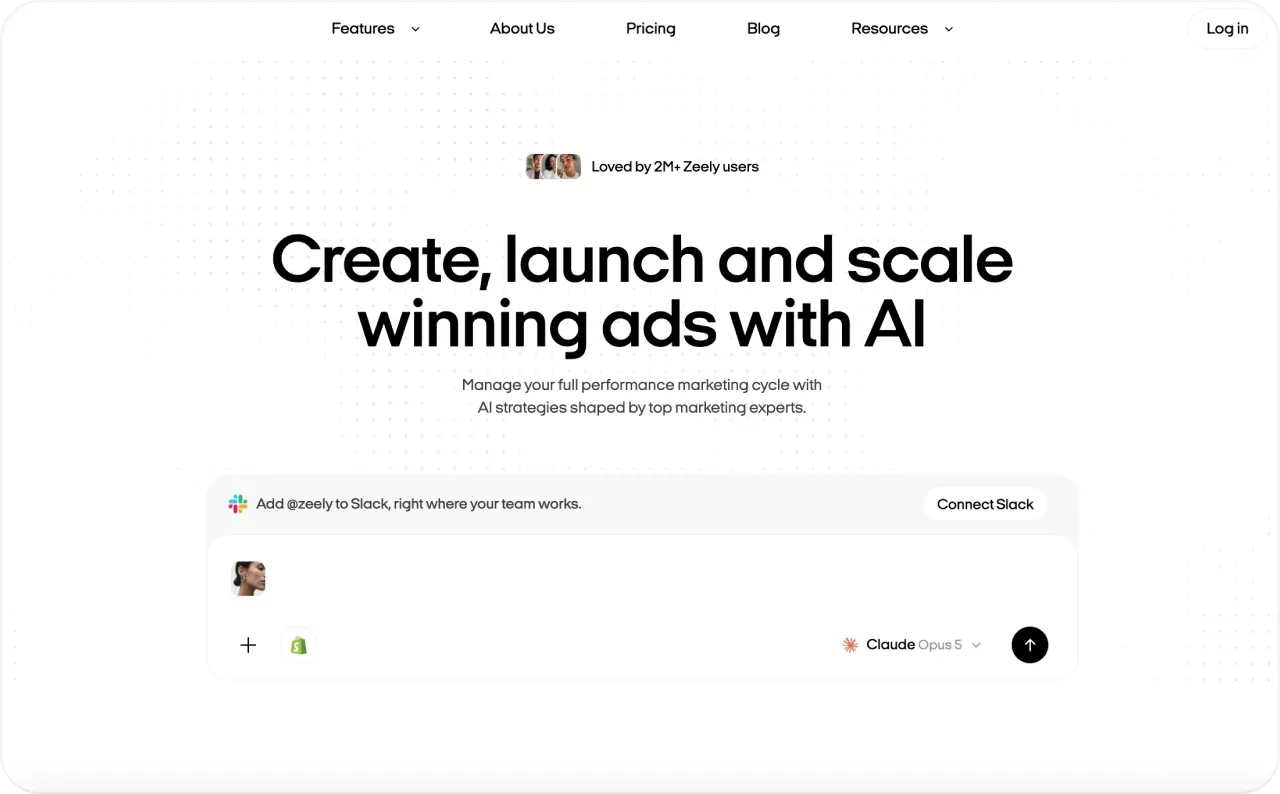
Every other tool on this list ends at the clip. Zeely is built to take that clip all the way to a launched campaign with real numbers attached. For image to video specifically, Animate an Image turns your product photo into a start image, and you pick the model behind that step, so you can match whichever one handles your lighting and detail best instead of being stuck with one engine’s quirks. From there it builds the actual video: resolution, duration, an AI script or your own, captions, a headline. Most tools here stop at generating motion and leave the script, captions, and formatting to you.
Key features
- Animate an Image with a choice of start-image model: Nano Banana Pro, Nano Banana 2, or GPT Image 2
- Video ready in under 3 minutes, with AI or custom script, captions, and headline
- Playground runs Kling 3.0, Seedance 2.0, and Seedance 2.5, up to 3 video references, 10 to 30 seconds, up to 4K
- Meta campaign launch from the same workspace, with spend, views, clicks, and CTR on one dashboard
Pricing
- Starter: $29.95 a month, 2,500 credits
- Plus: $49.95 a month, 5,000 credits
- Growth: $79.95 a month, 10,000 credits
Pros
- The finished clip goes straight into a paid campaign without Meta Ads Manager or a second tool
- Script, captions, and headline are generated in the same flow, not left to you
Cons
- Credits are shared across the whole app, so a video-heavy month draws from the same pool as your image ads and scripts
- Campaign features are built around Meta, so other channels need manual export
Best for: solo sellers who need the video and the campaign, not just the file.

2. Higgsfield
Higgsfield’s whole pitch is that you shouldn’t have to pick a favorite model before you’ve even tested your product photo on it. Log in once and you can run the same image through Veo 3.1, Kling, or Seedance 2.0 without three separate accounts and three separate credit systems. Where it pulls ahead of a plain aggregator like Krea is Marketing Studio, which can build campaign variants straight from a product link instead of handing you model access and leaving the ad-building to you.
Key features
- Multi-model access from one login: Veo 3.1, Kling, Seedance 2.0
- Seedance 2.0 takes up to 12 reference inputs and generates 15-second clips with native audio in one pass
- Marketing Studio builds campaign variants from a product link
- Single credit system across all supported models
Pricing
- Plus: $49 a month, required for Veo 3.1 access
- Credit cost varies by model and resolution
Pros
- Good place to find out whether Veo’s polish or Kling’s consistency suits your product, without committing to either platform alone
- More reference inputs per generation than most models allow
Cons
- Your real monthly bill depends on usage habits you haven’t formed yet when you sign up
- The best model sits behind the higher tier, so cheap testing isn’t really on the table
Best for: anyone still deciding which video model handles their product best.
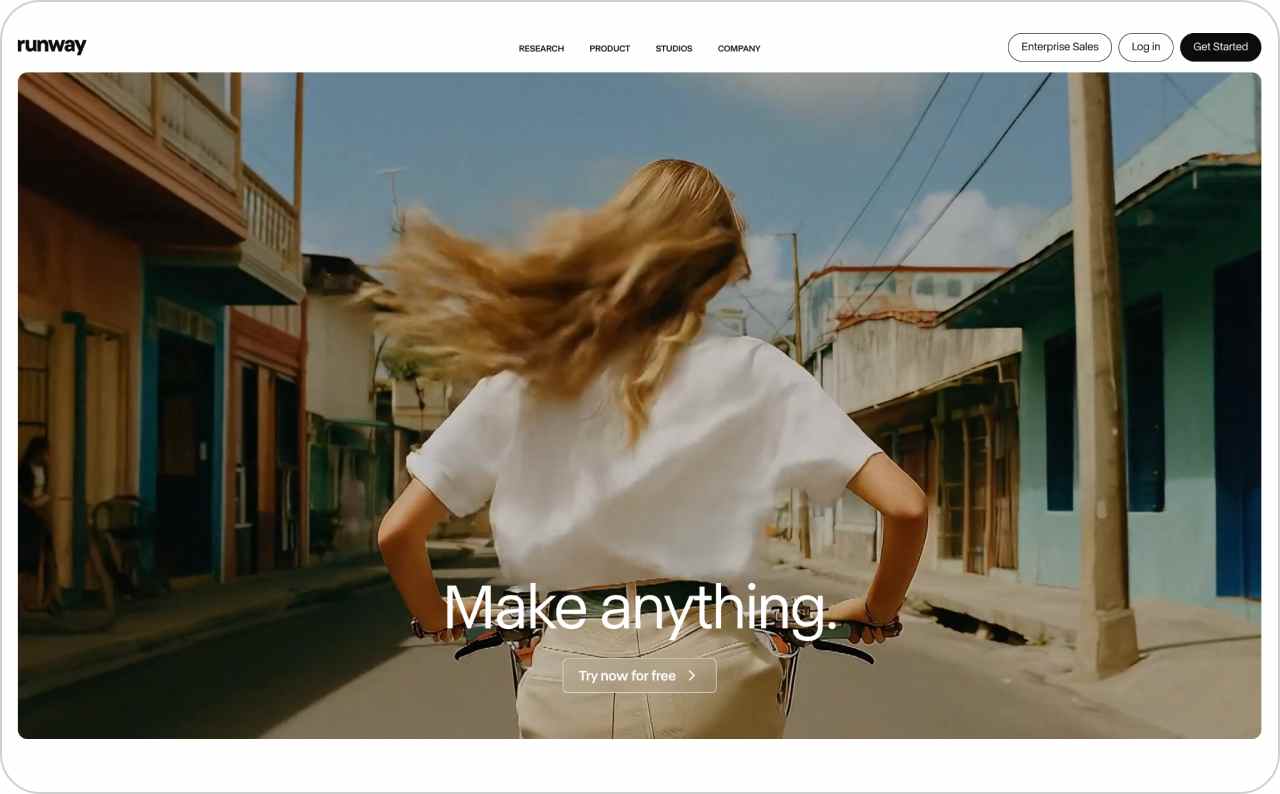
3. Runway Gen-4.5
Runway’s Gen-4.5 model understands film language in a way most competitors don’t bother with. Timed beats, camera choreography, the actual difference between a slow pan and a handheld shake. Feed it your product photo and describe the shot, and it holds the composition while adding movement that feels directed rather than just animated. What most best-of lists leave out is that Runway isn’t one model: Aleph edits existing video from a text prompt, and Act Two hands a real performance to an AI character.
Key features
- Gen-4.5 image to video with camera and timing control
- Aleph edits an existing clip by prompt: swap a background, adjust lighting, replace an object
- Act Two transfers a filmed performance to an AI character, hands and fingers included
- Came out ahead of Google and OpenAI models in blind preference tests
Pricing
- Free: 125 one-time credits
- Standard: $12 a month billed annually, 625 monthly credits, no watermark
Pros
- You can fix one element of a finished shot instead of regenerating the whole thing
- Output reads as filmed rather than obviously synthetic
Cons
- Rewards people who already think in shots and scenes, so expect a slower first week
- The one-time free credits run out before you’ve learned the interface
Best for: sellers who want footage that looks directed, and have time to learn how.
4. Adobe Firefly
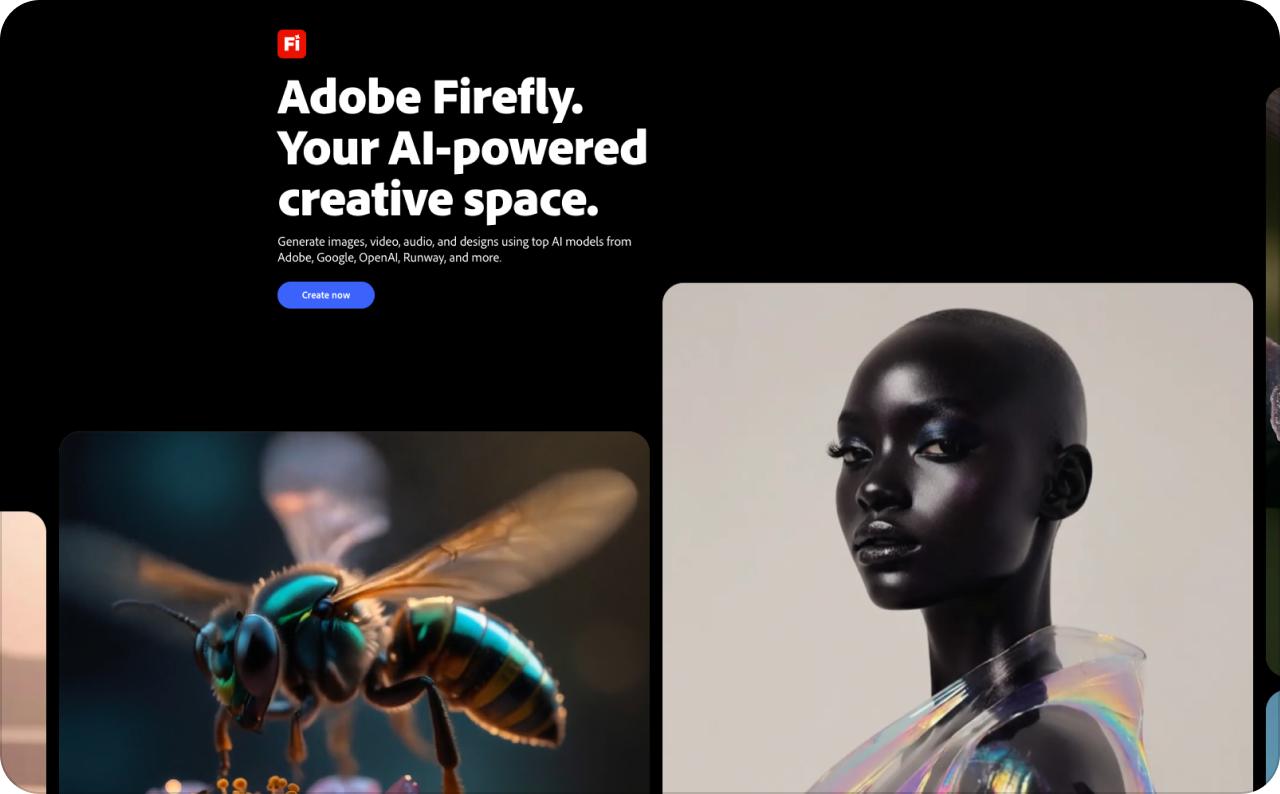
Firefly exists to answer one question before it’s even asked: can we actually use this commercially without a lawyer getting nervous. Adobe trains its own model exclusively on licensed Adobe Stock and public domain content, and on paid plans that comes with contractual IP indemnification. On a product photo, Firefly holds shape and color reliably. Output leans safer and more polished than experimental, which is the trade-off you’re making for the legal backing.
Key features
- Model trained on licensed Adobe Stock and public domain content
- IP indemnification on qualifying paid plans, with Adobe covering defense and damages for covered claims
- Generative Extend inside Premiere Pro stretches a clip by a few frames to fix an awkward edit point
- Partner models including Kling, Veo, and Runway available in the same interface
Pricing
- Free: 25 credits a month
- Standard: $9.99 a month, 2,000 credits
Pros
- Reliable shape and color retention on product shots
- Everything syncs across desktop and mobile if you already work in Creative Cloud
Cons
- Indemnification requires the correct plan entitlement, not just any paid subscription
- The safer output style is a poor fit if you want something visually unusual
Best for: brands and client work where copyright exposure is a real concern.
5. Google Flow
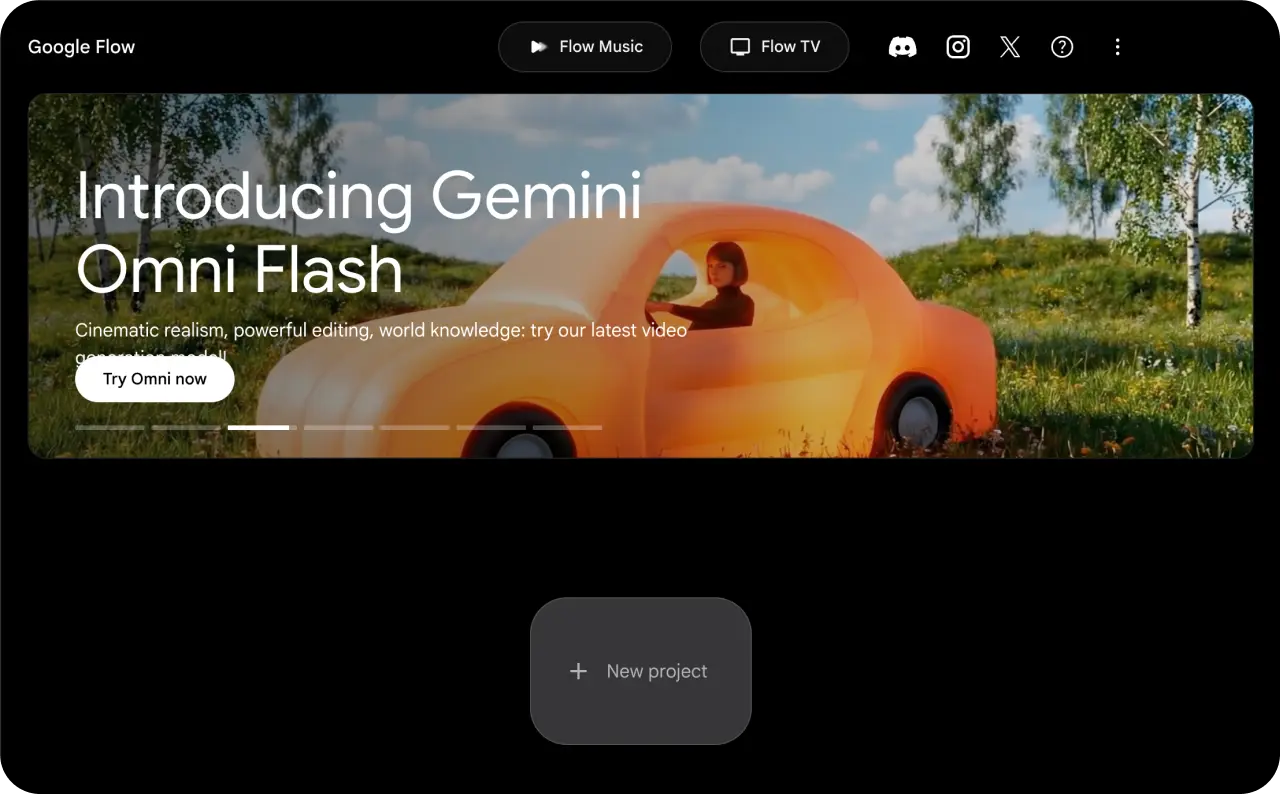
Google Flow is how most people actually put their hands on Veo 3.1, and it’s the closest thing to a default answer when motion realism is the whole point. Give it your photo plus a text prompt and it sticks close to what you asked for, better than most models at following instructions instead of improvising. Ingredients-to-video lets you feed in several images and text references at once, so the model has more to anchor to than a single photo and a hopeful sentence.
Key features
- Direct access to Veo 3.1
- Ingredients-to-video accepts multiple images and text references in one generation
- Dialogue and ambient sound generate in the same pass, with lip sync included
- Strong prompt adherence compared with models that improvise
Pricing
- Free: 50 credits a day
- AI Pro: $19.99 a month, 1,000 credits, no watermark
- Ultra: $99.99 or $199.99 a month for higher volume
Pros
- Daily free credits make real testing possible before you pay
- Audio and video arrive together instead of needing a separate sync step
Cons
- Busy scenes with several people moving at once get muddled visually and in the audio
- The fix is breaking one idea into two or three simpler shots, which costs extra credits
Best for: product videos where realistic motion and sound matter most.
6. LTX Studio
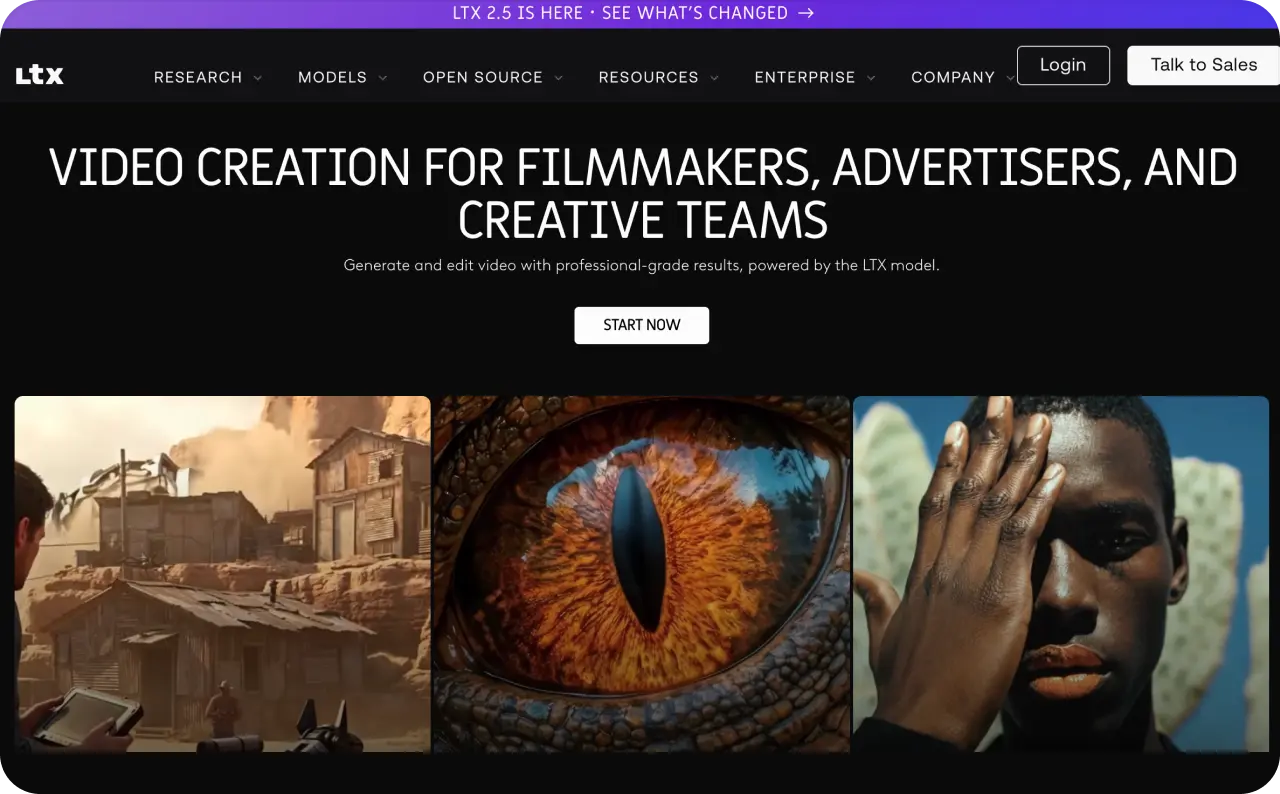
Most image to video tools treat your photo as one clip. LTX Studio treats it as the opening frame of an entire production. Upload a script or work an idea from scratch, and the platform walks you through genre, visual style, and a one-line essence for each character. It then breaks your idea into a full scene breakdown you can reorder before anything renders, and every scene splits into individual shots you generate and review one at a time.
Key features
- Scene breakdown you can edit and reorder before rendering
- Shot-level prompts, each generated and reviewed separately
- Regenerates only the shot you changed, not the whole sequence
- Style and character setup applied across the full production
Pricing
- Free trial: 800 credits total
- Lite: $12 a month billed annually, 8,000-plus credits, includes the LTX-2 model
Pros
- More granular control than anything else here, including Runway
- Built for approving each shot before moving to the next
Cons
- Planning takes longer than a one-click tool, and every small edit regenerates the shot
- A five-shot sequence with a few rounds of notes can eat an afternoon
Best for: multi-shot product stories, like unboxing through to a hero shot.
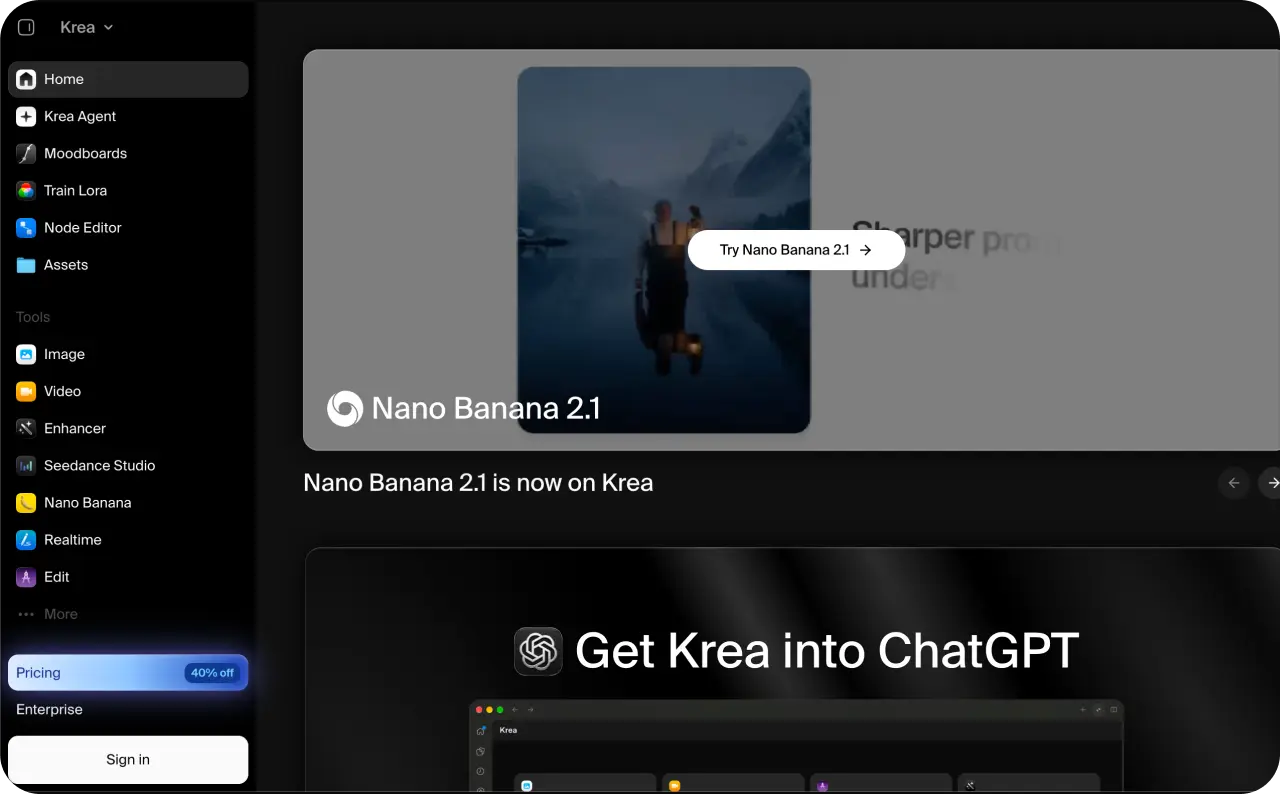
7. Krea AI
Krea’s whole identity is built around one habit: testing before committing. The image side runs close to real time, so you can nudge a prompt and land on a source photo you actually like before spending a video credit animating it. Once you have that image, Krea can send it to Veo 3, Kling, Hailuo, Wan, Runway, or Seedance without you leaving the tab. Higgsfield adds production tools on top of model access; Krea stays focused on the comparison itself.
Key features
- Near real-time image generation for finding the right source frame
- One image sent to six video models: Veo 3, Kling, Hailuo, Wan, Runway, Seedance
- Side-by-side output comparison from the same photo and prompt
- No separate accounts for each underlying model
Pricing
- Free: 100 compute units a day, image generation only
- Pro: $35 a month, required for any video access
Pros
- Cheaper than guessing wrong on a platform that only offers one engine
- Useful for checking which model keeps detailed label text legible through a camera move
Cons
- The free tier can’t answer the question you came for, since it excludes video
- Compute units burn unevenly across models, so a handful of high-end tests can empty a month’s allowance
Best for: comparing several models on one product photo before committing.
8. Freepik AI Video
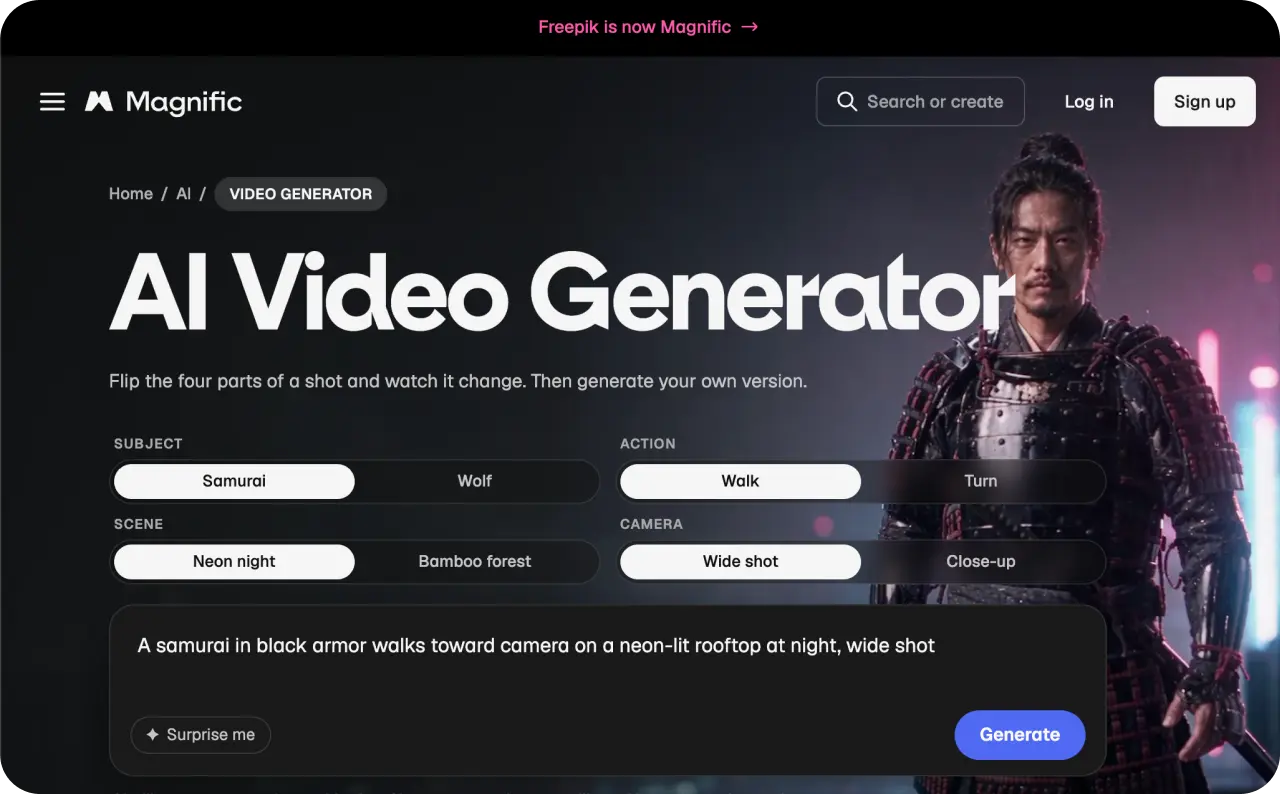
Freepik rebranded to Magnific in 2026, so if an old bookmark redirects you somewhere unfamiliar, that’s why. What hasn’t changed is the core idea: a massive stock photo and template library sitting right next to AI generation tools. That’s useful specifically if your team already designs inside Freepik and doesn’t want a second platform just to animate a photo. The video side, though, still feels bolted onto an image-first product.
Key features
- Large stock photo and template library in the same workspace
- Kling 2.5 and Hailuo available on the top tier
- Magnific upscaler included on mid-tier plans
- Enterprise customers include BBC and Puma
Pricing
- Free: roughly 20 images a day, essentially no usable video
- Premium: mostly image-focused, main draw is the upscaler
- Premium+: $33.75 a month billed annually, unlocks Kling 2.5 and Hailuo at lower resolution
Pros
- One subscription covers stock assets, design, and generation
- Real infrastructure behind it, not a thin wrapper
Cons
- Video is capped to lower-resolution clips even on the plan that unlocks it
- Compared with Dreamina’s genuine free video access, the entry tiers give you nothing to test with
Best for: teams already paying for the stock library, with video as a bonus.
9. Leonardo AI
Leonardo’s real strength isn’t animation. It’s everything that happens right before it. The platform is built around perfecting a still image first: adjusting lighting, testing product angles, iterating on composition. Only once that frame is right do you send it into motion. A shaky animation is hard to fix after the fact, and a weak source image is usually the actual root cause. Leonardo catches that earlier than tools that jump straight to video.
Key features
- Deep image model library, including Phoenix, Lucid, and FLUX
- Unlimited relaxed generations on Leonardo’s own models on any paid plan
- Fast iteration on lighting, angles, and composition
- Acquired by Canva in 2024, with image tooling that reflects it
Pricing
- Free: 150 tokens a day, non-commercial only
- Essential and Premium: strong image generation, no video access
- Ultimate: $60 a month, unlocks video for select models
Pros
- Fixes the source-image problem that causes most weak animations
- Paid plans allow heavy image iteration without watching a counter
Cons
- Nothing made on the free tier is safe to publish as an ad
- If you already have a strong photo, you’re paying for a step you don’t need
Best for: sellers whose real bottleneck is the source photo, not the motion.
10. Dreamina
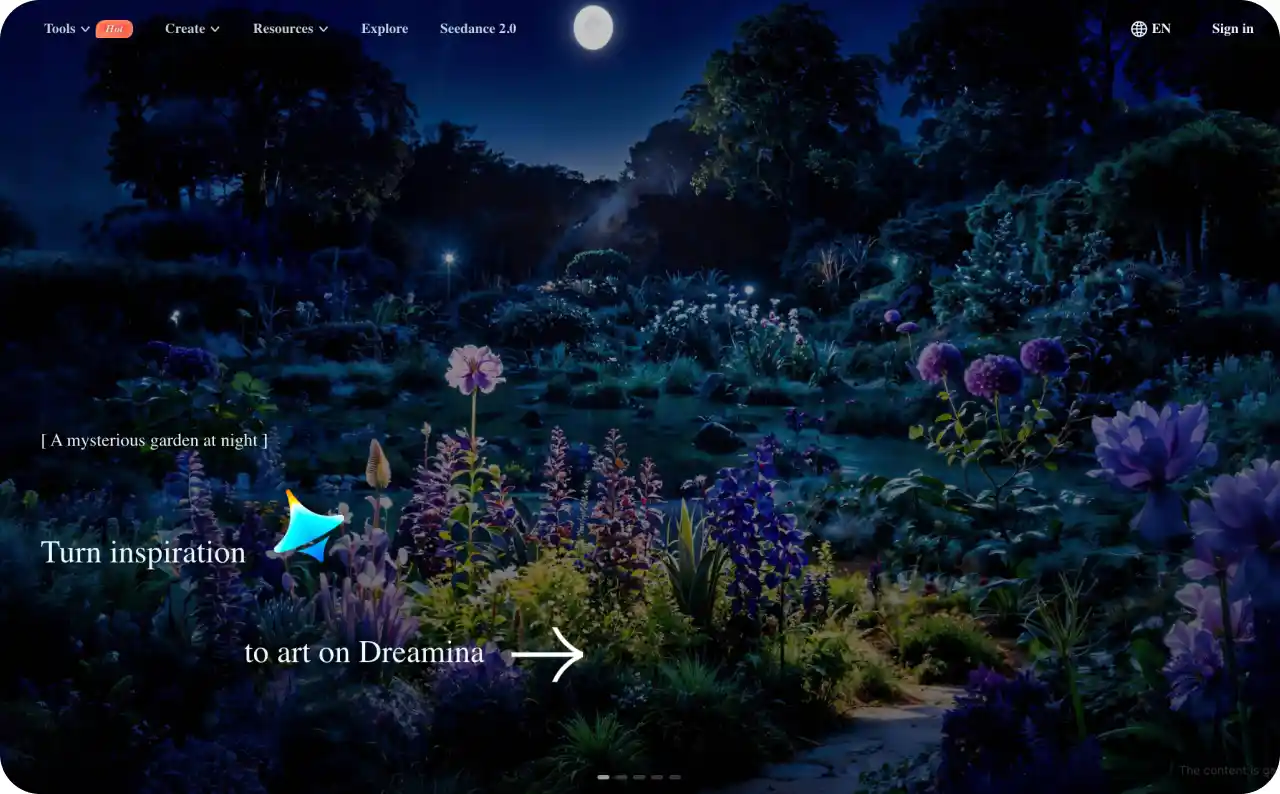
Dreamina comes from CapCut’s parent company, ByteDance, and it has the most generous free tier on this list. New credits every day, no watermark on exports, and commercial use allowed before you’ve paid anything. Under the hood it runs on Seedance, and the newest version handles camera movement especially well. Ask for a push, a pull, a dolly, or a follow, and it tends to deliver something close to what you pictured.
Key features
- Daily free credits with no watermark and commercial use included
- Runs on Seedance, with strong camera movement control
- Good for building a shot library before committing to one angle
- Same company as CapCut, so the editing path is familiar
Pricing
- Free: new credits daily, commercial use allowed
- Paid tiers: not published in a clean plan table, confirm on the site
Pros
- You can test five angles on the same product without paying for five premium generations
- Fewer restrictions on free output than almost anything else here
Cons
- Free generations queue behind paid ones, so expect real delays in the evenings
- Unclear paid pricing makes it risky to build a whole workflow around
Best for: testing multiple shot ideas on a tight budget.
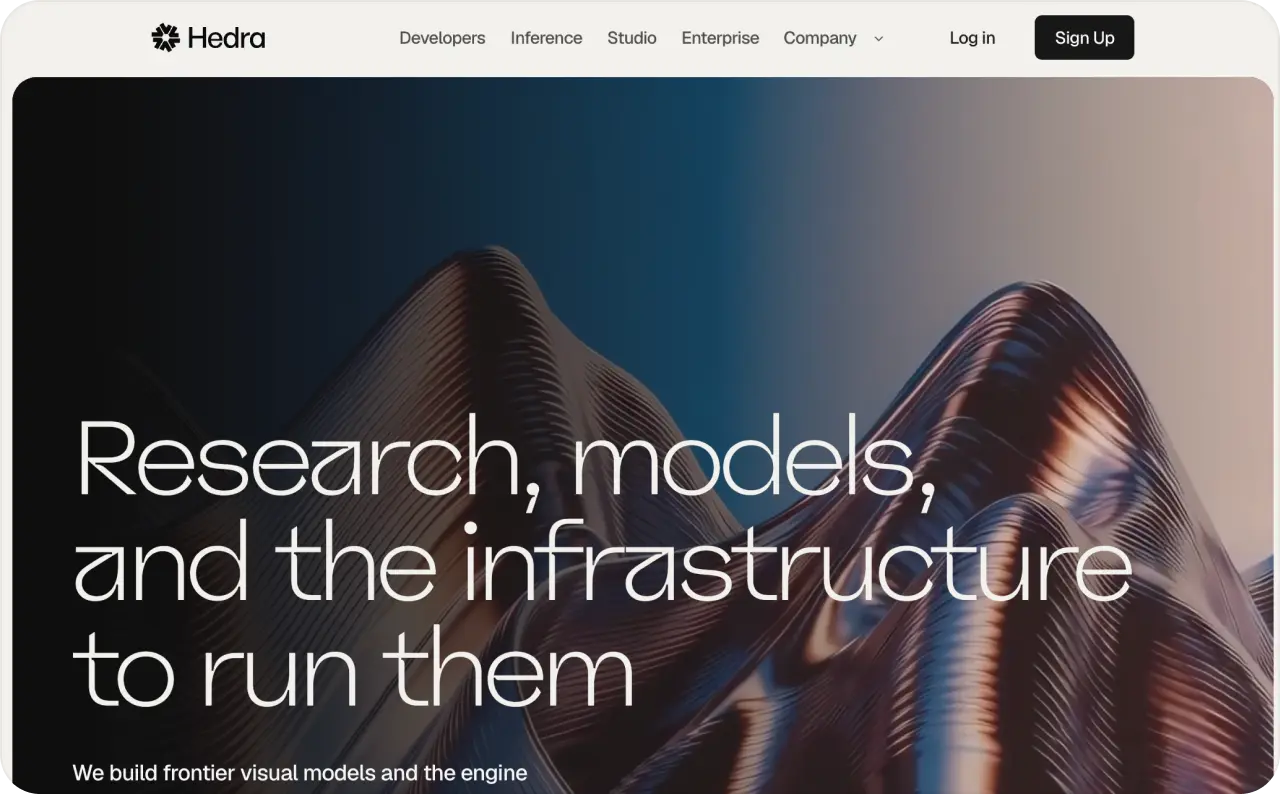
11. Hedra
Hedra is built around a genuinely different idea: it doesn’t treat video and audio as two separate jobs. Character-3, its core model, processes your image, your script, and your audio together in one pass instead of animating a face first and syncing sound onto it afterward. In practice that shows up as more natural lip-sync and micro-expressions than tools that handle those steps separately.
Key features
- Character-3 processes image, script, and audio in a single pass
- Over 140 languages, with mouth movements adjusted to the dialect
- Voice cloning on paid plans
- Built specifically for talking-head output
Pricing
- Free: 100 credits, slower queue, capped at 720p
- Creator: $30 a month, unlocks voice cloning and watermark-free export
Pros
- One headshot can deliver the same pitch in English and Spanish without hiring two people
- Lip-sync quality is better than tools that sync audio as a second step
Cons
- No silent-motion mode, so a product that just needs to spin is out of scope
- 720p ceiling on free makes the trial hard to judge on quality
Best for: localized talking-head ads from a single photo.
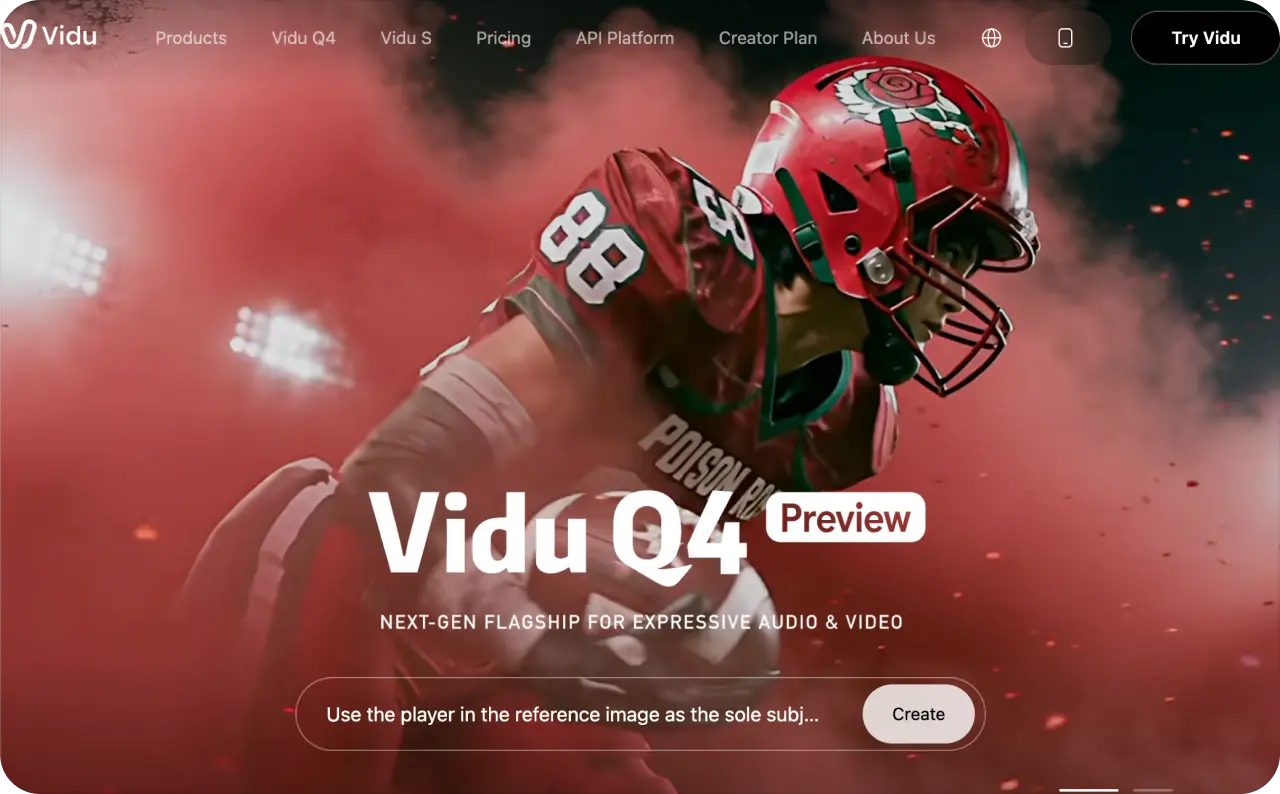
12. Vidu
Vidu solves a problem most tools here don’t attempt: keeping more than one thing consistent at once. Multi-Entity Consistency lets you upload 3 to 7 reference images, a person, a product, a background, and keeps all of them recognizable through the same clip instead of letting each one quietly drift by the last frame. Kling’s approach focuses on keeping a single product accurate within one video. Vidu holds several distinct elements steady, across separate generations too.
Key features
- Multi-Entity Consistency with 3 to 7 reference images
- Consistency holds across separate generations, not just within one clip
- Unusually strong at anime and stylized output
- Clip runtimes between 1 and 10 seconds
Pricing
- Free plan available
- Standard: $9.99 a month
- Premium: $19.99 a month
- Ultimate: $59.99 a month
Pros
- Genuinely useful for a series where the same character and product recur
- Low entry price for a paid tier
Cons
- Clips top out around 1080p, so it’s not where you’d go for a photoreal product ad
- Shorter maximum runtime than several other tools here
Best for: video series where the same character or product has to stay recognizable.
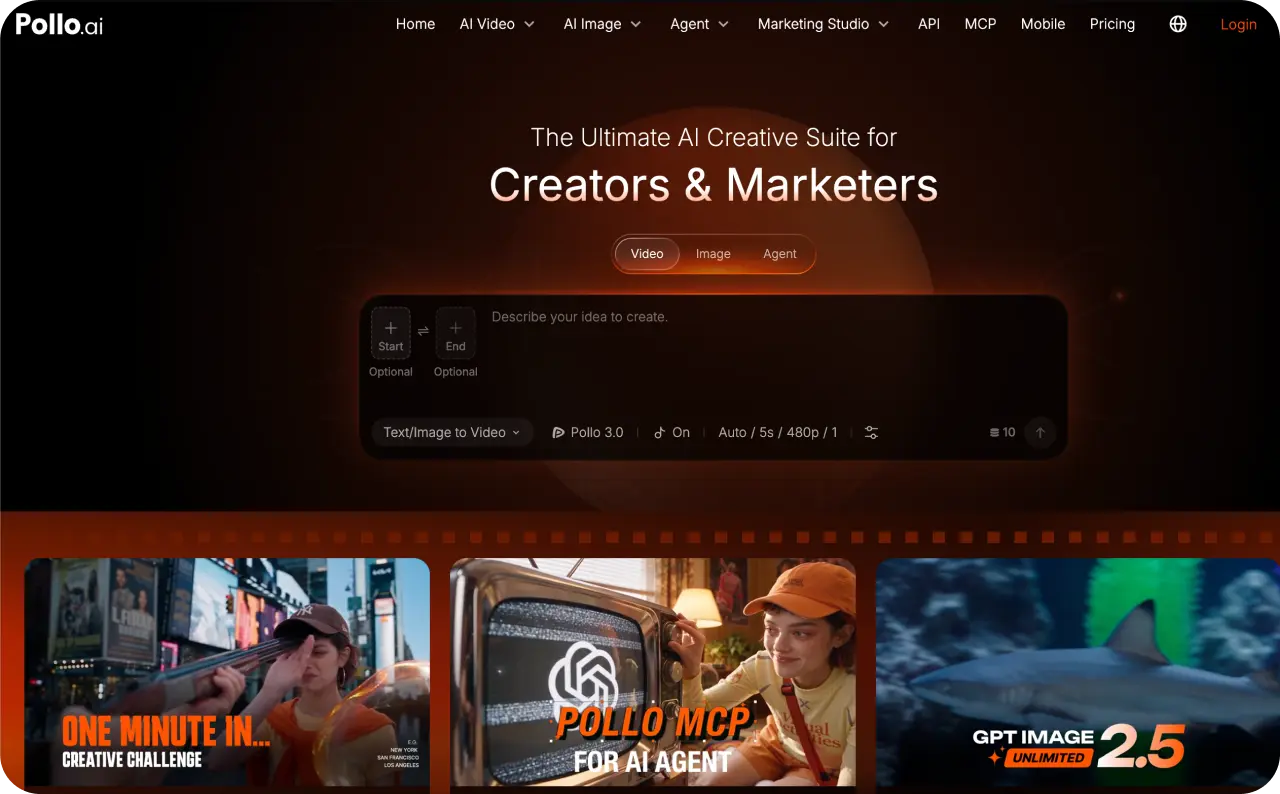
13. Pollo AI
Pollo AI’s real bet is that most people don’t want to write a prompt from scratch. They want a format they’ve already seen work, filled in with their own product. It bundles Marketing, Commerce, and Creative studios into one app, so a product photo can go straight into a recognizable ad template with minimal setup. For someone who doesn’t want to think about camera angles at all, that’s faster than a tool like Runway, which assumes you already know what shot you want.
Key features
- Marketing, Commerce, and Creative studios in one app
- Template-led workflow instead of open-ended prompting
- API with access to over 300 models behind a single integration
- Transparent USD pricing on the API side
Pricing
- No free plan
- Prepaid top-up packages, starting around $80 for roughly 800 images or 500 videos
Pros
- Fastest path to something usable if you don’t want to learn prompting
- Cheaper API route than running the same breadth of models through fal.ai
Cons
- You commit money before knowing how your product photo holds up in the templates
- Prepaid packages are harder to budget for than a flat monthly number
Best for: sellers who want a proven ad layout, not a blank prompt box.
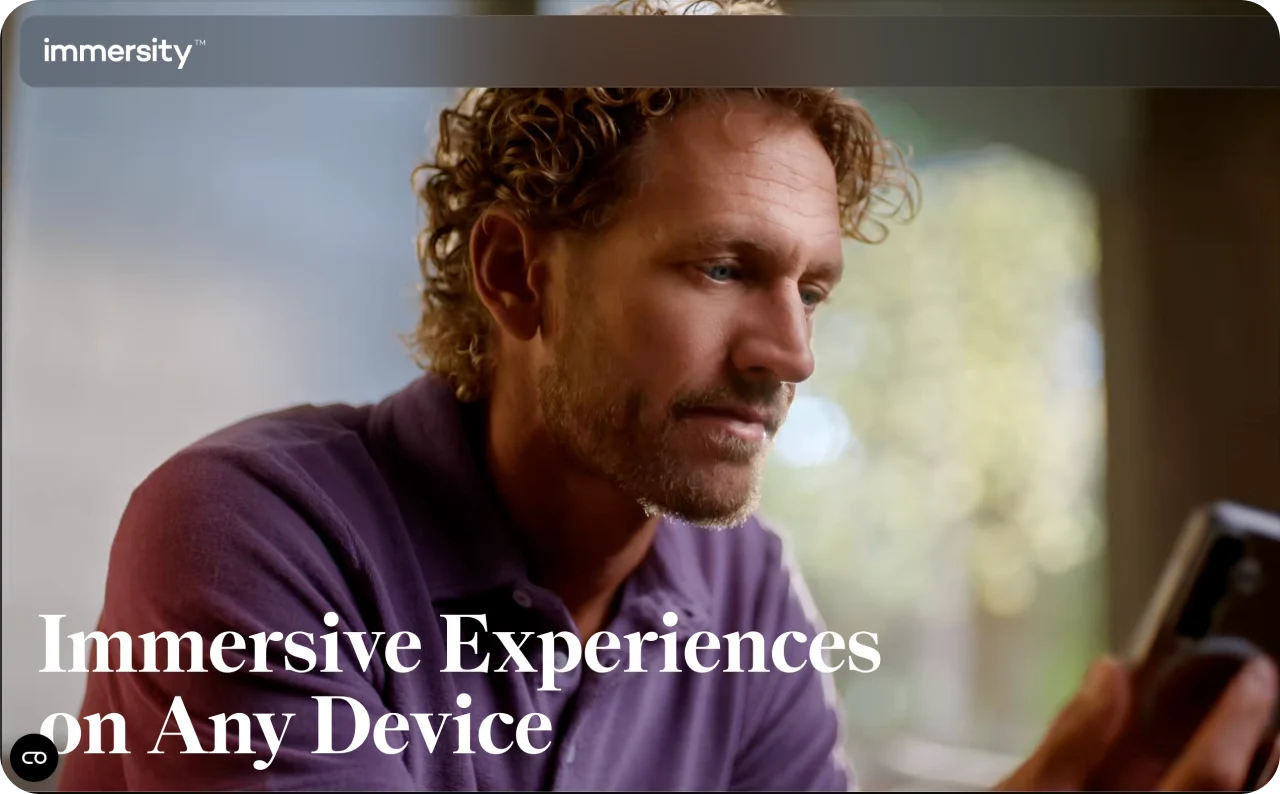
14. Immersity AI
Immersity AI does something genuinely different, and the mechanism matters more than the effect. Instead of generating new motion from a text prompt, it analyzes the actual depth in your photo, building a map of what’s close to the camera and what’s far away, then adds a real parallax camera move through that space. That’s the technique behind those old-photo-comes-alive clips, and it looks distinct because it actually is a different process.
Key features
- Depth-map analysis rather than prompt-based motion generation
- Parallax camera movement through the scene
- Built for XR headsets including Apple Vision Pro and Meta Quest
- Commercial use included, no watermark
Pricing
- Video access: from $30 a month for 3,300 credits
Pros
- Excellent at one narrow thing: adding dimension to a still you already like
- Output looks different from prompt-generated motion, which helps in a crowded feed
Cons
- No general-purpose animation, so a product spinning on a turntable is out of scope
- The photo-to-video use case is a side benefit of XR technology, not the main product
Best for: adding depth to a still whose composition already works.
15. Moonvalley Marey
Moonvalley built its Marey model around a single differentiator, and it’s a legal one, not a creative one. Every frame comes from data the company says it owns outright or fully licensed, not material scraped from the open web the way several other frontier models have been challenged over. For a studio or brand worried about downstream copyright exposure, that provenance claim is the entire reason to consider Moonvalley over a cheaper competitor.

Key features
- Trained on owned or fully licensed data
- Object-level motion direction within a scene, not just whole-shot prompting
- Over $150 million in funding, including CAA and Comcast Ventures
- Built around studio and brand workflows
Pricing
- No self-serve plan and no public pricing, contact sales
Pros
- The clearest provenance story on this list
- More creative control than describing the whole shot and hoping
Cons
- Buying requires a budget conversation, not a Tuesday-afternoon signup
- No way to test it against your own product photo before talking to someone
Best for: teams where licensed training data is a hard requirement.
16. Magic Hour
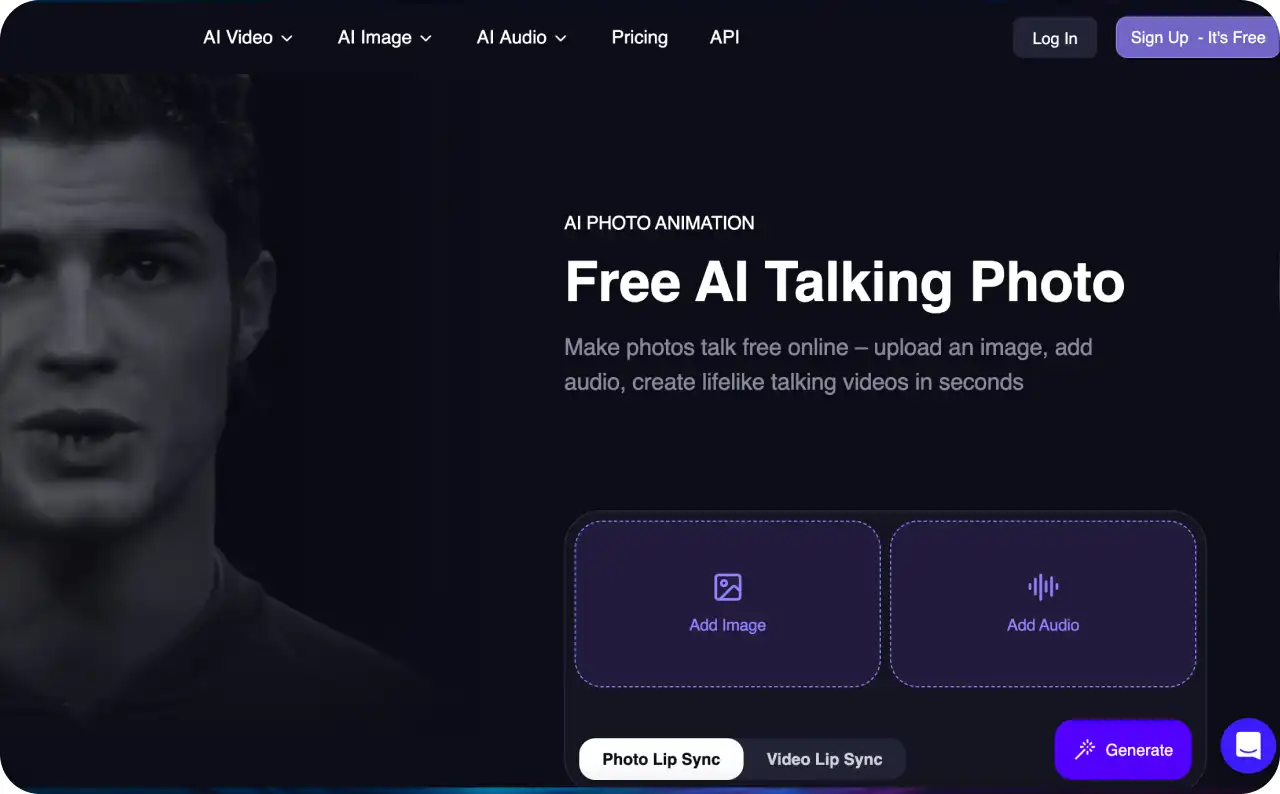
Magic Hour’s pitch is breadth. Instead of one tool that does image to video well, you get over 30 tools that all live in the same credit pool: image to video, face swap, lip sync, voice cloning, in one browser dashboard. That’s genuinely useful if your actual job involves more than animating a photo. Need a product video this week and a cloned voiceover next week? You’re not signing up for two separate tools.
Key features
- Over 30 tools sharing one account and one credit pool
- Unused credits roll over instead of expiring
- Usage-based API for building image to video into your own product
- Free plan with daily top-ups and no card required
Pricing
- Free: 400 credits to start, plus 100 more each day you log in
- Creator: $10 a month
- Pro: $49 a month for heavier use
Pros
- Free tier is generous enough to genuinely test rather than glimpse
- Lighter API entry point than fal.ai if you only need a handful of reliable models
Cons
- Each tool consumes credits at a different rate, so predicting monthly video cost takes trial and error
- Breadth means no single tool here is best in class
Best for: one subscription covering several different content jobs.
17. Canva Video AI
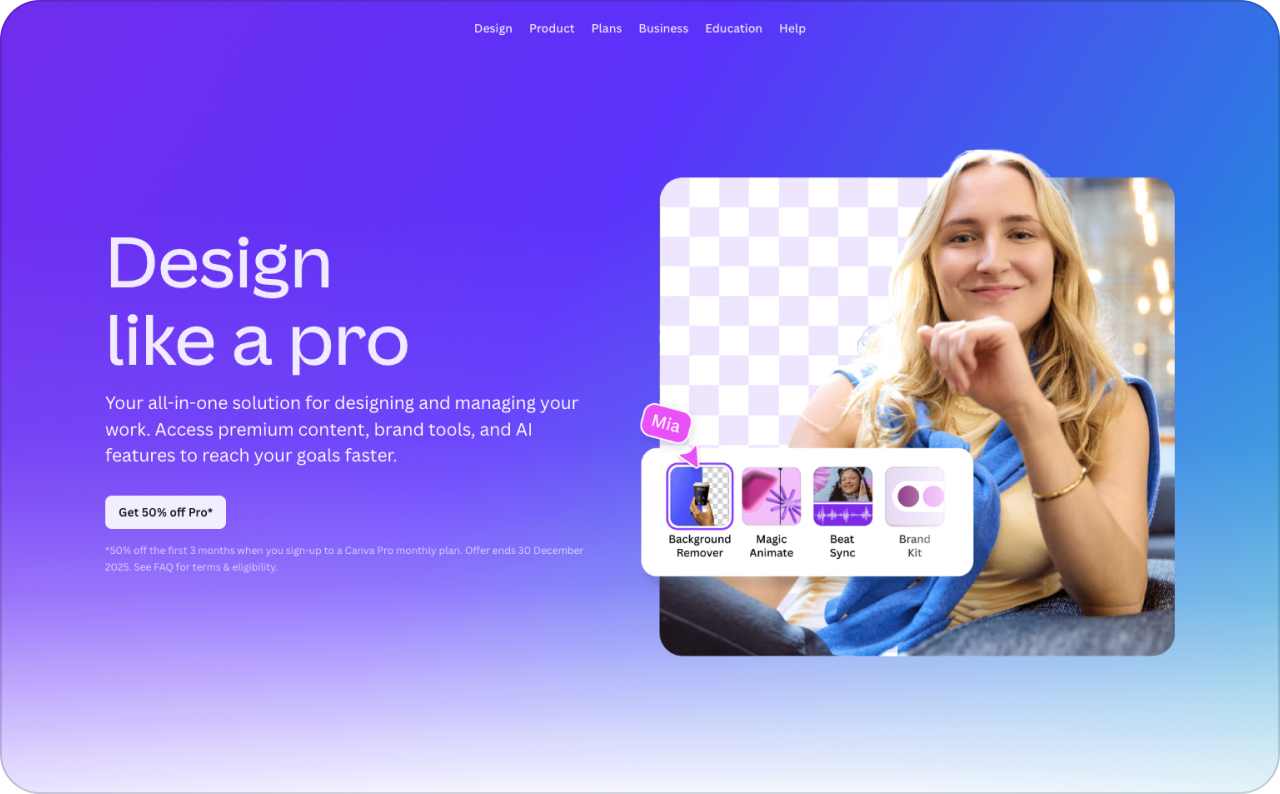
If your team already builds everything inside Canva, brand kit, templates, social posts, generating video without leaving that workspace is a real and probably underrated convenience. What a lot of comparisons miss is what’s running underneath. Canva’s video generation is powered by Google’s Veo 3, accessed through the chat-style home page or the Elements tab, so the underlying quality is closer to Google Flow directly than to a typical template-based video tool.
Key features
- Video generation powered by Veo 3
- Accessible from the home page chat or the Elements tab
- Works alongside your existing brand kit and templates
- Full Canva design suite included in the same plan
Pricing
- Pro: $15 a month, capped at 5 video generations per month
Pros
- Real Veo 3 output inside a far more accessible interface
- No handoff between your design file and your video tool
Cons
- Five generations a month is nowhere near enough for real campaign testing
- The cap assumes video is a bonus feature rather than your main workflow
Best for: an occasional hero clip inside a design you’re already building.
18. Kaiber
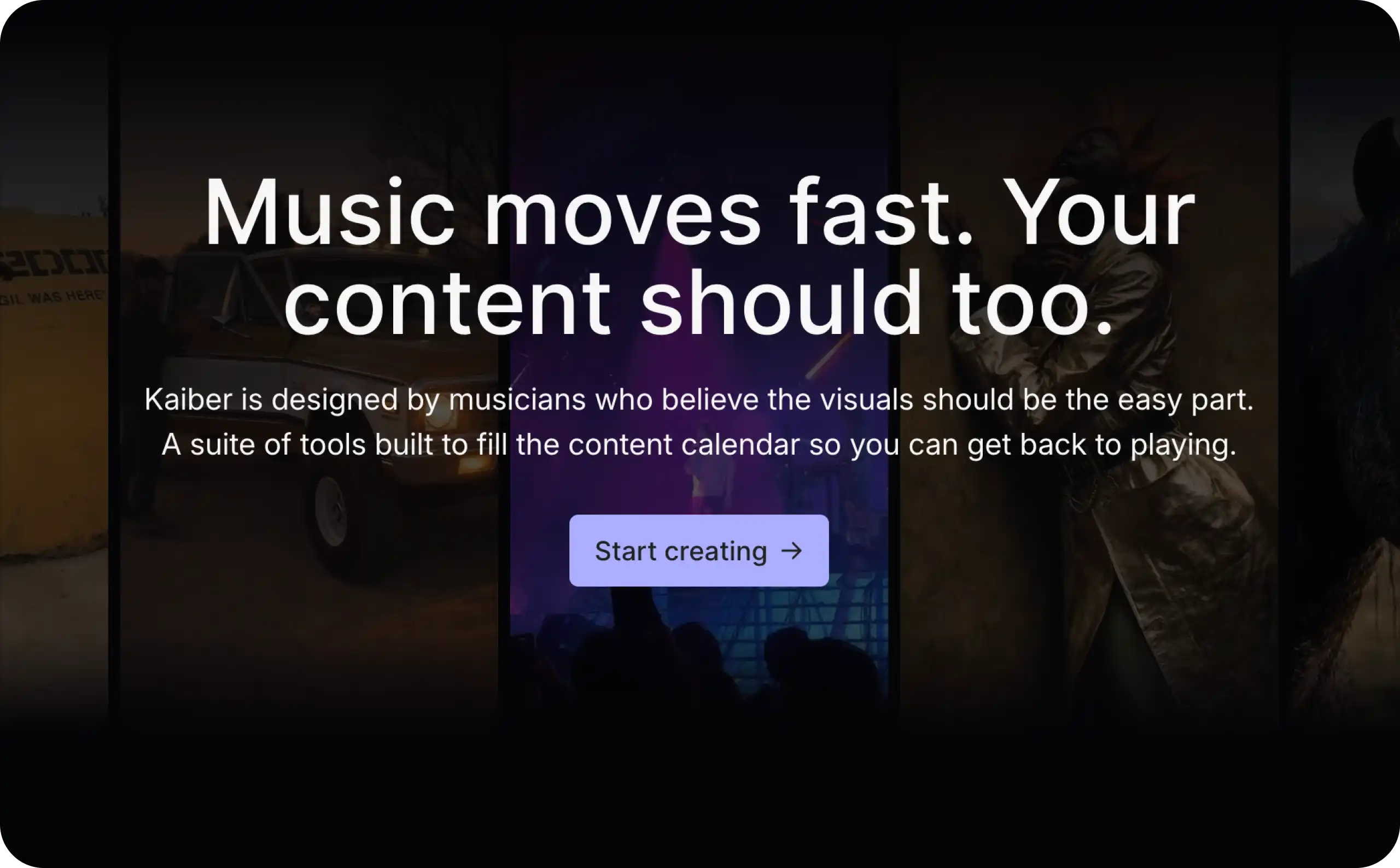
Kaiber is built around a beat, not a product, and that’s worth knowing before you sign up expecting a general-purpose tool. Feed it a song alongside your image and it generates visuals that pulse and cut in time with the audio, tracking volume and rhythm rather than layering music underneath a video made separately. Nothing else here attempts that natively, and work credited to artists like Kid Cudi and Linkin Park has run through the platform.
Key features
- Audio-reactive generation that tracks volume and rhythm
- Superstudio canvas aggregating Flux, Luma, Kling, Veo, and Runway
- Music-first workflows rather than general comparison testing
- Track record with recognized recording artists
Pricing
- Entry plans: from around $10 a month
- Top tier: moved to $250 a month at one point before dropping back to $99
Pros
- The specialist choice if you’re making a music video
- Multi-model access inside one workspace, similar in concept to Krea
Cons
- Pricing has moved more than once through 2026, so older reviews may already be wrong
- Reviewers consistently flag the credit system as confusing, with real cost landing above the entry price
Best for: music-driven content where visuals need to hit the beat.
19. Domo AI
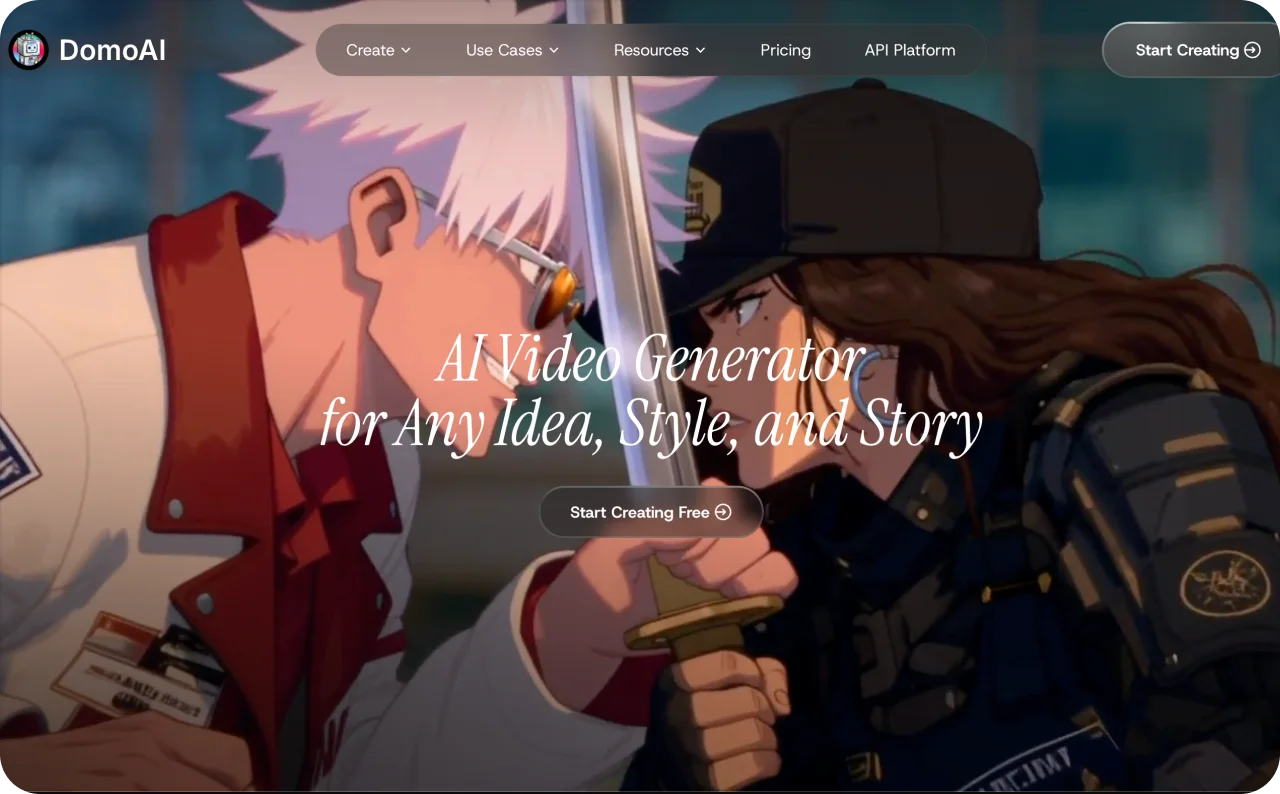
Domo AI does one job well: taking a photo or an existing clip and re-rendering it as anime, illustration, or one of dozens of other stylized looks, while keeping the subject recognizable underneath the new style. That last part is harder than it sounds. Most style-transfer tools either change the art style or preserve the subject, rarely both cleanly at once. Domo holds the shape and identity of what’s in your photo while completely changing how it’s rendered.
Key features
- Style transfer across anime, illustration, and dozens of other looks
- Subject identity preserved through the style change
- Over 3 million users since 2023
- Coverage from outlets including TV Asahi in Japan
Pricing
- Subscription-based, confirm current tiers on their site
Pros
- Cleaner subject preservation than most style-transfer tools
- Strong fit for markets and audiences that care about anime being done right
Cons
- A meaningful chunk of the workflow happens in Discord through generate commands, not a web dashboard
- Not a photorealism tool, so a product video meant to look like real footage is the wrong job for it
Best for: stylized content where the look matters more than realism.
20. fal.ai
fal.ai isn’t an app you open and click generate inside. It’s infrastructure, and understanding that distinction matters more than any feature comparison. It gives developers a single API key to over 600 image and video models, priced per second of finished video rather than through a monthly subscription. Companies like Adobe, Canva, and Shopify build on top of it rather than integrating each model provider separately.
Key features
- One API key to over 600 image and video models, including Veo, Kling, Seedance, Wan, and Hailuo
- Per-second pricing instead of subscription credits
- Around 3 million developers generating over 50 million pieces of content a day
- Backed by firms including Andreessen Horowitz and Sequoia
Pricing
- Usage-based: roughly $0.05 per second on cheaper models, up to $0.40 per second for premium options like Veo
Pros
- Fastest way to test several models without maintaining six separate integrations
- Roughly double the model count of Pollo’s API
Cons
- No self-serve interface for a marketer who just wants to upload a photo
- You need a developer on your team, or you need to become one
Best for: teams building image to video into their own product.
Best image to video AI generators 2026 at a glance
Twenty tools is a lot to hold in your head, so shortlist three from this table before you read on. A free tier here often means a watermark and no commercial rights, so test your real pick on your own photo first.
| Tool | Best for | Models it runs | Free tier | Main watch-out |
| Zeely | Product and ad work end-to-end | Nano Banana, GPT Image, Kling, Seedance | Paid plans from $29.95/mo | Credits shared across whole app |
| Higgsfield | Multi-model access with production tools | Veo 3.1, Kling, Seedance 2.0 | Paid plans from $49/mo | Veo access gated behind $49 |
| Runway Gen-4.5 | Cinematic control and camera work | Gen-4.5, Aleph, Act Two | 125 one-time credits, watermarked | Steep learning curve for beginners |
| Adobe Firefly | Commercially safe, licensed training data | Firefly, plus Kling, Veo, Runway | 25 credits a month | Indemnification needs correct plan tier |
| Google Flow (Veo 3.1) | Motion realism and prompt adherence | Veo 3.1 | 50 credits a day | Struggles with busy multi-person scenes |
| LTX Studio | Shot-by-shot storyboarding and planning | LTX-2 model | 800 credits, one-time trial | Slow; every edit regenerates shot |
| Krea AI | Fast side-by-side model comparison | Veo, Kling, Hailuo, Wan, Runway, Seedance | 100 units daily, images only | Video needs $35/mo Pro tier |
| Freepik AI Video | Cheap multi-model access, stock bundled | Kling 2.5, Hailuo | 20 images daily, no video | Video capped to lower resolution |
| Leonardo AI | Refining the image before animating | Phoenix, Lucid, FLUX models | 150 tokens daily, non-commercial | Video needs $60/mo Ultimate tier |
| Dreamina (Seedance) | Most generous free video tier | Seedance | Daily credits, no watermark, commercial | Free tier queues behind paid |
| Hedra | Talking portraits with natural lip-sync | Character-3 | 100 credits, 720p, slower queue | No silent motion mode exists |
| Vidu | Multi-character consistency across images | Vidu’s own models | Free plan available | Not photoreal; 1080p resolution ceiling |
| Pollo AI | Templates and quick ad formats | 300+ models via API | None; prepaid top-ups only | No free plan to test |
| Immersity AI | Depth and parallax photo motion | Depth-mapping technology | Paid plans from $30/mo | Built for XR, not products |
| Moonvalley Marey | Licensed data, film-grade control | Marey | None; contact sales only | No self-serve plan or pricing |
| Magic Hour | 30+ tools, one credit pool | Multiple in-house tools | 400 credits plus 100 daily | Hard to predict real cost |
| Canva Video AI | Non-designers already in Canva | Veo 3 | Paid plans from $15/mo | Capped at 5 videos monthly |
| Kaiber | Stylized, music-reactive video generation | Flux, Luma, Kling, Veo, Runway | Paid plans from $10/mo | Pricing volatile; credits confusing |
| Domo AI | Anime and stylized character transfer | Domo’s own rendering styles | Not stated; subscription based | Workflow runs mainly through Discord |
| fal.ai | Developers building on video models | 600+ models via API | None; pay per second | No interface; developer required |
Are you comparing platforms or the underlying models?
Look at this list again and you’ll notice something. Google Flow, Krea, Canva, and Adobe Firefly all put Veo in your hands, four different logins, one underlying model doing the actual work in most of them.
That’s because “image to video AI generator” hides three separate layers. The AI model is the actual engine: Veo, Kling, Seedance, Wan, Grok Imagine. The host is the interface you reach it through: Flow, Firefly, Higgsfield, Freepik, Krea. The workflow goes a step further, wrapping a model in a bigger process, the way Zeely decides which models power each feature instead of handing you a raw model picker, or the way LTX Studio wraps its models in a full storyboard.
Once you separate those layers, the real differences stop being about raw output quality. They become price per generation, how much control the interface actually lets you touch, whether the licence covers commercial use, and what happens once the clip renders. A file sitting on your desktop and a clip that becomes a launched ad are not the same finish line, even when the model underneath is identical.
Choose the model for the shot. Choose the platform for the process around it.
How to choose an image to video AI generator by use case
Match the tool to the actual job, not the other way around.
Ecommerce product ads: Start with Zeely, since it carries the clip through to a launched campaign. Higgsfield is the backup if you want to test Veo against Kling on the same product first.
UGC-style social ads: Dreamina first, for the free daily credits and camera control. Magic Hour as backup if you also want voice cloning or captions in the same pass.
Real estate and interiors: Immersity AI first, since its depth and parallax effect is genuinely built for a room, not just a product. Runway Gen-4.5 as backup for a more cinematic walkthrough.
Portraits and talking heads: Hedra first, for the natural lip-sync. Zeely’s own talking-head avatar flow as backup if you want that clip to launch straight into a campaign next.
Short film and concept work: LTX Studio first, for the shot-by-shot planning. Runway Gen-4.5 as backup once you know your shots and just need camera polish.
High-volume testing: Krea AI first, to compare models on one photo fast. Dreamina as backup for testing angles once you’ve settled on a model.
Developer pipelines: fal.ai first, for the model breadth. Pollo AI as backup if you want a cheaper API with a smaller roster.
For ecommerce specifically, the bar is low and unforgiving at once. Shopify’s 2026 conversion data shows retail converting at 3.7% on desktop against just 2% on mobile, and mobile is where your vertical clip actually gets watched. A clip that doesn’t make the product legible in the first second doesn’t get a second one.
If none of these seven fit neatly, start with a general small-business shortlist instead.
FAQ
Image to video animates a photo you already have, so the output stays anchored to your product’s real shape and color. Text to video builds a scene from words alone. The same model, Veo for example, can usually do either, so the difference is which mode you choose, not which tool you own.
Aim for at least 1024 pixels on the shortest side, in focus, with even lighting and a single clear subject. Source image quality determines output stability far more than any prompt you write, and that matters even more for depth-based tools like Immersity AI, where a blurry photo gives the model less to map.
Yes, most tools on this list accept a photo of a real person, though a few, like Hedra, are built specifically around it. Hedra pairs your portrait with a script or audio clip for natural lip-sync. Always get consent before animating someone else’s photo, and check each platform’s likeness policy first.
This is usually subject drift: the model loses track of your product’s exact shape the longer the clip runs. It shows up most on fine details, packaging text, logos, hands near an object. Shorter clips and tools built for consistency, like Kling, tend to hold up better than open-ended generation.
Most tools top out between 5 and 15 seconds per generation, though a few can now produce a longer single take. Longer isn’t automatically better for an ad though. Most placements only need 6 to 15 seconds before the viewer has already decided to keep watching or scroll past.
The image alone can work if your tool offers something like Zeely’s Generate idea button, which reads your photo and suggests a motion idea for you. Still, a short prompt describing the camera move or action gives you real control instead of a guess. Even one sentence helps.
Yes. Every platform on this list runs in a browser, and Zeely also offers a dedicated mobile app, so you can generate or review a clip without opening a laptop. Uploading a photo straight from your phone’s camera roll is usually the fastest way to start, on any of these tools.