Hailuo AI for short product video ads
What is Hailuo and which model should you use for a short product ad, and what can it actually deliver? I’ll compare Hailuo 02, 2.3, and 2.3 Fast
Hailuo AI video models create short text-to-video and image-to-video clips.
- Hailuo 2.3 is the strongest current option for detailed motion, expressive people, and polished product scenes.
- Hailuo 2.3 Fast costs less and suits rapid image-to-video variations.
- MiniMax Hailuo 02 remains useful for start-and-end-frame control, 512p drafts, and magic-realism scenes with grounded physics.
Hailuo can generate a shot, but it does not replace scripts, editing, captions, resizing, campaign setup, or testing. A six-second product shot can reveal texture, demonstrate movement, or turn one static image into something worth watching. That is where Hailuo AI video ads become useful.
MiniMax’s models can generate short clips from text, animate product photos, and follow camera directions. Still, a model output is not a finished ad.
I’m Emma from Zeely, and I’ll keep this guide tied to real advertising work. You’ll see which model fits each task, what the pricing means and where the limits sit.
What is Hailuo AI video, and who owns it?
Hailuo AI is the video product and video model family developed by MiniMax. MiniMax also develops language, speech, music, image, and agent models. Hailuo is the video-facing part of that wider ecosystem.
This matters because search results often mix unrelated MiniMax names together. MiniMax-M1, M2, and newer M-series releases are language or agent models. Speech-02 belongs to the speech family. They are not alternative Hailuo video models.
For marketers, the relevant lineup is simpler:
- MiniMax Hailuo 02 is an older, still-supported video model
- Hailuo 2.3 is the current flagship for text-to-video and image-to-video
- Hailuo 2.3 Fast is a cheaper, faster image-to-video model
MiniMax’s current model documentation lists 2.3 and 2.3 Fast as active video models. Hailuo 02 appears under legacy models, although its API remains available.
Legacy does not mean useless. Choose Hailuo 02 when a specific feature or lower-cost draft mode fits the job.
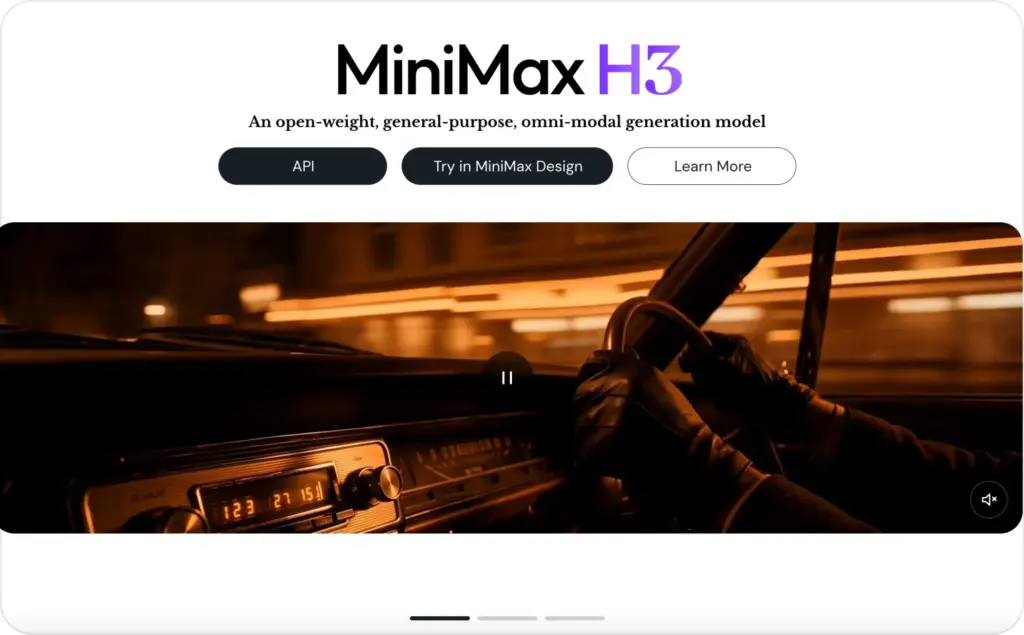
Hailuo AI model family: 02 vs 2.3 vs 2.3 Fast
The best Hailuo video model depends on your input and desired shot.
| Hailuo model | Inputs | Documented output | Best fit for ads |
| MiniMax Hailuo 02 | Text, image, start and end frames | 512p, 768p, or 1080p; 6 or 10 seconds depending on settings | Magic realism, controlled transitions, low-cost drafts |
| Hailuo 2.3 | Text or image | 768p or 1080p; 6 or 10 seconds depending on settings | Hero shots, expressive people, complex motion |
| Hailuo 2.3 Fast | Image | 768p or 1080p; 6 or 10 seconds depending on settings | Rapid product animation and creative variations |
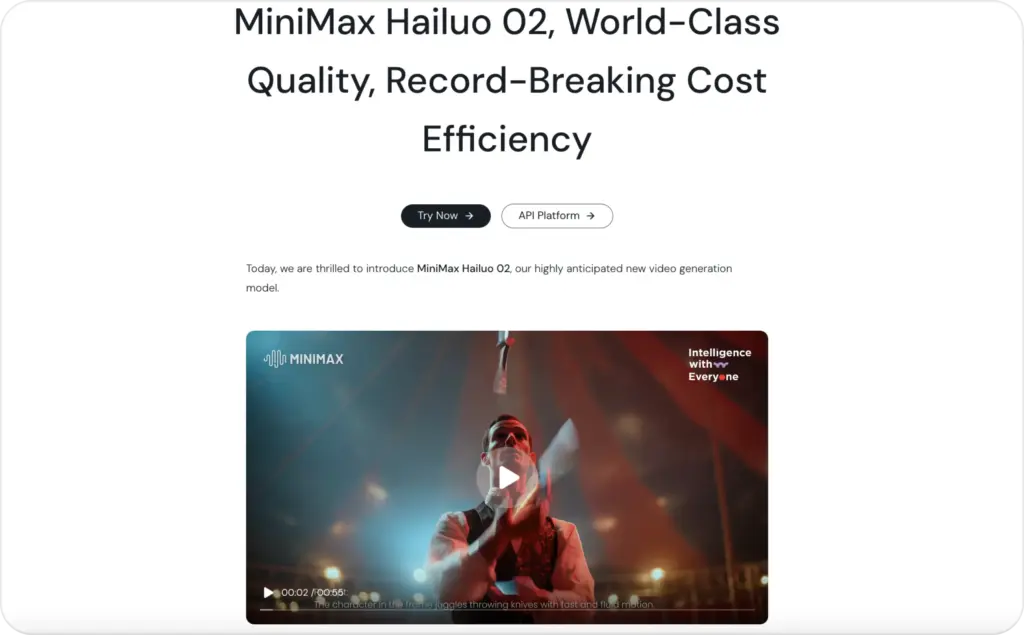
MiniMax Hailuo 02 for controlled transitions
MiniMax introduced Hailuo 02 in June 2025. It remains useful when you want to define where a shot begins and ends.
Its first-and-last-frame mode can connect two planned product states. You might begin with packaging on a plain background and finish inside a dramatic branded scene.
Hailuo 02 is one option for magic realism with grounded physics. Think of a perfume bottle releasing liquid glass or coffee beans rising around a package. The scene feels impossible, but the motion still needs weight and believable timing.
Hailuo 02 also supports lower-cost 512p API renders. That makes it useful for motion tests before a final export.
Hailuo 2.3 for polished product scenes
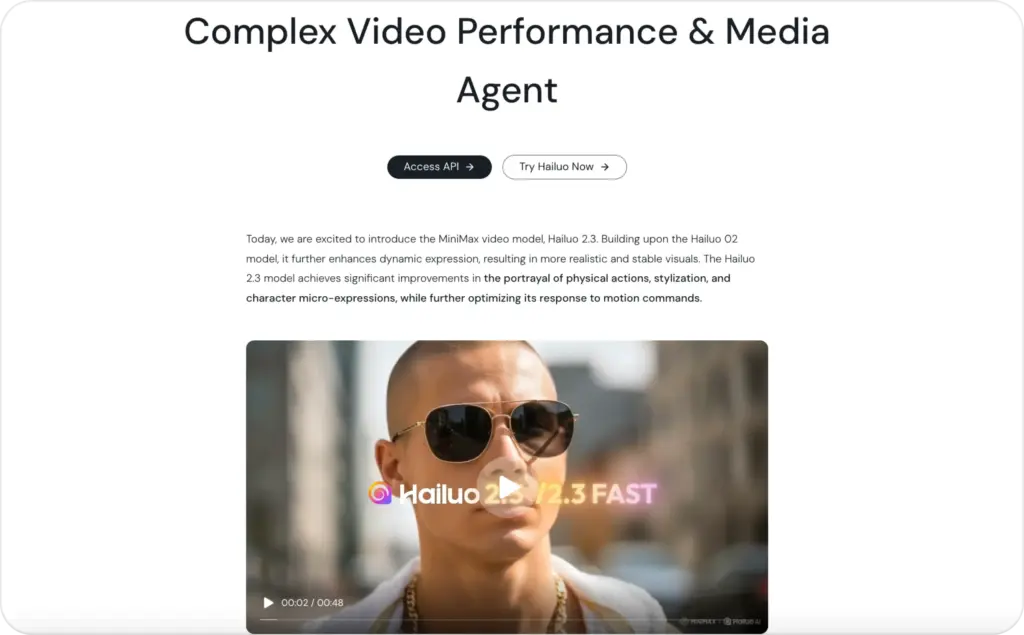
Hailuo 2.3 improves body movement, facial expression, stylization, physical realism, and prompt following. This generally makes it the stronger final-render choice.
Use it when several details move together. A person can turn, fabric can react, and the camera can track while the product remains central.
The model accepts text-to-video and image-to-video inputs. The documented API supports six-second 1080p clips or six- and ten-second 768p clips.
Hailuo 2.3 Fast for creative variations
Hailuo 2.3 Fast uses an uploaded image as the first frame. It is built for quicker, lower-cost image-to-video generation.
This suits early creative testing. Animate the same product image with different camera moves, lighting moods, or background actions. Once a direction looks promising, use Hailuo 2.3 for the stronger final version.
Which Hailuo model is best for product video ads?
Start with the shot, not the model name.
Choose Hailuo 2.3 for:
- Polished product hero shots
- Detailed human movement
- Stronger facial expressions
- Text-to-video generation
- A 1080p final clip
Choose Hailuo 2.3 Fast for:
- Several image-to-video variations
- Faster creative exploration
- Lower generation costs
- Batch motion tests
Choose MiniMax Hailuo 02 for:
- First-and-last-frame transitions
- Controlled transformations
- Cheap 512p drafts
- Selected magic-realism scenes
My practical rule is simple: pay for final quality after the idea survives a cheaper test.
For product ads, begin with the real product image whenever possible. Image-to-video gives the model a visual anchor. Text-to-video offers more freedom, but it can also invent packaging, colors, proportions, or product details.
That invention may help with moodboards. It becomes risky when the generated item no longer matches what customers receive.
What Hailuo product videos can and cannot do
Hailuo AI video ads work best as short visual building blocks. One generation should carry one action, one camera move, and one main idea.
Useful scenes include:
- A camera push toward packaging
- A product rotating under studio lighting
- Fabric moving naturally on a model
- A skincare texture spreading across a surface
- A device opening or lighting up
- An ordinary room shifting into a branded world
- A start-and-end-frame product reveal
MiniMax’s video documentation covers text-to-video, image-to-video, first-and-last-frame video, and subject-reference workflows. Its API also supports camera commands such as pan, zoom, tracking, tilt, and static shots.
That control is useful, but Hailuo is not a complete ad builder. It does not automatically provide a strong hook, accurate claims, captions, voiceover, branded layouts, final aspect ratios, or campaign setup.
Can Hailuo generate 4K video?
Do not plan around native 4K generation without checking your exact interface. Some Hailuo pages mention 4K downloads, but MiniMax’s current technical documentation lists native Hailuo 02 and 2.3 outputs up to 1080p.
Upscaling can increase file dimensions later. It does not restore missing label detail or fix inconsistent packaging.
Can Hailuo render text and logos accurately?
Treat every label and logo as a review item. Video models can distort small lettering or rebuild a logo between frames.
Add headlines, prices, disclaimers, and calls to action during editing. This also makes one scene easier to reuse across Meta, TikTok, and YouTube placements.
For a broader tool comparison, see our guide to the best AI product video generators for ads.
How to prompt Hailuo AI video ads
A useful Hailuo AI video prompt gives the model a subject, action, setting, camera direction, lighting cue, and constraint.
Use this formula:
Subject + product detail + one action + environment + camera move + lighting + realism constraint
Product-image prompt:
A matte black insulated bottle remains identical to the reference image. Cold condensation forms slowly while morning light crosses the surface. The camera makes a gentle push in. Clean kitchen background, realistic reflections, grounded motion, no text changes.
Magic-realism prompt for Hailuo 02:
The perfume bottle remains centered and unchanged. A ribbon of translucent glass rises from the cap, circles the bottle, then settles into the final frame as a pedestal. Slow movement, realistic weight, studio shadows, no label distortion.
Human-led prompt for Hailuo 2.3:
A woman lifts the skincare jar, turns it toward the camera, and smiles naturally. Her hands move slowly. The label stays visible. Soft bathroom daylight, close-up framing, subtle tracking shot, realistic skin texture.
MiniMax supports 15 camera commands, including [Push in], [Pull out], [Pan left], [Tracking shot], and [Static shot]. Its documentation recommends no more than three combined movements.
That limit also helps ad clarity. Too many instructions create a busy scene that is harder to understand.
Before rendering, ask:
- Does the prompt contain one main action?
- Does it protect important product details?
- Can the movement fit within six seconds?
- Will the scene work without generated text?
Use our AI video ad script templates to build the hook, proof, and call to action around the generated shot.
Hailuo AI pricing and credits in 2026
Hailuo AI pricing depends on the consumer website, subscription plan, or MiniMax API. The API is the clearest comparison because MiniMax publishes a price per clip.
| Model and output | Current API price |
| Hailuo 2.3 Fast, 768p, 6 seconds | $0.19 |
| Hailuo 2.3 Fast, 768p, 10 seconds | $0.32 |
| Hailuo 2.3 Fast, 1080p, 6 seconds | $0.33 |
| Hailuo 2.3, 768p, 6 seconds | $0.28 |
| Hailuo 2.3, 768p, 10 seconds | $0.56 |
| Hailuo 2.3, 1080p, 6 seconds | $0.49 |
| Hailuo 02, 512p, 6 seconds | $0.10 |
| Hailuo 02, 512p, 10 seconds | $0.15 |
| Hailuo 02, 768p, 6 seconds | $0.28 |
| Hailuo 02, 768p, 10 seconds | $0.56 |
| Hailuo 02, 1080p, 6 seconds | $0.49 |
These rates were listed in MiniMax’s pay-as-you-go documentation when this guide was reviewed.
Consumer subscription pages are less consistent. One official Hailuo article lists plans beginning at $9.99 monthly. Its payment-policy page lists higher Standard, Pro, and Master prices.
Promotions, regions, billing periods, and older plan documents may explain the difference. Treat the live checkout price and credit allowance as final.
Also check expiration rules. Hailuo’s public payment terms say membership credits expire monthly. MiniMax’s API package documentation says unused monthly points do not roll over.
Free credits may be available, but they can change. Use them for motion tests, not as the foundation of a monthly production plan.
Is Hailuo AI safe for commercial video ads?
Hailuo’s public terms require users to own or control the rights to submitted and generated content. The terms say MiniMax does not claim ownership, but they also include a broad, perpetual license covering user contributions and outputs.
Review that language before uploading unreleased products, confidential materials, customer photos, or licensed talent assets. MiniMax also tells users to read the privacy policy for the exact service they use because practices can differ between the video product and API.
Before launching an ad, check that:
- You have permission to use every image and person
- The generated product matches the real item
- The scene does not create a false demonstration
- Claims, prices, reviews, and results remain accurate
- Logos and packaging do not copy another brand
- Required AI-content labels are present
The FTC’s truth-in-advertising guidance applies the same standards online and offline. An AI scene cannot show a product doing something it cannot really do.
TikTok also applies labeling rules to realistic AI-generated content. Platform rules change, so review the destination platform before launch.
MiniMax says failed API generations or clips sent to security review do not deduct video points. That helps with billing, but it does not replace human review.
This is practical guidance, not legal advice. Regulated products, health claims, finance, endorsements, and children’s advertising need qualified review.
Inside Zeely AI model stack
Our guide to AI models for ad creative generation explains this model-stack logic. Different models handle scripts, static images, motion, voice, avatars, editing, and other tasks. See which of them are inside Zeely AI models stack for ads.
Why Zeely does not rely on one model
One model may create strong movement but distort product text. Another may preserve a reference image but produce less expressive action. A third may generate audio, while another needs separate voice tools.
Ads need every piece to agree. The product must remain accurate. The hook should fit the buyer. Captions need safe placement. The final file must match the platform.
A model solves a generation task. A full ad workflow connects that task to a business goal.

Where Zeely fits after generation
Zeely helps turn product information into usable ad creative without making you manage every model separately.
Depending on the selected workflow, you can work with product details, scripts, visual formats, generated scenes, voice, avatars, edits, and campaign-ready assets in one place. That reduces switching between prompt tools, editors, resizing apps, caption tools, and ad builders.
See how to create AI video ads with Zeely for the complete flow. You begin with a product and ad goal, not a blank prompt box.
FAQ
Hailuo may offer free credits or trials, but availability changes. Free generations may include queues, watermarks, or lower limits.
Hailuo AI is developed by MiniMax, which builds language, speech, music, image, agent, and video models.
Hailuo 2.3 is the current flagship in MiniMax’s active video documentation. Hailuo 2.3 Fast is its faster image-to-video variant.
MiniMax Hailuo 02 is an earlier model supporting text-to-video, image-to-video, camera commands, and first-and-last-frame generation. It remains available through the API.
Use 2.3 for final shots, 2.3 Fast for image-to-video variations, and Hailuo 02 for start-and-end-frame control or 512p drafts.
Yes. Hailuo 02, 2.3, and 2.3 Fast support image-to-video workflows.
Current MiniMax API documentation lists native outputs up to 1080p. Confirm whether any 4K option in your interface is native generation or upscaling.
The Hailuo video API focuses on visual generation. MiniMax offers separate speech, audio, and music models. Check whether your chosen workflow adds audio separately.
Yes. MiniMax provides APIs for text-to-video, image-to-video, first-and-last-frame video, and subject-reference workflows.
Not for every task. Hailuo fits certain short-motion and physical scenes. The better business choice is the workflow that reaches a reviewed, launch-ready ad.
Final verdict on Hailuo for video ads
Hailuo AI video is useful when a product ad needs short, controlled motion. Hailuo 2.3 is the better flagship choice for expressive movement and final-quality scenes. Hailuo 2.3 Fast suits image-to-video variations. Hailuo 02 remains useful for start-and-end-frame control, cheaper drafts, and selected magic-realism shots.
I would not choose Hailuo as a complete advertising system because it is not one. It generates video footage.

Emma blends product marketing and content to turn complex tools into simple, sales-driven playbooks for AI ad creatives and Facebook/Instagram campaigns. You’ll get checklists, bite-size guides, and real results, pulled from thousands of Zeely entrepreneurs, so you can run AI-powered ads confidently, even as a beginner.
Written by: Emma, AI Growth Adviser, Zeely
Reviewed on: August 7, 2026



