How to get more views on TikTok in 2026
Get practical fixes for low TikTok views and a 7-day plan for testing your next post. I explain how to read the results, give viewers a reason to follow, and make the buying step easier.
To get more views on TikTok, answer a buyer’s question and show the useful part immediately. Give interested viewers a clear next step, whether that’s following your account or visiting a product page. I’d judge the result by what people do after watching.
Key takeaways
- Treat a popular post as something to investigate before turning it into your entire content plan
- Give each video a job so you know which result would justify making another
- Make buying possible without requiring someone to become a follower first

How to get more views on TikTok: 12 practical ways
Choose the changes that fit your weakest videos. My first edit would usually be the opening, especially when the useful footage already exists. These are tests to run on your account, not promises of a particular view count.
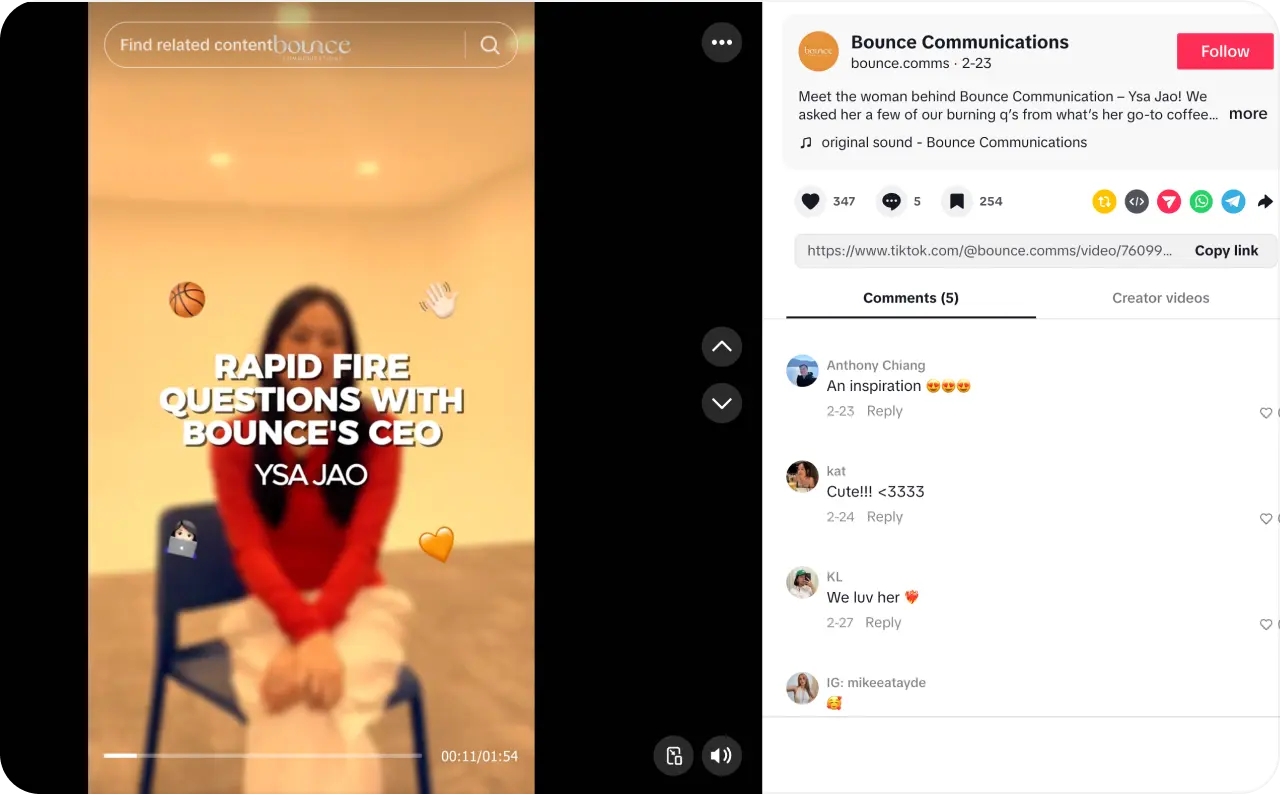
1. Pick a question your customer actually asks
Look through customer emails and conversations before opening the camera. A lunch-bag seller could answer, “Will this hold a food container upright?” That gives the video a clear viewer and a visible answer.
Keep unrelated topics off your filming list. A popular joke about office life tells you little about whether someone needs that lunch bag.
Source: @bounce.comms on TikTok
2. Make the first frame earn attention
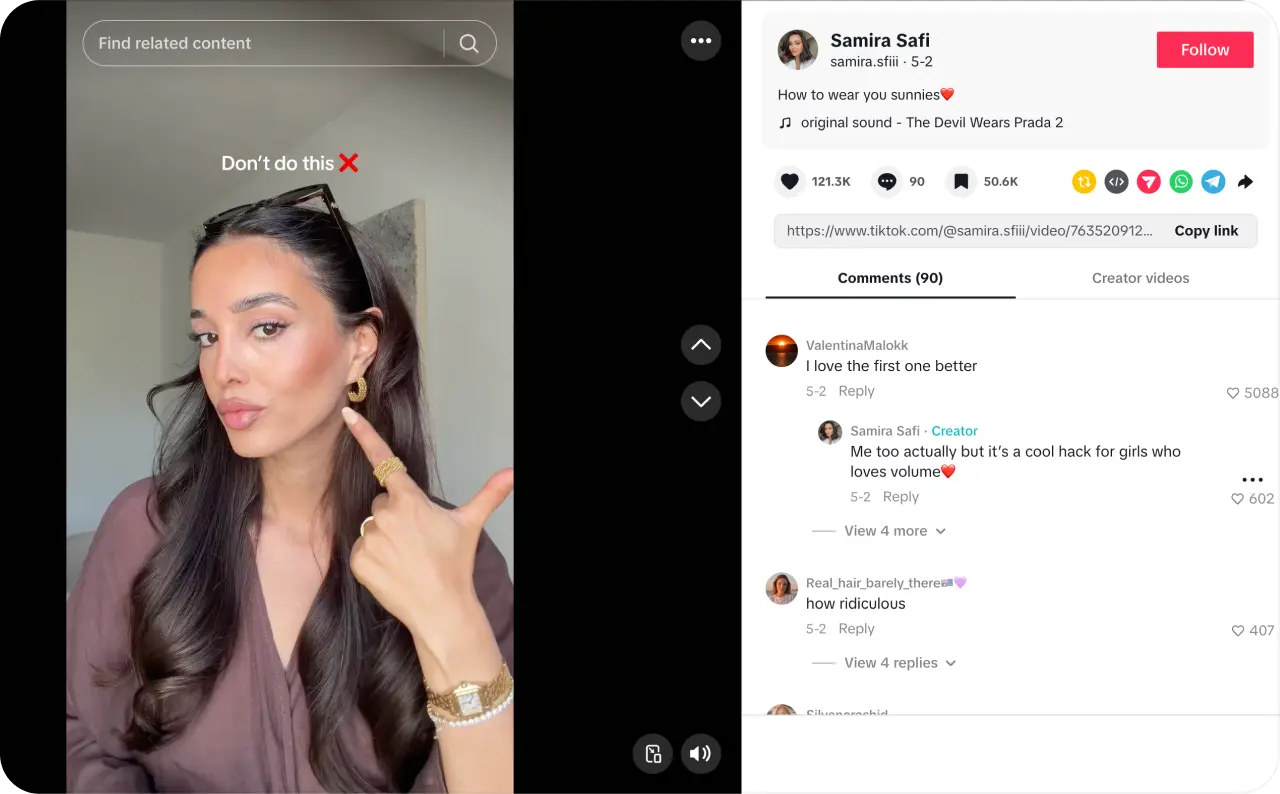
Replace a logo animation with the product doing something worth watching. For example, change “Here are our new storage boxes” to “Watch this box fit under a low bed.”
Strong TikTok hooks make a specific promise that the footage can keep. Write the opening after choosing the proof, so you don’t promise a result you cannot show.
Source: @samira.safiii on TikTok
3. Move the payoff ahead of the explanation
Show the finished result before discussing how you got there. Then include only the steps someone needs to understand or repeat it.
On your first edit, remove greetings and repeated setup. Keep a necessary instruction even when it makes the video longer. My test is whether each sentence earns the next few seconds.
4. Use the words people search for
Choose a phrase such as “how to clean white canvas shoes,” rather than a vague caption about fresh starts. Say it naturally and use it in readable on-screen text. Write a caption that describes the actual answer.
For topic research, search for Creator Search Insights inside TikTok. This tool shows topics people search for; its Content gap filter helps identify subjects with limited content. Check the suggested topic against what you sell before filming.
5. Choose hashtags that describe the footage
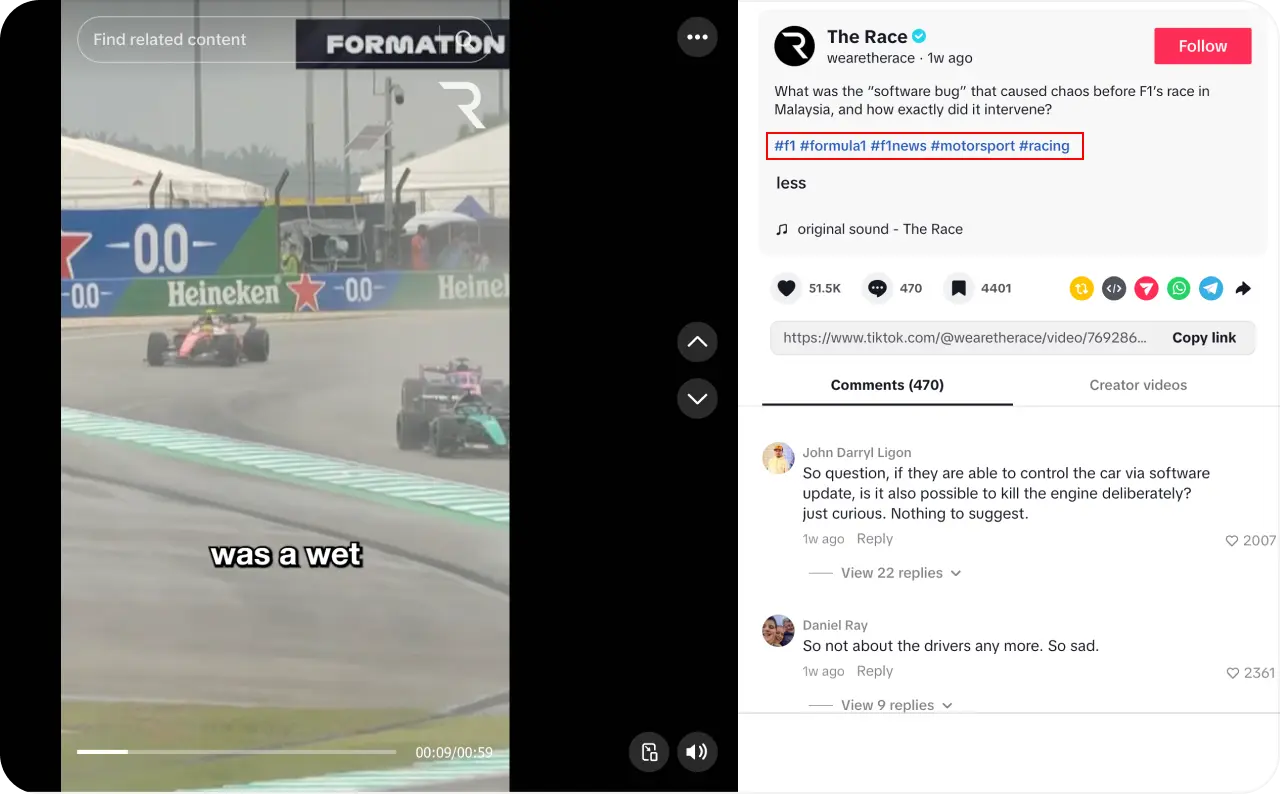
For a curtain video, try relevant labels such as #LinenCurtains and #CurtainStyling. Add a location when the service genuinely depends on it.
A supposedly perfect hashtag count wouldn’t earn a place in my editing budget. Use tags to clarify the topic, then move on. TikTok lists hashtags among its content signals, without promising that a particular tag earns distribution.
Source: @wearetherace on TikTok
6. Make the video understandable on a phone
Film the detail the buyer needs to inspect, rather than expecting them to zoom in. Check that captions remain readable and that interface buttons don’t cover important text.
Watch the draft without sound. Then listen without looking at the screen. Fix whichever version becomes confusing, especially when a product instruction depends on a spoken word.
7. Borrow a trend only when the product fits
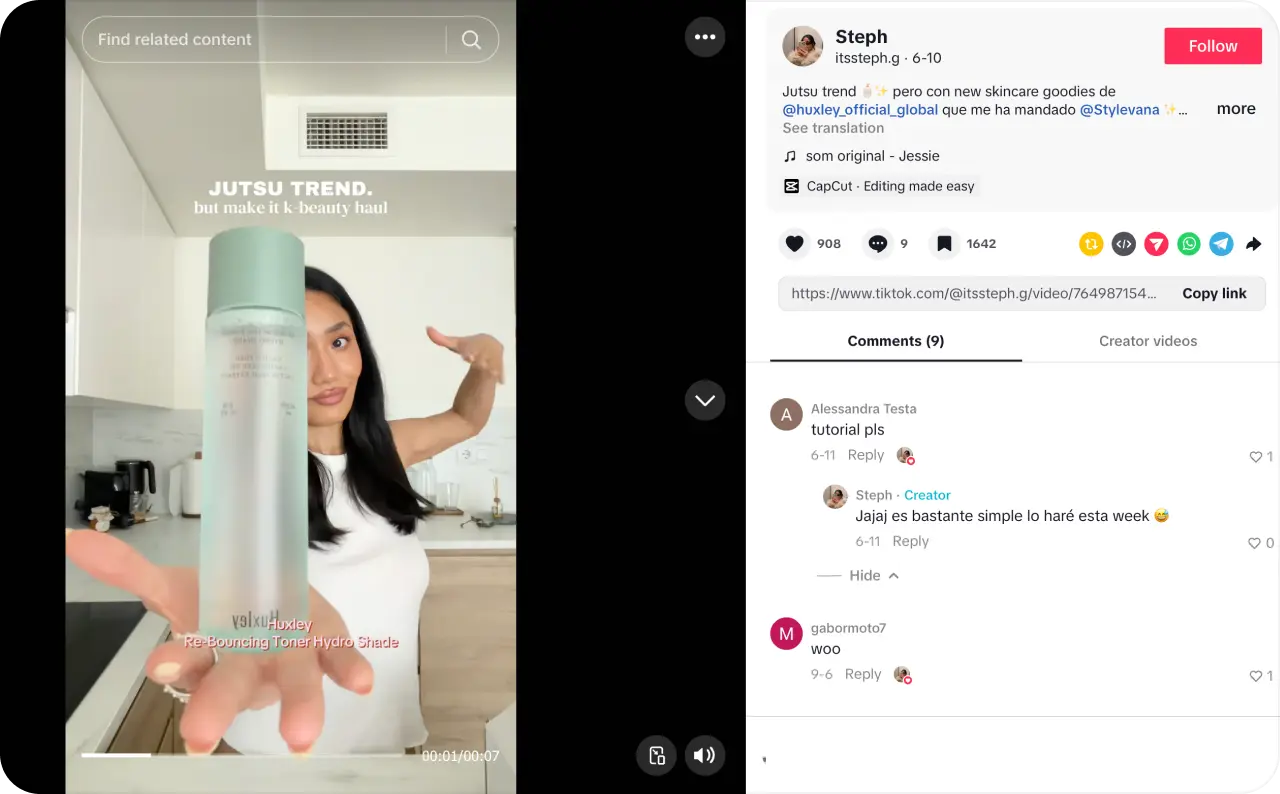
Ask whether the video would still make sense without its trending audio. A familiar format is useful when it helps show something relevant to your buyer.
For promotional posts, use music cleared for commercial use. TikTok recommends its Commercial Music Library; music outside that library needs the necessary rights. A popular sound isn’t automatically cleared for your business.
Source: @itssteph.g on TikTok
8. Test posting times against your audience
TikTok Studio includes viewer activity times where available. Use those as starting points instead of copying a universal “best time” chart.
Choose 2 time windows you can maintain, then compare similar posts across several attempts. Note the time zone displayed. For a local business, match that test to when customers can act on the offer.
9. Turn a useful comment into the next video
A question such as “Can I wash the cover?” gives you a specific follow-up to make. Show the care label and the correct process instead of posting another general product introduction.
Answer the person directly, then make the explanation understandable to someone who missed the original post. Remove personal customer details from anything you show.
10. Create something worth sending to another person
Build a post around a shared decision. For example, a furniture seller could show what roommates need to measure before ordering a sofa.
Name the situation clearly enough that a viewer knows who needs it. I favor a useful checklist over an unrelated request to “share this with everyone.”

11. Work with a creator who knows the use case
Choose a bicycle mechanic to demonstrate a cycling tool roll. Give them room to explain its fit and limitations in their own words.
Before paying, agree on the deliverable and where the footage can be used. Check whether their comments contain questions from people who resemble your customers. A follower total alone wouldn’t decide this for me.
12. Revisit a promising idea with a specific change
When a post does well, write down what you think caused the result before making another. Change a single element, such as the opening line, while keeping the product and offer consistent.
This gives you a more useful way to boost your views on TikTok than guessing from scratch. Record the change so the next result tells you something.
How does the TikTok algorithm decide which videos get views?
TikTok uses several signals to predict what a viewer will want to watch. Its published guidance includes watching in full or skipping, alongside likes, comments, and shares. For most users, interactions such as watch time generally carry more weight than other factors in For You recommendations.
For You and Search answer different questions:
- For You predicts what someone might enjoy without an explicit query
- Search places greater weight on how closely the content matches the term someone entered
That distinction changes how I would judge a post. A clear answer to a narrow product question deserves a different test from a broad, entertaining reveal. Compare videos serving similar purposes before deciding which format to keep.
I’d avoid treating a specific like ratio or view plateau as a secret pass-or-fail rule.
How to get more TikTok likes without paying
Give viewers something specific to appreciate or recognize. A product shown against a plain background leaves little to react to. A real moment around making or using it gives you more to work with.
Consider a potter showing the uneven first version of a mug beside the finished design. The interesting part is the decision that changed it. Explain why the handle moved, rather than calling the final mug “amazing.”
Another test is a genuine preference question. Show the same item in 2 finishes and ask which belongs in the viewer’s home. Use the replies to understand taste, rather than pushing people toward a predetermined answer.
My preference is to earn the reaction through the reveal. An optional like request can follow, but I would leave out a string of instructions to comment, share, and follow.
When comparing TikTok likes and views, calculate likes as a share of views rather than comparing raw totals. That puts videos with different view counts on a more useful footing.
What types of TikTok videos get more views?
Test formats that answer something your buyer needs to see. My choice would depend on the missing proof, rather than an assumption that tutorials always beat demonstrations.
| Format | What to film | When I would test it |
| Tutorial | Use a paper template to position a curtain rod | Buyers need help completing a task |
| Demonstration | Pack a weekender bag with actual belongings | Capacity is hard to judge from photos |
| Before and after | Restore a scratched wooden tray under unchanged lighting | The difference is real and visible |
| Customer question | Check whether a mug fits under an espresso machine | A specific compatibility concern delays buying |
| Comparison | Show the same print on matte and glossy paper | Customers struggle to choose a version |
| Behind the scenes | Pack a fragile order and show the protective layers | Buyers worry about delivery damage |
Use genuine footage for claims that depend on physical performance. An AI-generated scene cannot establish that a bag holds a particular load or that an item survives shipping.
Why your TikTok videos aren’t getting views and how to fix them
My first move is to check visibility and account notices before rewriting the creative. Low distribution alone doesn’t tell you whether the problem is technical, editorial, or audience-related. TikTok itself directs creators with fluctuating views to their analytics.
The checks below are starting points, not diagnoses.
| What you see | What to check first | What I would do next |
| Zero views | Publication status, audience settings, and any review notice | Confirm the post is accessible to its intended audience |
| An early plateau | Whether viewers leave before the promised answer | Use the retention review in the analytics section |
| A sudden drop across several posts | Account notices and changes in topic or format | Separate a restriction from a change in what you’re publishing |
| Views without likes | Whether the video attracts the people the message was written for | Read the response in context before replacing the concept |
| Search views but little For You traffic | Whether the post answers a narrow query | Judge it against other search-led posts before calling it a failure |
For an ineligible post, TikTok lets you review the reason through More insights or Analytics and submit an appeal. Repeated unsuitable posts can also affect account-level recommendations. Check the actual notice rather than assuming every drop is a “shadowban.”
How to increase TikTok views with analytics
Compare similar posts at the same age, then choose the next edit from what changed. A week-old video and a fresh upload haven’t had the same chance to collect results.
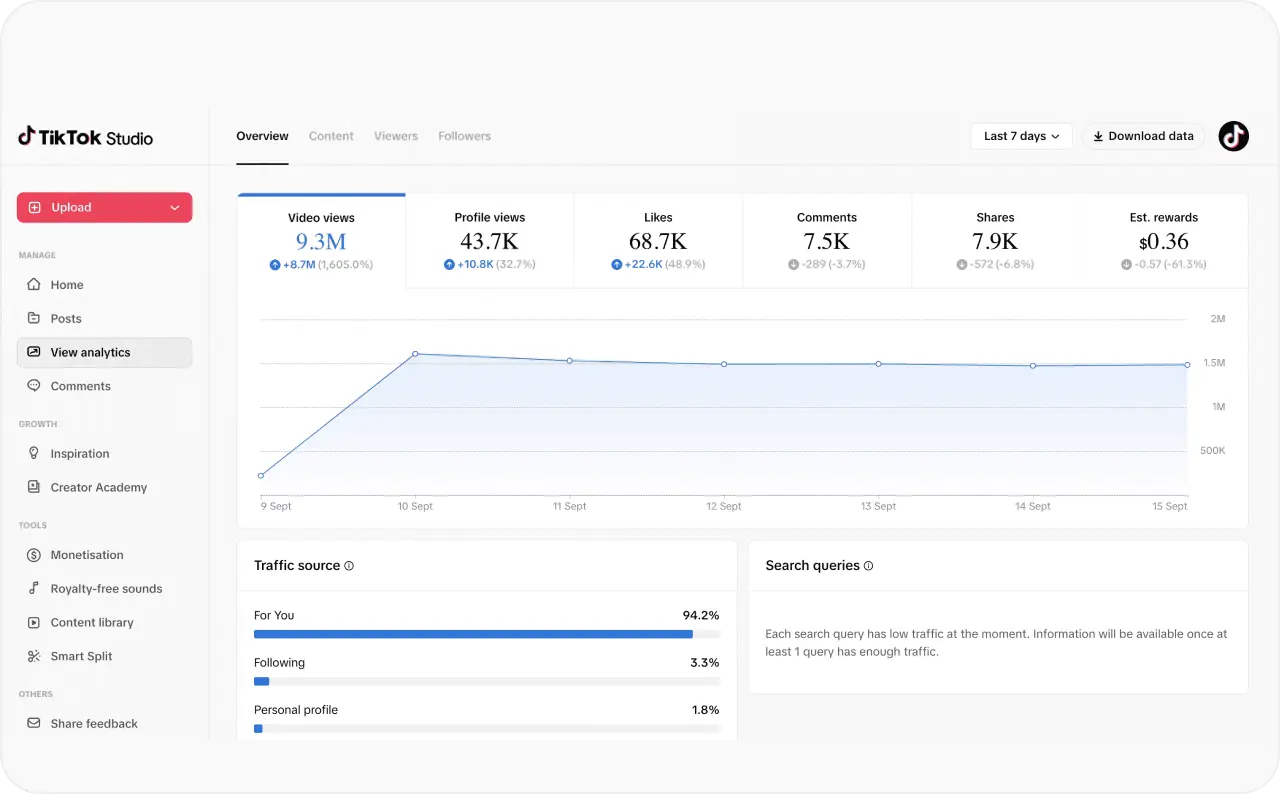
In the TikTok app, open Profile, tap the menu, and select TikTok Studio. Open Analytics and select the post you want to inspect. Individual posts also provide More insights; available tools differ across TikTok’s app, Studio, and web experiences.
For this review, I prioritize the available watch-time measures before reactions. Check average watch time and completion where shown, then inspect any retention curve for the point people leave. Compare videos of similar length so a shorter edit doesn’t win simply because it is easier to finish. TikTok’s reporting definitions distinguish average viewing time from the share of completed views.
Next, review traffic sources where available. Use Creator Search Insights to check how posts perform in search results. Apply the algorithm section’s distinction when deciding what the video was meant to accomplish.
For a consistent, view-based TikTok engagement rate, I use:
(Likes + comments + shares) ÷ video views × 100
For example, 160 likes, 20 comments, and 20 shares across 4,000 views produce a 5% rate. This is a chosen comparison formula, not a TikTok ranking threshold. Keep the denominator and included actions unchanged between posts.
Look at the actions separately afterward. A discussion full of complaints needs a different response from viewers asking where to buy.
For viewer-history settings, use Zeely’s guide to seeing who viewed your TikTok videos. Individual names won’t explain where a video lost attention.
Source: TikTok Creator Academy
How to get more TikTok views in 7 days: a testing plan
Run a small sequence that produces a repeatable decision. The goal is to leave the week knowing what deserves another attempt, not to promise a viral post by the weekend.
Use 48-hour snapshots as an initial comparison window, then review each post again after 7 days. Those are my measurement checkpoints, not TikTok distribution deadlines.
| Day | Task | What to record |
| 1 | Choose a buyer question and review comparable previous posts | Your existing baseline and the result you want |
| 2 | Publish version A using the relevant steps from the 12-part checklist | Opening, length, posting time, and intended action |
| 3 | Publish version B with a different opening and the same core message | Exactly what changed |
| 4 | Review A at its first checkpoint and prepare the next edit | Where the result differs from your expectation |
| 5 | Compare A and B at matching ages, then test a different length | Whether the evidence supports keeping either opening |
| 6 | Try a related customer question in the more promising format | Whether the topic attracts the intended audience |
| 7 | Log completed comparisons and mark newer posts as pending | The next test and the reason for choosing it |
Organic posts reach different people, so this isn’t a controlled experiment. Keep spending out of this first comparison to avoid mixing paid and unpaid distribution.
My threshold for expanding production is a result worth repeating. A single post gives you a hypothesis; another comparable attempt helps you judge it.
How to turn TikTok views into followers
Give TikTok viewers a reason to want your next post. The follow decision is easier to understand when your profile makes a specific promise.
For a shoe-care business, replace a generic welcome with a sentence such as, “I show you how to care for leather shoes at home.” Then make the visible posts support that promise.
Build a recurring series around a question your buyer keeps facing. Finish the current answer before introducing the next topic. Hiding essential instructions behind a forced “part 2” would lose my trust.
Use pinned posts to help a new visitor understand what the account regularly offers. Choose representative content instead of filling every position with an unrelated viral hit. Zeely’s guide to getting more followers on TikTok goes deeper into profile setup and follow-through.
When post-level follow data is available, compare new followers per 1,000 views. Otherwise, track account growth without assigning every new follower to a particular video.
How to turn your TikTok views into sales
Make the buying step match the exact item or service shown. A viewer shouldn’t have to search a general storefront to work out which product appeared.
For an eligible TikTok Shop setup, use the relevant product link. TikTok Shop availability depends on the market. For external websites, TikTok currently allows a profile link with at least 1,000 followers or a Verified Business Account.
Match the TikTok offer to the destination
A video about a compact desk should lead to that desk, with the same version and clear dimensions. Show the price and delivery information before asking someone to commit.
For a service business, send viewers to the relevant booking page. Ask only for information needed for that appointment. A confusing destination is where I would spend the next editing hour.
Measure orders separately from attention
Use a tagged website link or your shop’s reporting to track the buying step. Keep track of which link was active during the test. A shared profile link doesn’t automatically tell you which individual post caused a purchase.
Here is a hypothetical example, not a benchmark:
| Stage | Example result |
| Video views | 10,000 |
| Tracked product-page visits | 200 |
| Orders from those visits | 4 |
| Average order value | $40 |
| Gross revenue | $160 |
The example produces a 2% visit-to-order rate. Revenue still needs to cover product costs, returns, and any advertising spend. For a paid version, check CPA and ROAS against your margins. A cheap CPM alone wouldn’t persuade me to spend more.
Use Zeely to prepare TikTok creatives for testing
Zeely is an AI Marketing Intelligence Platform. Its TikTok ad creator helps prepare video creatives from product information, with editable scripts and AI avatars. Review the start image and video settings before rendering.
A public product URL supplies available information through URL-based extraction; you don’t connect your store. Add missing details manually and check the result. My use here would be testing a different message.
For paid TikTok campaigns, download the creative and launch it through TikTok Ads Manager. Zeely’s Social posting can publish to a connected TikTok profile, but that is a separate organic workflow. It doesn’t launch your paid TikTok campaign.
FAQ
A total view count isn’t enough to calculate payment. For illustration, 1 million qualified views at a hypothetical $0.50 RPM would produce $500 in standard rewards, before any additional reward. The $0.50 figure is an assumption for the calculation, not a stated TikTok rate. Apply the eligibility rules above before using that calculation.
There is no dependable deadline. For a new account, my first distribution test would be an existing customer newsletter or another channel where people already know the business.
Explain why that particular video is useful. Ask for honest feedback instead of organizing repeated plays. Use the diagnostic table if the post remains at zero.
Find out whether the weak result belongs to a single post or a pattern. Compare a small group of recent, similar videos and choose the test supported by the difference.
The analytics section shows what to inspect. The 7-day plan turns that choice into a sequence without changing everything at once.
For exposure, views answer the more direct question. For approval, likes offer a different signal. Neither establishes whether someone became a customer.
For a selling post, use the sales measures above. My choice for an introductory post would be reach and reactions compared with similar introductions.
I wouldn’t buy artificial views. They give you no reliable evidence of buyer interest, and TikTok excludes them from Creator Rewards.
Promote is TikTok’s paid advertising tool. It purchases visibility and reports results such as views or website clicks; TikTok explicitly says it only improves visibility. Set the goal before spending and keep its results separate from the organic test.
My default would be to leave it published while reviewing the available data. Deleting immediately removes the live post you’re trying to learn from.
Make a revised version only when you have a specific change to test. Correct or remove a post promptly when it exposes private information or contains a misleading claim.
Yes. TikTok says its AI-generated content label doesn’t affect distribution when the video follows its Community Guidelines. Realistic AI-generated images, audio, and video require labeling.
Keep avatar scripts in the brand’s voice. Don’t invent customer purchases or testimonials.
TikTok says turning on its content disclosure setting doesn’t affect distribution in feeds. The setting is required when promoting a brand, product, or service, including your own business.
Use the appropriate disclosure rather than hiding the commercial purpose of the post.