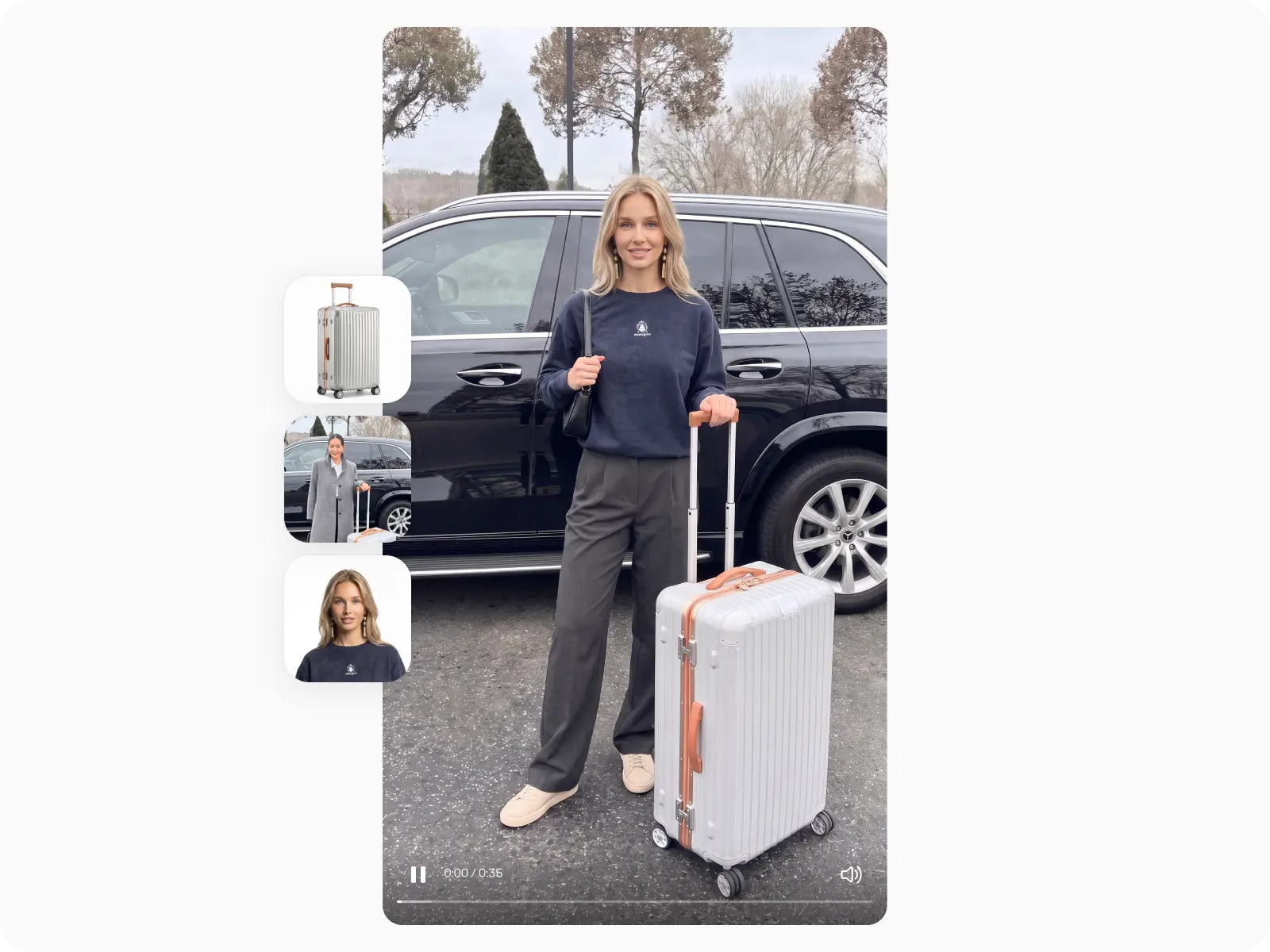
Skip the expensive shoot
No studio, no camera crew.
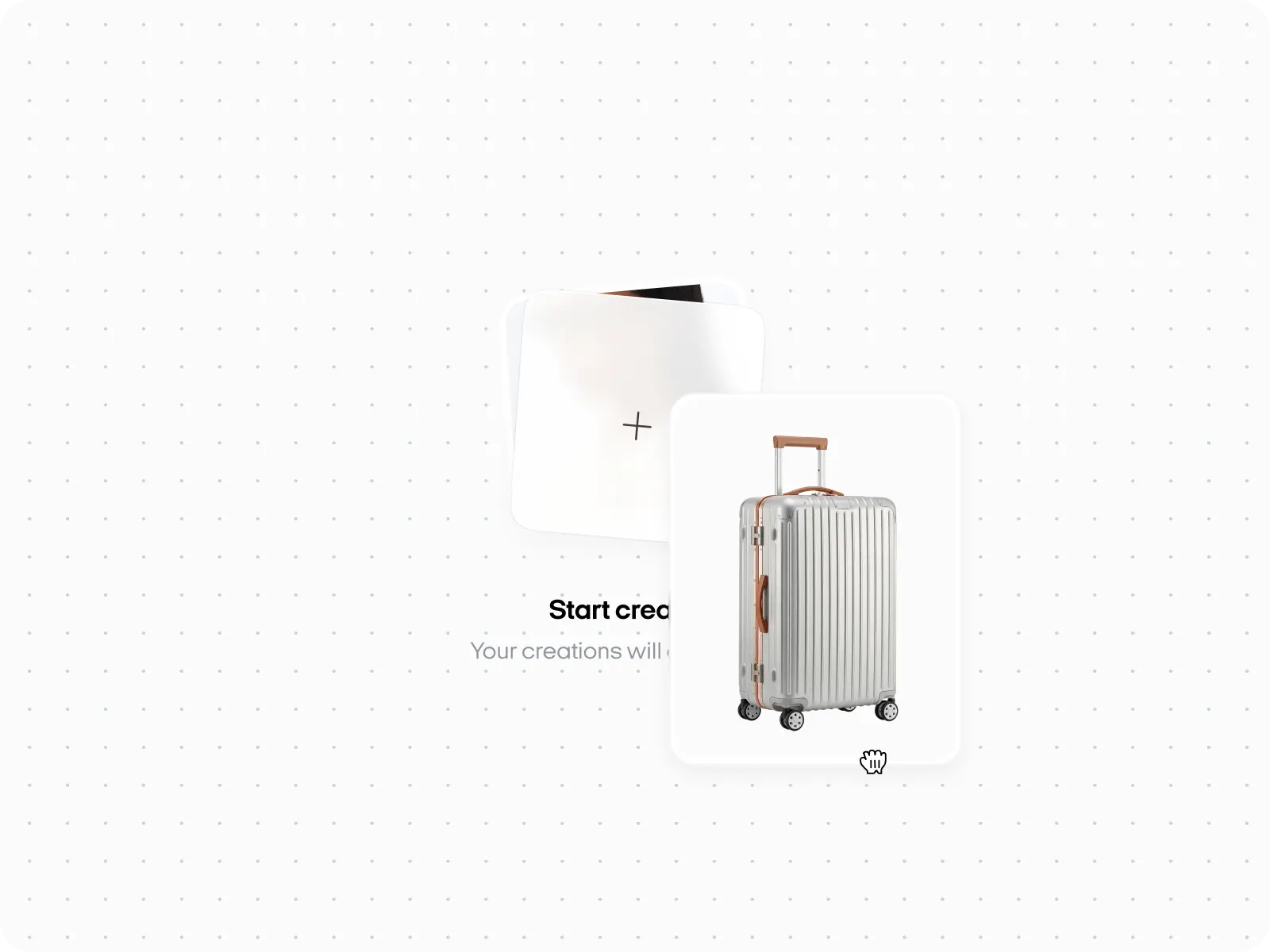
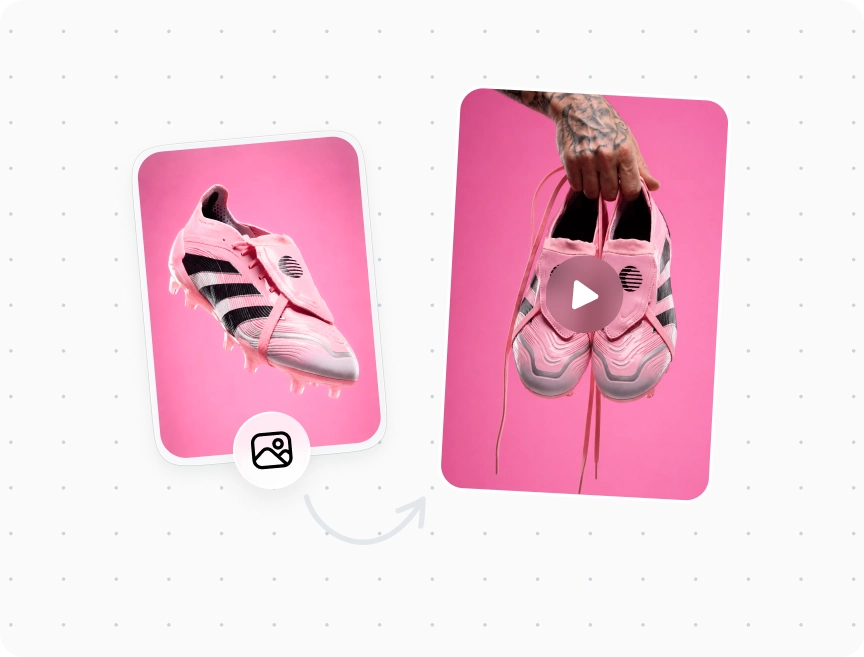
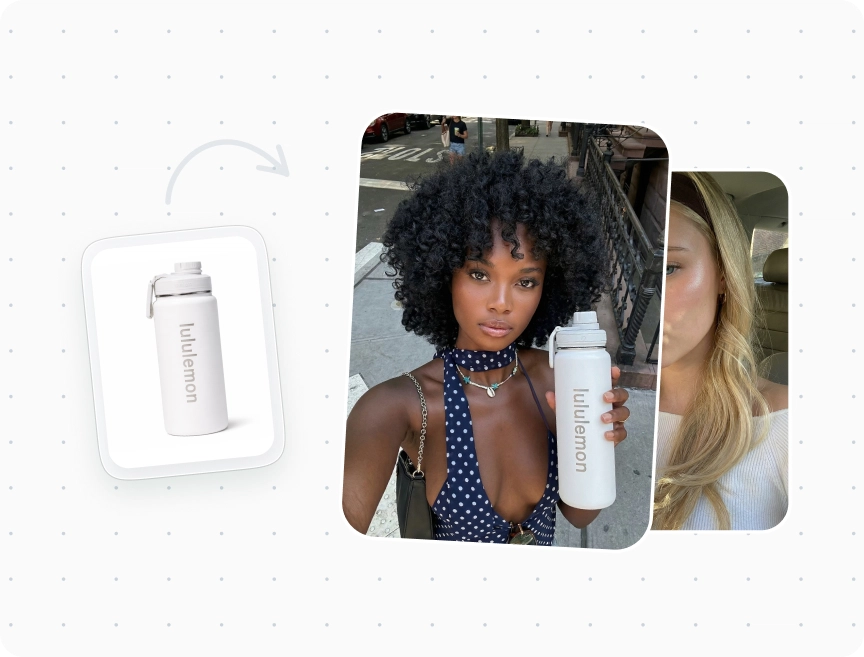
Just the photo you already have.
That great shot sitting in your camera roll?
Give it a second life as a video people actually stop for.
No studio, no camera crew.
Just the photo you already have.
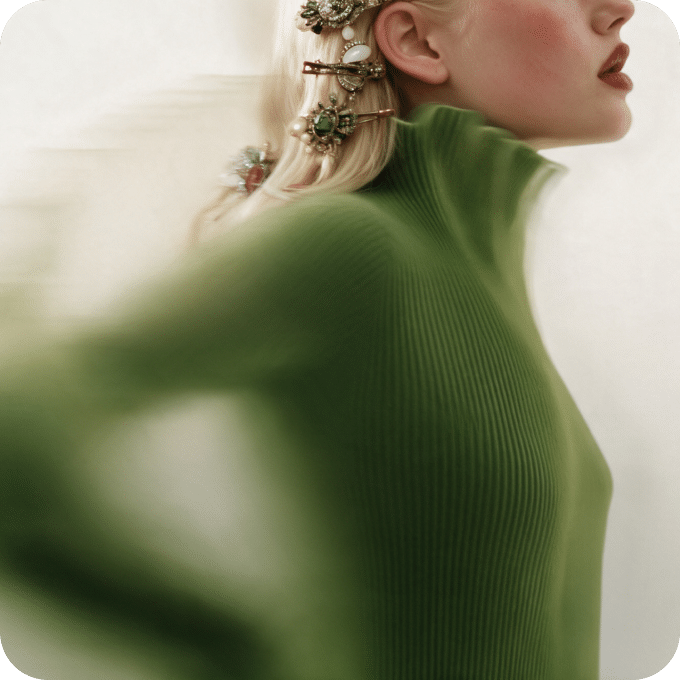
Go from idea to finished
video in minutes, not weeks.
Use the same shot for ads, launches, and everyday posts.
Create your video, launch it on Facebook
and Instagram, and see how it
performs, all in Zeely.
Make several versions and find out which one your audience loves.
Turn a simple photo into a video people
can watch, understand, and remember.


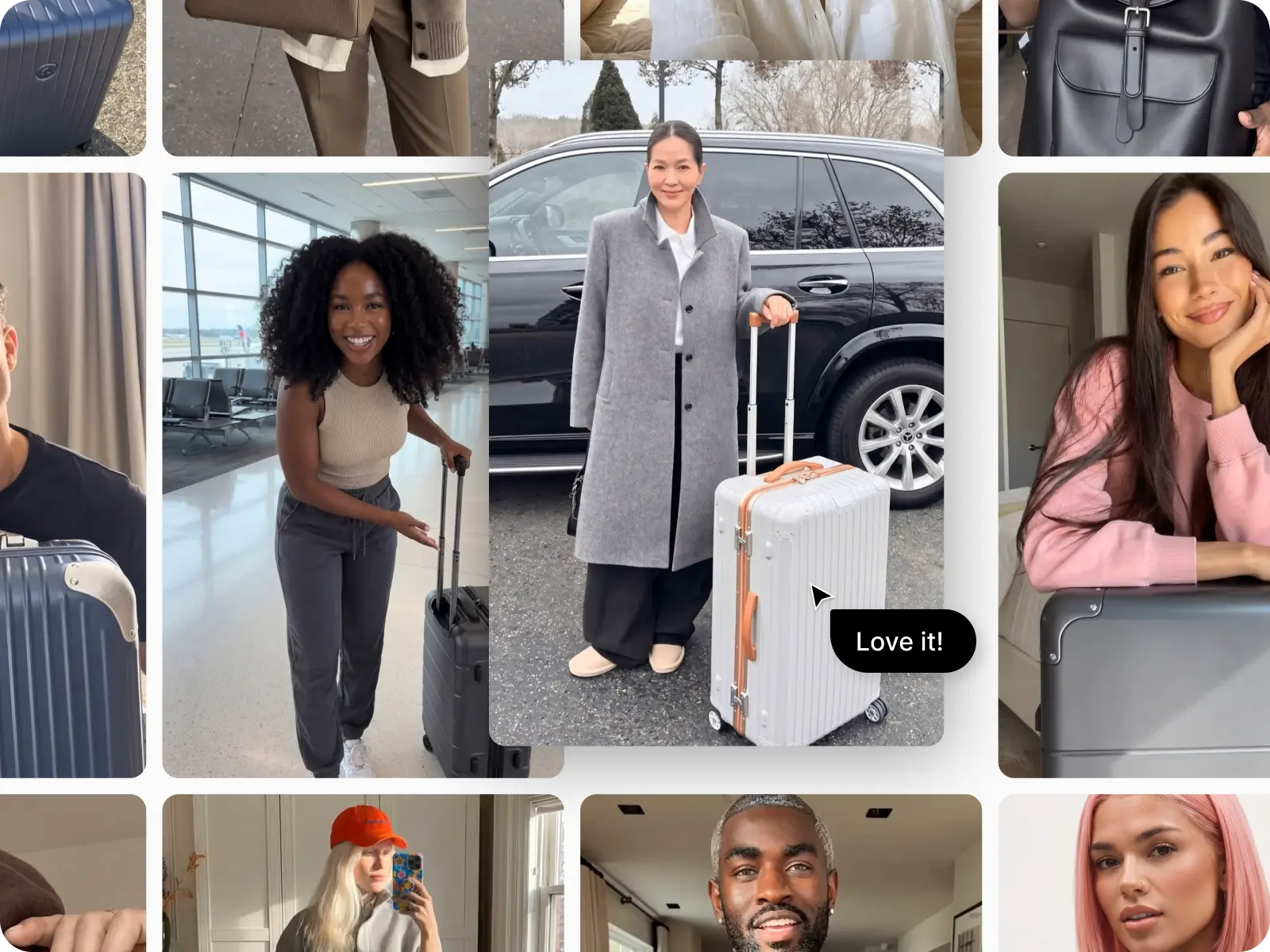
UGC-style street video. A young woman with long blue hair, wearing a fluffy pink faux-fur coat and a red leather backpack, stands at a rainy New York intersection and sprays a clear glass perfume bottle onto her wrist, looking calmly into the camera.


UGC-style street video. A young woman with a pastel pink bob, wearing an oversized dark brown leather coat, walks down a sunny Parisian street with a dark brown leather shoulder bag, then turns back over her shoulder and smiles at the camera.


Cinematic sports ad. A male cyclist in a sleek charcoal aero skinsuit and a white ventilated aero helmet with a dark visor rides a road bike in a low time-trial position, with fast motion blur streaking across a dark background.

UGC-style fitness video. A smiling young woman with slicked-back hair, wearing a cream matching crop top and shorts, sits on a Pilates reformer in a bright, sunlit minimalist studio and talks warmly to the camera.

UGC-style talking-head video. A young man with curly hair and round black glasses, wearing a black t-shirt, sits in front of a podcast microphone in a cozy, dimly lit room with warm Edison bulbs and speaks directly to the camera.

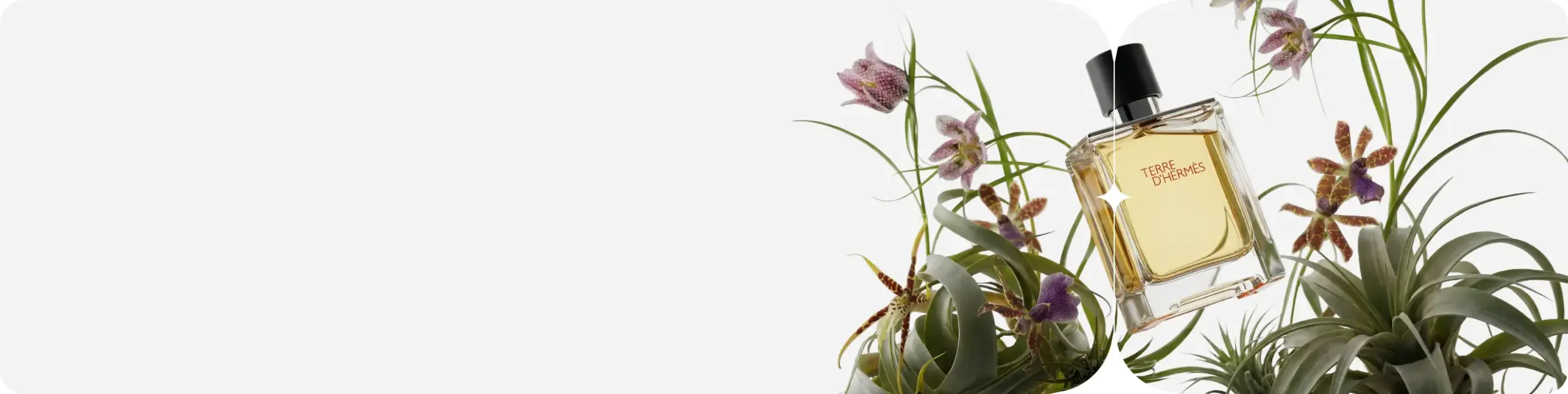
Cinematic product video. A dark navy quilted puffer jacket with a hood hangs on a hanger, floating in the middle of a swirling snowstorm, with snowflakes and icy wind blowing around it.


UGC-style product review video. A young man in a black cap and black t-shirt stands in a modern dark kitchen, holding a sleek black leather backpack with a flap and buckle, resting his hand on it as he presents it to the camera.
Zeely gives you control over the model, motion, message, and number of variations,
so your AI videos are ready for your campaigns.
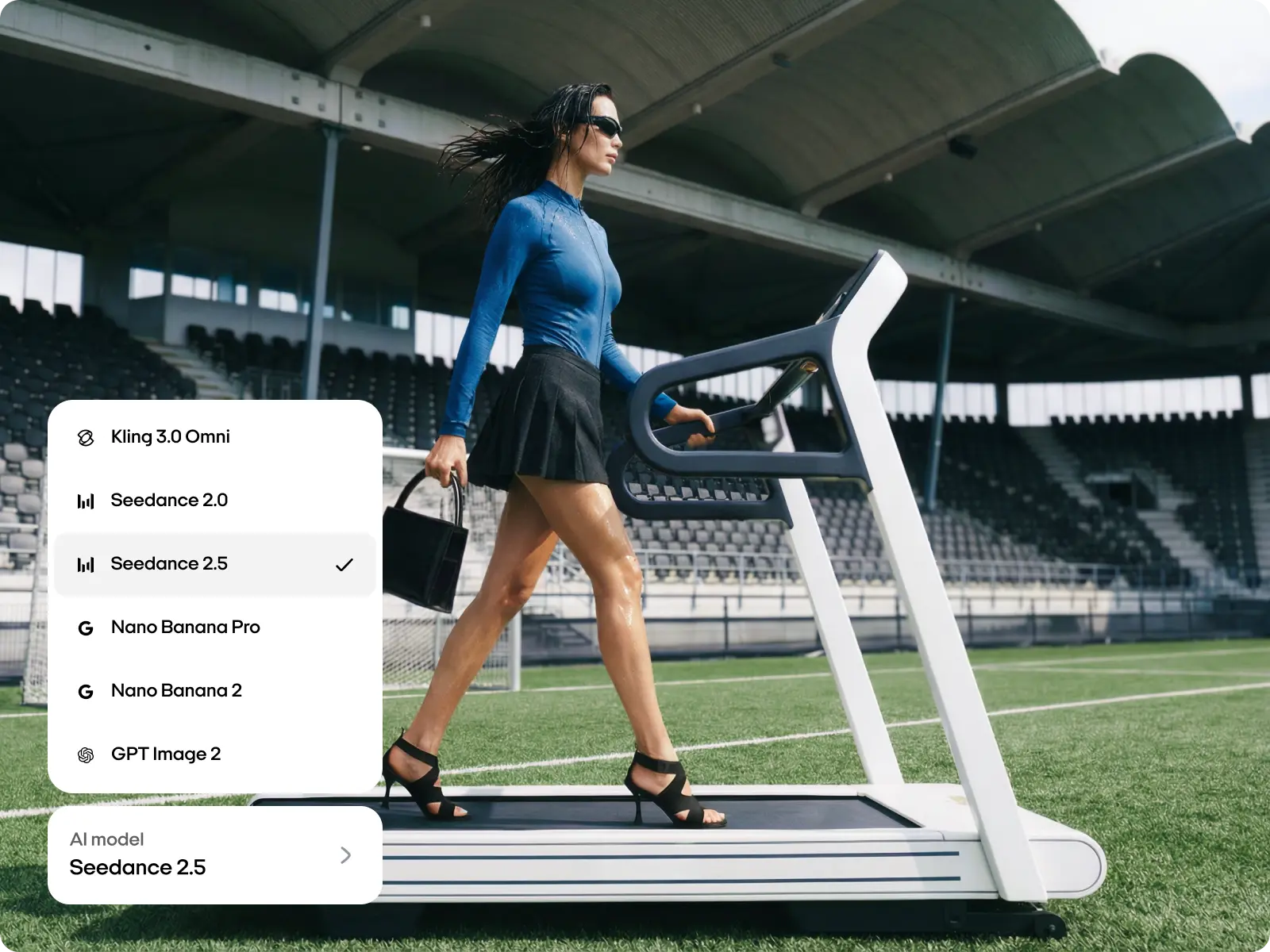
Playground runs Kling 3.0, Seedance 2.0, and Seedance 2.5.
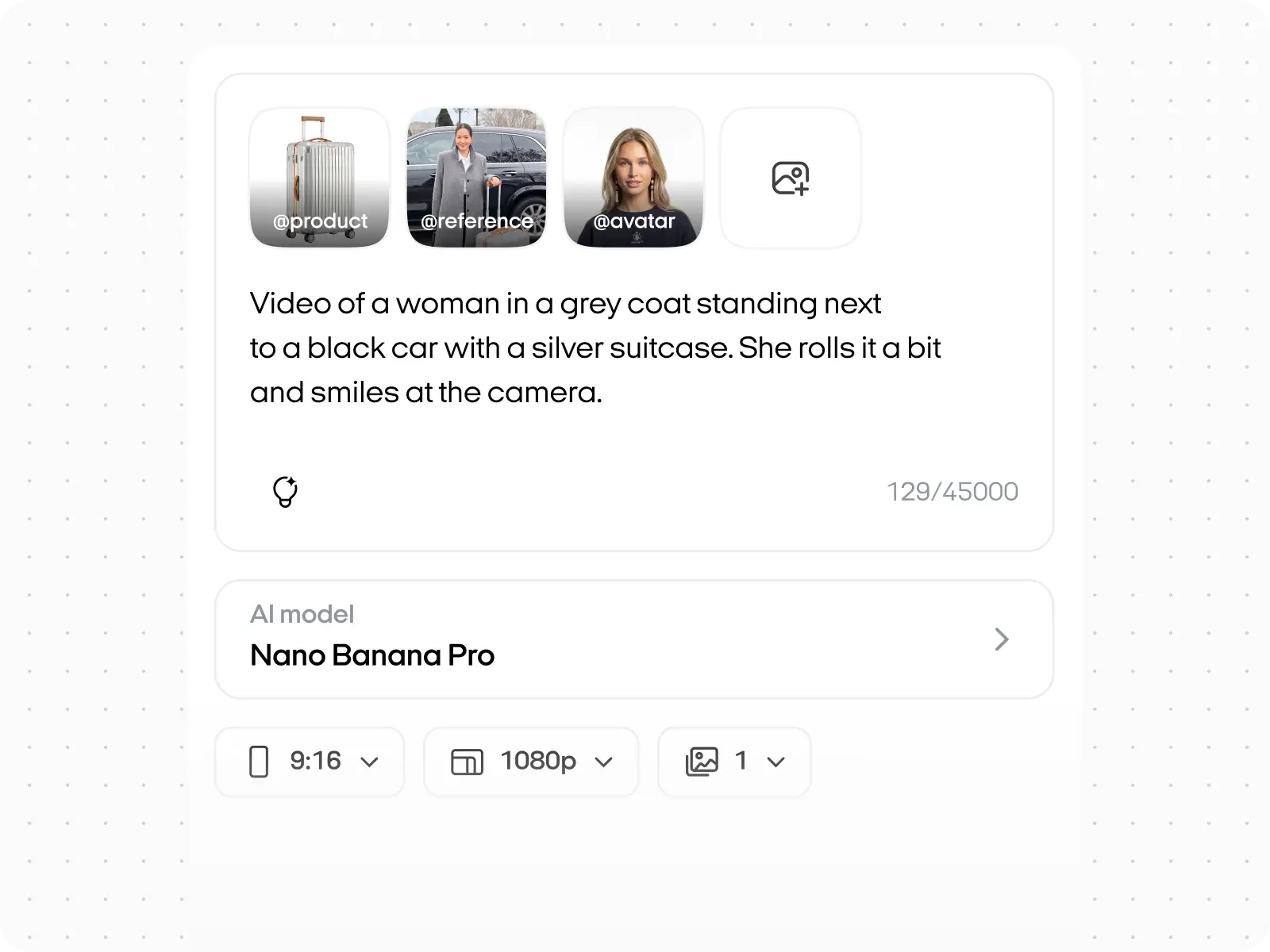
For start images, choose Nano Banana Pro,
Nano Banana 2, or GPT Image 2.
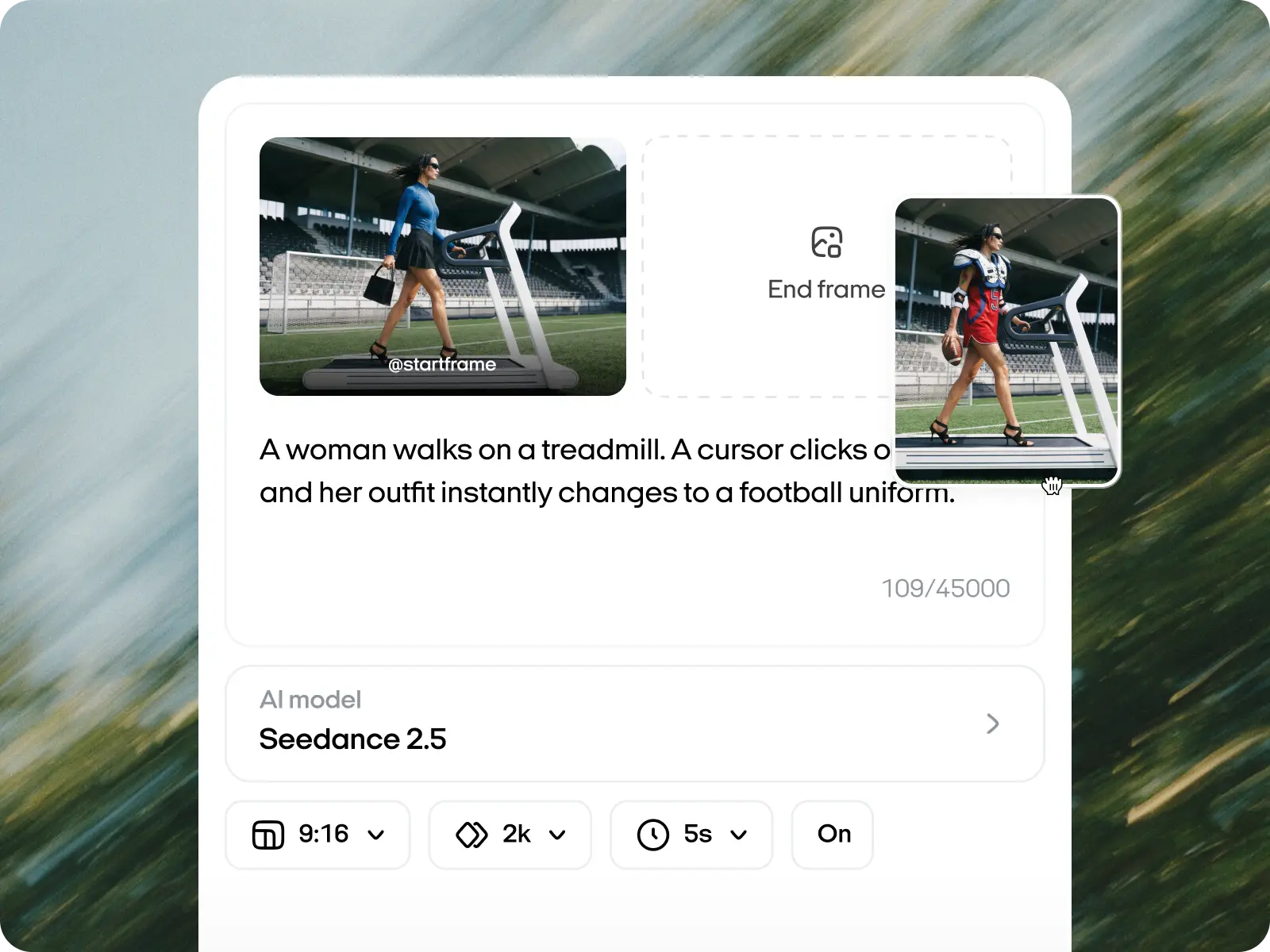
Decide how your video opens and ends. References show
the model exactly what you want, so you can type less
and get closer results.
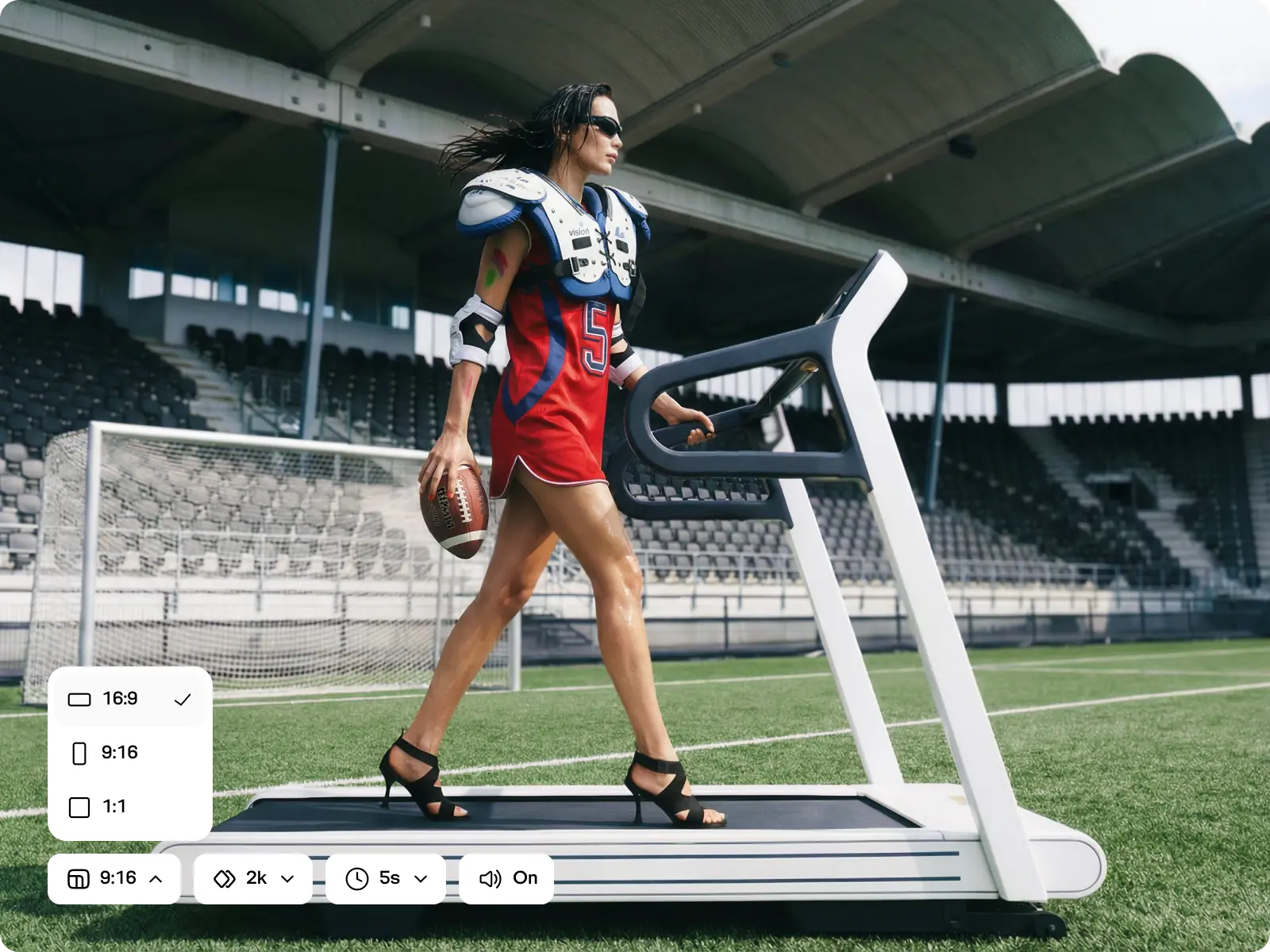
Choose 480p to 4k, depending on the model, 10 to 30
seconds, and the right aspect ratio for any platform you post
on.
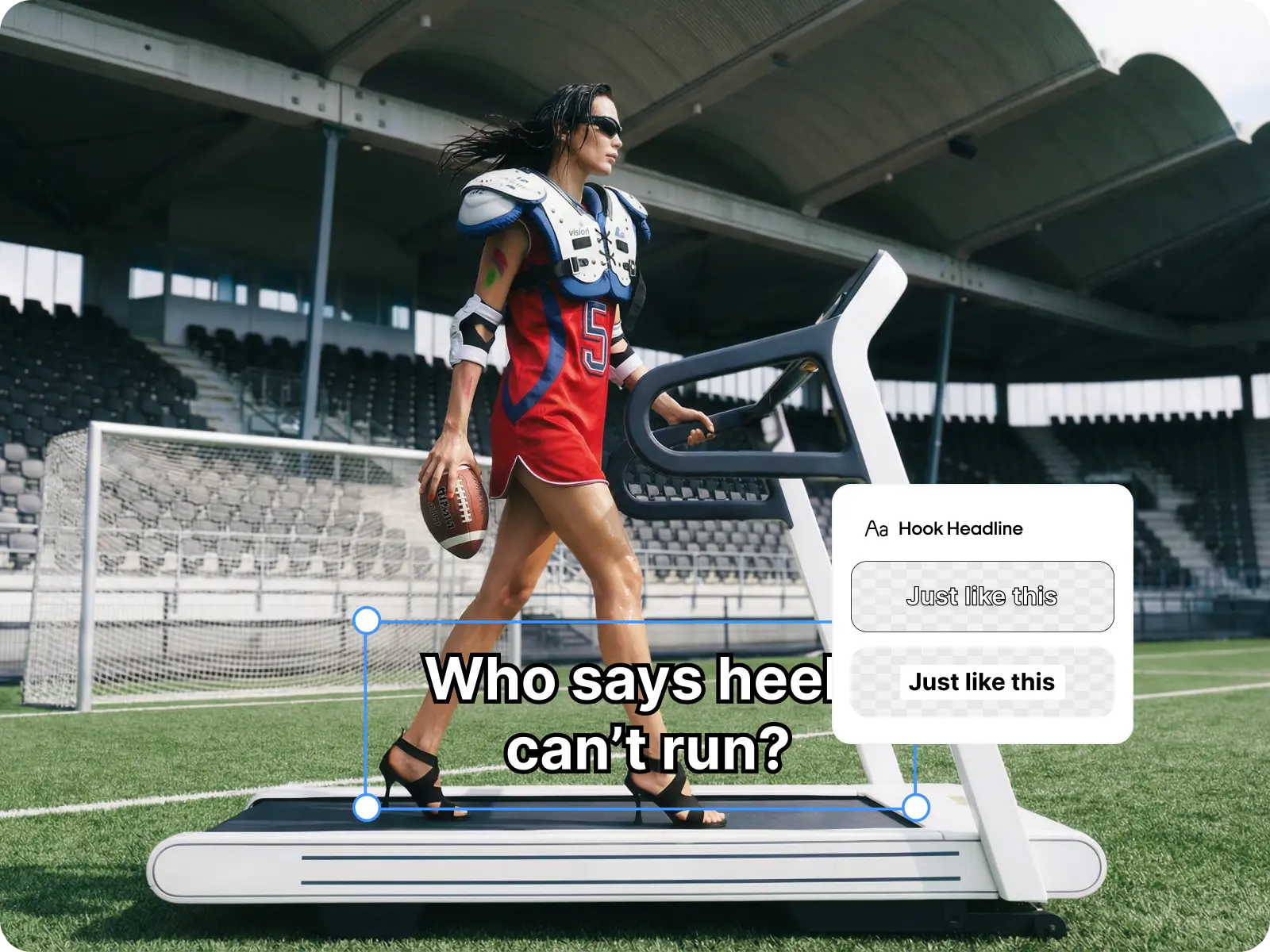
Generate scripts, hooks, captions, and headlines right next
to your video, or write your own. No separate doc, no copy
-pasting.
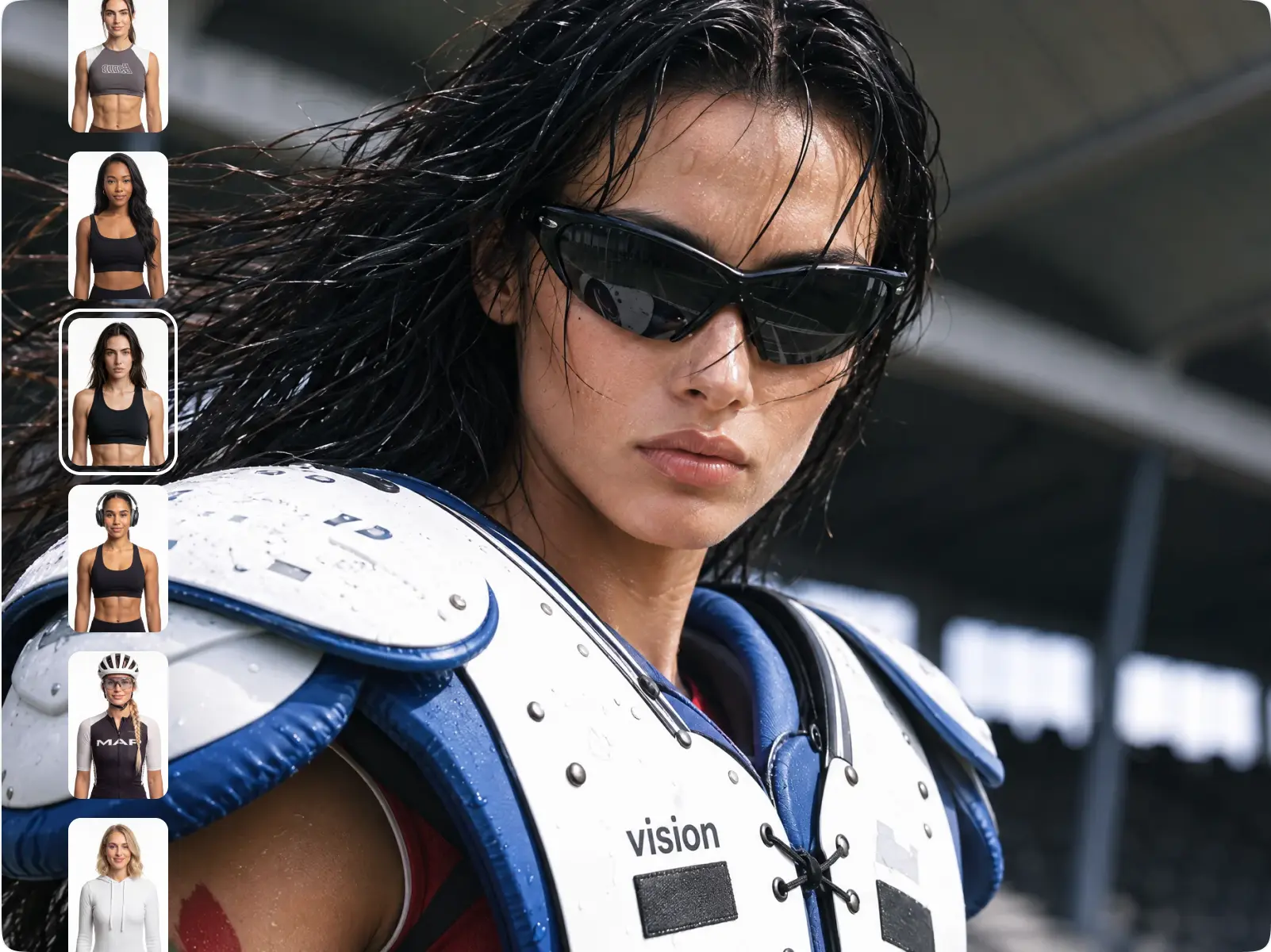
1,200+ avatars with natural movement and lip-sync.
Filter by age and gender to find one your customers
will see themselves in.
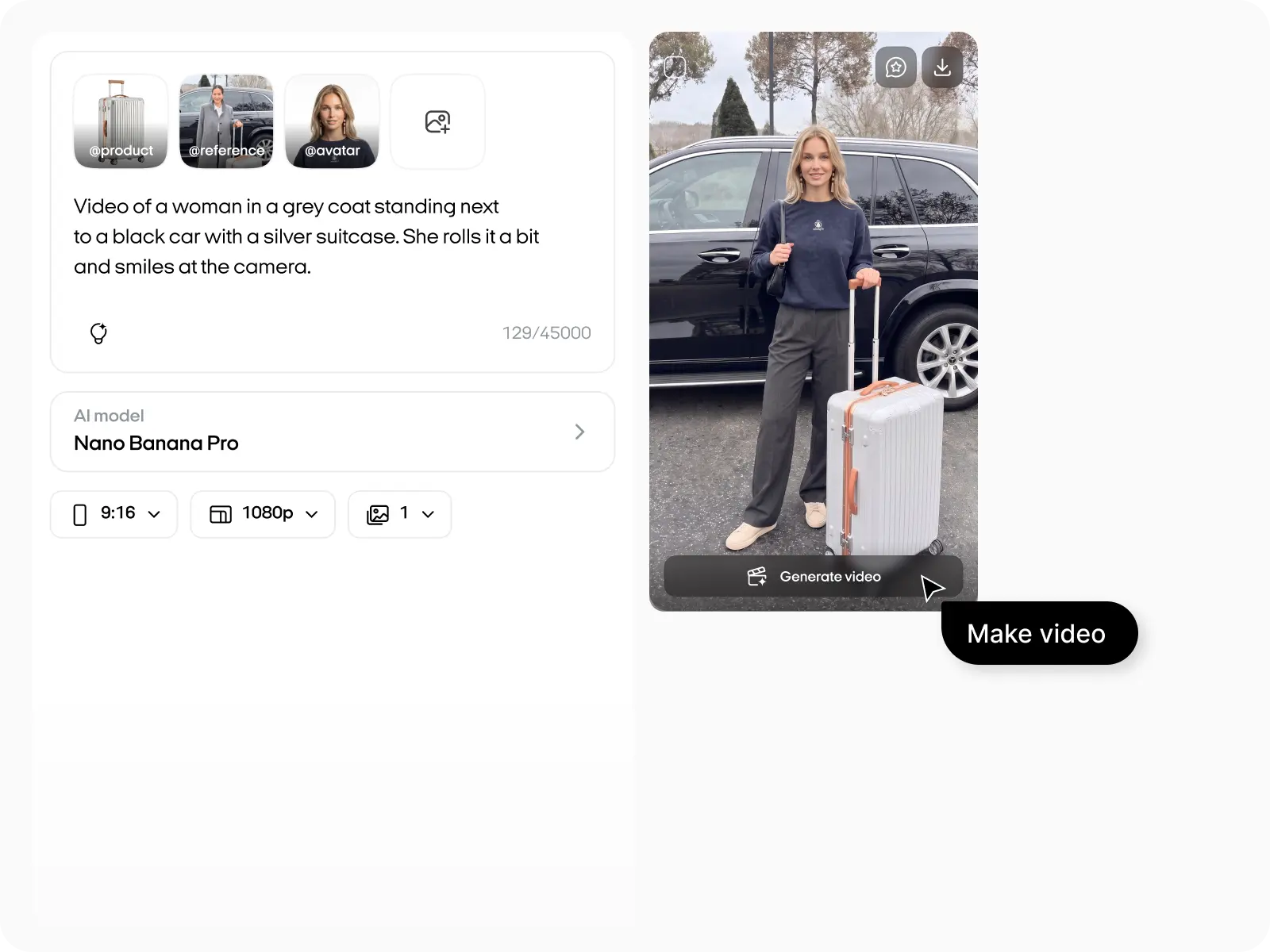
Five simple steps to convert an image to video, from upload
to download.
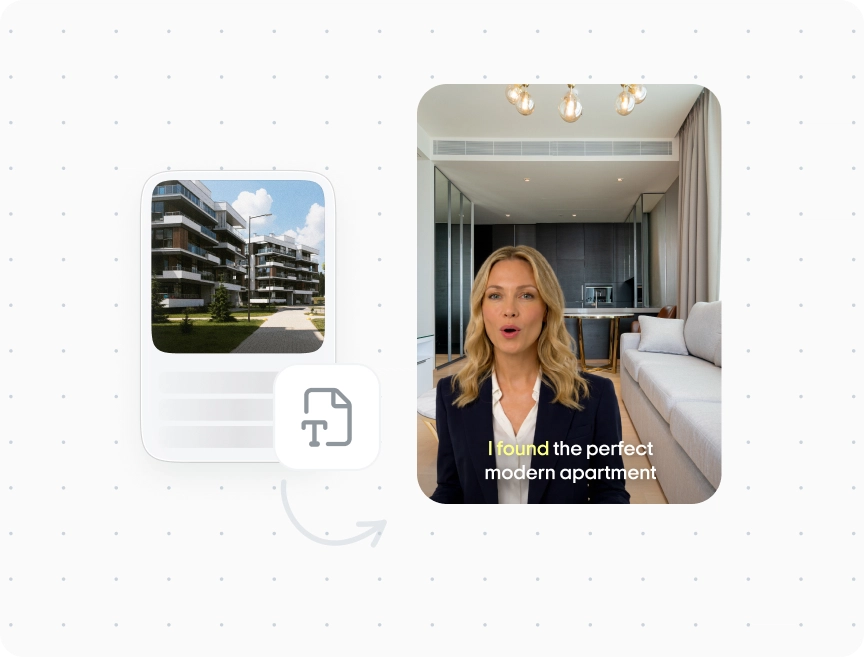
Talking head videos
Turn your script into a video with a lifelike AI presenter.
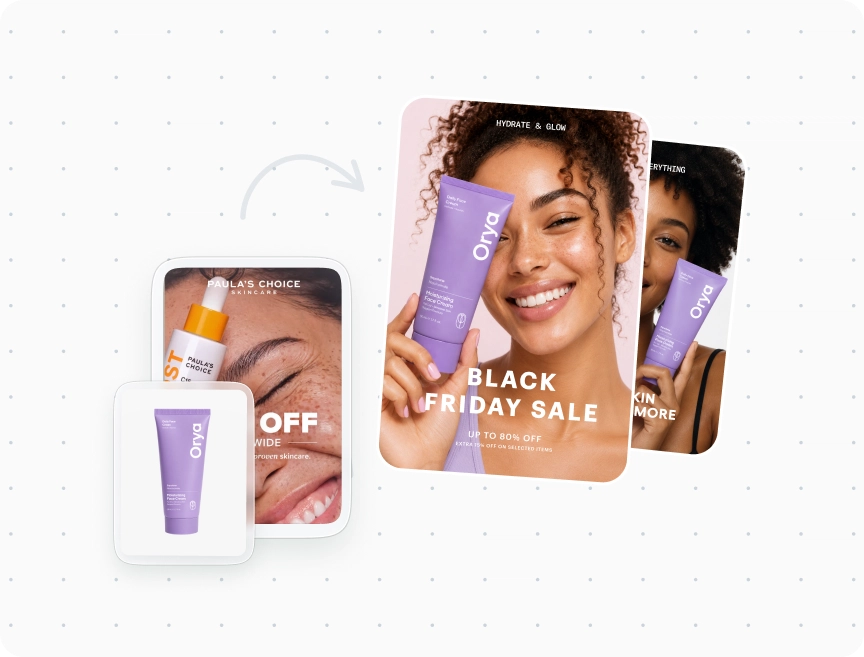
Commercial video ads
Turn your product link into a polished commercial, no filming needed.
Marketing video ads
Create product demos, testimonials, and explainers in minutes.
Video ads
Create a fully edited 30-second avatar ad.
Turn your images and photos into videos with Zeely AI.