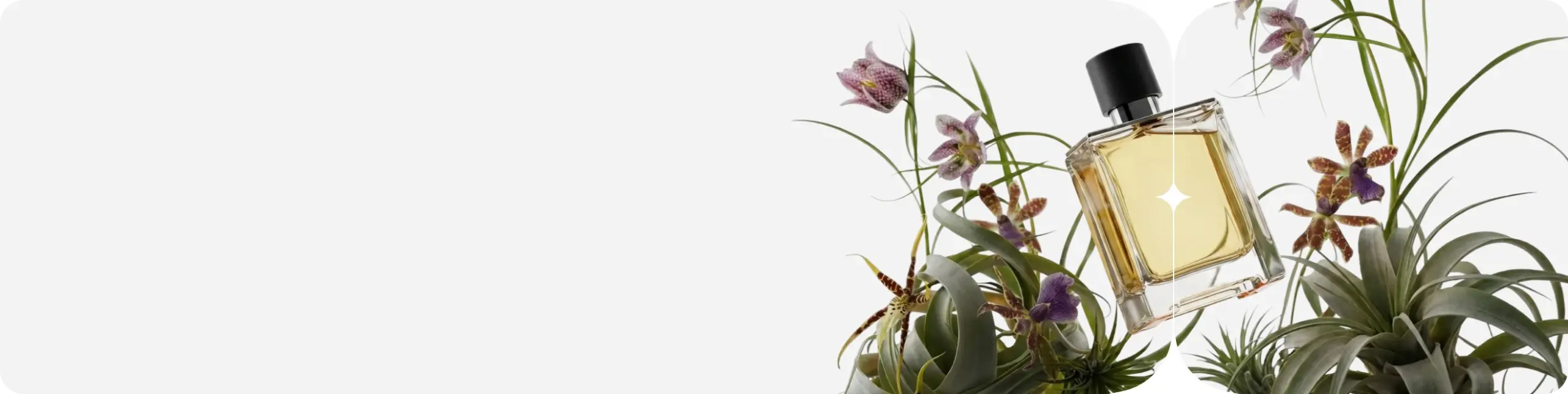
No studio? No problem.
Make product videos without models, actors, or a film crew. Just the photo you already have.
Got a product photo? That's all you need. Zeely's AI product video generator turns it into a video with motion, a script, and captions in under 3 minutes. No studio, no editing software, no waiting.
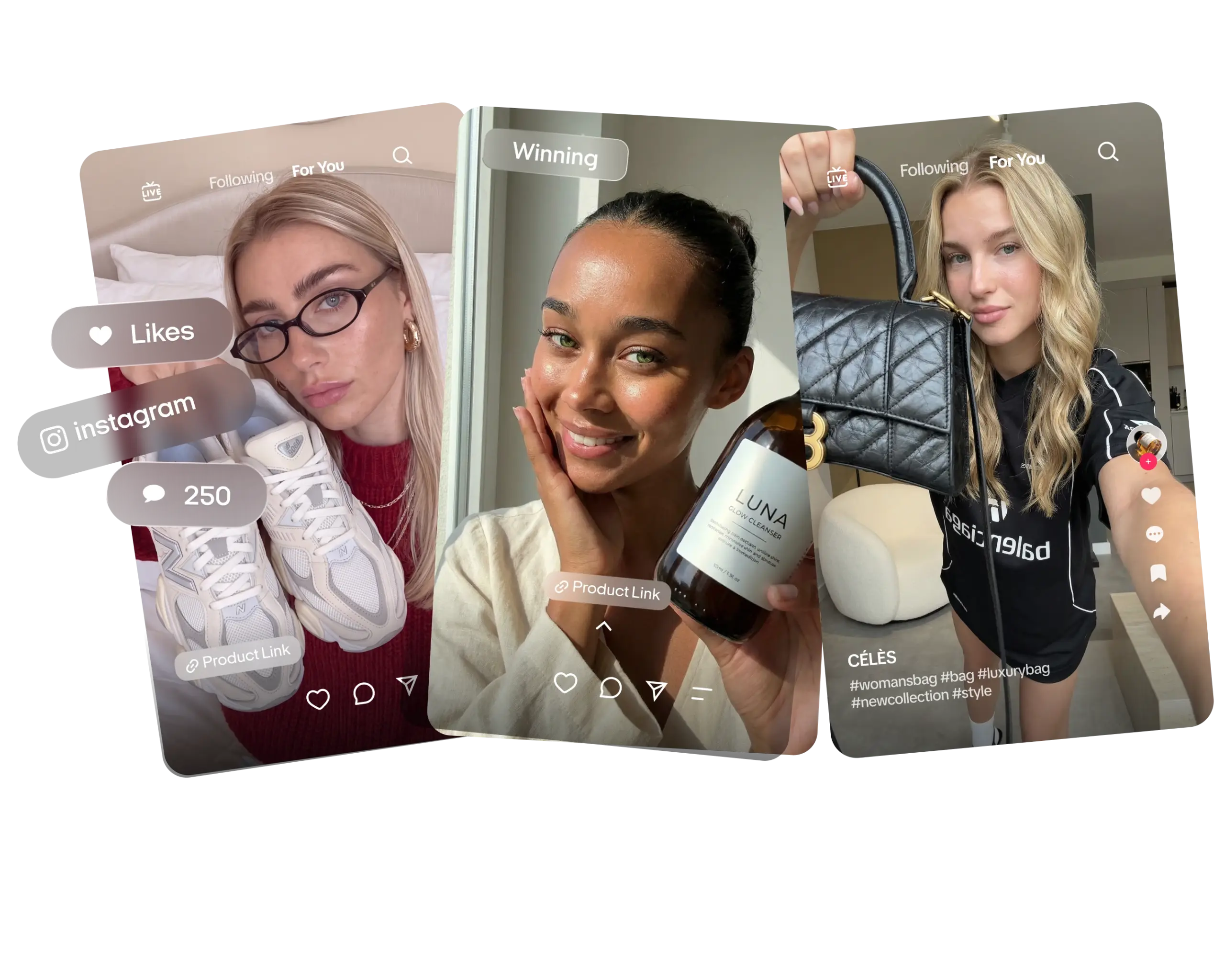
Most video tools stop when the file downloads.
Zeely's AI product video maker goes further: create the video, launch it on Meta, and see how it performs, all in one place.
Make product videos without models, actors, or a film crew. Just the photo you already have.
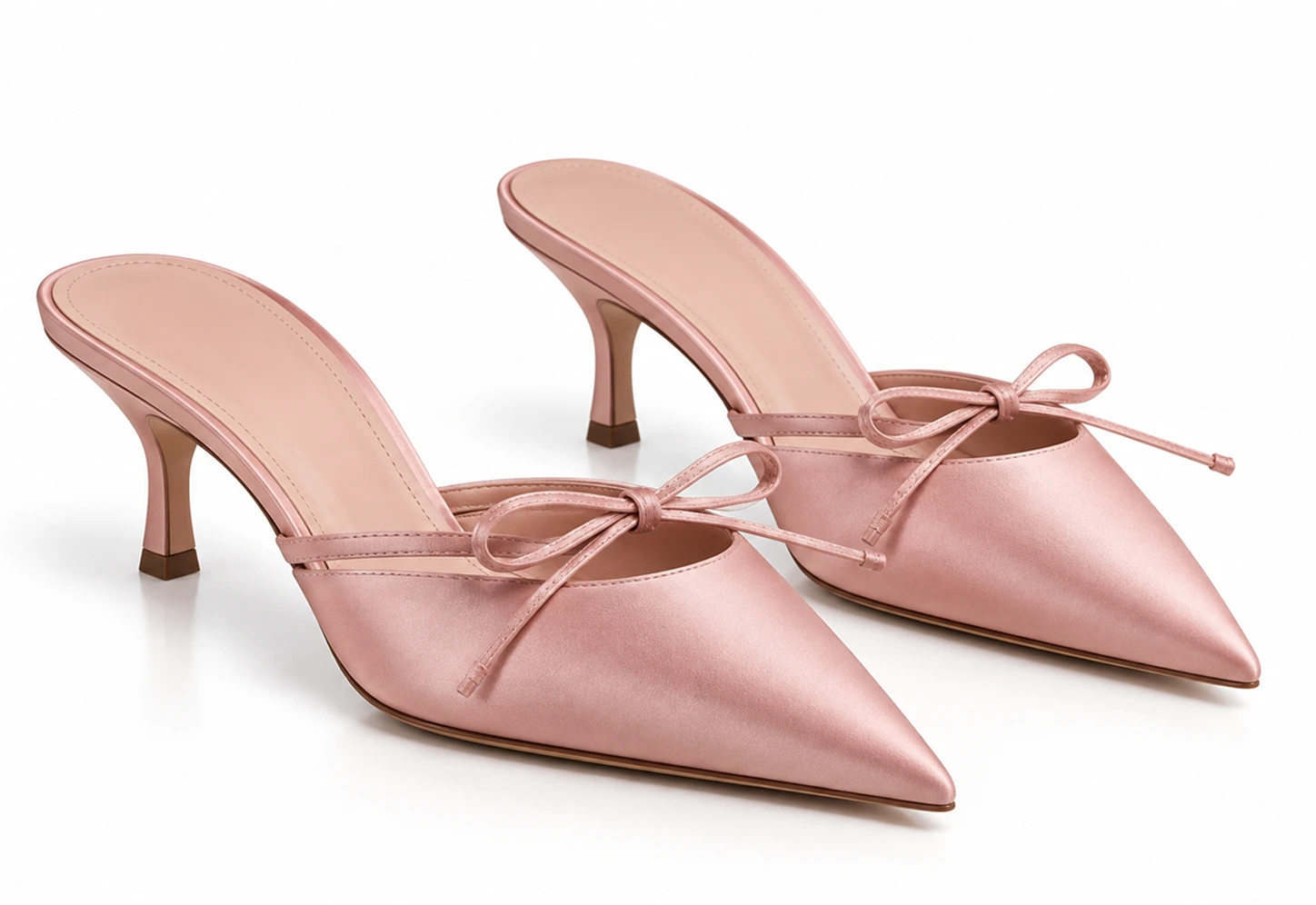
Get fresh product video in minutes, not weeks in a production queue.
Use the same product shot for ads, launches, and everyday posts.
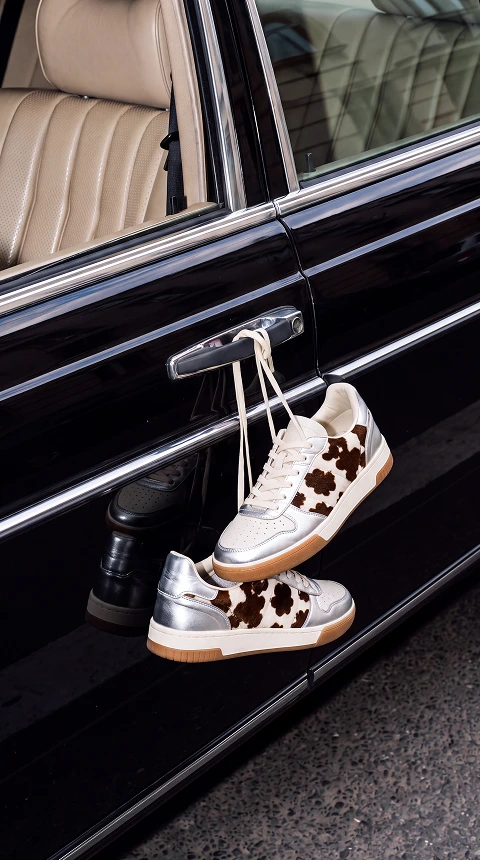
Try several creative directions from one idea before you scale your budget
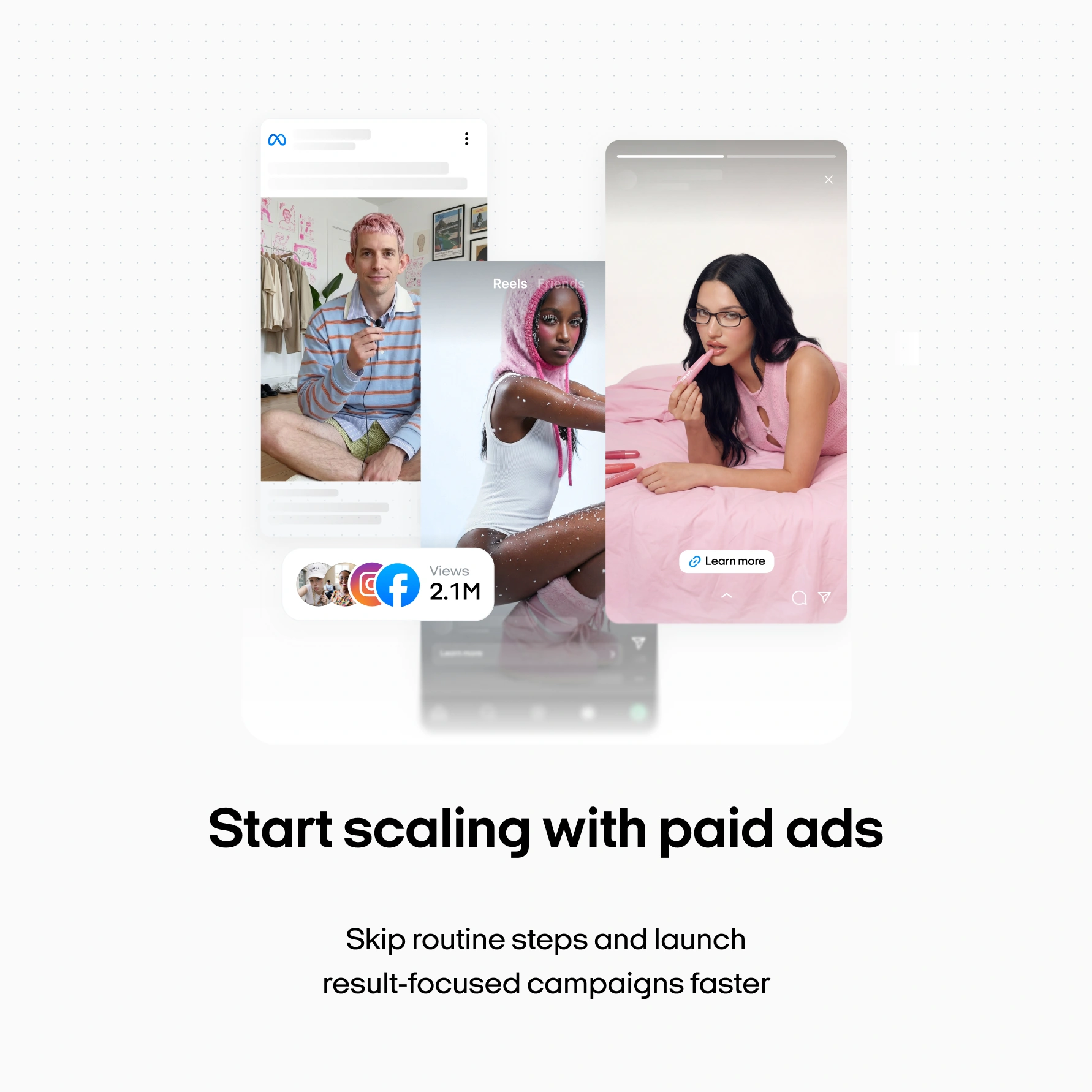
Create your product video, launch it on Meta, and track how it performs without switching tools
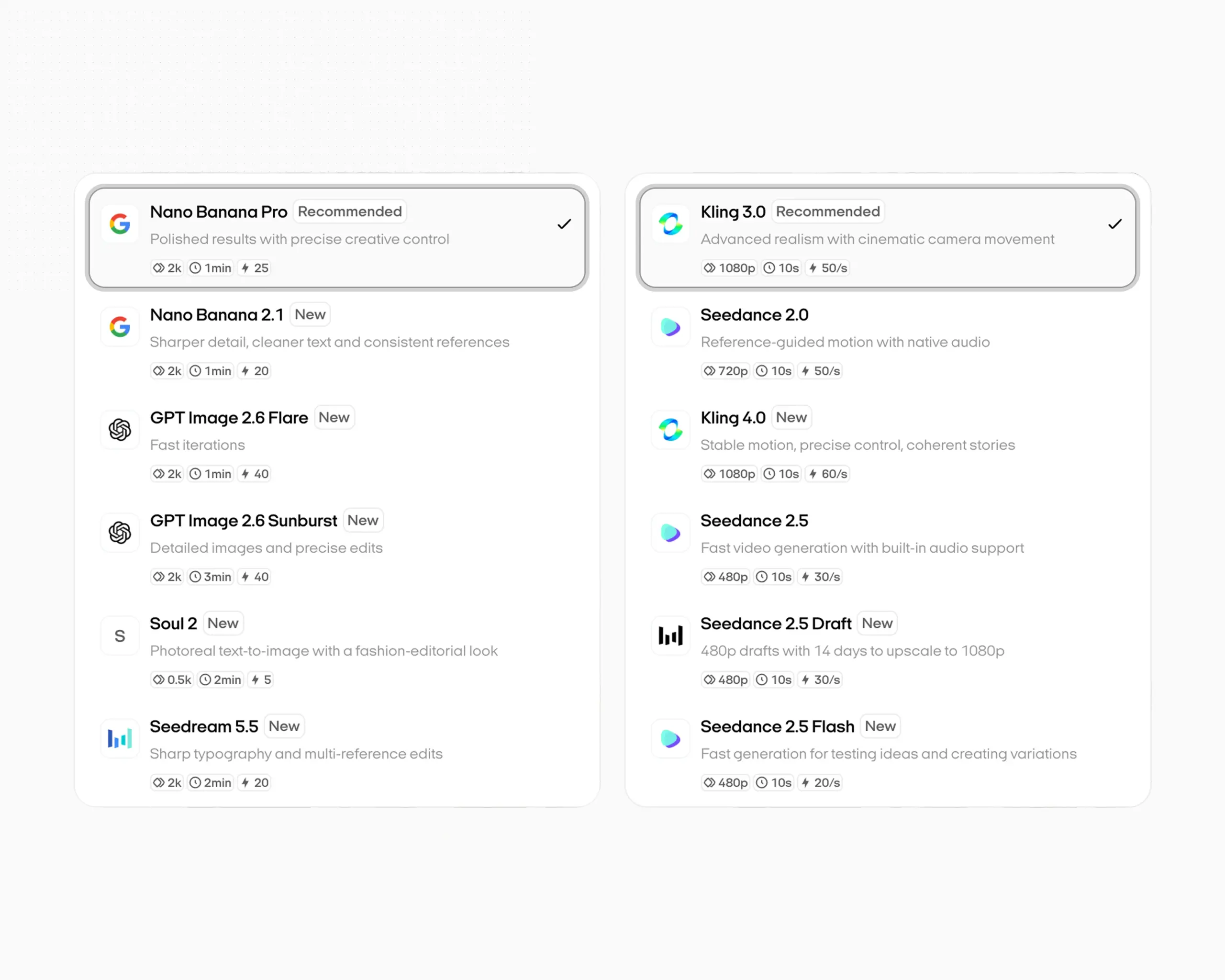
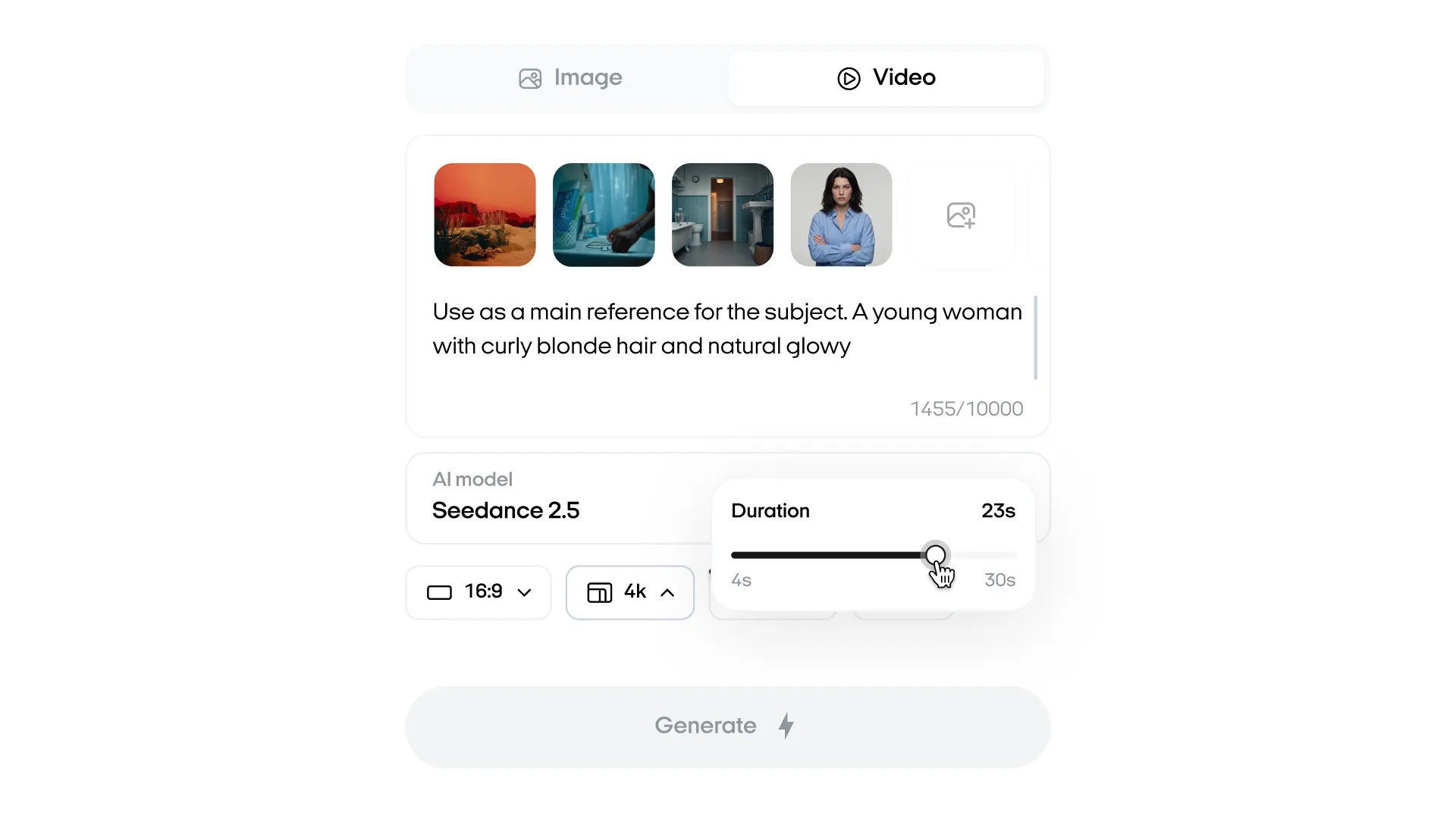
Control over the model, motion, message, and number of variations, so your AI product videos are ready for your campaigns.
Five steps from a product photo to finished video, with a review before the final render
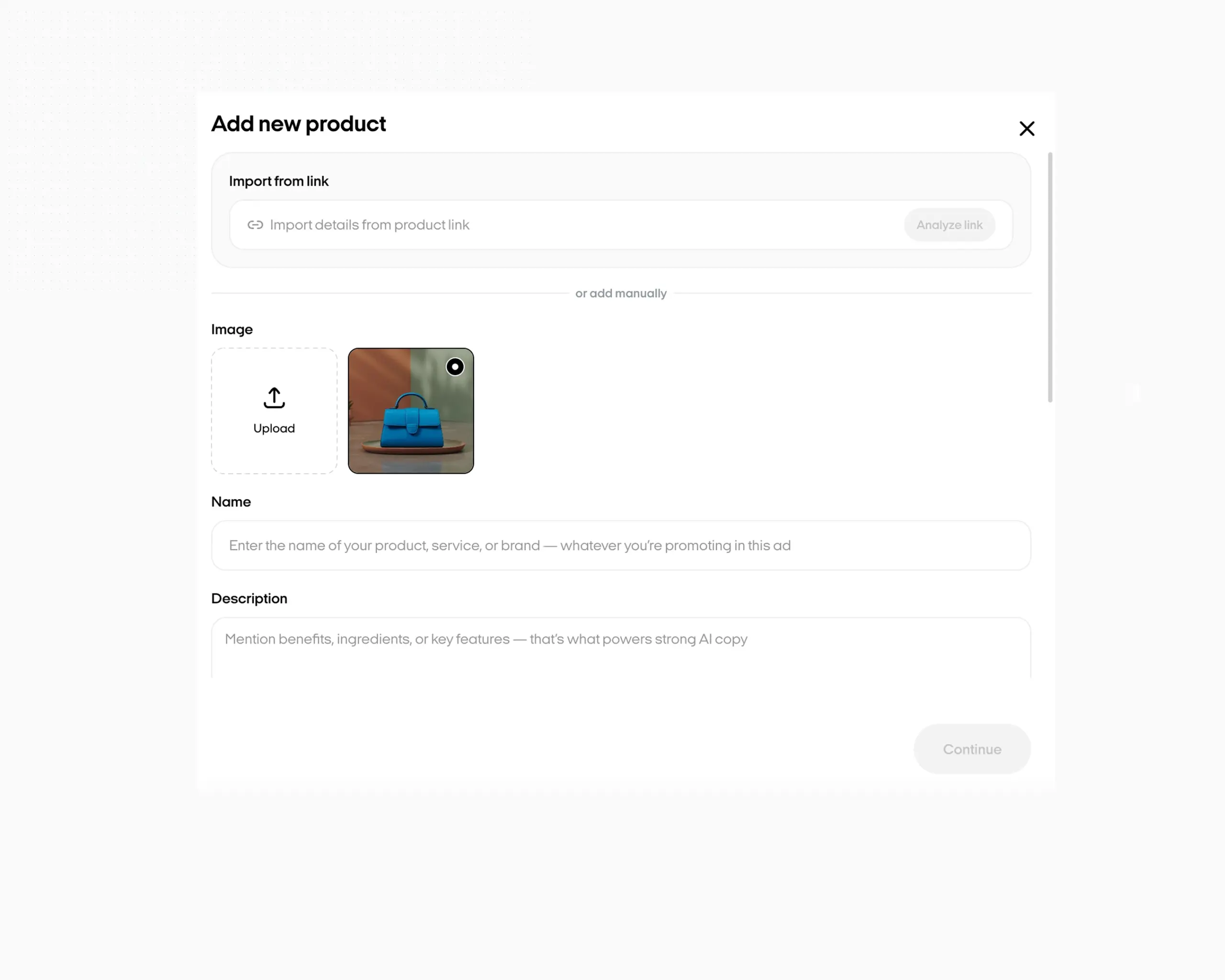
Go to Video ads tab. Upload your product photos or choose them from your Zeely assets. A single product on a clean background works best.
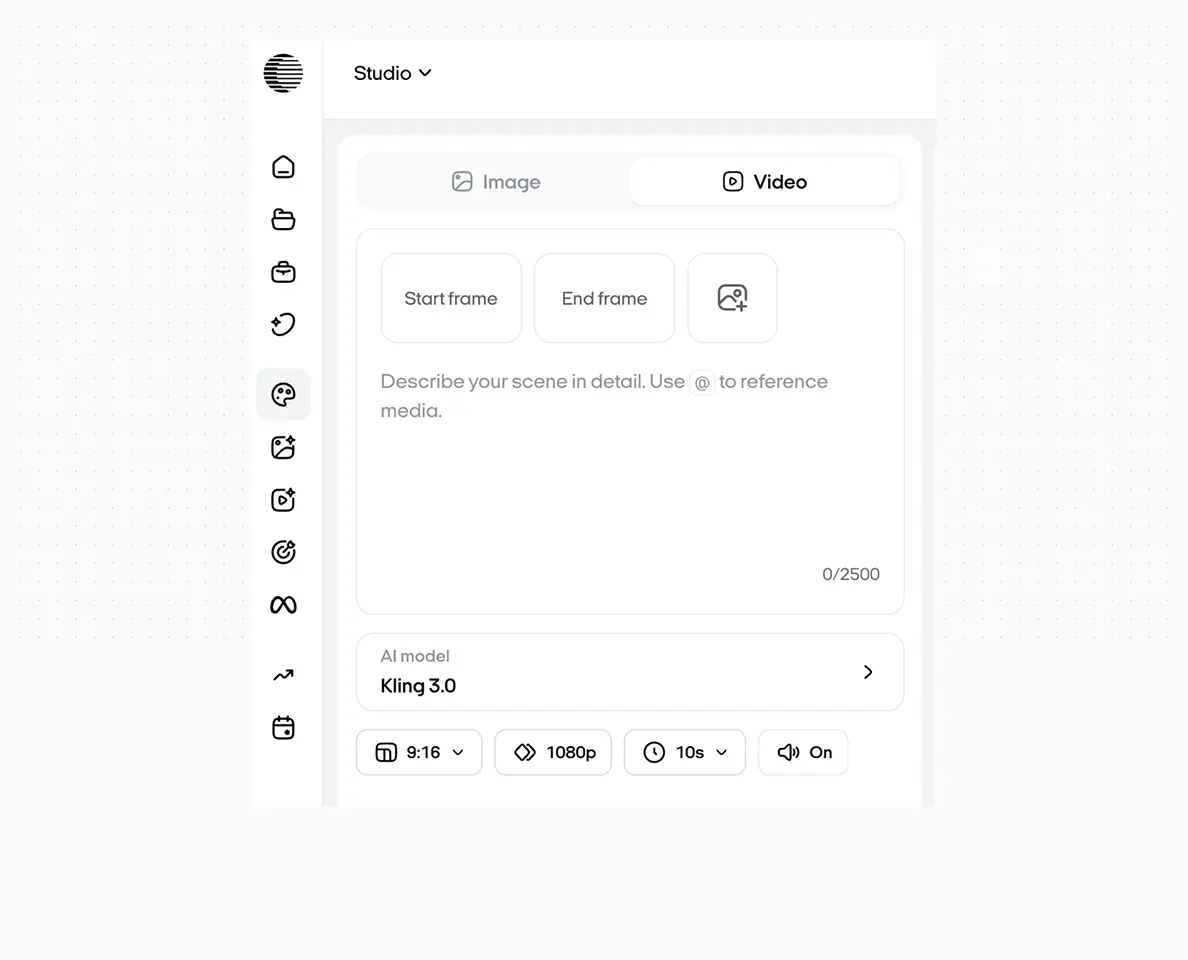
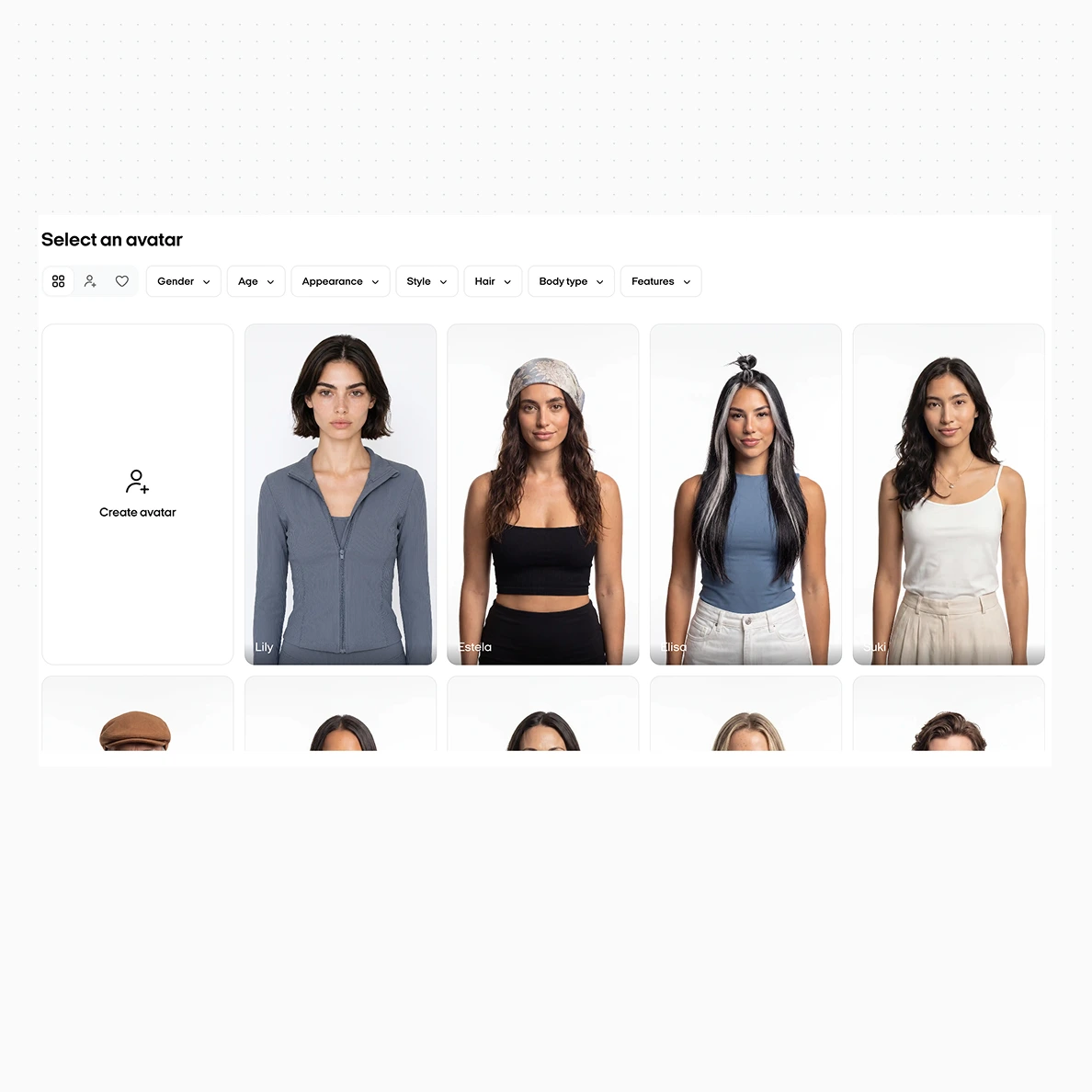
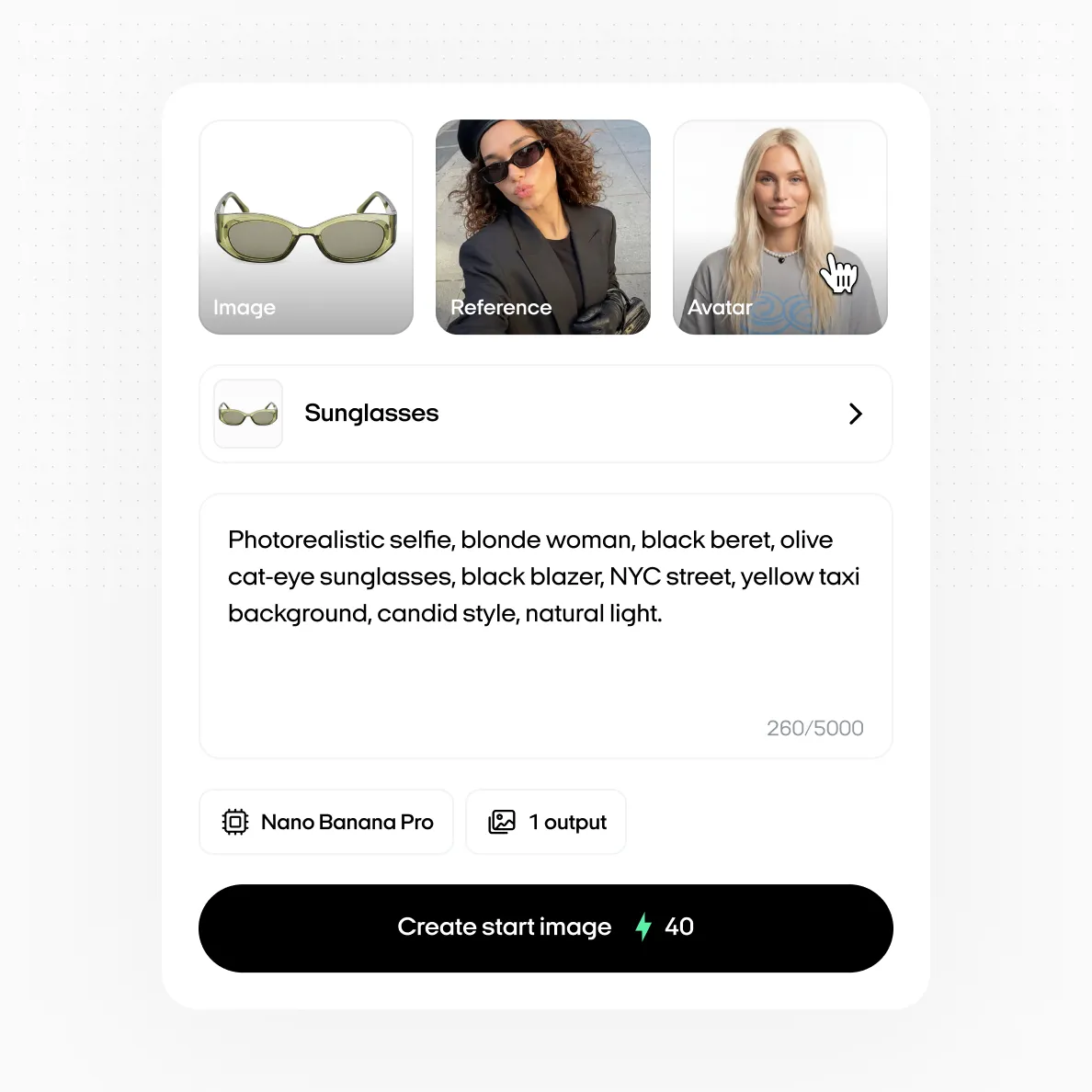
Add all the details, reference, avatar and describe what you want to see on your start frame
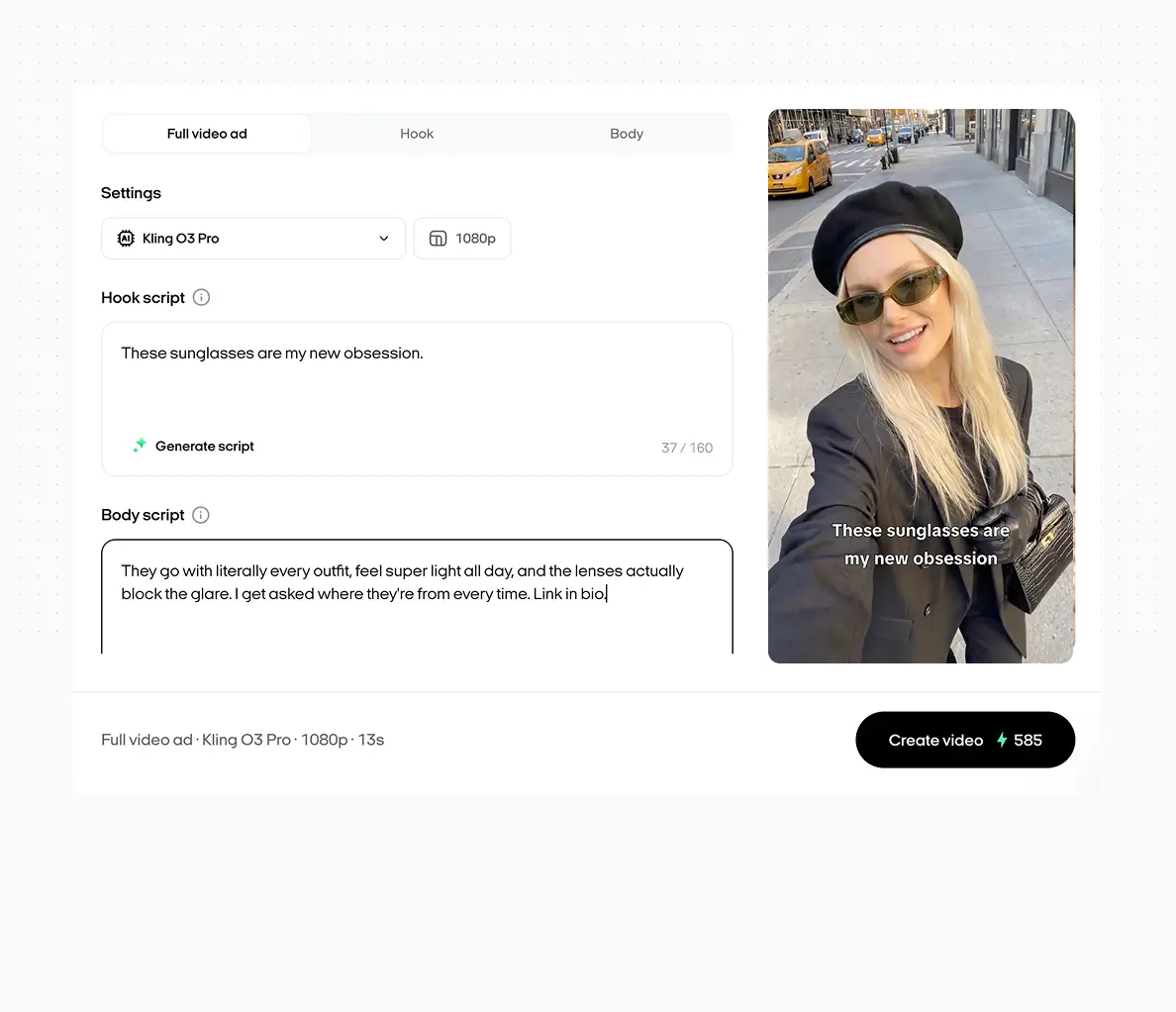
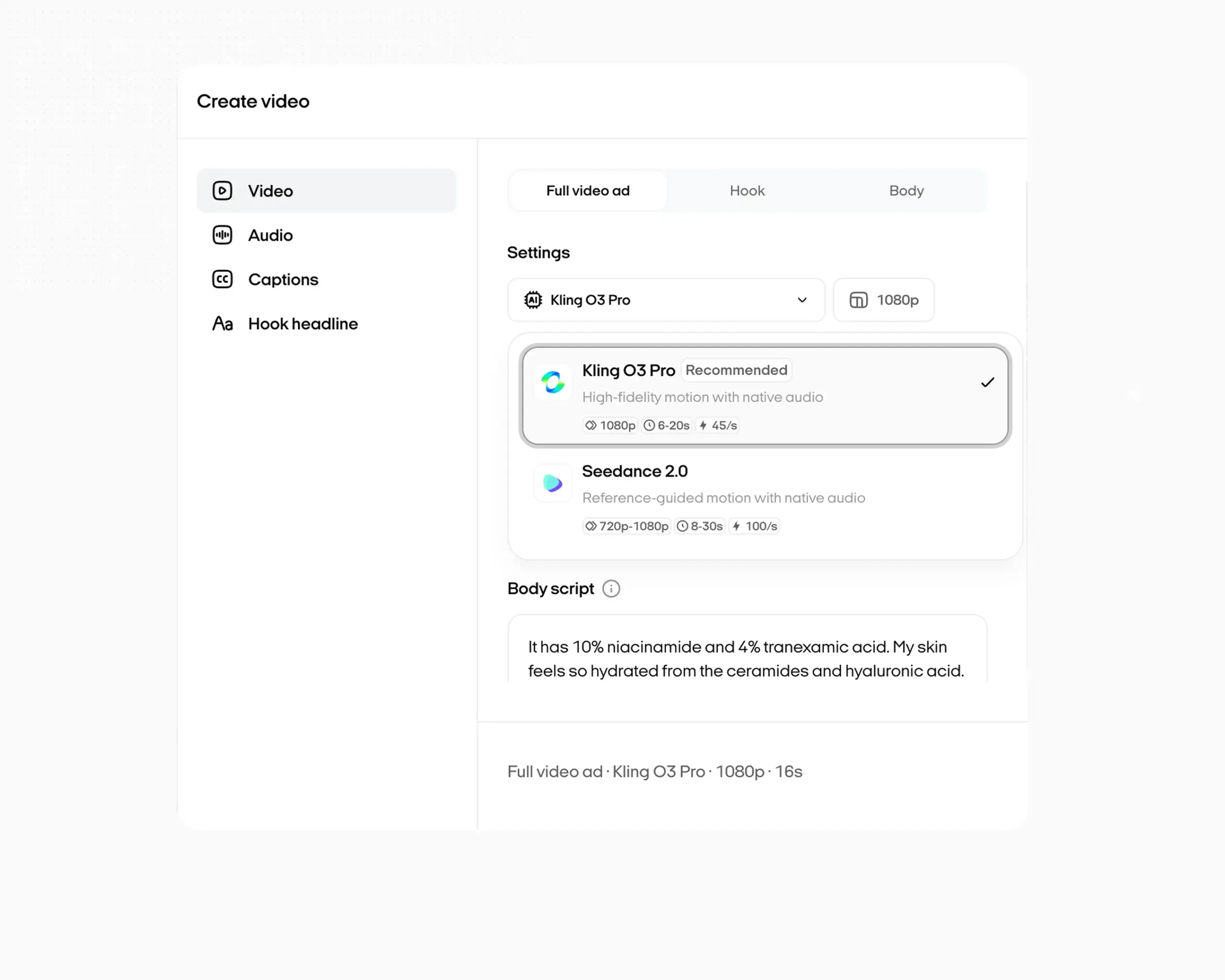
Review your start image, add hooks, body script and other details. Choose a model and durations of the video and click Create video
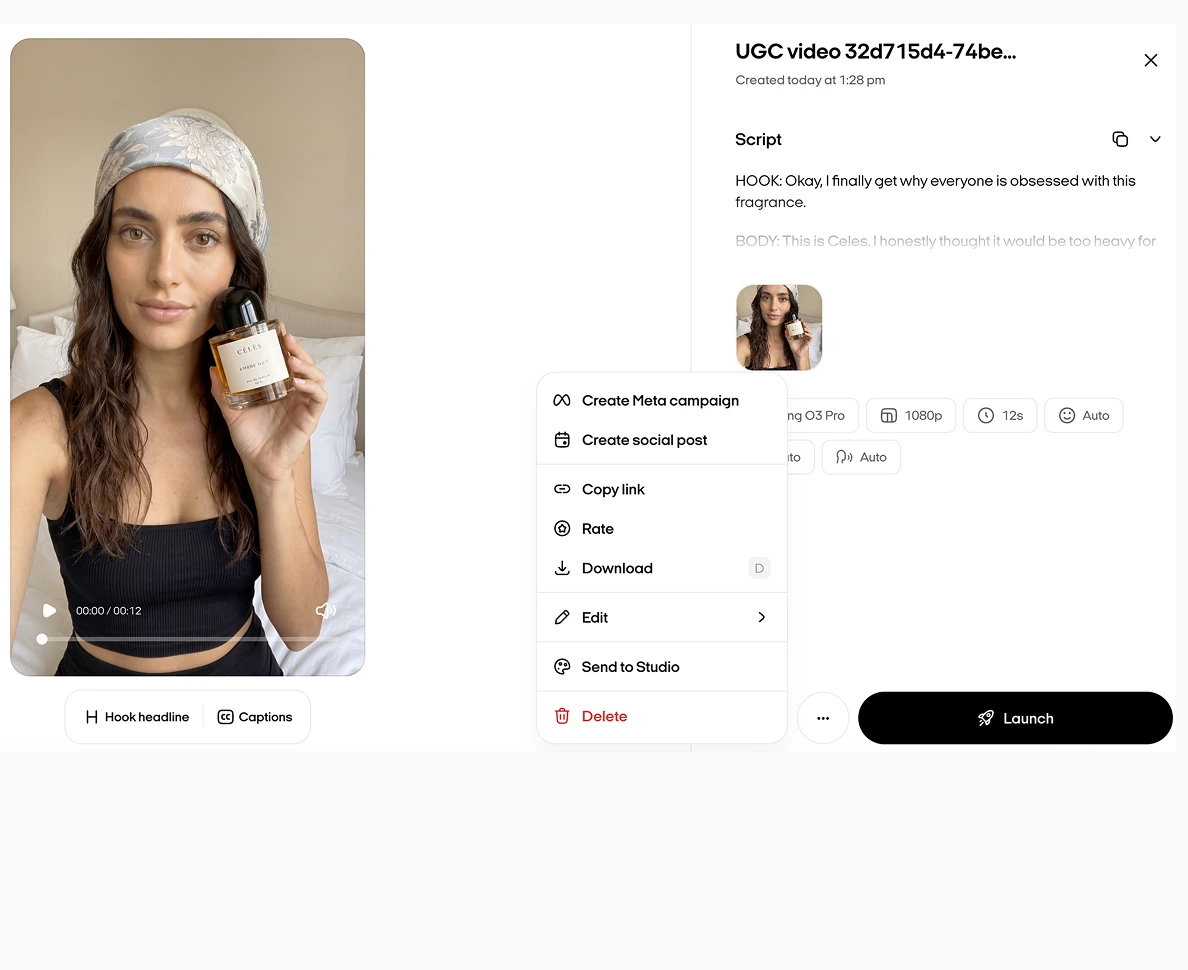
Review your video. Now you can download your video, edit or regenerate it.
Now you can launch this video into Meta right through Zeely, or publish it organically in other Social Media.
AI Avatar Video Ads
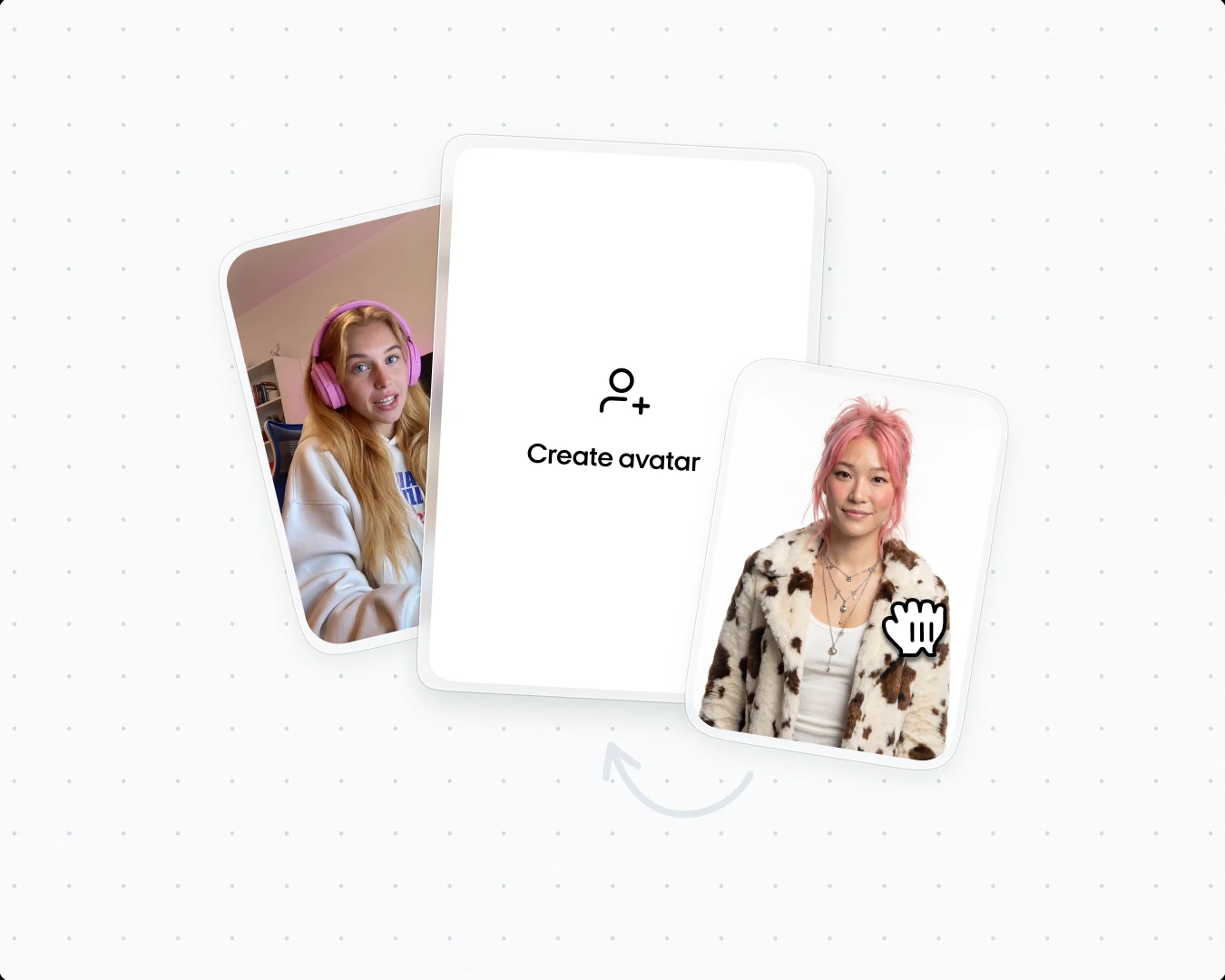
Turn your script into a video with a lifelike AI presenter.
Commercial video ads
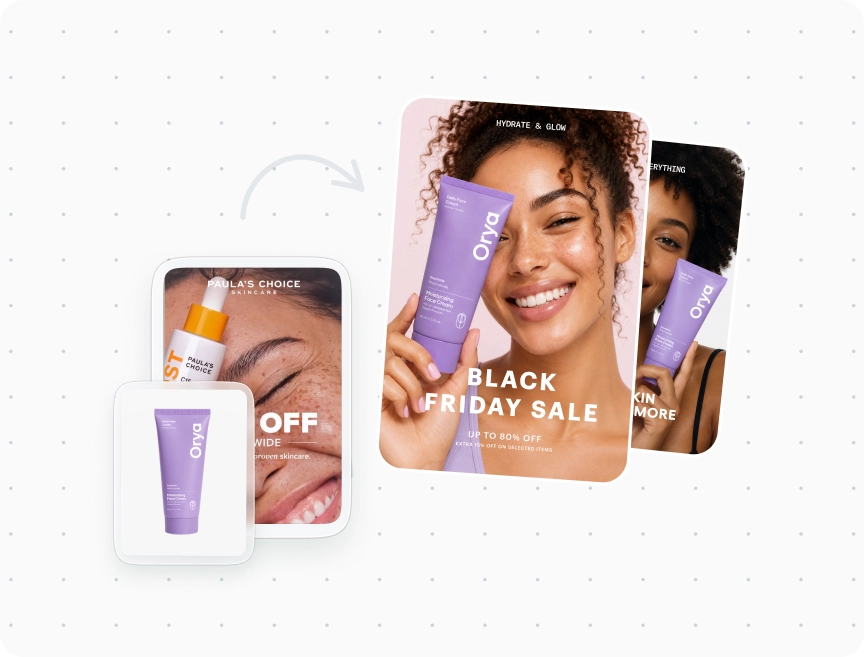
Turn your product link into a polished commercial, no filming needed.
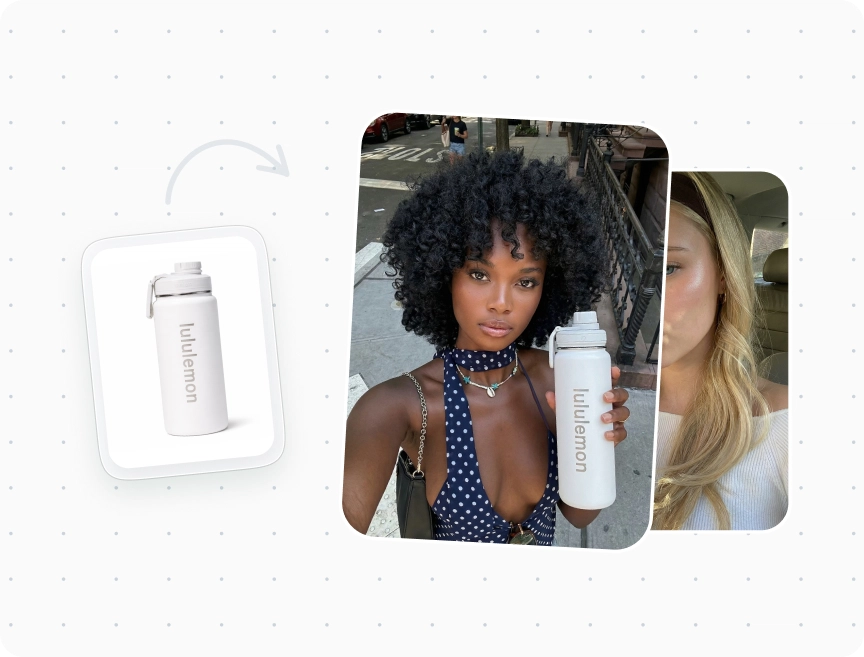
UGC Video Ads
Create product demos, testimonials, and explainers in minutes.
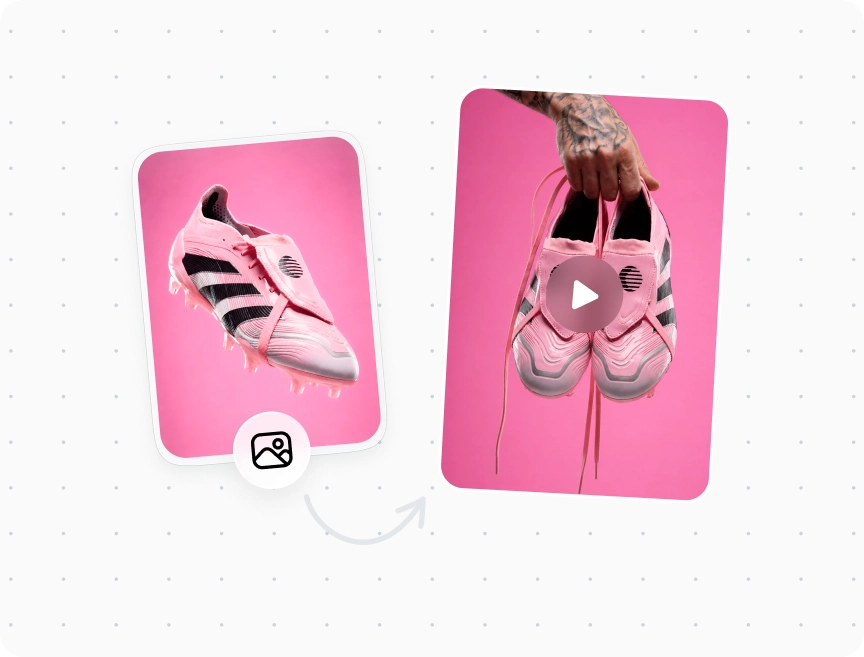
Image to video maker
Create a fully edited videos from an image or photo
Turn your images and photos into product videos with Zeely AI.