Best AI tools for small businesses: 18 smart picks
Which AI tools can save your small business time without adding another forgotten subscription? I compared 18 options by real workflow, setup effort, oversight, and fit for lean teams.

Choosing AI tools for small business teams should make work easier. The wrong subscription adds another bill and another system nobody owns.
I reviewed 18 AI tools for small businesses by the jobs they handle. I will show you the best fit, the main drawback, and what to test first.
You do not need a giant software stack. You need a few tools that earn their place.
Quick picks: best AI tools by business task
- Best AI assistant for daily business work: ChatGPT
- Best AI marketing tool for creating ads: Zeely AI
- Best AI tool for routine task automation: Zapier
- Best AI tool for finance administration: QuickBooks Intuit Intelligence
- Best AI customer support tool for small teams: Tidio Lyro
- Best AI sales tool for pipeline management: Pipedrive AI
How I chose the best AI tools for small business
I do not rank an AI tool by its longest feature list. I look for one repeated job it can make easier.
That job might be writing follow-up emails or sorting support questions. It could also mean editing videos or moving lead data. A clear job gives you a clear result to measure.
A January 2026 U.S. Chamber of Commerce report found that 57% of small businesses expect AI to improve daily work. Yet owners still value trusted human judgment. I use the same rule here: let AI speed up the work, but keep a person responsible.
I check five things before adding a tool to this list:
- It handles a frequent, time-consuming task
- It fits tools and habits already in place
- Its output is easy to review and correct
- One person can own setup, permissions, and results
- The value can be measured within 30 days
If you need the bigger business case first, read this guide to how AI can help small businesses. Here, I will stay focused on choosing the tools.
Best AI assistants for small business work
The first AI tools for small businesses I would consider are general assistants. They can draft an email, summarize a document, examine a spreadsheet, or organize rough notes. The value comes from using them for work you already repeat.
The Microsoft 2026 Work Trend Index found that 66% of surveyed AI users gained more time for valuable work. However, 86% still treated AI output as a starting point. I would follow the same rule in a small business.
1. ChatGPT: best all-round AI assistant
ChatGPT is where I would start if your working day changes hourly. One moment, you need an email. Next, you need customer feedback sorted or a spreadsheet explained.
- Best for: Everyday writing, research, file analysis, images, and planning
- Useful features: Web search, Deep Research, Projects, image creation, and custom GPTs
- Pricing: Free plan available. Plus costs $20 monthly. ChatGPT Business costs $20 per user monthly with annual billing, or $25 monthly. Business requires two paid users.
Its range is the main advantage. A single subscription can cover several small, changing jobs. Business workspaces also add company knowledge, shared administration, and stronger data controls.
That flexibility needs boundaries. ChatGPT can sound certain while missing an important detail. I would review every number, claim, contract, and customer-facing answer. If long reports consume most of your time, Claude may need less cleanup. Otherwise, ChatGPT remains the more flexible first pick.
2. Claude: best for long documents and careful drafting
Claude feels most useful when the source material is longer than your patience. Give it a report, policy, research folder, or untidy collection of notes. It can find the structure before helping you write.
- Best for: Long documents, careful rewriting, research, and internal policies
- Useful features: Projects, connectors, file creation, web research, code execution, and Claude Cowork
- Pricing: Free plan available. Claude Pro costs $17 monthly with annual billing, or $20 monthly. Team seats cost $20 per user monthly with annual billing, or $25 monthly.
I often prefer Claude when a draft must stay close to several sources. Its writing usually feels calm and organized. Projects also keep related instructions and files together.
The limits still matter. Paid plans can cap heavy use, and connected actions need careful permissions. Begin with reading, sorting, and drafting. Let a person approve anything sent, published, paid, or changed. ChatGPT covers more formats, but Claude is my better document specialist.
3. Google Gemini: best for Google Workspace teams
Gemini earns its place by staying close to work you already opened. It can summarize a Gmail thread, draft inside Docs, examine Sheets, or capture Meet notes. That saves more time than another chat tab when your business runs on Google Workspace.
- Best for: Teams using Gmail, Docs, Sheets, Drive, and Meet daily
- Useful features: Gemini in Workspace, Deep Research, Gems, file analysis, and Google Vids support
- Pricing: A basic Gemini experience is free. Google Workspace plans start at $7 per user monthly for Business Starter in the United States. Business Standard starts at $14 with annual billing.
The built-in access is Gemini’s clearest advantage. You spend less time copying business information between tools. Business Standard gives Gemini a wider role across Workspace apps.
I would not choose it only because Google made it. Features and limits change by plan. Its value also drops when your files live elsewhere. Pick Gemini over ChatGPT when Workspace convenience matters more than having one independent assistant.
4. Microsoft 365 Copilot: best for Microsoft-based teams
Copilot follows the same logic for Microsoft users. It works inside Outlook, Word, Excel, PowerPoint, and Teams. You can turn meeting notes into tasks, summarize threads, or examine familiar workbooks without constant uploads.
- Best for: Businesses already working across Microsoft 365
- Useful features: Copilot Chat, Work IQ, Researcher, Analyst, Facilitator, and in-app assistance
- Pricing: The Microsoft 365 Copilot pricing page currently lists Copilot Business at $18 per user monthly with annual billing. Its displayed regular price is $21. Business Standard with Copilot costs $23.50 per user monthly with annual billing.
Copilot becomes easier to justify when Teams and Excel hold important daily work. That context can matter more than a better standalone chat experience.
The pricing needs a careful read because bundles and add-ons differ. Compare the full annual cost before choosing a plan. I would never move an entire business from Google Workspace just for Copilot. Choose it because Microsoft is already home, not because migration sounds productive.
5. Perplexity: best for source-led business research
Perplexity is the tool I open when I need sources, not polished confidence. It searches the web, builds an answer, and shows where the information came from. That makes early research easier to check.
- Best for: Vendor discovery, market scans, competitor checks, and changing topics
- Useful features: Pro Search, Research mode, citations, file analysis, Projects, and several AI models
- Pricing: Free plan available. Individual Pro costs $20 monthly or $200 yearly. Perplexity Enterprise Pro starts at $40 monthly, or $400 yearly per user.
Its advantage is speed with a visible research trail. I can collect several starting sources without opening twenty search results first.
Still, a citation is not a quality stamp. Open the source and check whether it supports the sentence. Confirm prices, rules, and important decisions through primary sources. Perplexity beats a general assistant for discovery. It does not replace your judgment once money or customers are involved.
Best AI marketing tools for small businesses
The best AI marketing tools for small businesses should move real work forward. More captions, graphics, or reports do not help unless you can use them.
In Adobe’s 2026 Creators’ Toolkit Report, 87% of surveyed creators said creative AI accelerated business or audience growth. Yet 57% still needed moderate or extensive editing. Faster production only helps when the final work still feels like your business.
1. Zeely AI: best for creating ad variations
Zeely sits high on my list because ad production can swallow a small team’s week. You add a product link or enter the details yourself. Zeely then helps turn that information into static, video, and UGC-style ad variations.
- Best for: Small businesses that need more paid-ad ideas without a production team
- Useful features: Product-to-ad generation, AI avatars, ad copy, editable templates, and Brand DNA
- Pricing: Zeely has no permanent free plan. The current Zeely pricing page lists Starter at $29.95 monthly for 2,500 credits, Plus at $49.95 for 5,000 credits, and Growth at $79.95 for 10,000 credits. Web and mobile offers may differ.
Brand DNA stores your logo, colors, fonts, audience, and tone. New creatives begin closer to your brand instead of a blank template. That matters when you need several hooks and visual directions for one offer.
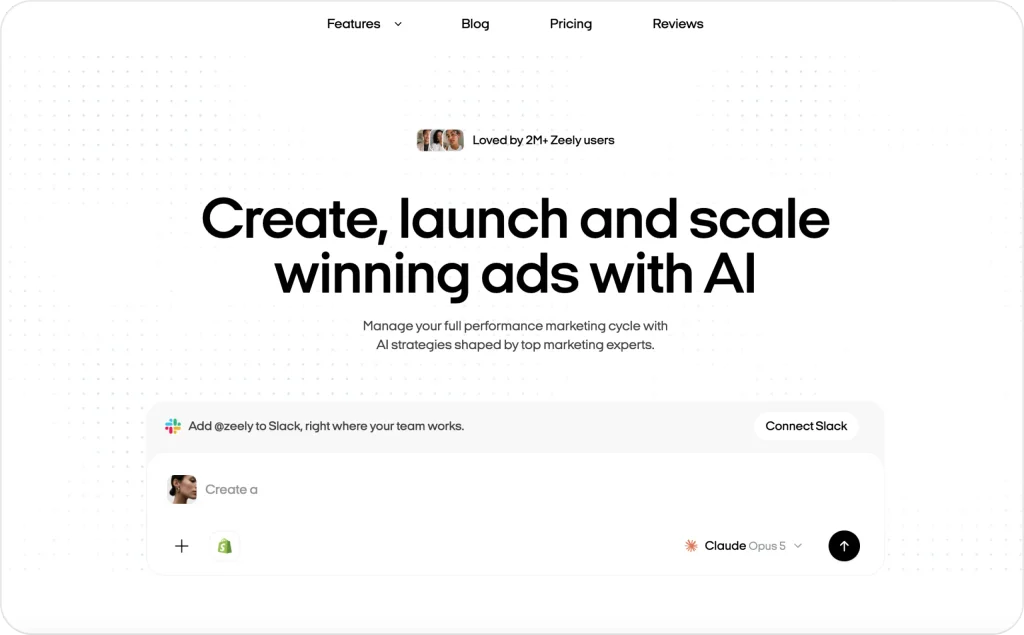
Canva gives you a broader design workspace. Zeely gives you a shorter path from product details to ad variations. Credits set the practical production limit, so watch usage during your first month. Review every claim, price, image, caption, and CTA before launch.

2. Canva AI: best for everyday branded design
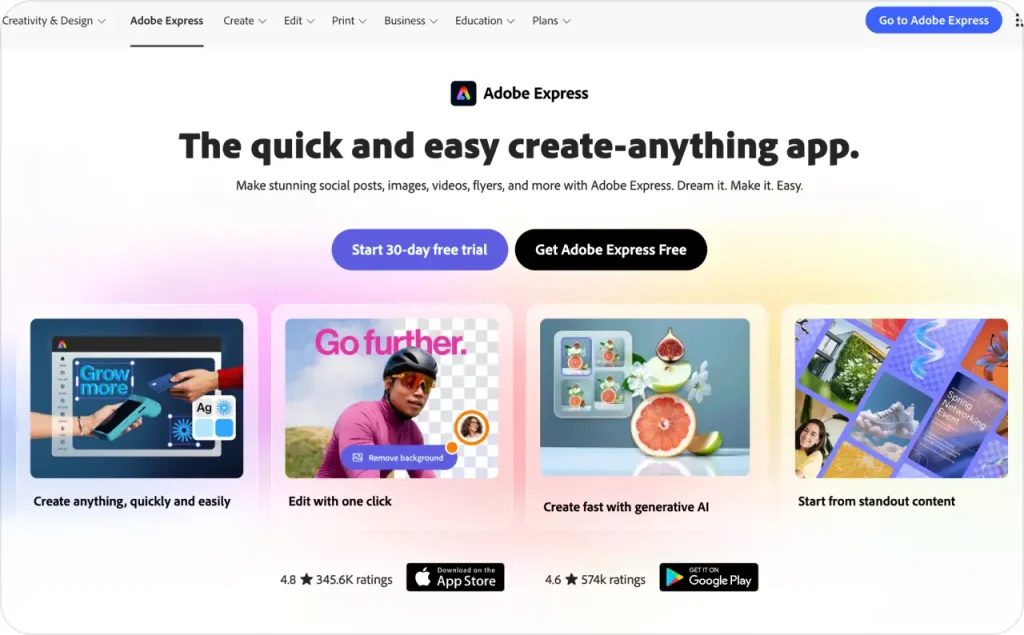
Canva is the practical choice when advertising is only one design job. You can create social posts, presentations, simple videos, menus, flyers, and product graphics. Its familiar editor makes those jobs manageable without formal design training.
- Best for: Frequent business design across several formats
- Useful features: Magic Write, Magic Resize, background removal, generation tools, Brand Kits, templates, and scheduling
- Pricing: Free plan available with limited AI use. Canva Pro costs $180 yearly for one person. Canva Business costs $250 yearly per person.
The template library gives you a fast starting point. Brand Kits and resize tools also reduce repeated setup across channels.
The downside appears when every business starts from the same popular template. Your work can look tidy but forgettable. Set your colors, fonts, image rules, and approved claims first. Choose Canva for broad design needs. Choose Zeely when the main job is producing several paid-ad directions from one product.
3. Mailchimp AI: best for email marketing support
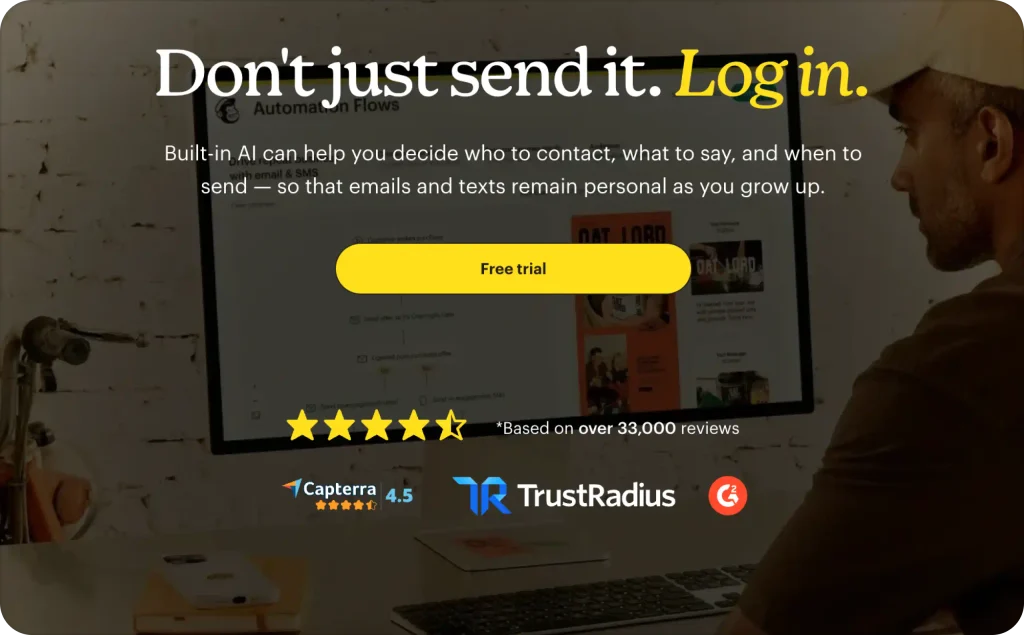
Mailchimp becomes useful when your audience and campaign history already live there. Its AI features support email copy, audience work, personalization, and automated journeys. You keep the draft near the list that will receive it.
- Best for: Email campaigns, segmentation, testing, and customer journeys
- Useful features: Generative content, audience tools, reporting, send-time support, and multi-step automations
- Pricing: Mailchimp’s free plan supports up to 250 contacts. Essentials starts at $13 monthly. Standard starts at $20, with prices increasing by contacts and sends.
That campaign context is the real advantage. A general assistant can draft an email. Mailchimp can connect the message to segments, delivery, testing, and results.
Do not subscribe only for AI writing. Generative features sit on Standard and Premium, not Free or Essentials. Contact growth and send volume can also raise your bill. Before sending, check the audience, offer, links, timing, and unsubscribe settings.
4. Semrush: best for SEO and search visibility
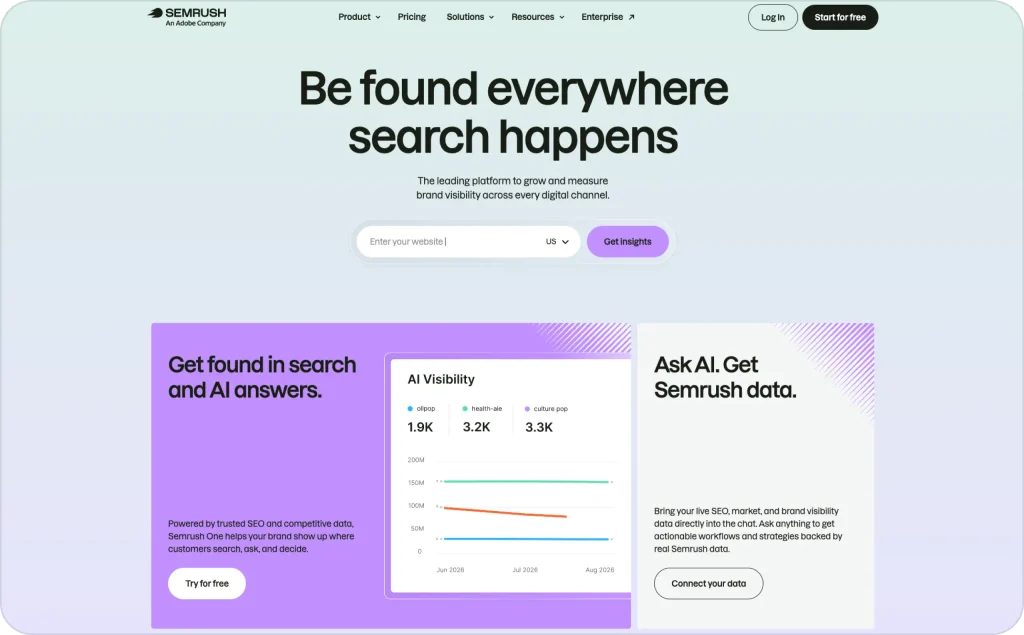
Semrush makes sense when search already brings leads, or you want it to. It combines keyword data, competitor research, technical checks, backlinks, rankings, and AI-search visibility. That is far deeper than asking a chatbot for blog ideas.
- Best for: Ongoing SEO research, monitoring, audits, and competitor tracking
- Useful features: Keyword research, Site Audit, Position Tracking, backlink data, content tools, and AI visibility reports
- Pricing: The Semrush SEO plan costs $139 monthly, or $117.33 monthly with annual billing. SEO and AI Search Starter costs $199 monthly, or $165.17 with annual billing.
The breadth of search data is its strongest point. Higher plans also add historical data, prompt tracking, and cannibalization analysis.
This is expensive software for one monthly article. It works better when someone checks defined reports and acts on them. Semrush is the better choice for ongoing search measurement. Perplexity is enough when you only need an occasional research trail.
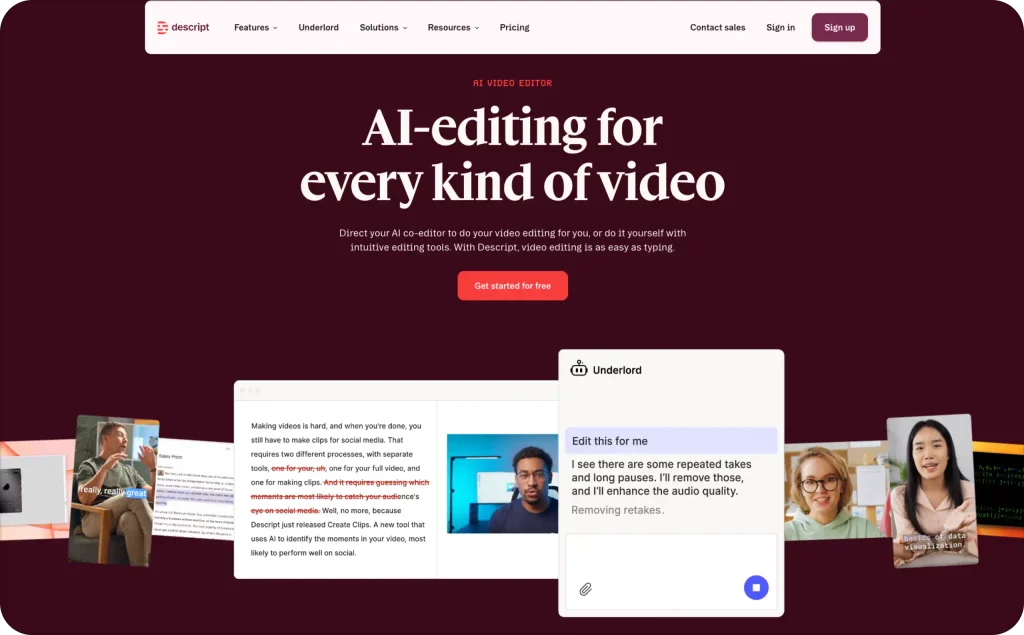
5. Descript: best for repurposing recorded content
Descript turns video editing into something closer to editing a document. Remove a sentence from the transcript, and it disappears from the recording. That makes podcasts, interviews, webinars, and founder videos less intimidating.
- Best for: Editing and repurposing audio or video you already recorded
- Useful features: Transcription, text-based editing, Studio Sound, filler removal, captions, clips, and voice tools
- Pricing: Free plan includes one media hour. Descript Hobbyist costs $16 per person monthly with annual billing, or $24 monthly. Creator costs $24 per person monthly with annual billing, or $35 monthly.
Its biggest advantage is accessibility. A non-editor can clean a recording and pull shorter clips without learning a traditional timeline.
Media hours and AI credits can run out, so check your recording volume first. Descript works best after you have footage. It does not create a full ad idea around your product and offer. If paid advertising is the priority, compare these AI ad generators for small businesses before subscribing.
Best AI tools for small business automation
The best AI tools for small business automation begin with a clear process. If the rules are messy, automation only makes the mess move faster.
An IBM study published in May 2026 surveyed 2,000 CEOs. Only 25% said employees used AI regularly at work. Another 83% said people’s adoption mattered more than the technology. Start with one workflow your team understands and can check.
1. Zapier: best for straightforward app automation
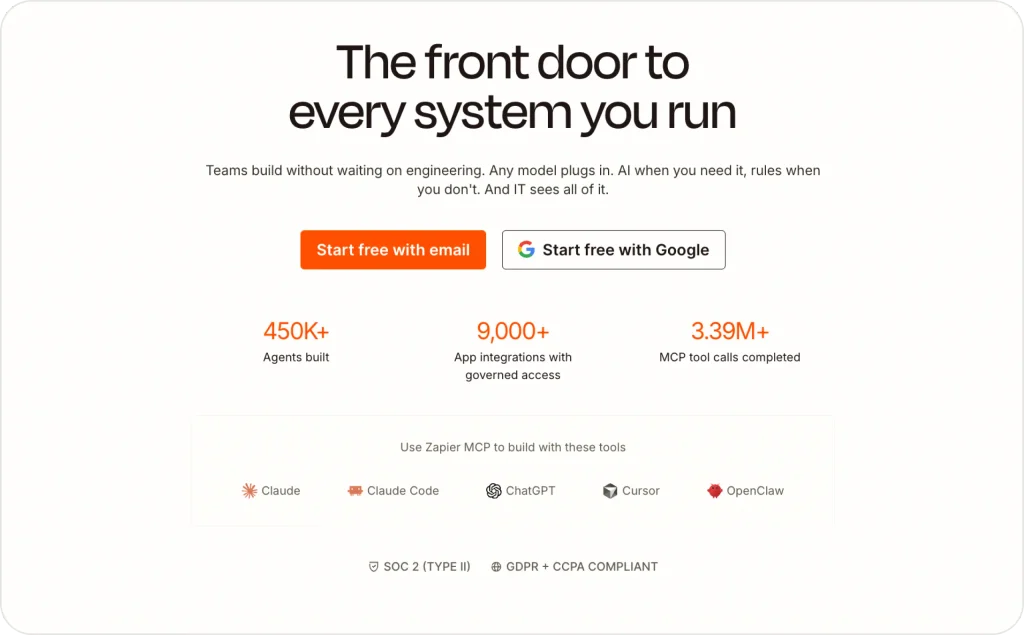
Zapier connects the tools you already use through triggers and actions. A form can create a lead, update a sheet, alert your team, and begin follow-up. Nobody needs to copy the same details four times.
- Best for: Common, mostly linear workflows across popular business apps
- Useful features: Multi-step Zaps, filters, paths, webhooks, Tables, Forms, Copilot, and AI steps
- Pricing: Zapier Free includes 100 monthly tasks and two-step workflows. Professional starts at $19.99 monthly. Team starts at $69 and includes 25 users.
Zapier’s integration library covers more than 9,000 apps. That reach makes it an easier first automation tool for many small businesses. The visual builder also helps you find a broken step.
Tasks deserve close attention. Every successful action can use one, while some AI steps use several. Test a real weekly volume before choosing a plan. Zapier usually beats Make for simple workflows and fast setup.
2. Make: best for visual, branching workflows
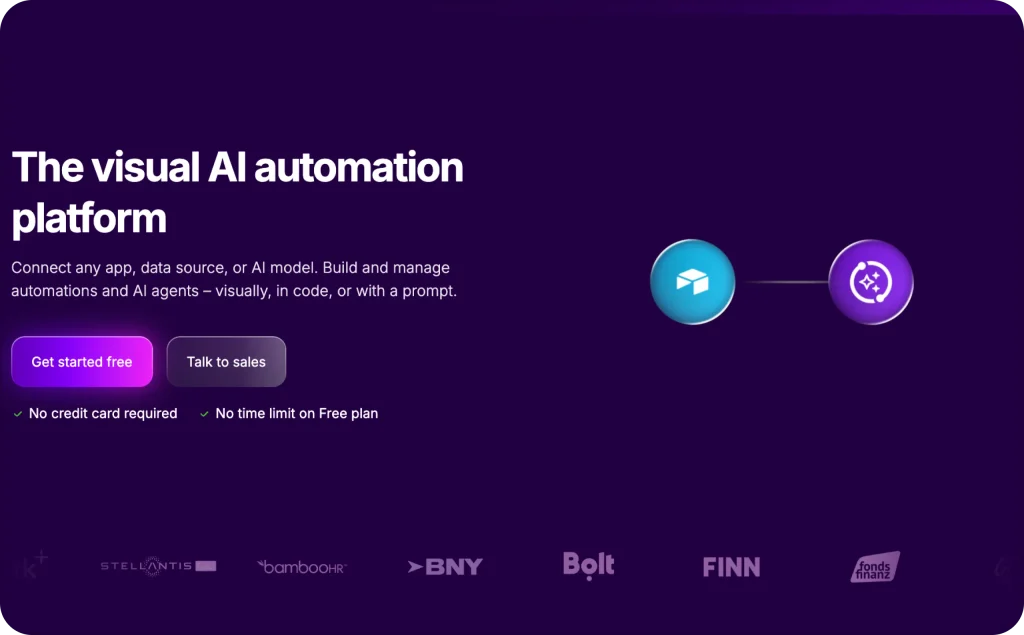
Make shows an automation as a map. You can see every branch, filter, transformation, and destination. That view helps when one piece of data must take several different routes.
- Best for: Detailed workflows with branches, loops, or data changes
- Useful features: Routers, filters, APIs, webhooks, AI agents, content extraction, and more than 3,000 app connections
- Pricing: Make Free includes 1,000 monthly credits. Core starts at $9 monthly for 10,000 credits. Pro starts at $16, while Teams starts at $29.
Make offers more control than Zapier at a lower starting price. It is especially useful when information must change format before reaching another tool.
That freedom creates more setup work. Each module action usually uses a credit, and complicated scenarios can become hard to repair. Draw the workflow first, then document what every branch does. Make is the better fit when simple trigger-and-action automation cannot handle your rules.
3. Notion AI: best for team knowledge and projects
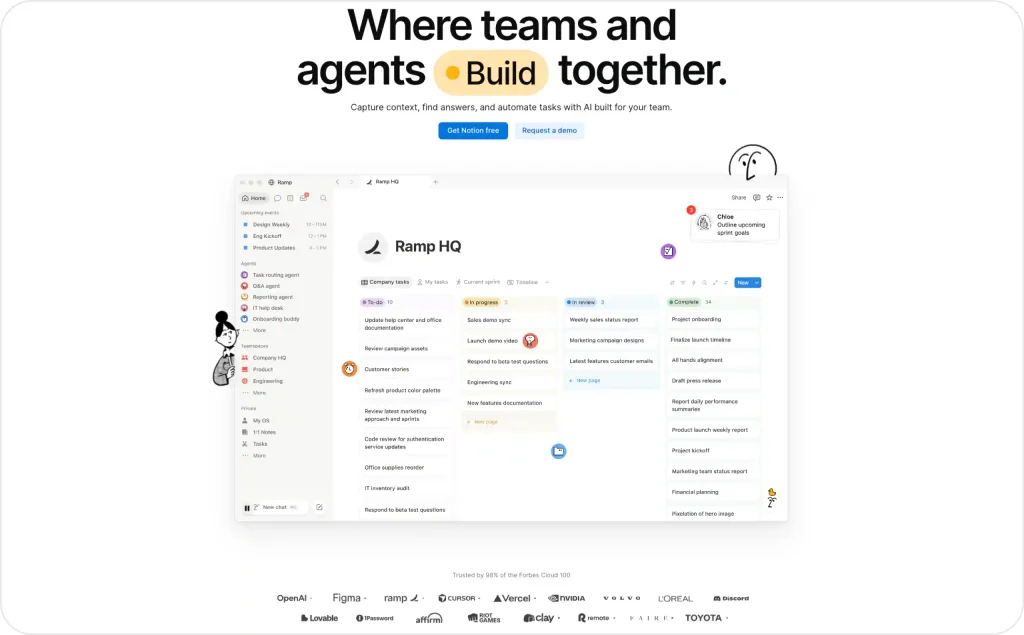
Notion AI works inside your notes, projects, databases, and team documents. It can summarize a meeting, draft project material, fill database fields, or answer questions from workspace content. That sounds useful because it is, but only when the workspace stays tidy.
- Best for: Internal knowledge, project notes, meeting follow-up, and team search
- Useful features: Notion Agent, AI Meeting Notes, Enterprise Search, research mode, autofill, and translation
- Pricing: Notion has a free plan. Notion Plus starts at $10 per user monthly with annual billing in the United States. Business starts at $20 and includes full Notion AI access. Free and Plus provide limited trials.
Its advantage is location. Your team can ask questions where the work already lives. Business also adds private teamspaces and stronger permissions.
AI cannot rescue outdated pages or confused ownership. Archive old guidance and assign page owners before trusting answers. I would choose Notion AI when Notion already runs the business. Moving everything only for the AI creates a large setup job with a small prize.
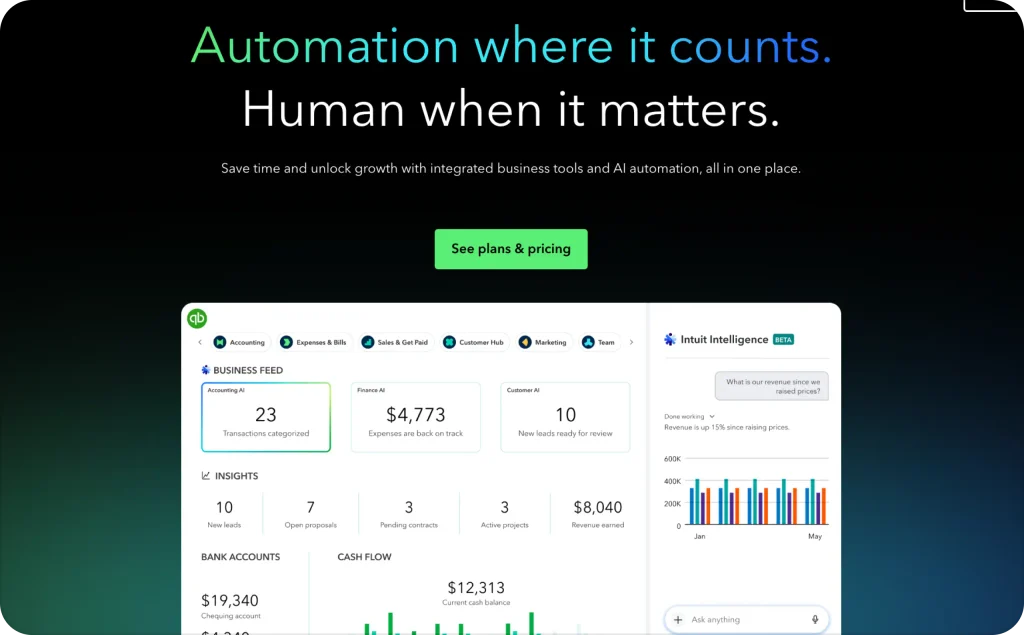
4. QuickBooks Intuit Intelligence: best for finance admin
QuickBooks keeps AI close to invoices, expenses, reports, and bank activity. Intuit Intelligence can answer questions about business data, support categorization, and surface patterns. That is more useful than pasting financial details into a general assistant.
- Best for: Bookkeeping support, invoices, reports, expenses, and cash-flow questions
- Useful features: AI Chat, transaction categorization, invoices, reports, and tax-deduction support
- Pricing: QuickBooks Online lists regular monthly prices of $38 for Simple Start, $85 for Essentials, $140 for Plus, and $340 for Advanced. Introductory offers may lower the first payments.
Higher plans add reconciliation, anomaly detection, inventory, forecasting, and project profitability. Compare renewal pricing, not only the attractive opening offer.
Several AI features remain in beta, and access varies by plan. More importantly, software cannot carry legal responsibility for your accounts. Keep a bookkeeper or accountant responsible for categories, filings, payments, and major cash decisions.
Best AI business tools for sales and customer support
Among AI tools for business, sales and support products need the strictest testing. These AI business tools can speak directly to leads and customers. Speed matters, but a fast wrong answer still loses trust. Test accuracy and handoffs before measuring how many conversations AI handled.
Gartner reported in August 2026 that customer-service AI spending increased 38%. Overall service budgets increased only 2%. The pressure to automate is real, but customers still need correct help.
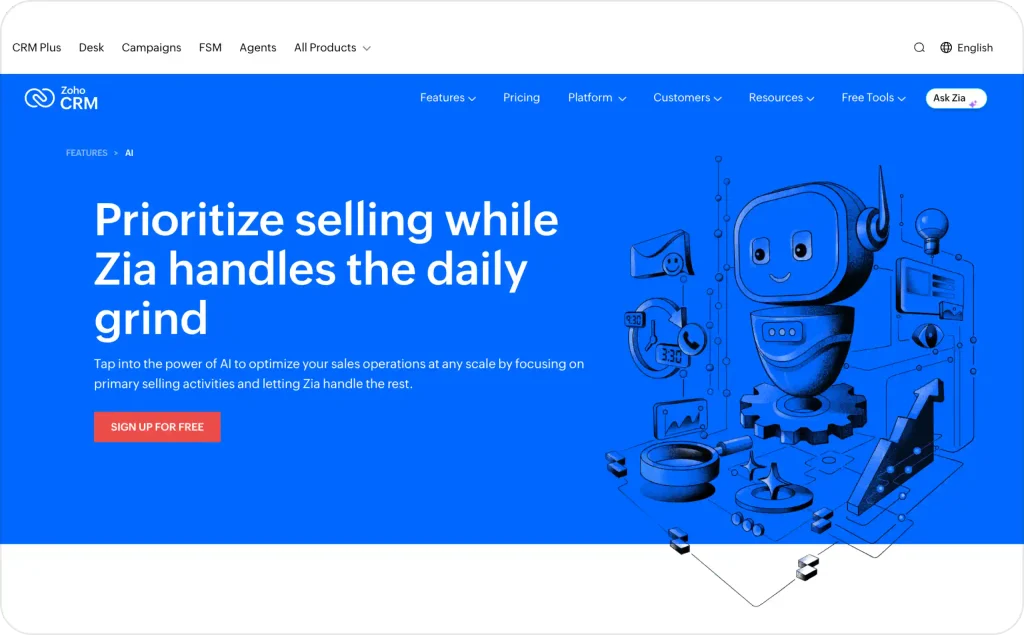
1. Zoho CRM Zia: best for Zoho-based sales teams
Zia adds predictions and recommendations inside Zoho CRM. It can help teams prioritize records, forecast deals, summarize emails, and notice unusual pipeline changes. The value grows when Zoho already holds clean customer history.
- Best for: Sales teams using Zoho CRM and its wider business suite
- Useful features: Lead predictions, deal recommendations, forecasts, email summaries, sentiment analysis, workflows, and AI agents
- Pricing: Zoho CRM is free for three users. Annual Zoho CRM plans start at $14 per user monthly for Standard and $23 for Professional. Enterprise costs $40 and includes broader Zia features.
Zoho offers a lower starting price than many full CRM systems. It also connects with the company’s wider collection of business apps.
Predictive features need enough clean history to find useful patterns. The better tools also sit on higher plans. If you already use Zoho, Zia is the natural fit. If you want a simple visual pipeline without the wider suite, Pipedrive may feel lighter.
2. Intercom Fin: best for established support teams
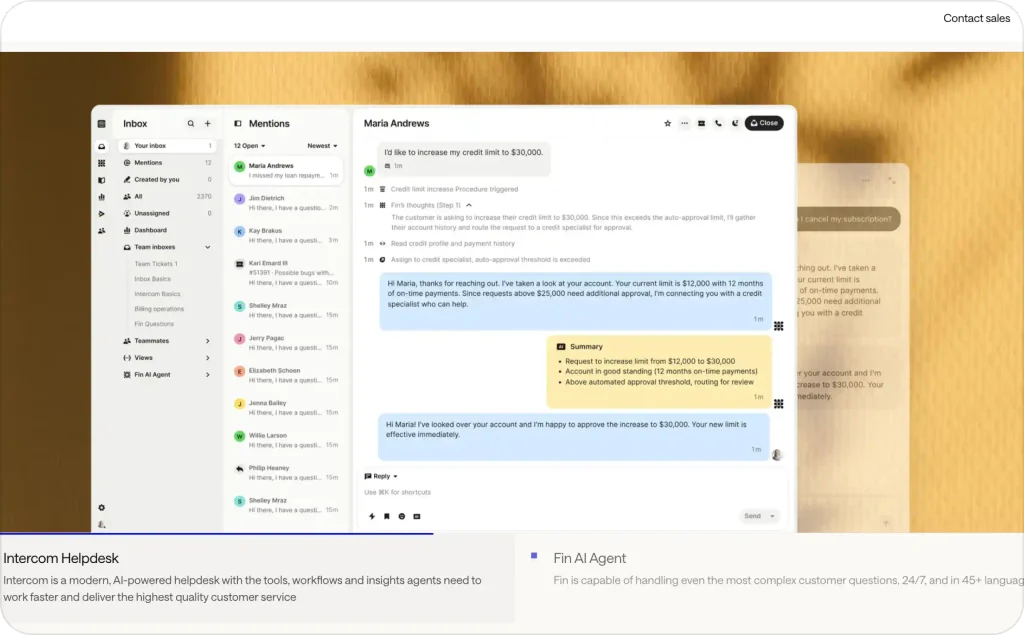
Fin answers customer questions using your approved support content and procedures. It can work across several channels, complete defined actions, and hand harder cases to people. The testing controls make it better suited to an established support operation.
- Best for: Support teams with steady volume, several channels, and clear procedures
- Useful features: Knowledge sources, simulations, audience testing, multilingual answers, handoffs, and quality monitoring
- Pricing: Fin AI Agent costs $0.99 per successful outcome, with a 50-outcome monthly minimum. Using the Intercom help desk adds seats from $29 monthly. Pro monitoring starts at another $99 monthly.
Outcome pricing connects cost to completed support work instead of every message. Fin also provides deeper testing and monitoring than a lightweight website chatbot.
The full cost can climb through minimums, seats, and add-ons. Calculate your cost per resolved issue before committing. Fin also needs accurate articles and clear handoff rules. Without those foundations, automation only delivers weak answers faster.
3. Tidio Lyro: best for lighter website support
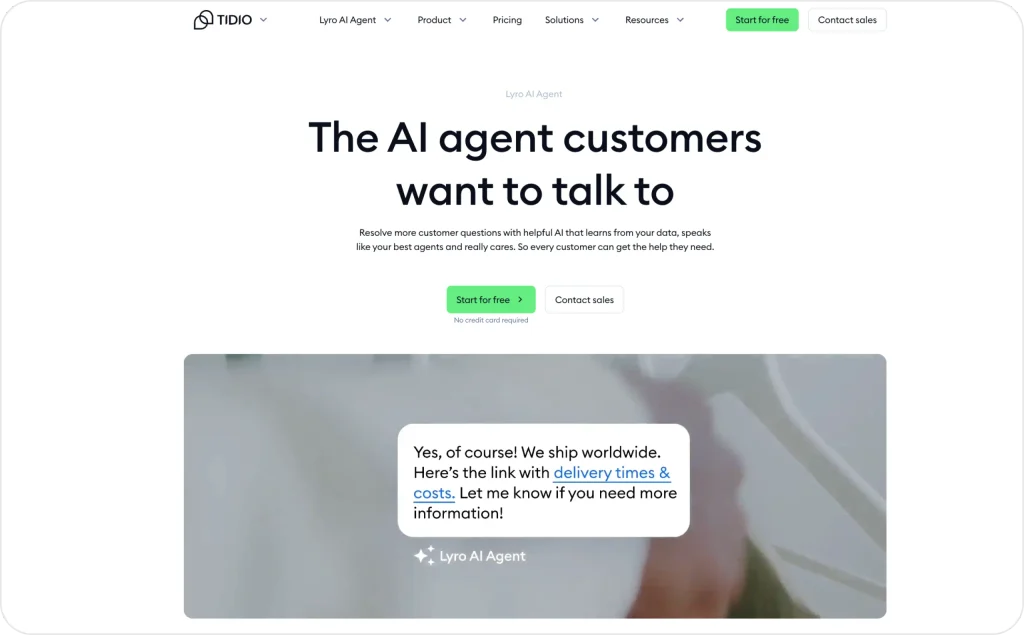
Lyro gives smaller teams a friendlier way to test AI support. It learns from your website and help content, answers common questions, recommends products, and transfers conversations when a person needs to step in.
- Best for: Smaller websites that need AI answers plus live human chat
- Useful features: FAQ scraping, knowledge-based replies, human handoff, product recommendations, actions, tickets, and Flows
- Pricing: Each account receives 50 one-time Lyro conversations. The paid Lyro plan starts at $32.50 monthly for 50 refreshed AI conversations. A seven-day trial is available.
Tidio combines AI, live chat, ticketing, and simple automations in one place. That makes it easier to trial than Intercom Fin when support volume is modest.
Conversation allowances can become expensive as demand grows. Answer quality also depends on complete, current help content. Test Lyro with the words customers actually use. Track wrong answers, unresolved conversations, and handoffs before increasing the limit.
4. Pipedrive AI: best for a simple sales pipeline
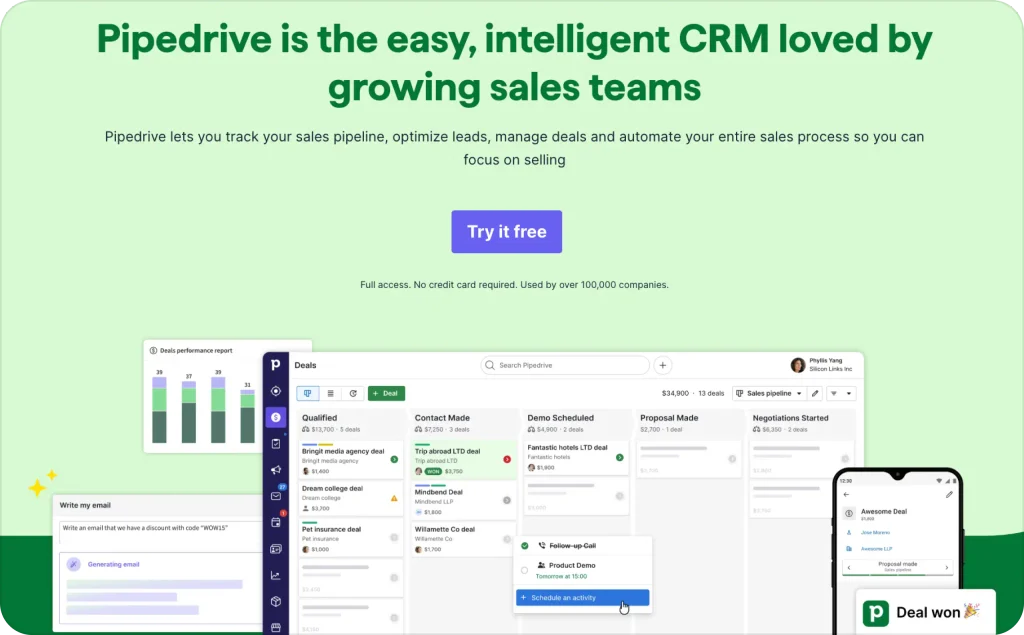
Pipedrive organizes deals, contacts, activities, and follow-ups inside a visual pipeline. Its AI can create reports, summarize emails, surface overdue work, and highlight what needs attention. The interface keeps the next sales action easy to see.
- Best for: Small sales teams that want a focused, visual CRM
- Useful features: AI reports, sales feed, forecasts, email tools, workflow automation, lead scoring, and more than 500 integrations
- Pricing: Pipedrive plans start at $14 per user monthly for Lite with annual billing. Growth starts at $39, Premium at $59, and Ultimate at $79. A 14-day trial is available.
Pipedrive feels lighter than a broad business suite. That simplicity helps teams maintain the pipeline instead of avoiding it.
Advanced email, scoring, enrichment, and automation tools sit on higher plans. AI recommendations also mirror the quality of your records. Fix missing owners, old stages, and inconsistent activity data first. Choose Pipedrive for pipeline clarity. Choose Zoho when your business needs a wider connected software system.
AI tools for small businesses compared
Small-business AI covers much more than writing. The Intuit QuickBooks 2026 AI Impact Report includes responses from 34,000 owners and data from 5.3 million QuickBooks businesses. A market that broad will never have one winner for every company.
Use this table as a shortlist, not a shopping list. Start with one assistant and one specialist. Add automation only when you can name the process it will handle.
| Tool | Best business job | Main watch-out |
| ChatGPT | General drafting, analysis, and brainstorming | Broad output still needs fact-checking |
| Claude | Long documents and cross-app workflows | Connected actions need careful permissions |
| Google Gemini | Work inside Gmail, Docs, Sheets, and Meet | Best value depends on Google Workspace use |
| Microsoft 365 Copilot | Work inside Outlook, Word, Excel, and Teams | Not a reason to switch office suites |
| Perplexity | Fast, source-led research | Sources and dates still need review |
| Zeely AI | Static and video ad creation | It does not replace a CRM or finance tool |
| Canva AI | Branded designs and quick visual variations | Templates can look generic without direction |
| Mailchimp AI | Email and campaign workflow support | Strongest for existing Mailchimp users |
| Semrush | Search research and AI visibility | Can overwhelm teams without an SEO owner |
| Descript | Transcript-based audio and video editing | Not a complete advertising workflow |
| Zapier | Straightforward app-to-app automation | Task volume and errors can raise costs |
| Make | Visual, branching automation | More control comes with more setup |
| Notion AI | Knowledge, notes, and project work | Weak fit if Notion is not your home base |
| QuickBooks Intuit Intelligence | Finance questions and bookkeeping support | Financial decisions require expert review |
| Zoho CRM Zia | CRM predictions and next-step guidance | Best inside the wider Zoho system |
| Intercom Fin | High-volume customer service | May be too heavy for low ticket volume |
| Tidio Lyro | Lighter AI support and handoffs | Knowledge quality controls answer quality |
| Pipedrive AI | Deal priorities and sales follow-up | Best for teams already using Pipedrive |
How to choose AI business tools without wasting money
Good AI tools for business fit your workflow and risk level. The same rule applies to broader AI business tools. Start with the task, then compare products.
A polished demo proves very little about your daily work. Test your own files, questions, exceptions, and review process.
The U.S. Federal Trade Commission’s January 2026 small-business cybersecurity guidance puts it plainly: “Cybercriminals target companies big and small.” The FTC also recommends asking vendors direct questions about security. Add those questions to your buying process.
Use this checklist before starting a trial:
- Name the job. Write one sentence describing the repeated task
- Record the baseline. Measure current time, cost, errors, and output
- Check overlap. List what your current tools already include
- Review data terms. Confirm storage, training, retention, deletion, and access controls
- Test the handoff. Decide when a person reviews or takes over
- Estimate full effort. Include setup, training, corrections, and maintenance
- Plan the exit. Know how to export data and disconnect integrations
For a lean starter stack, I would choose one general assistant plus one specialist. Add automation only after the first two tools produce steady results. More software is not a plan.
A 30-day rollout plan for your first AI tool
Here is the rollout I would use:
Days 1 to 5: define the test
Choose one workflow, one owner, and one success metric. Gather five to ten real examples. Remove private data you do not need.
Days 6 to 15: run beside the old process
Use the AI tool without removing the current method. Compare time, quality, corrections, and edge cases. Save effective prompts, rules, and examples.
Days 16 to 25: test with real work
Let the tool handle a limited share of the workflow. Keep human approval. Track failures and customer feedback, not only successful outputs.
Days 26 to 30: decide
Keep the tool if it improves the chosen metric without creating unacceptable risk or review work. Expand one step at a time. Cancel it if the promised savings never appear.
FAQ
For broad daily work, ChatGPT is the most flexible starting point. Gemini or Microsoft 365 Copilot can be better when your team already works deeply inside their office suites. The best specialist depends on the job: Canva for quick designs, Zapier for simple automation, QuickBooks for finance administration, or Zeely for ad creation.
Many popular tools offer a limited free account, trial, or included feature. Use that access to test output quality and workflow fit. Do not build a critical process around a free tier without checking limits, data terms, support, and export options. Plans change, so confirm current terms on the vendor’s own website.
I would not. Free tools are useful for experiments, but important workflows need stable access, administration, privacy controls, and support. Keep finance, legal, customer promises, and account permissions under human control. Budget for the few tools that prove a measurable benefit.
Start with two to four. One general assistant can cover drafts and analysis. One or two specialist tools can handle your highest-value workflows. Add an automation layer only when you understand the steps. Remove tools that duplicate another subscription or sit unused for a month.
Safety depends on the product, plan, settings, and your own process. Check whether the vendor trains on submitted data, how long it retains information, who can access the workspace, and how deletion works. Use the least sensitive data possible and restrict connected accounts to the permissions each workflow needs.
Choose one result before the trial. Track time saved, usable-output rate, correction time, errors, customer response time, or qualified leads. Subtract subscription, setup, and review costs. Keep the tool when the improvement continues after the novelty wears off.
Build a lean AI stack around your real bottleneck
Your stack needs one general assistant and one useful specialist. Add automation after the process works. This keeps costs, training, and review time under control.
Three simple starter stacks
- Solo service business: ChatGPT or Claude for daily work, plus Notion AI for organized knowledge. Add Zeely when paid social becomes a repeated growth channel.
- Ecommerce business: Gemini or Copilot for office work, QuickBooks for finance administration, and Zeely for ad creative testing.
- Support-led business: ChatGPT for internal drafts, Tidio or Intercom for customer questions, and Zapier only after the handoff process is stable.
These are starting points, not fixed bundles. Remove any tool that duplicates another subscription or lacks a clear owner.
Where Zeely fits in your small-business AI stack
Choose Zeely when ad production slows down your testing. I ranked it sixth because this job sits close to revenue. Still, Zeely should earn its place like every other tool.
Use one product, audience, and offer for your first test. Generate several concepts, check every detail, and launch with a controlled budget. Compare the results before expanding the workflow.

Emma blends product marketing and content to turn complex tools into simple, sales-driven playbooks for AI ad creatives and Facebook/Instagram campaigns. You’ll get checklists, bite-size guides, and real results, pulled from thousands of Zeely entrepreneurs, so you can run AI-powered ads confidently, even as a beginner.
Written by: Emma, AI Growth Adviser, Zeely
Reviewed on: September 7, 2026