Top 9 AI talking head video generators
I tested nine tools to find the best AI talking head video generator in 2026, comparing what you actually get for the price, how useful the avatars are, and whether the workflow holds up once you move past the demo.

The best AI talking head video generator for most small businesses is not the one with the biggest avatar library. It is the one where you can work out a real cost per finished video before you subscribe.
Here is the full comparison, starting with the picks and working through why.
Quick picks
- Best overall for small businesses and ads: Zeely
- Best for multilingual talking head videos: HeyGen
- Best for corporate training: Synthesia
- Best for high-volume business video: AI Studios
- Best for interactive training and SCORM: Colossyan
- Best for predictable minute-based pricing: Elai
- Best for developers and photo-to-avatar workflows: D-ID
- Best for mobile-first social creators: Captions
- Best for a large stock-avatar library: Vidnoz
What is an AI talking head video generator?
An AI talking head video generator turns a written script into a video of a digital presenter speaking it. Text-to-speech or a cloned voice gets matched to lip movement on an avatar’s face. No camera, no studio, no hired presenter.
Small businesses use them for everything from product explainers and onboarding videos to quick service demos and short-form ads built for Meta and TikTok.
Talking head generator vs. AI avatar generator: what’s the difference?
A talking head generator means the specific format: a presenter speaking to camera. An AI avatar generator is the broader category. It can also include static portrait avatars or 3D avatars that never speak.
If you need a spokesperson video for an ad or a landing page, you are shopping the talking head category. For static avatars, this comparison of AI avatar generators covers that wider ground.
How I picked the best AI talking head video generators
I pulled pricing, avatar libraries, script tools, and reliability signals from each platform’s own pages, then checked them against independent breakdowns and review sites, because vendor pages do not always agree with what a real subscription gets you. Five things mattered most:
- What the free tier actually lets you export, not just generate
- Real cost per finished minute at the entry paid tier, not the “starts at” headline
- Whether the script tool gives you a usable draft or a blank box
- Multilingual support, for businesses selling beyond English
- Whether the finished video moves into a campaign, or sits as an export you still have to place somewhere
The best AI talking head video generators in 2026
1. Zeely
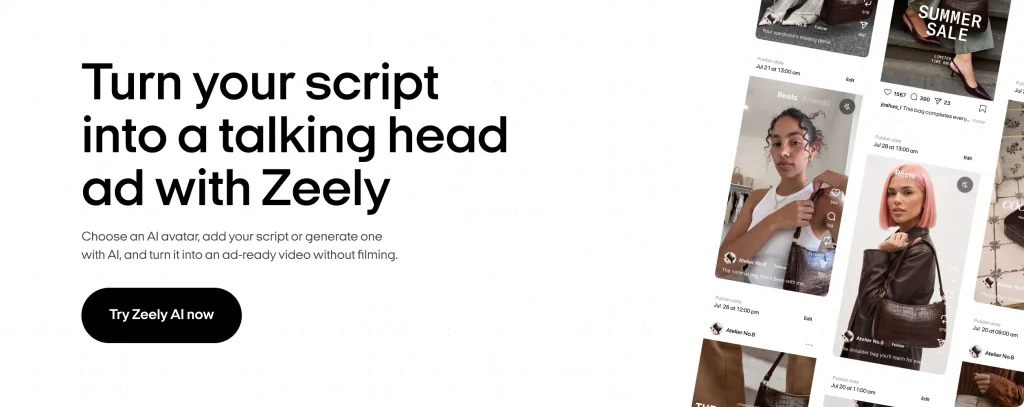
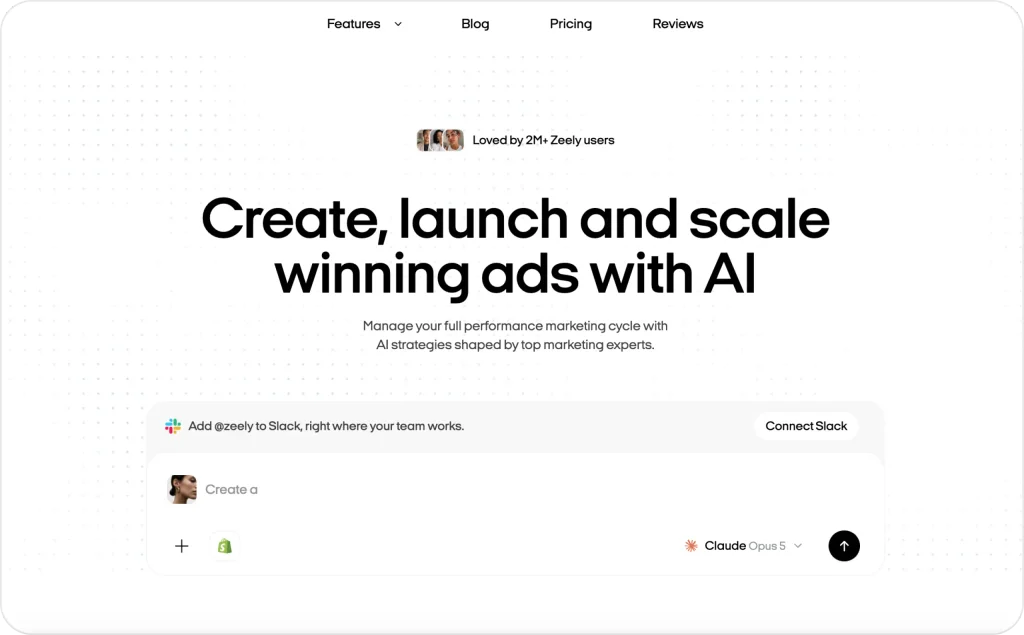
Most talking-head platforms are designed around one finish line: generate the video and download it. Zeely approaches the job differently because the talking head sits inside a broader advertising workflow. Its AI talking head generator currently offers 1200+ AI avatars and can build a video from your product information, a script you already have, or copy generated inside Zeely.
The script side is particularly useful for ads. Zeely can write the ad copy using frameworks like AIDA, PAS, Before-After-Bridge, 4U, and FAB, then turn it into a finished creative with an avatar, captions, music, product visuals, and hooks. The product page says a typical talking-head workflow can be completed in around 15 minutes, including rendering.
Pricing is credit-based rather than minute-based. The current Starter plan is $29.95 per month with 2,500 credits, while Plus includes 5,000 credits for $49.95 and Growth includes 10,000 for $79.95. Zeely’s pricing page also makes clear that running Facebook or Instagram ads involves an additional fee that can reach 12%, so that cost should be included when budgeting for the full campaign rather than only video generation.
Best for: ecommerce and service businesses running paid social who want the video and the launch in one place.
Keep in mind: this isn’t built for embedding video in a corporate LMS.
Pricing: starts at $29.95/month for 2,500 credits.
2. HeyGen
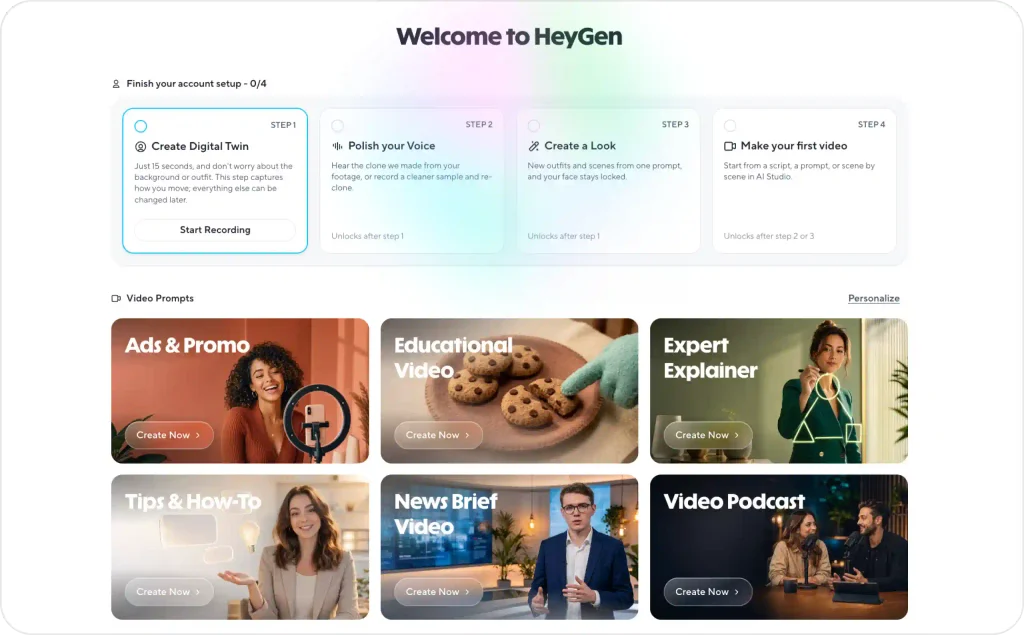
HeyGen is one of the strongest all-purpose choices in this category. Its free plan gives you three videos per month of up to one minute each, access to more than 500 stock digital twins, one custom digital twin, and support for 30+ languages, which is enough to test the basic workflow with your own script before paying.
Videos download at 720p with a watermark, and full access to its studio and avatar library while you’re on it. That’s enough to genuinely test the tool before you pay anything. Creator removes the watermark and the cap for $24/month billed annually, at 1080p.
Video Agent, launched September 2025, is the standout feature. Give it a product brief and it returns a fully edited video, script, avatar, B-roll, transitions, voiceover, in a few minutes, instead of you assembling each piece by hand. HeyGen backs this with real numbers: Würth Group reported an 80% reduction in translation costs using its dubbing tool. Language support runs to 175+.
Best for: anyone who wants to properly test the category before paying, or needs the same presenter speaking multiple languages.
Keep in mind: HeyGen stops at the finished export. Getting it into a live campaign is a separate step.
Pricing: free tier available; Creator from $24/month, annual billing.
3. Synthesia
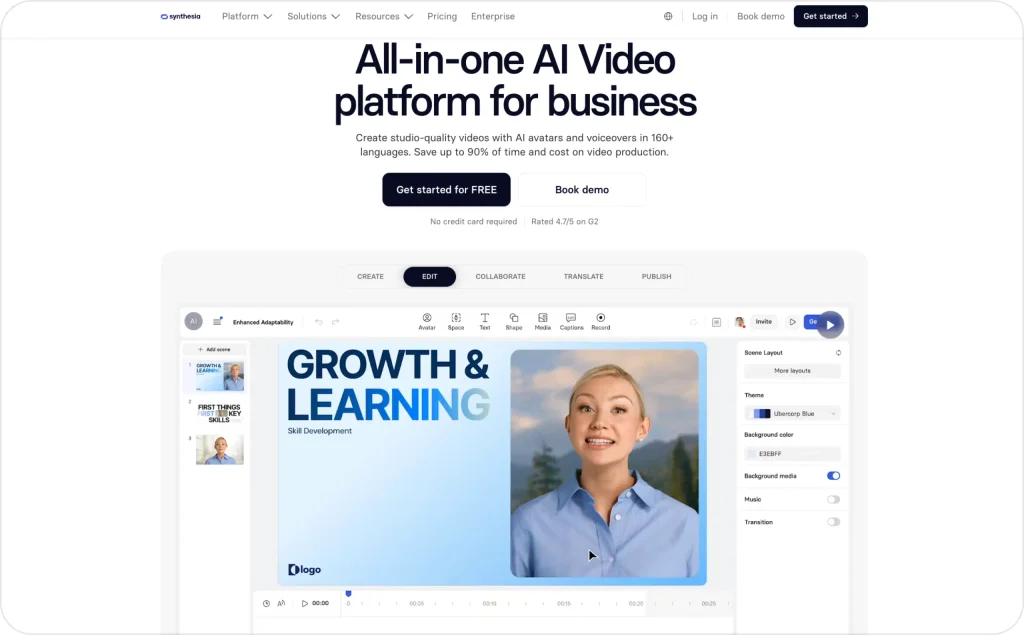
Synthesia is built around a different kind of buyer. Instead of emphasizing fast ad variations or creator-style social content, it focuses heavily on structured business communication, training, repeatable templates, branded content, and localization.
Basic plan is free and gives you up to 10 minutes of video a month. Starter costs $29 monthly or $264 a year, keeps the same 10-minute allowance, and adds downloads, AI dubbing, logo removal, guest access, and 125+ avatars. Creator rises to 30 video minutes per month with 180+ avatars and additional collaboration and API features.
The free plan is therefore useful for testing the editor, but there is an important catch: downloading finished videos is listed as a Starter feature. If you need an MP4 you can use outside Synthesia, the free allowance should be treated more as a product trial than as a permanent production solution.
For HR and L&D teams, that trade-off may be worth it. Synthesia is built for repeatable business content, and its Enterprise plan adds the features larger teams tend to need, including unlimited video minutes, live collaboration, brand kits, SSO, translations, and SCORM export.
Best for: HR, L&D, onboarding, product education, and multilingual internal communication.
Pricing: Basic free; Starter $29/month or $264/year.
Keep in mind: It is a stronger training platform than an ad-creation platform, and several enterprise learning features sit on higher tiers.
Read more about the comparison between Heygen and Synthesia.
4. D-ID
D-ID makes the most sense when you look at it as avatar infrastructure rather than only as a web editor. Its API plans are designed for businesses that want to create or translate avatar video programmatically, while its photo and video avatar options make it useful when the presenter starts from an existing image rather than a stock character.
The 14-day API trial includes up to three minutes of offline video. Build starts at $14.40 a month with annual billing and includes up to 16 video minutes, but it comes with a personal license and D-ID watermark. For commercial use, Launch starts at $35 a month annually, increases the allowance to 45 minutes, and adds premium voices, voice cloning, and more personal avatars.
So if you’re building D-ID into a product or app, don’t judge it by the cheapest plan alone. The commercial license, API usage, and the amount of video you expect to generate will determine what you actually pay.
D-ID is not the best fit if you want a social ad that is ready to launch with hooks and campaign tools built in. It makes more sense for developers, personalized avatar projects, and photo-to-video workflows where API access matters more than an all-in-one ad workflow.
Best for: Developers, API integrations, personalized video, and photo-to-avatar applications.
Pricing: 14-day trial; Build $14.40/month billed annually, with commercial Launch from $35/month annually.
Keep in mind: The cheapest tier is not the commercial tier.
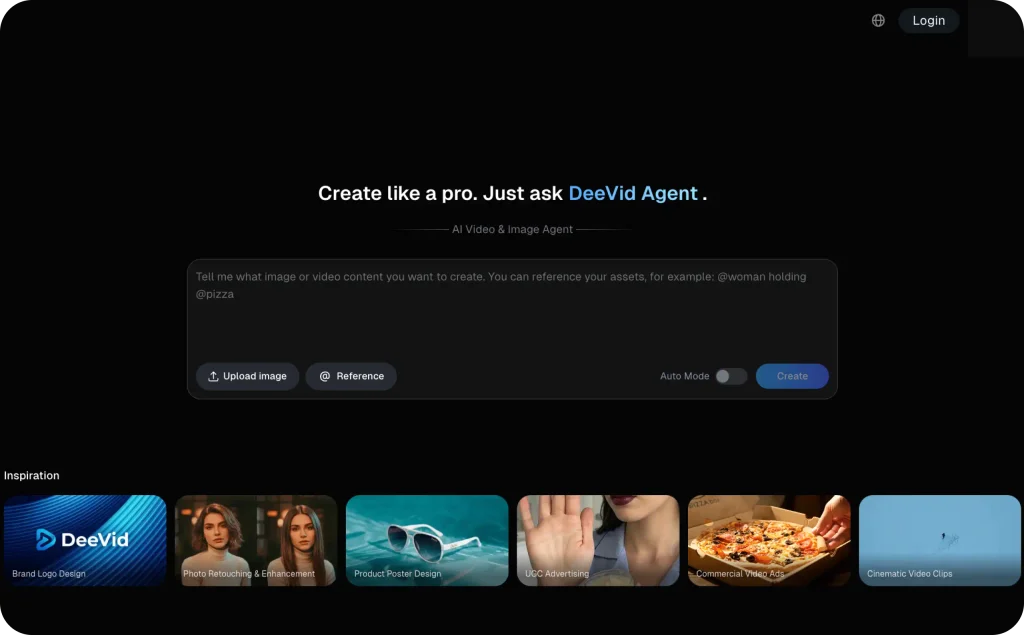
5. Colossyan
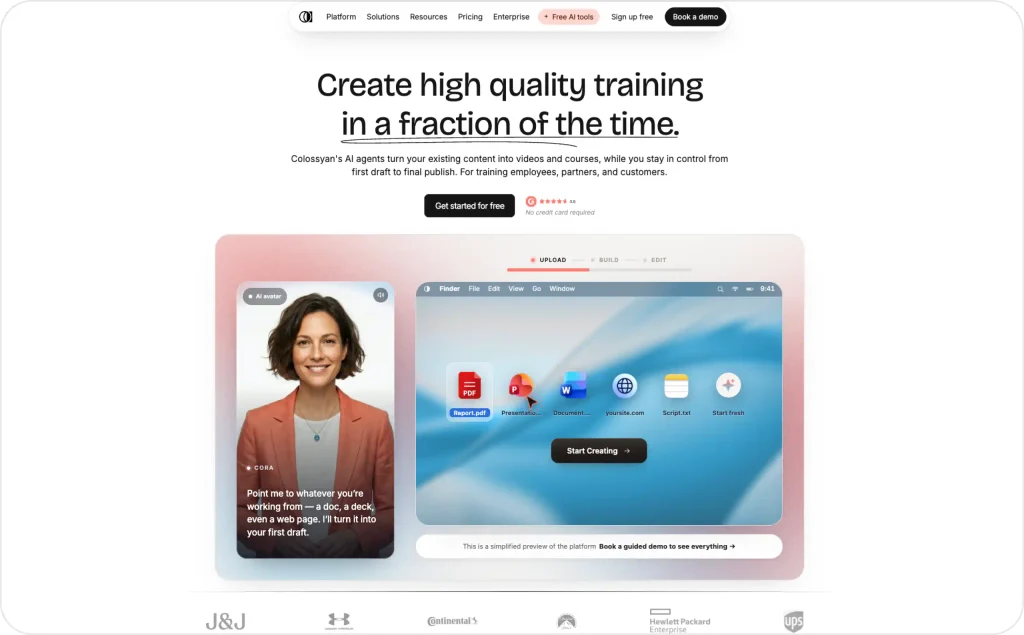
Colossyan has moved well beyond being just another avatar editor. Its current positioning combines AI video with interactive training and course creation, making it particularly relevant when the presenter is part of a learning experience rather than simply delivering a marketing message.
Its Starter plan is free and includes 20 NEO video minutes per month, access to the complete 300+ stock-avatar library, custom avatars and voices, interactive videos, translations, and unlimited course creation. Professional costs $59 per month on annual billing and increases the allowance to 30 NEO minutes plus 10 NEO2 minutes, while adding unrestricted MP4 downloads, watermark removal, and five SCORM exports per month.
Multi-avatar scenes are one of Colossyan’s stronger features. Training teams can build conversations and role-play scenarios instead of relying on a single presenter, which works well for customer service, compliance, and other scenario-based learning.
That may not matter much for advertisers, but it does for L&D teams. If the finished video needs to live inside an LMS, features like SCORM export and course creation can be more useful than having the biggest avatar library.
Best for: Interactive training, employee enablement, learning courses, and teams that need SCORM exports.
Pricing: Starter is free; Professional $59/month with annual billing.
Keep in mind: The most useful professional export and LMS features are not included on the free plan.
6. Elai
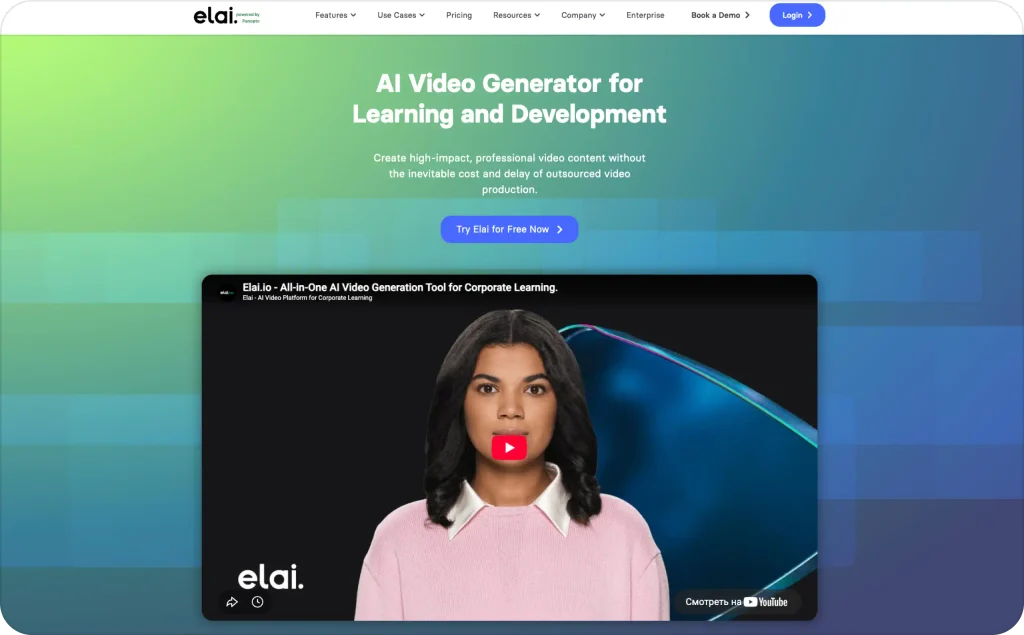
Elai is refreshingly easy to understand compared with platforms that turn every AI action into a different number of credits. The free plan includes one minute of video, more than 80 avatars, and 75+ languages, while Creator gives you a clearly defined 15 minutes per month.
Creator costs $29 a month, or $23 a month with annual billing. That works out to about $1.93 per video minute monthly or $1.53 annually, making Elai one of the easier tools here to price before you subscribe.
The editor is geared toward presentation-style business content, so Elai sits comfortably between lightweight marketing generators and more complex enterprise-training suites. It is not our first choice for paid-social creative, but its predictable allowance can be appealing to teams that already know roughly how many presenter minutes they produce each month.
Best for: Businesses that value straightforward monthly video allowances and presentation-style content.
Pricing: Free for 1 minute; Creator $29/month or $23/month annually for 15 minutes.
Keep in mind: Compare higher tiers carefully if collaboration, advanced learning features, or more sophisticated avatar customization are important.
7. Captions
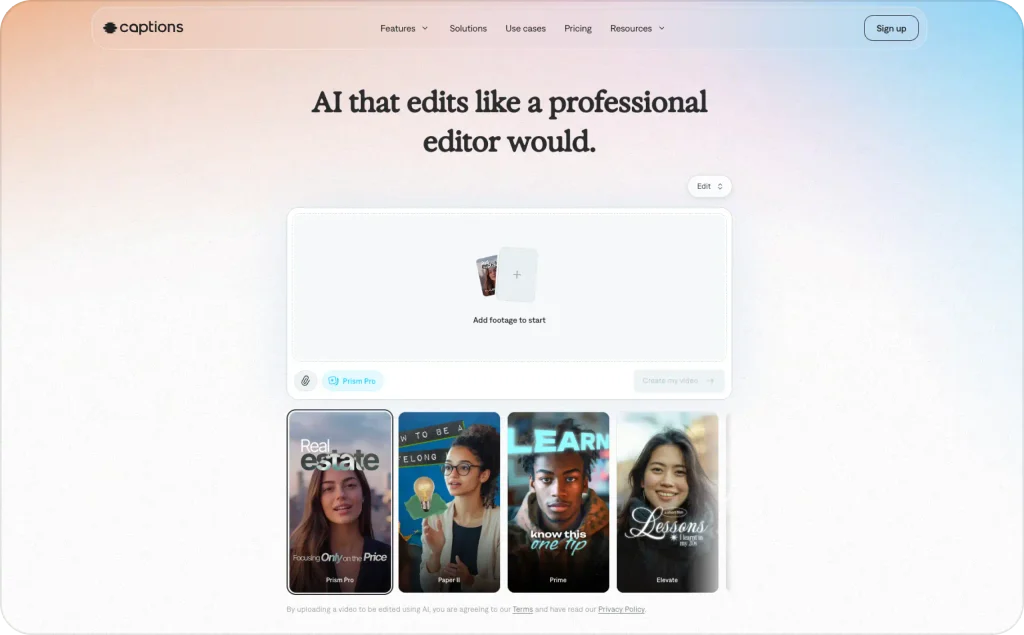
Captions is built for creators who want to make and edit social video without jumping between several tools. Its free plan covers basic editing, while Max costs $24.99 a month and adds 500 AI credits for features like AI Twin, custom AI actors, fully generated videos, B-roll, music, and AI-assisted editing.
It is especially useful if you already shoot some of your own content and want AI to help you create more versions without filming everything again. You can build a digital twin of yourself, choose from 200+ ready-made avatars, or create a custom AI actor, then use the same workflow to edit and prepare the video for social.
Best for: Creators and social teams that want to combine their own footage with AI avatars and digital twins.
Pricing: Free plan available; Max $24.99/month with 500 AI credits.
Keep in mind: The free plan does not include AI usage credits, so you will need Max or above for the main generative features.
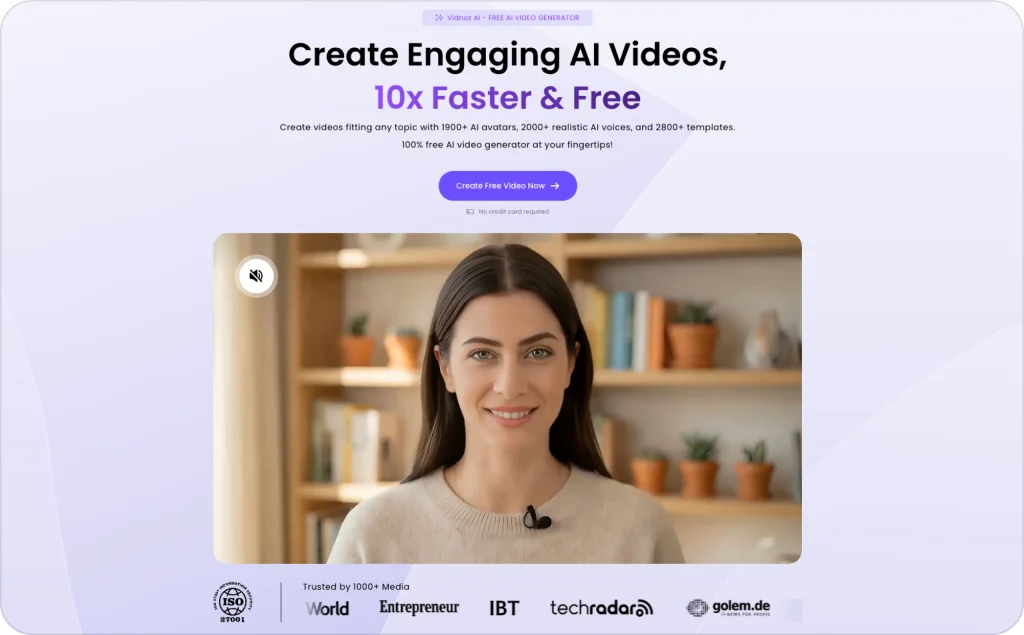
8. Vidnoz
Vidnoz gives you one of the biggest avatar libraries in this comparison without forcing you onto a paid plan first. Free users currently get access to 1,800+ AI avatars, 3,200+ templates, 890 voices, 720p exports, and videos of up to three minutes, which gives you plenty of room to test the platform before subscribing.
Paid plans increase the library to 1,900+ avatars and 2,660+ voices, raise exports to 1080p, remove the watermark, and add faster processing. Starter also includes SCORM export, while Business adds features such as voice cloning, translation, brand tools, collaboration, and analytics.
If avatar choice matters most, Vidnoz is an easy one to shortlist. But do not choose talking head software on numbers alone: a library of 1,900 faces is only useful if you can find a few that actually work with your script, brand, and audience.
Best for: Users who want plenty of avatar choice and a generous free way to test the format.
Pricing: Free plan available; paid plans use credits, so check the current pricing page for the live rate.
Keep in mind: Promotions and credit allowances can change, which makes long-term cost harder to compare with simple minute-based plans.
9. AI Studios
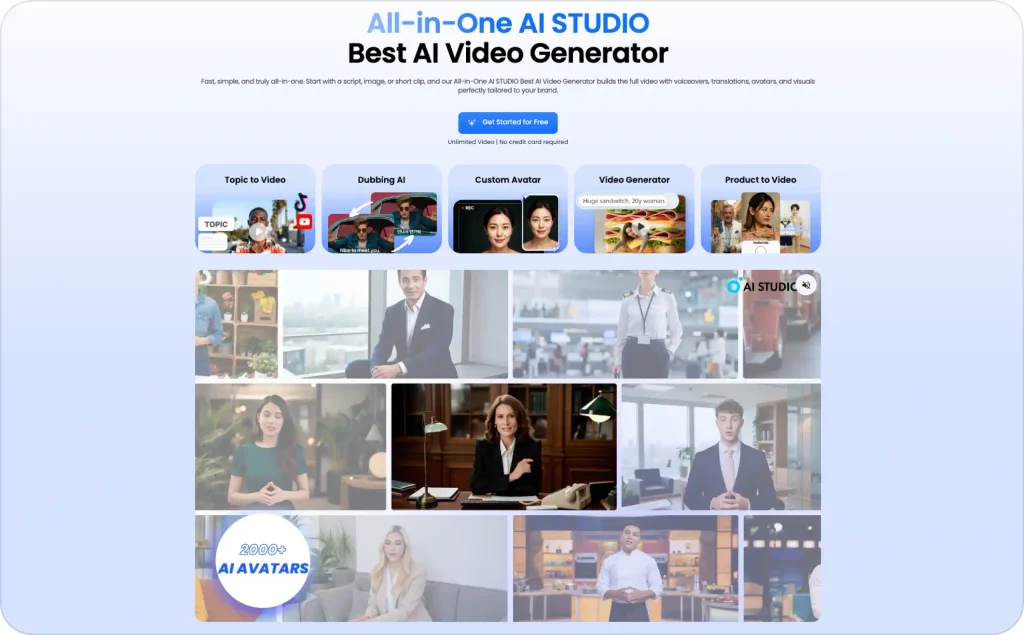
AI Studios stands out because its current Personal plan advertises unlimited standard AI video generation rather than a small monthly allowance of finished videos. The free plan includes three videos of up to one minute each, one custom avatar, 720p export, and limited generative credits, so there is enough room to see how the editor works before upgrading.
Personal costs $24 per month and raises the maximum video length to 30 minutes, includes three custom avatars, exports at 1080p, and allows unlimited standard AI videos. It also includes 60 generative credits per month and 120 minutes of AI dubbing, which is where the wording around “unlimited” needs some context.
The standard video count may be unlimited, but generative models such as newer image and video engines still consume a separate allowance. That is not necessarily a drawback; it simply means buyers should distinguish between conventional avatar-led production and the more expensive generative features when estimating output.
For marketers or business creators producing a substantial number of presenter videos, that model can be attractive. AI Studios is less tightly focused on advertising than Zeely and less narrowly associated with L&D than Synthesia, which makes it a broad business-video option rather than a specialist.
Best for: Solo marketers and businesses producing a high volume of conventional presenter-led video.
Pricing: Free plan available; Personal from $24/month.
Keep in mind: “Unlimited AI videos” does not mean every generative AI feature is unlimited.
AI talking head video generators compared
| Tool | Best for | Free access | Paid starting point | Key strength | Main limitation |
| Zeely | Small businesses, ecommerce and paid social ads | Paid trial/promotional access may vary | Starter $29.95/month, 2,500 credits | Talking heads + ad scripts + campaign workflow | Credit use varies; English-focused talking heads |
| HeyGen | Multilingual marketing and general avatar video | 3 videos/month, up to 1 minute each | Creator $29/month or $24/month annually | Large avatar library and 175+ languages/dialects | Credit-based AI usage |
| Synthesia | Corporate training and internal communication | Up to 10 minutes/month; downloads require paid plan | Starter $29/month or $18/month annually | Structured business video and localization | Free videos cannot be downloaded |
| AI Studios | High-volume business video | 3 one-minute videos | Personal from $24/month | Unlimited standard AI videos on Personal | Generative features use separate credits |
| Colossyan | Interactive learning and training | 20 NEO minutes/month | Professional $59/month annually | SCORM, courses and interactive training | Advanced exports are on paid tiers |
| Elai | Straightforward minute-based production | 1 minute | Creator $29/month or $23/month annually | Easy-to-understand video-minute allowance | Advanced L&D features require higher plans |
| D-ID | Developers and photo avatars | API trial | Build from $14.40/month annually | API and photo-to-video workflows | 15-second billing increments |
| Captions | Social creators and AI twins | Free editing tier | Max $24.99/month | Mobile-first editing and AI actors | Credit-based and less training-focused |
| Vidnoz | Large stock-avatar selection | Free plan | Paid pricing varies by credits/promotions | 1,800+ free-plan avatars | Pricing can be difficult to compare directly |
How to choose the right talking head software for your business
Start with what happens after the video renders. Buyers who choose on avatar realism alone often find the video still needs captions, a headline, and manual upload to whichever platform they advertise on.
Video adoption is close to universal now. Wyzowl’s 2026 State of Video Marketing survey found that 91% of businesses use video as a marketing tool, and that the share of video marketers using AI tools to help create or edit video climbed to 63%, up from 51% the year before, the fastest-growing trend it tracks. You are not early to this. Most competitors are already testing it, so the edge comes from producing efficiently, not from having a video at all.
Four checks before you subscribe to anything:
- Confirm what the free plan actually lets you export. Some free tiers give a watermarked download you could use in a pinch. Synthesia’s does not let you download the file at all.
- Ask what happens to credits when a render fails. D-ID’s review history is the clearest warning sign here.
- Calculate real cost per minute at your actual volume, not the entry-tier teaser number, and know that some tools will not give you clean enough numbers to do this.
- Decide whether you need a stock avatar, a custom avatar, or your own cloned face. These are not interchangeable, and custom avatars sit behind a higher tier on every tool here.
Common mistakes to avoid with an AI talking head video generator
The most common mistake is treating avatar realism as the only variable that matters. An AI realistic talking head video generator can still fail with a generic script or a slow hook. A less photorealistic avatar with a sharp opening line beats a flawless avatar reading a flat one.
The second mistake is choosing from a homepage demo instead of your own product. Every showcase reel is picked to flatter the platform. Generate one test video with your actual script first.
The third is underestimating monthly cost at real volume. Credit-based pricing looks cheap at low volume and adds up fast once you are testing multiple AI-generated talking head variations a week for ad testing. Run the cost-per-minute math above at your expected volume. For tools that will not disclose that math, ask before you commit, not after.
FAQ
For small businesses running paid ads, Zeely, because it takes you from script to a video you can launch as a campaign in one workflow. For testing the category free, HeyGen. For structured multilingual training, Synthesia.
Not exactly. Talking head software produces a presenter speaking on camera. Avatar generator is the broader term and can also cover static portraits.
HeyGen and Vidnoz both let you download a watermarked file on their free tiers. Synthesia’s free tier is more limited: you can preview a video but not download it.
It varies by tool and length. Short clips, 15 to 30 seconds, hold up well across most platforms. Longer videos are where lip-sync drift and repeated expressions start to show.
Start with a free tier that lets you export something, HeyGen or Vidnoz rather than Synthesia. Generate one video with your real script and judge from that.
The bottom line
There is no single best AI talking head video generator, only the best one for what you are producing and what you will tolerate on the pricing page. Synthesia’s language coverage justifies its cost for structured training. HeyGen’s free tier is the most usable one here if you want to test first. If you are a small business trying to get a spokesperson ad in front of buyers without hiring an editor, Zeely’s AI talking head tool takes you from script to a live campaign in one place.
Check the pricing page against your expected volume. If you are weighing this against a broader AI ad generator, this comparison covers that wider decision.

Emma blends product marketing and content to turn complex tools into simple, sales-driven playbooks for AI ad creatives and Facebook/Instagram campaigns. You’ll get checklists, bite-size guides, and real results, pulled from thousands of Zeely entrepreneurs, so you can run AI-powered ads confidently, even as a beginner.
Written by: Emma, AI Growth Adviser, Zeely
Reviewed on: September 14, 2026