Advertising on Pinterest: Your first campaign in 2026
Ready to advertise on Pinterest but unsure what to create or spend? I’ve combined Pinterest’s current instructions with a simple campaign example and Zeely’s creative tools to help you get started.
Advertising on Pinterest starts with a useful idea someone wants to try, save, or buy. Ready to launch but unsure what to create or spend? I’ve combined Pinterest’s current instructions with a simple campaign example and Zeely’s creative tools to help you turn that idea into a campaign you can judge. First, choose one product and open its page on your phone: can you understand the offer, delivery details, and next step without hunting?
Key takeaways
- Start with a business account, one clear offer, working tracking, and a spending limit
- Choose your campaign goal before choosing an ad format: cheap clicks and profitable orders answer different questions
- Prepare mobile-friendly images or short videos, then match each ad to its landing page
- Use Quick create for simplicity or custom creation for more control, and check Performance+ requirements before committing your budget
- Create assets with Zeely, then launch and measure your campaign in Pinterest Ads Manager
Are Pinterest ads right for your business?
Pinterest ads are paid Pins that introduce your offer while people browse or search. I would consider them when your product fits something people plan: a room, an outfit, a meal, a celebration, or a new routine.
Pinterest’s current audience page reports 640 million monthly active users worldwide. That describes the platform’s audience, not the number your campaign can reach. Your location, category, budget, and targeting will narrow the opportunity.
A small homeware shop has an easy visual starting point. A storage basket can appear beside a bed or inside a crowded closet. The customer sees where it belongs before reading the product description.
A service business needs the same clarity. A wedding photographer might show a venue-specific portfolio and invite couples to check availability. An emergency repair service needs more caution: someone saving renovation ideas may not need immediate help.
What do you need before spending money?
My minimum viable setup has six parts:
- A Pinterest business account with advertising access and billing ready
- One offer and a destination page that works on mobile
- Clear prices, shipping details, availability, and contact information
- Conversion tracking tested against the action you want people to complete
- A small set of distinct creatives and descriptive Pin copy
- A total spending limit and a date for reviewing results
How much do Pinterest ads cost?
There is no single Pinterest price that tells you what a customer will cost. Your result depends on the auction, objective, audience, creative, and website. A low click price can still produce an expensive order.
Start by separating three measurements:
- CPM: ad spend per 1,000 impressions
- CPC: ad spend divided by the relevant click count
- CPA: ad spend divided by the actions you count, such as purchases
Be careful with the click count. Pinterest tracks more than one type of click: a Pin click can simply mean someone opened or interacted with the Pin, while an outbound click means they actually left Pinterest and went to your website.
So, if your goal is website traffic, I would focus on cost per outbound click, not total clicks. Pinterest explains the distinction in its measurement methodology.
That gives you a much clearer answer to the question that matters: how much did I actually pay to bring someone to my site?
What budget should you start with?
For a small traffic test, I would start with a budget that is large enough to produce useful data but still comfortable to lose. For example, $20 a day for 14 days gives you a $280 test budget.
Now work backward from the traffic you can buy.
If your outbound clicks cost $1 each, $280 buys about 280 website visits. At a 2% purchase rate, that works out to roughly six orders and a $50 CPA.
If outbound clicks cost $2 instead, the same budget buys about 140 visits. At the same conversion rate, your CPA rises to about $100.
These are example numbers, not Pinterest benchmarks, but they show why I always check the economics before increasing spend.
Say a $70 order leaves you $28 after product costs, delivery, and payment fees. A $50 CPA already puts that campaign underwater before overhead. Spending more would not solve the problem — it would simply scale the loss.
That is why I choose a Pinterest Ads budget based on what an order is worth to the business, not on how much the platform allows me to spend.
What budget is too low for useful data?
A budget is too low when it cannot produce enough of the action you need to assess. At a hypothetical $40 CPA, spending $5 daily represents less than one expected purchase weekly. You could wait several days with no sale and still learn very little.
Avoid splitting that small budget across five audiences. Keep the test narrow in scope: one offer, one goal, and a clear question. You might ask whether a room-setting image attracts better website visits than a product close-up.
Traffic tests help compare interest. They do not establish profitable customer acquisition. For conversion-focused Performance+ campaigns, use Pinterest’s separate recommendations in the setup section below.
Pinterest ad types, specs, and examples to start with
I would start with the format that explains your product most clearly. A still image can show a finished room. A short video can demonstrate how a folding shelf opens.
Mobile readability deserves attention in both cases. Adobe’s January 2026 holiday shopping report found smartphones accounted for 56.4% of U.S. online transactions during November and December 2025.
Which Pinterest ad types should you choose?
I would not choose based on which format looks more advanced — the simplest one that communicates the product well.
| Pinterest ad type | Best for |
| Standard image | Clear products, simple offers, strong lifestyle or product photography |
| Standard video | Demonstrations, transformations, movement, or products that need a little more explanation |
| Carousel | Multiple product views, features, variations, or related products |
| Shopping ads | Promoting products directly from a connected catalog |
| Collections | Showing a hero product or lifestyle image together with related items |
For most small businesses, I would start with a strong static image unless video genuinely helps explain or sell the product. More complex formats do not automatically mean better performance or cheaper customers.
If you already have a product catalog and several related items to promote, Shopping ads or Collections can make more sense. Before creating assets, check which formats Pinterest currently supports for your campaign objective.
Pinterest ad specs: Check these before uploading
The current Pinterest ad specs list the following requirements and recommendations.
| Creative | Upload checklist |
| Standard image | PNG or JPEG; desktop maximum 20 MB; recommended 2:3 ratio, or 1000 × 1500 pixels |
| Standard video | MP4, MOV, or M4V; maximum 2 GB; accepted duration 4 seconds to 15 minutes; recommended duration 6–15 seconds |
| Standard video shape | Recommended square 1:1 or vertical 2:3, 4:5, or 9:16 |
| Standard image/video text | Title up to 100 characters; description up to 800 characters |
| Non-Sales image carousel | 2–5 images; PNG or JPEG; maximum 20 MB per image; 1:1 or 2:3 ratio |
The carousel row does not cover Sales catalog carousels, which have different rules. For standard ads, Pinterest may show only the first 40 title characters in feeds. Put the useful detail first.
Descriptions help Pinterest understand relevance but do not display like visible ad captions. Put essential offer information in your creative and destination, too. Do not hide a condition in text your customer will never see.
Pinterest ad examples: Real campaigns and ideas to adapt
You don’t need Netflix’s budget to borrow its logic. Three real, current Pinterest campaigns worth studying, each solving a different problem you’ll eventually hit.
Netflix tied Bridgerton to a named Pinterest trend
For the show’s Australia launch, the creative carried Pinterest Predicts’ “Opera Aesthetic” badge, a 2026 trend that matched Bridgerton’s candlelit, theatrical world almost exactly. Pin Awareness rose 8.4 points campaign-wide, but the trend-tagged creative alone drove a 12.3-point lift, an 83.6% higher video completion rate, and a 66.7% lower cost per completed view than the non-trend creative. Borrow the logic, not the budget: anchor your Pin to a style people already search for.
MESHKI fed better data into its Shopping ads
The fashion retailer connected a third-party conversion tool to its Performance+ campaigns so Pinterest could optimize toward real purchase value instead of platform-only signals, producing a 43% lift in triple-attribution ROAS and a 52% lift in linear paid ROAS against its control group. The lesson: your audience and creative matter less than whether Pinterest can see which clicks became sales.
KIA paired talent-led video with Performance+ for its EV3 launch
Instead of a polished traditional car ad, KIA ran short, feature-focused videos from a brand ambassador that read like lifestyle content, then let Performance+ find the audience for consideration and leads. Outbound CPC ran 35% more efficient than KIA’s own auto benchmark, and cost per lead beat the planned goal by 18%. Even in an expensive, considered category, the casual-feeling video won.
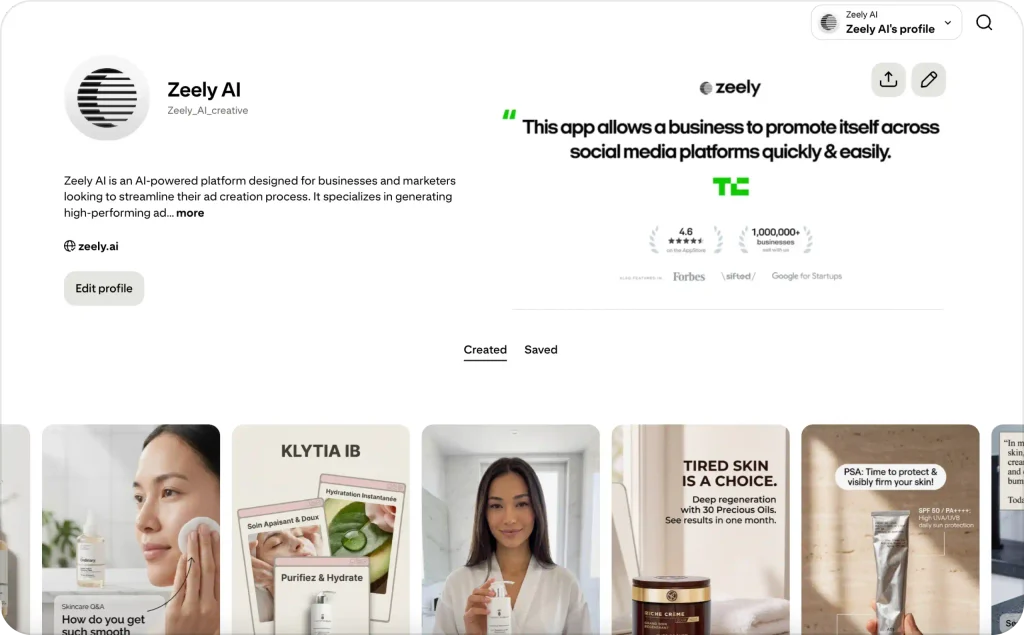
Adapt one of these ideas with Zeely
Once you’ve picked the underlying idea, adapt it to your own product. My ad creative tips go deeper on building a message around one buyer moment, but here are three starting points for a small shop:
- Home storage: baskets under a narrow entryway console, headlined around small-space organizing and linking straight to the pictured products.
- Wedding stationery: an invitation, envelope, and place card laid out together, headlined as a coordinated paper set and linking to the matching collection.
- Meal planning: the actual planner beside a handwritten grocery list, headlined around planning dinners before you shop.
Here’s the meal-planning idea end to end in Zeely:
paste the planner’s product page into the AI ad generator, choose Image ad, and prompt something close to “overhead shot of the planner open on a kitchen counter next to a handwritten grocery list, soft window light.” Review the render against the real product, then export at Pinterest’s recommended 1000 × 1500 pixels. The full Zeely workflow, including video, is covered later in this guide.
How to run ads on Pinterest step by step
To run ads on Pinterest, choose a creation path, select your goal, set targeting and spending controls, add your creatives, and review everything before publishing. I would write those choices down before opening the campaign builder.
At a June 2026 event, Pinterest’s CEO reported more than 80 billion monthly searches, over half commercial. That platform-reported activity explains why I start with what shoppers seek. Search volume alone does not tell you which audience will buy.
1. Choose Quick create, custom creation, or Performance+
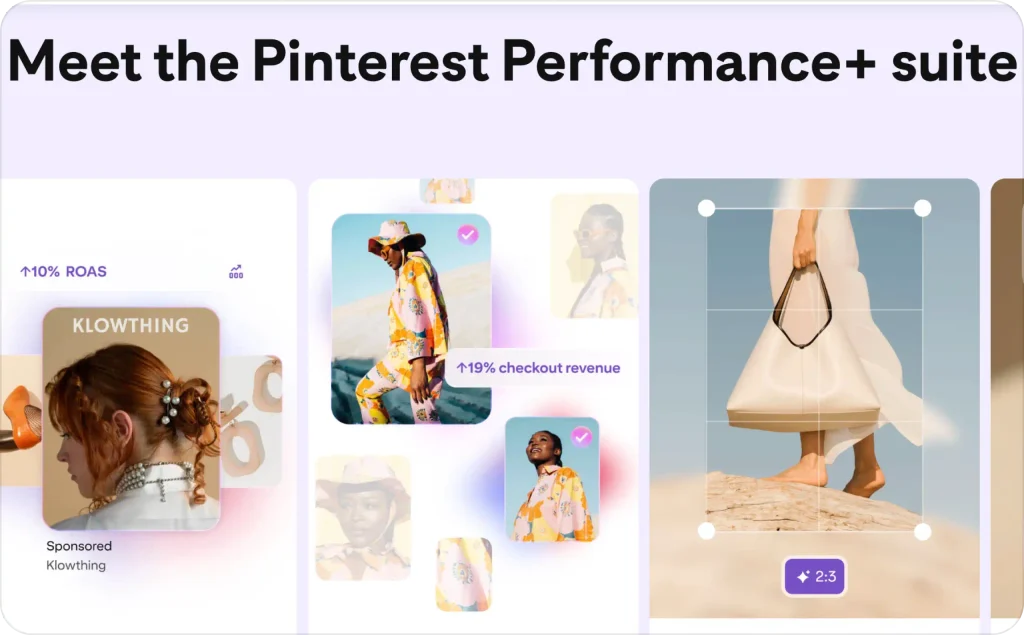
These options overlap. Quick create is a simplified creation path, while Performance+ supplies automation that can also appear within custom creation.
Quick create handles bidding and most targeting automatically. You provide the goal, creatives, budget, and required age or location limits. Pinterest recommends running it for at least 10 days. Choose custom creation if you need manual bids or additional targeting control.
Currently recommends:
- Leads or Sales when you have more than 50 weekly conversion events; Consideration below that level
- Daily budget of at least five times your cost-per-result goal
- At least 10 ads per ad group
- Waiting for learning to finish before changing ads or budgets; learning averages about two weeks
- Gradual budget increases of 20–30%, based on performance
2. Match the objective to your next business result
Choose Consideration when you want to assess website interest. Use a purchase-oriented Sales setup when you have the required product and conversion data. For inquiries or signups, inspect the Leads options and choose the relevant event.
Awareness and video-view goals answer different questions from purchase campaigns. I would not choose them simply because their reported results look cheaper. A video view is not an order.
Follow the labels available in your account. Older tutorials may call objectives Conversions or Catalog sales, while current Pinterest documentation uses Leads and Sales in newer flows.
3. Keep your first account structure readable
For a small custom test, I would use one campaign, one ad group, and three distinct creatives. That is my manageable learning setup, not the larger creative mix Pinterest recommends for Performance+.
Name each creative for what changes: “basket-entryway,” “basket-bedroom,” and “basket-closeup.” Keep the offer and landing page consistent. You will find it easier to explain the result later.
Performance+ can create additional ad groups automatically. Do not assume its structure or spend allocation will match your custom test.
4. Choose targeting around a real buying situation
Pinterest’s targeting overview covers audiences, interests, keywords, demographics, and automated options. In a custom test, select locations you can actually serve. Then choose relevant searches or interests without adding unnecessary restrictions.
For entryway baskets, I would explore phrases such as “small entryway storage” and “entryway organization.” Compare them in Pinterest Trends before choosing your theme. Treat these as starting ideas, not verified search-volume recommendations.
Keep an eye on automated expansion settings. Otherwise, you may think you tested a narrow keyword audience when Pinterest delivered more broadly.
5. Set the budget, upload, and publish
Follow Pinterest’s campaign creation steps and enter your planned budget and schedule. Check whether the displayed daily amount is an average or another spending control. Confirm how it applies before publishing.
Upload your creatives, add relevant titles and descriptions, and select the exact destination. Add tracking parameters to your ad URLs so website analytics can identify the campaign and creative.
Preview every ad on mobile. Check the crop, spelling, price, destination, event, location, and total planned spend. Publish only when those details agree, then watch the review and delivery status.
Track and improve Pinterest ads after launch
I check the buying path before changing targeting. If shoppers click but cannot understand delivery costs, the audience may be fine.
Baymard’s 2026 checkout-abandonment data lists high extra costs, including shipping, taxes, and fees, as a reason for 40% of surveyed abandoners in its avoidable-reasons breakdown. It is not a Pinterest-specific rate. It is a reminder to inspect what happens after the click.
Which Pinterest ad metrics should you track?
I start with three questions: Are people clicking through? Are those visits turning into customers? Can you afford what each customer costs? In Pinterest Ads Manager, check spend, impressions, outbound clicks, and purchases or leads for the same date range.
Here’s how to turn those numbers into decisions:
| Metric | What it tells you | What to do next |
| Outbound CTR: outbound clicks ÷ impressions × 100 | How often people leave Pinterest to visit your site after seeing your ad | Compare ads reaching the same audience. Test a clearer image or headline on the weaker ad. |
| Cost per outbound click: spend ÷ outbound clicks | What you pay to bring someone to your site | Check whether those visits produce purchases before choosing the cheapest ad. |
| CPA: spend ÷ purchases | What each purchase costs in advertising | Compare it with the amount left from each order after product and other variable costs. |
| ROAS: attributed revenue ÷ ad spend | How much reported revenue each advertising dollar brings back | Check your margin. A positive ROAS can still mean you’re losing money. |
Suppose you spend $100, receive 200 outbound clicks, and get four $60 orders. Your cost per click is $0.50, your purchase CPA is $25, and your ROAS is 2.4.
Now check what those orders leave you. If each $60 order leaves $20 after product costs, shipping, and payment fees, four orders contribute $80 before advertising. You spent $100 to get them, leaving a $20 loss before fixed business expenses. Your break-even CPA is $20, so you need a lower acquisition cost or more margin per order.
For a service business, follow leads through to paying customers. If $100 brings ten inquiries but only two customers, your cost per lead is $10 and your customer acquisition cost is $50. Use that $50 figure to judge whether the advertising pays.
Before increasing your budget, check the purchases against your store’s actual orders. Count each order once, even when both Pinterest and Meta take credit for it. Keep reporting settings consistent between comparisons, and allow time for recent visitors to buy.
What should you optimize first?
Use this order when the data points to a problem:
| What you see | What I would check first |
| Little or no delivery | Approval, billing, schedule, audience limits, and bidding |
| Impressions but few outbound clicks | Product visibility, message, and relevance |
| Clicks but few site sessions | Page loading, redirects, consent effects, and tracking |
| Visits without cart additions or inquiries | Offer clarity, price, product fit, and page usability |
| Cart additions without purchases | Delivery costs, payment problems, and checkout friction |
| Sales with an unaffordable CPA | Margin, order value, creative quality, and customer fit |
Fix broken tracking or checkout immediately. For ordinary performance changes, wait for enough data and account for the learning status. Changing creative, audience, bid, and destination together leaves you guessing which change mattered.
How can you separate a creative problem from an audience problem?
First, compare different creatives within the same audience and offer. If one repeatedly attracts useful visits while another does not, investigate the weaker message or visual.
Next, compare the stronger creative across audience themes, keeping other settings stable. If it attracts visitors but none show buying interest, inspect the offer and page before blaming targeting.
These are clues, not proof. Uneven delivery, small samples, and automated targeting can blur the comparison. Use a controlled test when available and affordable.
What should you do after 7, 14, and 30 days?
Day 7: Check delivery, event accuracy, spending pace, and obvious page problems. Record which ads receive attention. Avoid declaring a winner from one purchase or replacing everything during learning.
Day 14: Review the learning status and completed conversion window. Compare costs and downstream behavior by creative. If evidence supports a change, fix one weak point and write down what you changed.
Day 30: Compare actual orders, qualified leads, contribution margin, and total spend. Decide whether to continue, revise the offer, or stop. A campaign can generate attractive engagement without earning another month of funding.
These dates are review checkpoints, not instructions to keep an obviously broken campaign running.
How many conversions do you need before increasing your budget?
There is no universal count that guarantees safe scaling. The 50-event guidance above concerns Performance+ suitability, not a profitability certificate.
I would look for repeat results across several days, reliable tracking, and a CPA comfortably below my limit. Check returns, lead quality, and stock before spending more. If one expensive order created most of your ROAS, wait for stronger evidence.
The mistakes I would avoid first are choosing clicks when you need sales, splitting a small budget too widely, judging incomplete data, and hiding extra costs until checkout. Each mistake can make a reasonable creative look worse than it is.
How to create Pinterest ad assets with Zeely AI
You can use Zeely to prepare image and video assets, then upload suitable exports to Pinterest.
Build a creative around your product and offer
Start with Zeely’s AI ad generator. Paste a public product URL or enter the details manually. URL import extracts available information; it does not connect your store or create a Pinterest catalog.
Review the product name, images, and offer. Zeely’s Market Intelligence provides editable audience and product context, while the Performance Intelligence Layer combines AI with marketing frameworks, advertising performance data, and product context. Review generated claims before using them.
In Image ad, select your product photo and add a reference or creative idea. For a storage basket, I would request a realistic entryway scene with the actual product clearly visible. Keep the shape, color, and materials accurate.
For motion, Animate an image lets you review a start image before generating video. Add or edit the script and available captions. Choose an export that fits Pinterest’s specifications; if the required dimensions are unavailable, resize or crop separately and check the result.
For scene planning, my guide to AI product placement for ads explores how to keep the product believable in different settings.
I would begin with one product and one clear reason to click. Create your first ad assets with Zeely, then use your Pinterest results to decide what deserves another version.

FAQ
Creating a business account and publishing organic Pins is free; the ads themselves are paid. You control the spend through daily or total budgets and can pause a campaign at any point. A small paid test, like the illustrative $280 plan above, is the realistic entry point for learning whether paid distribution helps your offer.
Pinterest ads are worth testing when people plan the kind of purchase you sell, your landing page works on mobile, your tracking is reliable, and your margin can absorb a realistic CPA. They are not worth it while checkout is broken or your test budget is too small to produce measurable actions. Run one narrow test, hold your 7-, 14-, and 30-day reviews, and let contribution margin, not engagement, make the decision.
Products that fit Pinterest’s planning mindset tend to perform best, especially in categories like home décor, fashion, beauty, weddings, food, crafts, travel, fitness, and gifts. Visually distinctive products with a clear use case, such as room makeovers, outfits, recipes, or gift ideas, usually have an advantage. But category popularity alone does not guarantee sales. The best products are those your audience is already searching and saving for, with strong creative, competitive pricing, and a mobile-friendly landing page that converts.

Emma blends product marketing and content to turn complex tools into simple, sales-driven playbooks for AI ad creatives and Facebook/Instagram campaigns. You’ll get checklists, bite-size guides, and real results, pulled from thousands of Zeely entrepreneurs, so you can run AI-powered ads confidently, even as a beginner.
Written by: Emma, AI Growth Adviser, Zeely
Reviewed on: September 29, 2026