Static ads vs dynamic ads: How to pick the right format
Are dynamic ads really worth the hype or do static visuals still win? Discover the five metrics every marketer should track before deciding.
Key takeaways
- Static ads show one fixed creative to every viewer. Fast to produce, simple to approve, consistent across placements
- Dynamic ads pull from a product feed and build something different for each person. The image, price, and copy shift based on what they browsed or bought
- Neither format wins every campaign. Static works better at the top of the funnel. Dynamic works better at the bottom. Most serious advertisers run both
- Compare cost per acquisition, not cost per impression. A “cheap” format that can’t produce a profitable customer isn’t actually cheap
- Platform matters. Meta Advantage+ Catalog, Google Performance Max, and TikTok each handle dynamic formats their own way
I’ve watched brands burn through budgets picking the wrong ad format. Not because they chose badly on purpose, but because nobody explained the tradeoff clearly enough. Static and dynamic ads both enter the same Meta or Google auction.
What changes is how the creative gets built, who it’s built for, and what you can learn from it. I’ll cover cost, targeting, setup, and performance below, plus a decision matrix so you’re not guessing.

What are static ads?
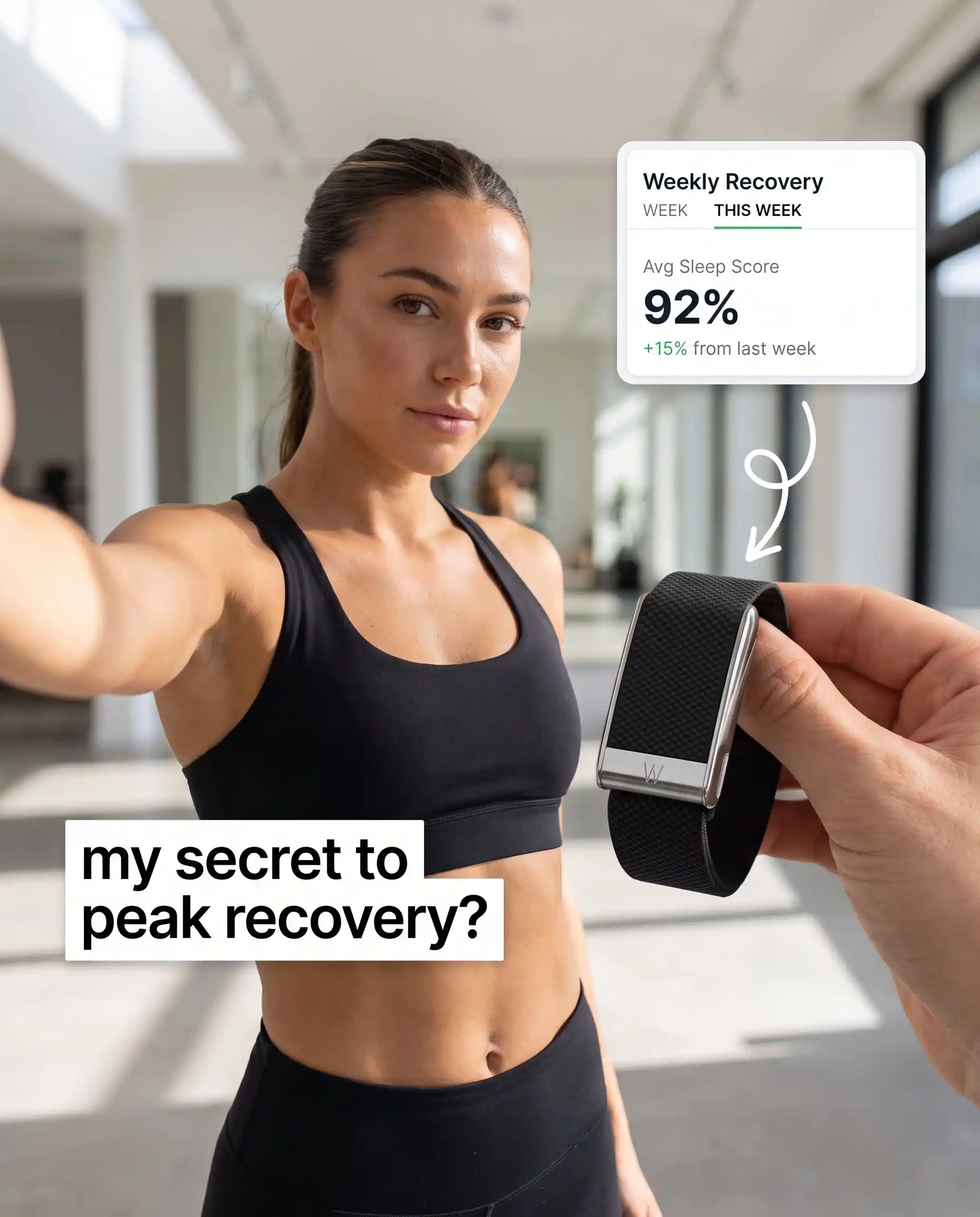
A static ad looks the same no matter who sees it. The image doesn’t change. The headline doesn’t change. The CTA doesn’t change. A college student in Austin and a retiree in Maine both get the identical creative in their feed.
The format includes single-image posts, display banners, story cards, and even video ads where nothing changes between segments. You brief a designer, approve the file, export your sizes, and you’re live. When brand control matters, static is hard to beat. There’s no algorithm assembling things on the fly, which honestly makes approvals way simpler too. If you want to see how strong static creative actually looks in practice, browse these static ad examples for inspiration across industries.
One thing that catches people off guard: Instagram’s profile grid shifted from the classic 1:1 square to a taller 3:4 preview in 2025, as announced by Instagram head Adam Mosseri. The recommended feed post size is now 1080 × 1350 px for maximum visibility. If you’ve got older square templates sitting in a shared drive somewhere, go resize them now. I’ve seen brands launch campaigns with cropped logos because nobody checked the spec change. Easy impressions wasted.
Where static ads fit best: brand awareness, seasonal promos, single-product launches. Also regulated industries where legal has to approve every word before anything goes live. Basically, any time you need a clean creative shipped fast without a complex tech setup behind it.


Pros:
- Lower production cost. One file, one round of edits, done
- Full creative control. You decide exactly what every viewer sees
- Simple A/B testing. Swap the headline or image without touching a data feed
- Runs on every ad network. No catalog integration needed
Cons:
- Zero personalization. A runner and a gardener get the exact same ad
- Creative fatigue sets in. The same static image loses attention over time and you have to manually refresh it. Understanding how to identify and prevent ad fatigue is critical when running static campaigns
- Limited relevance at scale. Broad targeting means broad messaging, which means you’re interesting to fewer people per impression
What are dynamic ads?
Dynamic ads flip the model. The ad platform reaches into your product catalog, grabs an image, a price, a title, and builds an ad specifically for that one viewer. What they see depends on what pages they hit on your site, what they’ve purchased before, or what the algorithm thinks they’re likely to want.
On Meta, these run under Advantage+ Catalog Ads. Most advertisers still call them Facebook Dynamic Ads, and honestly, so do I half the time. Google has the same concept through Performance Max and Dynamic Remarketing. You upload your catalog, wire up event tracking, and let the platform handle matching from there. For a deeper look at how these work on Meta specifically, check out this guide to Facebook Dynamic Ads strategies.
Here’s what that looks like in practice. Someone browses three pairs of running shoes on your site, bounces, and opens Instagram an hour later. They see an ad with those exact shoes, today’s price, live stock status. You didn’t design that ad. The feed built it.
That specificity is why dynamic ads own retargeting. According to aggregated ecommerce benchmark data, the average online store converts only about 2.5–3% of visitors, meaning roughly 97% of people leave without purchasing. Dynamic ads follow those visitors around with the exact products they already considered. Way more effective than hitting them with another generic brand banner. For real-world examples of how brands execute this, explore these remarketing ad examples that actually convert.
There’s also Dynamic Creative Optimization, or DCO. Goes beyond swapping catalog products. DCO tests different combinations of headlines, images, and CTAs across audience segments, then shifts spend toward whichever mix is actually converting. It’s a separate concept from standard dynamic product ads, and I break down the distinction in the FAQ. If you want to go deeper on how DCO works, read my full breakdown of dynamic creative optimization.
Dynamic ads earn their setup cost in ecommerce retargeting, large catalogs, price-sensitive promotions, and mid-to-bottom funnel campaigns.
Pros
- Personalized at scale. Each viewer sees products relevant to their own browsing and purchase history
- Automated updates. Prices, availability, and images sync from your feed. No manual redesign when something goes on sale or sells out
- Relevance pays. Someone who sees the shoes they browsed yesterday clicks more often than someone seeing a generic seasonal promo
- Scales with your catalog. One template can serve thousands of product variations without extra design work
Cons
- Setup complexity. You need a clean product feed and a working Meta Pixel or Conversions API. The catalog has to be properly configured too. When bad images, missing titles, or out-of-stock items start showing up in live ads, trust erodes fast
- Ongoing investment. Template design, feed management, QA. None of it is set-and-forget. Someone on your team has to keep an eye on it
- Less visual control. The platform assembles the creative for you, so brand consistency depends entirely on how well you built your template guardrails
Static vs dynamic ads: The key differences
I put everything in one table. Easier to scan than reading six paragraphs that all say slightly different versions of the same thing.
| Feature | Static ads | Dynamic ads |
| Content | Fixed. Same for every viewer | Personalized. Changes based on user data |
| Setup | Quick. One creative, minimal tech | Higher. Needs catalog, pixel, feed integration |
| Production cost | Lower. One design round | Higher. Template + feed + ongoing QA |
| Personalization | None | High. Product, price, and copy adapt per viewer |
| Best funnel stage | Top of funnel: awareness and broad reach | Mid to bottom: retargeting and conversions |
| Targeting | Broad audience segments | Individual-level based on behavior and intent |
| Key metrics | Impressions, CTR, brand recall | CTR, conversion rate, ROAS, CPA |
| Creative fatigue | Builds without manual refreshes | Lower. Variants rotate automatically |
| Scalability | Limited by design capacity | Scales with catalog size |
| Best for | Brand launches, promos, regulated industries | Ecommerce, retargeting, large catalogs |
Content and setup
Static ads need one design file. Brief it, approve it, export sizes, launch. That’s it.
Dynamic ads need a product catalog connected to your ad platform, event tracking, and a template built to handle changing content. Definitely more work up front. But once the feed is live, thousands of product-specific ads run without anyone opening a design tool.
Cost and budget
Dynamic ads cost more to launch: catalog work, template design, feed management. But each additional product variation costs almost nothing after that. If you sell 500 products, designing 500 separate static ads makes no sense. One dynamic template covers all of them.
I’d still compare total cost per profitable conversion over production cost. That’s the number that matters. I once had a $50 static banner converting at 1% that actually cost more per customer than a $200 dynamic template converting at 4%.
Performance metrics
Static campaigns live and die by impressions, reach, frequency, CTR, and CPA. Dynamic campaigns? Conversion rate, CPA, and ROAS are what matter there. If you need a reference point for what “good” looks like, my Facebook ads benchmarks for 2026 break down average metrics by objective and format.
Here’s something that trips people up all the time. A low CPM on a static awareness campaign and a strong ROAS on a dynamic retargeting campaign look great sitting next to each other in a report. But they’re measuring completely different jobs. You can’t compare them. Judge each format against whatever goal you actually assigned it.
When to use static ads, dynamic ads, or both
Most comparison guides end with “it depends” and leave you there. I’d rather give you something you can act on.
By funnel stage
- Awareness — top of funnel: Go static. One clear message, clean visuals, broad audience. Nobody has browsing history with you yet, so there’s literally nothing for personalization to work with.
- Consideration — mid-funnel: Hybrid. Static carries the core message while dynamic shows specific products the viewer browsed, or related items based on category interest.
- Conversion — bottom of funnel: Dynamic. The viewer already knows you. Showing them the exact item they abandoned, with the current price and a direct CTA, beats another brand awareness ad by a wide margin.
By platform
| Platform | Static strength | Dynamic strength |
| Facebook / Instagram | Brand launches, single-offer promos, story ads | Advantage+ Catalog retargeting, broad shopping campaigns |
| Google Display / PMAX | Brand awareness on publisher sites | Dynamic remarketing across Shopping, Display, YouTube |
| TikTok | Trend-driven creative, brand storytelling | Catalog ads for ecommerce retargeting |
| Thought leadership, event promotion, B2B offers | Limited dynamic options. Static usually fits better here |
Meta’s Advantage+ Shopping campaigns can actually blend both formats in one structure. You feed static hero creatives alongside catalog items, and Meta’s algorithm picks what to show each viewer. For a detailed comparison of when to let the algorithm run versus managing things yourself, see my guide to Meta Advantage+ vs manual setup.
Decision matrix
| Your situation | Catalog size | Data maturity | Recommended start |
| Brand launch or awareness push | Small | Low | Static |
| Ecommerce retargeting | Large | High | Dynamic |
| Seasonal promo or flash sale | Any | Any | Static or hybrid |
| Always-on catalog growth | Large | High | Dynamic |
| B2B lead generation | Small | Low–medium | Static |
| Multi-product store, first campaign | Medium | Medium | Hybrid: static for awareness, dynamic for retargeting |
Common mistakes that raise costs
Running the same creative too long. Frequency climbs, CTR drops, CPA follows. I swap out static creatives when frequency passes 3–4 in a two-week window. Sometimes earlier if the CTR slide is already obvious. For a deeper dive into spotting and fixing this, read my guide on creative ad fatigue.
Ignoring placement specs. A 1200×628 image designed for Facebook feed looks terrible in a 9:16 Story slot. Resize for each placement, or accept that the platform will crop your strongest element right out of frame.
Dynamic ad pitfalls
Dirty product feed. Missing images, placeholder titles like “SKU-29381,” out-of-stock items showing up in live ads. I’ve seen all three in the same account. Clean your feed before launch. The algorithm can’t fix what you didn’t give it. Meta’s own product image specifications outline the minimum requirements your catalog images need to meet.
No template QA. I’ve personally watched dynamic templates crop product images in half, overlay white text on white backgrounds, and display prices in the wrong currency. All in one week. Preview the template with your worst-looking product, not your best one. Set fallback logic for missing images or titles longer than 40 characters. A broken card costs more than a skipped impression.
Both formats
Optimizing for the wrong metric. A low CPC means nothing if the landing page converts at 0.5%. I track the full path: click → page → event → sale. Fix the weakest link before spending more on traffic.
Running both formats together
The best-performing campaigns I’ve managed use static and dynamic as a sequence. Not a choice between them. A sequence.
Run static creative to a broad awareness audience. Build a retargeting pool from visitors who actually spent time on product pages. Then serve dynamic catalog ads to that pool with the specific products they viewed.
Many advertisers report a 10–15% conversion lift when they layer dynamic retargeting over static awareness. I wouldn’t promise that number for your account. But the logic is sound: broad reach followed by personalized follow-up covers more of the buying journey than either format can handle solo. If you’re weighing whether to start with image-based or motion-based creative for that top-of-funnel push, my comparison of static ads vs video ads can help you decide.
Create ads with Zeely AI
Two problems keep coming up in this article. Static ads need constant refreshes or they fatigue. And producing enough variations to test properly takes time most small teams don’t have. That’s the gap Zeely fills.
You paste a product URL into Zeely, and it pulls the name, images, and price automatically. From there you can generate static ads, video ads, or UGC-style creatives with AI avatars, all from that same product info. No designer brief. No back-and-forth on Slack about asset sizes. No waiting three days for a revision.
Where that matters most for static vs dynamic campaigns:
- Creative fatigue on static ads. The article mentions swapping creatives when frequency hits 3–4. Zeely lets you generate fresh static variations in minutes, so you’re not scrambling to replace a burned-out ad with something half-baked at 11pm.
- Hook testing. Instead of guessing which message works, build three or four versions with different headlines and see which one earns the clicks. Keep the winner, retire the rest.
- Production cost. I talked earlier about total cost per conversion including creative work. Zeely cuts the creative line item significantly, which means your break-even math gets friendlier before you spend a dollar on media.
I can’t promise Zeely will lower your CPC or CPA. The auction decides that. What it does is remove the production bottleneck that stops most teams from testing enough.


FAQ
The setup is more expensive, yes. Catalog work, event tracking, template design. But the ongoing media cost? That depends on your auction, your audience, and your objective. Not the format. And in retargeting specifically, dynamic ads tend to deliver a lower CPA because the ads are more relevant, so more people actually convert.
Yes. Meta’s Advantage+ Shopping campaigns accept both static creatives and catalog items in the same structure.
Static, almost always. Think about it: cold audiences have zero browsing history on your site. The algorithm has nothing to personalize against. You’re better off with a clear brand message and a straightforward offer than showing product cards built on no data at all.
Absolutely. I’ve seen them work well for travel packages, apartment listings, car dealerships, even job boards. The only real requirement is a structured feed where each item has an image, a title, a price or relevant detail, and a live URL. You don’t need a checkout page for dynamic ads to make sense.
Standard dynamic ads are catalog-driven. They show a viewer the specific product they browsed or something similar from your feed. DCO, or Dynamic Creative Optimization, does something different. It mixes and matches creative building blocks and lets the platform figure out which combo works best for each audience segment. So DCO isn’t limited to product retargeting. You could use it to test totally different messaging angles across cold audiences too.
Open your catalog and look at the worst listing in there. Does it have a decent image? Is the title something a human would recognize, or does it say “PROD-4491-BLK”? Is the price current? Is the item actually in stock? Does the link go somewhere real? If your ugliest listing can pass those checks, you’re probably fine. If it can’t, clean the feed before you spend a dollar on ads. Meta’s catalog product image specifications are a good checklist to start with.

Emma blends product marketing and content to turn complex tools into simple, sales-driven playbooks for AI ad creatives and Facebook/Instagram campaigns. You’ll get checklists, bite-size guides, and real results, pulled from thousands of Zeely entrepreneurs, so you can run AI-powered ads confidently, even as a beginner.
Written by: Emma, AI Growth Adviser, Zeely
Reviewed on: September 16, 2026