15 Best AI social media ad generators for efficient scaling
The best AI social media ad generator depends on your creative format, campaign workflow, and budget. Compare 15 tools by documented capabilities, pricing, and the feedback they provide for your next advertising test.

Zeely, AdCreative.ai, Creatify, Pencil, and Canva Grow are useful starting points when you need AI-generated ads and performance feedback.
I’d start with Zeely if you want guided creative production and Facebook or Instagram campaign setup. For other needs, this guide compares 15 options, including video specialists, design platforms, and catalog tools. A tool can support better conversion testing. It cannot promise that every generated ad will sell.
Quick picks
| Your main requirement | Start with | Why it belongs on your shortlist |
| Guided creative production and Meta campaigns | Zeely | Connects product inputs, image or video creation, and paid campaign setup |
| Creative scoring before launch | AdCreative.ai | Combines ad generation with predictive creative evaluation |
| Product videos and AI actors | Creatify | Brings URL-to-video, avatars, and broader performance tools together |
| Ad generation with connected campaign feedback | Pencil | Includes creative scores, ad launching, and tracking |
| Design control plus paid social publishing | Canva Grow | Connects editable designs with Meta, TikTok, and LinkedIn campaigns |
| Presenter videos in multiple languages | HeyGen | Provides avatar creation and video localization |
| Large product catalogs | Marpipe | Applies AI image and text changes across product feeds |
15 best AI social media ad generators compared
I compared documented capabilities, pricing, creative controls, and measurement options. These recommendations reflect workflow fit, rather than a controlled test of conversion performance. A few tools on this list will launch and manage the campaign for you. The others only make the ads, so you’ll upload them to Meta Ads Manager (or wherever you run ads) yourself.
I checked every price on October 22, 2026, and all amounts are in USD unless I note otherwise. If a monthly price only applies with annual billing, or the price changes by region, I’ve labeled it. I also point out which tools don’t publish their rates at all. None of these numbers include ad spend, so budget for that on top.
1. Zeely
Best for: Owners and teams who want to make their ads and launch the campaign in one place, without bouncing between a design app and Meta Ads Manager.
Price: The plan cards on Zeely’s website list Starter at $29.95/month, Plus at $49.95/month, and Growth at $79.95/month. Credits and plan conditions are covered in the budget section.
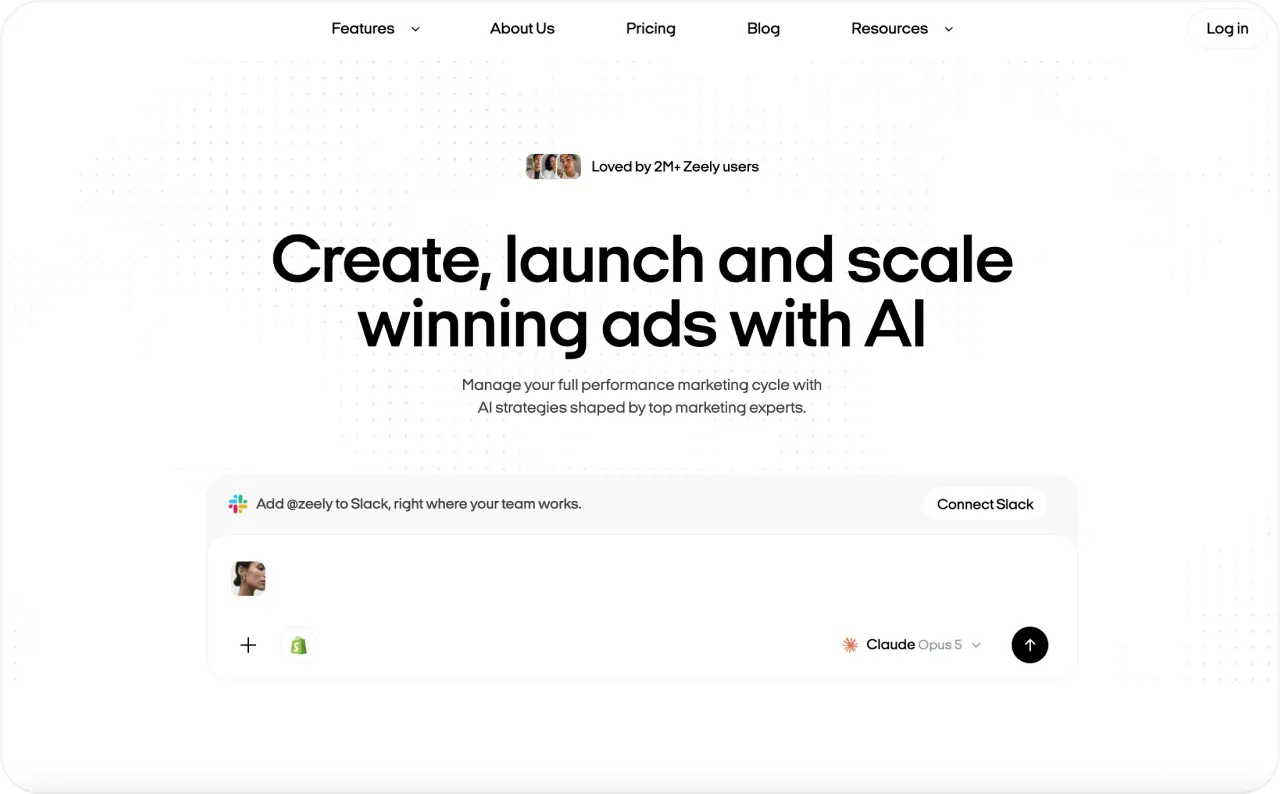
Zeely is an agentic AI platform that covers two jobs: making the ad and launching the campaign that shows it to people. You start by pasting a link to a public product page (Shopify, Etsy, Amazon, or your own site). If you don’t have one, you can type the details in by hand. Zeely pulls what it can from the page and suggests a call to action and a target audience. I’d read both before moving on, since the AI writes them from whatever your page happens to say. From there, the Zeely workflow moves you through image ads, video ads, review, and a paid Meta campaign.
What I like is that you set the product up once. The same photos and description feed your image ads and avatar videos, and the campaign builder later picks from those finished creatives. You can launch through your own Meta Ads account or through Zeely AI Marketplace, which runs your ads from Zeely’s managed Meta accounts. That second option saves a step if you don’t have an ad account yet.
The AI ad automation covers production help and campaign setup recommendations. While you set up the campaign, Zeely recommends 3 to 5 creatives and suggests mixing image and video so Meta has more to learn from. Move the budget slider, and the estimated reach updates as you go. I find that handy for seeing what an extra $10 a day actually gets you. Nothing goes live until you click Launch yourself. Meta then reviews the campaign, which usually takes up to 24 hours.
For a first campaign, that balance feels right to me: help with the numbers, while the final click stays yours.


Main risk: Every generation uses credits, and redoing a video three or four times to get the hook right adds up fast on a smaller plan.
KPI: Cost per qualified lead or verified purchase. I’d also log how long each test takes to prepare, since saved time is a big part of what you’re paying for.

2. AdCreative.ai
Best for: Marketers who produce a lot of creative variations and need a quick, repeatable way to narrow them down to a test shortlist.
Price: The monthly Starter plan starts at $39 and includes 20 credits for one brand. Longer billing periods come with different advertised rates.
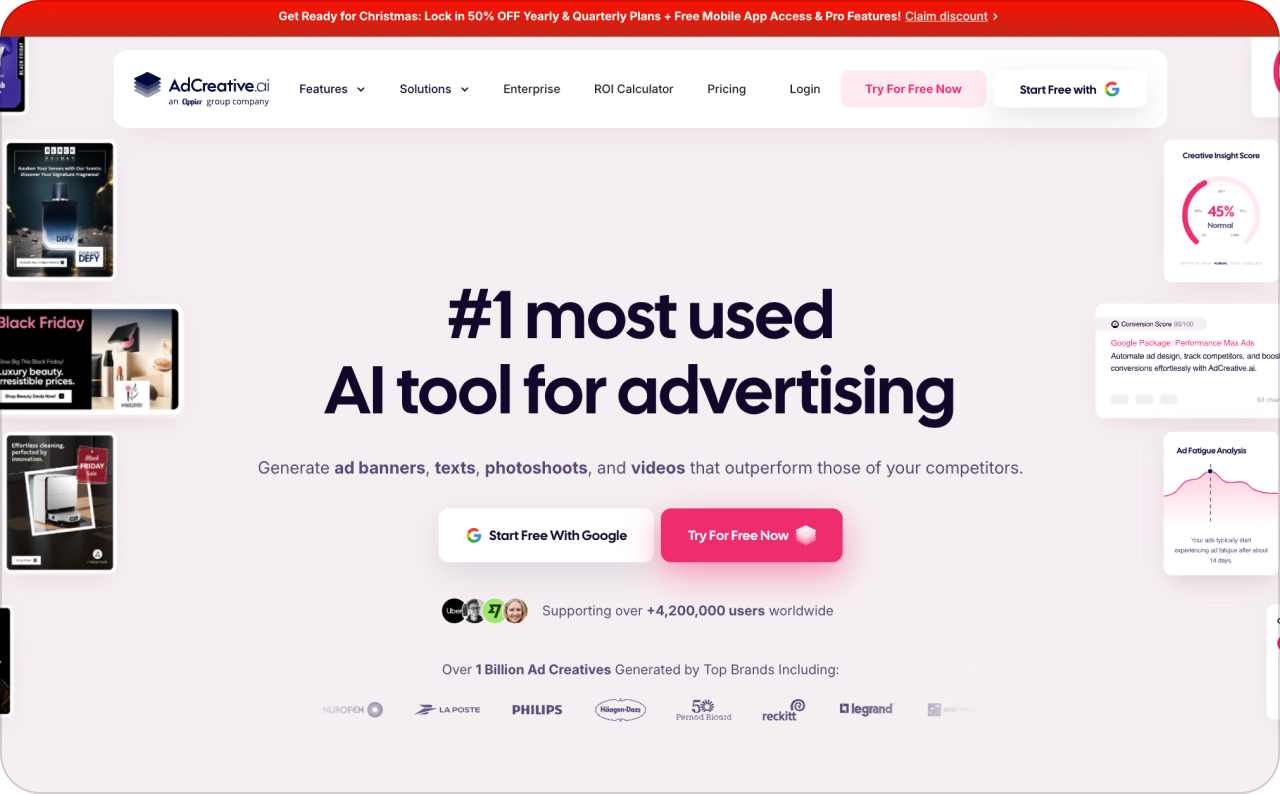
AdCreative.ai generates advertising visuals, copy, product imagery, and video assets. Its appeal is the connection between producing alternatives and evaluating them before launch. You can work from brand inputs and build several advertising directions without laying out every version manually.
The separate Creative Scoring feature evaluates proposed ads. I’d use that feedback to identify versions worth testing, then compare the scores with actual campaign outcomes.
AdCreative.ai works best when you already know your offer and just need more ways to show it. If the real problem is weak positioning or a confusing landing page, I’d fix that first. Fifty versions of an unclear message are still unclear.
Main risk: The creative scores are predictions, so don’t read them as conversion rates. Also check how downloads work on your plan, because unlimited generations don’t come with unlimited exports.
KPI: Purchase CPA or cost per lead for the shortlisted variations once they’re live. After the ads have spent a little, compare those numbers with the scores AdCreative.ai gave each one. That tells you pretty quickly how far to trust the scoring.
3. Creatify
Best for: Ecommerce teams that want to turn a product page into a steady stream of video tests.
Price: The pricing page shows Standard at $10/month on the annual offer, next to a $15 reference price. Confirm the billing period and the total at checkout.
Creatify is an AI social media video ad generator with URL-to-video creation, AI actors, and an AdFlow production workflow. Creatify makes image ads too. The Standard plan lists 55 credits a month and removes the watermark. Credits go faster on heavier models and on longer or higher-resolution clips.
I’d start with one product page and a few scripts that take genuinely different angles. Watch each video for two things: does the product look right, and does the narration talk about what it actually does well? Keep track of how much editing each one needed, too. That tells you more about the real time saved than how fast the video renders.
Creatify also has a Performance Agent that ties your creative work to data from your ad account. If you last looked at Creatify as a plain video generator, this is the part that’s changed. Check which plan includes the account connections and automation your team needs. If you’re deciding between the two, my Zeely vs Creatify comparison covers features, credits, and workflow side by side.
Main risk: It’s easy to plan your monthly output from the credit count alone. Price out one test video with the model and length you’d actually use, then do the math.
KPI: Cost per usable video and conversion performance by script or creative angle.
4. Pencil
Best for: Teams that want to generate and score ads in the same tool that launches them.
Price: Pencil Core costs $14/month on monthly billing and includes 50 generations. Growth is $55/month for 250 generations, which brings the cost per generation down from 28 cents to 22.
Pencil’s AI agents write copy and produce image and video ads. According to the pricing page, even Core comes with live creative scores and lets you launch and track ads on the platforms Pencil supports.
That list currently covers Facebook, Instagram, TikTok, YouTube, Google Display, DV360, and LinkedIn. That gives it a broader documented distribution scope than tools focused on a single social network.
I’d shortlist Pencil when the team already understands campaign objectives and wants to reduce the distance between creative production and performance review. Write down the idea behind each version, even if it’s one line in a spreadsheet. Once your library grows to a few hundred ads, the scores alone won’t tell you why one worked.
Main risk: Pencil makes it easy to produce more variations than your budget can test. On $30 a day, I’d run three or four at a time and save the rest for the next round.
KPI: Conversion cost by creative concept. Track generation spend separately so it doesn’t blur your ad numbers.
5. Canva Grow
Best for: Teams that want hands-on design control in the same tool they use to launch ads.
Price: Canva has a free plan. On the US pricing page, Pro is $144/year (which works out to $12/month) and Business is $250/year per person.
Canva Grow builds ads from a prompt and your website, then opens them in the regular Canva editor so you can fix anything by hand. From there, you can publish and manage campaigns on Meta, TikTok, and LinkedIn.
I’d pick this if your team already works in Canva and has brand templates set up there. You can swap a product shot or fix the spacing without exporting a thing, and the campaign numbers sit right next to the design.
Grow works on every Canva plan, Free included, though limits and advanced features change by plan. The reports pull from your connected ad accounts, so they’re only as accurate as your setup there. If your Meta pixel isn’t sending purchase events correctly, Canva can’t show you real conversions.
Main risk: Plenty of teams already pay for Canva and assume that covers everything. Check whether your plan includes the reporting you need and enough AI usage to keep making videos week after week.
KPI: Approved creative variations per hour, plus campaign CPA once the ads are live.
6. Predis.ai
Best for: Small teams juggling ads and a posting calendar, often with the same person doing both.
Price: Core is $230/year, which the pricing page rounds to about $19/month. Rise is $474/year, or roughly $40/month.
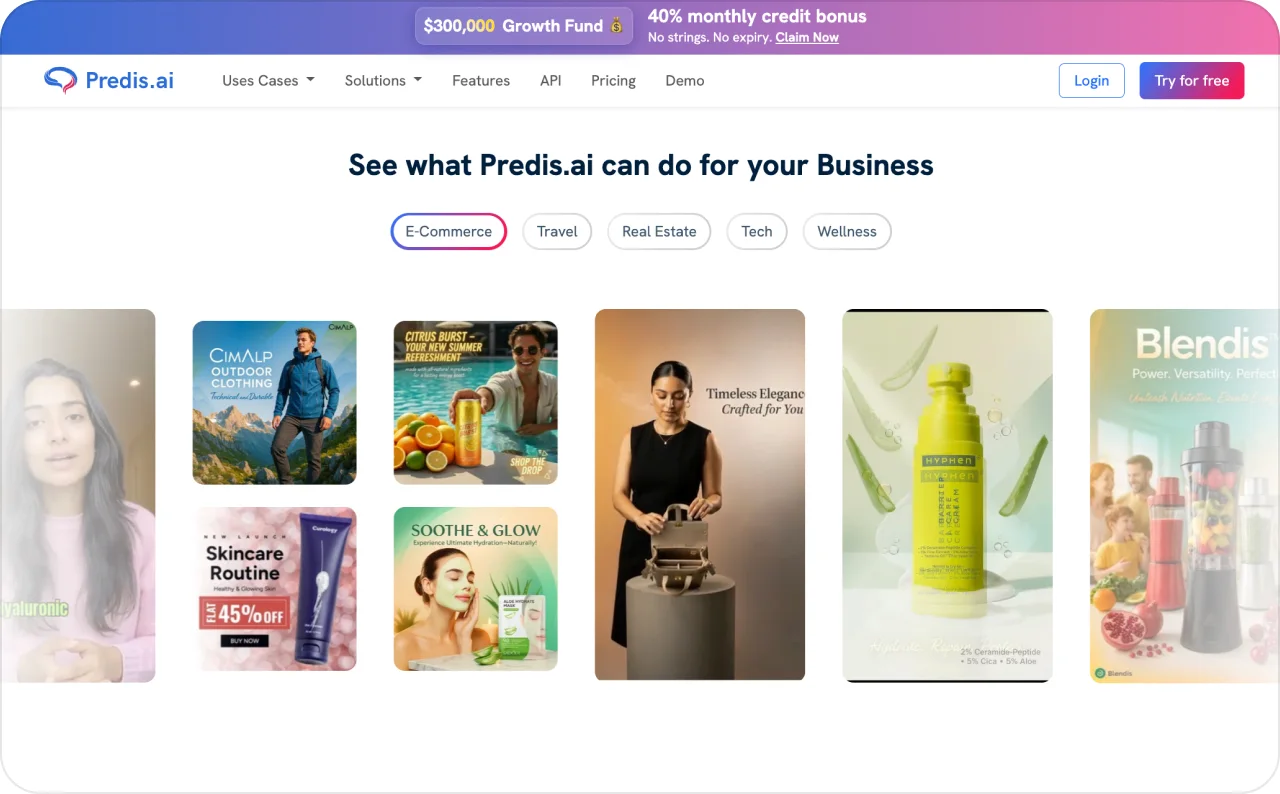
Predis.ai covers most of what a social feed needs: images, carousels, videos, captions, even ecommerce posts. It can also publish for you and keep an eye on what competitors are posting.
Before you pick a plan, check Auto Posting. Core doesn’t have it and limits you to one brand. Rise does, and you can run up to four brands on it. So if scheduling is the main reason you’re buying, the $230 plan won’t get you there.
I’d reach for Predis when one offer has to work in your feed and your ads at the same time. Say you’re launching a new candle scent. You could post a carousel about the scent notes and turn a short product video into a paid ad, both built from the same product info.
Feed numbers shouldn’t decide your ad spend, though. A carousel with 300 likes can still flop as an ad, so give it a small test budget first.
Main risk: Predis is built around posting and post stats. Adjusting a paid campaign’s budget and targeting is a different job, and I’d keep that in Meta Ads Manager.
KPI: Hours saved on content each week. Once a post turns into an ad, switch to conversion cost.
7. QuickAds
Best for: Teams that like to study what other brands are running before they make their own ads.
Price: DIY Pro starts at $99/month. If you want QuickAds’ team to produce creatives or run campaigns for you, that’s a managed service with custom pricing.
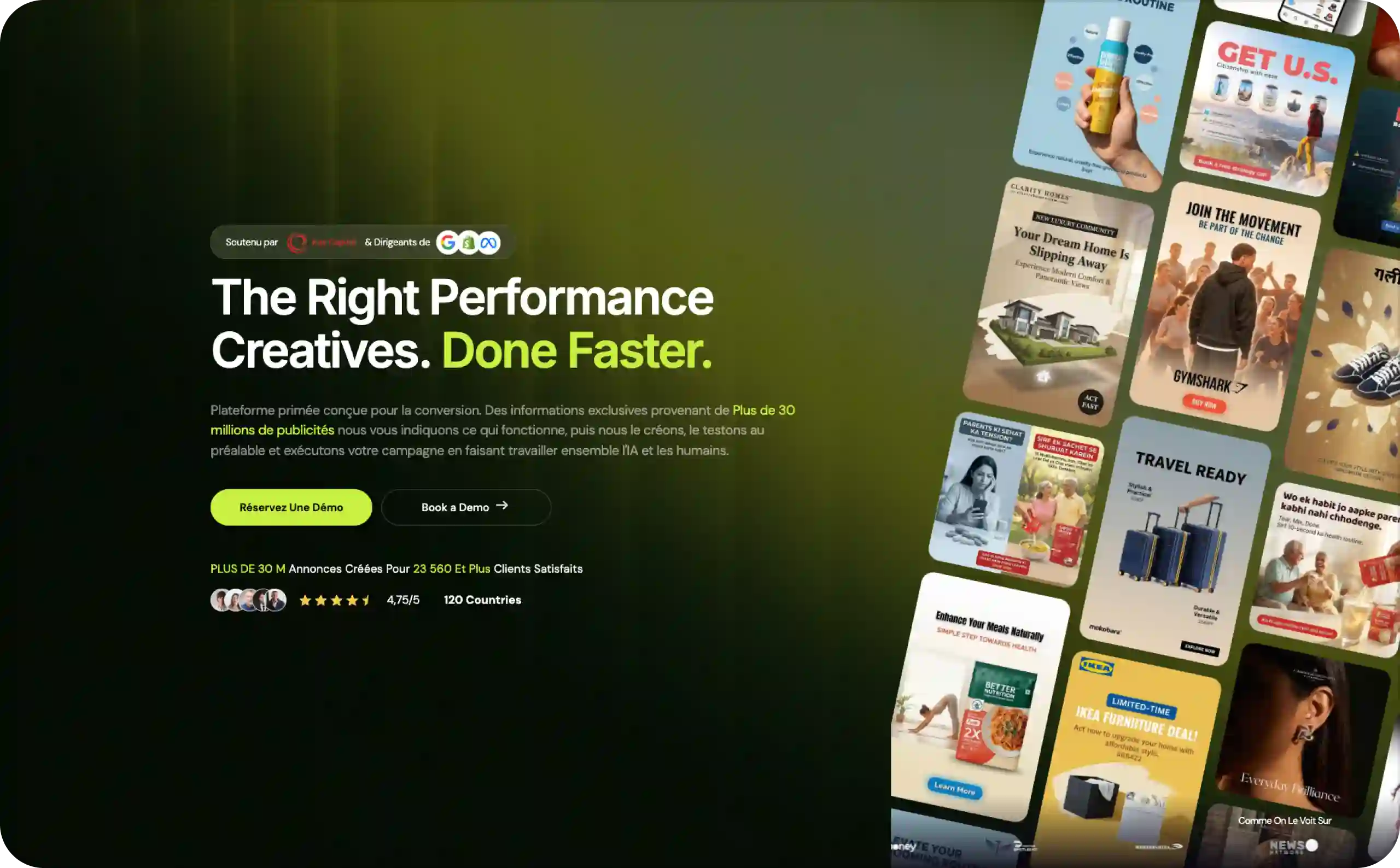
QuickAds pairs a library of reference ads with AI image and video generation. The DIY plan also lists virtual product photos, a saved brand kit, performance pre-testing, scheduling, and basic analytics.
This is where I’d go when a blank brief is what’s holding you up. Scroll through 20 ads in your category and patterns show up quickly, like which brands lead with a demo and how they bring in the offer in the first few seconds.
Borrow the structure and build your own concept around it. Copying another brand’s ad shot for shot just makes you look like them.
Start with DIY, and price out the managed option once you know which formats work for you.
Main risk: Finding an ad in the library proves somebody ran it, and that’s about all. A brand can keep a losing ad live for weeks, so I wouldn’t treat a long run as proof either.
KPI: How long it takes to go from an approved concept to a usable asset. Once you’ve tested it, track actual CPA.
8. Arcads
Best for: Teams that want to test different presenters and opening lines in their video ads.
Price: Arcads shows its current subscription prices inside the app, so I couldn’t confirm a public starting price. Every plan draws from one shared credit balance.
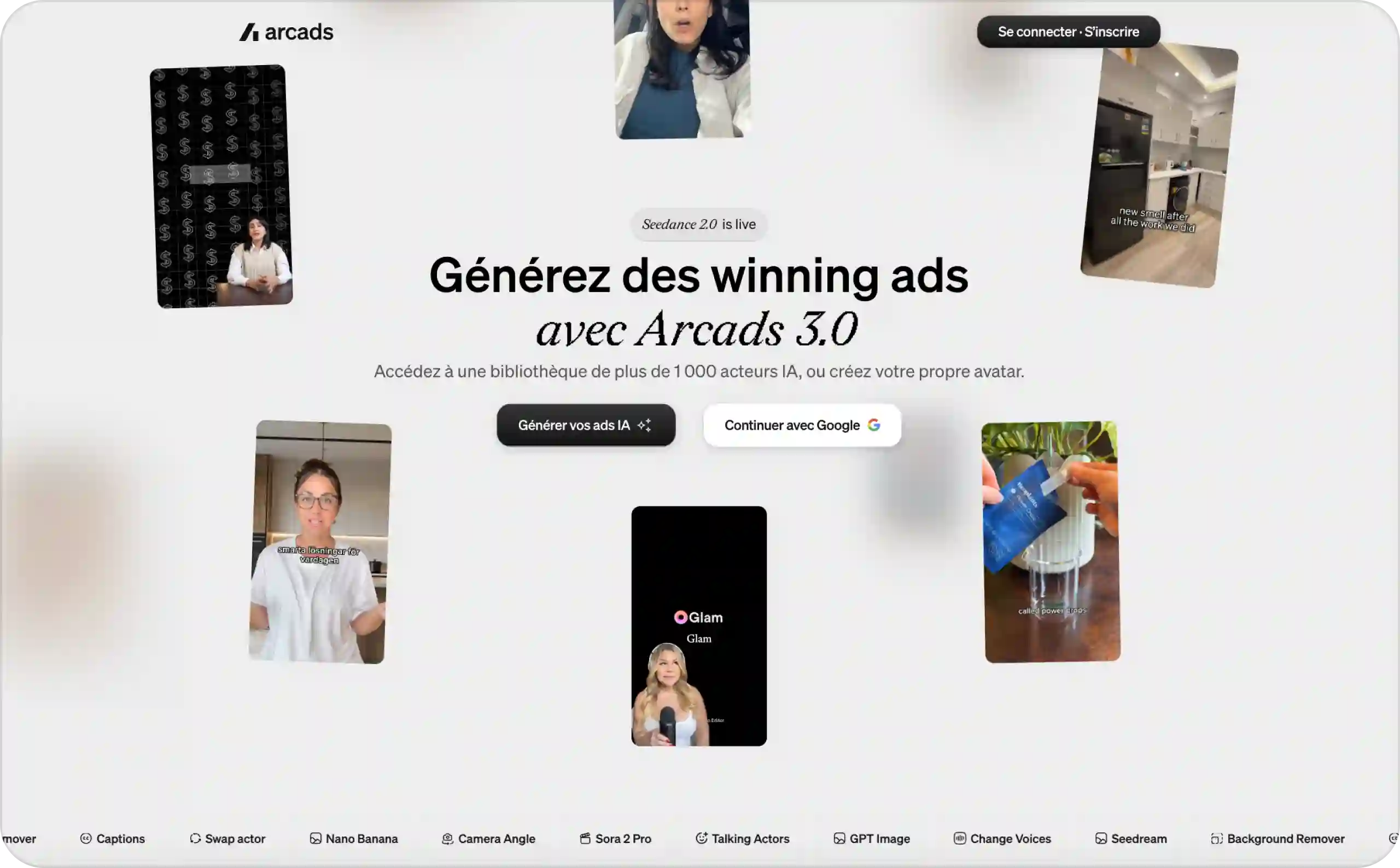
Arcads gives you AI actors and custom avatars, along with product visuals, video translation, and editing tools.
The actors are the reason to use it. You can hand the same offer to five different presenters and have each one explain it, with no shoot to organize.
For your first test, change one thing: the opening line or the presenter. Leave everything after the first few seconds alone, including the landing page, so when one version wins you know why.
Watch every video before you export it, especially how the actor handles the product and whether they sound like they’re talking or reading. An AI actor can deliver your script well, but it’s still your script. I wouldn’t frame it as a customer review.
Main risk: Credits go faster depending on what you generate, and some higher plans charge for extra usage once the included balance runs out. Check your balance halfway through the month so the overage doesn’t surprise you.
KPI: Cost per approved variation. After launch, compare conversion cost across each opening line and presenter.
9. HeyGen
Best for: Businesses that want the same presenter explaining their offer in several languages.
Price: Creator costs $29/month and Pro is $49/month. There’s also a free plan, though it’s limited.
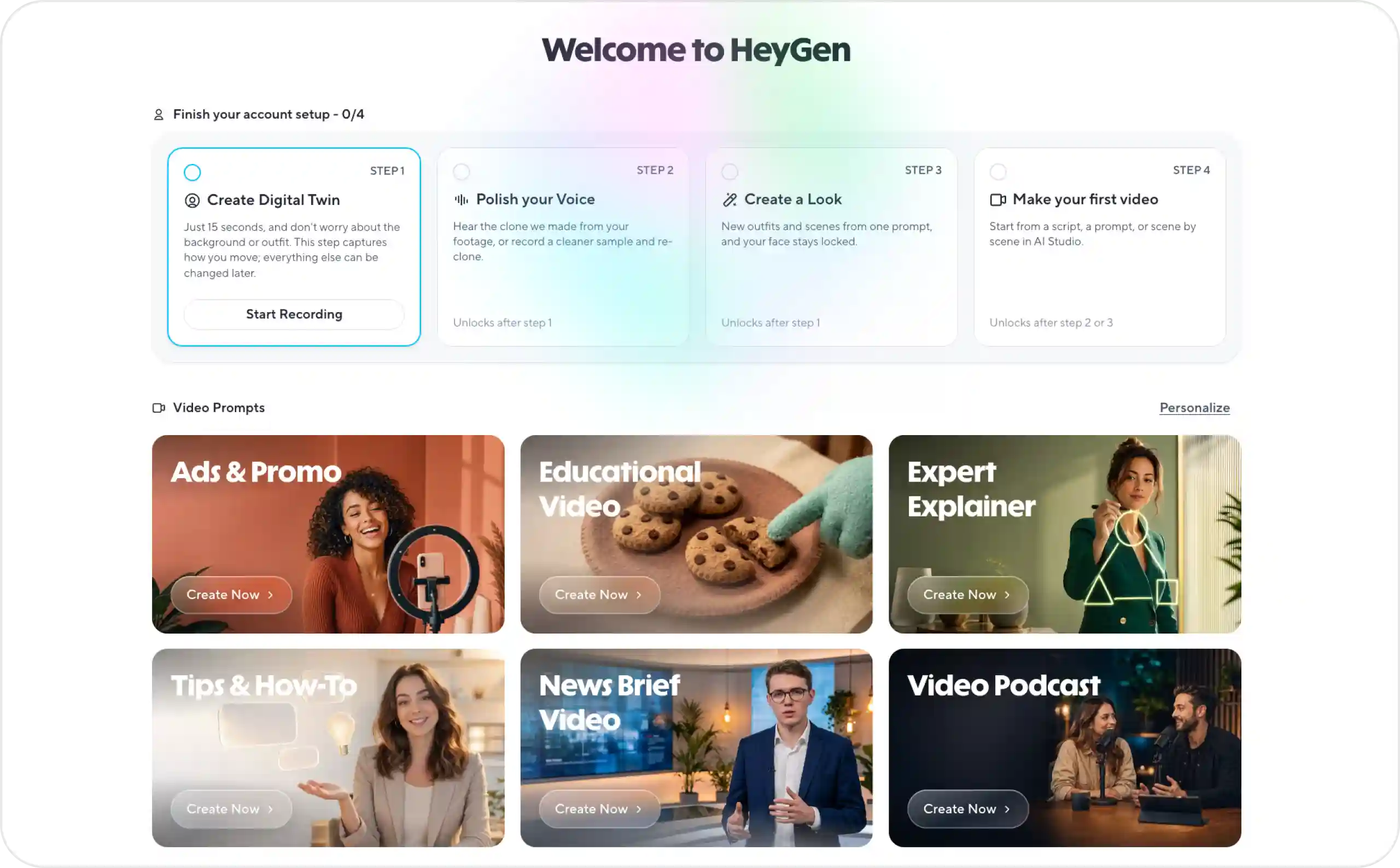
HeyGen makes marketing avatar videos, and you can either build a custom presenter or pick a stock one. Creator currently comes with 600 credits, 1080p exports, no HeyGen branding, and more than 175 languages and dialects.
The language support is what I’d buy it for. Record one explainer for your service in English, and the same presenter can walk Spanish or German customers through it too.
Before anything goes live, I’d have a fluent speaker check every translated script. They’ll catch the small stuff, like a price still shown in dollars or a call to action that sounds stiff once translated. A clean translation still won’t tell you whether people in that market want the offer. You find that out by testing it there.
Main risk: A smooth avatar can deliver a weak pitch just as convincingly as a strong one, so judge the script on its own. Also check which premium features use credits, since not everything on Creator is unlimited.
KPI: Cost per approved translated video, then conversion cost in each market you launch in.
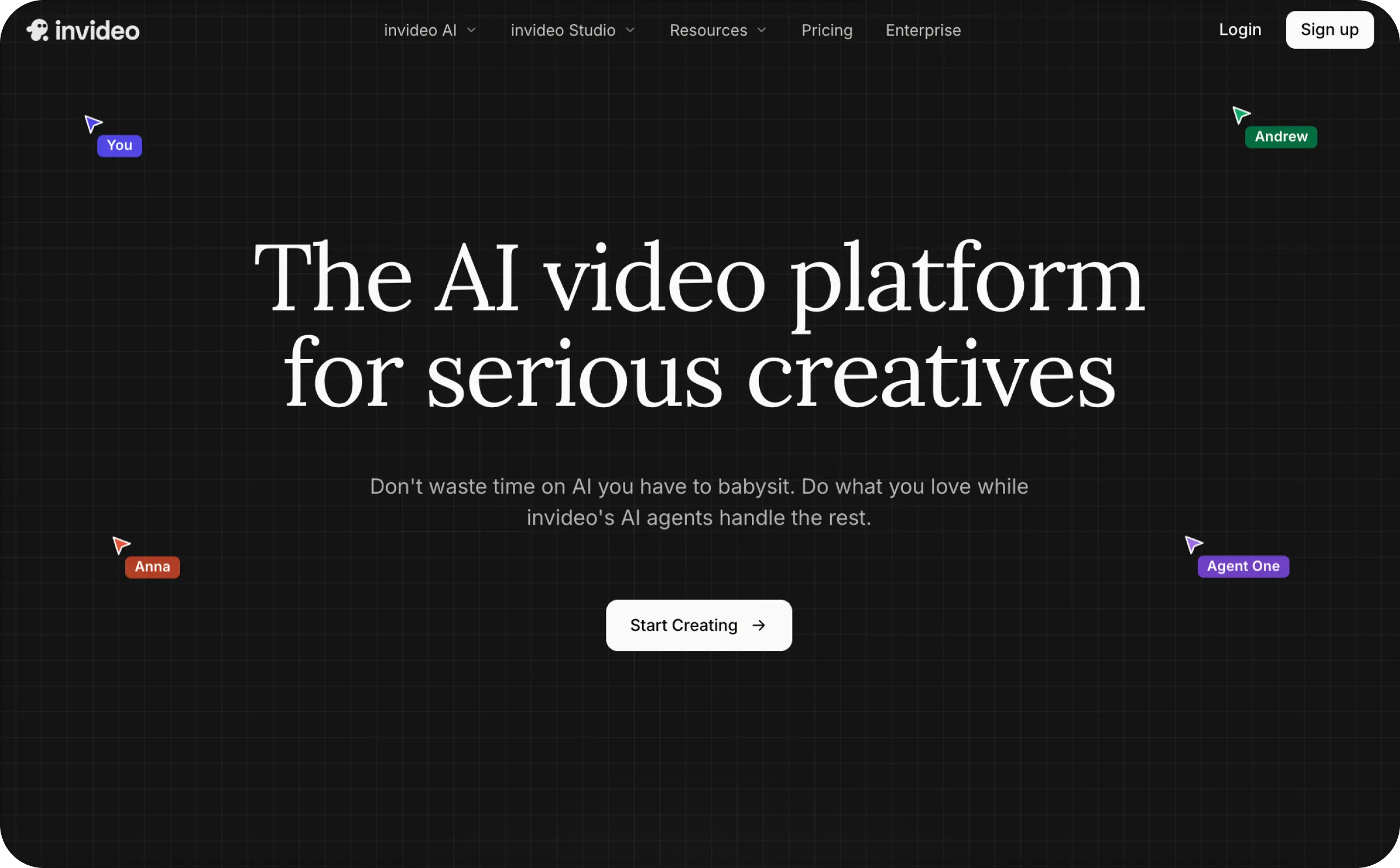
10. Invideo
Best for: Teams that like to cut their ads together on a timeline instead of taking one generated clip as is.
Price: I saw Starter at €10 per seat/month, billed annually, on a regional pricing page. Your currency and plan details may look different, so check the total at checkout.
You generate scenes with AI and drop them onto a timeline next to stock footage. Starter comes with 400 credits a month, and higher plans give you more credits plus access to extra models and agents.
I’d pick Invideo when the ad has a sequence to it. Say you sell a blender: a few seconds of it crushing ice, then the discount code on screen. A single talking head can’t really carry that.
Scribble out the shots before you generate anything, even if it’s five boxes with stick figures. Otherwise you’ll burn credits on beautiful scenes that never show what the product does.
Also watch the lighting when an AI scene sits next to a real product photo. If one looks warm and moody and the other looks like a white-background listing shot, the cut feels stitched together.
Main risk: Premium models and extra seats raise the price. So does regenerating one scene five times because the hands look weird.
KPI: Total cost per finished ad, and how many generated scenes actually make the final cut.
11. VEED
Best for: Teams that generate or upload a video and then need to fix it up in the browser.
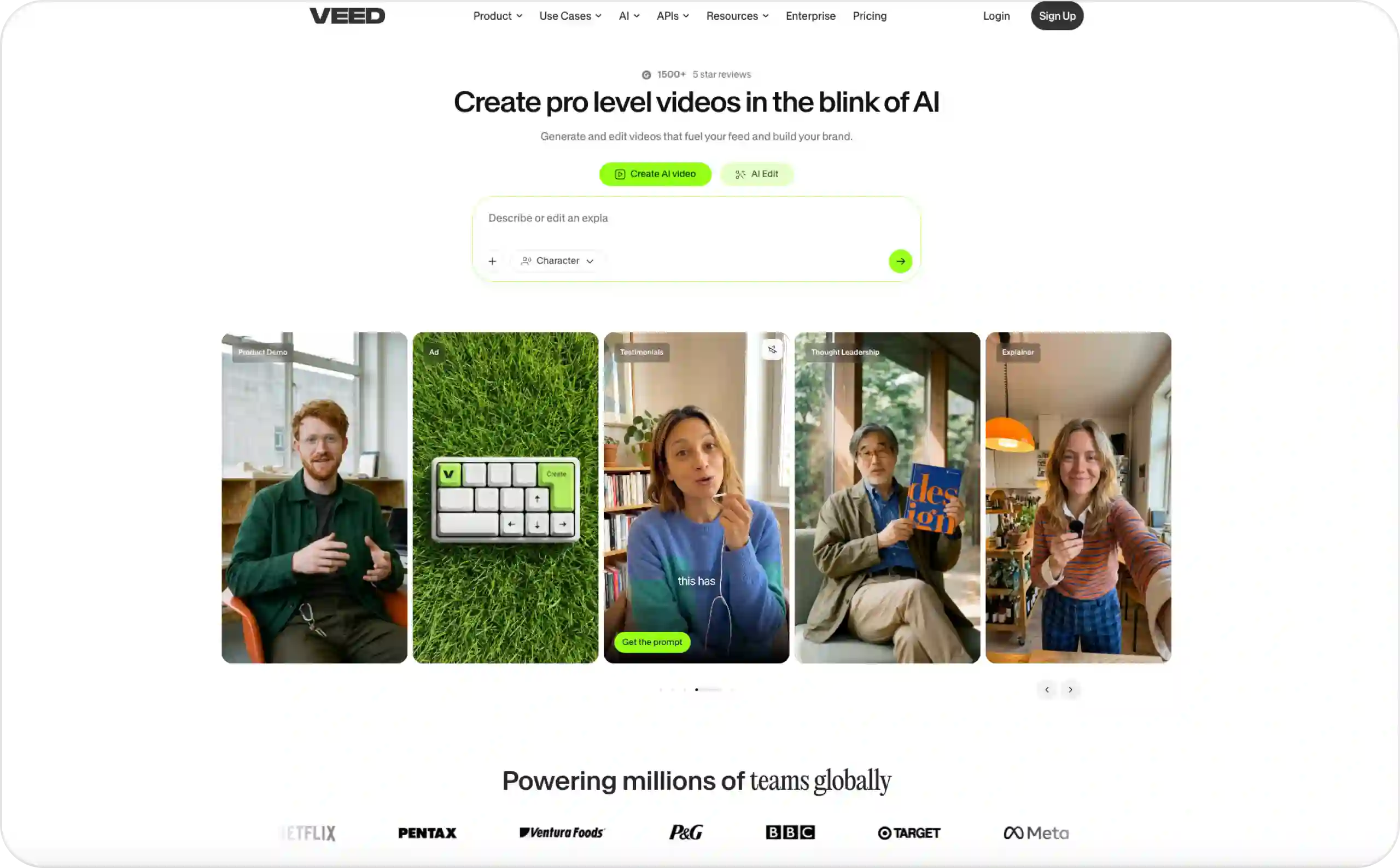
Price: VEED pricing has a free plan, and paid plans are charged per user. Billed yearly, Creator is $116 with 6,000 credits, Pro is $257 with 30,000 credits, and Studio is $414 with 180,000 credits. Monthly billing costs more, since VEED says the yearly option saves up to 51%. Enterprise pricing is custom.
VEED does AI video and avatars, but the editor is the part I’d pay for. Auto subtitles and translation are built in, and you can remove backgrounds or rework footage you already shot.
Say your draft is almost there, except the captions spell your product name wrong and you need a 15-second version for Stories. That kind of fix takes minutes here.
Read VEED’s subscription docs before inviting your team. Workspaces are billed separately and every collaborator takes a seat, which adds up if your designer and cofounder each log in twice a month.
Main risk: You buy a plan for the editor, then find out the AI allowance or export options don’t cover what you need. Check both on the plan page first.
KPI: Editing time per approved ad, plus how many rounds of changes it takes before launch.
12. Adobe Express
Best for: Small businesses that want to stay in control of the design and only need a little video.
Price: Adobe Express Premium is $9.99/month in the US, billed monthly with no annual commitment. There’s a free plan too.
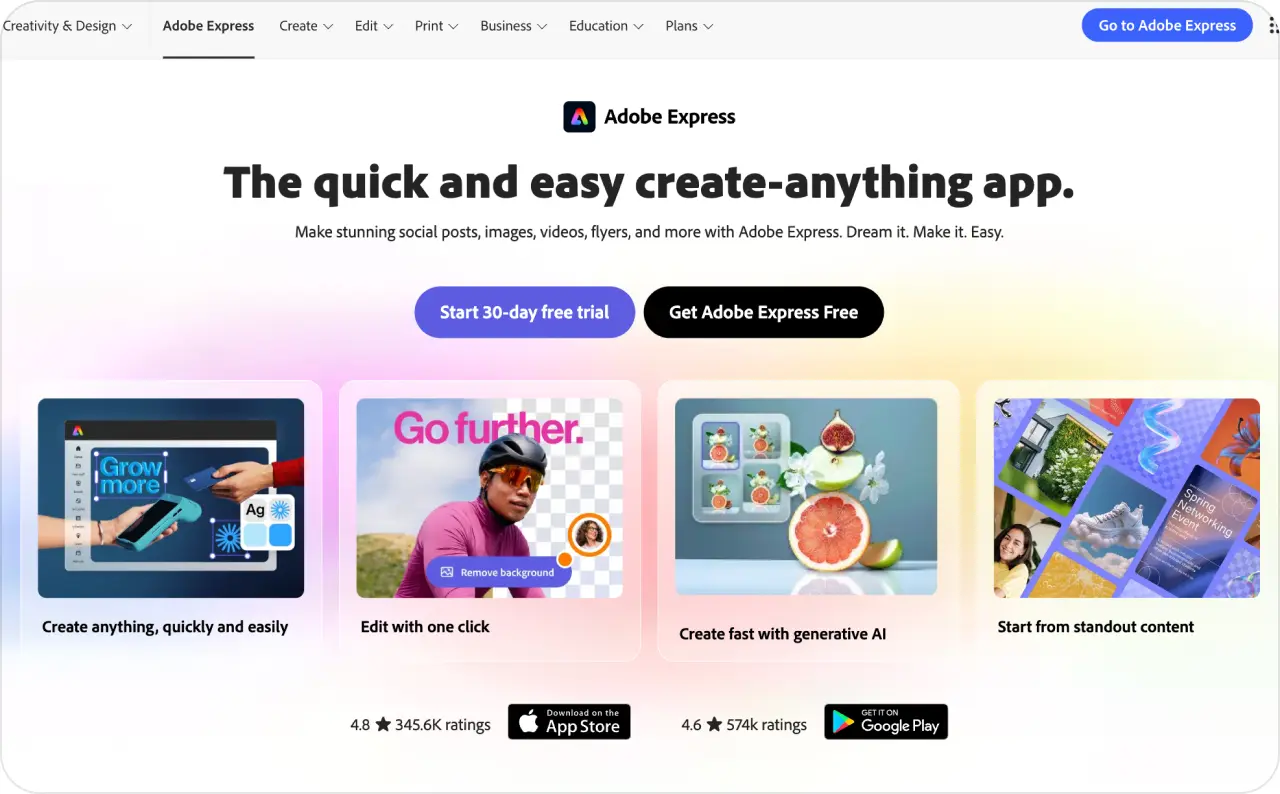
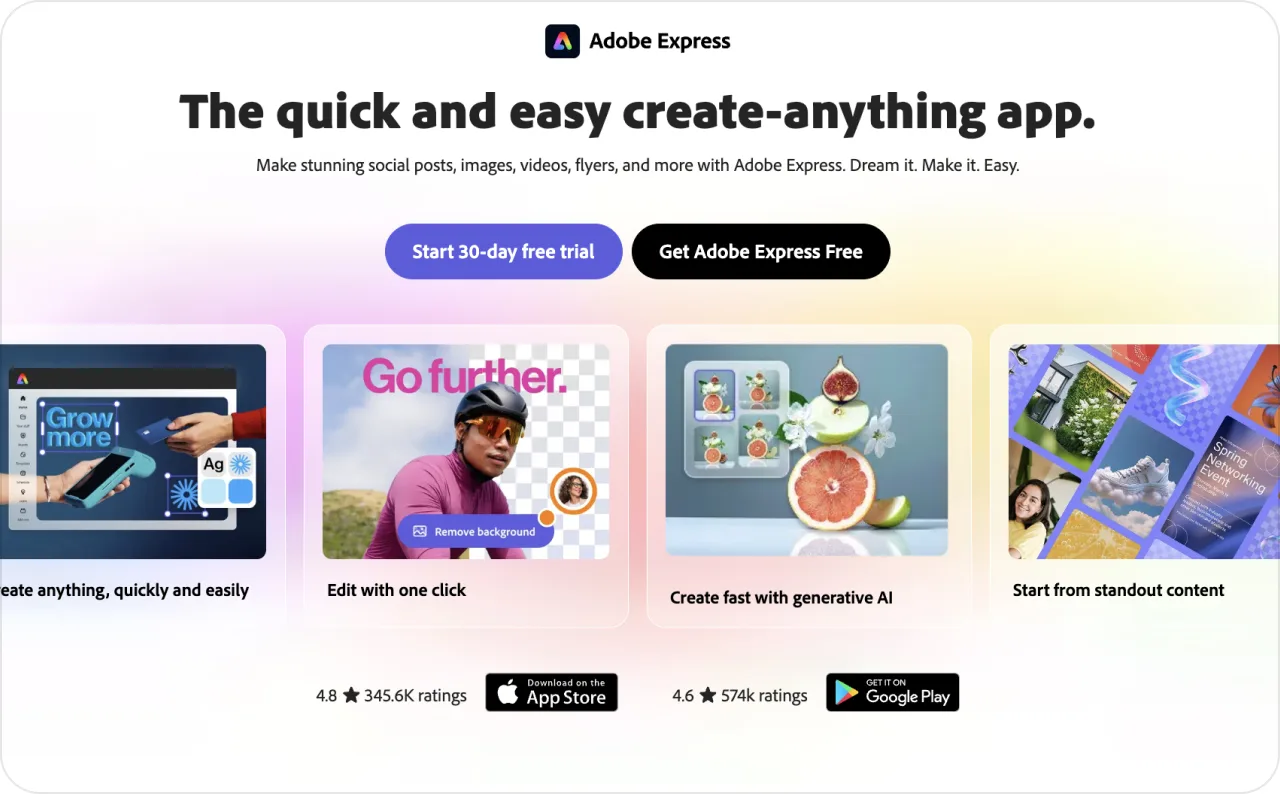
Express gives you templates, photo editing, video tools, and generative AI in one app. Premium adds brand kits, resizing, premium stock and templates, and 250 generative credits per user each month.
Nothing gets reimagined by AI unless you ask, so your product photo stays exactly as you shot it. Say your holiday promo needs a square post and a Story. Design the square version first. Resize it for Stories, and you’ll usually just need to nudge a headline that got squished.
I’d go with Express if you already know what you’re selling and mostly need help making it look right.
One catch for text-to-video: Adobe puts the bigger premium video and audio allowances in Firefly Pro, which is a separate subscription. Look at that before buying Express mainly for video.
Main risk: For $9.99 you’re getting a design app. Don’t count on unlimited premium AI video from it, or on it running your Meta campaigns for you.
KPI: Time from blank canvas to a full set of approved sizes.
13. The Brief, formerly Creatopy
Best for: Designers who have to push one campaign into a pile of sizes and a few different countries.
Price: Pro is advertised at $29/month if you pay $348 for the year. Ultra works out to $79/month, or $948 billed annually.
Under the new name, you get Ad Studio and Canvas for design, plus AI for images, video, copy, and resizing. It exports GIFs, MP4s, and HTML5 along with the usual image files. If you run display banners next to your social ads, HTML5 is the one you’ll care about.
Here’s how I’d use it. Lock in one master design, then spin off every size and language from there. When the offer goes from 20% off to 30% off, you update the master and adjust from it instead of rebuilding 40 banners.
The ad side sits in Ultra. That’s where you get ad serving, publishing to Meta and Google Ads, automated A/B tests, and performance reports, and Pro has none of it. Team seats and bigger production needs are priced separately. If Ultra is more than your team needs, these The Brief alternatives cover lighter options for small businesses.
Main risk: That $29 is one seat, paid a year upfront. A team of four on monthly billing is a different number entirely, so price it out and read the fair-use terms before you sign.
KPI: How long it takes to ship a full approved campaign set. Once it’s live, results by creative version.

14. Marpipe
Best for: Stores with a big catalog that want fresh ad creative for every product without designing each one.
Price: Marpipe lets you run free previews. Paid plans are built around your catalog and feed, and I didn’t find a comparable entry-level price, so the pricing page is your best bet.
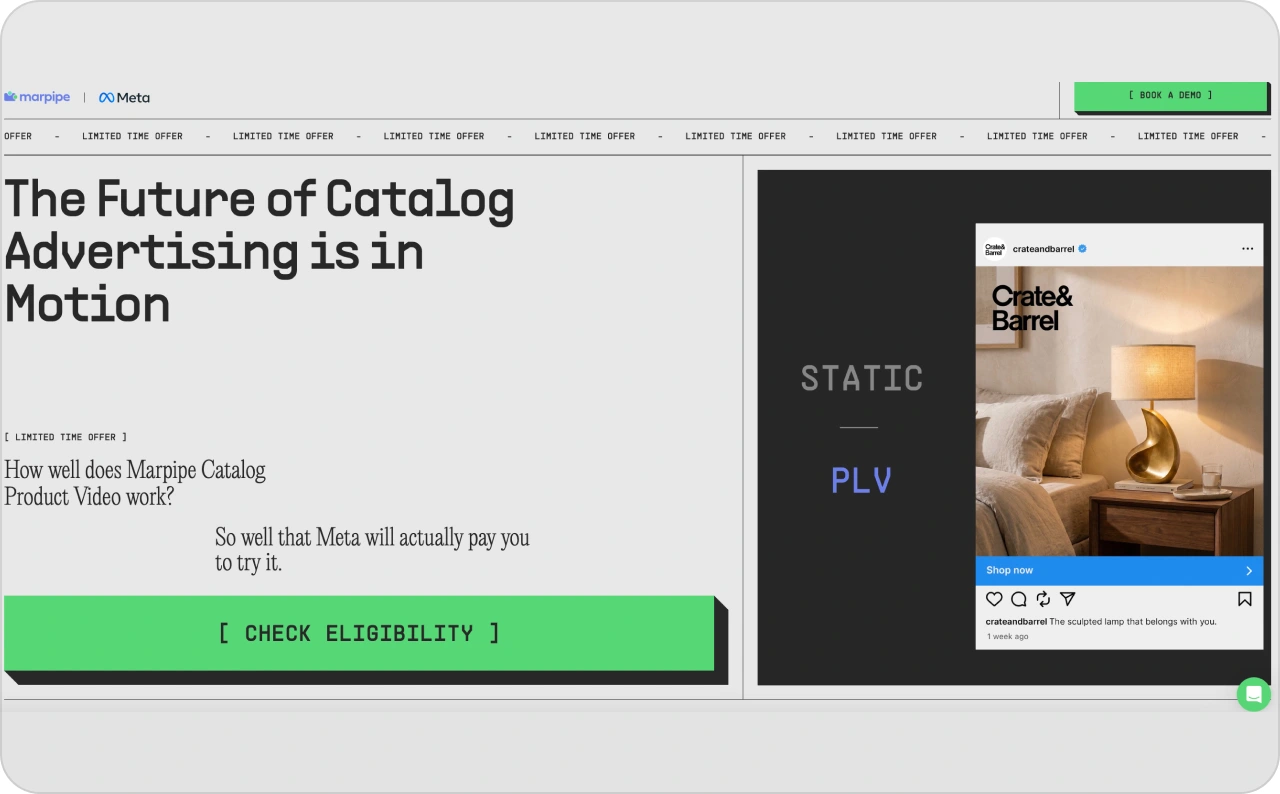
You point Marpipe at your product feed, and it applies the same AI edit to every product at once. The docs mention shorter ad copy, lifestyle backgrounds, seasonal versions, and sharper product images.
That’s a different job from making one video. With 600 SKUs, you need the same look on every product and a person checking the results before they hit your ads.
I’d start with 20 products and choose the ones most likely to break. Glossy packaging with tiny label text is a good stress test. So is a shirt that comes in six colors, since that’s where the wrong variant tends to sneak in.
Video was still marked coming soon on the generative catalog page when I checked in October 2026, so don’t buy it for that yet.
Main risk: A bad edit doesn’t stay small here. If the new background shifts your product’s color, it shifts it on every SKU in the run.
KPI: Approved SKUs per week, then conversion cost by product group once the ads are running.
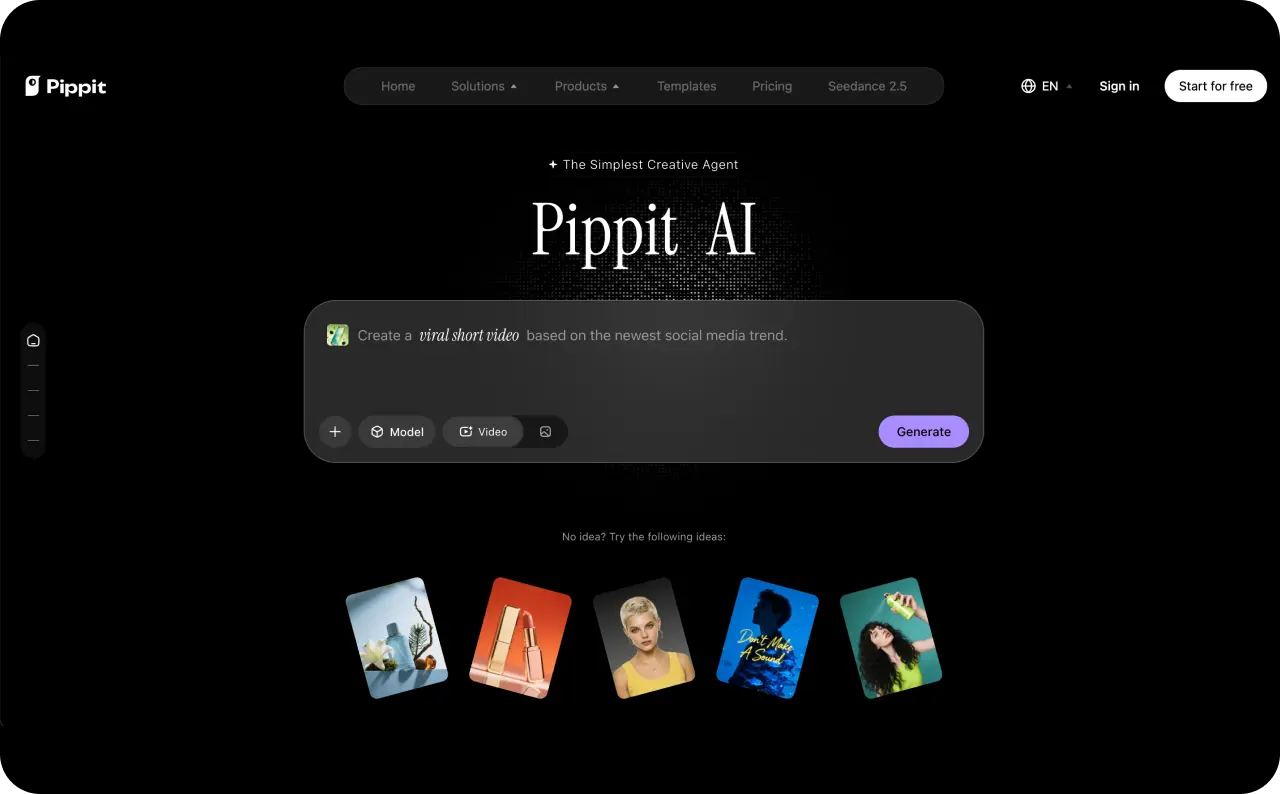
15. Pippit
Best for: Sellers who’d rather start from their product page than from a blank script.
Price: You can try it free. The public page didn’t make the renewal price clear when I looked, so read the current pricing and credit terms before you plan a budget around it.
Pippit is powered by CapCut. Paste a product link, or upload images or a document, and it builds a video from that. Through its ecommerce workflow, you can edit the result and then export it or post it to supported social accounts.
The output is only as good as the listing. A page with sharp photos and real specs gives Pippit something to work with, and a page with two blurry images doesn’t.
If the first cut feels thin, drop in your own clips.
Before you approve anything, read what it pulled in. Old listings collect leftovers, like a color you stopped selling or a “Summer sale” banner from last year, and Pippit will happily put those in the video. Also keep in mind that its view counts only tell you how a post did on social. Sales numbers come from your ad account.
Main risk: If the price you see is a short intro deal, your budget will be off from the second bill onward. Check the renewal rate first.
KPI: Time from a checked listing to an approved video. After launch, conversion cost.
How to tell if an AI ad generator makes high-converting ads
Every tool on this list can make a good-looking ad. What you actually need to know is whether that ad brings in leads or sales, so the reporting side deserves as much attention as the generator.
Plenty of marketers get stuck on that second part. In HubSpot’s 2026 State of Marketing survey, 33% of respondents named measuring marketing ROI as one of their top problems. Before you pick a tool, look at what it can tell you after the ad runs.
Which AI ad tools show you how your ads perform?
The tools above give you two kinds of feedback, and they answer different questions.
| Type of feedback | Tools that offer it | What it tells you |
| Predictive score | AdCreative.ai, Pencil | A guess at how an ad might do, before you spend anything |
| Campaign report | Zeely, Pencil, Creatify (Performance Agent), Canva Grow | Who actually saw the ad and what they did next |
Neither one proves the ad brought in sales you wouldn’t have made anyway. I use scores to decide what to test first and treat the campaign report as the first real evidence.
Does Zeely provide analytics and conversion tracking?
Zeely gives you campaign analytics. Purchase tracking on your website depends on your setup, so check it before you rely on it.
The campaign metrics cover reach, impressions, clicks, outbound CTR, cost metrics, and leads. That’s enough to see whether people stop for the ad and whether it brings in inquiries.
Zeely’s tracking has a Meta Pixel on the warm-up page, the short page visitors see before they reach your site. Because that pixel fires before anyone lands on your website, its counts won’t always match your store analytics. Someone who clicks through the warm-up page hasn’t bought anything yet.
If you plan to run campaigns for purchases, find out where the purchase event fires and what value it sends. After that, look at how your ad account attributes it. Setups differ from account to account, so trace your own campaign path.
Creative testing for AI-generated ads: how I’d set it up
Decide what you’re paying for before you make a single ad, whether that’s a qualified lead or a purchase. Then build a few concepts that sell the same offer in different ways. One might open with the problem, and another might open on a customer using the product. Changing the background from blue to green doesn’t make a new concept.
When you test openings, change only the opening (the same rule from the Arcads section). Keep the audience, offer, landing page, and the rest of the video the same. If you’re on Meta, run it through the A/B test option in Ads Manager. Before you start, decide whether to let Meta automate audiences and placements; I compare Advantage+ and manual setup in a separate guide.
Most of the KPI lines in the tool overviews come down to four numbers:
| Metric | How to calculate it | What to watch |
| Cost per usable creative | Production cost divided by the ads you approved | Count only ads you’d actually run |
| Conversion rate | Conversions divided by clicks or sessions, times 100 | Note which one you used |
| CPA | Ad spend divided by attributed conversions | Name the action, like a purchase or lead |
| Lead quality | Qualified leads as a share of all leads | Write down what “qualified” means before the test |
Scale a creative only once the numbers back it up. An ad can win on clicks and still bring in fewer paying customers. Give conversions a few days to come in, too, because three purchases won’t tell you much.
Cost-effective marketing automation under $200 a month
Every plan below costs less than $200 a month, but the price on the card is only part of what you’ll spend. Look at how many outputs you get and how much you’re paying upfront, and make sure there’s money left to actually run the ads.
Cost is a real reason people hold off on video. In Wyzowl’s 2026 survey, 24% of marketers who don’t use video named expense as a barrier.
Which social media ad generators under $200 are worth considering?
These are the tools from this list with a price I could verify, sorted by what they cost per month. Yearly plans look cheaper per month, but you pay the whole year upfront.
| Tool and plan | Published price | Per month | What to know |
| Adobe Express Premium | $9.99/month | $9.99 | Monthly billing, US price |
| Canva Pro | $144/year | $12 | One person, paid yearly |
| Pencil Core | $14/month | $14 | Monthly billing, 50 generations |
| Predis.ai Core | $230/year | About $19.17 | Paid yearly, page rounds to $19 |
| HeyGen Creator | $29/month | $29 | Monthly billing, 600 credits |
| The Brief Pro | $348/year | $29 | One seat, paid yearly |
| Zeely Starter | $29.95/month | $29.95 | Website offer, 2,500 credits |
| AdCreative.ai Starter | $39/month | $39 | 20 credits, one brand |
| QuickAds DIY Pro | From $99/month | From $99 | Managed services cost extra |
What does Zeely cost each month?
Starter is $29.95/month on Zeely’s website, with 2,500 credits.
| Plan | Monthly offer on the website | Credits included |
| Starter | $29.95 | 2,500 |
| Plus | $49.95 | 5,000 |
| Growth | $79.95 | 10,000 |
Ad spend is separate from the subscription. If your campaign setup has a service fee, find out before launch.
Plan credits refresh every billing cycle, and extra credits you buy carry over when the plan renews. If you cancel, both kinds expire when that billing period ends. For a full breakdown of plans and credits, see how much Zeely costs in 2026.
How to compare the real cost of automation
Figure out what you pay for each ad you’d actually publish. That means adding up the subscription, extra credits, your editing time, and any outside help, like a freelancer fixing the final cut.
Here’s a made-up example. A $40 plan that gets you 10 usable ads costs $4 per ad before your time. A $90 plan that gets you 30 costs $3, so the bigger plan comes out cheaper per ad.
Automation pays off when it takes repetitive work off your plate, like resizing one ad into five formats or making variations of a winner. Find out how many credits those jobs use before choosing a plan. If several people share the account, agree on who approves the final version and who decides on spend.
My rule is to upgrade once you keep running out of credits for ads you actually plan to test. Extra capacity you can’t afford to test just turns into unused credits.
FAQs
Zeely, Adobe Express, and Canva Grow are the easiest places to start. Zeely’s app has a Setup Guide that walks you through five steps, from adding your first product to launching your first paid campaign. Adobe Express is easy to pick up if you only need a clean branded design, and Canva Grow makes sense if your team already works in Canva. Whichever one you try, run a real offer through it before paying for a full year.
Start with the kind of video you need. For a person talking to camera, Arcads and HeyGen are the closest fit, and HeyGen also handles other languages. For product footage cut into a sequence, look at Invideo. If you want cinematic camera moves on a product shot, see our Higgsfield AI review. Zeely makes both talking-head and product videos, then lets you launch them as a Meta campaign.
There’s no single winner. Results depend much more on your offer and audience than on the generator, so run the test from the creative testing section and let your own numbers decide.
Yes. Most of these tools build the layout from your product photo and a template, so you won’t be lining up text boxes by hand. You’ll still need to check that the product looks right and the text is readable on a phone. I’d rather run a plain ad I can fix than a flashy one I can’t.
They overlap, but they’re built for different jobs. A post generator focuses on your feed, with captions and a content calendar, often with scheduling. An ad generator has to handle paid formats and test variations, and some connect to your ad account so you can launch from the same place. If most of your budget goes to paid reach, the ad tool is the better buy.
Sources
AdCreative.ai, Creatify pricing, Creatify Performance Agent, Pencil pricing, Canva pricing, Canva Grow, Predis.ai pricing, QuickAds pricing, Arcads pricing, HeyGen pricing, Invideo pricing, VEED pricing, VEED subscription docs, Adobe Express pricing, The Brief pricing, Marpipe generative AI, Marpipe pricing, Pippit pricing, Pippit ecommerce, HubSpot State of Marketing 2026, Wyzowl Video Marketing Statistics 2026
Fact checked by Yuliia Pyrch