7 best AI ad generators for small business in 2026
Which AI ad generator actually fits a small business budget and workflow? I ranked seven tools by price, ad formats, video, AI avatars, campaign features, and real limitations so you can pick the right one without testing all of them yourself.

You feel the cost of running ads long before you spend a dollar on media. The product shot needs to be right. The headline. The format. The CTA. And then the landing page has to actually match what the ad promised, or the click is wasted. That is a lot for a small team to get right on their own. A good AI tool should take some of that weight off without making your brand look like everyone else’s.
Key takeaways
- Zeely covers the full ad workflow for small businesses. Image ads, video ads, 1,200+ AI avatars, ad scripts, Meta campaign launch, and performance tracking in one tool
- Canva gives you the most design control. Templates, brand kits, Magic Studio AI, but no video ads, no avatars, no campaign launch
- Predis.ai handles social content volume. Posts, carousels, UGC videos, scheduling, and auto-posting across six platforms from one dashboard
- Quickads moves fast on static ads. 20M+ ad research library, AI product photography, 15+ formats, but video is minimal
- Omneky runs omnichannel campaigns. Meta, Google, TikTok, LinkedIn, Reddit from one dashboard, though $99/mo entry and tight credit math
- Pencil scores and predicts creative performance. AI-generated variants with real-time predictions, but only practical if you already run paid media
- AdCreative.ai generates static ads at volume with scoring. Unlimited concepts, credits only on download, but video costs $249/mo
I compared seven tools for this guide. What I cared about: how good the output actually looks, which ad formats are covered, how much editing control you keep, whether the tool protects your brand, what it costs when you read the fine print, and whether you come out the other end with something you would actually run.
How to pick an AI ad generator for your business
The easiest mistake is buying an AI ad generator because the sample ads look polished. Sample ads are not your business. Your products, margins, audience, offer, and landing page decide whether the tool will help.
Before you pick one, ask this:
- Can it work from my real product page or product photos?
- Can it create both static and video ads?
- Can I edit the result without opening three more tools?
- Can I make several versions for testing?
- Can I keep my brand colors, logo, and tone?
- Can I export in the sizes I need?
- Can I launch or hand off the creative without rebuilding it?
Two more filters worth running. AI can make beautiful mistakes. A wrong product detail, a strange hand, or an invented feature can hurt trust faster than a plain photo ever would. So check whether the tool keeps your product accurate. And check whether the finished ad feels like something your buyer would actually believe. That question carries extra weight if you sell skincare, wellness, financial products, or anything else where people are putting real money behind a promise.
Honestly, I have tested a lot of these tools, and the lesson is always the same. Do not chase the cleverest AI. Find the one that takes care of the task you keep putting off.
AI ad generators for small businesses compared
| Tool | Best for | Image ads | Video ads | AI avatars / UGC | Campaign launch | Free plan or trial | Starting price |
| 1. Zeely | Full ad workflow for product businesses | Yes (3 AI models, 2,000+ references) | Yes (video ads, talking-head, animate-an-image) | 1,200+ avatars + custom | Yes, Meta campaigns | No free plan | $29.95/mo |
| 2. Canva | Design control and brand consistency | Yes (templates, Magic Studio AI) | Basic video editing only | No | No | Free plan | Pro from $15/mo (annual) |
| 3. Predis.ai | Social content volume and scheduling | Yes (posts, carousels, ad creatives) | Yes, AI text-to-video | Yes, AI avatar UGC | Scheduling + auto-posting | Free (15 posts/mo) | Core $32/mo |
| 4. Quickads | Fast static ads and ad research | Yes (multi-format, AI product photos) | Limited | No | No | Free (20 downloads) | $9/mo |
| 5. Omneky | Omnichannel ad teams | Yes, AI generation | Yes (AI video + avatars) | Yes | Yes (Meta, Google, TikTok, LinkedIn, Reddit) | 7-day trial | $99/mo |
| 6. Pencil | Creative scoring and testing | Yes, AI-generated variants | Yes, video variants | Limited | Platform integrations | Free trial | Core $14/mo |
| 7. AdCreative.ai | Static ad volume and scoring | Yes (high-volume, scoring) | Only on Professional ($249/mo) | Only on Professional | No | 7-day trial | Starter $39/mo |
7 best AI ad generators for small business: Detailed overview
Each tool below is reviewed for what it actually does well, where it falls short, and what it costs when you read past the headline price. I ranked them by how much of the ad workflow a small business can finish inside the tool before needing to open something else.
1. Zeely
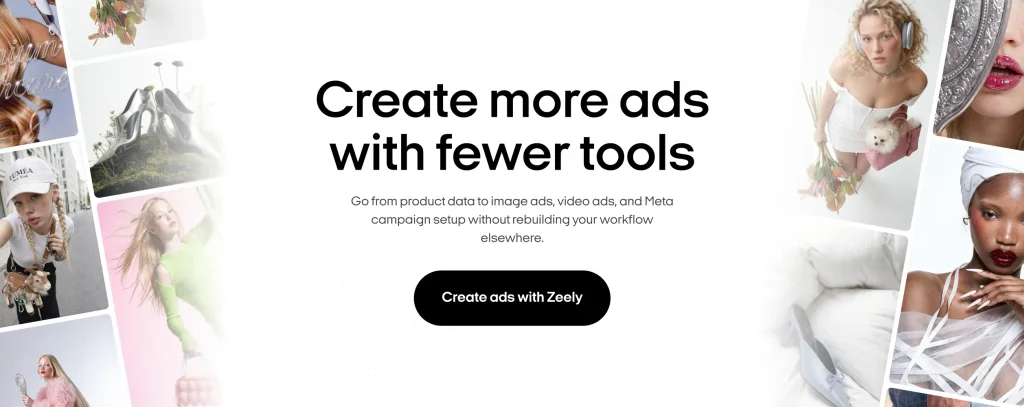
Zeely covers the full path from product data to live campaign: creative generation, video production, and Meta ad launch, all inside one tool. You start by pasting a product URL from Shopify, Etsy, Amazon, Instagram, Facebook, or most public product pages. Zeely pulls the title, description, images, and available details. Then it fills in the rest with AI: product type, niche, target audience, suggested CTA. No store connection or plugin needed. This is URL-based extraction, not an API integration. Zeely gives you several ways to create image ads depending on how much direction you want to provide:
- Image Ad builds from your product, photos, creative idea, and optional references
- Ad Clone recreates an existing ad’s concept with your own product
- Playground opens up freeform AI generation without a predefined template
You choose from multiple AI models, pick from over 2,000 curated ad references, and generate up to five variations per idea. You control whether text, visuals, audience, style, or composition changes between them. Brand DNA keeps your ads consistent with your existing look, and you can add your logo with adjustable positioning. None of the other tools on this list match Zeely on video. Three workflows cover different needs:
- Video Ad uses AI avatars and lets you create a full video, hook only, or body only
- Talking-head video works for presenter-style content
- Animate an Image turns a product photo into a short motion clip
AI generates scripts using proven copywriting frameworks, or you write your own. You can adjust voice, captions, and hook headlines before rendering. The avatar library is large (over 1,200 at last count) and you can filter by age, gender, and ethnicity to match your audience. If none of the stock avatars work, upload your own photo and Zeely turns it into a custom one. Video output tops out at 1080p. For a deeper walkthrough, see the guide on how to create AI video ads with Zeely. Meta campaign launch is built in. Connect your own ad account or use Zeely AI Marketplace to launch without one. The setup walks you through creatives, audience, and budget with AI-guided recommendations. A performance dashboard tracks spend, clicks, CTR, CPA, and individual ad results after launch.
- Competitor Spy for tracking competitor ads across industries
- AI Agent for marketing research and content tasks
- Social posting to Instagram and TikTok
- Viral video recreation for organic content
I’d reach for Zeely first if I sold physical products, ran an ecommerce store, or needed ads for Meta or TikTok without hiring a creative team. The Zeely AI ad generator pairs creative production with campaign launch, which is unusual at this price. The AI static ads creator works when you only need image ads for faster tests. If ecommerce video is your focus, the UGC video ads for ecommerce guide covers the full workflow.
Pricing: Starter $29.95/mo (2,500 credits), Plus $49.95/mo (5,000 credits), Growth $79.95/mo (10,000 credits). No free plan. Ad budget and any Marketplace service fees are separate.
The typical Zeely user is a solo entrepreneur or small ecommerce team without an in-house designer or media buyer. Service businesses and dropshippers use it too.Best for: ecommerce sellers, service businesses with clear offers, dropshippers, small teams, agencies serving SMBs.
2. Canva
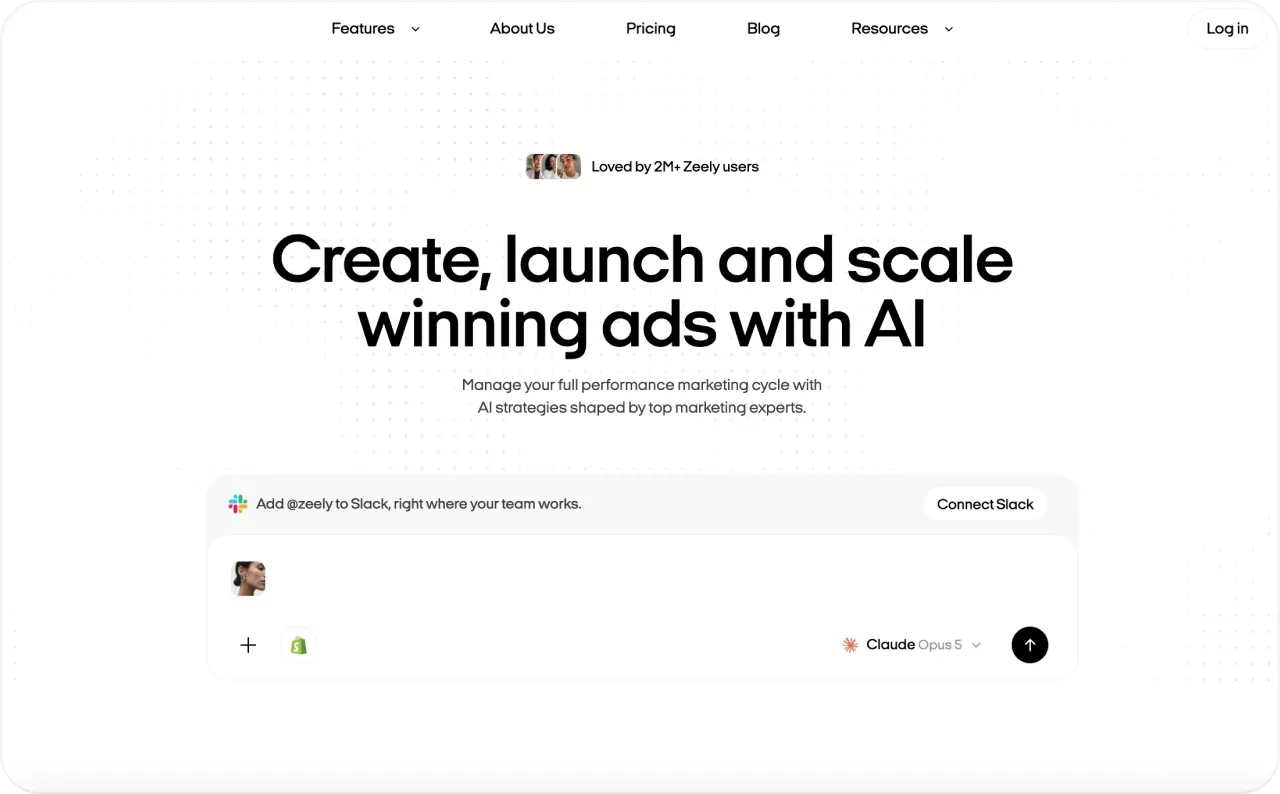
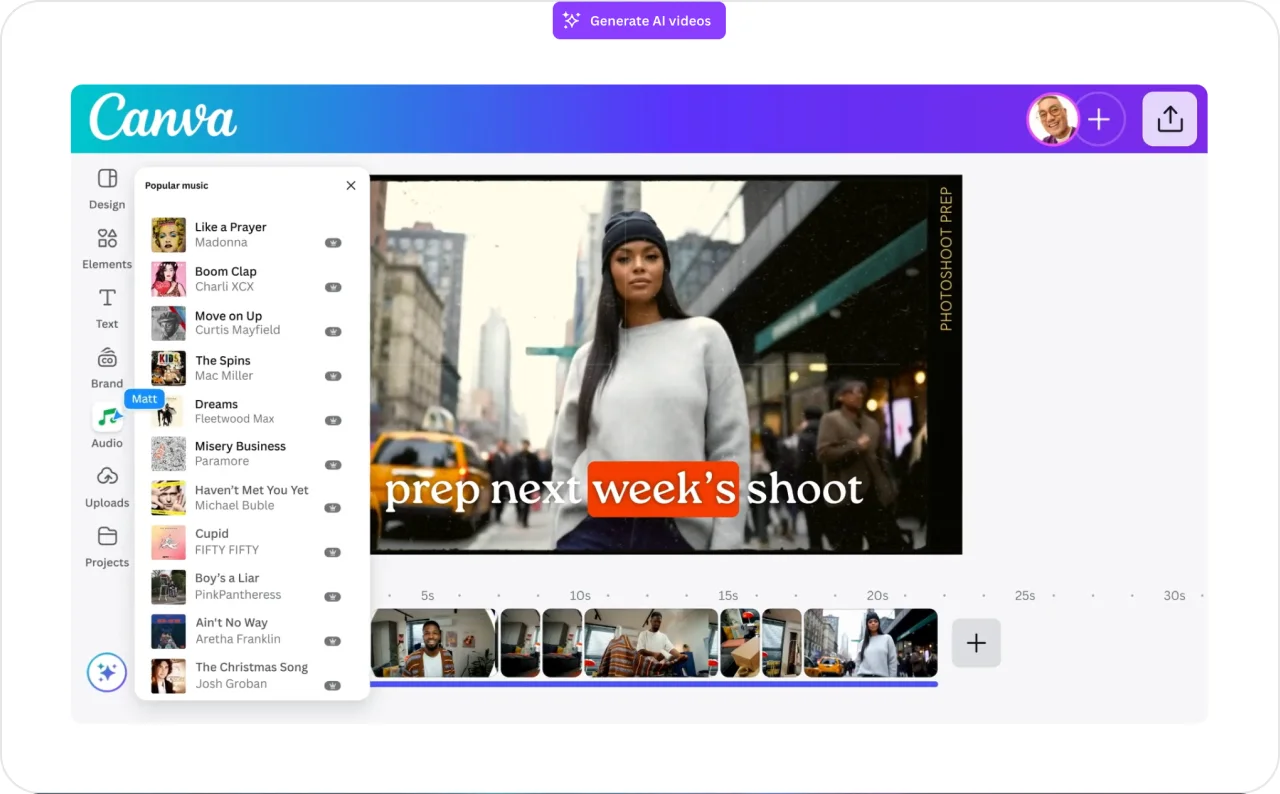
If you already know what your ad should say, Canva is probably where you’ll build it. It is still a design tool at heart, not an ad-specific platform, but the editing control is unmatched on this list.
Templates, brand kits, Magic Studio AI, drag-and-drop editing. Static ads, social posts, event promos, lead magnets, local business visuals: Canva handles these well and quickly.
Magic Studio adds AI to the design flow: background removal, text-to-image, Magic Write for copy. These run on monthly credit limits, though. Heavy AI generation can hit caps within a billing cycle even on Pro.
Where Canva falls short for paid ads is judgment. It helps you make the asset but says nothing about whether the offer, hook, or first frame is likely to convert. No ad scoring, no performance templates for paid social, no campaign launch flow, no AI avatars, no UGC-style video. You’ll need another tool to go from creative to live campaign.
Pro is a single-user license. Add a second person and you jump to Business at $25 per user per month. That cost climbs fast for growing teams.
Pricing: There is a free plan. Pro is $15/mo if you pay for the year, $18 on a month-to-month basis, and it covers one person. Need a second seat? That bumps you to Business at $25/user/mo.
If your team already lives in Canva for other design work, adding ad production is easy. It is the best option for owners who want hands-on control over every element, especially for brand-heavy posts, local promos, and static layouts. Read more about Canva alternatives.
3. Predis.ai
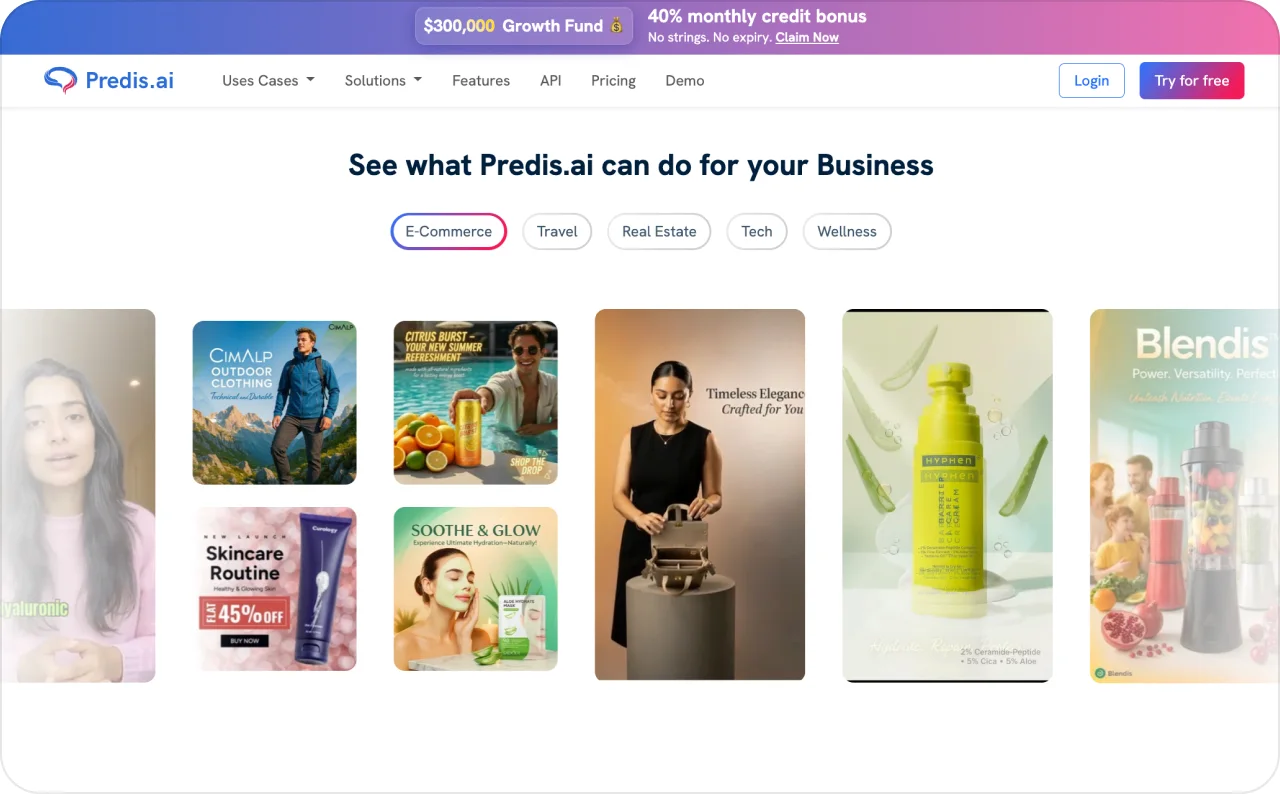
Predis.ai earns its spot when your ads and organic content live close together. Social posts, product videos, ad creatives, captions, carousels, scheduling, all from one dashboard.
Credits drive the pricing. Core at $32/mo buys 1,300 credits, one brand, and publishing to 10 social channels. Rise at $79/mo jumps to 3,200 credits, four brands, 20 channels, and auto-posting at two posts per day per brand. Static posts cost roughly 10 to 20 credits each. Video costs more. AI avatar UGC videos, text-to-video generation, and AI product photoshoots are on the paid plans. Each tier also includes competitor analysis.
I’d consider Predis.ai if you need frequent content across Instagram, TikTok, Facebook, LinkedIn, Pinterest, and YouTube Shorts. Also worth a look if your team’s content calendar keeps dying of neglect.
Watch the credit burn. Video and UGC content eat through allowances faster than static posts. The free plan gives 15 posts per month with watermarks and no commercial usage rights. That’s enough to evaluate, not enough to run on. Paying annually drops Core to about $19/mo (roughly half), which helps if you know you will stick around.
Pricing: The free tier caps at 15 watermarked posts. Core costs $32/mo and includes 1,300 credits. Rise is $79/mo with 3,200 credits. Enterprise+ runs $249/mo.
Predis.ai works well for social-heavy sellers, content creators, coaches, and ecommerce stores that push promos week after week.
4. Quickads
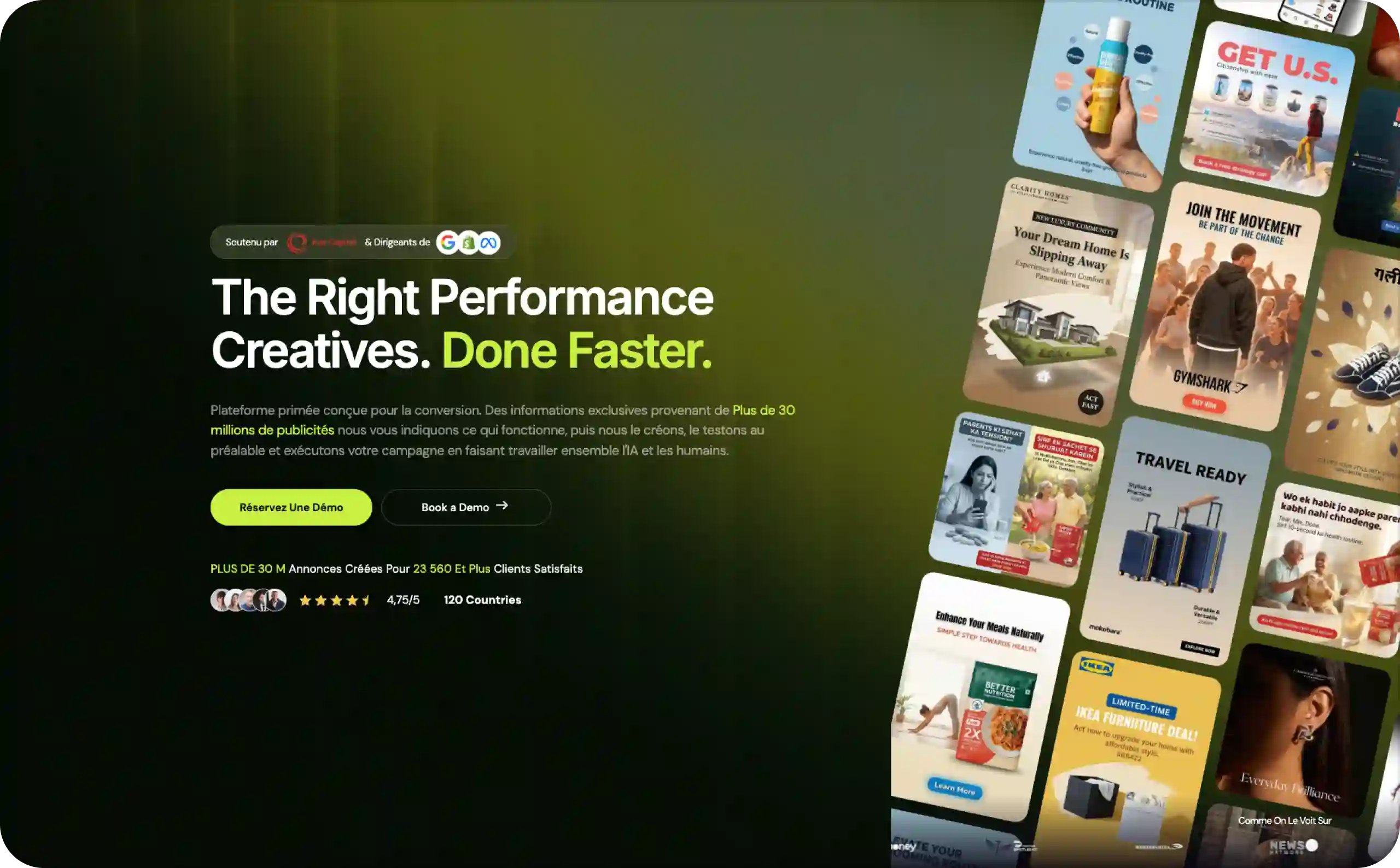
Most small business owners do not need more blank-canvas creativity. They need to see what patterns already work in their niche and quickly produce something similar. Quickads blends ad creation with a research library that claims 20M+ ads, and that combination is where it earns its place.
What you get:
- AI product photography
- Ads in 15+ formats and 35+ languages
- Multi-format output from a single input
- AI ad copywriter
- Fast turnaround from a product URL or image to a set of formatted static ads
Quickads has changed its pricing more than once. The tiers I see cited most often:
- Free with 20 watermarked downloads
- Starter at $9/mo for 90 downloads
- Small Business at $29/mo
- Agency at $69/mo with unlimited downloads
I have also seen pages listing different names and numbers, though, so go to quickads.ai and check before you buy.
Video is an afterthought here. Static images are the strength. If you need AI avatars, scripted video, or real production depth, you want one of the tools higher on this list.
Pricing: There is a free tier (20 watermarked downloads). Paid plans tend to fall between $9/mo and $69/mo, but confirm the current setup on quickads.ai. It has changed.
Quickads is a good fit for founders hunting creative direction, ecommerce teams that want fast static ads, and anyone who works better from an inspiration library than a blank canvas.
5. Omneky
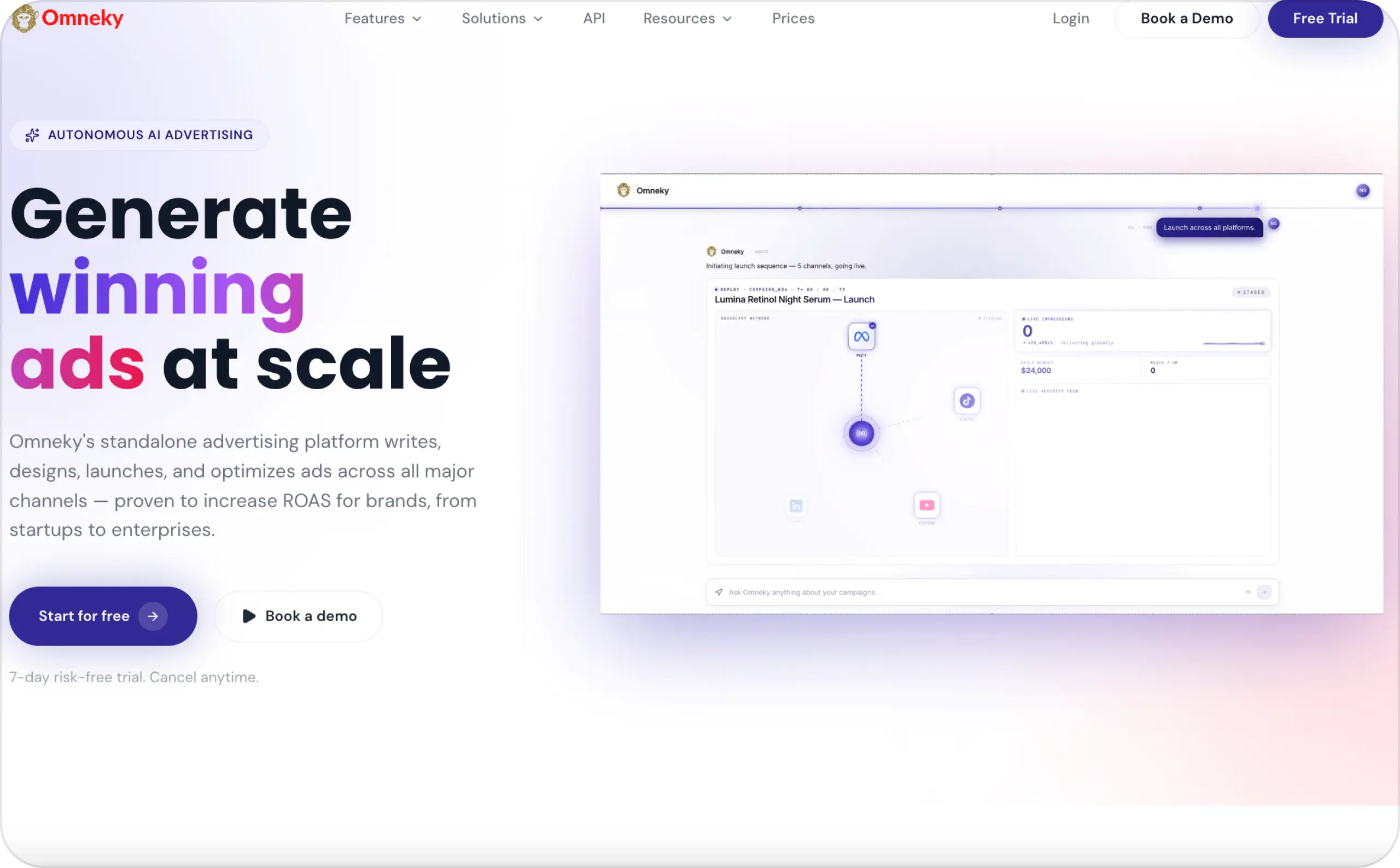
If you only advertise on one platform, Omneky is overkill. It starts making sense when you are juggling Meta, Google, YouTube, TikTok, LinkedIn, and Reddit at the same time and want AI creative generation, brand rules, and campaign launching in a single dashboard.
Credits fuel every action, and what you pay per credit depends heavily on the format. An image costs 5 to 10 credits. An AI avatar video runs 15 to 20. A short commercial eats about 30. Longer scripted video? That can burn 60 to 75.
Creative Generation Pro costs $99/mo ($79/mo annually) and ships with 800 credits, 2 seats, and 1 brand. The CGP + Insights bundle at $198/mo layers on performance forecasting and creative analytics. Enterprise pricing is custom. You can try the platform for 7 days with 500 credits before deciding.
The math can get uncomfortable for a solo business. At 15 to 20 credits per avatar video, that $99 plan covers maybe 40 to 50 of them. But if your alternative is paying for three or four separate tools, Omneky can still come out ahead.
Pricing: CGP is $99/mo ($79 annual) with 800 credits. CGP + Insights is $198/mo. Enterprise is custom. There is a 7-day trial.
Omneky fits brands already running ads on multiple channels and teams that want creative production and campaign management under one roof.
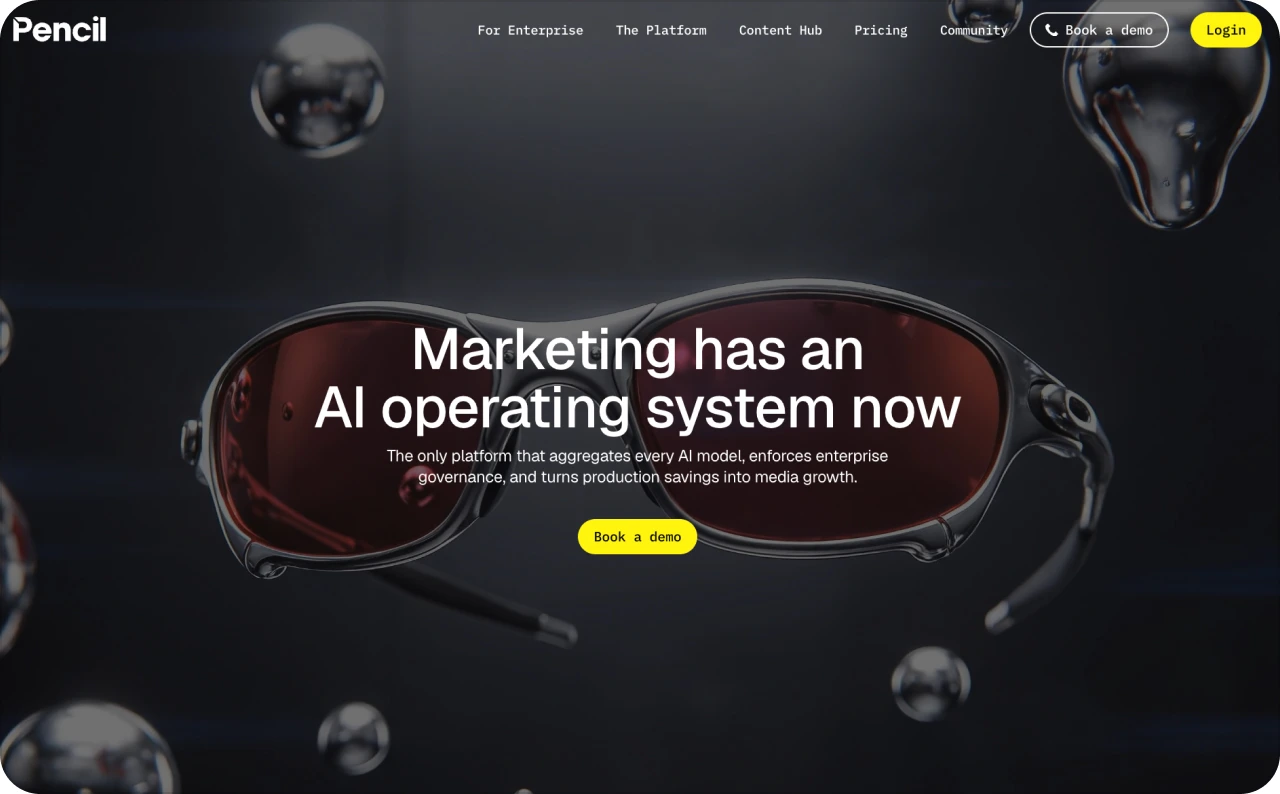
6. Pencil
Pencil is built for teams that already run paid media and want a system around creative testing and performance prediction. If you are not yet spending regularly on ads, this is probably more tool than you need.
It generates image and video ad variants and scores them with real-time AI predictions. Testing is organized into workspaces. Every generation burns one credit. It does not matter whether the output is an image, a paragraph of copy, or a video variant.
Right now the pricing page lists Core at $14/mo (50 generations), Growth at $55/mo (250 generations plus unlimited workspaces), and Pro at custom pricing for teams that need unlimited generations and enterprise terms. Annual billing knocks off about 20%. Be careful with third-party directories here. I have seen some list completely different Pencil prices. Always check trypencil.com/pricing.
Fifty generations a month on Core is tight if you test often. Growth at $55/mo is the plan where Pencil actually starts to feel useful.
Pricing: Core runs $14/mo (50 generations). Growth is $55/mo (250 generations). Pro is custom. There is a free trial.
Pencil is built for paid media teams, agencies, and scaling brands. If you are not running ads regularly, you probably do not need it yet.
7. AdCreative.ai
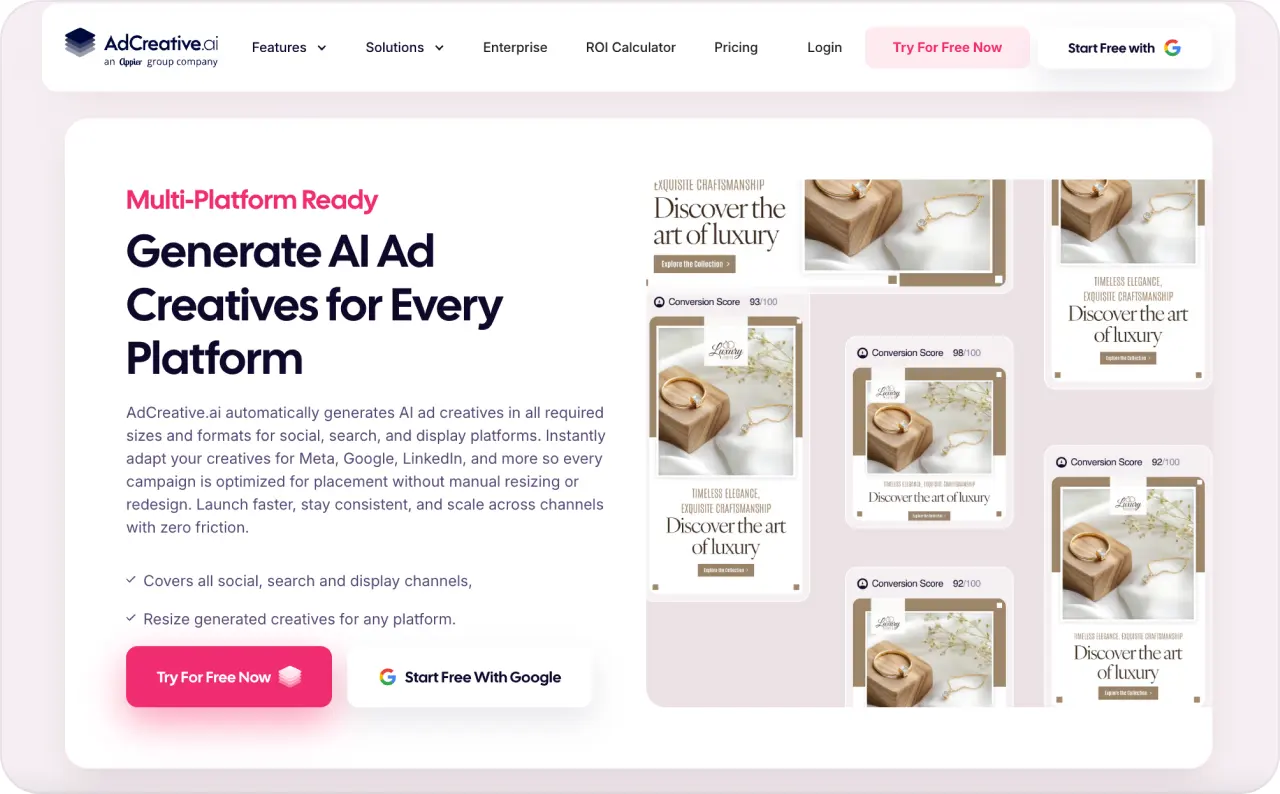
AdCreative.ai generates unlimited ad concepts and scores them before you download. You only spend credits on exports. The platform includes brand setup, Competitor Insights AI, prediction scoring, and custom templates.
Here is the pricing detail that matters most for small businesses: video is locked behind the Professional plan at $249/mo. Starter at $39/mo is image-only, with 10 download credits. If you are paying the entry price, you get static ad generation and scoring. No video.
The credit situation changed in 2026, and not in your favor. Professional used to come with 100 credits at $249/mo. Now you get 50 for the same price. Ultimate is even harder to stomach: it went from $599 for 500 credits to $999 for just 100. Per-creative costs roughly doubled at those upper tiers. Annual billing softens the blow (Starter falls to about $20/mo, Professional to around $125/mo), but this is a real change and you should understand it before signing up.
If static ad output and prediction scoring are your priority, AdCreative.ai delivers. Model the credit math first.
Pricing: Starter costs $39/mo and gives you 10 image-only credits. Professional is $249/mo with 50 credits and video access. Ultimate is $999/mo for 100 credits. Annual billing roughly halves those numbers. 7-day free trial.
The tool fits ecommerce brands, agencies, and PPC teams. If your main concern is testing a high volume of static creatives, this is purpose-built for that. Just do not expect video unless you are on the $249/mo plan.
AI ad maker pricing is not the full cost
Small business owners usually compare subscription prices first. The number feels clean. But ad tools hide cost in places that never show up on the pricing page.
AdCreative.ai charges credits when you download, not when you generate. Predis.ai charges different credit rates for video versus static posts. Omneky’s $99/mo plan sounds stable until a single video ad eats 15 to 20 of your 800 credits. Canva Pro is one user. Add a second person and you jump to Business pricing. These details change the math fast.
I’d judge every AI ad maker by cost per usable ad, not cost per output. Generate 20 ads and only two are worth testing? Your real cost is ten times higher than it looks.
My buying rule: start with the lowest plan that lets you create one full test set. A full test set means three to five creative directions, not five tiny text swaps.
- One pain-point ad
- One product demo ad
- One price or offer ad
- One testimonial-style ad
- One founder or behind-the-scenes ad
That gives your campaign real creative variety. It also keeps you from blaming the tool when the real problem is that every ad says the same thing.
My verdict on the best AI ad generator for small business
For most small businesses, I’d start with Zeely. It covers the full ad creation path (product import, static ads, video ads with AI avatars, ad scripts, campaign launch, and performance tracking) instead of stopping at one piece. A small team needs to move from product to creative to campaign faster. Zeely does that better than tools that stop at a pretty image or a headline list.
Canva is the pick when you want design flexibility and already know your ad direction. Predis.ai wins if social content volume and scheduling matter most. Quickads deserves a look if you want a research library and fast static ads. Omneky fits once you are growing into omnichannel ads across Meta, Google, TikTok, and more. Pencil makes sense if you already have a testing system and want creative scoring. AdCreative.ai is strong for static ad volume and prediction scoring, but video requires a $249/mo plan.
The real winner is the tool you can use every week without dreading it. For the wider comparison beyond small-business tools, see the full best AI ad generators roundup. Read more about AI tools for small businesses.
FAQ
For most small businesses, Zeely. It combines static ads, video ads with AI avatars, ad scripts, Meta campaign launch, and performance tracking in one workflow. Canva is better for design control, Predis.ai for social content volume, and Quickads for fast static ads with a built-in research library.
Yes, if it lowers your cost per usable ad. Not if you spend more time fixing outputs than you would creating the ad yourself. Test with one real product and one real offer before committing to a higher plan.
Yes, but check each ad for platform rules, claims, image quality, sizing, and product accuracy. Some platforms combine creative elements automatically in certain ad formats, so your assets need to work together in different layouts.
Rules depend on the ad, market, platform, and content type. TikTok’s advertising policies require a mandatory AI-generated content disclaimer on ads that contain AI-generated, synthetic, or significantly AI-modified media. The EU AI Act Article 50 transparency obligations, applicable from August 2, 2026, require providers and deployers of AI systems to clearly mark AI-generated content and inform people when they are exposed to it. In the US, the FTC’s advertising guidance requires that advertising claims be truthful, non-deceptive, and backed by evidence. At minimum, do not use AI to create fake claims, fake testimonials, fake people presented as real, or misleading product visuals. Keep documentation for any performance, health, finance, or earnings claim.
Canva has a free plan. Quickads offers a free tier with 20 watermarked downloads. Predis.ai Free gives 15 posts per month with watermarks. Pencil Core starts at $14/mo. The cheapest tool is not always the best value if the outputs need heavy cleanup or lack the formats you need.
Yes. Most tools on this list can create ads for services, coaching, consulting, local businesses, and digital products. The main difference is input. Product-based businesses can usually paste a URL and let the tool extract details. Service businesses may need to enter their offer, description, and images manually. Zeely supports physical products, digital products, and services. Its AI identifies the offering type during product import.

Emma blends product marketing and content to turn complex tools into simple, sales-driven playbooks for AI ad creatives and Facebook/Instagram campaigns. You’ll get checklists, bite-size guides, and real results, pulled from thousands of Zeely entrepreneurs, so you can run AI-powered ads confidently, even as a beginner.
Written by: Emma, AI Growth Adviser, Zeely
Reviewed on: September 28, 2026